
nookd.
Encrypted private vault for photos, videos and files

Details
- Target Audience
- Pricing
- Freemium
- Platforms
Discovery signals
How AI and people discover nookd. on PeerPush
About nookd.
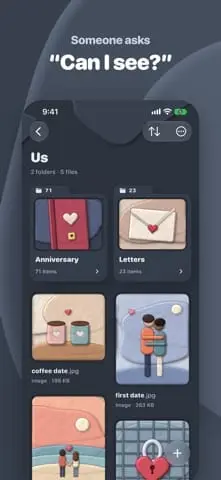
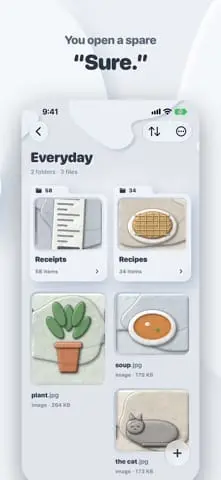
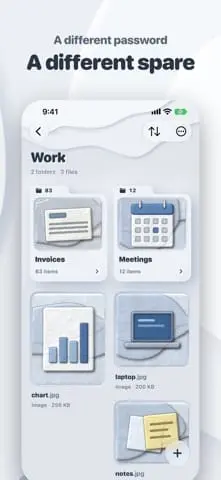
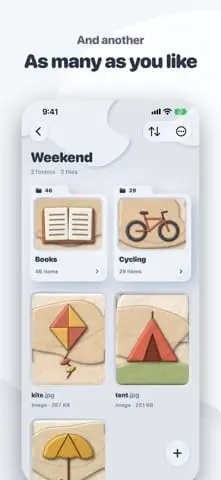
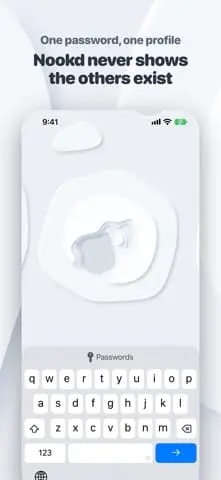
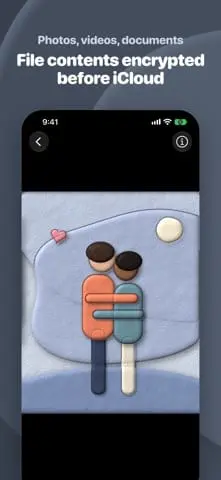
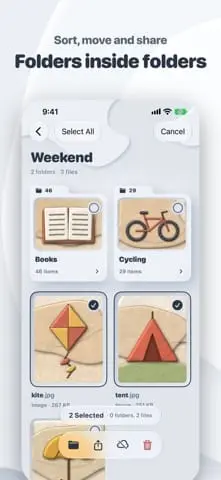
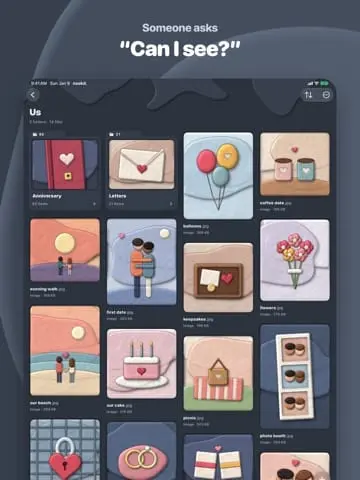
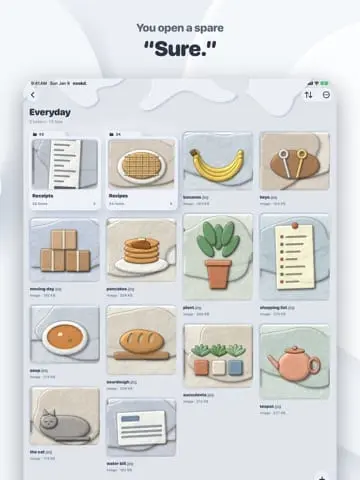
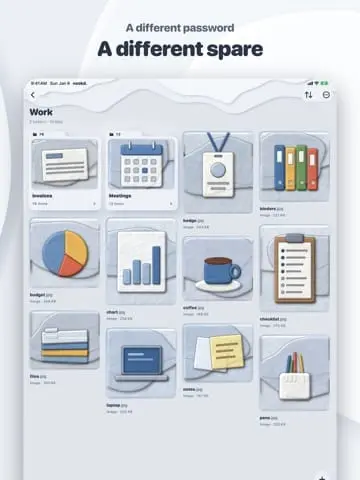
Nookd encrypts every file on your iPhone or iPad before it reaches iCloud, so only your password can open it. Each file is encrypted on-device with its own key, thumbnails included, and files sync through your private iCloud across your devices. There are no servers holding your files, no account, and no email reset. Files open in a full-screen viewer and are decrypted only as shown, supporting photos with pinch zoom, Live Photos and GIFs, videos with Picture in Picture, audio playback, and read-only documents including PDF, Office and Markdown. Organize with nested folders, custom covers, and sorting, and share copies out when needed. Nookd logs out when you leave, hides its contents in the app switcher, and includes no analytics, advertising or tracking. The first 100 files per profile are free, with a subscription removing the limit.
Product Video
Watch a video demo of nookd..
Screenshots
Reviews (0)
No reviews yet. Be the first to rate this product!
Comments (1)
Is the password the only key here, or is there a recovery path if it gets lost? Curious how the per-file encryption is set up before it reaches iCloud.