
Onhand
AI reading assistant that highlights answers on the page
Details
- Categories
- Target Audience
- Pricing
- Free
- Platforms
- Alternatives
 NotebookLM alternatives
About Onhand
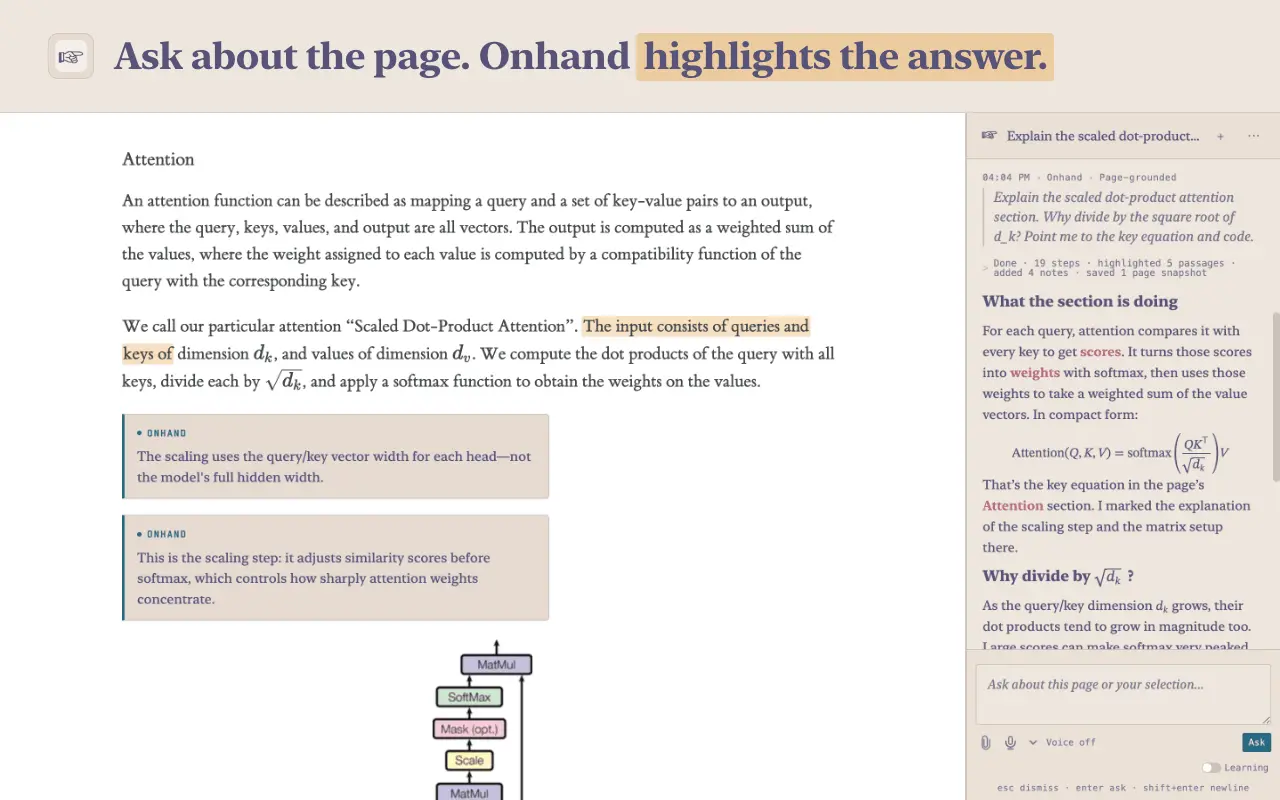
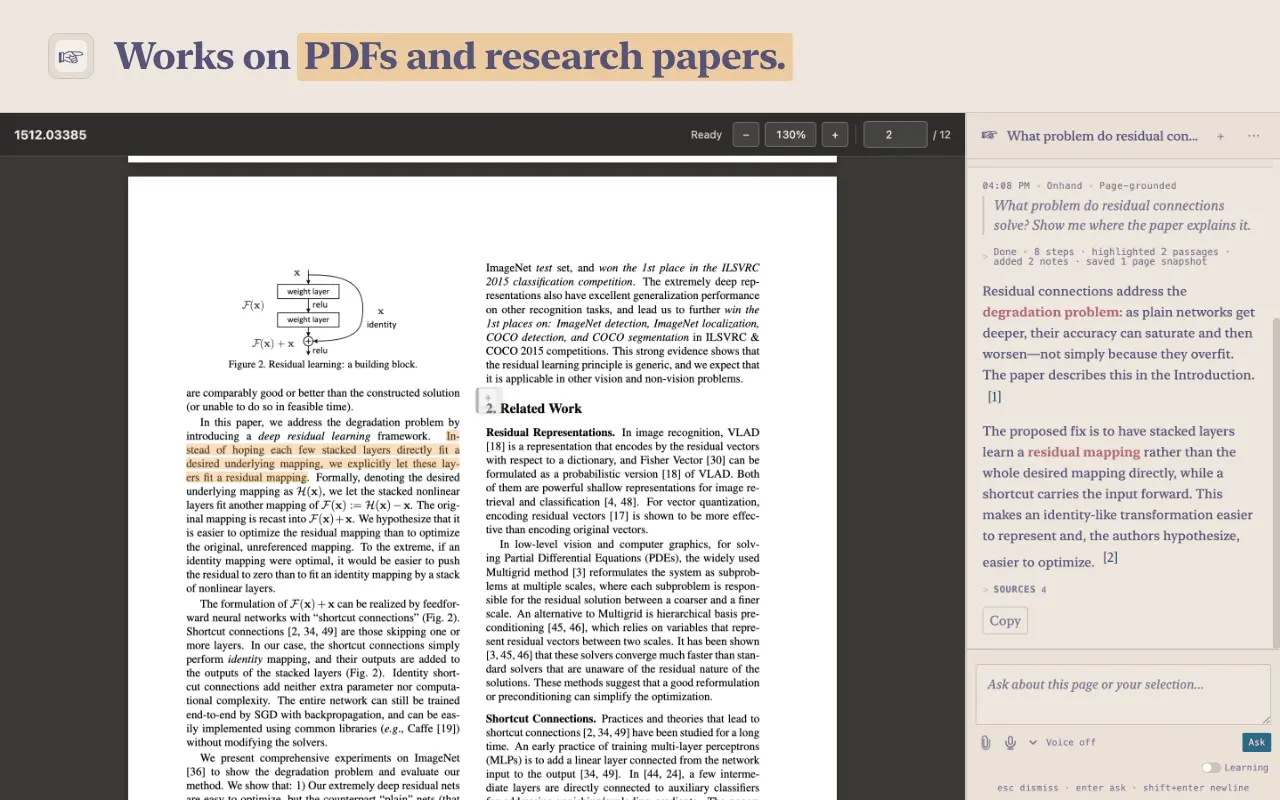
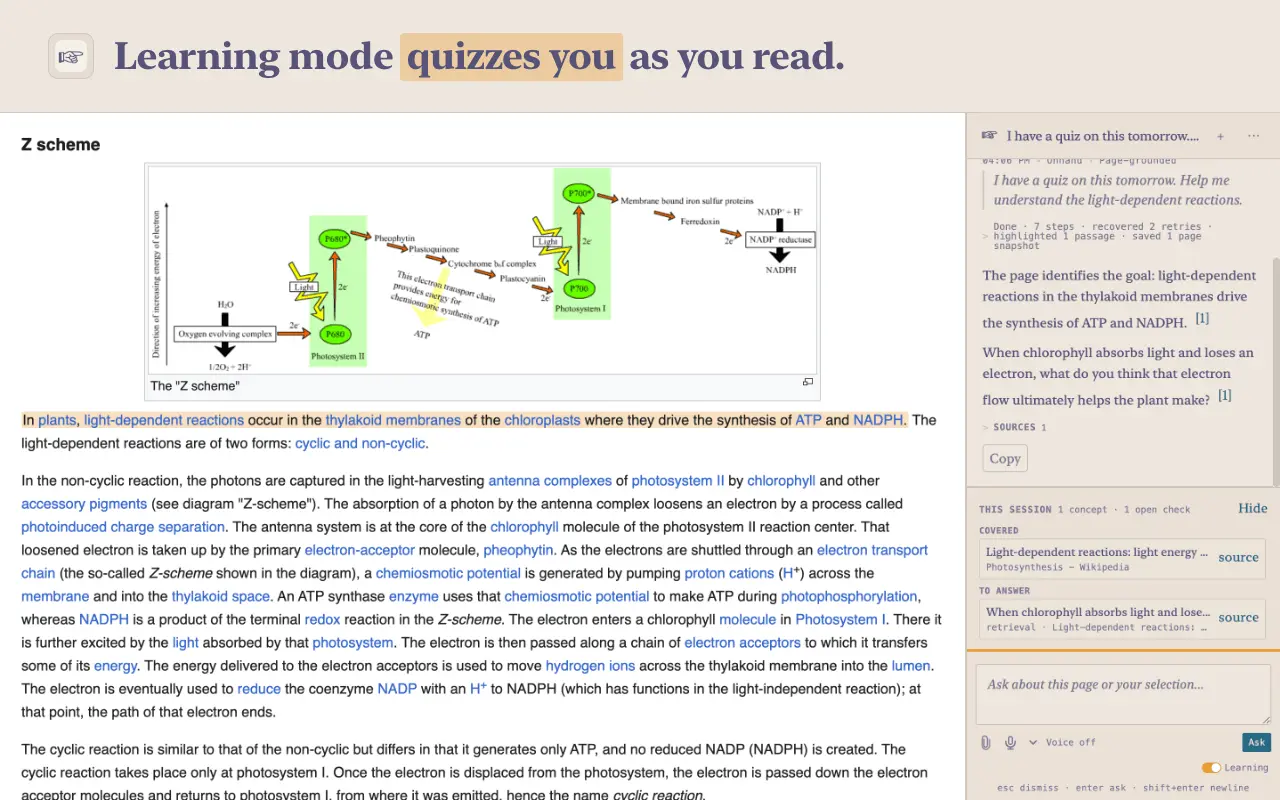
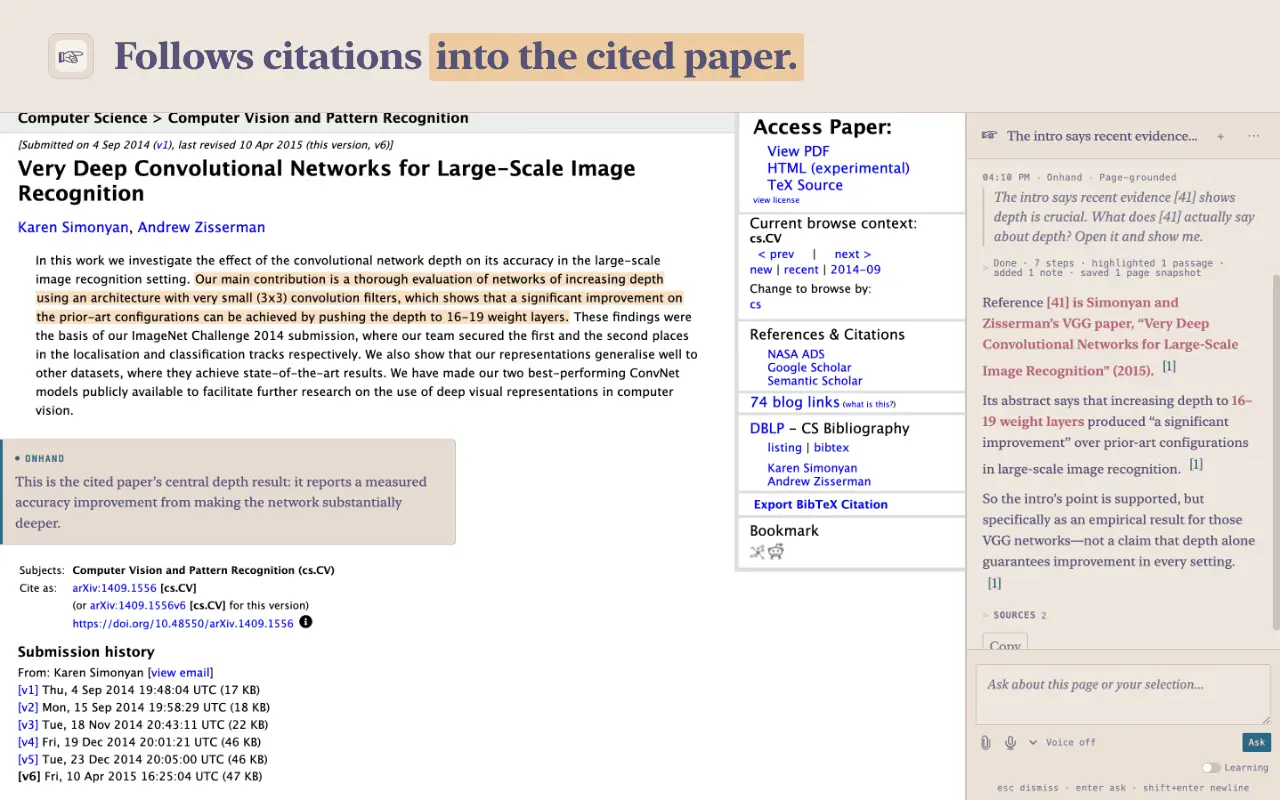
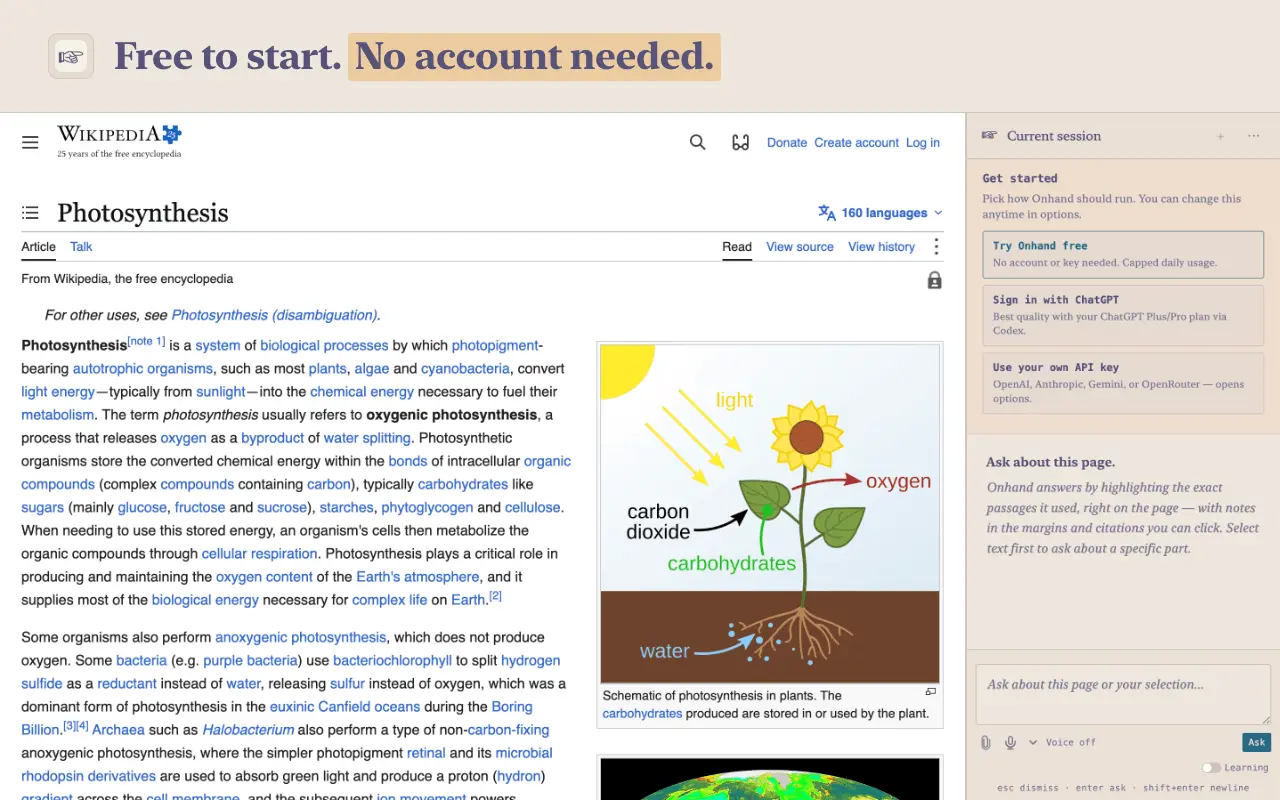
Onhand is a free, open-source AI reading assistant for Chrome. Ask a question about the webpage, PDF or research paper you're reading, and Onhand highlights the passages that answer it right on the page, leaves a note in the margin beside each, and explains them in the side panel. You check the answer against the source instead of trusting a chat transcript. - Chat with any webpage or PDF, including papers on your computer, without uploading it. - A built-in PDF viewer for papers, textbooks and long documents. - Follows citations: ask what a reference like [14] says, and Onhand opens the cited paper and answers from it. - Compares sources across clearly related open tabs, highlighting each claim where it came from. - Learning mode asks guiding questions, gives hints and quizzes you on the page; flashcards and summaries on request. - Voice: ask aloud while you keep reading (needs an OpenAI API key). - Saved study sessions stay on your device, so you can reopen a paper and pick up where you left off. Onhand Free works right away with no account or API key, with a daily limit. For more, sign in with your ChatGPT plan or use your own OpenAI, Anthropic, Google Gemini or OpenRouter key. Open source under Apache 2.0. Built for students, researchers and anyone reading something hard: journal articles, textbooks, lecture slides, documentation and long reports. A free Chrome extension: https://chromewebstore.google.com/detail/ogjmncmkpgdkkcibdiacmagaehjohljb
Screenshots
Reviews (0)
No reviews yet. Be the first to rate this product!
Comments (0)
No comments yet. Be the first to share your thoughts!