
OverlayQA
Design QA that turns visual feedback into dev-ready issues

Details
- Categories
- Target Audience
- Pricing
- Subscription from $39
- Platforms
 Marker.io alternatives
 bugherd alternatives
 ruttl.com alternatives
Discovery signals
How AI and people discover OverlayQA on PeerPush
- ChatGPT
- Perplexity
- Claude
- +5 other AI crawlers
Reads by these AI engines
Crawlers behind these engines read this listing on PeerPush.About OverlayQA
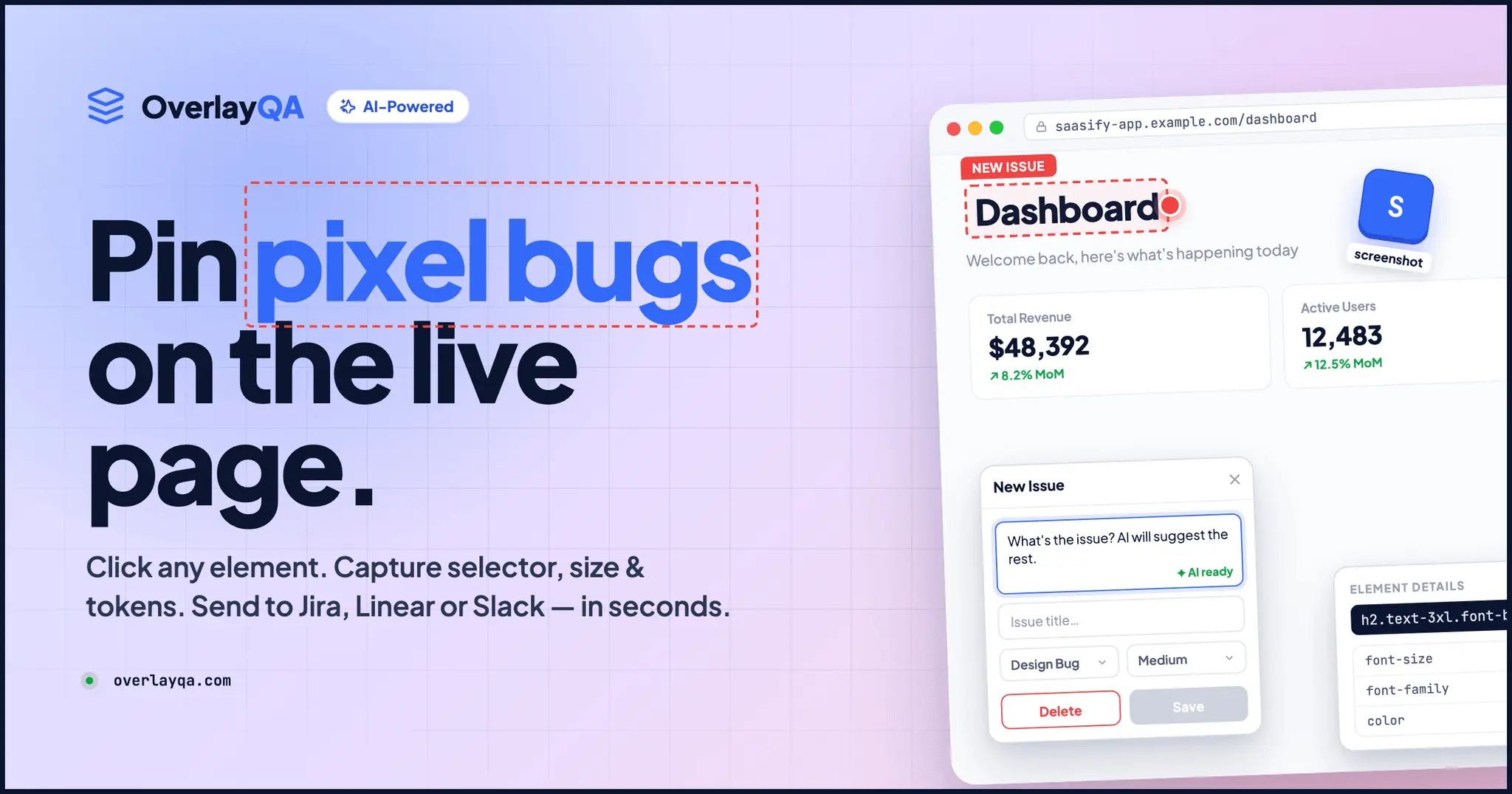
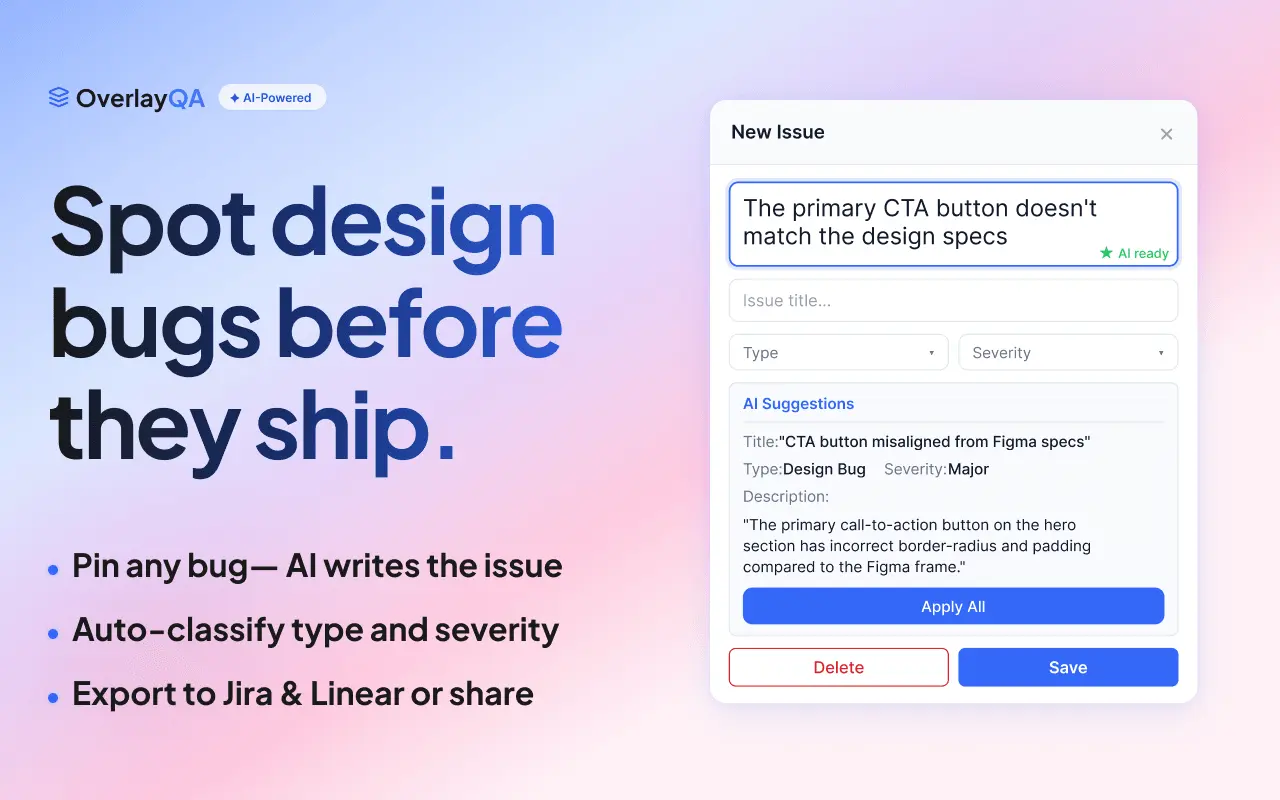
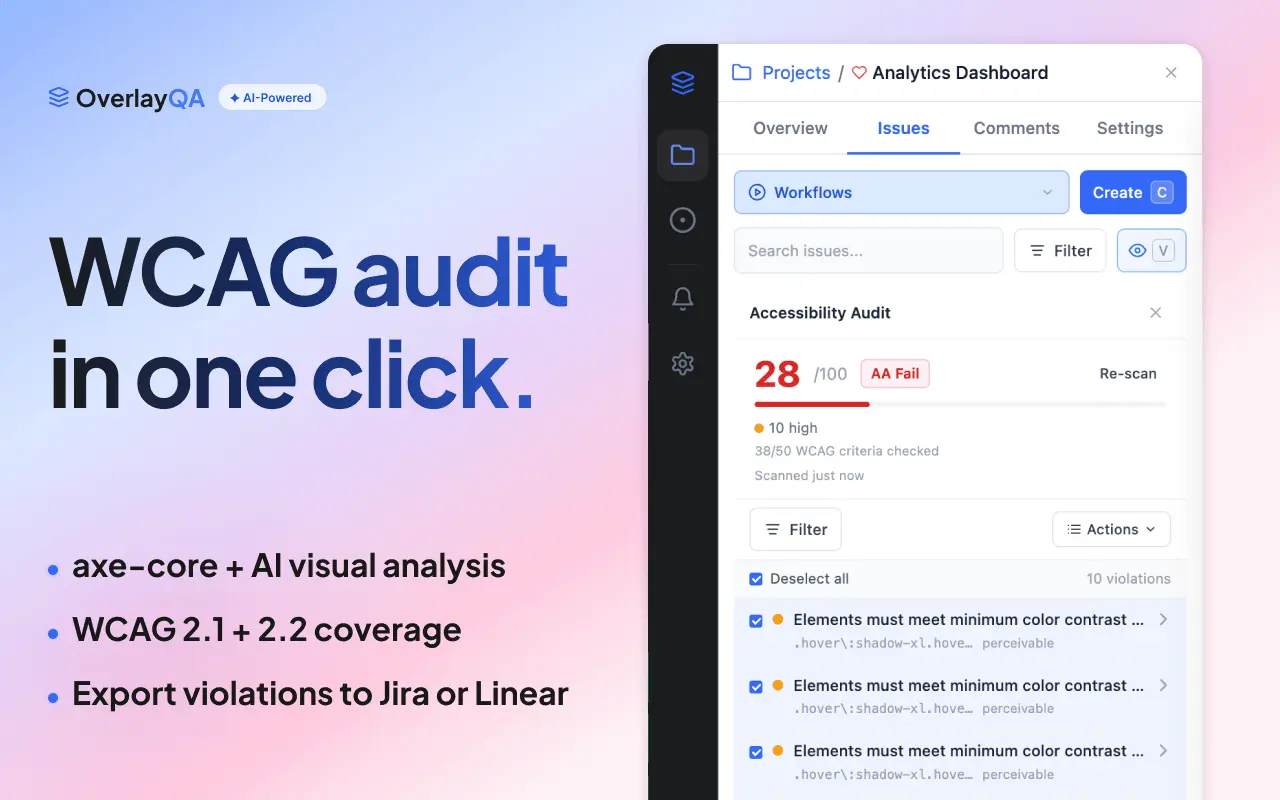
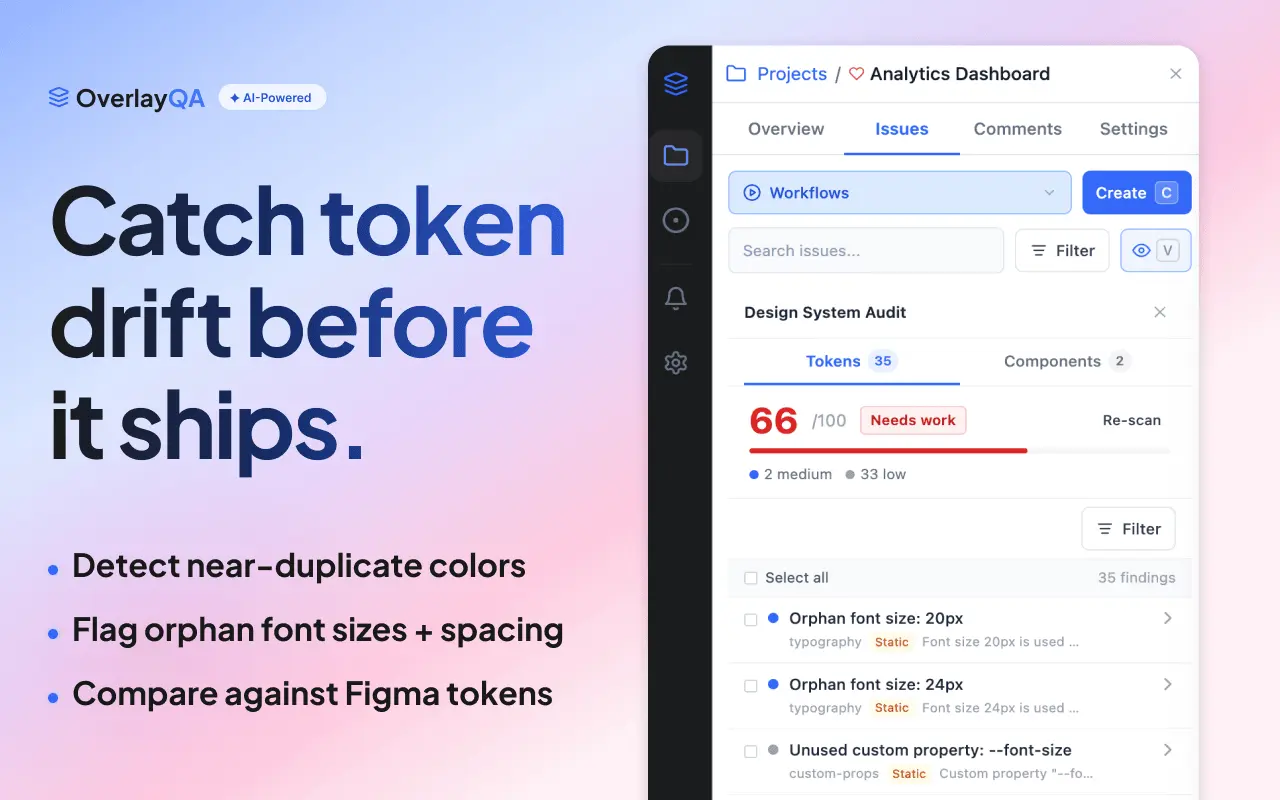
OverlayQA is a visual QA and design feedback platform for web teams. Click any page element to capture screenshots, CSS selectors, computed styles, and browser metadata in one action. AI drafts structured issues with severity and technical context. Compare live builds against Figma designs, run WCAG accessibility audits powered by axe-core, and scan pages for design token drift. Two-way sync with Jira, Linear, Notion, and Slack keeps status, assignee, and comments updated across tools. Works on localhost, staging, and production. Free tier available, pricing starts at $39/mo.
Screenshots
Reviews (0)

I built OverlayQA because design QA was eating 3+ days of back-and-forth on every project. A designer screenshots a spacing issue, pastes it in Slack, the dev asks "which page? what breakpoint?" and the cycle repeats. Now you click the element, and the issue ships to Jira or Linear with the screenshot, CSS values, viewport, and browser metadata already attached. No copy-pasting, no "can you send me the URL?" The part I'm most excited about: the accessibility and design system audits. One scan catches WCAG violations and token drift that nobody was checking manually. Most teams discover 40-60 issues on their first run. Would love feedback from anyone doing QA on client sites or managing design handoffs. That's exactly who we built this for.
Comments (0)
No comments yet. Be the first to share your thoughts!