PDF Dark Mode
Customizable dark mode for every PDF you read

Details
- Categories
- Use Cases
- Target Audience
- Pricing
- Free
Discovery signals
How AI and people discover PDF Dark Mode on PeerPush
About PDF Dark Mode
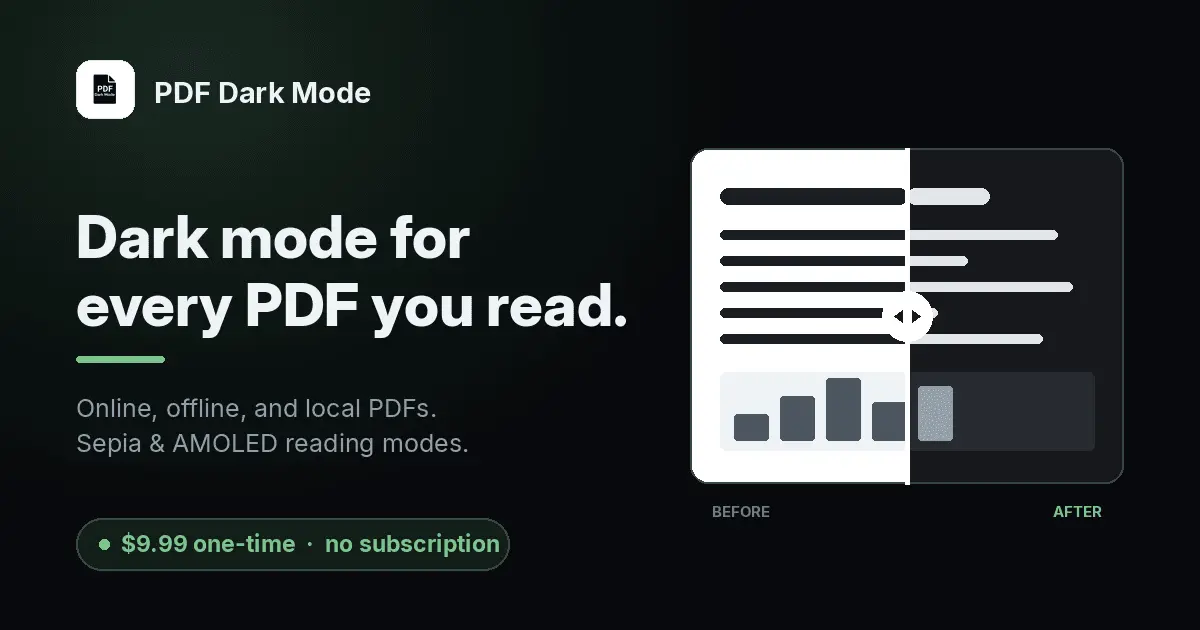
Reading PDFs in bright light can be straining. PDF Dark Mode provides a customizable viewing experience for both online and offline PDF documents. You can adjust darkness and contrast levels, or choose from specific presets like Sepia and AMOLED modes to reduce eye strain and improve readability across all your files. Dark mode for every PDF you read — online papers, docs, and files off your disk. Built for students, researchers, and developers who live in PDFs after dark. Toggle any PDF in one key, then dial in Darkness and Contrast until the page sits right. Switch to Sepia for long sessions or AMOLED for OLED panels (Pro). FREE FOREVER • Dark mode on any PDF — online and offline (file://) • Darkness + contrast sliders, not a single on/off switch • One-key toggle: Ctrl+Shift+1 (Mac: Cmd+Shift+1) • Keyboard-first, no reload, no re-render PRO — $9.99 ONCE, NO SUBSCRIPTION • Sepia reading mode for long sessions • AMOLED mode for OLED panels • Per-site allow & block rules (e.g. always on for arXiv) • Saved overlay area per site • Every future Pro feature included EXPERIMENTAL FULL-DARK VIEWER (BETA, FREE) Some PDFs render inside Chrome's built-in viewer where an overlay can't reach. Open those from the popup in the full-dark viewer — genuinely dark pages, not a filter. Sepia/AMOLED themes in the viewer are Pro. PRIVATE BY DESIGN • Files never leave your device — overlay drawn locally, web reader renders locally • No account, no signup, no tracking • Only network request: Lemon Squeezy license activation (~every 24h) • Open source (GPL-3.0): github.com/diwash007/PDF-Dark-Mode LOCAL FILES (30-SECOND SETUP) Chrome/Edge block extensions from file:// URLs by default: 1. Open chrome://extensions (Edge: edge://extensions) 2. PDF Dark Mode → Details → Allow access to file URLs 3. Refresh the PDF tab Full guide with screenshots: https://pdf-dark.com/help.html SUPPORT • Help: https://pdf-dark.com/help.html • Free web reader (no install): https://pdf-dark.com/reader.html • Contact: [email protected]
Screenshots
Reviews (1)
Average 5.0 out of 5
Based on 1 review

Comments (0)
No comments yet. Be the first to share your thoughts!