PDF Viewer
Fast PDF Reader for Android Phones & Tablets

Details
- Use Cases
- Target Audience
- Pricing
- Free
- Platforms
Discovery signals
How AI and people discover PDF Viewer on PeerPush
- Perplexity
- ChatGPT
- +4 other AI crawlers
Reads by these AI engines
Crawlers behind these engines read this listing on PeerPush.About PDF Viewer
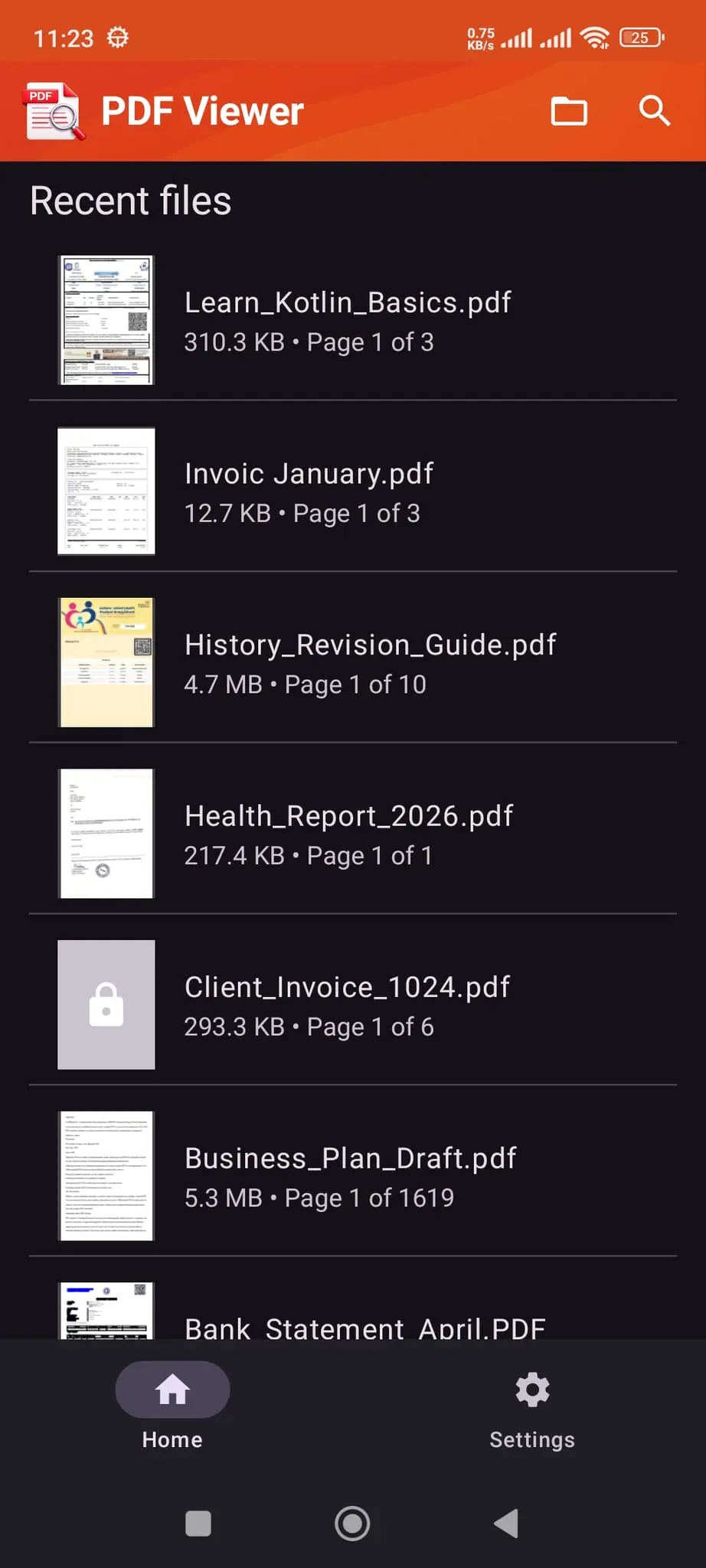
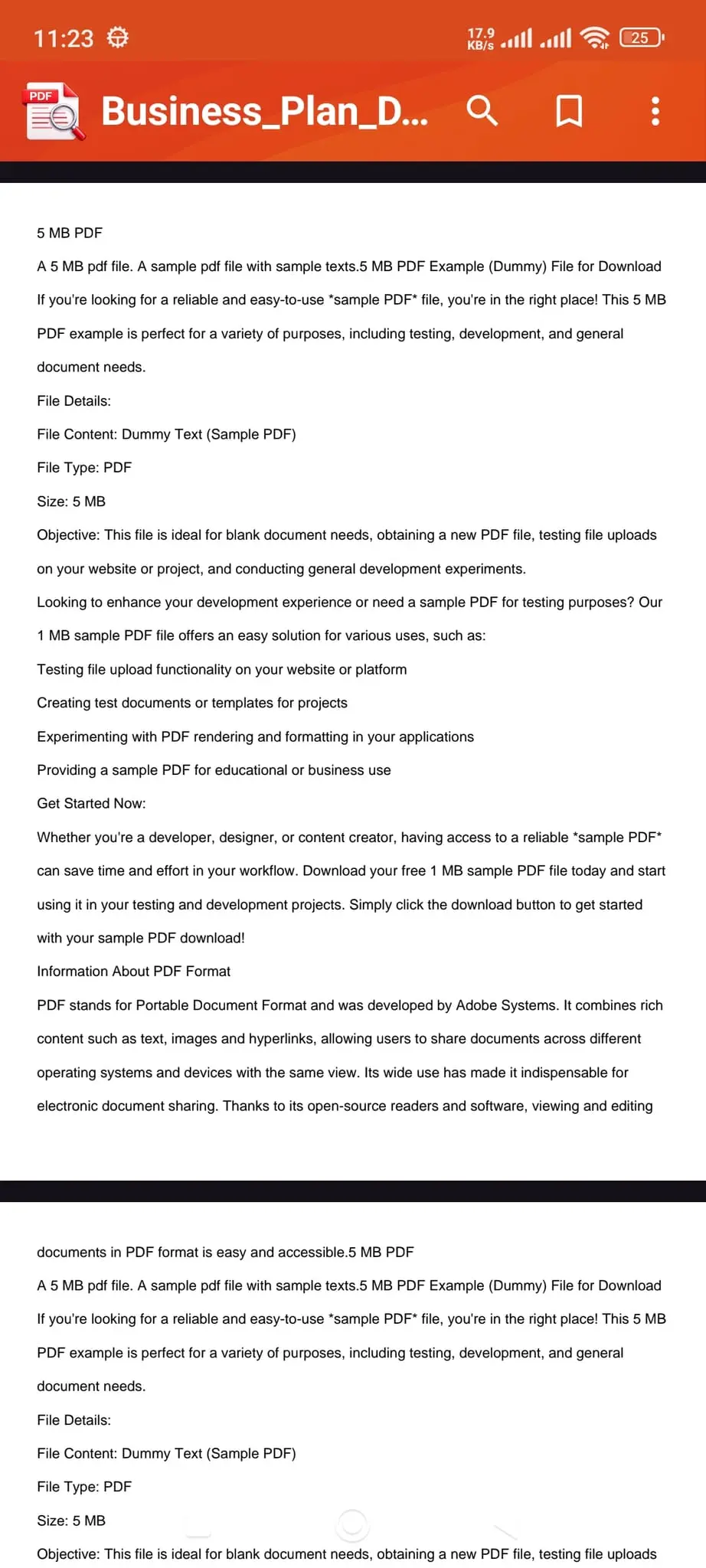
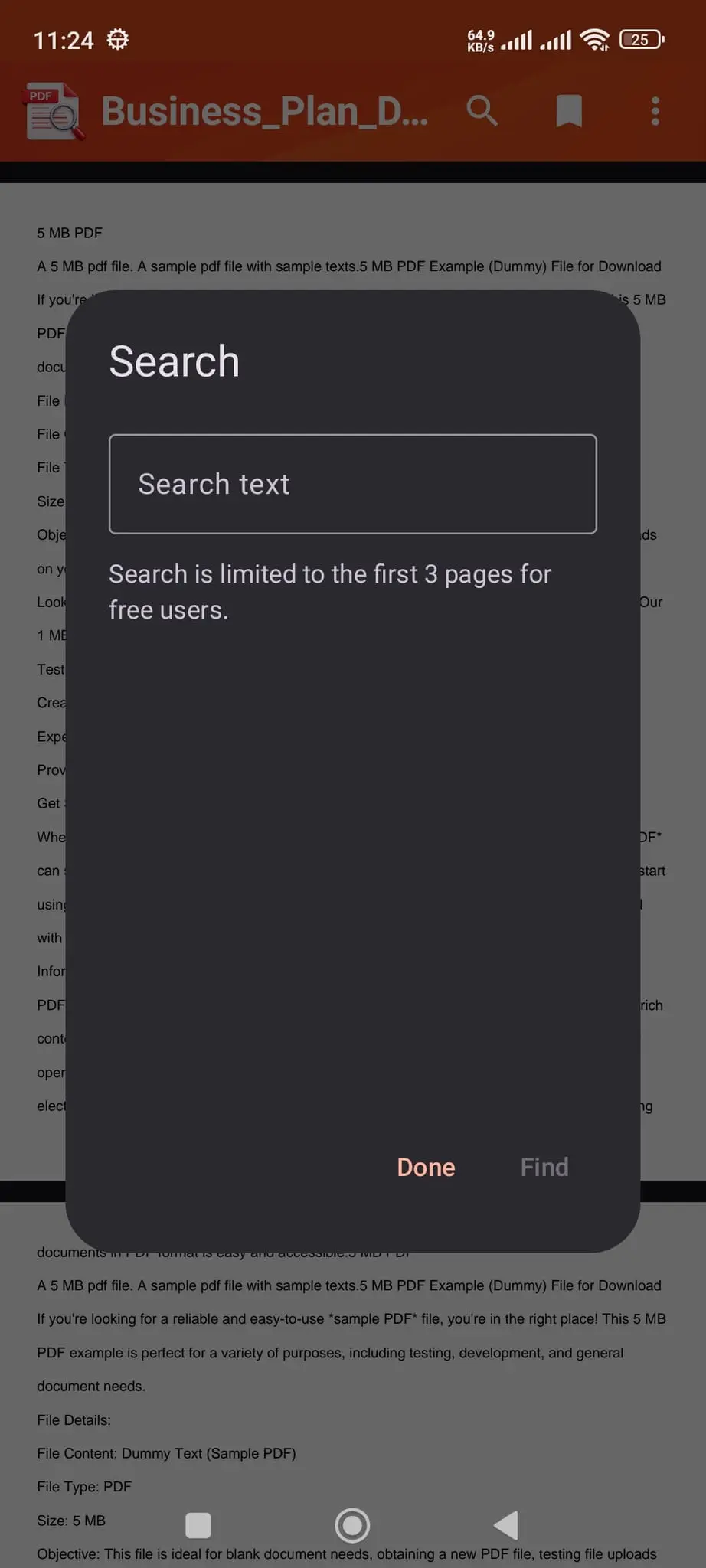
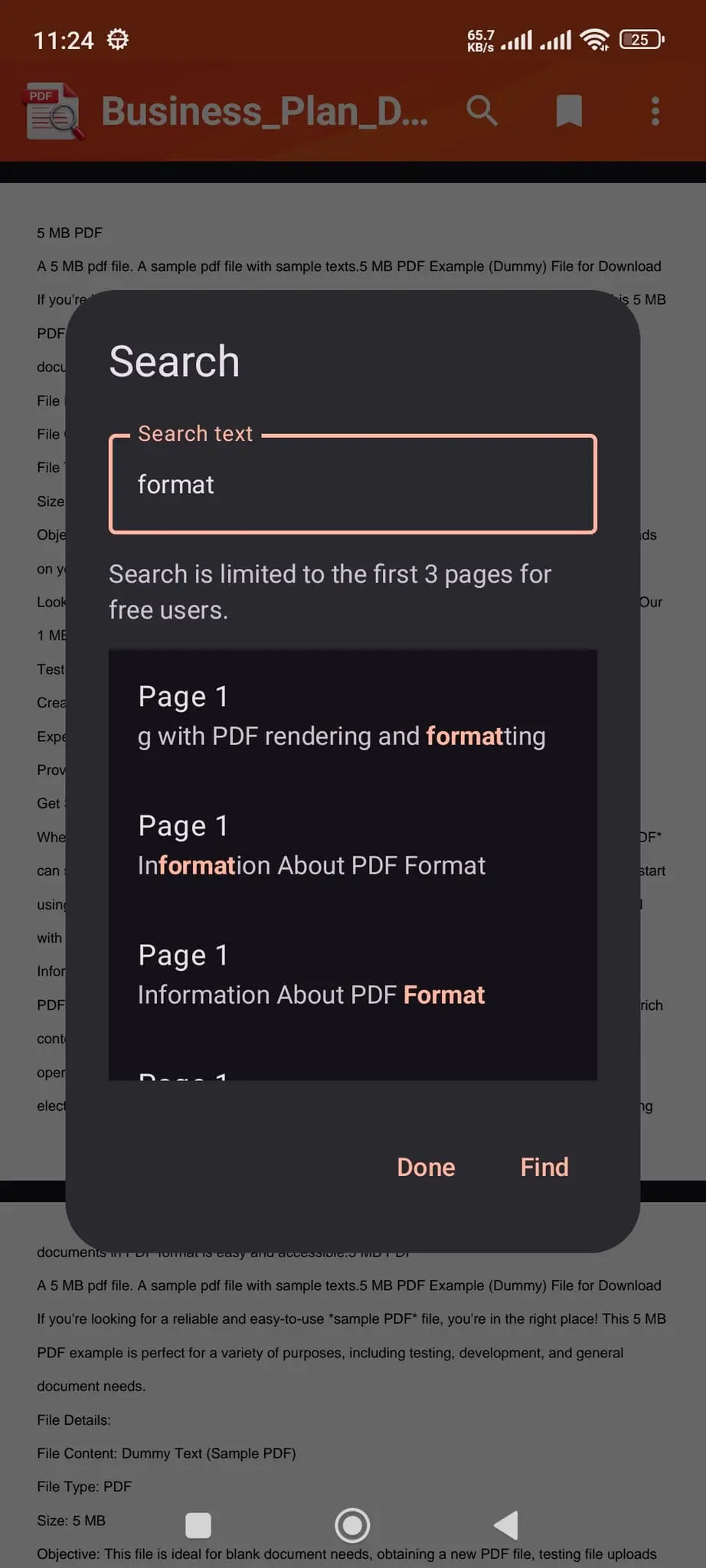
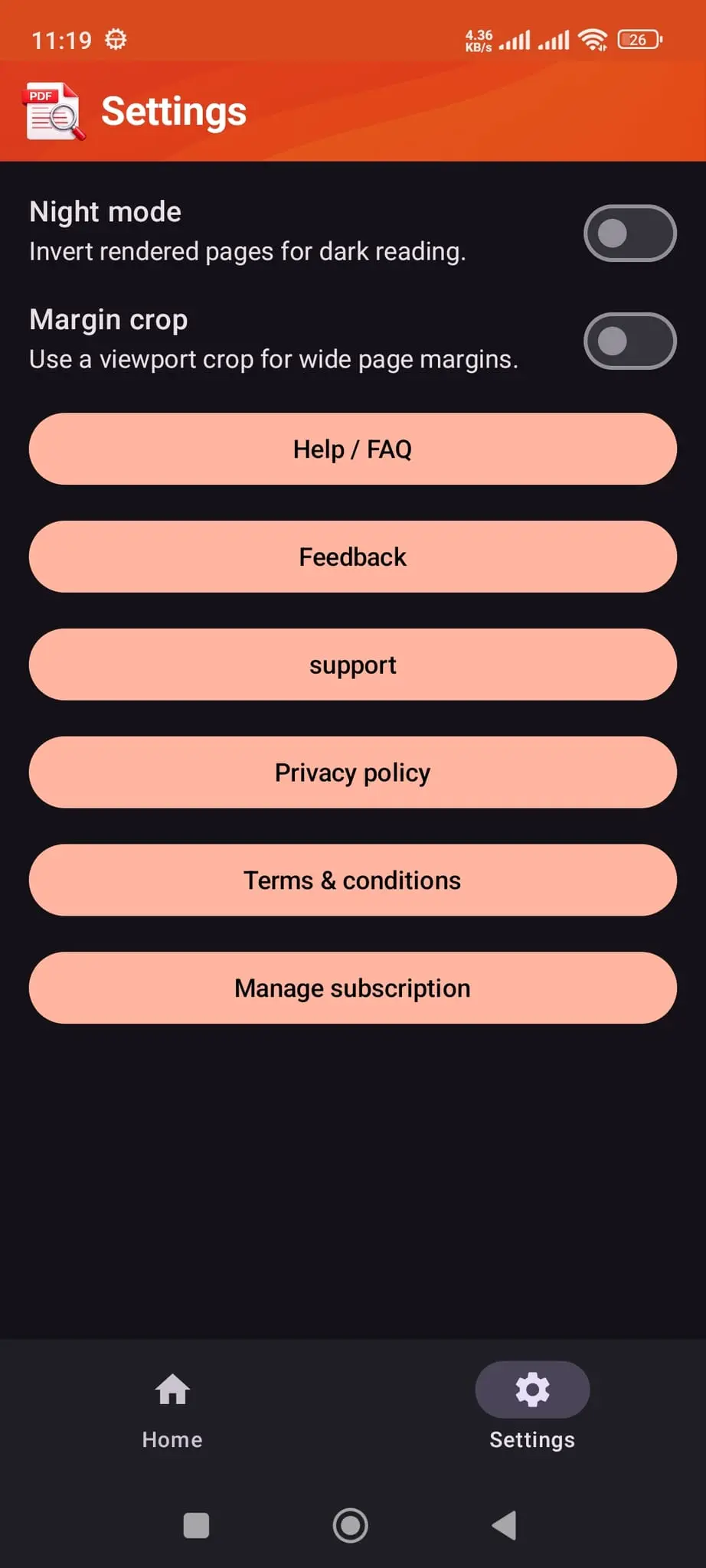
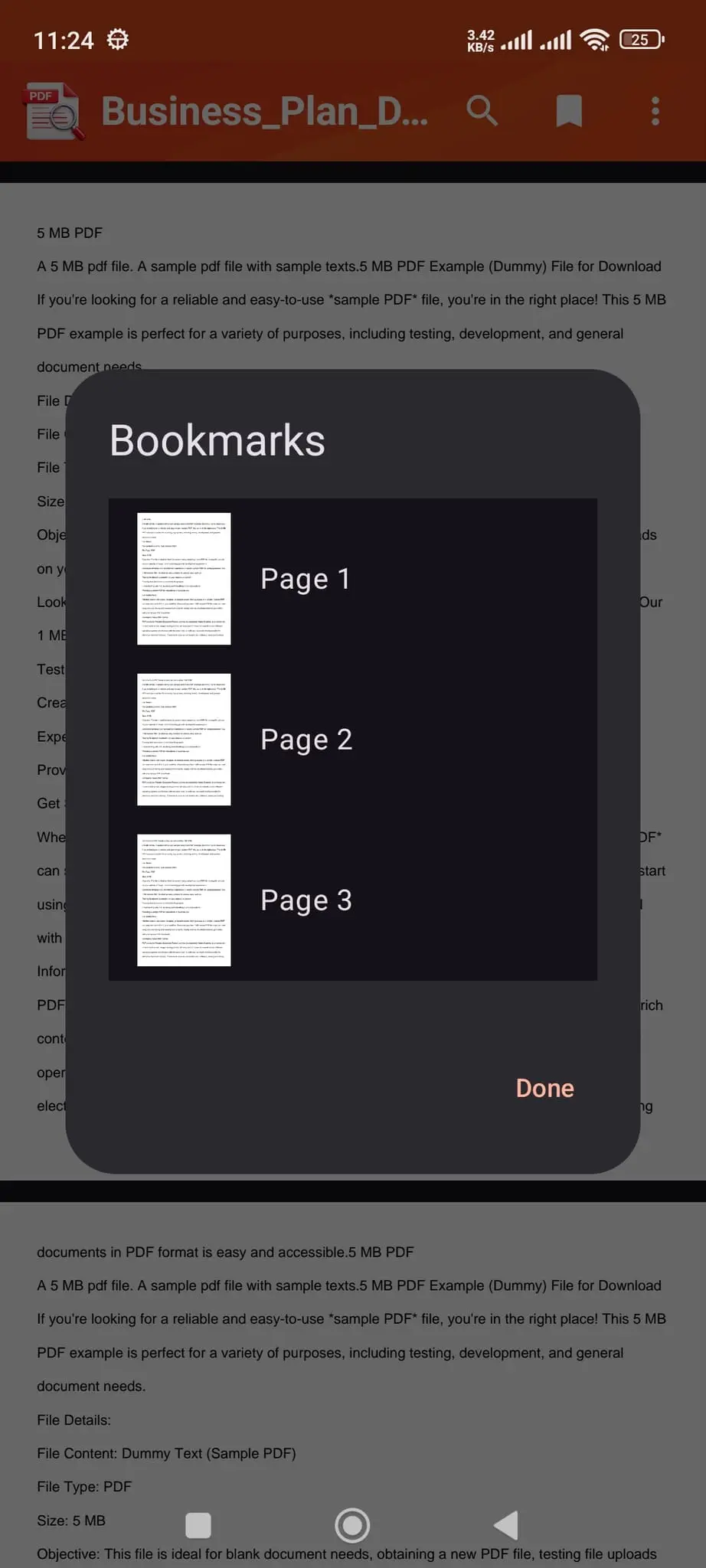
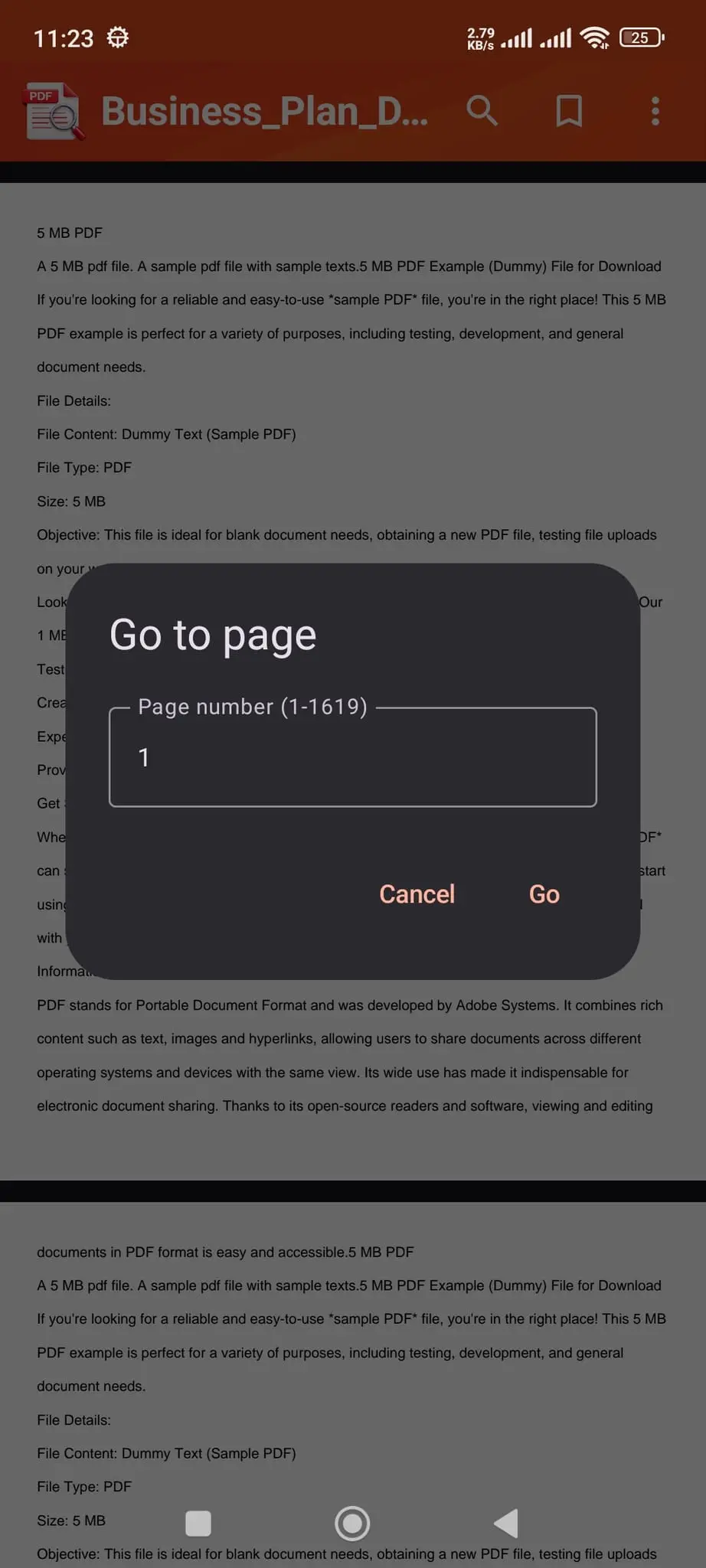
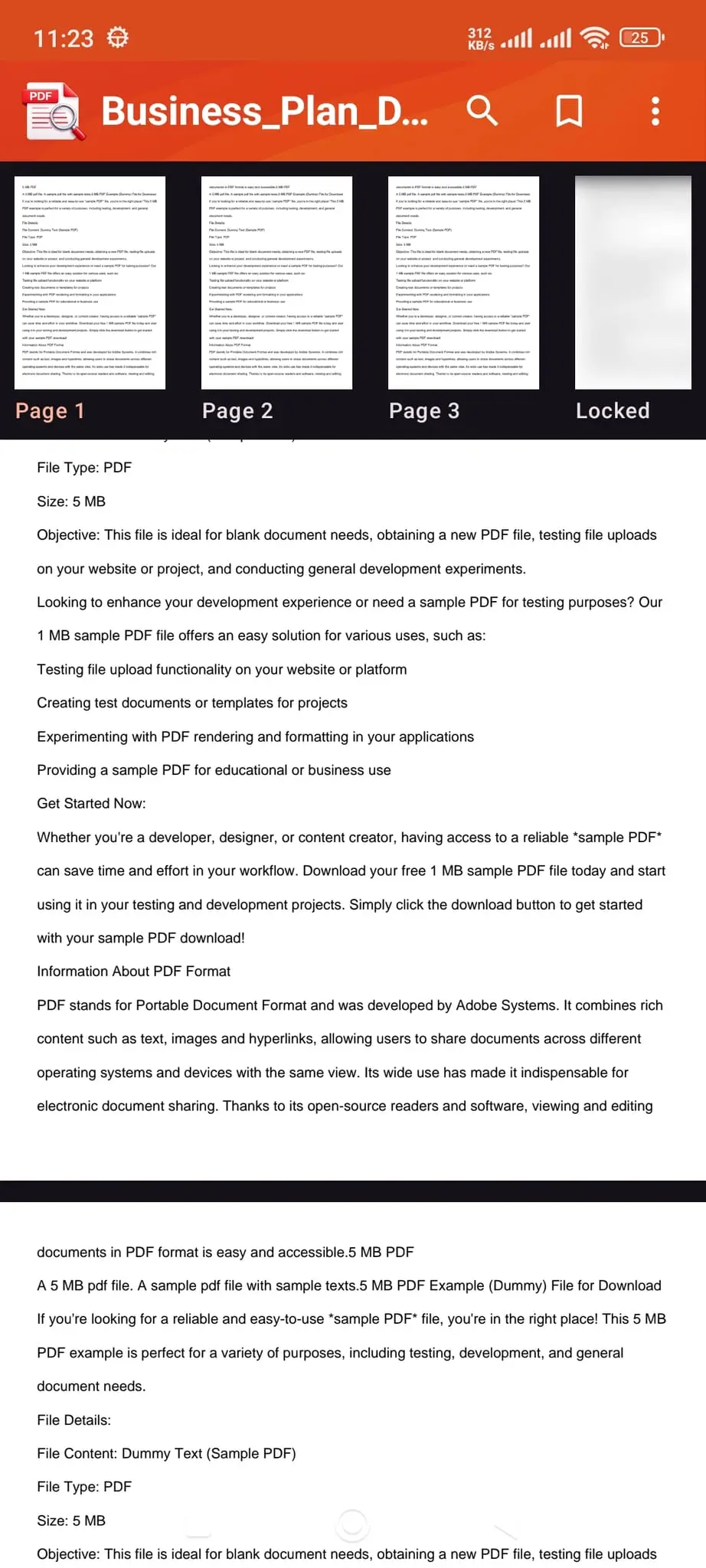
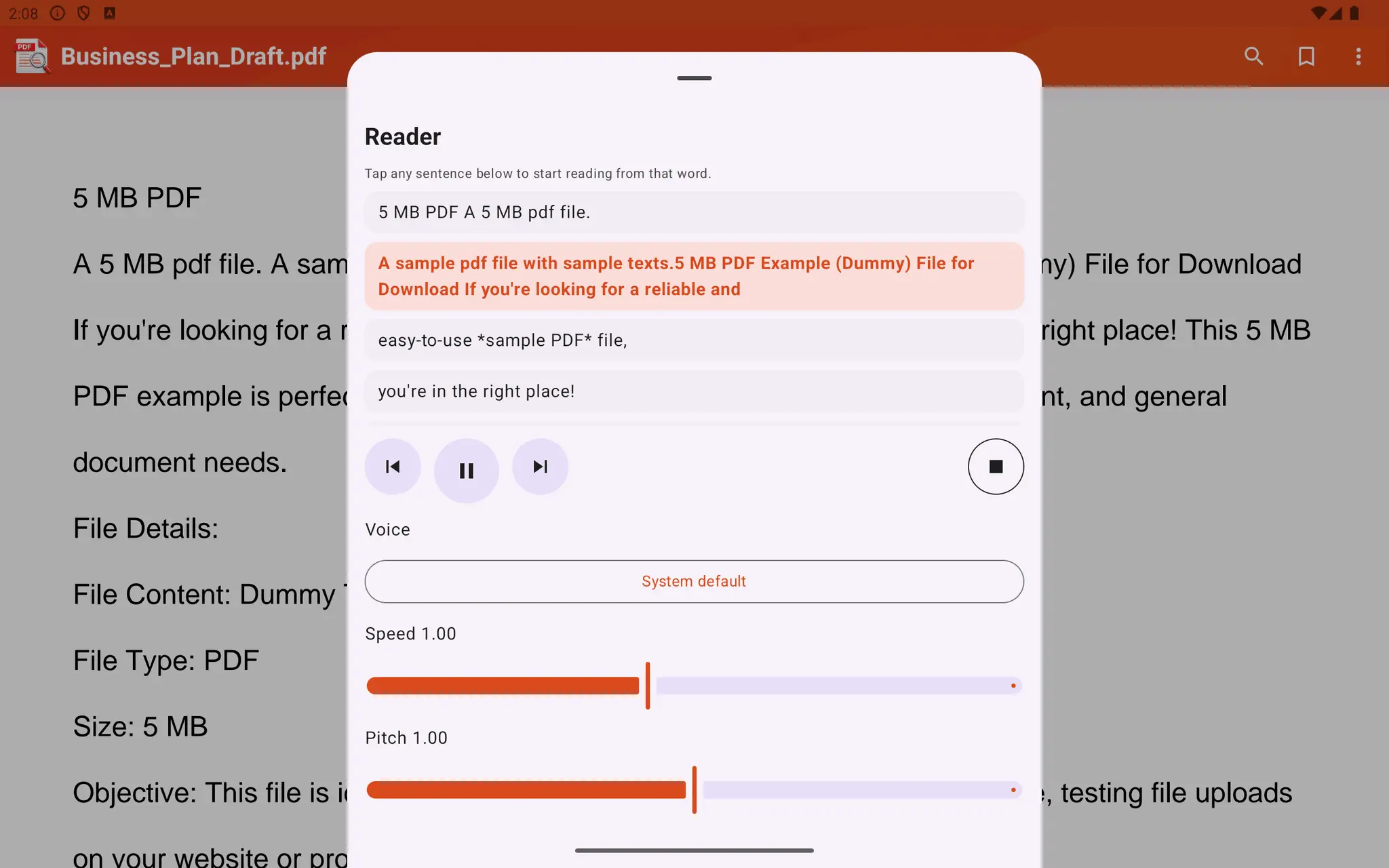
PDF Viewer is a fast, modern PDF reader for Android designed for reading, study, work, and everyday document use. Open PDF files from your phone, file manager, downloads, email attachments, or shared links, and continue from where you stopped with saved recent files, reading progress, and zoom level. Built for Android 7.0 and above, PDF Viewer focuses on smooth navigation and a clean reading experience on phones and tablets. Use pinch to zoom, double tap to zoom, jump to any page, browse quick thumbnails, and save bookmarks for important pages. Search inside your PDF with result snippets and fast page navigation, open password protected PDF files, and use night mode or margin crop for more comfortable long-form reading. PDF Viewer also includes a powerful read aloud mode for hands-free listening. The built-in PDF reader can turn supported documents into spoken audio with play, pause, next, previous, and stop controls. Speech speed, pitch, and voice selection help you customize the listening experience. For scanned PDFs or pages without a readable text layer, OCR fallback helps detect text so more documents can be read aloud. Why users choose PDF Viewer: - Fast PDF opening and smooth page rendering - PDF search with highlighted snippets and quick navigation - Password protected PDF support - Recent files with first-page thumbnails - Page bookmarks and resume reading - Pinch zoom, double tap zoom, and page jump - Night mode and margin crop for easier reading - Print and share support - Open PDFs directly from file managers and external apps - PDF read aloud with OCR support and voice controls This PDF viewer is built for students, professionals, and everyday readers who want a reliable PDF opener without a complicated workflow. Use it for books, notes, manuals, reports, invoices, forms, study material, office files, and personal documents. If you are looking for a PDF reader, PDF viewer, PDF search app, PDF bookmark app, or a PDF read aloud app with OCR for Android, PDF Viewer gives you the tools to read faster and stay organized. PDF Viewer also includes a powerful read aloud mode for hands-free listening. Use play, pause, previous, next, and stop controls, start reading from a selected word or sentence, and customize playback with speech rate, pitch, and voice selection. Media session support helps make playback easier to control on your device. For better spoken reading, the app can skip headers, footers, and page numbers during playback, segment long text into smoother speech, and detect simple multi-column reading order. For scanned or image-only PDFs, OCR fallback helps detect text so more documents can be read aloud The app includes a free preview experience, with subscription options available to unlock full-document viewing and extended reading access. If you want a simple, powerful, and easy-to-use Android PDF reader, PDF Viewer is built to help you open, search, listen to, and manage PDF files with confidence.
Screenshots
Reviews (0)
No reviews yet. Be the first to rate this product!
Comments (0)
No comments yet. Be the first to share your thoughts!