
pdftables.io
Convert PDF tables into clean structured data
Details
- Follow on
- Target Audience
- Data ScientistsDevelopersNon-Technical Users
- Platforms
- Web
- Featured in
- Best Tools for Data Scientists
Discovery signals
How AI and people discover pdftables.io on PeerPush
About pdftables.io
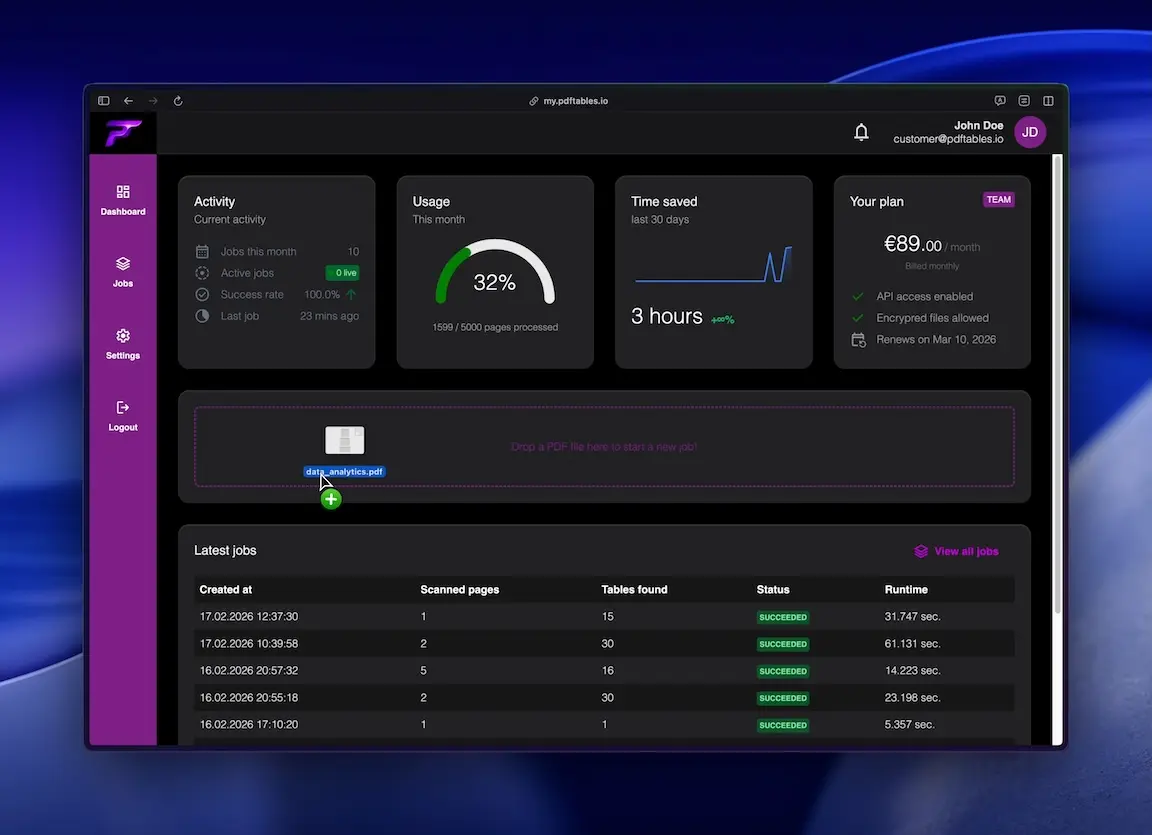
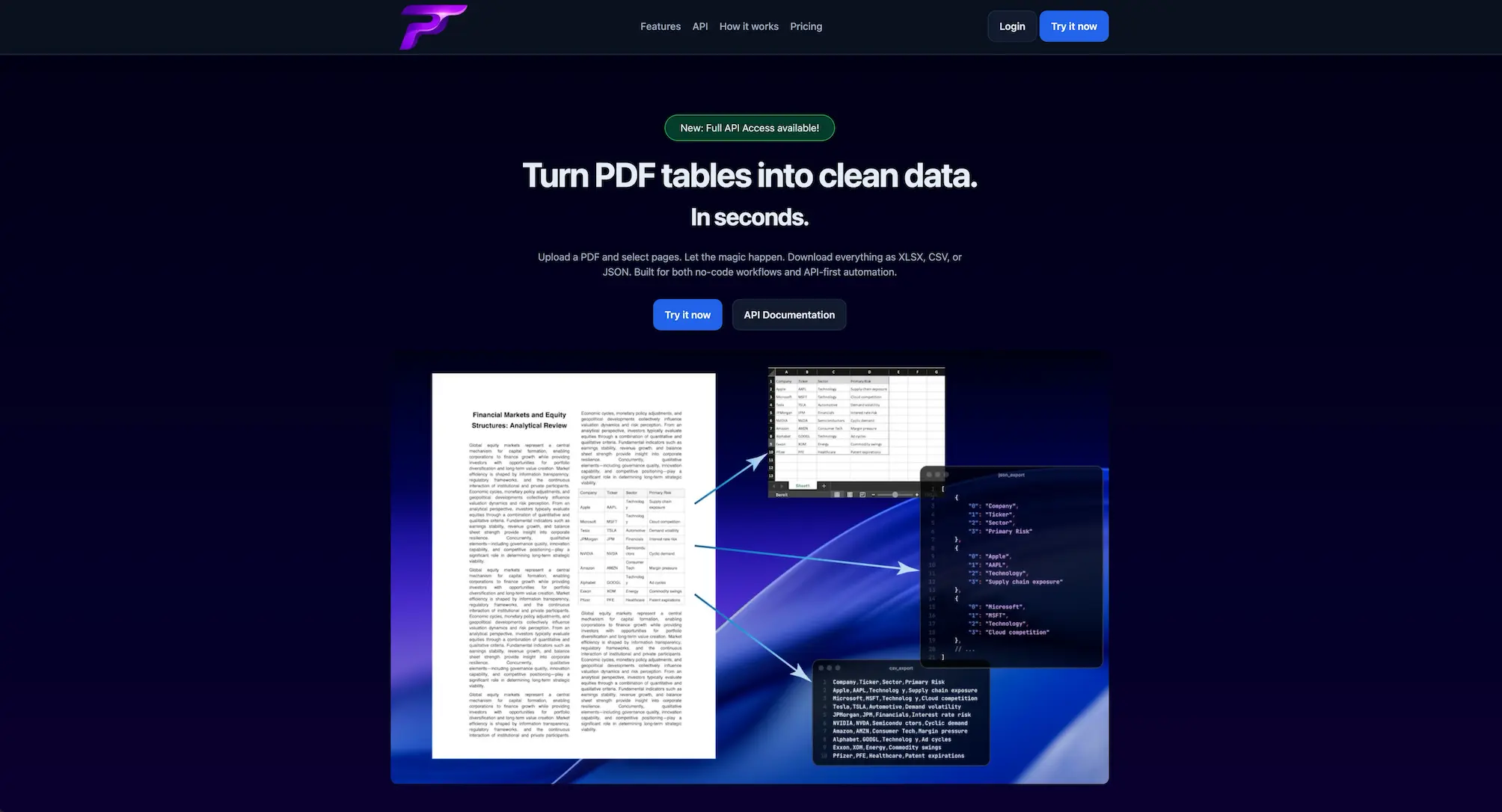
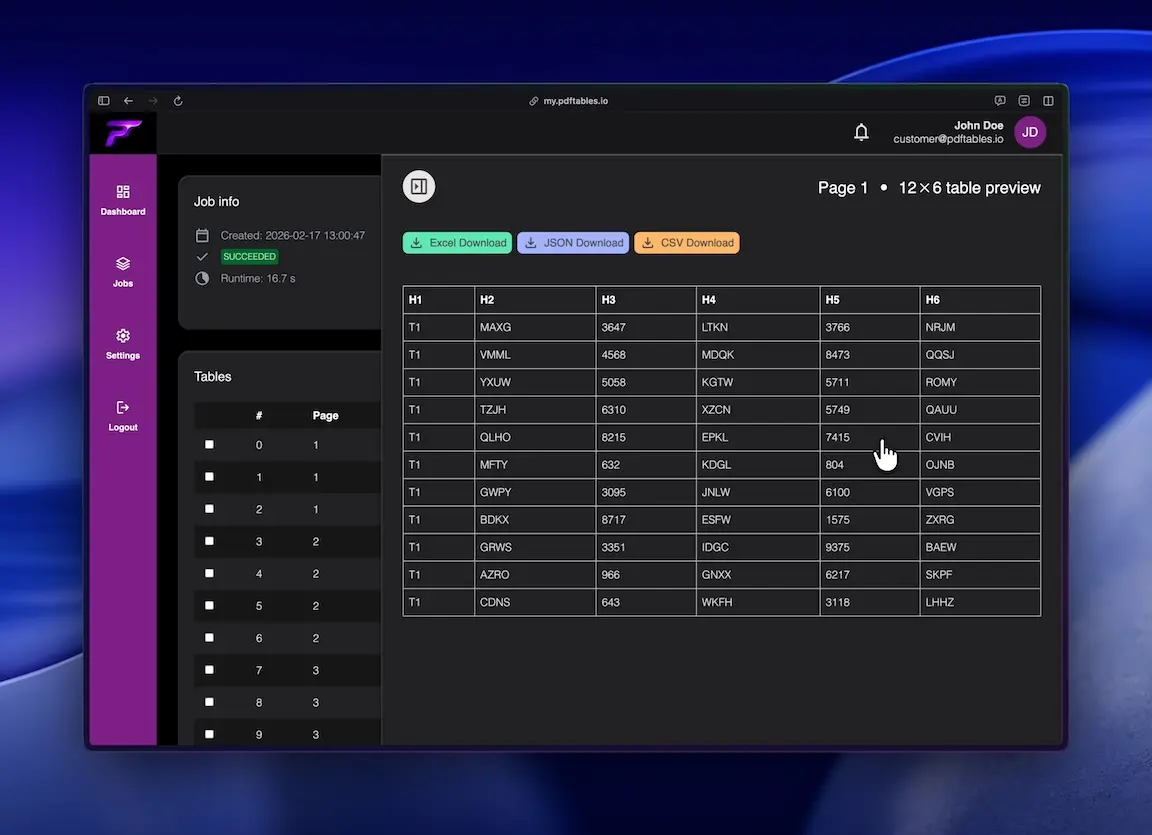
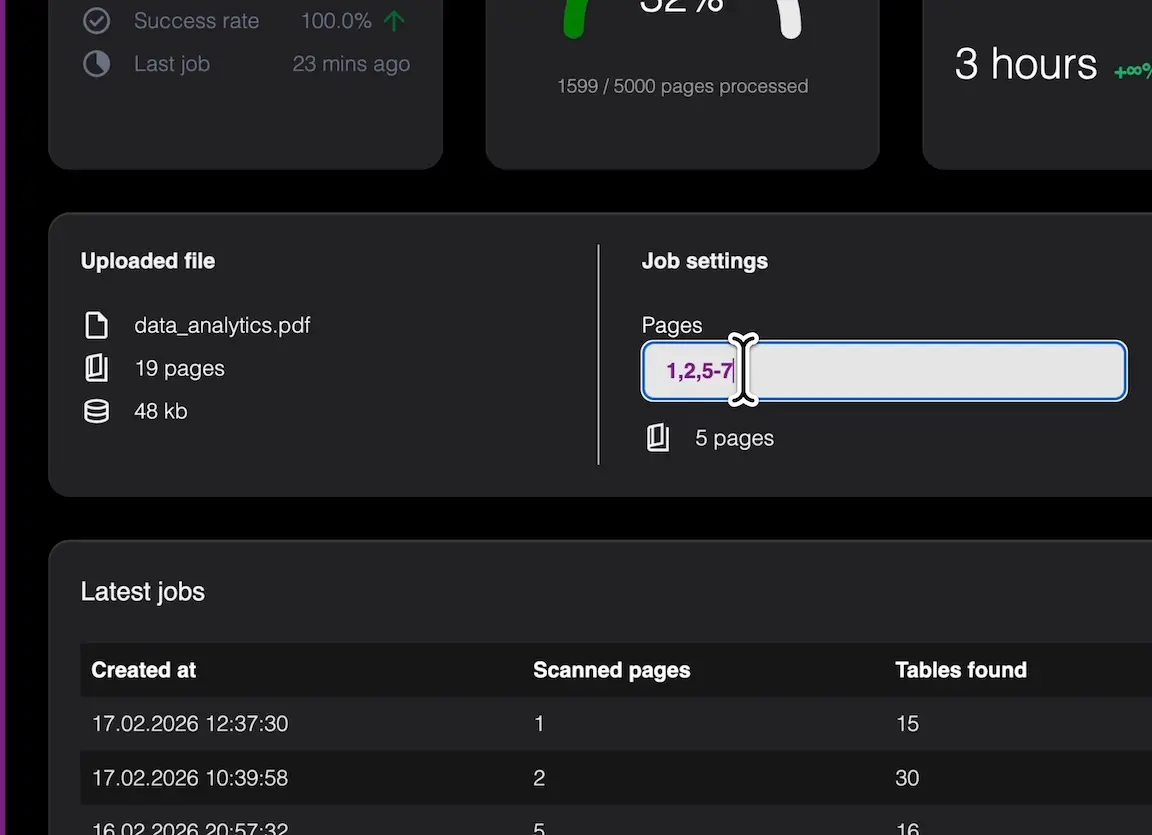
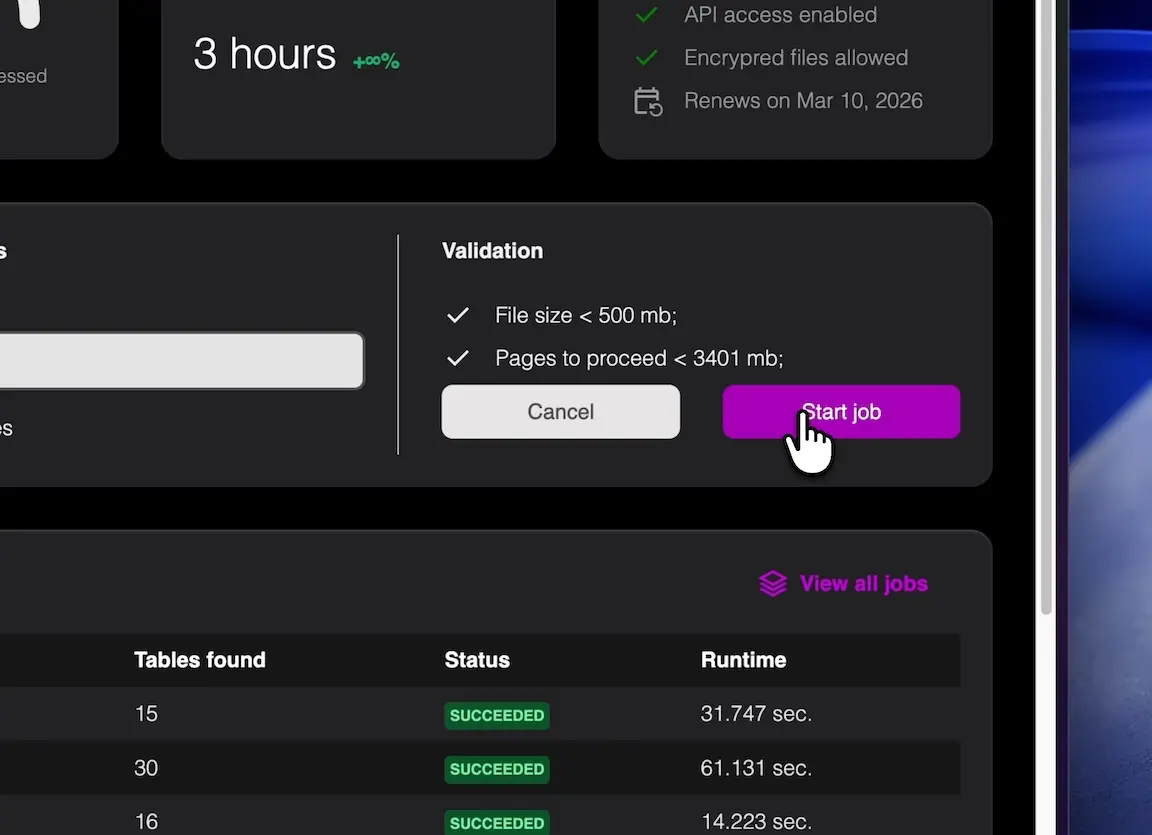
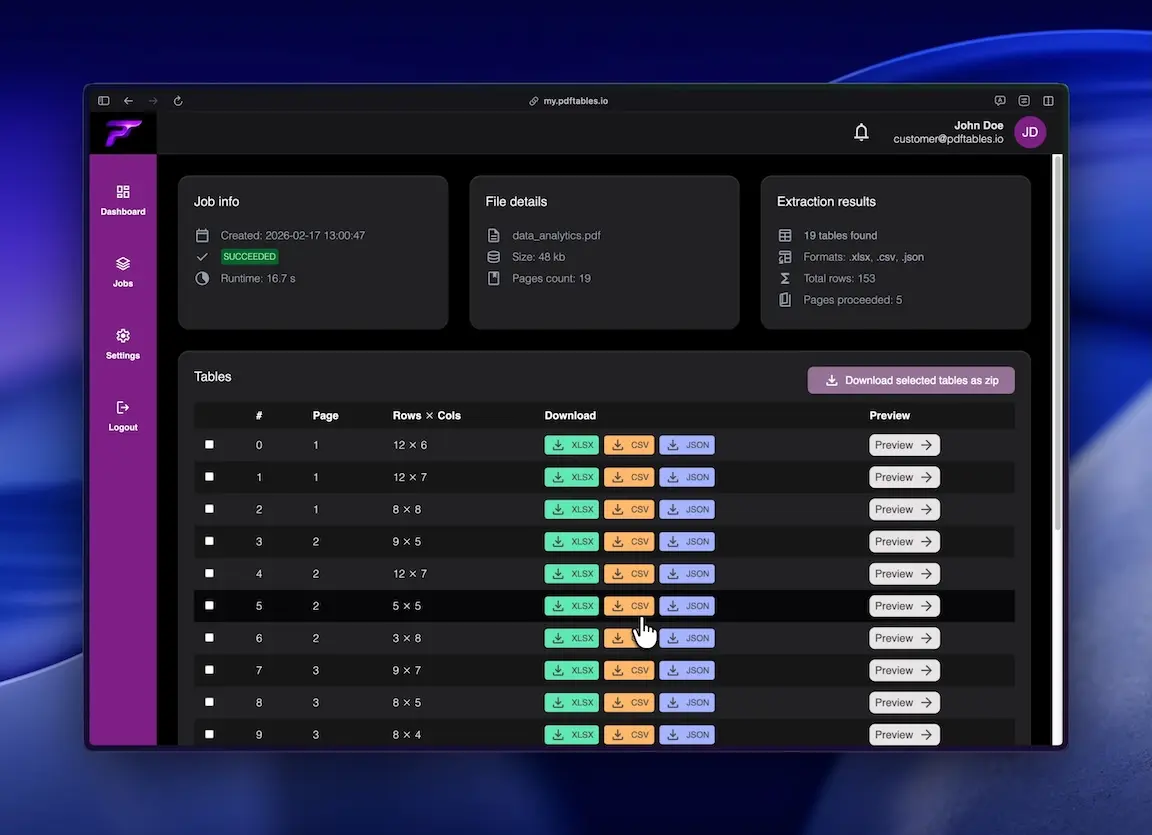
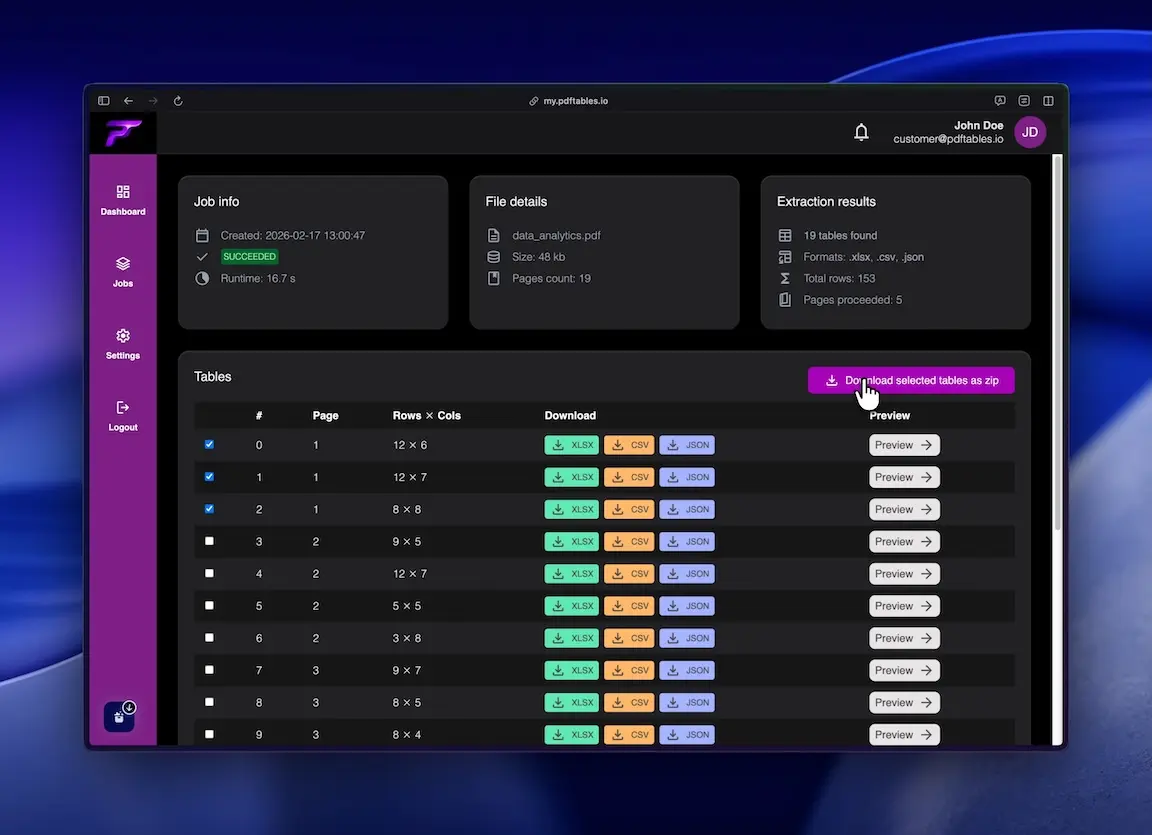
You can transform your static PDF documents into usable data formats with ease. This tool allows you to upload your files, select specific pages, and extract all detected tables seamlessly. Once processed, you can download your data as XLSX, CSV, or JSON files, making it simple to integrate into your existing spreadsheets or developer workflows. It helps you save time on manual data entry by automating the extraction process for cleaner, more accurate results.
Product Video
Watch a video demo of pdftables.io.
Screenshots
Product Updates (1)
Create your own data structure
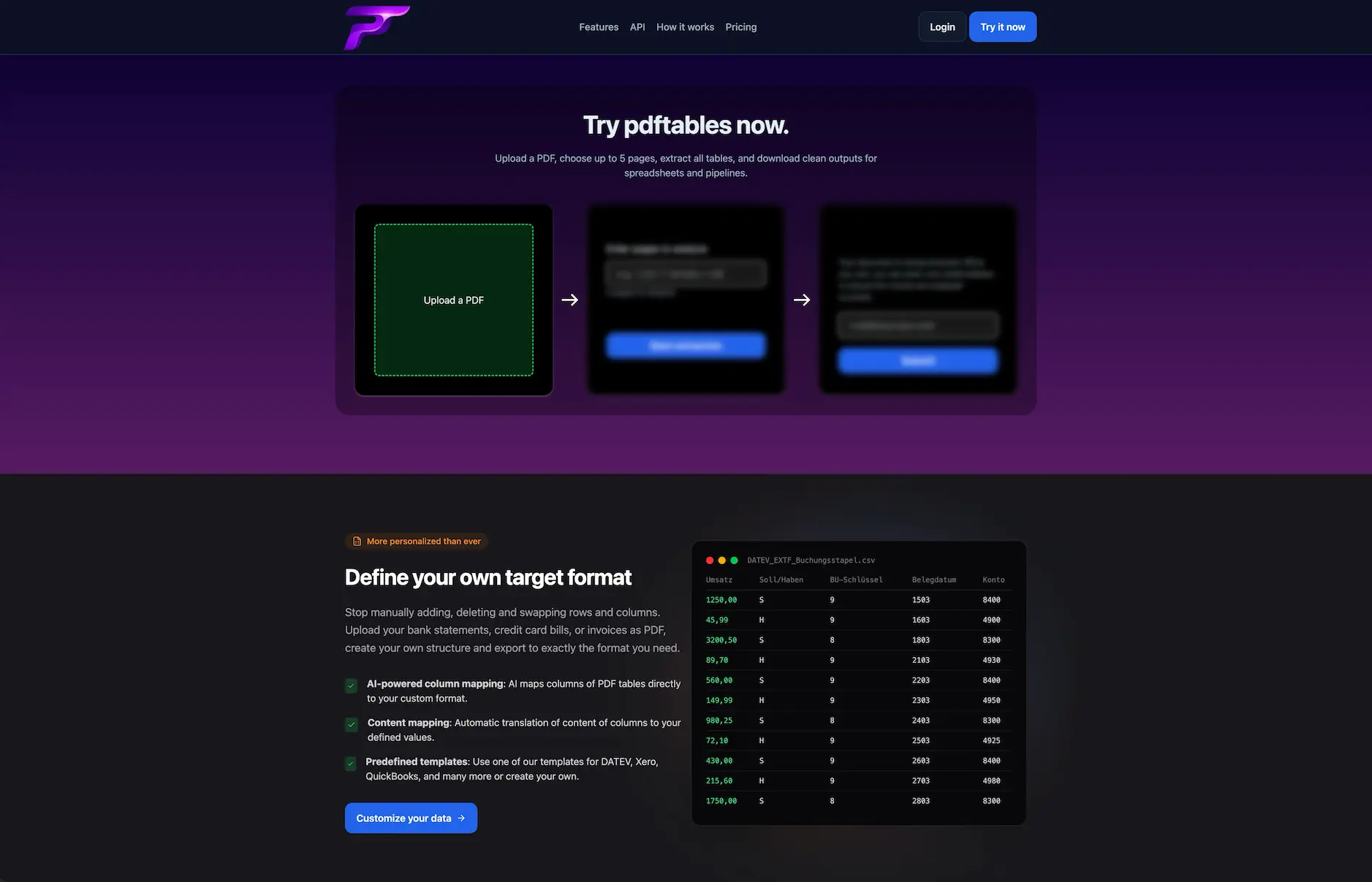
You can now use our template to define the structure of your data, or create your own custom structure. Our AI-powered mapping will then transform your extracted data accordingly.
Comments (4)

Custom data structure templates with AI-powered mapping is a great addition! PDF table extraction is such a common pain point and being able to define your own output format makes this way more flexible for different workflows.

Reviews (0)
No reviews yet. Be the first to rate this product!



Comments (2)
cool
Built this because OCR tools kept destroying table structure in real-world PDFs. Focused on reliable table extraction instead of generic “PDF to Excel”. Curious what edge cases I’m missing.