
Pocket Screen
Keep another Mac window in view while you work

Details
- Target Audience
- Remote WorkersMac UsersContent Creators
- Pricing
- Freemium from $9.99
- Platforms
- Desktop
- Featured in
- Best Desktop Customization Tools
Discovery signals
How AI and people discover Pocket Screen on PeerPush
By AI reads among Automation & Workflow tools
620 AI reads in the last 30 days, ranked against every Automation & Workflow tool listed.About Pocket Screen
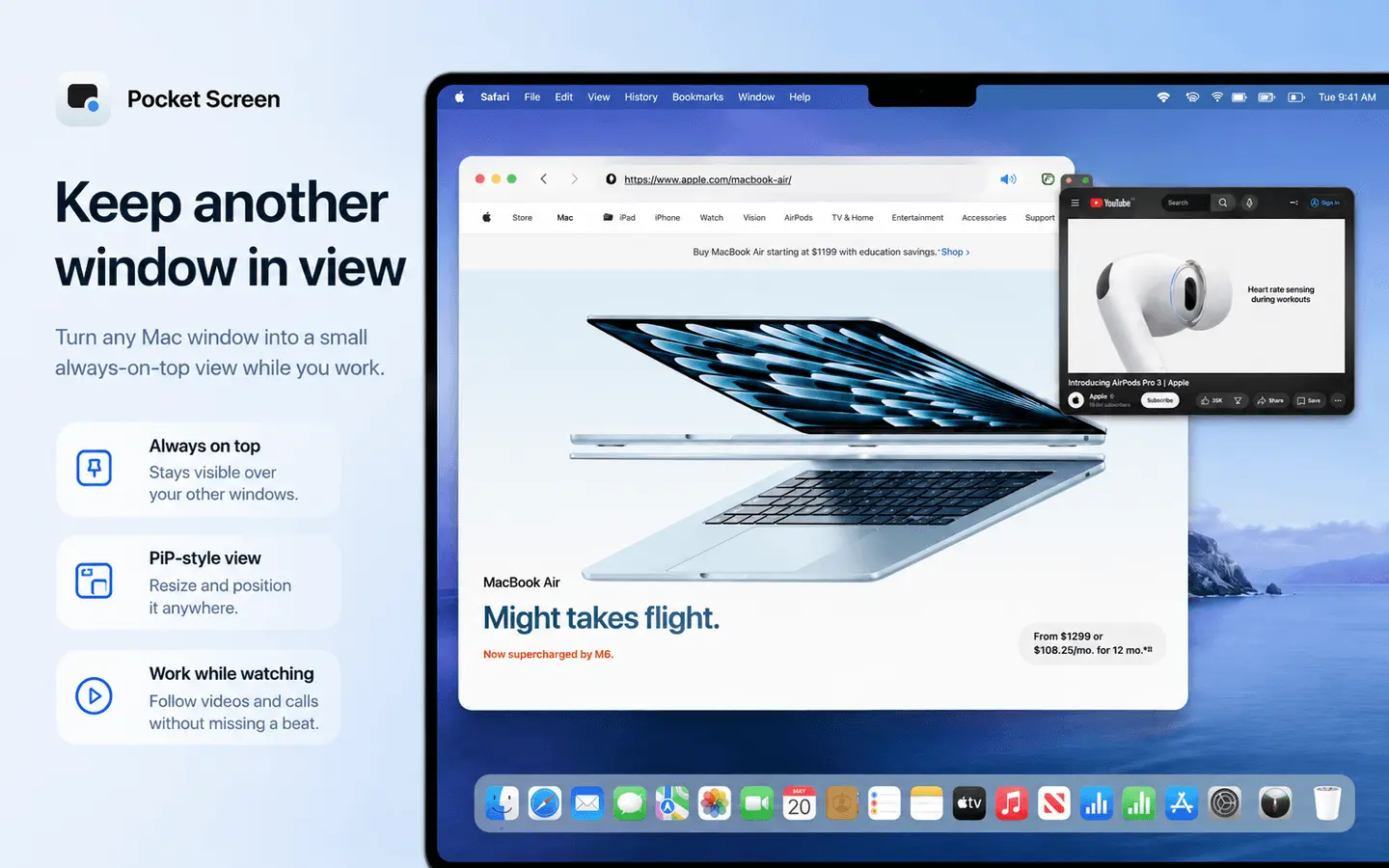
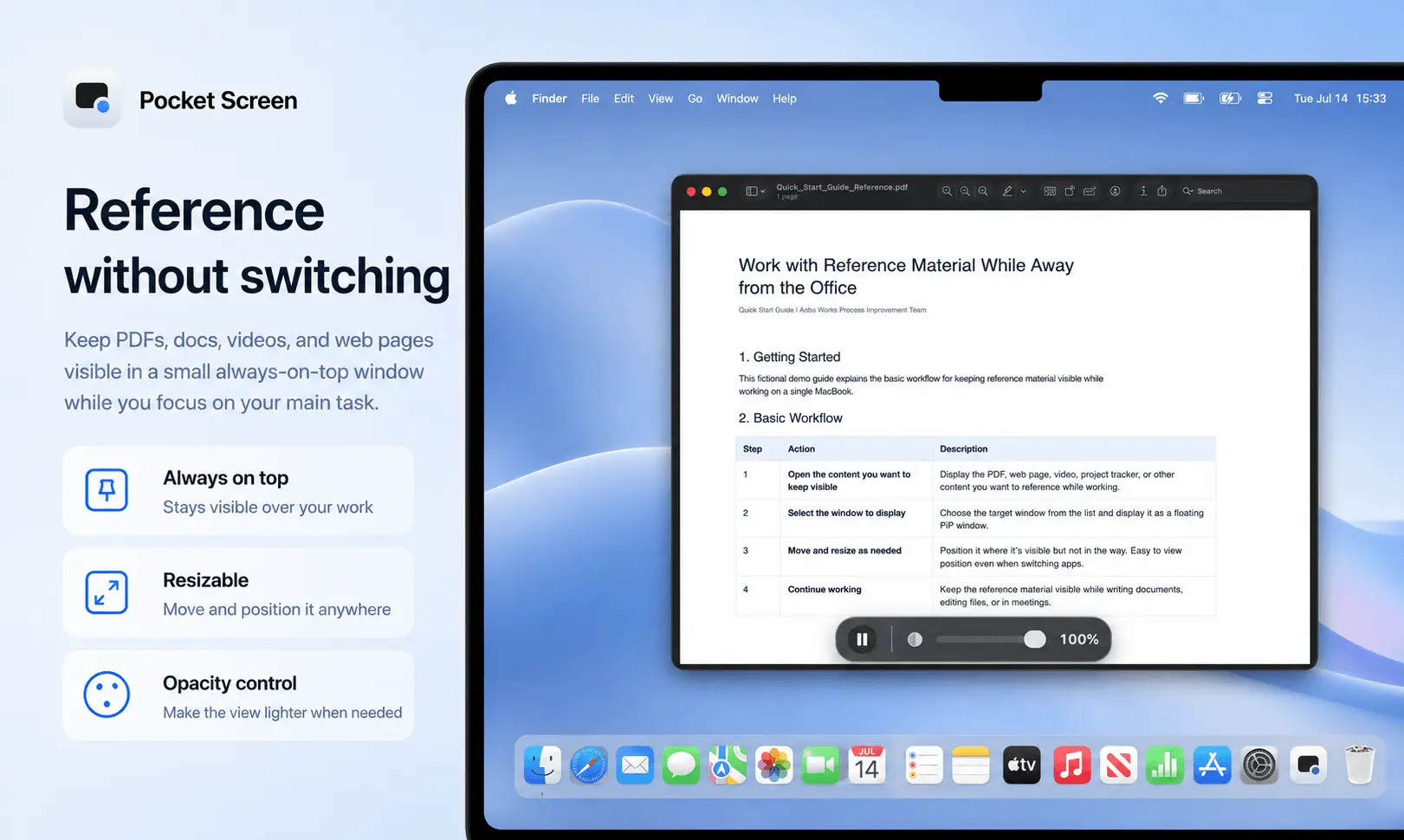
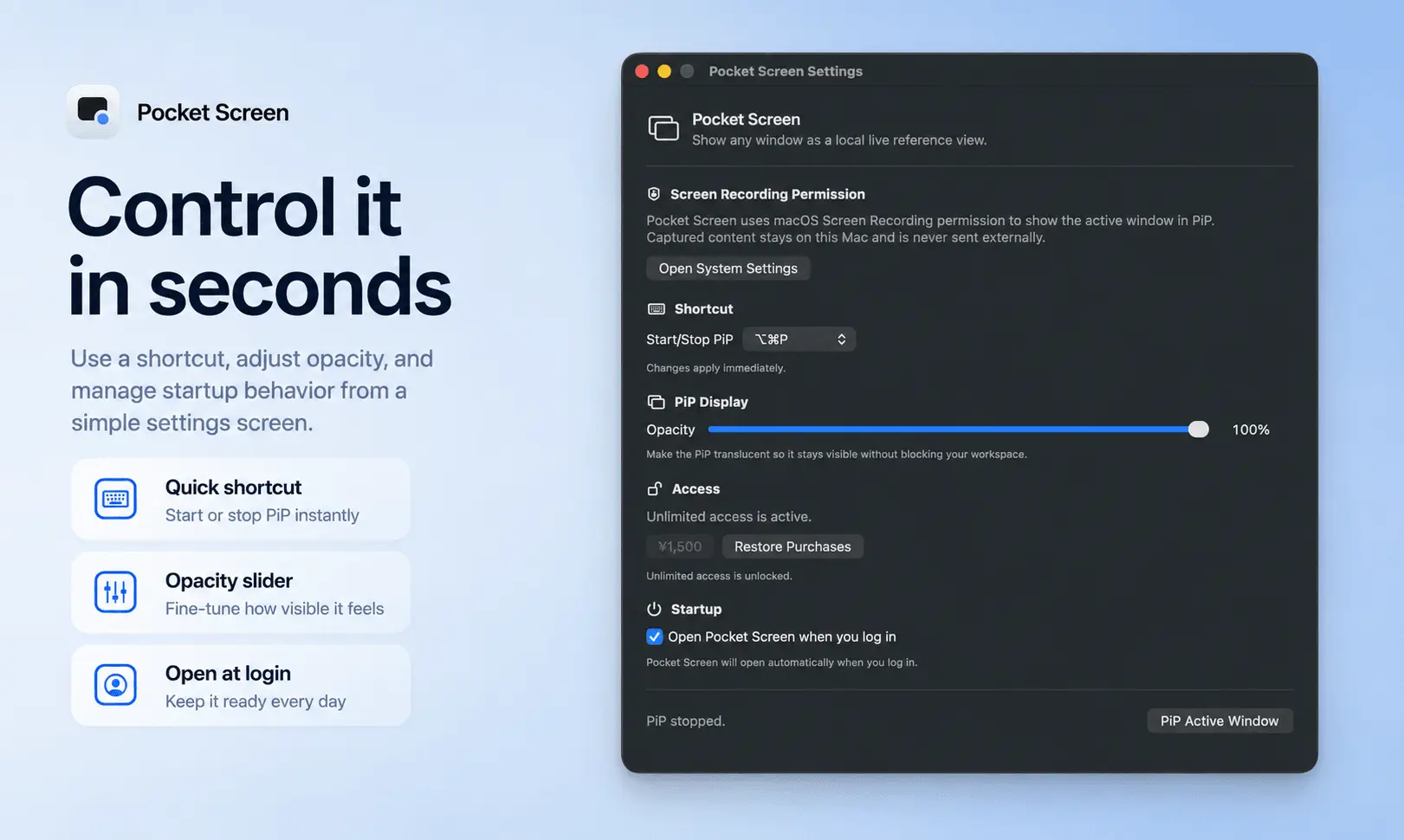
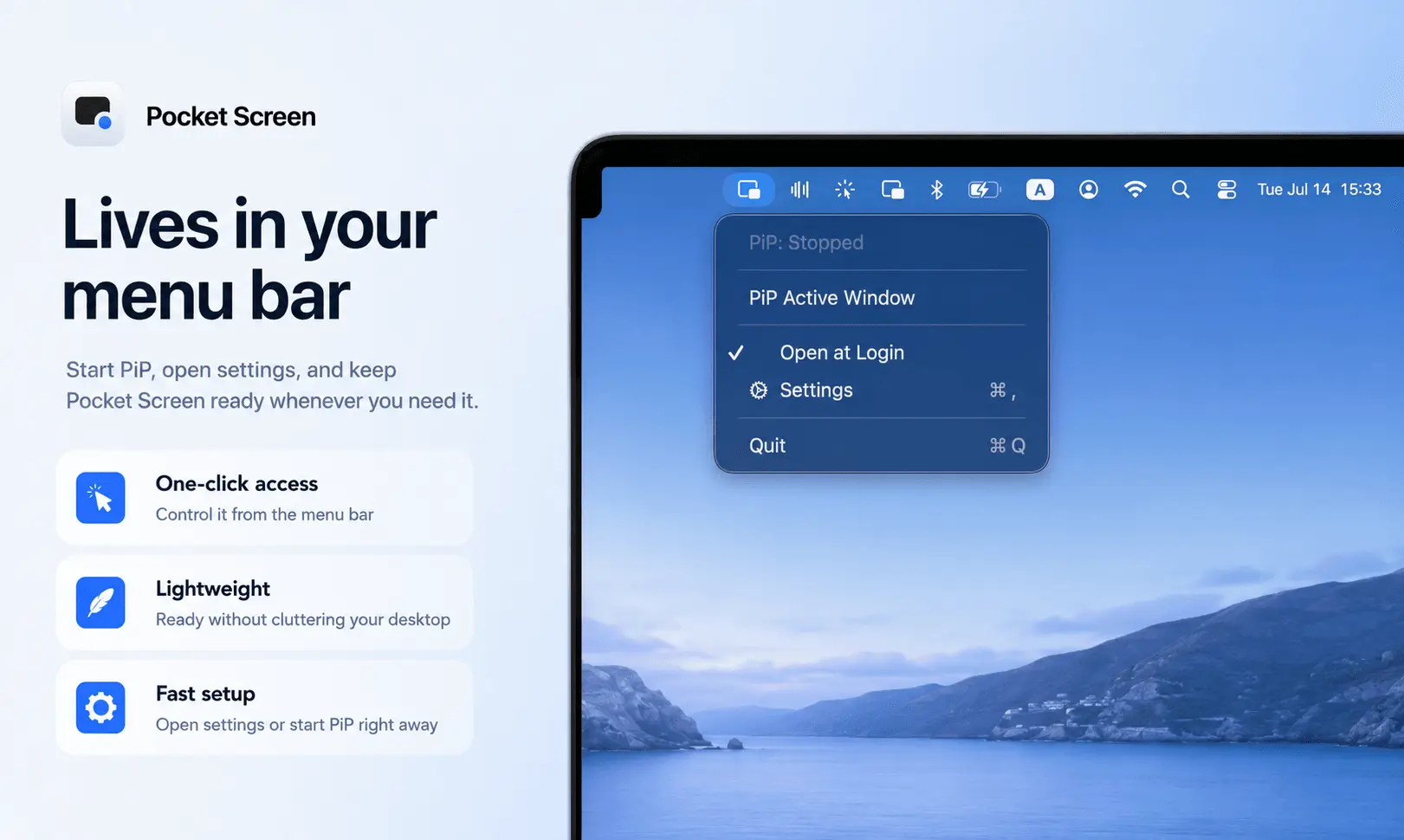
Pocket Screen is a lightweight macOS menu bar utility that keeps up to two app windows visible as compact, always-on-top PiP-style live reference views while you work in another app. Keep a document, browser, dashboard, chat, timer, supported video window, or other reference visible while you continue working in another app. You can instantly switch the selected PiP to the current frontmost window with a keyboard shortcut, making it easy to change references without recreating the view. Each floating window can be moved and resized, its opacity can be adjusted, and Click-Through mode lets mouse actions pass to the app underneath. You can also freeze the current frame and resume the live view when needed. **When the privacy setting is enabled, PiP views can also be kept out of screenshots, screen recordings, and screen sharing, so private notes or references remain visible only to you.** Pocket Screen is useful for remote work, writing while checking source material, following tutorials, monitoring dashboards, keeping chat visible, and working efficiently on a single Mac display. Global keyboard shortcuts let you control Pocket Screen without interrupting your workflow. The app can open at login and handles macOS Spaces by hiding a PiP window when its source is unavailable and restoring it when you return. All captured pixels are displayed locally on the Mac. They are not uploaded to developer servers or external AI services, and no user data is collected. The full feature set is available free for 10 minutes. Unlimited Access is available as a one-time in-app purchase with no subscription. Pocket Screen requires macOS 14 or later.
Screenshots
Product Updates (1)
Two reference views, less window switching
A quick Pocket Screen feature spotlight: you can keep up to two Mac windows visible at the same time, then instantly switch the selected PiP to your current frontmost window with a keyboard shortcut. It’s useful when you’re working from a single Mac display and want to keep a document, browser, dashboard, chat, or other reference visible without constantly switching windows. You can also resize each PiP, adjust opacity, use Click-Through mode, or freeze the current frame when needed.
Comments (0)
No comments yet. Be the first to share your thoughts!
Reviews (1)
Average 5.0 out of 5
Based on 1 review

Pocket Screen is such a useful tool
Comments (2)
Real-time mobile screen capturing directly to desktop is game-changing for app developers. Being able to record behavior and interactions without lag or quality loss speeds up the whole testing and feedback cycle significantly.
@omribenshoham Thanks! Just to clarify, Pocket Screen is focused on keeping Mac app windows visible in a compact floating view while you work in another app. But I can definitely see how a similar workflow could be useful for app developmen
I built Pocket Screen for times when a single Mac display feels too small. Keep a document, chat, video, or dashboard visible while working in another app. Feedback from Mac users is welcome.