
QR Code Reader
Scan QR code from page, image or camera
Details
- Categories
- Use Cases
- Target Audience
- Platforms
About QR Code Reader
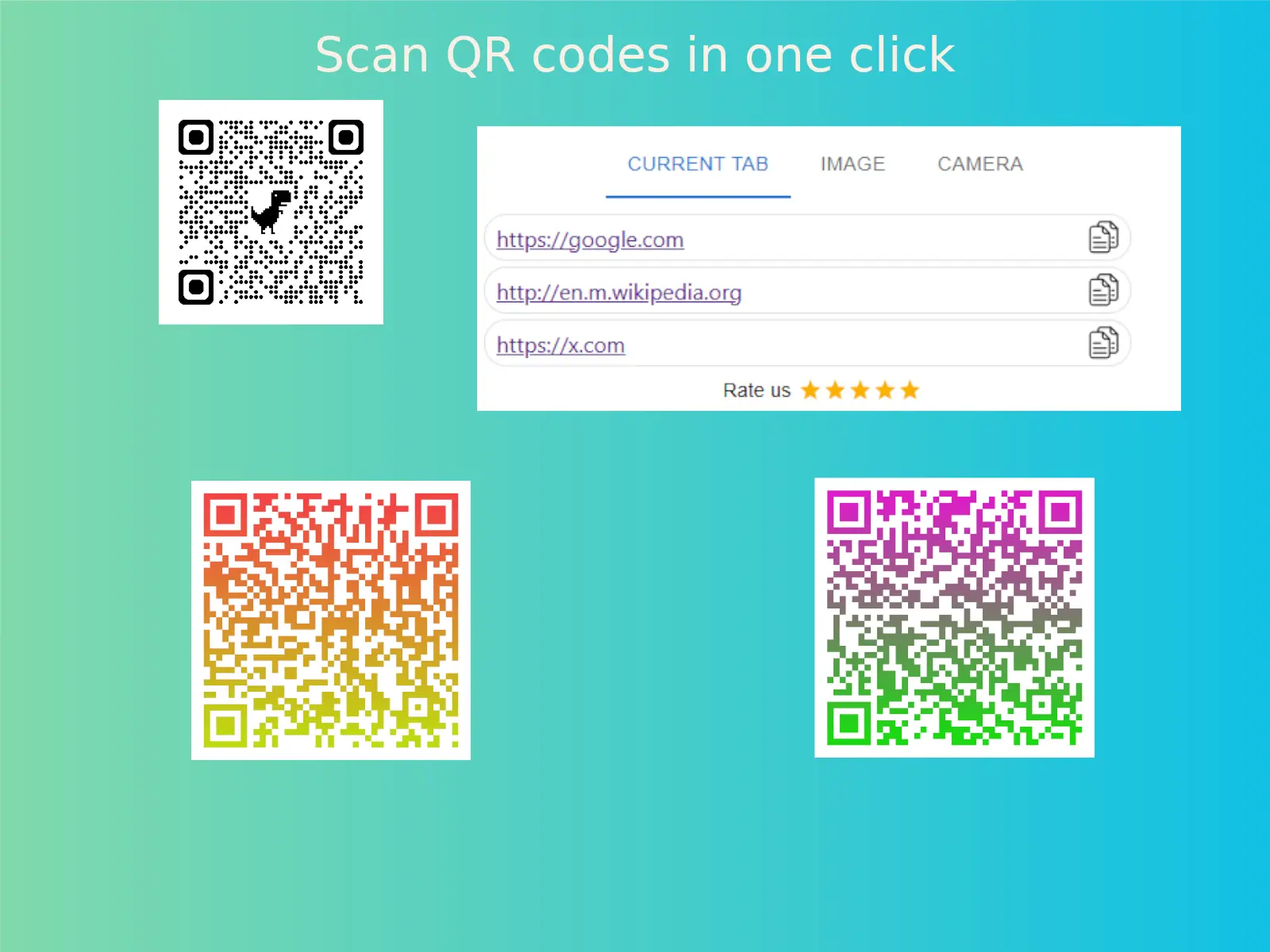
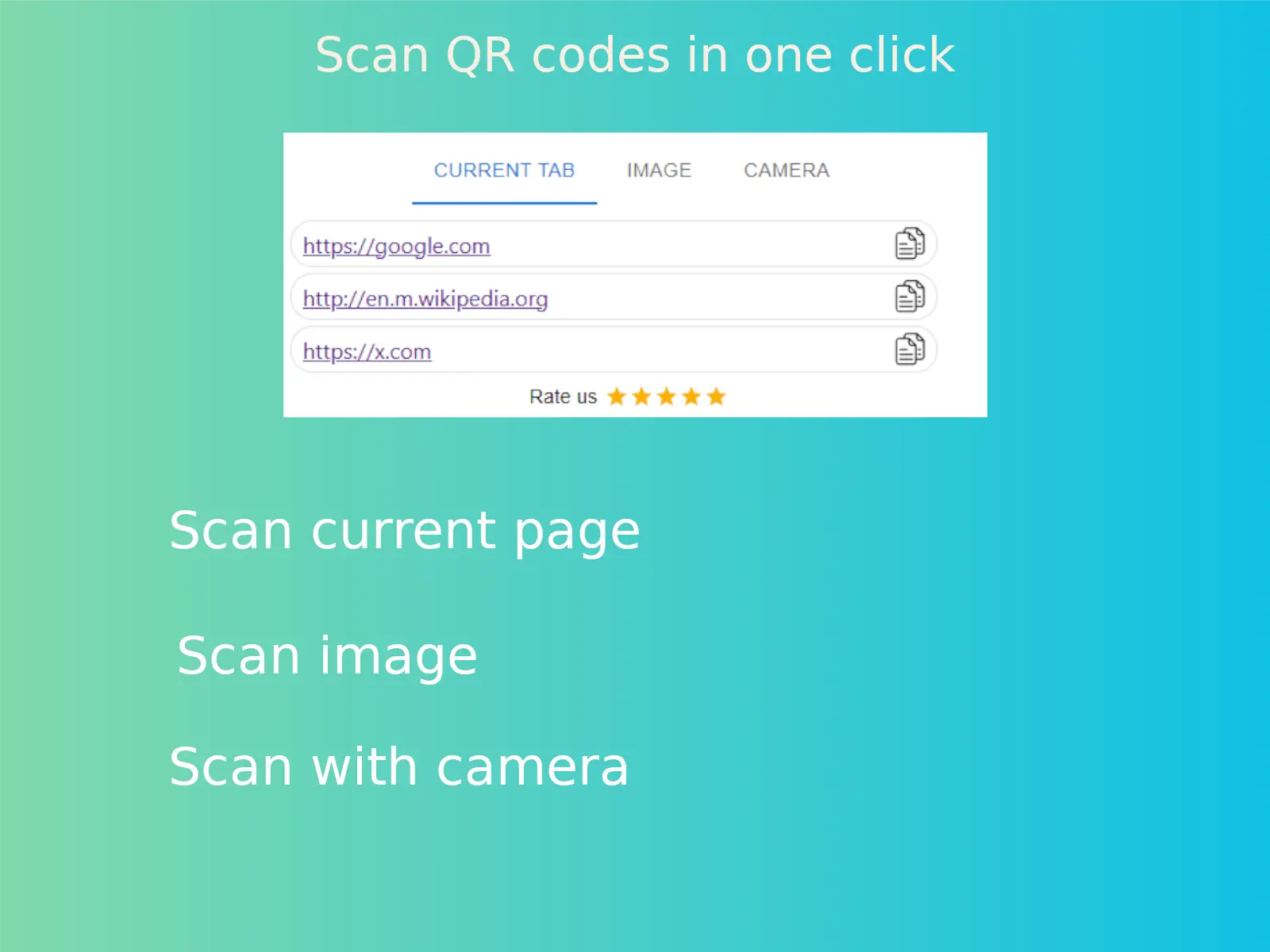
Effortless QR Code Scanning in Your Browser This lightweight QR Code Reader lets you scan QR codes directly from web pages, uploaded images, or your camera—all within your browser. Tired of switching between devices to scan QR codes? This Chrome extension provides a seamless solution, eliminating the need for separate apps or downloads. Everything runs smoothly in your browser, keeping your workflow uninterrupted. Perfect for those who need a reliable, no-fuss QR scanner for their PC—simple, fast, and distraction-free. Why Users Choose This Tool: ✔ Browser-based convenience – Scan without leaving Chrome or installing extra software. ✔ Live web page scanning – Instantly decode QR codes from any active tab. ✔ Image upload support – Easily extract data from saved QR code images. ✔ Intuitive interface – No setup or learning required—just scan and go. ✔ Lightweight performance – Works smoothly without affecting browser speed.
Screenshots
Reviews (0)
No reviews yet. Be the first to rate this product!
Comments (0)
No comments yet. Be the first to share your thoughts!