
QuickQuill
Private on-device meeting notes for Mac

Details
- Categories
- Target Audience
- Pricing
- One-time from $49
- Platforms
Discovery signals
How AI and people discover QuickQuill on PeerPush
By AI reads among AI tools
1,216 AI reads in the last 30 days, ranked against every AI tool listed.About QuickQuill
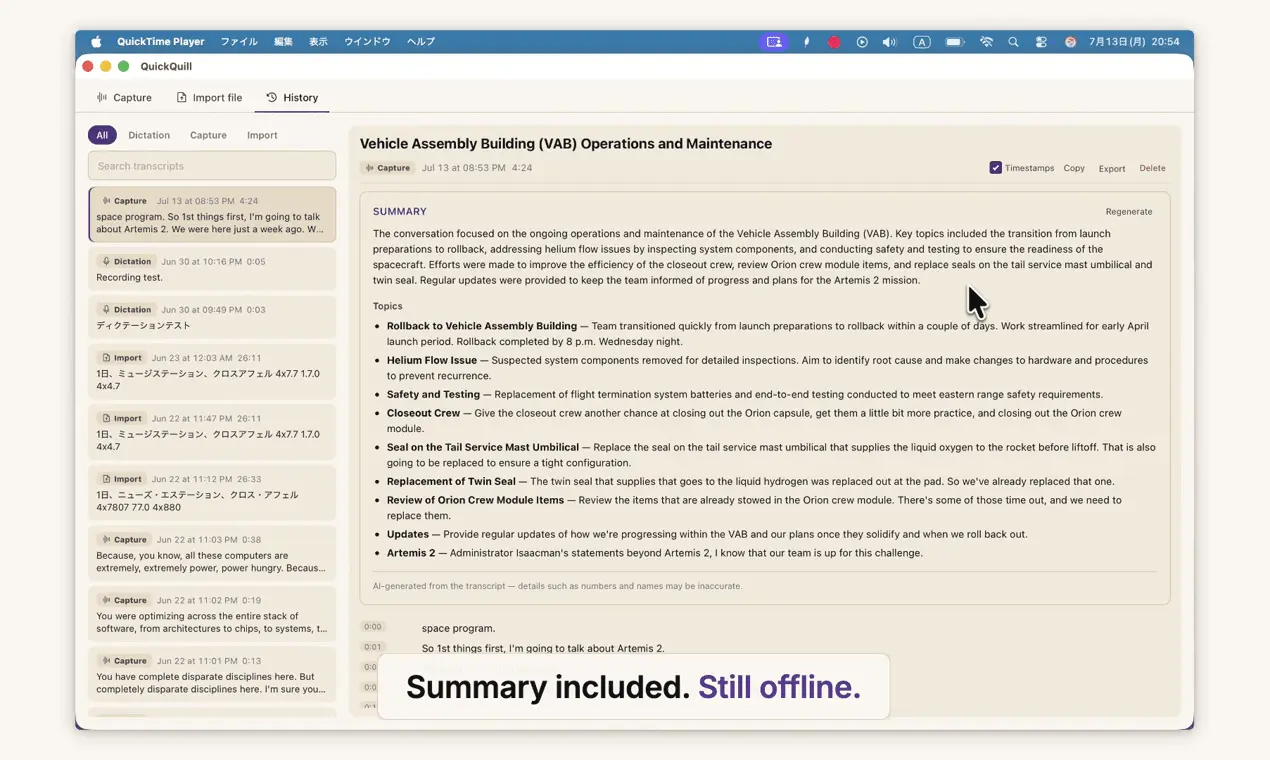
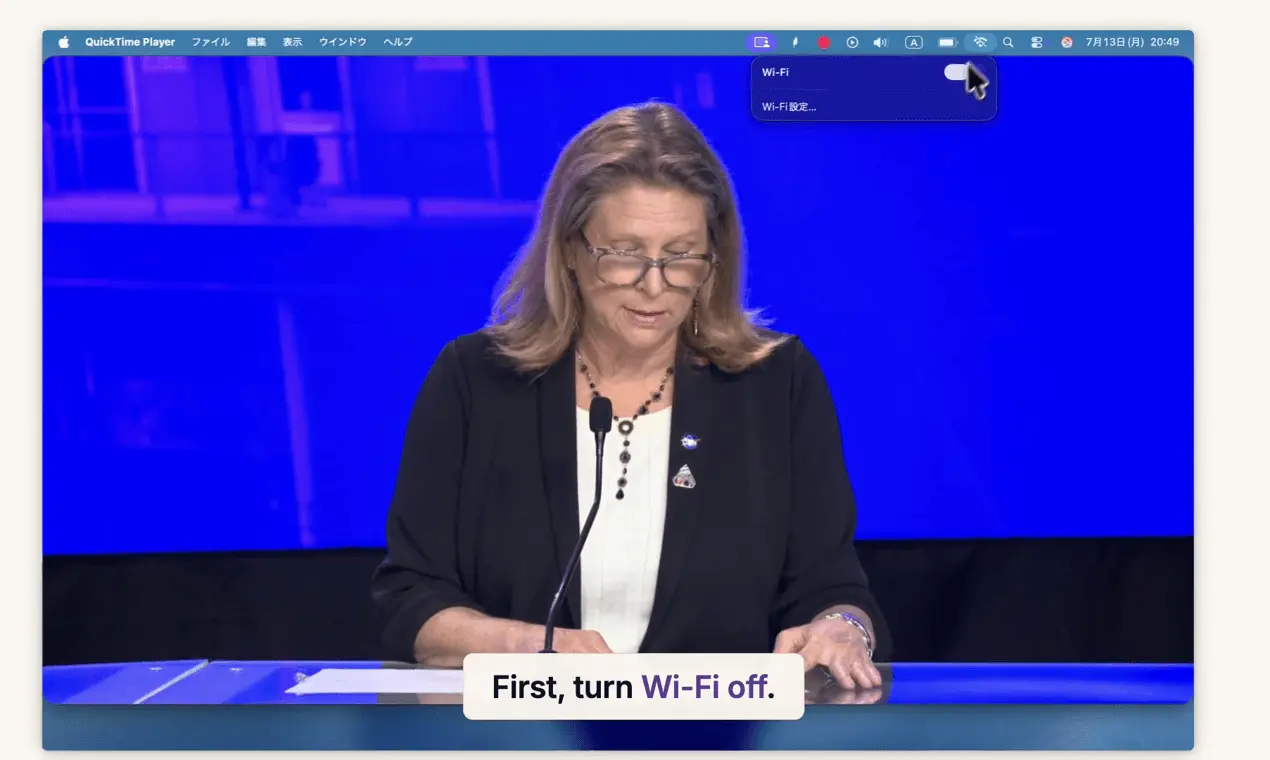
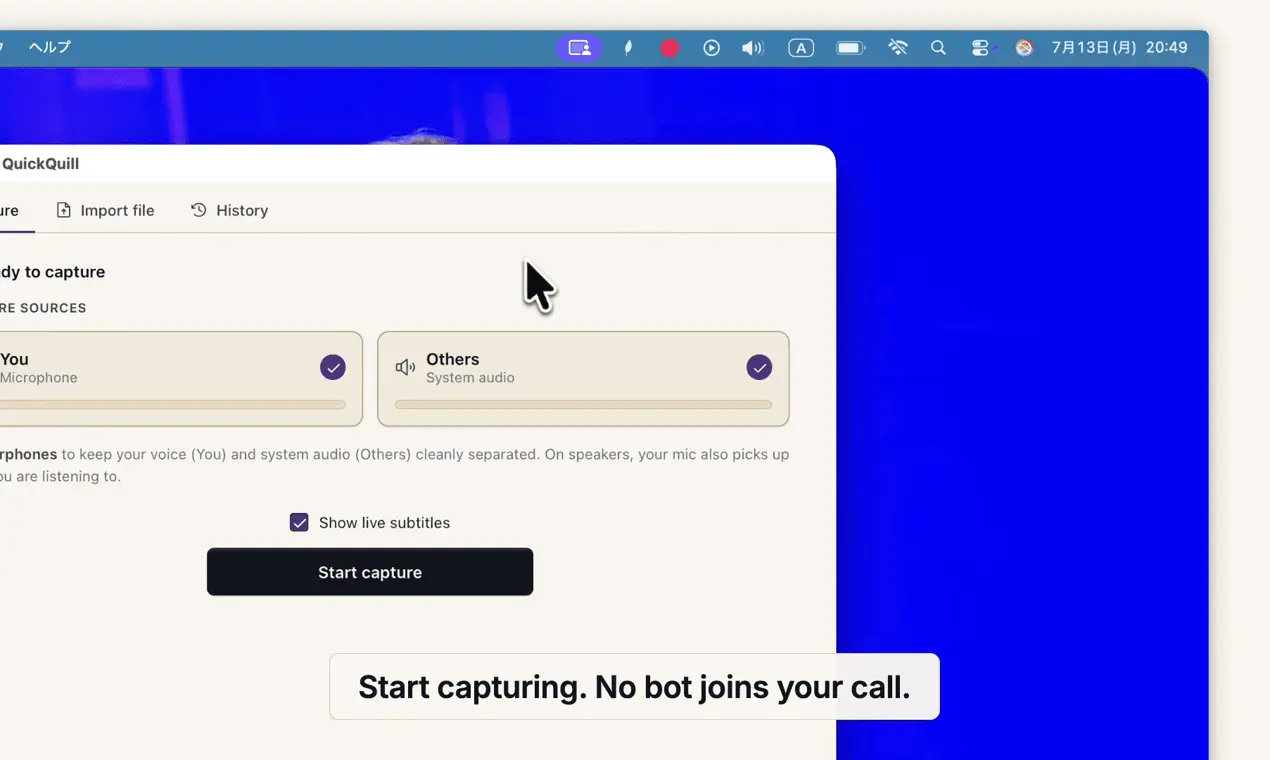
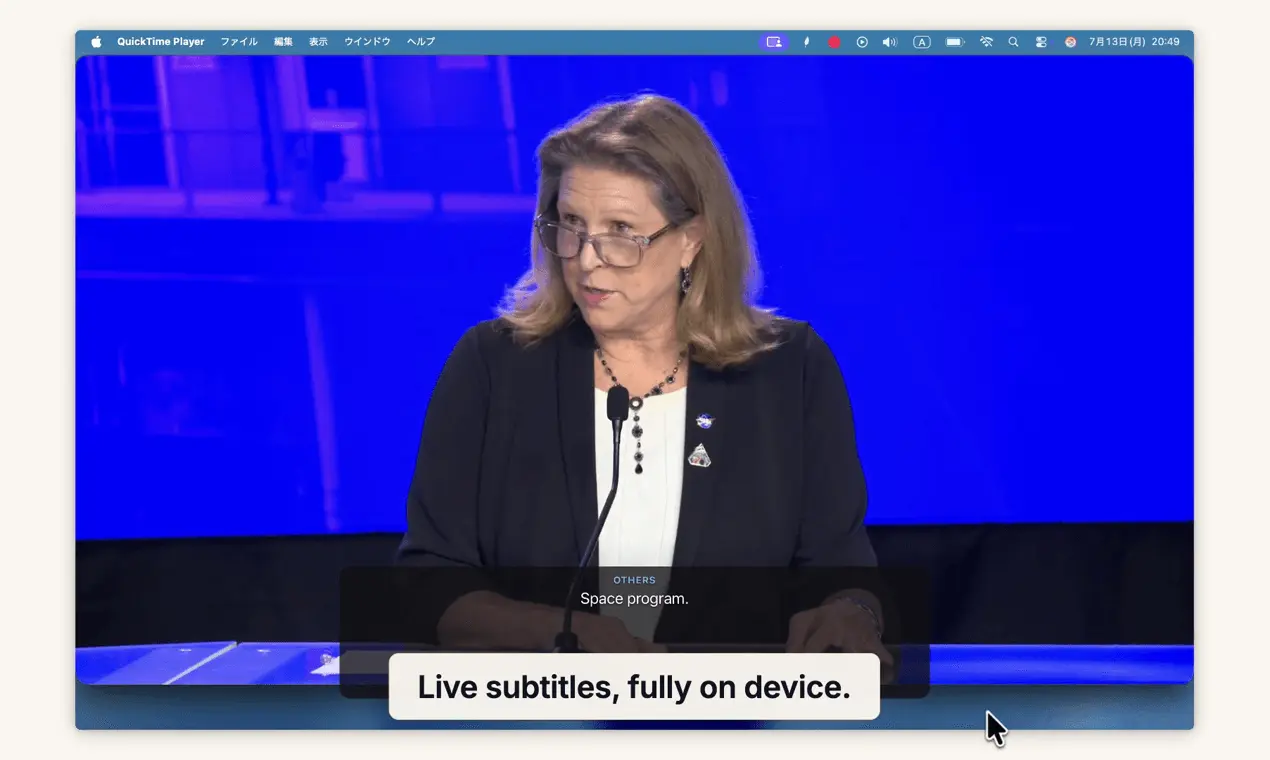
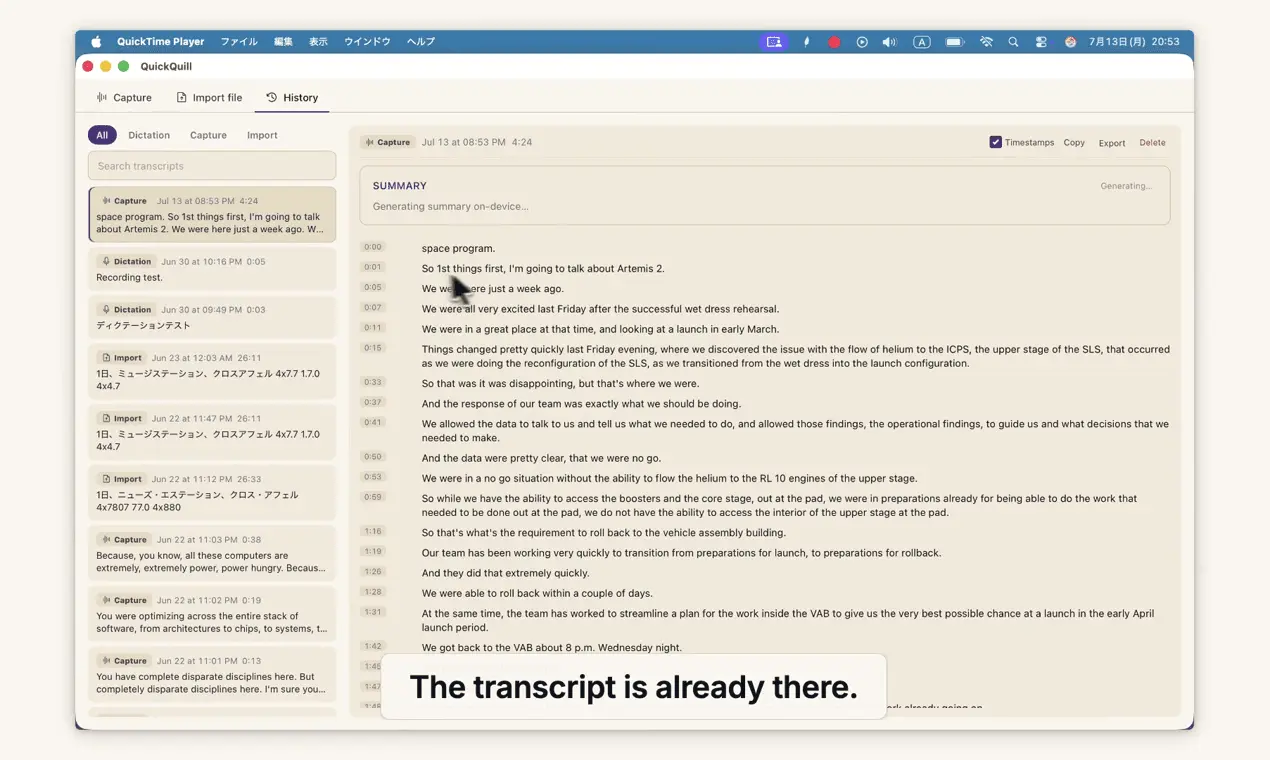
QuickQuill records your meetings and turns them into transcripts and summaries, and nothing is ever sent to the cloud. No bot joins the call, and it keeps working with Wi-Fi off, which is how the demo video was recorded. It also shows live subtitles with translation while you record, and there's push-to-talk dictation for any app. The bundled CLI lets you start and stop recordings, search and retrieve past sessions, export transcripts and summaries as Markdown, and transcribe audio files. You can use it in scripts, send meeting notes directly to tools like Obsidian, or install QuickQuill skills so AI agents such as Claude Code, Codex, and Cursor can record meetings and find past conversations for you. Everything runs locally on your Mac using Apple's on-device speech stack, with no API keys or per-minute billing. No account, no subscription. Dictation is free forever, and a single $49 purchase unlocks the full meeting workflow and CLI. Requires macOS 26 on Apple Silicon. Demo: https://quickquill.app/demo.mp4
Screenshots
Reviews (0)
No reviews yet. Be the first to rate this product!
Comments (0)
No comments yet. Be the first to share your thoughts!