
RenamerX
Rename and organize messy files with local AI

Details
- Follow on
- @sancijun
- Use Cases
- File ManagementTask Automation
- Target Audience
- Hobbyists
- Pricing
- One-time from $36
- Platforms
- Desktop
Discovery signals
How AI and people discover RenamerX on PeerPush
About RenamerX
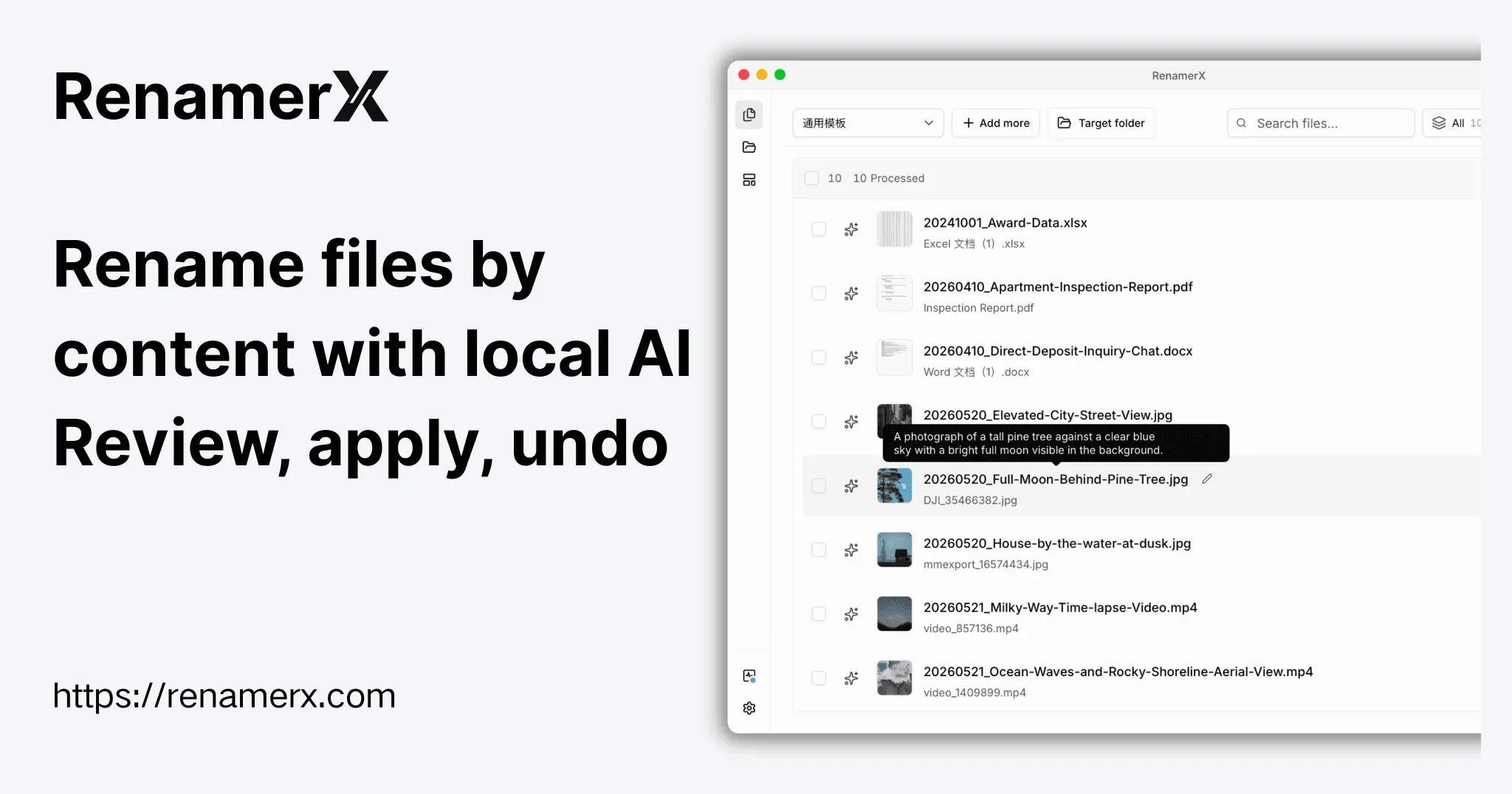
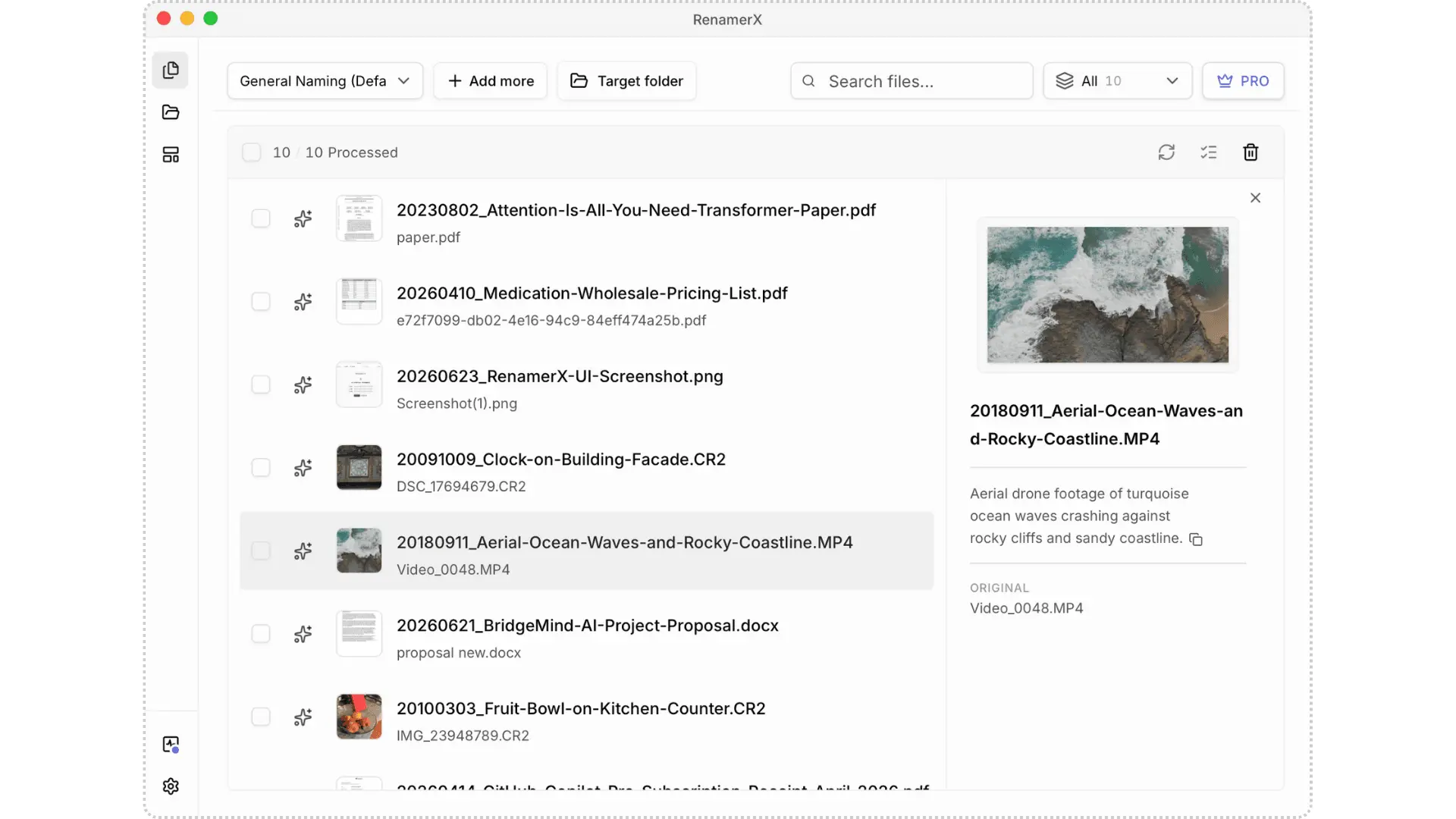
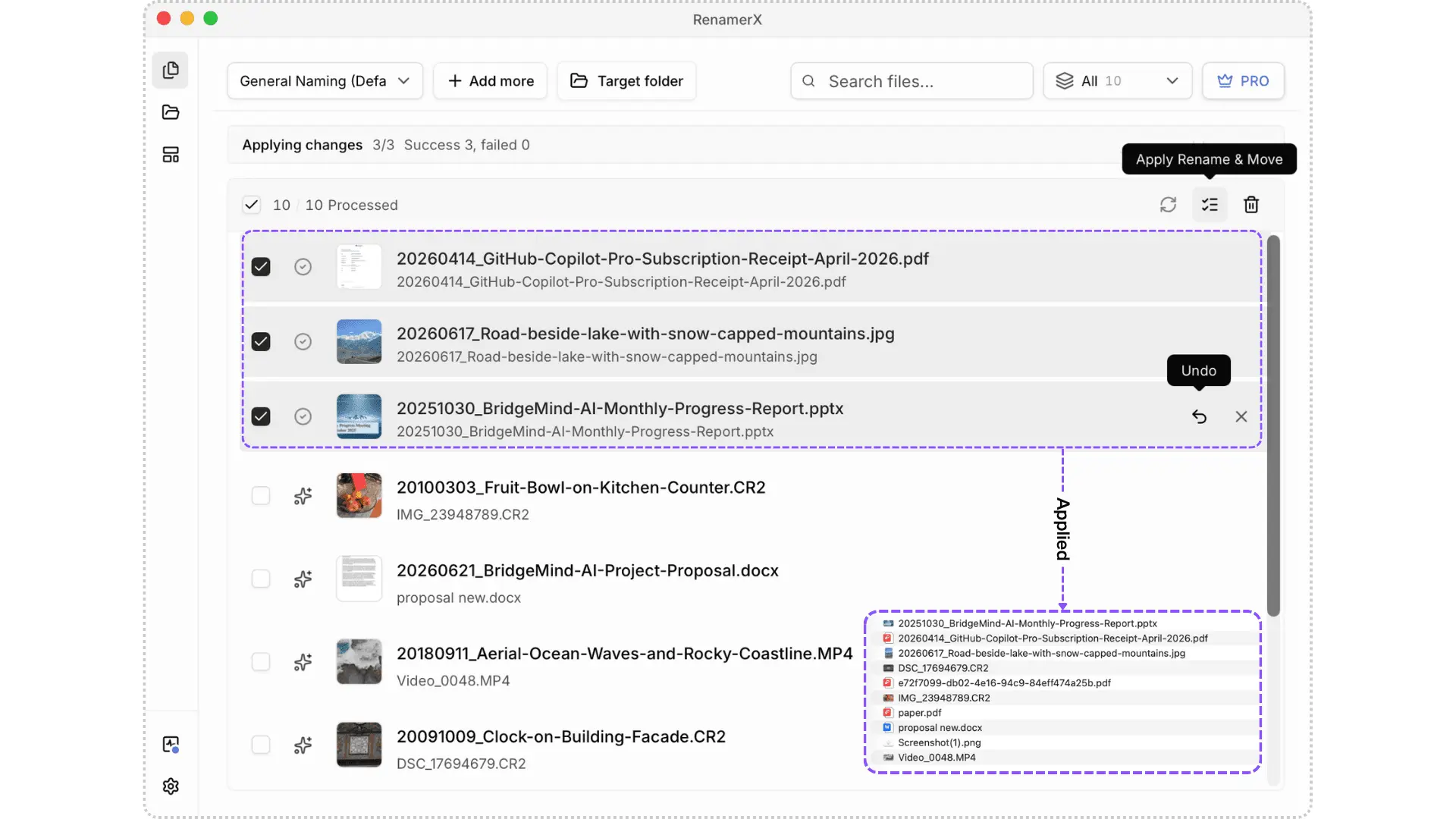
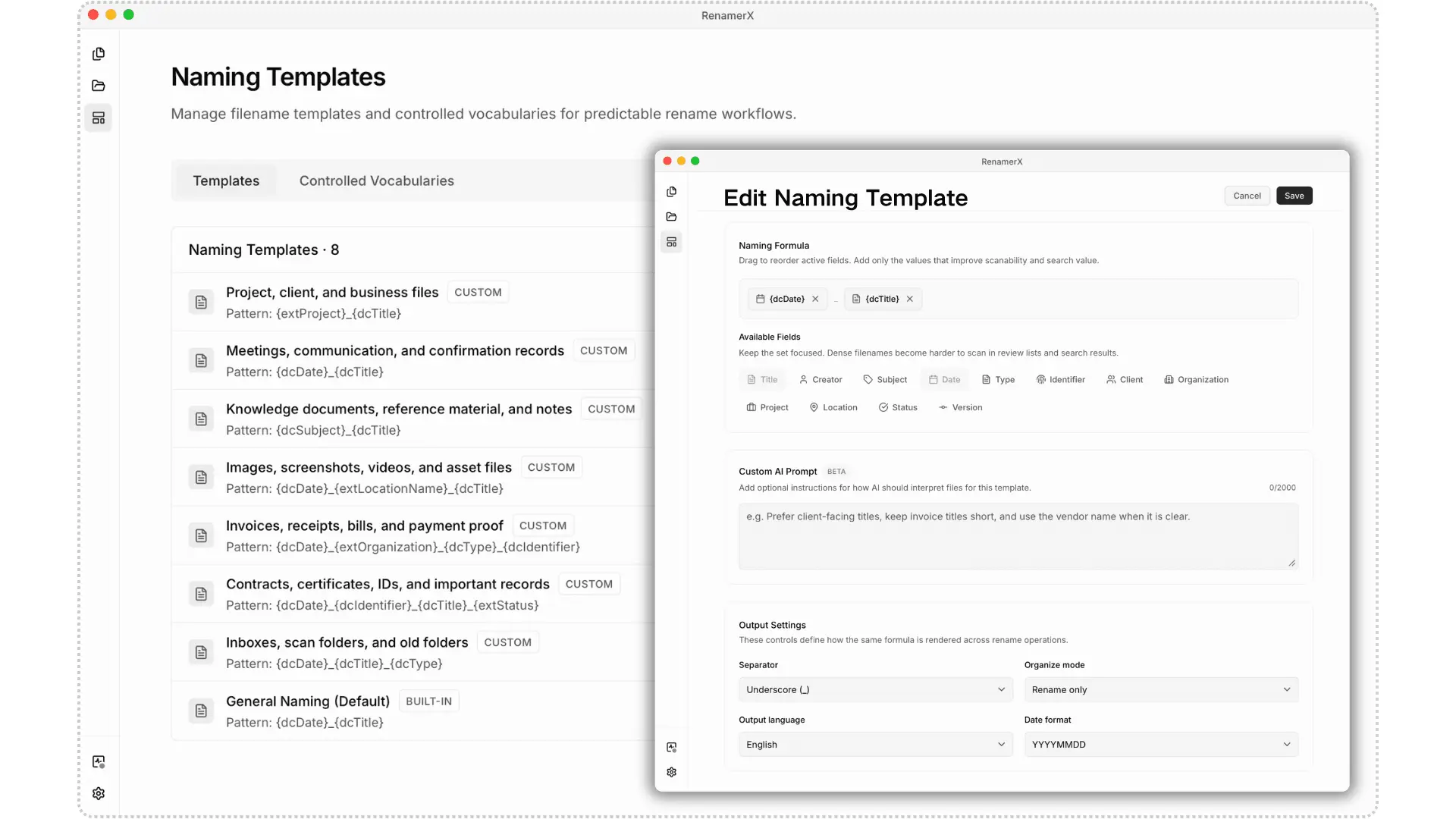
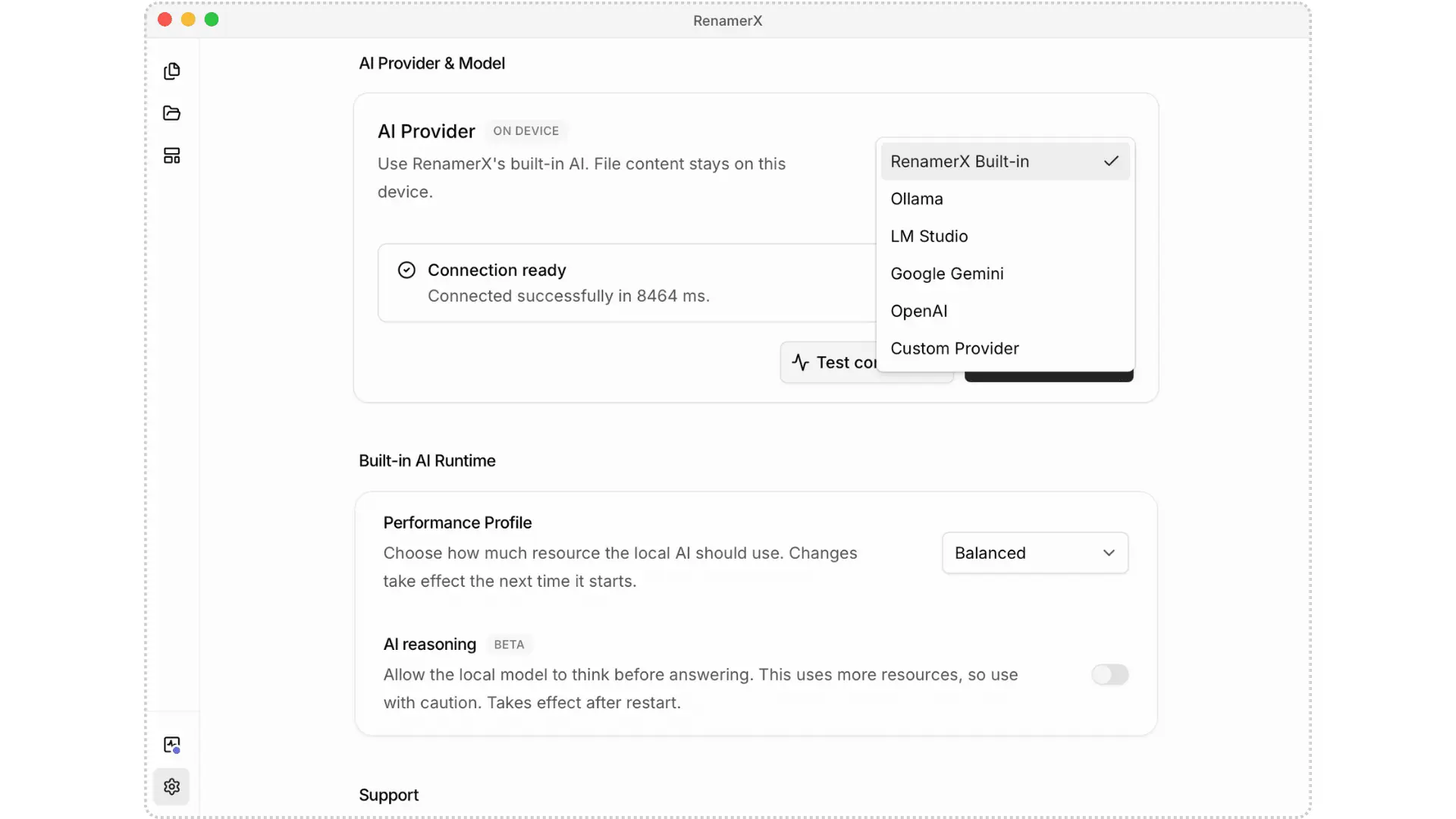
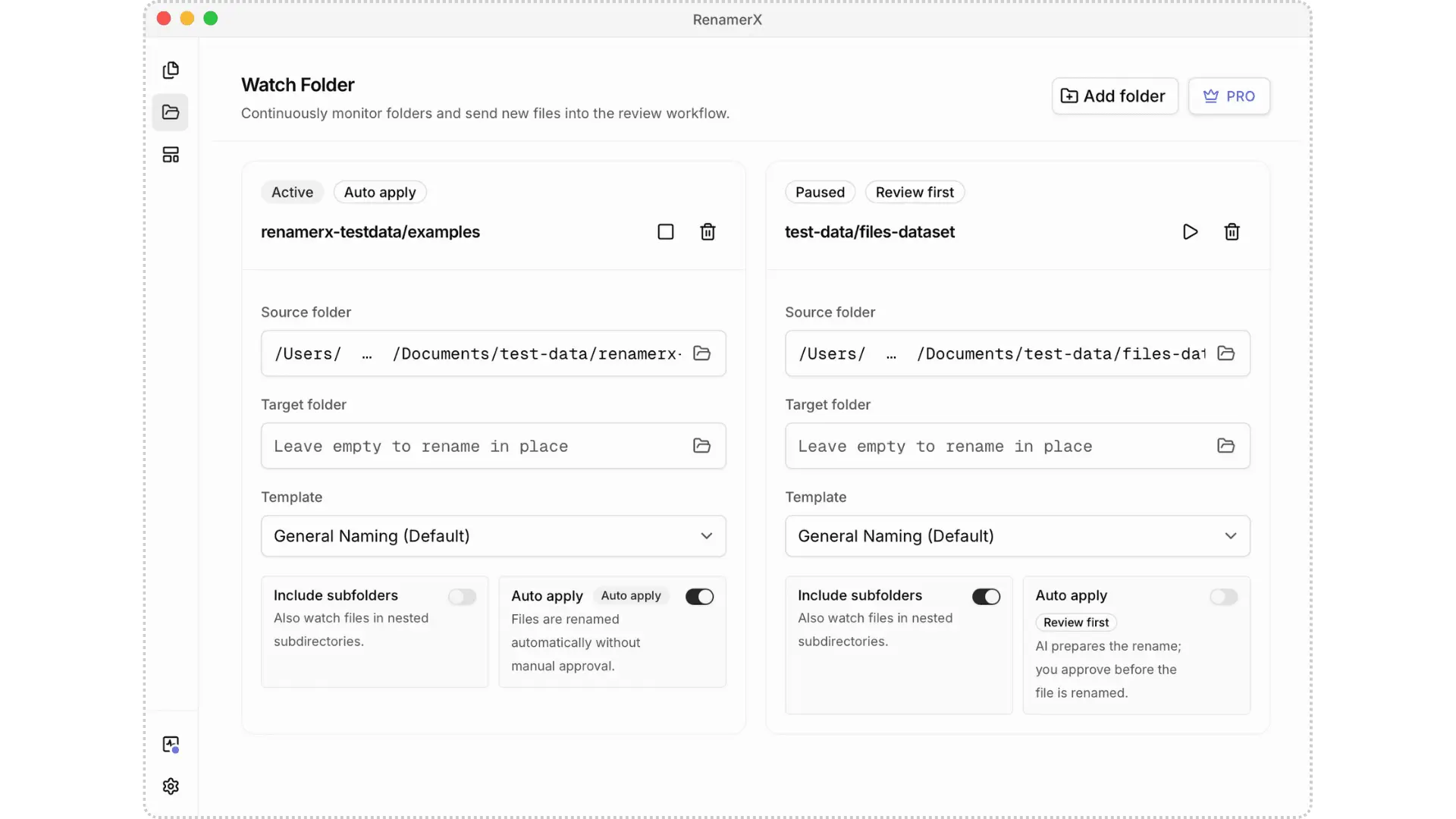
RenamerX is an AI file renamer and organizer for macOS and Windows. It uses built-in local AI by default to understand documents, images, and videos without uploading your files. It generates clear, searchable filenames based on their content. RenamerX can identify dates, titles, summaries, visual content, topics, file types, identifiers, projects, and organizations that helps you find files later. For example, video_0001.mp4 can become 20180911_Travel_Aerial-View-of-Waves-Crashing-Against-Rocks.mp4. Custom naming templates let filenames follow your naming convention. Choose which details to include and set their order, separators, date format, and output language. RenamerX shows the original and new filenames before changing any files. You can edit inaccurate filenames, skip files you do not want to process, and apply the changes once you are satisfied with the results. If needed, undo the renames to restore the original filenames. RenamerX can also organize files into folders by date, topic, file type, project, or organization. Watch Folders detect new or modified files and can automatically rename and organize them. RenamerX supports multiple local and cloud AI services. The built-in local AI runs on your device. You can also connect to Ollama, LM Studio, OpenAI, Google Gemini, or another compatible AI service. Data handling depends on the service you choose. Key Features: 1. Rename files by content: Generate clear, searchable filenames from file content, so you can find files later without opening them one by one. 2. File naming conventions: Use naming templates to choose what information appears in a filename—such as date, title, topic, type, location, and identifier—then set the field order and output format to keep filenames consistent over time. 3. Review first. Apply when ready. Undo if needed: Review the new filenames, then rename files in a batch once everything looks right. Undo the changes and restore the original filenames if needed. 4. Built-in local AI: Built-in local AI runs on your device, so there is no need to upload files or install and configure another local AI tool. 5. File organization: Organize files into folders by date, topic, file type, project, or organization. 6. Watch Folders and automation: Continuously monitor selected folders, automatically renaming and organizing new or modified files. 7. Documents, images, and videos: Rename common file formats, including Office documents, PDFs, scans, screenshots, photos, camera RAW files, and videos. 8. Multiple AI services: Built-in Local AI, Ollama, LM Studio, OpenAI, Google Gemini, and other compatible AI services. 9. Quick Pane: Open Quick Pane with a global shortcut, then paste file or folder paths to import them into RenamerX.
Screenshots
Reviews (1)
Average 5.0 out of 5
Based on 1 review

Comments (0)
No comments yet. Be the first to share your thoughts!