
RibbonDiff
Side-by-side text comparison for macOS

Details
- Follow on
- Categories
- Target Audience
- Pricing
- One-time
- Platforms
Discovery signals
How AI and people discover RibbonDiff on PeerPush
- ChatGPT
- Perplexity
- Claude
- +2 other AI crawlers
Reads by these AI engines
Crawlers behind these engines read this listing on PeerPush.About RibbonDiff
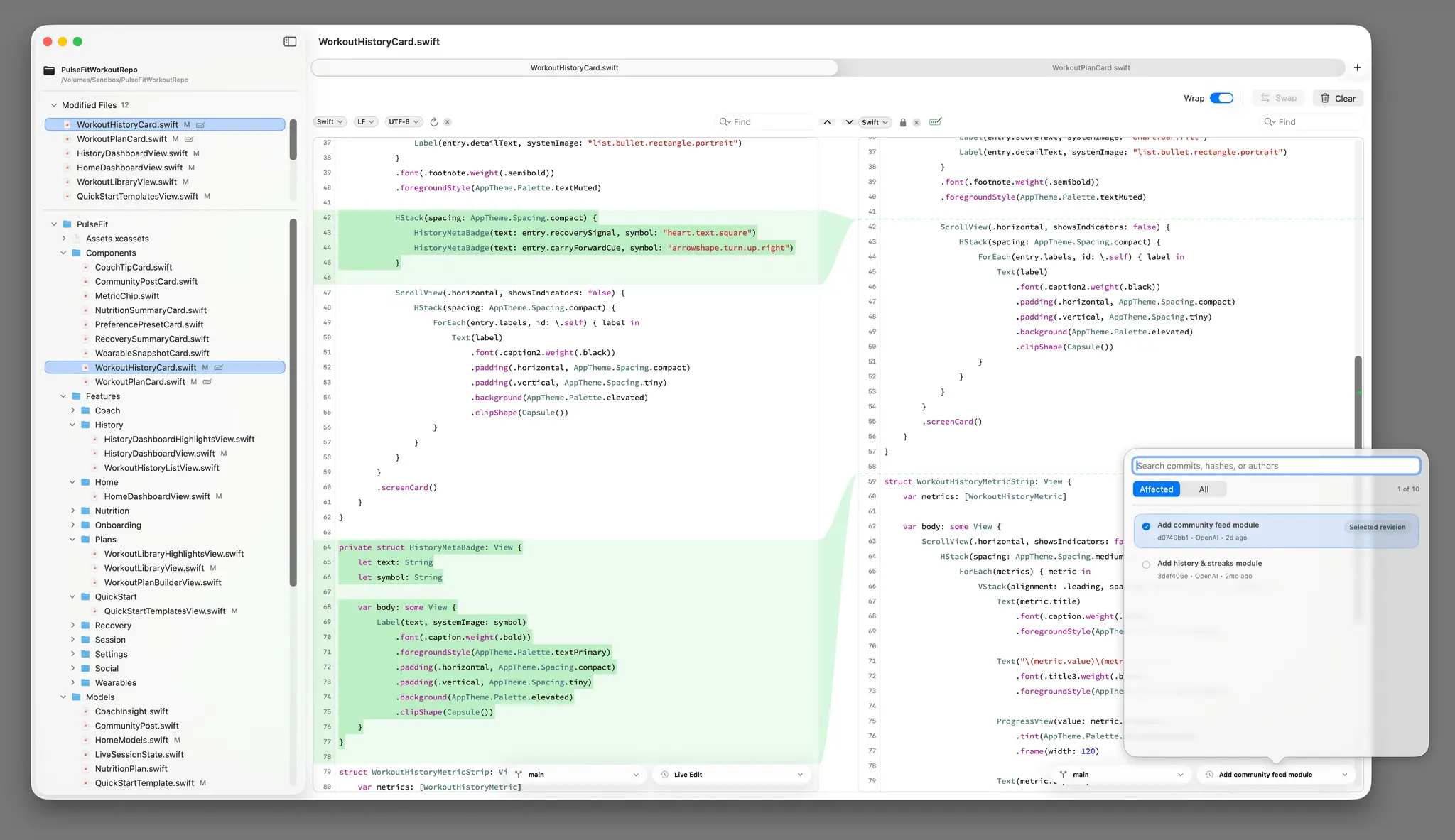
RibbonDiff for macOS gives you a clean, Mac-native, side-by-side diff workspace where both panes stay editable. As you type, paste, or open files, RibbonDiff updates the diff continuously. A visual center ribbon links corresponding change blocks across both sides so you stay oriented even in large edits and long scrolls. Version 4.0.0 adds a new project-aware Workspace sidebar with configurable item size and line height, a Modified Files quick-access section, Git-backed Version History with commit search and filtering, a configurable Ribbon Column width, Light/Dark Find Match Overlay appearance settings, automatic reload for files that change on disk, a fix for Lifetime Unlock activation after a 7-day trial had already ended, and more polished window, tab, and navigation behavior.
Screenshots
Reviews (0)
No reviews yet. Be the first to rate this product!
Comments (1)
A clean, Mac-native side-by-side diff that stays editable and updates live as you type. Follow big edits with the visual ribbon connectors.