
RiverScript
Capture and transcribe everything you hear on your computer

Details
- Follow on
- Categories
- Use Cases
- Target Audience
- Pricing
- Freemium from $14
 TurboScribe alternatives
 descript alternatives
 Otter alternatives
Discovery signals
How AI and people discover RiverScript on PeerPush
- Perplexity
- Claude
- +4 other AI crawlers
Reads by these AI engines
Crawlers behind these engines read this listing on PeerPush.About RiverScript
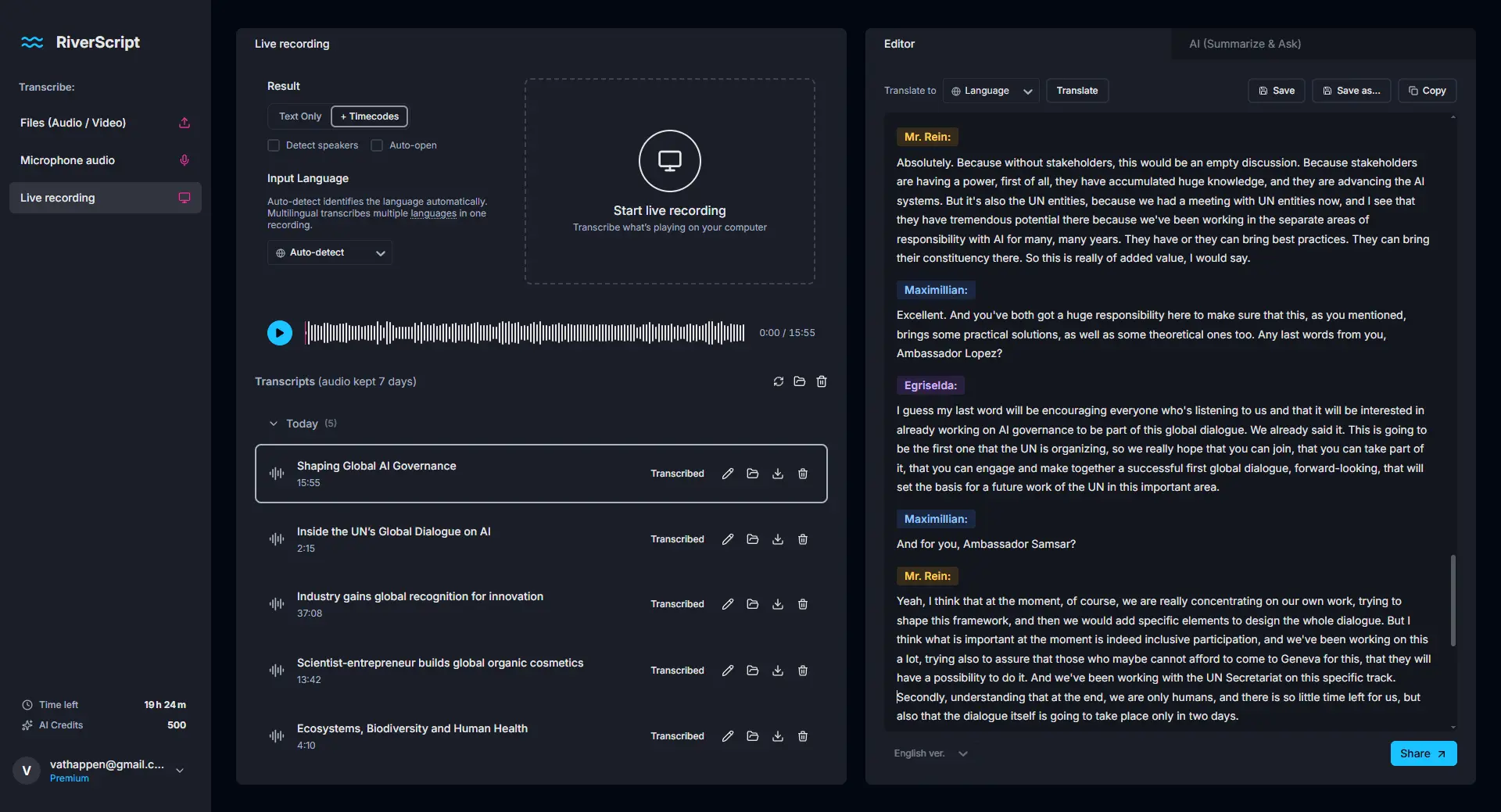
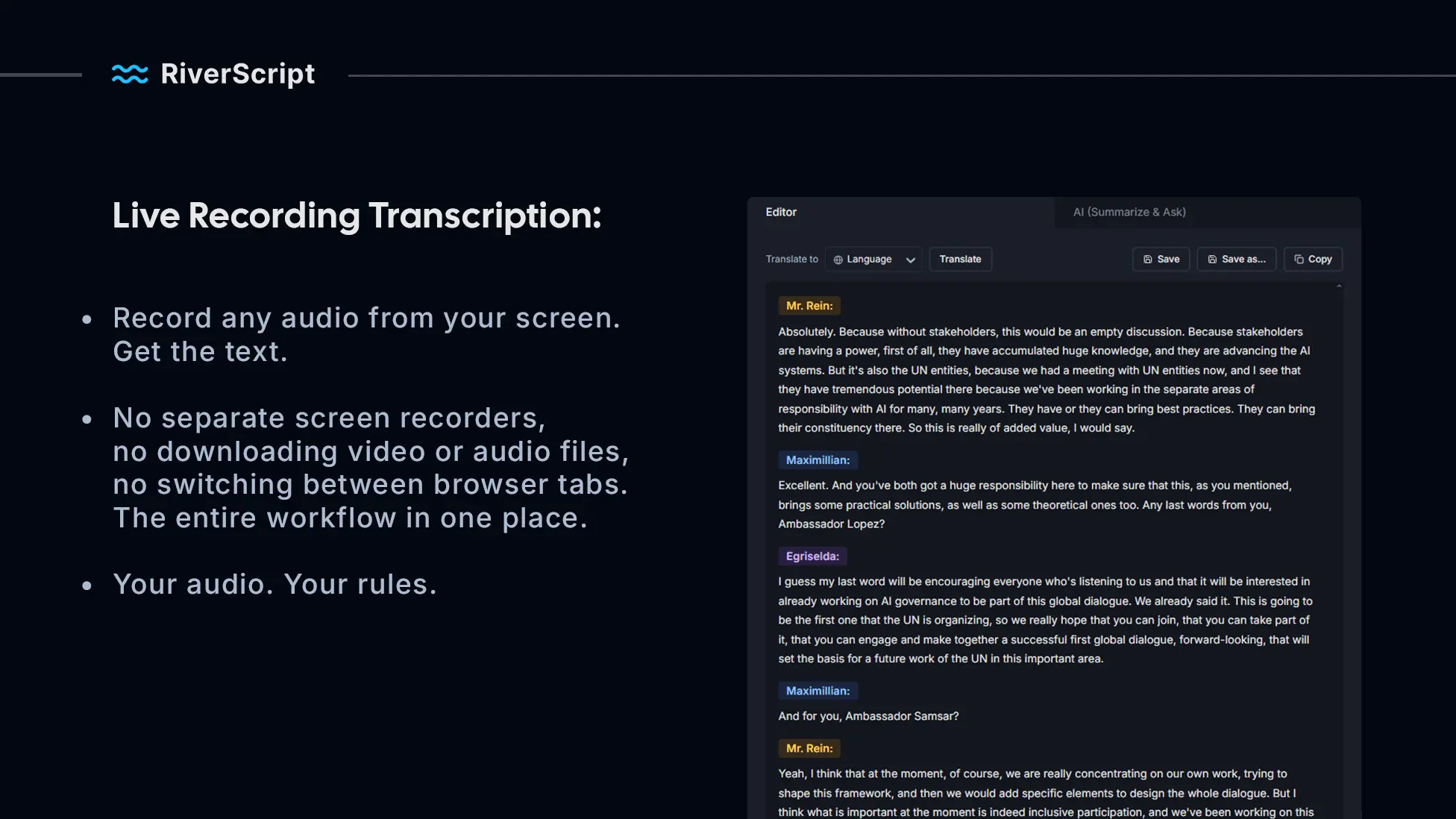
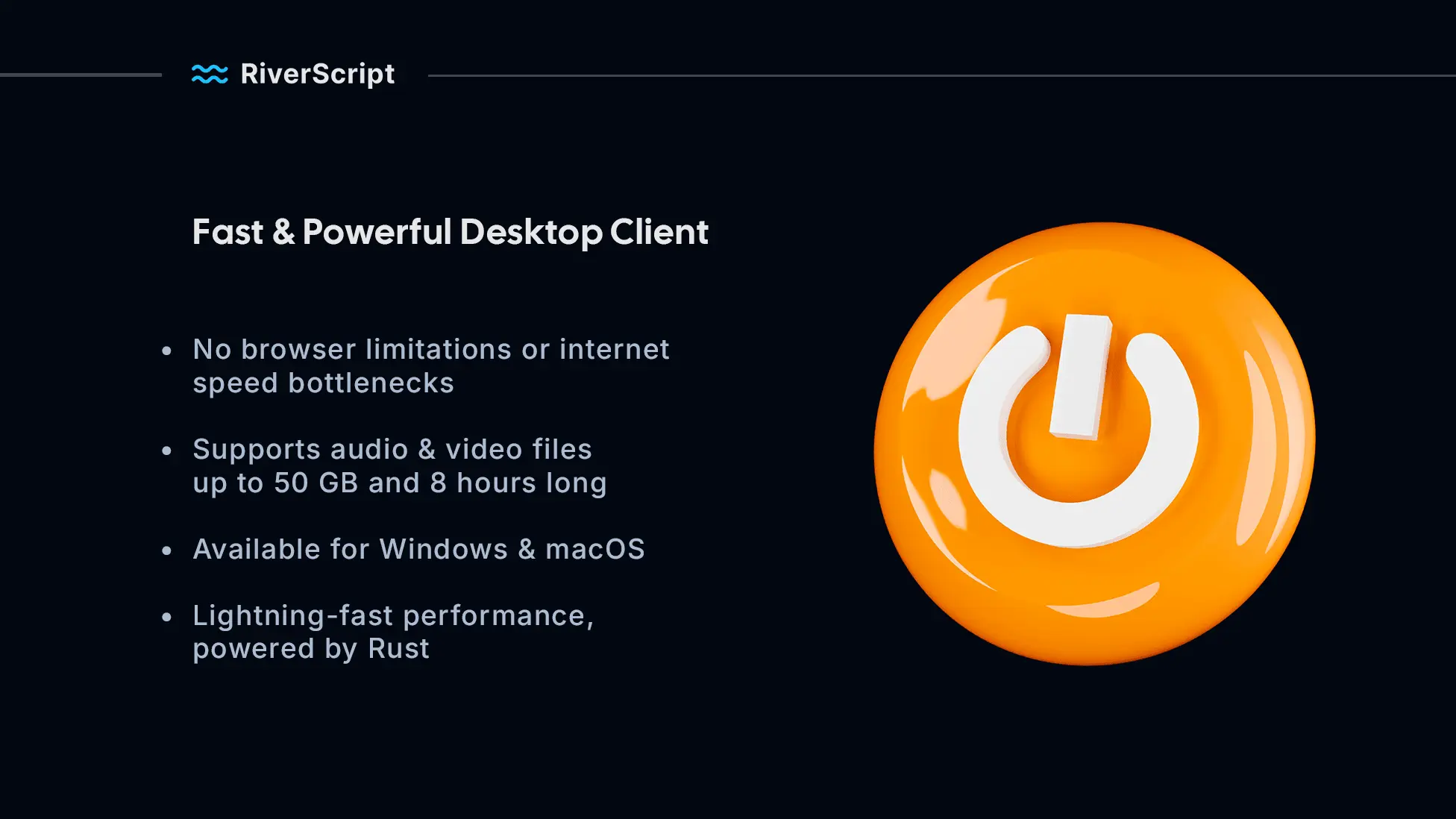
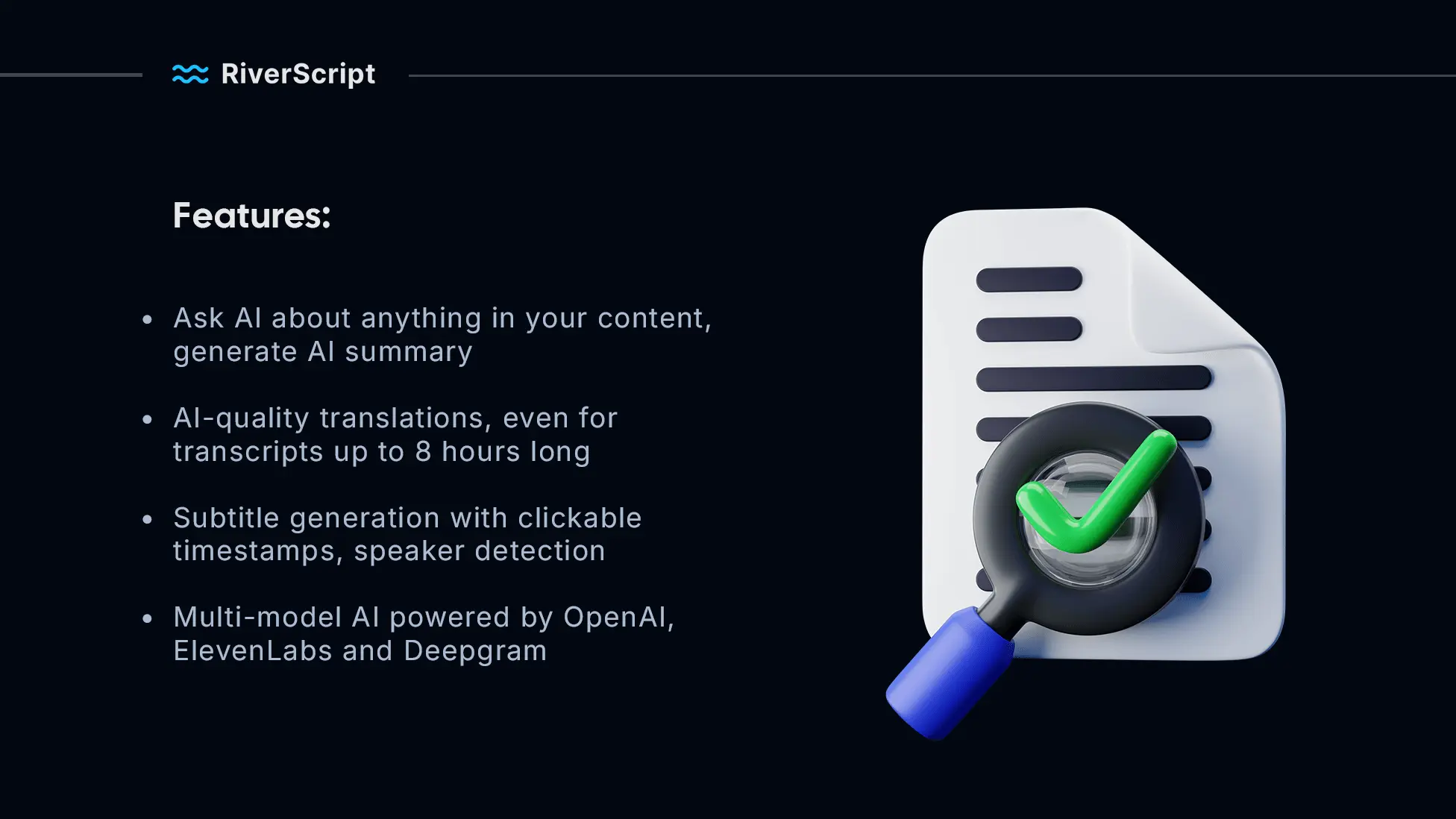
Capture and turn into text everything you can hear on your computer – meetings, podcasts, any videos with Live Recording Transcription from RiverScript. Your sound – your rules. A multi-model AI architecture combining leading speech recognition models from ElevenLabs, OpenAI and Deepgram. Interactive editor, timecodes, speaker diarization. Lightning-fast desktop client for Windows and macOS, built on Rust. Supports files up to 50 GB and 8 hours long. RiverScript – transcribe everything! RiverScript was built for real people – students, content creators, and professionals like journalists, lawyers, and healthcare workers. That's why it goes far beyond simple transcription to fit your needs. ● works with audio and video files up to 50 GB, including batch uploads ● has a built-in editor and an interactive media player ● translates transcripts into other languages with AI ● generates subtitles with clickable timestamps ● performs speaker diarization ● creates AI-powered summaries ● lets you ask AI anything about your transcript And yes, it's built with Rust, a fast programming language, and has a modern, intuitive interface. Try it right now – it's absolutely free!
Screenshots

Reviews (0)

Comments (1)
Hi, I'm Lex, an AI developer from Finland. With RiverScript you can record any audio from your screen. Get the text. Your audio. Your rules.