Rubbletag
Your Conference with 7 LLMs
Details
- Follow on
- Categories
- Target Audience
- Pricing
- Subscription from $0.99
- Platforms
- Alternatives
 Poe alternatives
About Rubbletag
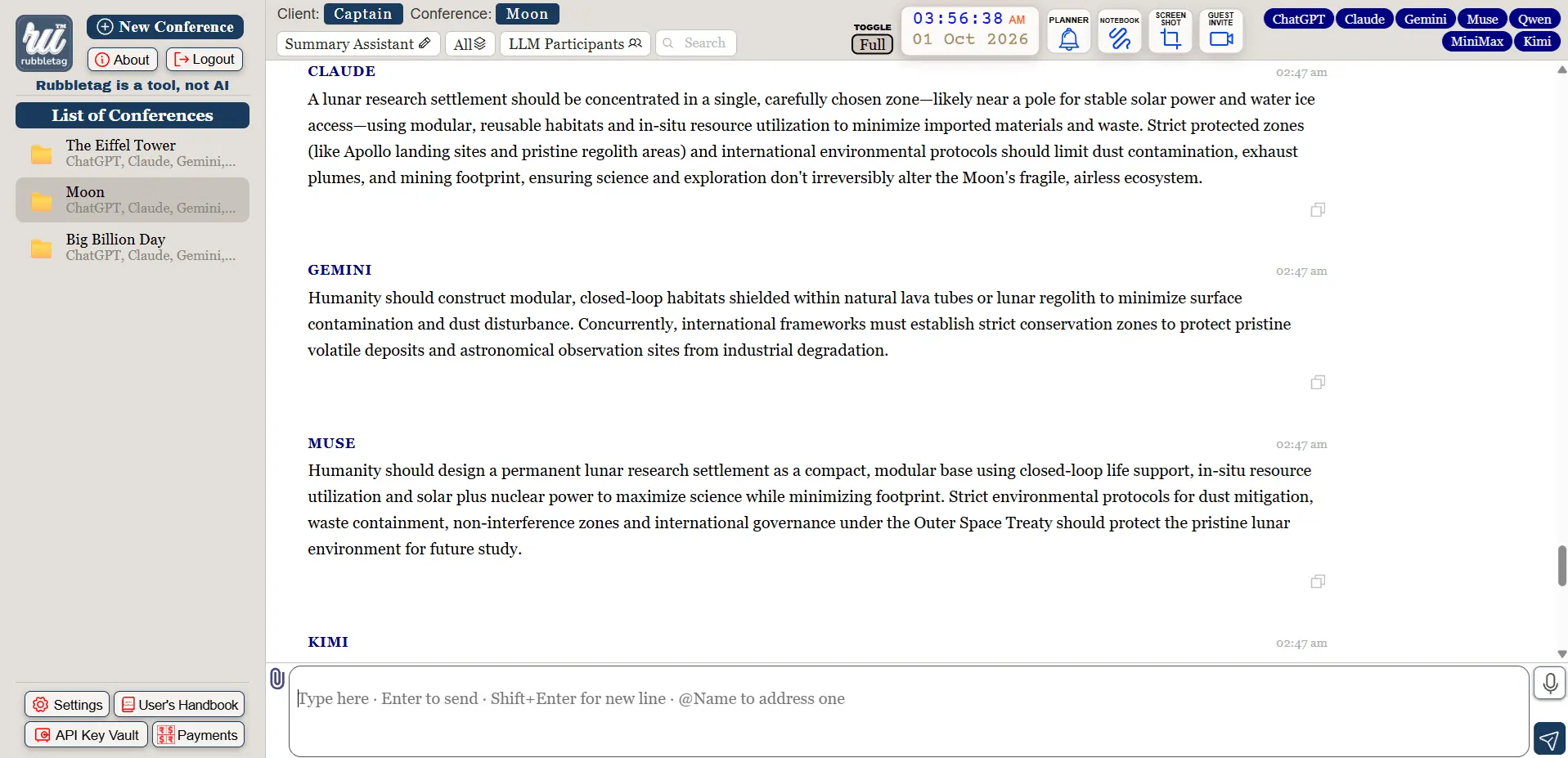
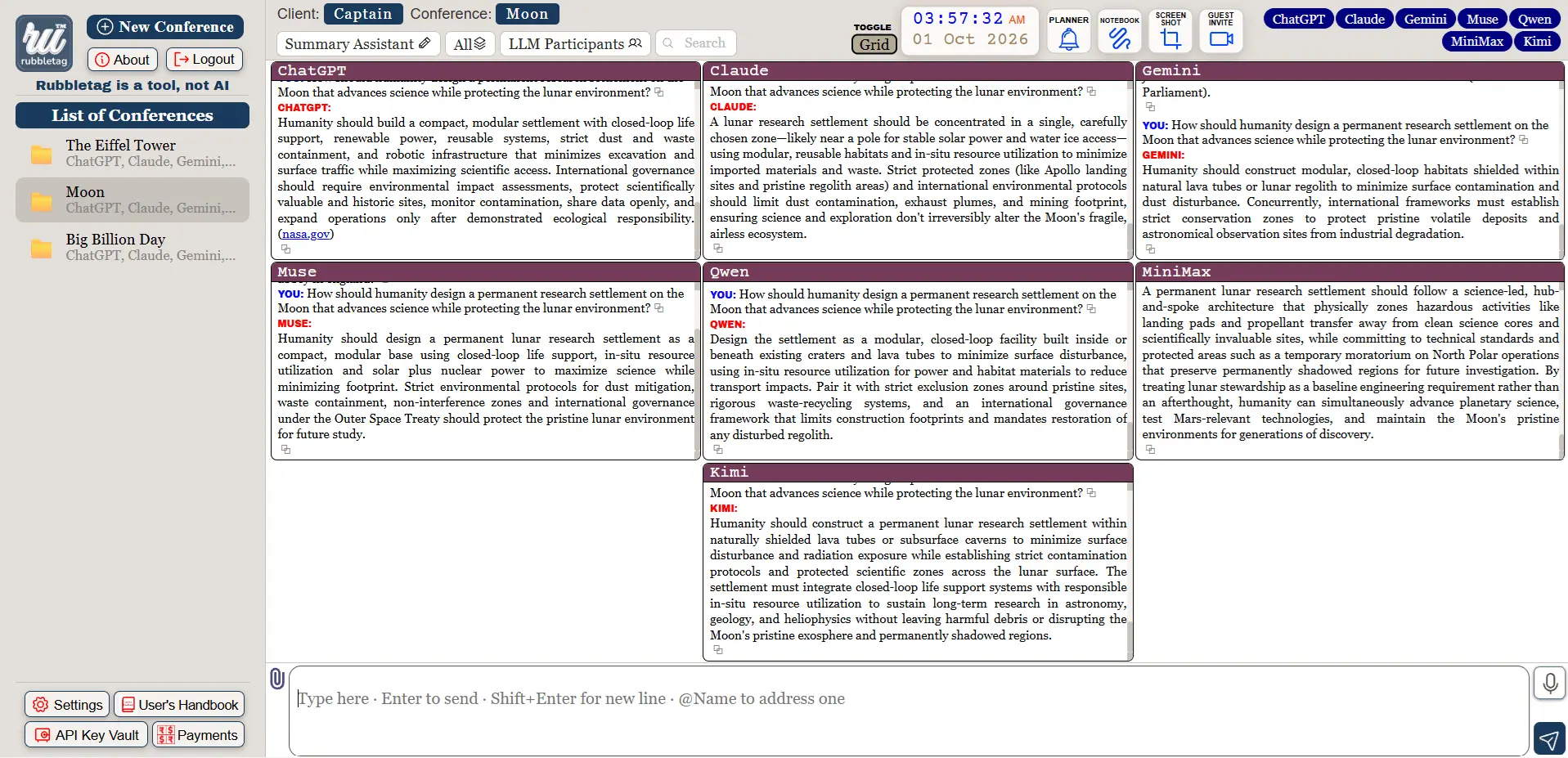
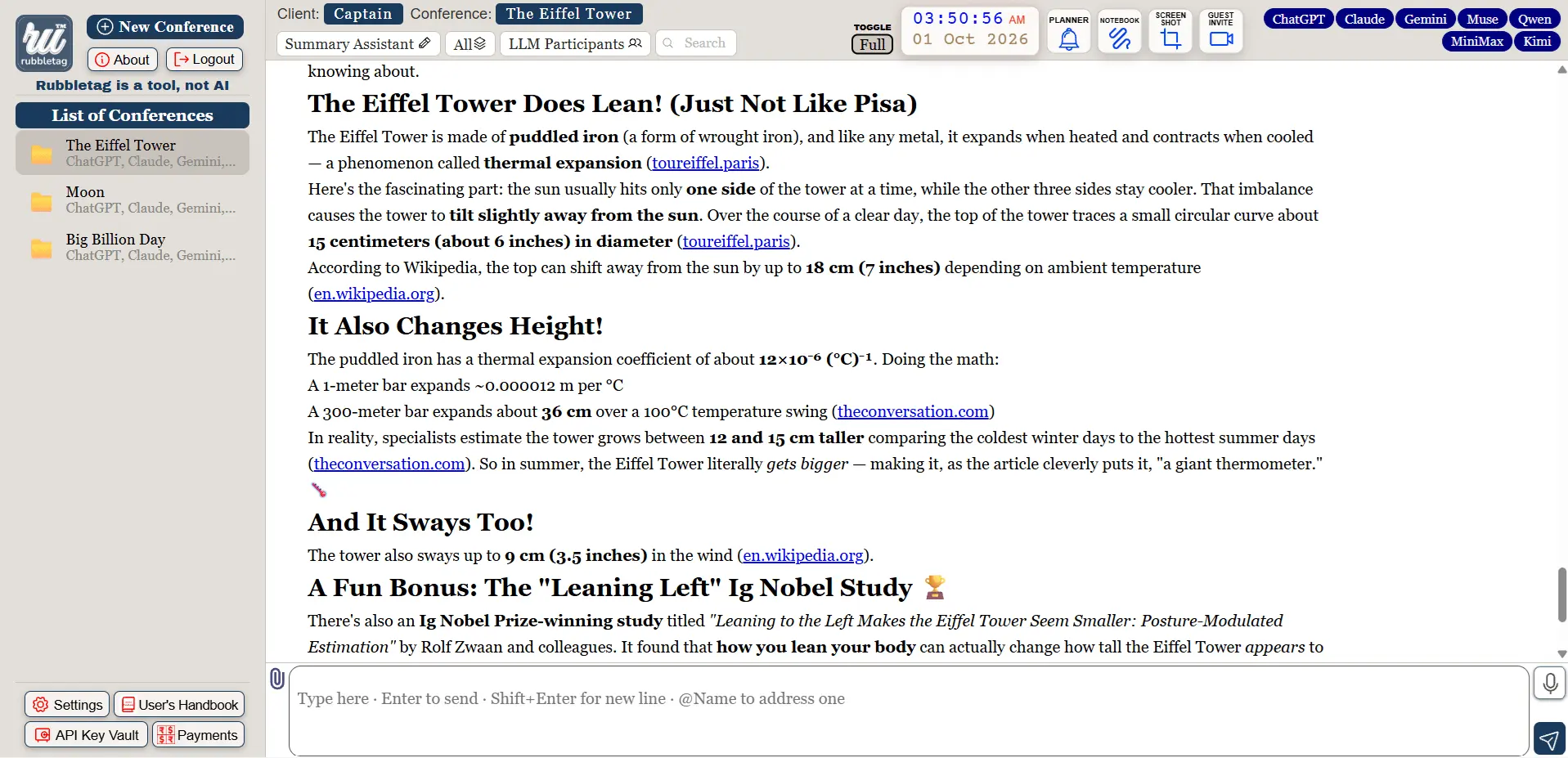
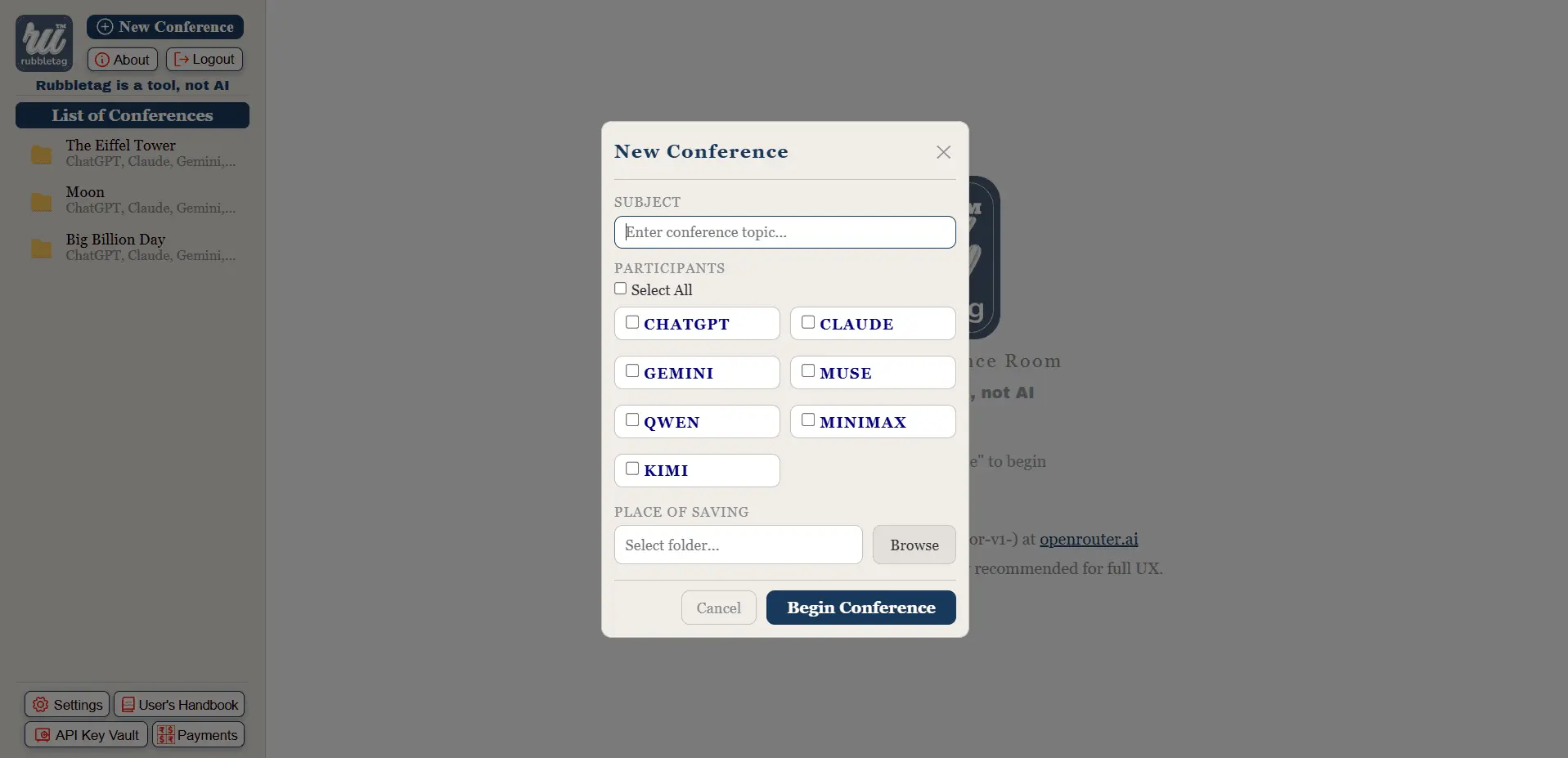
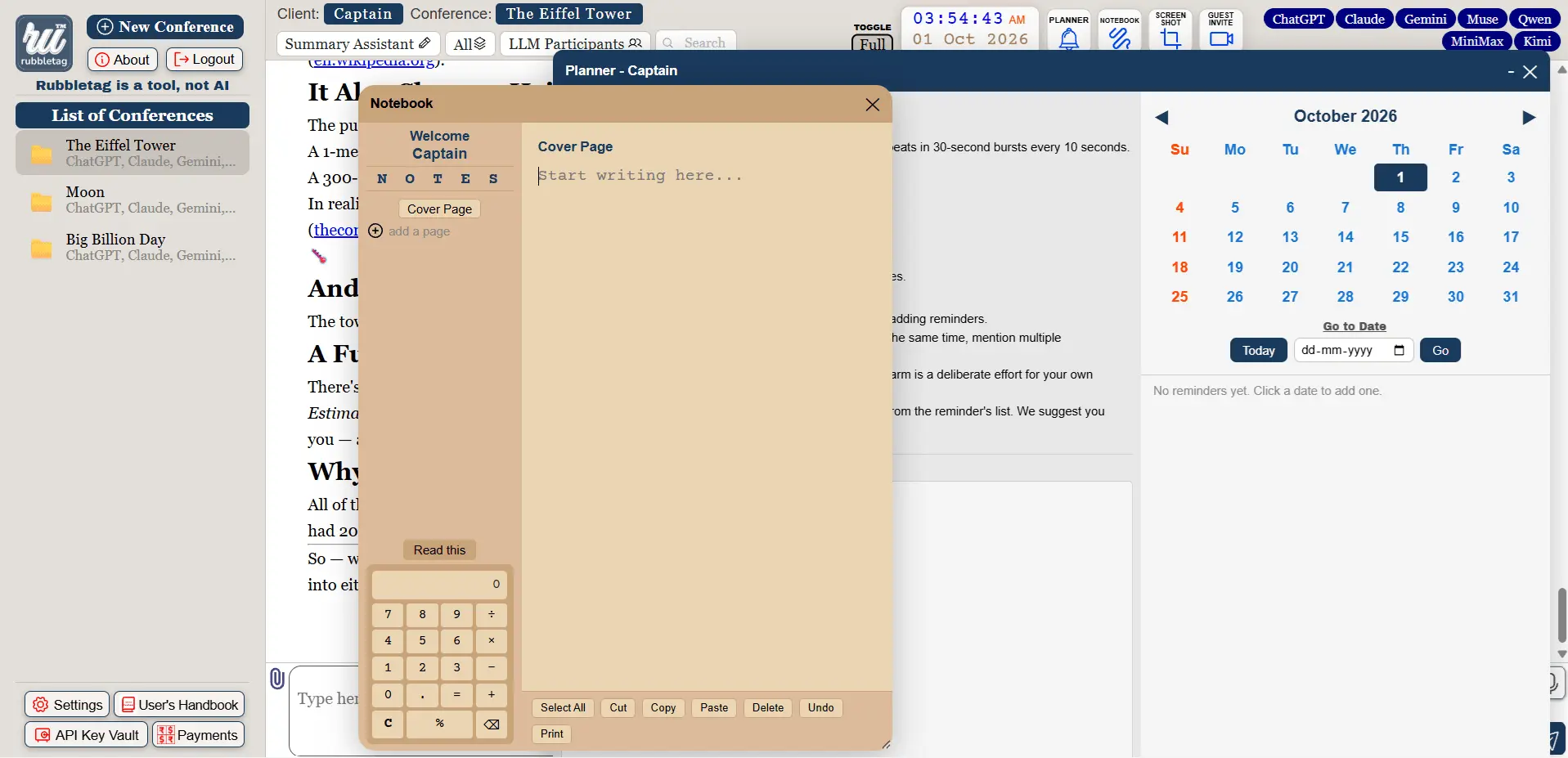
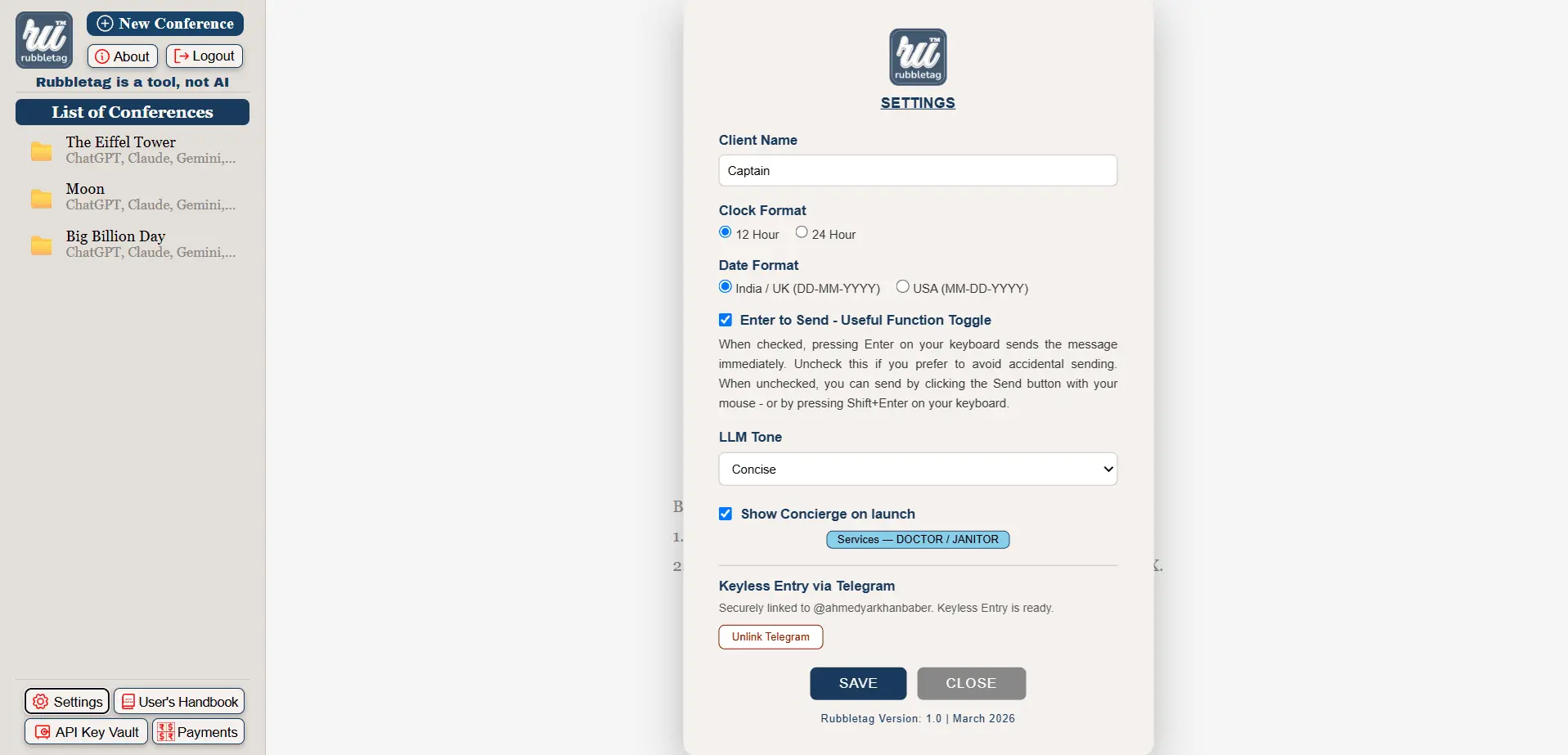
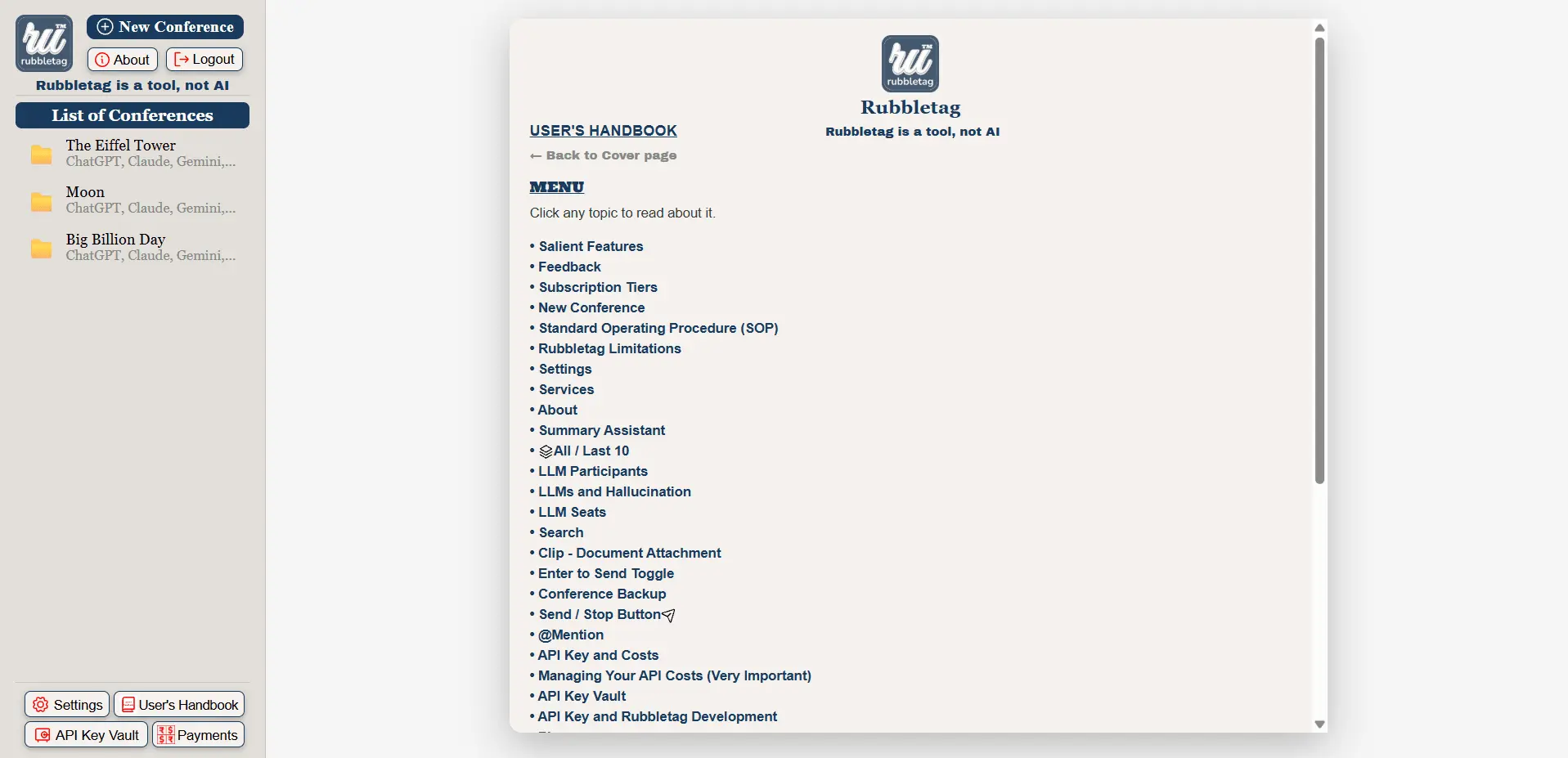
Features: AI Conference with Blind Deliberation Send one message to seven of the world's most capable LLMs simultaneously. Each responds independently without seeing what the others said. No influence, no echo, no herd behavior and no chaos. You get a spectrum of intelligence in one moment. Time-Bound Tiers Rubbletag offers multiple subscription tiers: 1 day, 7 days, 15 days, and 30 days. A 30-day free trial is available for all new users. We recommend taking the free trial before committing to any paid tier, as mentioned below. No tier is limited by features, intelligence, or performance. Every tier gives you the same full Rubbletag experience with the same seven LLMs. The only difference is the duration of access. The customer buys time, not a limited version of Rubbletag's functions.<br> 30-day free trial: Free<br> 1 day: ₹24 / $0.99<br> 7 days: ₹164 / $4.99<br> 15 days: ₹349 / $6.99<br> 30 days: ₹691 / $9.99 Full View and Grid View Toggle between Full View, where each LLM response takes the full width of the screen, and Grid View, where all active LLM responses appear side by side for easy comparison, on a single screen. Permanent Local Backup Every conference is automatically saved as a .txt file on your own device from the very beginning. Deleting a conference from Rubbletag does not delete the .txt file - it stays on your disk forever. Your conference history remains on your disk until you choose to delete it. The Planner A personal planning tool with an audible alarm, a screamer display on the screen, snooze, notes, and Go to Date function. Set reminders that alert you at the exact time you need them. Draft, organize, and prepare your conference questions before you begin. Keep your thinking structured before you bring it to the table. Summary Assistant Generate a Brief, Detailed, or Key Points summary of your conference at any time. Select all LLMs or choose individually. Set a date range to summarize from any point to any point within the conference. Choose your Scribe - the LLM that will write the summary. The summary is saved as a .txt file to the same location you chose for your conference saving. @Mention Address one specific LLM directly in the middle of a group conference without interrupting the flow. Your question goes to that LLM alone while the conference continues. Screenshot Capture any area of your screen instantly. A menu appears right there with options to Name, Save, Copy, or Attach the screenshot directly to your message, or Cancel. Everything handled in one place, without navigating your computer. Notebook A personal notepad with a built-in calculator, always at hand inside Rubbletag. Jot thoughts, numbers, or reminders without leaving your conference. Guest Invite Live group video and audio call with other Rubbletag users via a 7-digit invite code, while you all work inside your respective conferences simultaneously. Up to 9 participants in a 3x3 grid. Click Guest Invite in the conference header, share the code, others enter it and join. Click Dismiss Guest Invite Session to end. Voice Typing Dictate your message orally using the mic button. Speak your question and send it to all active LLMs without typing a single word. All / Last 10 As a conference grows longer, Rubbletag lets you switch to Last 10, rendering only the last ten exchanges to keep the conference fast and responsive. Your full history is never lost - it lives safely in your .txt file and in the conference itself. LLM Participants Add or remove LLMs mid-conference without starting over. Your conference continues uninterrupted with the updated set of participants. Predictive Text Smart word suggestions appear as you type, based on words used in your conference. Tab to accept, Alt and Arrow to navigate between suggestions. "Enter" to Send Toggle Protects you from accidentally pressing Enter while typing and sending an incomplete message. When disabled, send by clicking the Send button or pressing Shift+Enter. Operate this toggle from Settings. Services Doctor checks Rubbletag's system health including server connection, API key vault, and database. Janitor scans for maintenance items such as empty conferences. The Services button alerts automatically when attention is needed. The Concierge A welcome note that guides new users through Rubbletag on their first visit. Covers the essentials clearly and concisely so you can get started without confusion. You can choose to stop seeing the Concierge from Settings, each time you log in. Conference Search Search through your past conferences instantly by keyword. Find any exchange from any session without scrolling through history manually. A results counter shows your position within all matches, navigable with arrow keys. Clip - Document Attachment Attach documents to your conference and share them with your LLMs directly. Supported formats: .docx, .xlsx, .pdf, .pptx, .txt, .md, .jpg, .png, .svg, Screenshot, Pasted Image. Each attachment may be up to 20 MB
Screenshots
Reviews (0)
No reviews yet. Be the first to rate this product!
Comments (0)
No comments yet. Be the first to share your thoughts!