
SAND: Photo Browser
Browse any folder like Apple Photos, without importing

Details
- Follow on
- Categories
- Use Cases
- Target Audience
- Pricing
- Freemium
- Platforms
Discovery signals
How AI and people discover SAND: Photo Browser on PeerPush
- ChatGPT
- Perplexity
- Claude
- +4 other AI crawlers
Reads by these AI engines
Crawlers behind these engines read this listing on PeerPush.About SAND: Photo Browser
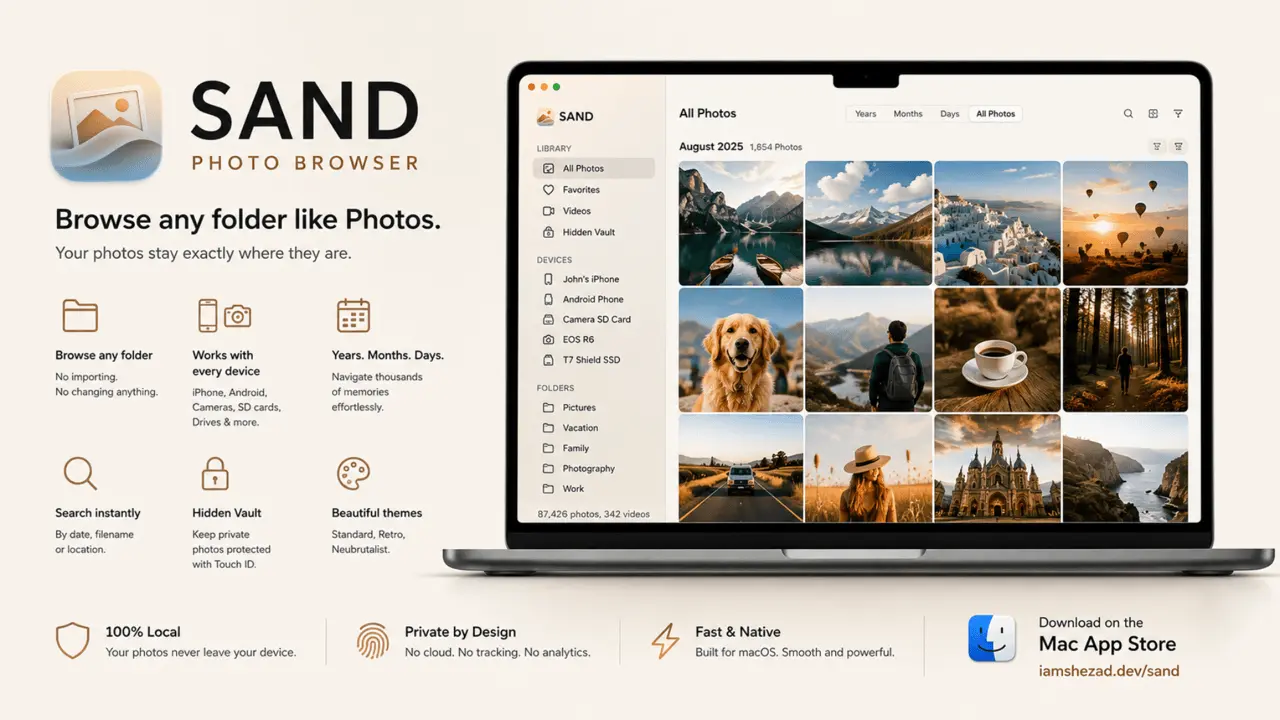
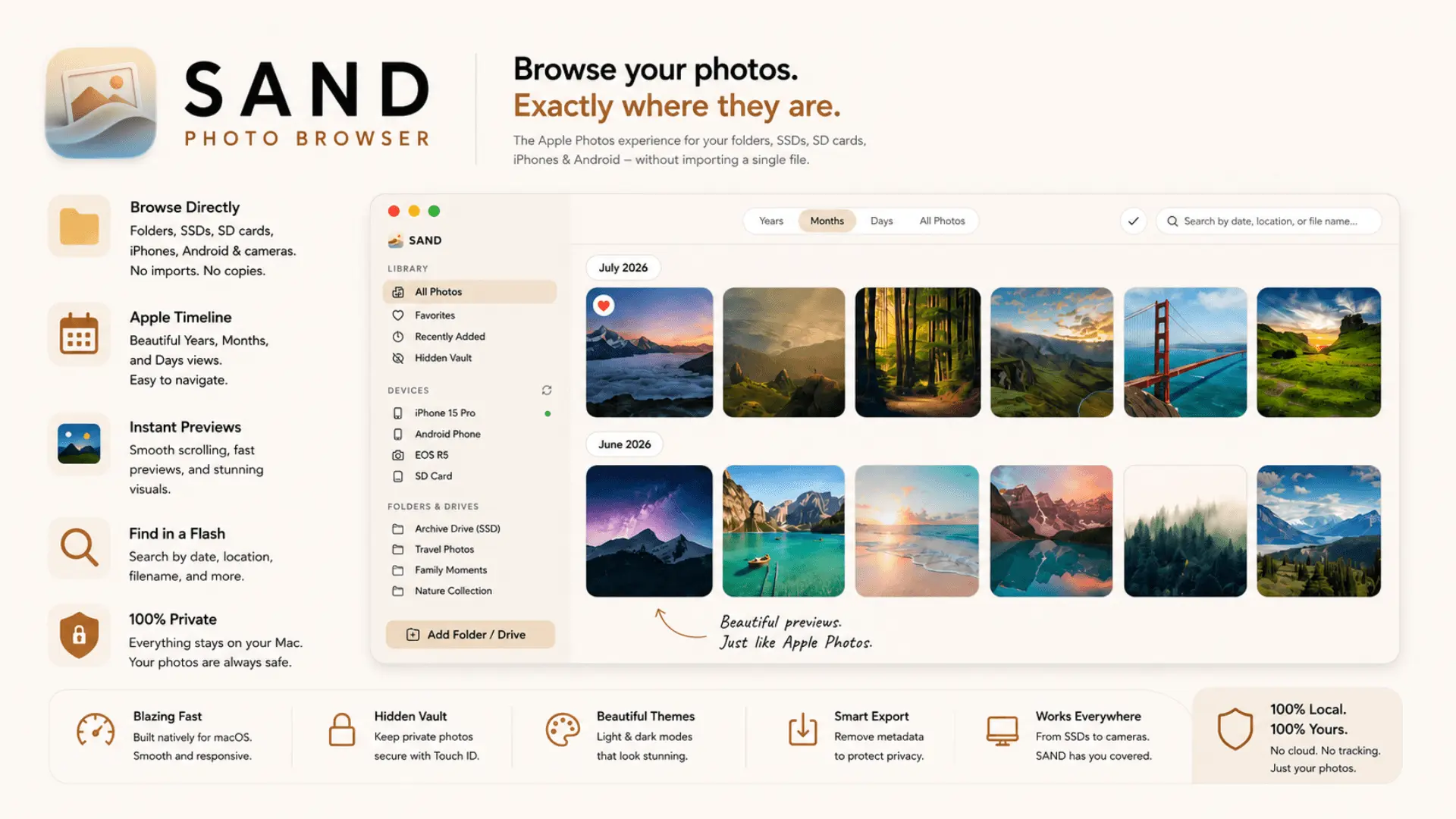
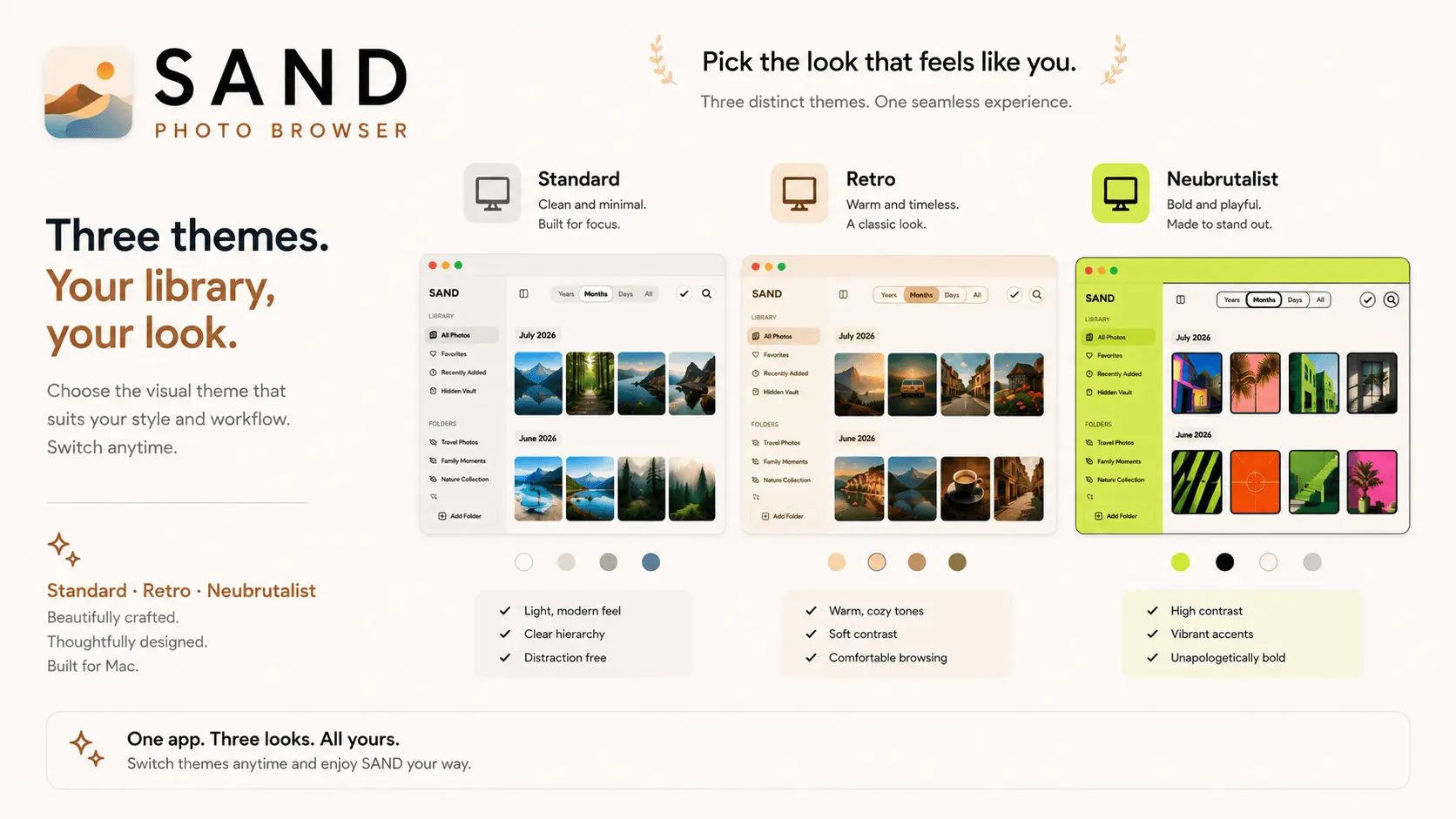
SAND is a privacy focused photo browser for Mac that lets you browse photos and videos directly from your folders, external drives, USB drives, and other storage without importing them into Apple Photos. If you love the beautiful browsing experience of Apple Photos but do not want to import or manage your files inside a proprietary photo library, SAND gives you a simpler, local first way to browse your existing photo collection. Key Highlights • Browse without importing: Open any folder and browse your photos and videos instantly. SAND works directly with your existing files without duplicating, moving, or locking them into a separate photo library. • A timeline for your folders: Browse your photos in a clean timeline organized by Years, Months, and Days while keeping your original folder structure intact. • Works with external drives: Browse photos directly from external SSDs, hard drives, and USB drives without copying your entire collection to your Mac. • Private by design: Built around local browsing. Your photos stay on your Mac and storage devices without requiring cloud uploads to browse your collection. • A simpler Apple Photos alternative: Get a familiar and beautiful way to browse your local photo collection without using Apple Photos as your primary photo library. Features • Direct folder based photo and video browsing • Native timeline based photo browsing • External SSD and hard drive support • USB drive support • Search across your local photo collection • Multiple folder based libraries • Hidden folder protection • Custom visual themes • Fast native macOS performance • No photo importing required SAND is built for photographers, creators, families, and Mac users who keep their photos organized in folders or across multiple drives. Whether your photos are stored on your Mac, an external SSD, a hard drive, or a USB drive, SAND gives you a beautiful and familiar way to browse them while keeping your files exactly where they are. If you are looking for a Mac photo browser, photo viewer for Mac, Apple Photos alternative, or a way to browse photos without importing them, SAND is designed for you.
Screenshots
Reviews (1)
Average 5.0 out of 5
Based on 1 review


Browsing folders and external drives without importing anything into a separate library is exactly the lightweight, privacy-first approach photo collections need.
Comments (1)
I built SAND because I wanted a simple way to browse photos on my Mac without importing them into Apple Photos. It started as a small personal annoyance and turned into a full app. Still early, but I