
ScanSeal - Offline pdf scanner | no ads
Private PDF scanner and document toolbox for Android

Details
- Use Cases
- Target Audience
- Pricing
- Freemium
- Platforms
- Alternatives
 PDF expert alternatives
Discovery signals
How AI and people discover ScanSeal - Offline pdf scanner | no ads on PeerPush
About ScanSeal - Offline pdf scanner | no ads
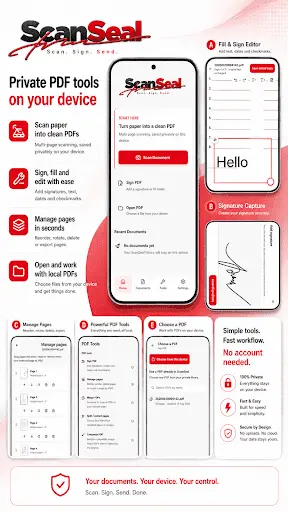
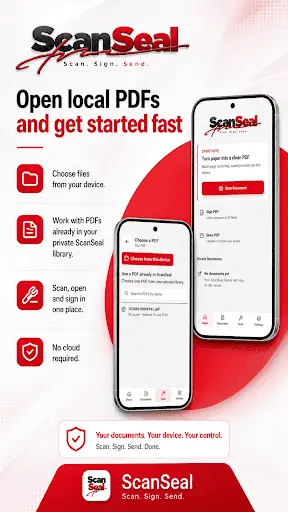
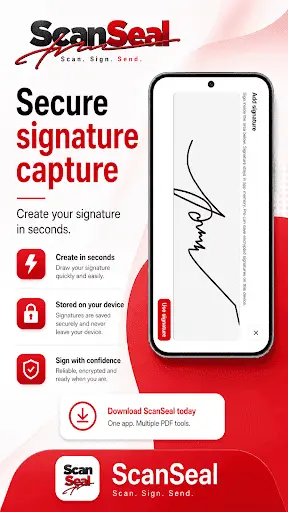
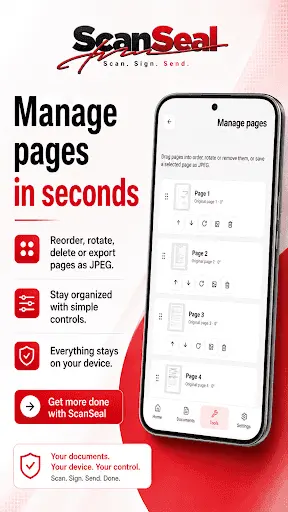
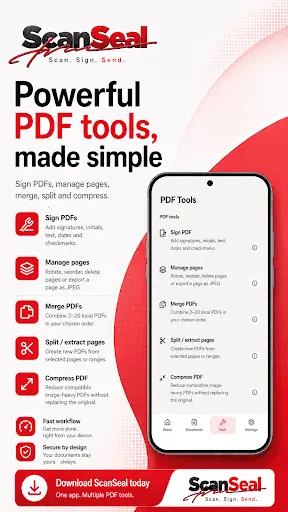
ScanSeal is a private, local-first PDF scanner and document toolbox for Android. I built it because I wanted a PDF app that didn’t force documents through the cloud or constantly interrupt basic tasks with ads. It has OCR and lets you scan documents, create PDFs, fill and sign forms, password protect PDFs, manage pages, merge PDFs, split and extract pages, and export when you’re done. There’s no account required and no third-party advertising. Documents stay on your device unless you choose to export or share them. It’s still early and I’m continuing to add more tools over time, but the main goal is simple: make it useful enough for everyday paperwork without turning it into another bloated cloud PDF app. Android only for now.
Screenshots
Reviews (0)
No reviews yet. Be the first to rate this product!
Comments (1)
Most phone scanner apps either push your documents to the cloud or bury basic tasks behind ads, so a local-first one with OCR, form signing and page tools covers everyday paperwork nicely. Keeping it lean is a good goal.