
BrowserOCR
Private OCR that runs entirely in your browser
Details
- Target Audience
- Pricing
- Free
- Platforms
- Featured in
Discovery signals
How AI and people discover BrowserOCR on PeerPush
About BrowserOCR
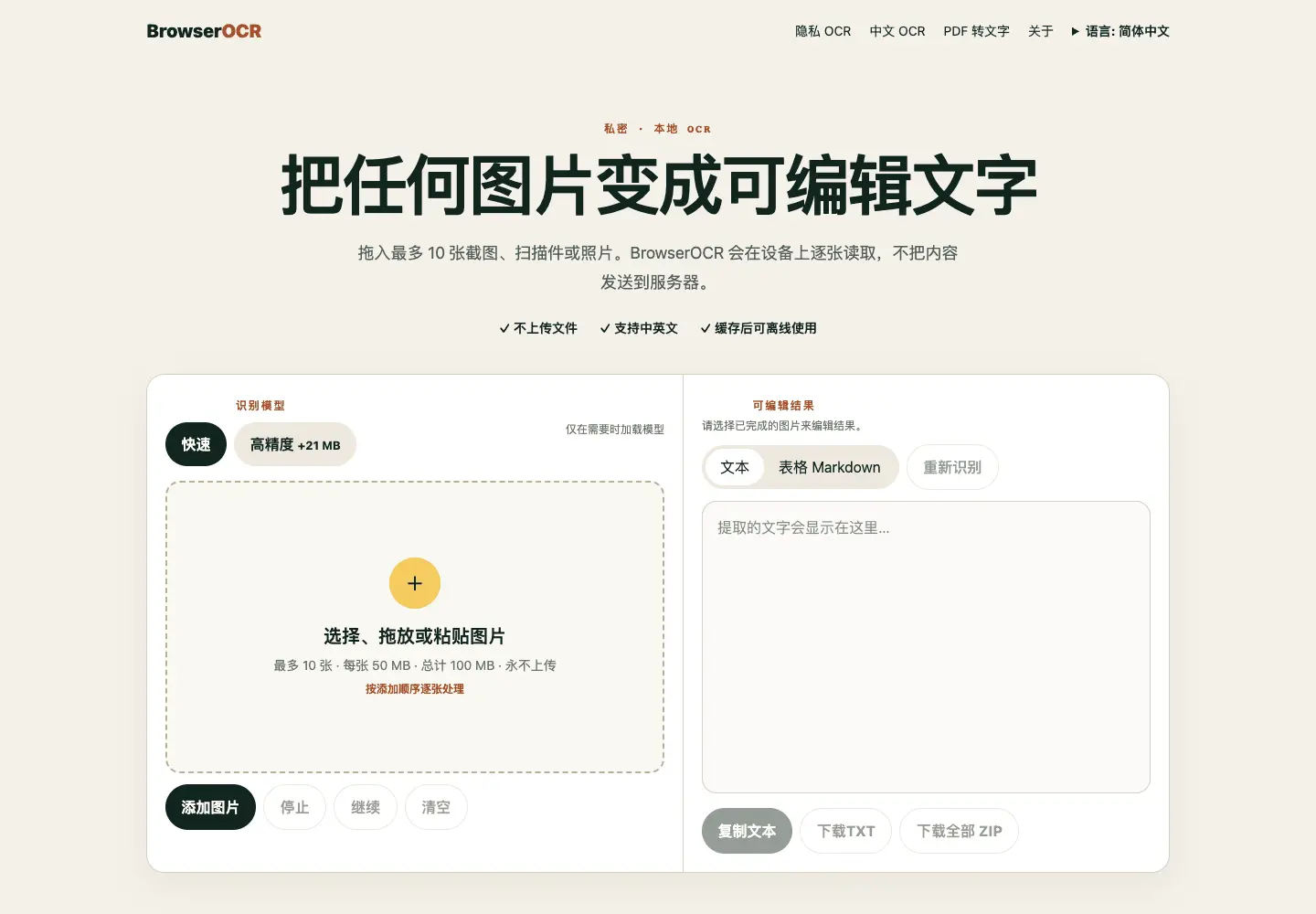
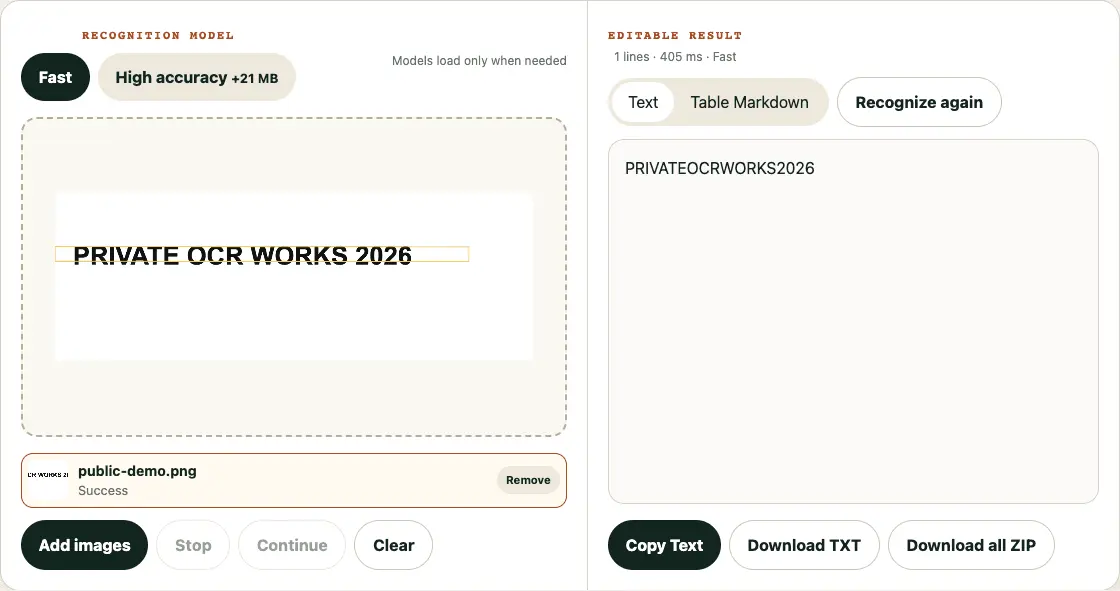
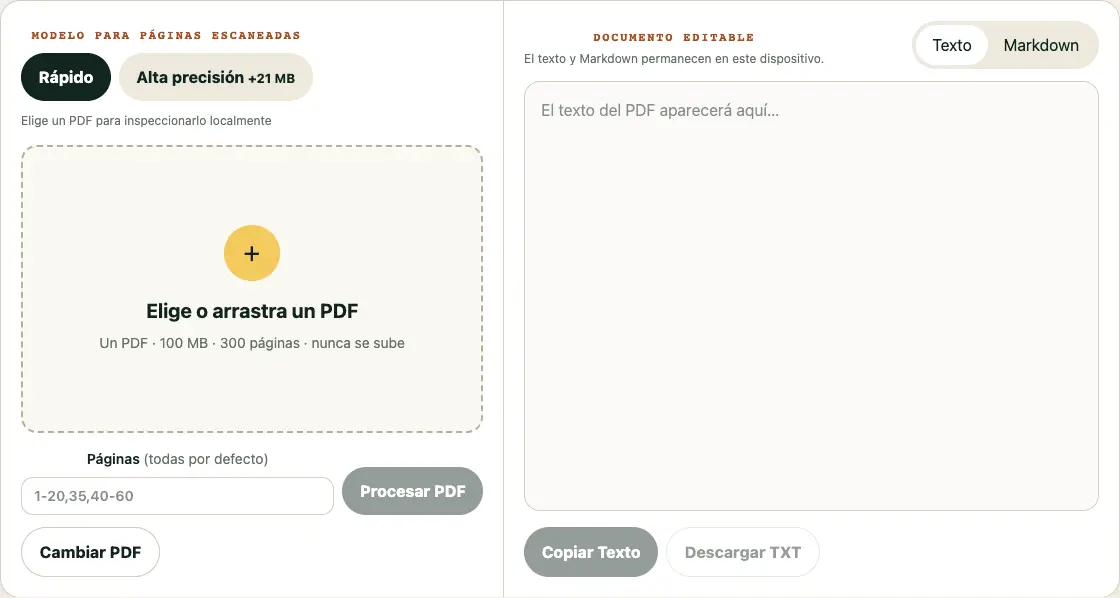
BrowserOCR turns images and scanned PDFs into editable text entirely in the browser. Files, passwords, and OCR results stay on the user's device. It supports JPEG, PNG, WebP, BMP, TIFF, and HEIC images, plus selected PDF pages, with fast and high-accuracy models, batch exports, Chinese recognition, and offline reuse after models are cached. BrowserOCR is a privacy-first image and PDF text extractor that runs OCR on the user's own device. It accepts up to 10 JPEG, PNG, WebP, BMP, TIFF, or HEIC images, provides fast and higher-accuracy recognition modes, and exports editable text, table Markdown, TXT files, or a batch ZIP. Its PDF workspace processes selected pages from scanned PDFs and keeps PDF passwords, rendered pages, and extracted text in the browser. OCR inference runs in a dedicated Web Worker with ONNX Runtime Web, while PDF rendering and image decoding stay client-side. Once the application and selected models are cached, the PWA can be reused offline. The site has no account requirement and does not upload source documents or recognition results. Available in English, Chinese, Spanish, and Bahasa Indonesia.
Screenshots
Reviews (1)
Average 5.0 out of 5
Based on 1 review

Comments (1)
Turn images and scanned PDFs into editable text on your device. Supports HEIC/TIFF, page-range PDFs, two OCR models, batch exports, and offline reuse — no upload, no account.