Screen Records
Let your AI agent record, edit and export screen recordings

https://screenrecords.app/mcp/Details
- Follow on
- Categories
- Target Audience
- Pricing
- Freemium from $29
- Featured in
- Alternatives
 Screen Studio alternatives
Discovery signals
How AI and people discover Screen Records on PeerPush
About Screen Records
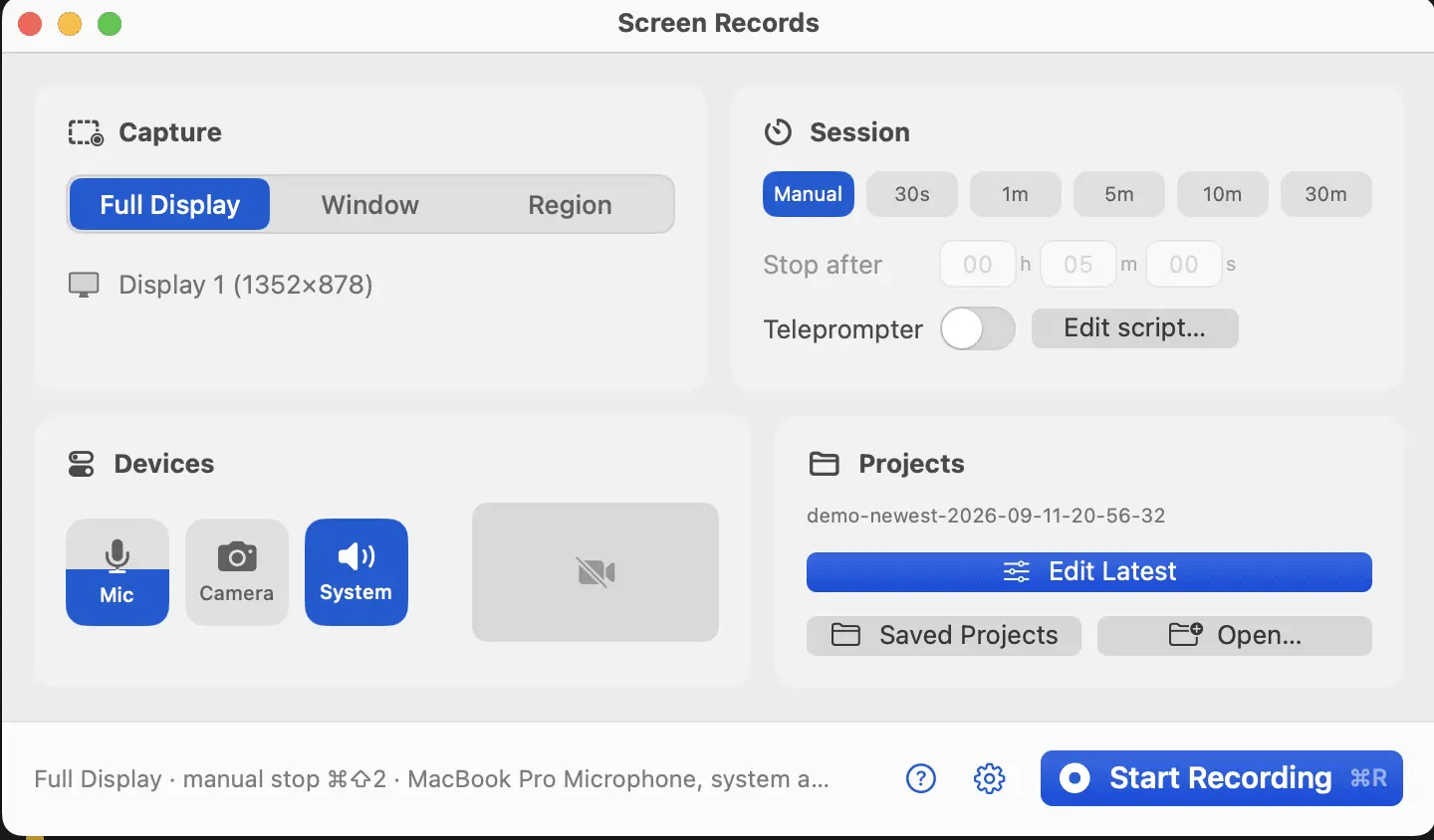
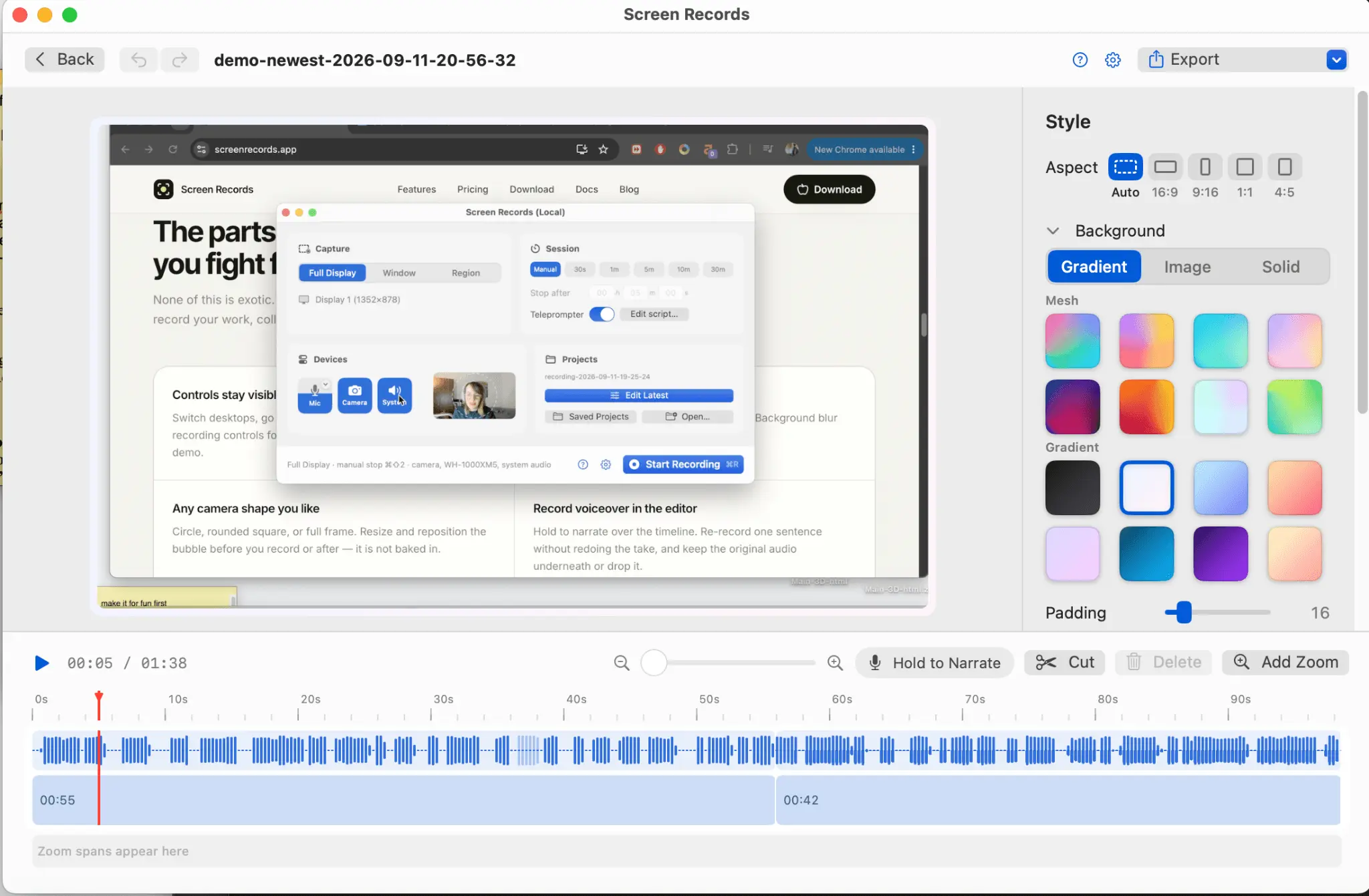
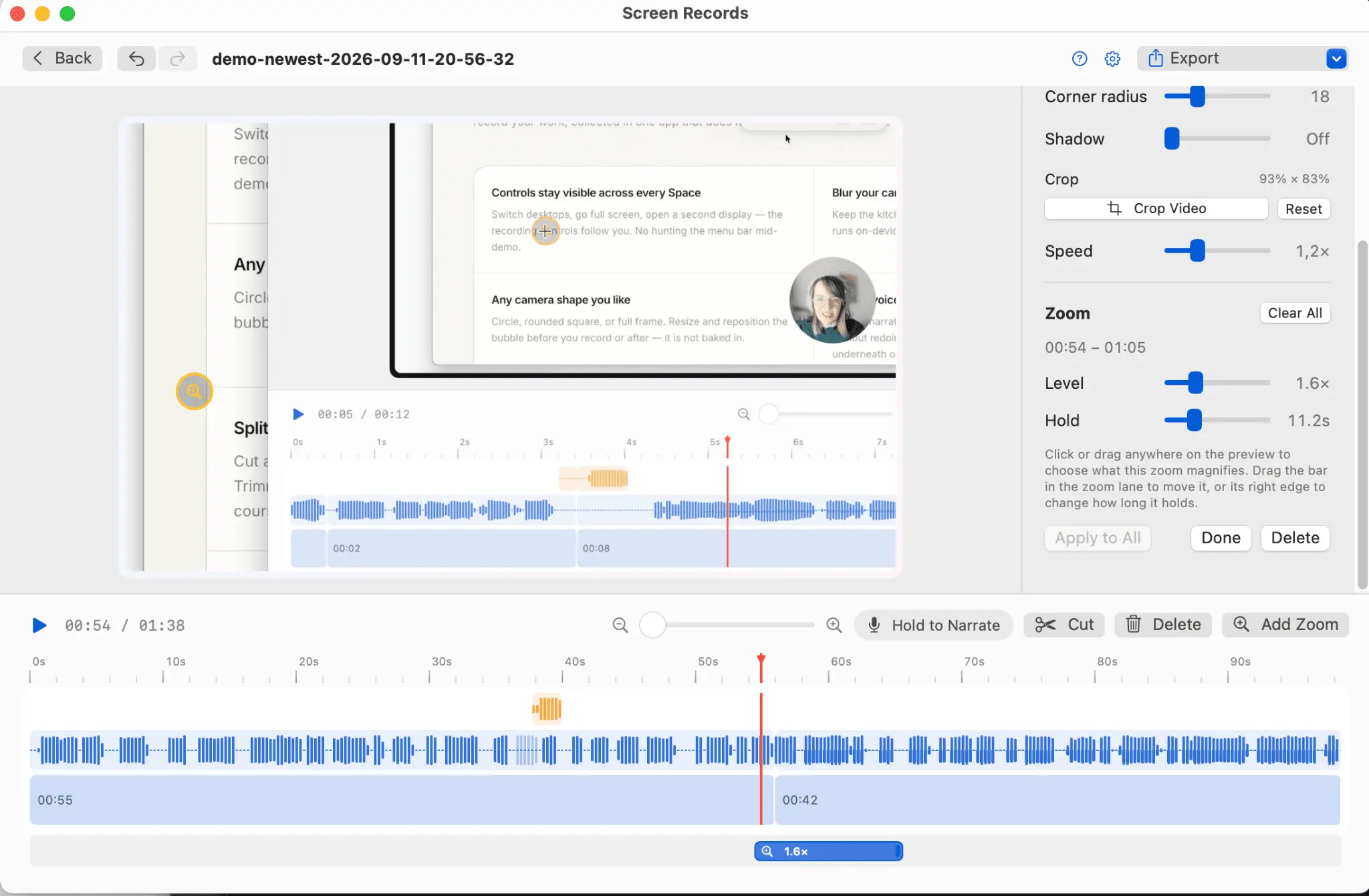
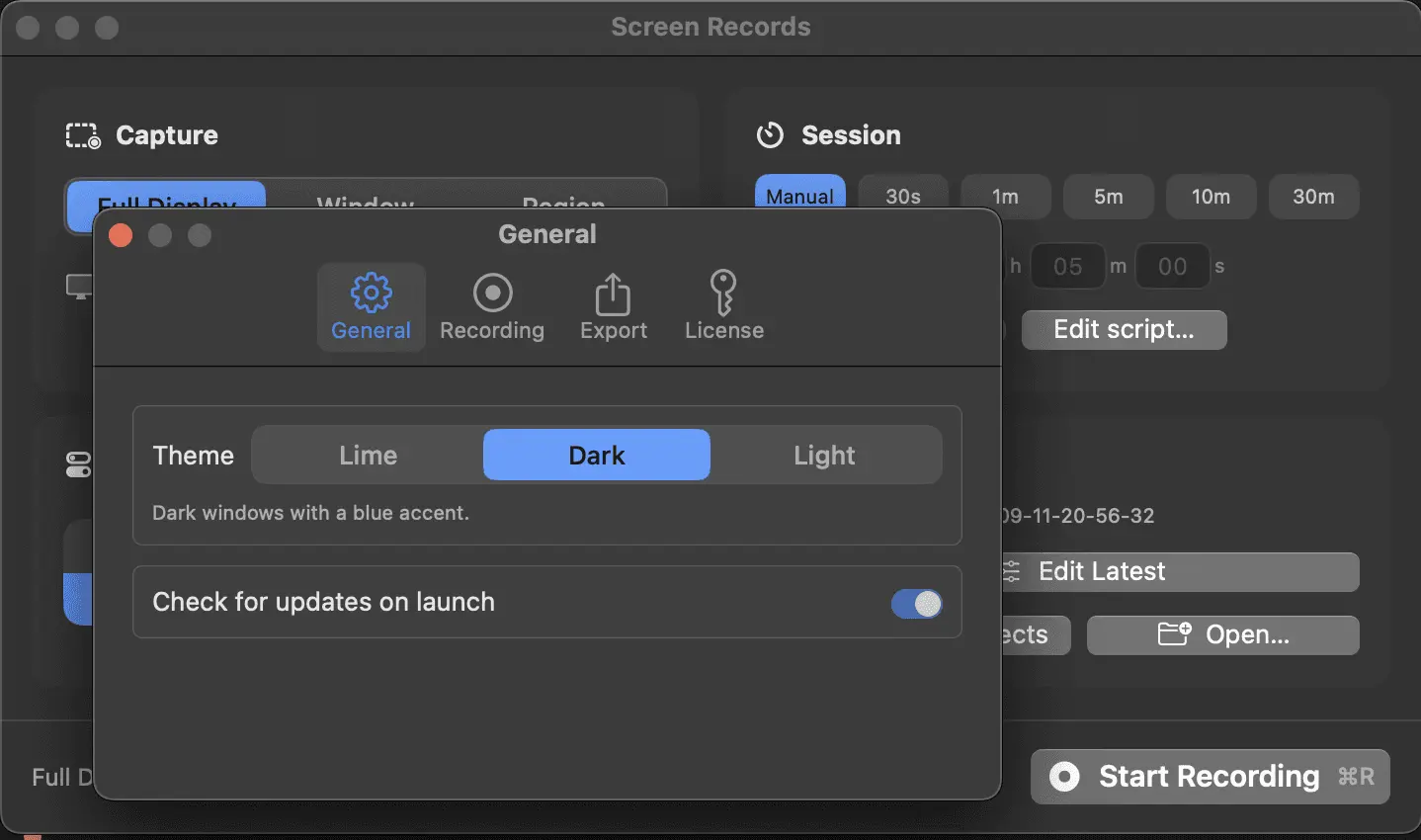
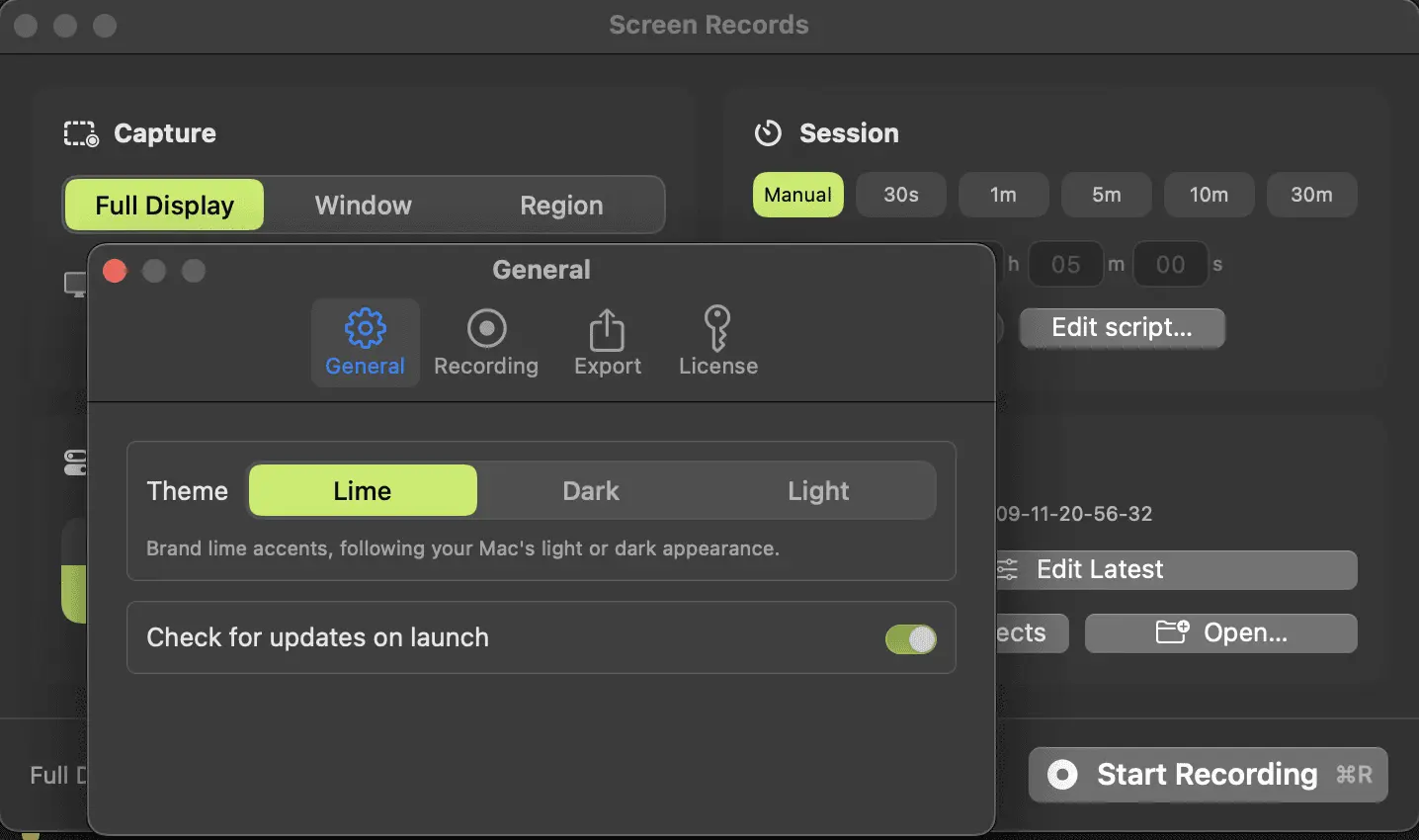
Screen Records is a native macOS screen recorder designed for creating video content from screen recordings fast. It has an MCP so your AI can do the job for you with it, just turn this in app settings and mention the app name in prompt. The tool features a built-in editor that allows you to integrate a camera bubble and edit it, capture system audio, and apply zoom effects or voiceovers to your footage. Crop silence parts, move zooms and set them where exactly you want. Add videos on top of it or into the footage. Once recorded, you can refine your video within the app and export it as a high-quality MP4, GIF, audio or captions. It's exceptionally lightweight and crazy fast. Download is only 3MB. Installed - 10MB. Additionally can be downloaded by your request: local captions model.
Screenshots
Product Updates (2)
Free version is here now!
Allows you to record, edit and export your videos in MP4, GIF with a small watermark in the corner on exported file.
Comments (0)
No comments yet. Be the first to share your thoughts!
MCP allows your AI edit videos using minimum tokens, no extra payment
AI can now use all editing tools, open, add captions, change background, trim pauses and export your project ready to publish on your socials
Comments (5)

Seems useful. How does it track clicks/mouse movements when AI is conducting the recording? Does it just use some sort of tween to animate between clicks? Curious.

@whistlestop latest public version needs user to record, but edits video with Claude, ChatGPT or Cursor. The next version will be able to do the full flow, and the clicks and cursor moving is implemented in app itself. AI controls it.
@whistlestop The version with agent doing full cycle recording is up on the website!

A 3MB download and 9MB installed footprint is a striking selling point for a macOS recorder with a built-in editor.
Reviews (1)
Average 5.0 out of 5
Based on 1 review

Comments (1)
Excited to share the most lightweight yet performant screen recorder with editing capabilities. Fully local and private. More useful features are coming!