
Screenify Studio
Mac screen recorder for polished product demos

Details
- Follow on
- @screenifystudio
- Target Audience
- Founders & CEOsProduct ManagersMac Users
- Pricing
- Free
- Platforms
- Desktop
- Featured in
- Best Screen Recording Tools
Discovery signals
How AI and people discover Screenify Studio on PeerPush
By AI reads among Product Marketing tools
2,148 AI reads in the last 30 days, ranked against every Product Marketing tool listed.About Screenify Studio
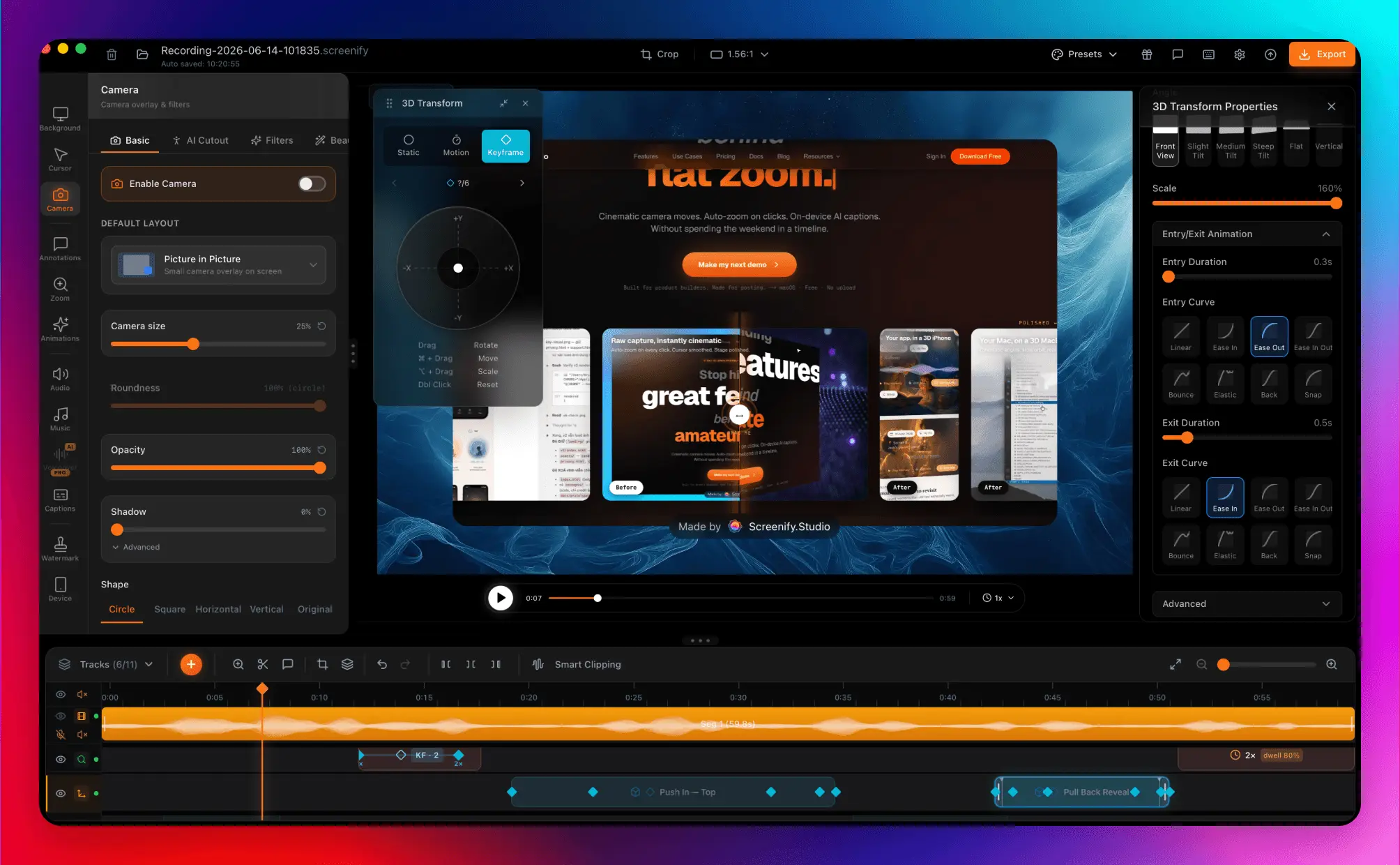
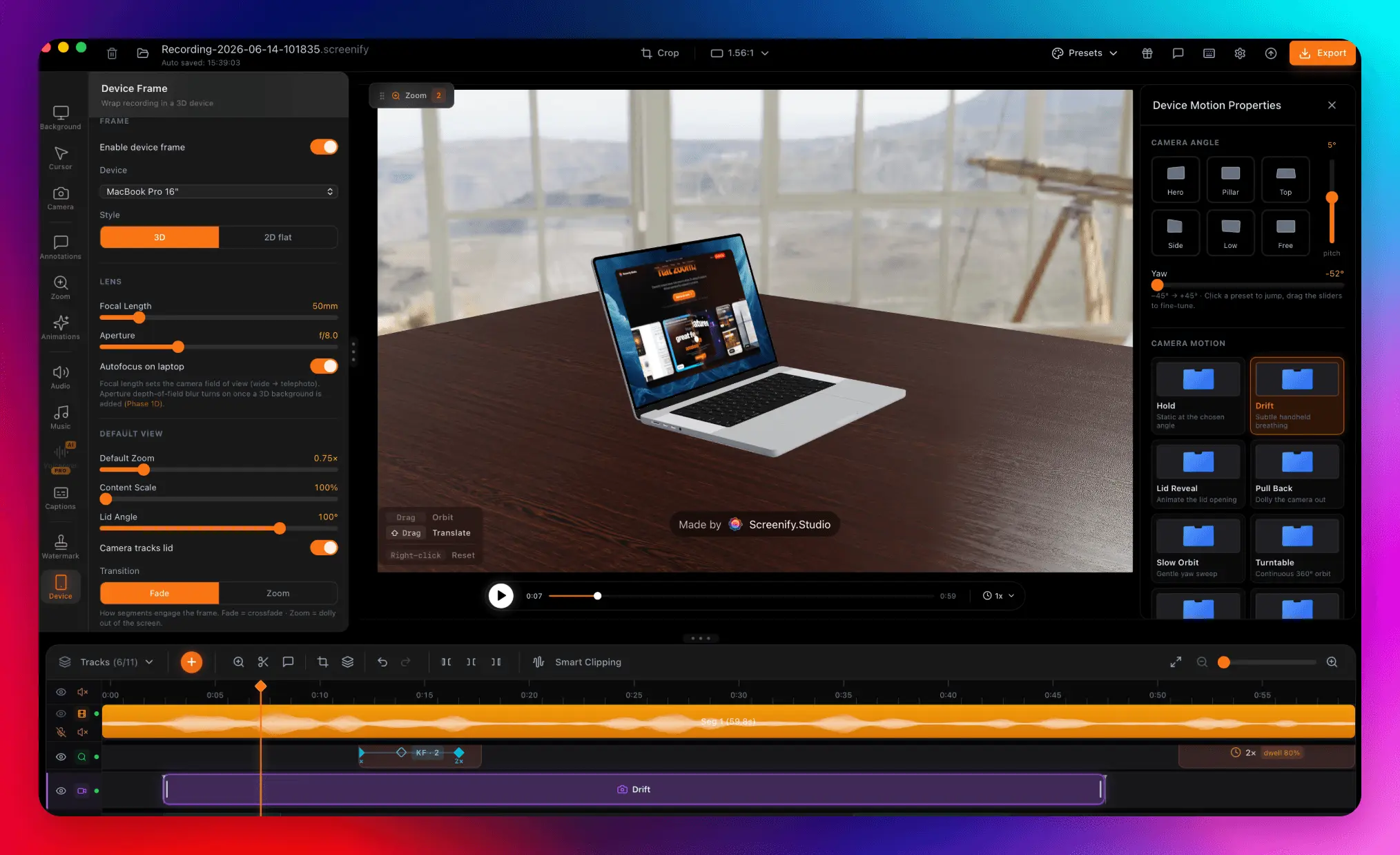
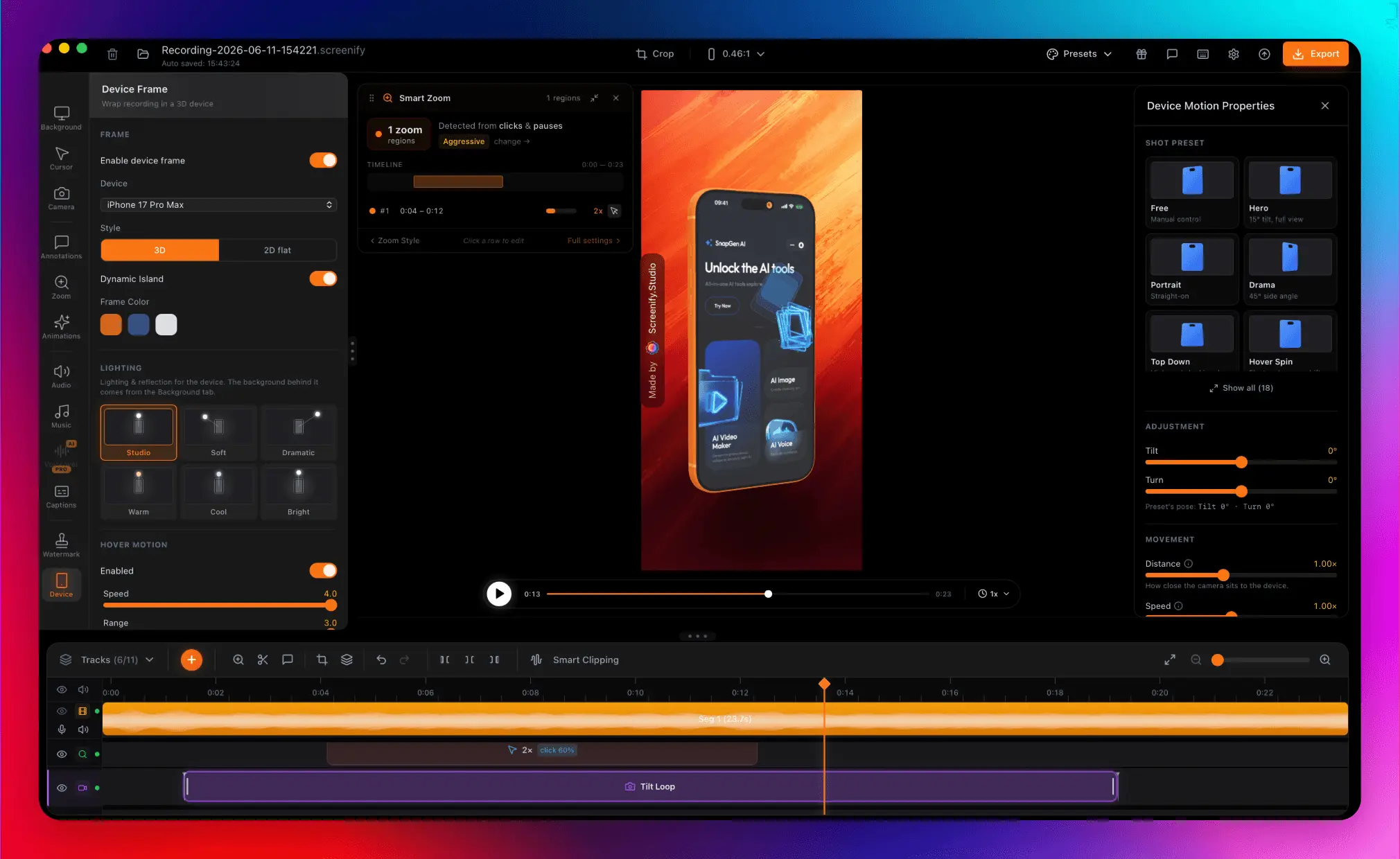
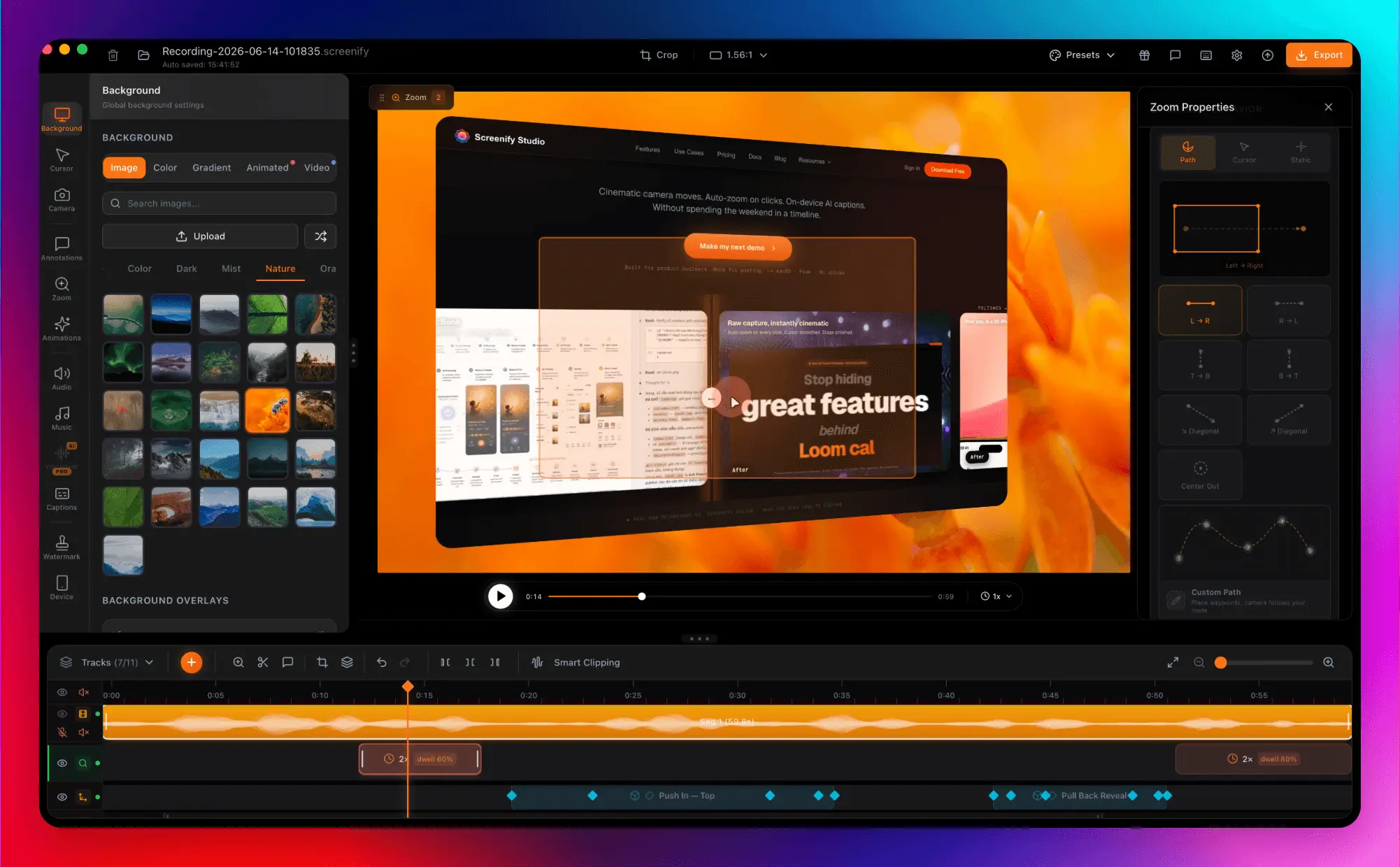
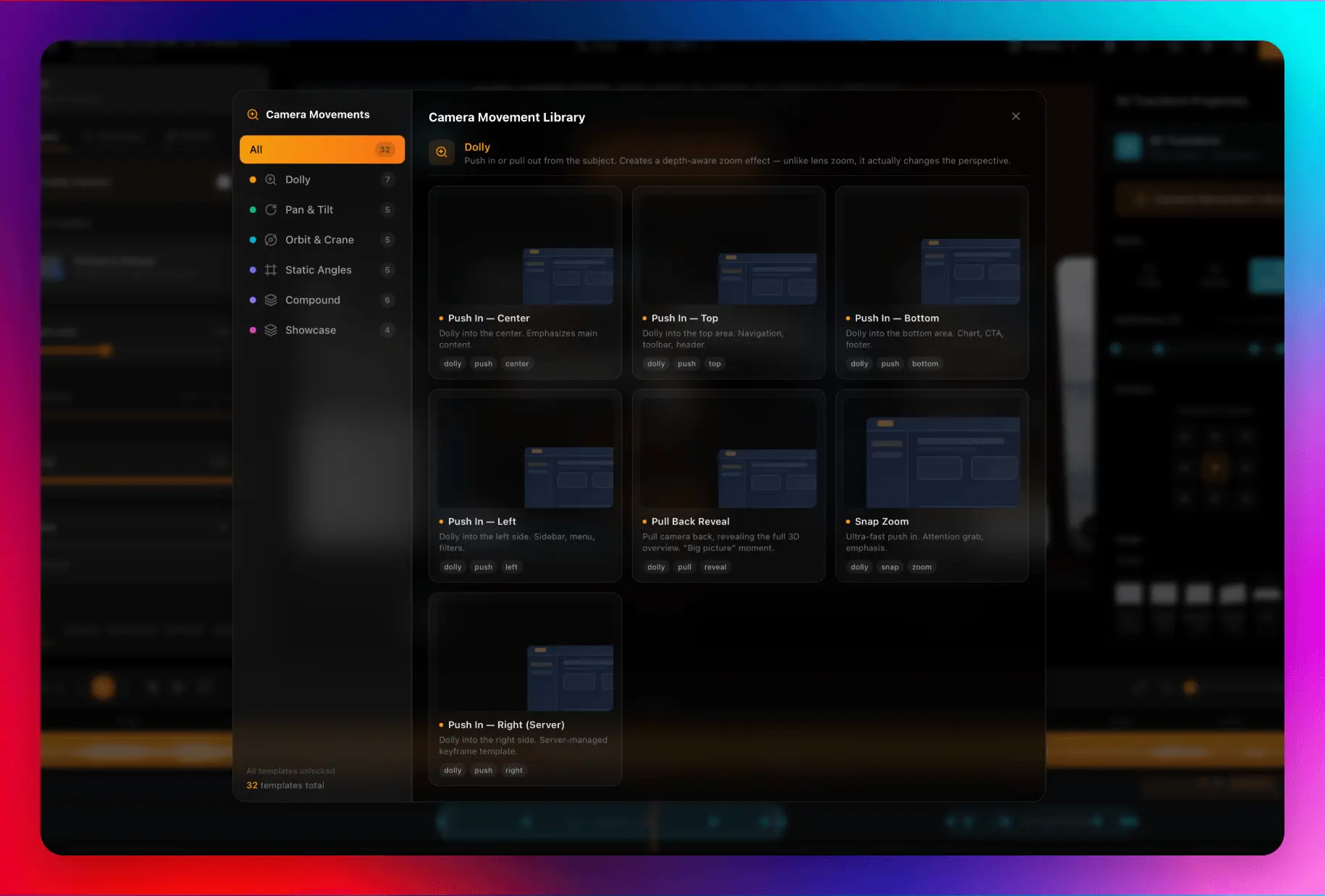
Screenify Studio is the Mac screen recorder for indie hackers and technical founders who refuse to pay the editing tax. Turn a rough capture into a polished product demo without leaving your machine. The problem I kept hitting: every builder records their screen to show what they shipped — and every builder hates the editing that comes after. My demos kept looking amateur next to the actual product, so I built Screenify to make the recording itself do the work. Drive it your way. Work from the timeline editor, or from the terminal, or from Claude Code in plain English. Same polished output whether you click or type the command. 3D device stages. Drop any recording into a photo-realistic MacBook or iPhone frame with real perspective, lighting, and reflections. Pick an environment backdrop and desk surface for production-quality framing. The device and scene library grows most releases. Cinematic camera motion. Hand-crafted motion presets (Hero, Drama, Vertigo, Slow Orbit, Push In, and more) give multi-axis camera moves with real character. Real lens controls: focal length compresses the background like a telephoto, aperture blurs the environment for the soft-backdrop look. Recording and editing that saves the edit. Smart Auto-Zoom follows your cursor, your clicks, and even the field you are typing into. Cursor Studio adds recolorable or glossy 3D cursors, click sounds, and motion tilt. A built-in teleprompter floats your script over the screen, invisible in the recording. The Smart Timeline shrinks inactive tracks so everything stays selectable. Web demos, directed by AI. Point Screenify at any URL and it drives a real browser: smooth cursor, auto-zoom on every click, dead time trimmed, finished demo handed back. Or describe the demo in plain language and an AI clicks and scrolls your site, then directs cinematic effects (3D camera tours, spotlights, blur-to-hide, callouts) on the moments that matter. Record pages behind a login; export MP4, GIF, or MOV sized for YouTube, TikTok, and Reels. Built for Apple Silicon: everything runs on-device. Free forever;
Screenshots
Reviews (0)
No reviews yet. Be the first to rate this product!
Comments (1)
Hey everyone, I'm Brjan 👋 I built Screenify Studio because every builder records demos and hates the editing that follows — mine always looked amateur next to the actual product.