
ScreenOtter
Cinematic screen recordings without the editing

Details
- Follow on
- @MadeByOtterLinkedIn
- Categories
- Video & Audio Tools
- Use Cases
- Video CreationScreen Recording
- Target Audience
- Content CreatorsSoftware Developers
- Pricing
- One-time from $19
- Platforms
- Desktop
- Alternatives
 Screen Studio alternatives
Discovery signals
How AI and people discover ScreenOtter on PeerPush
About ScreenOtter
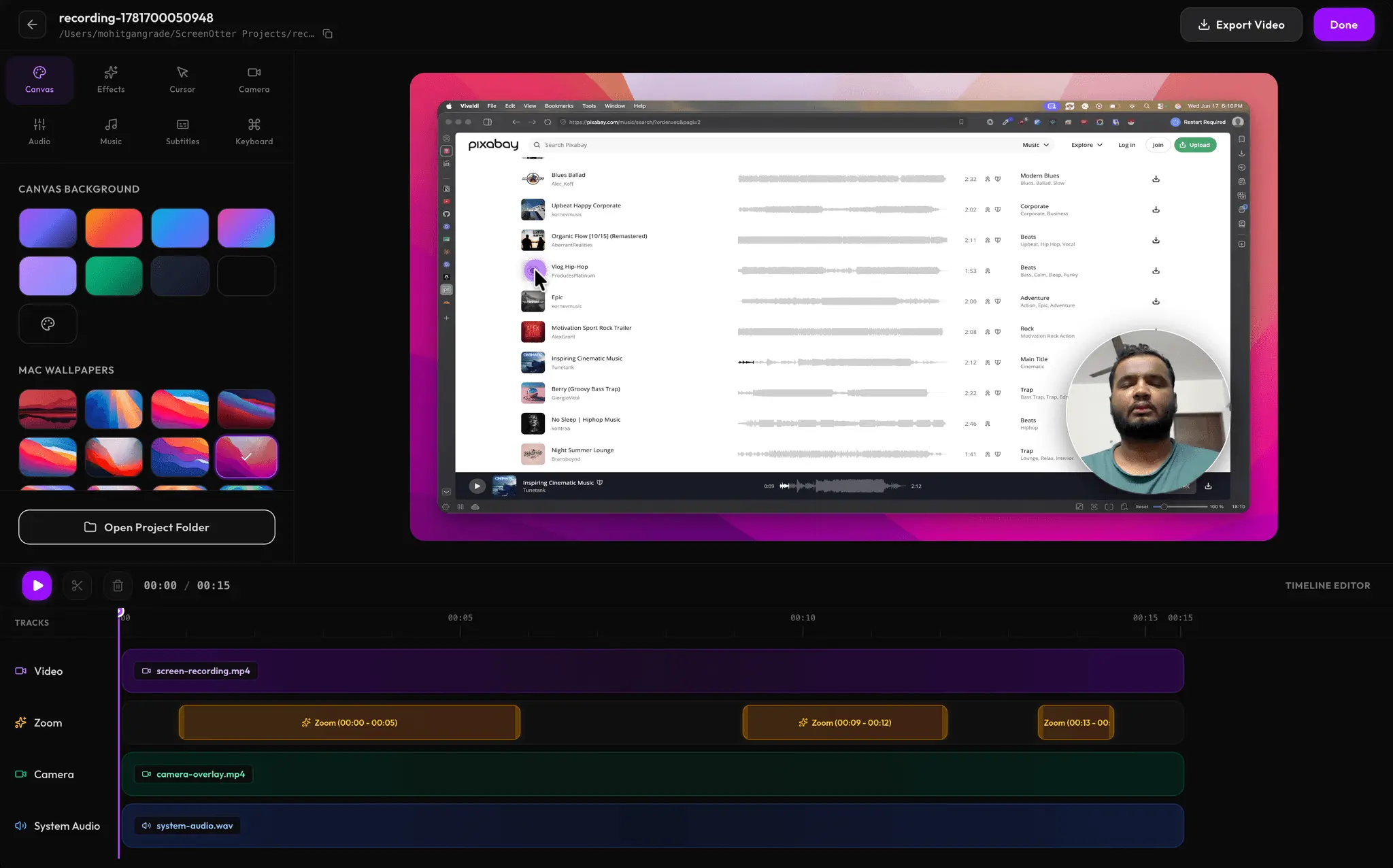
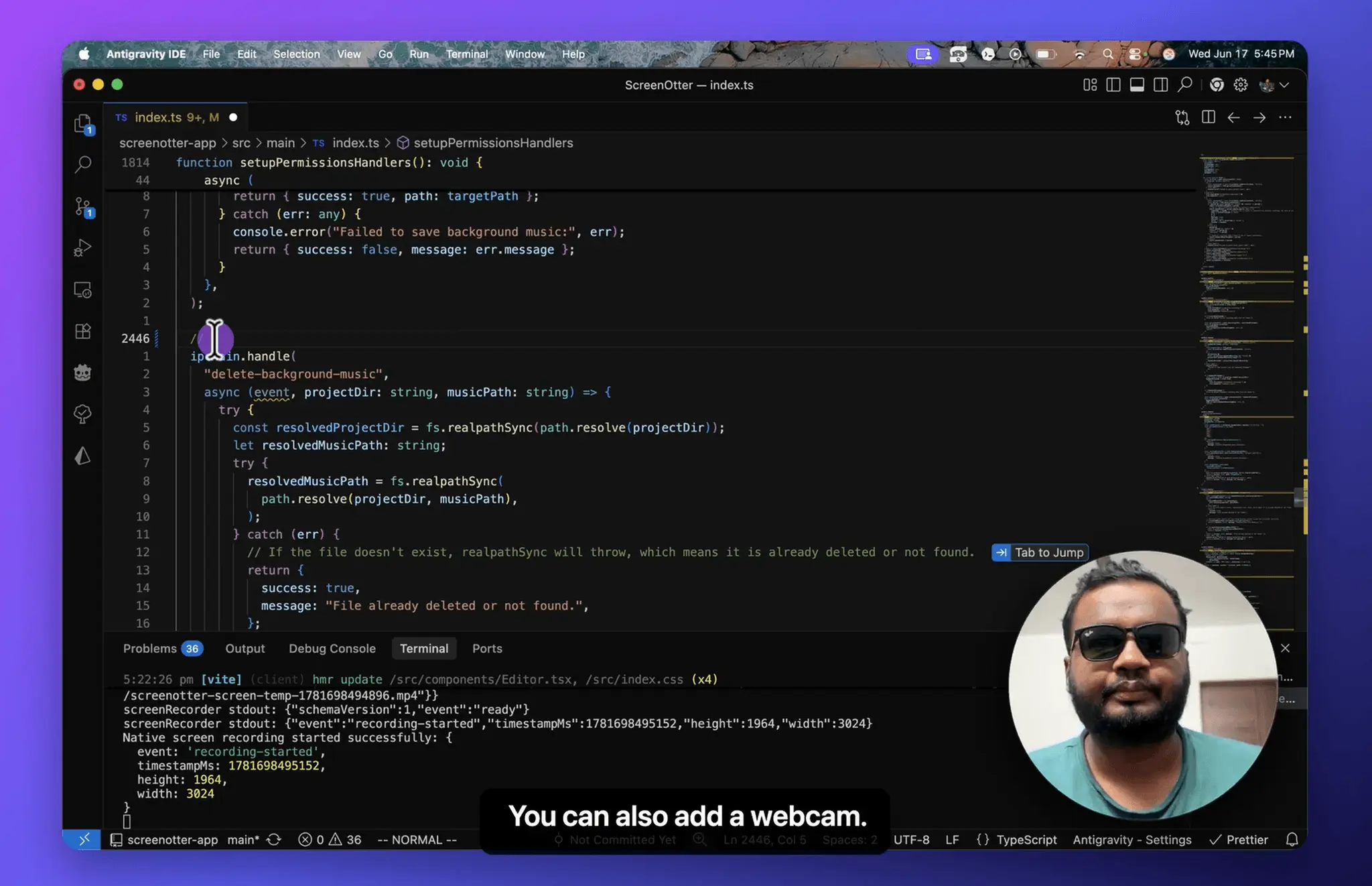
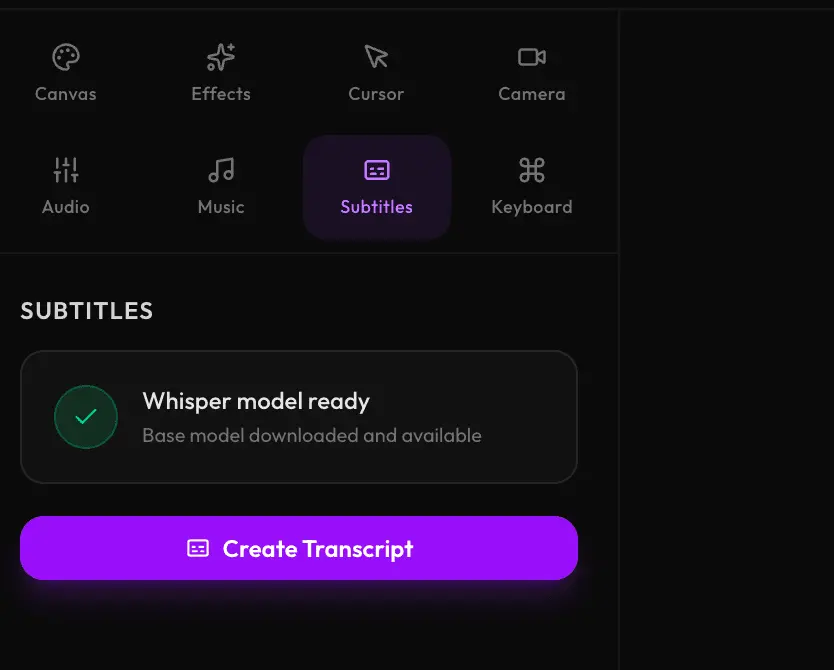
ScreenOtter turns raw screen captures into polished content by automatically zooming into every click. By making every interaction feel intentional, the tool eliminates the need for manual post-production editing to create professional-looking guide or demo videos. A normal screen recording is technically accurate, but visually boring. The cursor is tiny, clicks are easy to miss, typing takes forever, and captions are usually skipped because they’re painful to add manually. ScreenOtter tries to fix that by doing the boring editing work automatically. It can: • auto-zoom smoothly into your clicks • add word-by-word subtitles • detect typing and let you speed it up • show keyboard shortcuts on screen • record facecam, mic audio, and system audio • add background music • export clean 1080p videos with no watermark on the paid version
Screenshots
Reviews (0)
No reviews yet. Be the first to rate this product!
Comments (0)
No comments yet. Be the first to share your thoughts!