
Scry: Remote Desktop
Personal remote desktop for your Mac, PC, & Linux boxes.



Details
- Categories
- Target Audience
- Pricing
- Freemium
 TeamViewer alternatives
 Chrome Remote Desktop alternatives
 RustDesk alternatives
Discovery signals
How AI and people discover Scry: Remote Desktop on PeerPush
About Scry: Remote Desktop
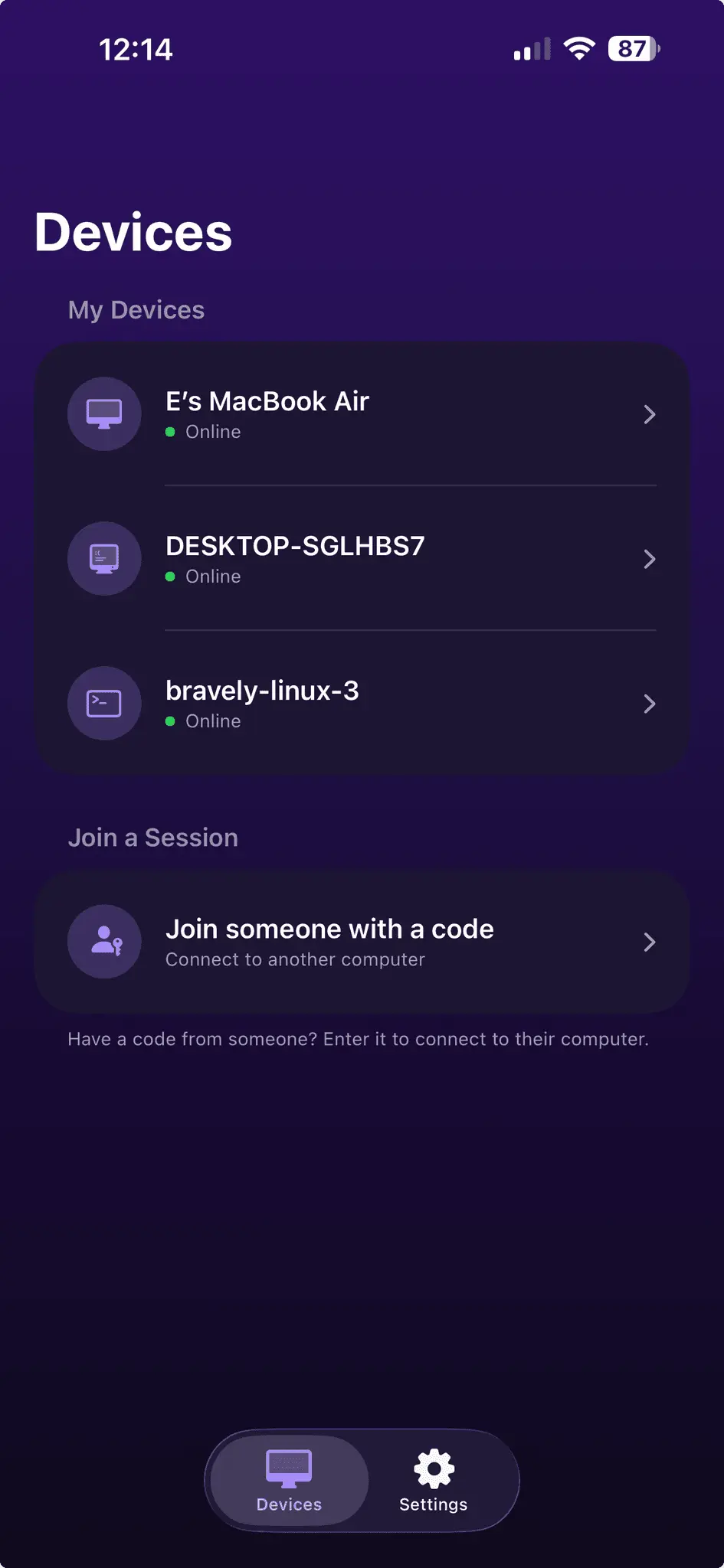
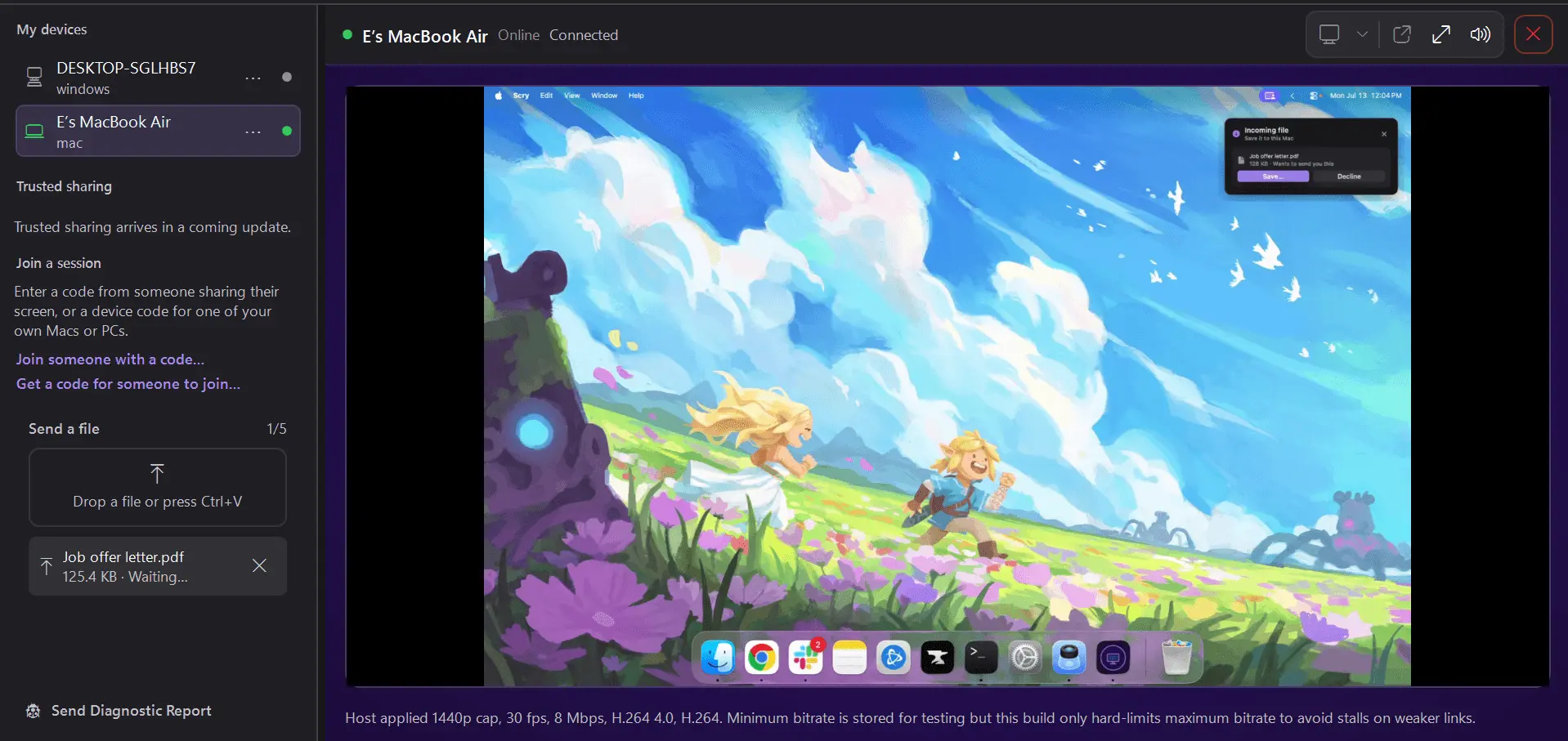
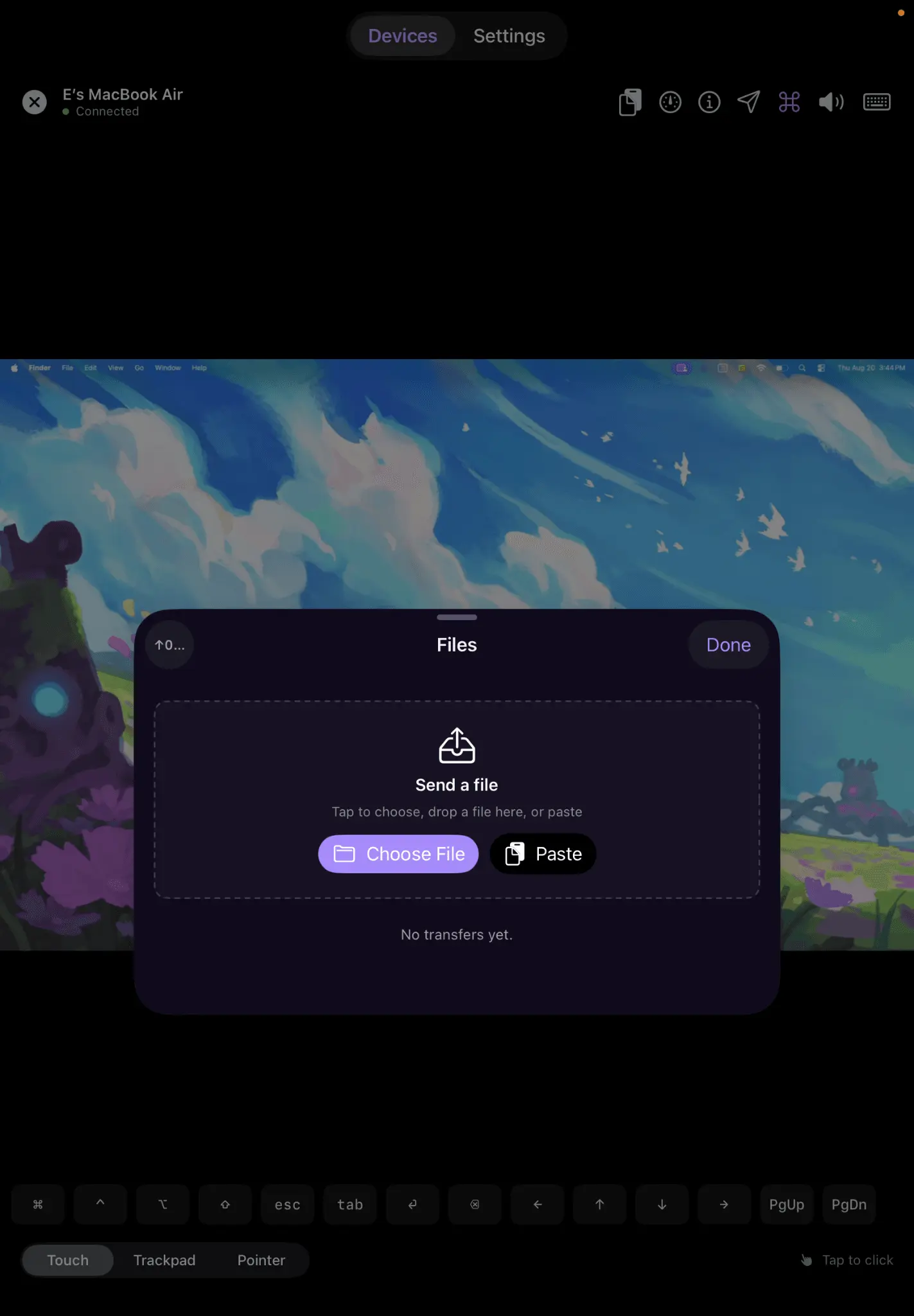
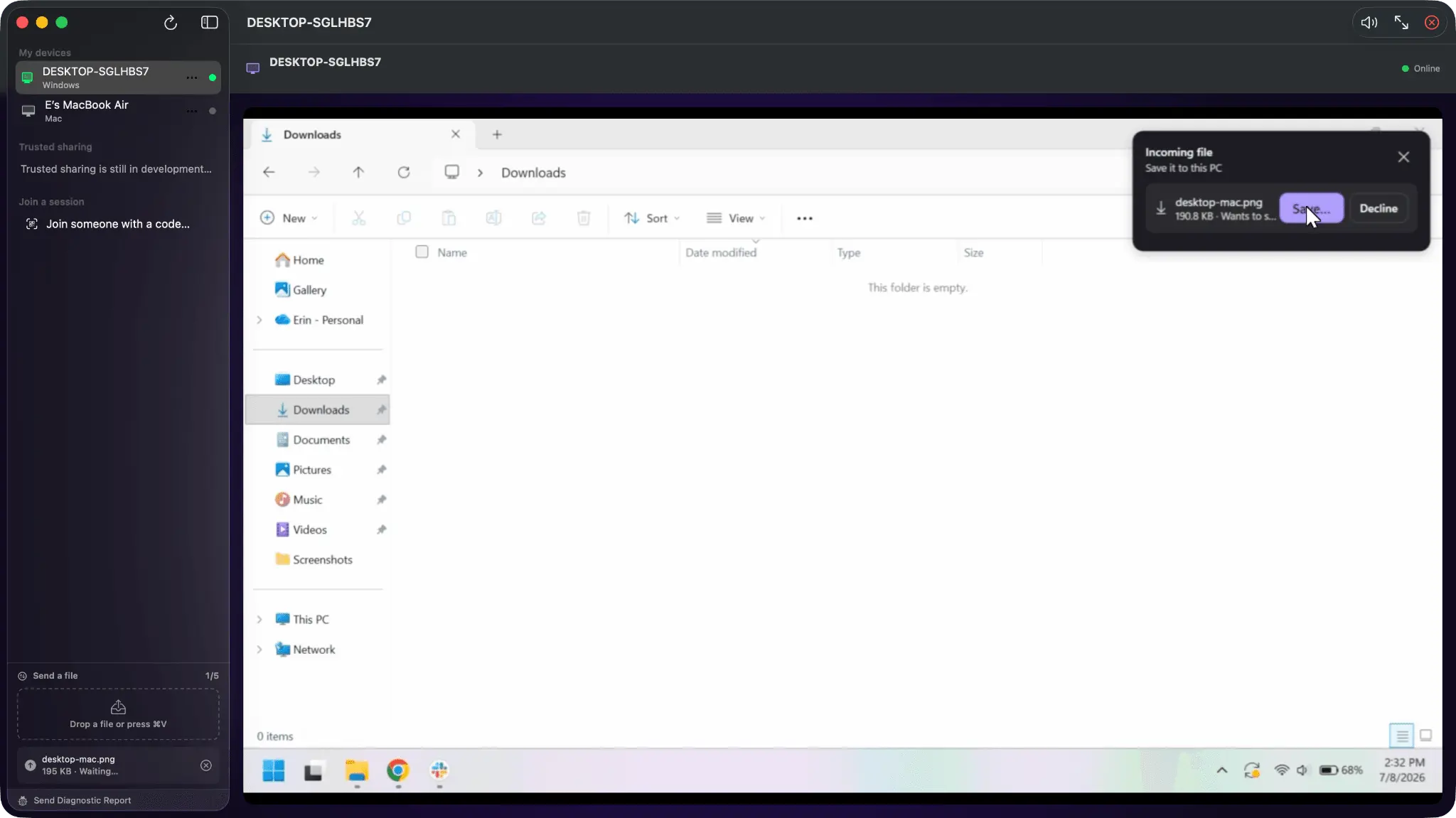
Scry is a personal remote desktop app for reaching your own Macs, PCs, and Linux boxes from wherever you are. Sign in, pick a machine from your device list, and connect from your phone, tablet, another computer, or straight from a browser. Once you're connected, Scry gives you the tools you'd expect at your desk: send files mid-session, share your clipboard both ways, switch between displays on multi-monitor setups, and hear sound from the other computer. It even works at the lock screen. On iPhone, iPad, and Android, you can choose between Touch, Trackpad, or Pointer control, and an on-screen key bar adds the keys a phone keyboard lacks, like ⌘, Ctrl, Option, Esc, Tab, and the arrows. Need to help someone else? They open Scry and get a one-time share code, you type it in, and you're looking at their screen in seconds. Every session is end-to-end encrypted. Connections go directly from one device to the other whenever the network allows, and stay encrypted even when they have to take a detour, so Scry's servers never see your screen. Scry launches automatically when you log in and keeps running as a tray icon when you close the window, so your computer stays reachable without anything left open. Native apps for Mac, Windows, Linux, iOS, and Android, plus a web version for connecting from any browser. Made by Bravely Studios, a small indie team.
Screenshots
Reviews (0)
No reviews yet. Be the first to rate this product!
Comments (1)
I built Scry because I was tired of remote desktop apps that felt built for IT departments, not for me. Now I just open the app and I'm on my Mac from my phone, no lag, no clunky web client, no fuss. — Jeff Schiesser, Bravely Studios