
Sealshot
Privacy-first screenshots and recordings for Mac
Details
- Categories
- Productivity & NotesPrivacy
- Use Cases
- Screen RecordingDocument Management
- Target Audience
- Mac Users
- Platforms
- Desktop
Discovery signals
How AI and people discover Sealshot on PeerPush
About Sealshot
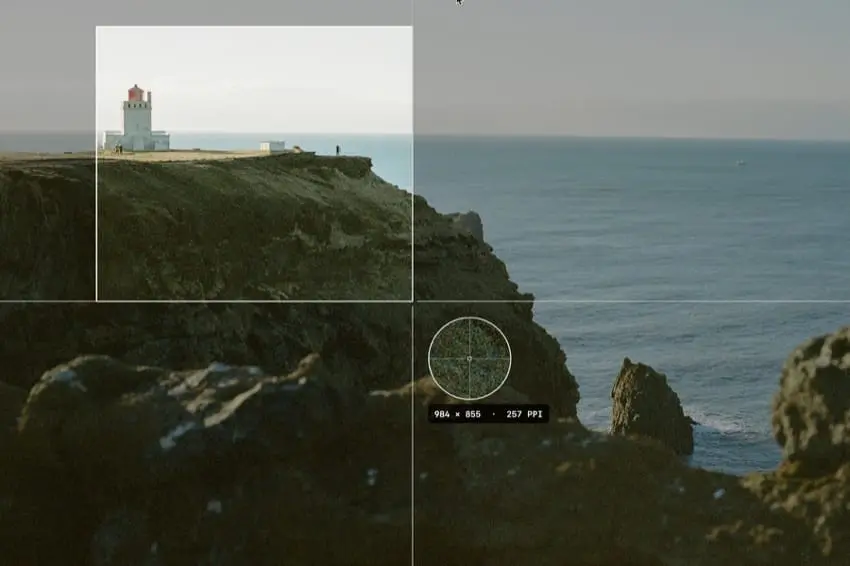
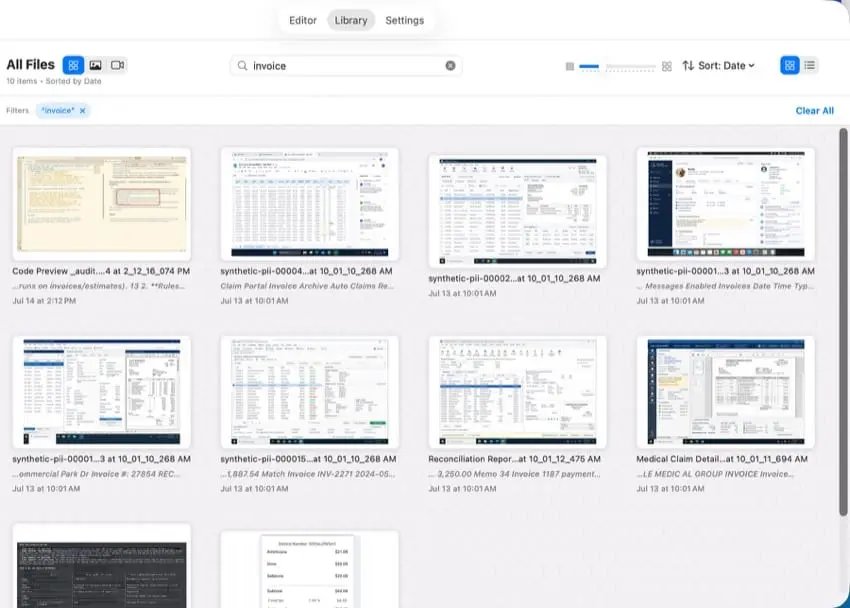
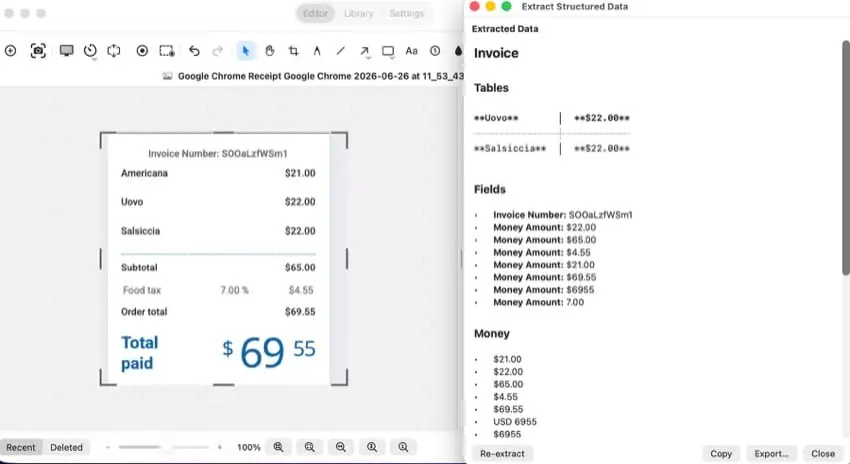
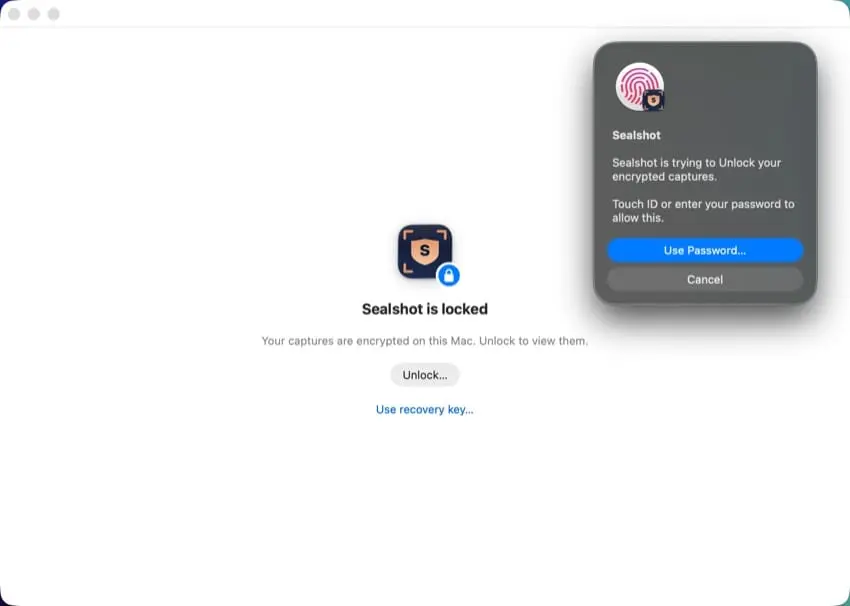
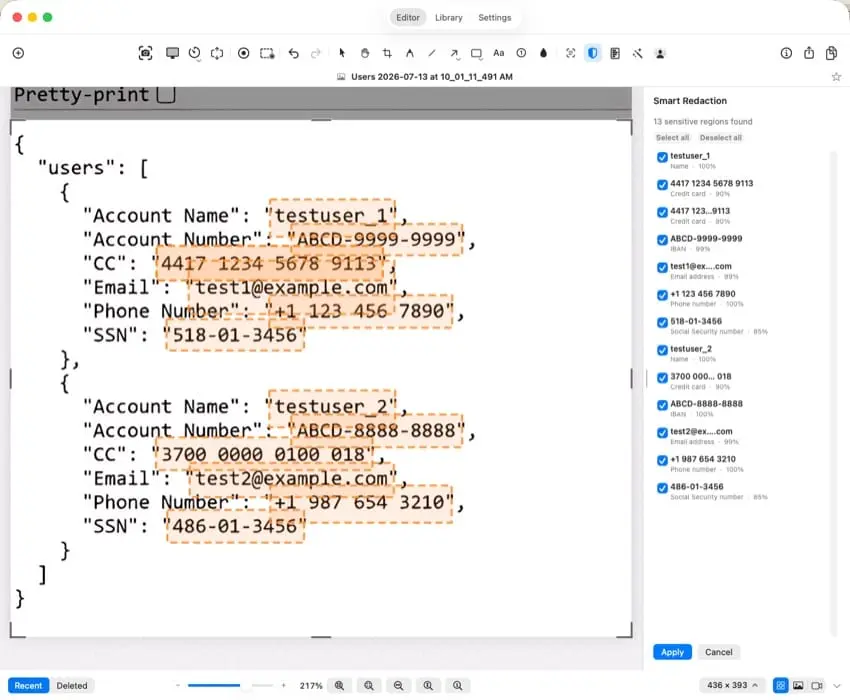
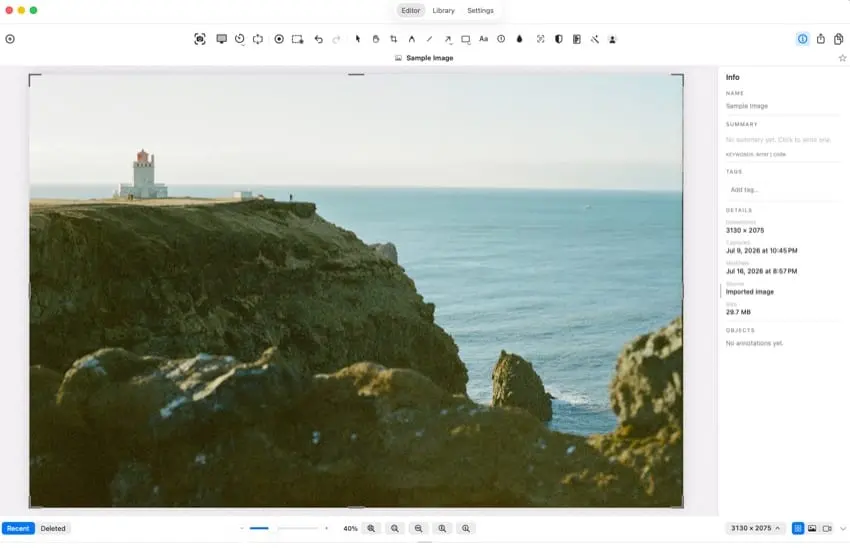
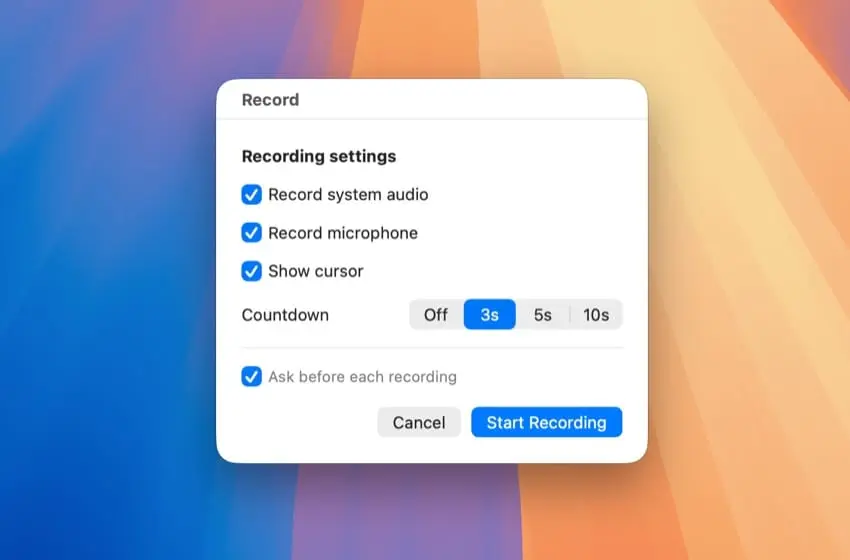
Sealshot is a privacy-first screenshot and screen-recording app for Mac. Capture any area, window, full screen, or scrolling content; record your screen; and quickly annotate, edit, or redact sensitive information—all in one app. Sealshot also helps you get more value from every capture with on-device OCR, searchable text, automatic and custom tags, and table extraction to CSV or Markdown. A built-in library keeps screenshots and recordings organized and easy to find. Everything is processed locally on your Mac. Sealshot requires no account, collects no telemetry, and uploads nothing to the cloud. For additional protection, Enhanced Security can encrypt your captures on your device. Sealshot supports macOS 14 or later and includes a free 14-day trial.
Screenshots
Reviews (1)
Average 5.0 out of 5
Based on 1 review

Capturing a region, window, or scrolling page and then redacting sensitive bits in the same Mac app is the workflow screenshot tools usually split across two products. Keeping the footage local fits teams that cannot send screen content to a cloud editor.
Comments (0)
No comments yet. Be the first to share your thoughts!