
Secure Calculator Vault
A secure calculator and AES-256 encrypted file vault

Details
- Follow on
- Use Cases
- Target Audience
- Pricing
- Free
- Platforms
Discovery signals
How AI and people discover Secure Calculator Vault on PeerPush
- ChatGPT
- Perplexity
- Claude
- +5 other AI crawlers
Reads by these AI engines
Crawlers behind these engines read this listing on PeerPush.About Secure Calculator Vault
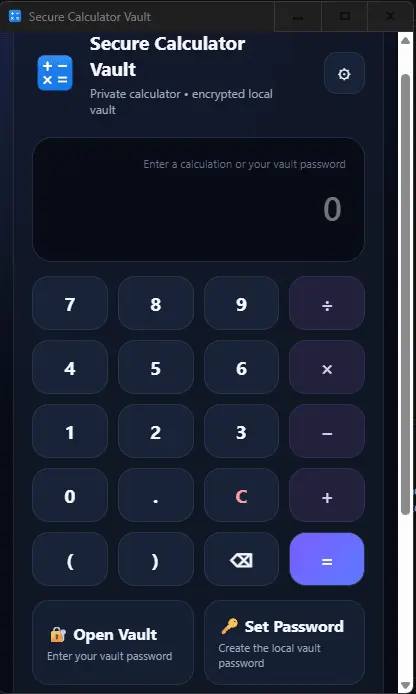
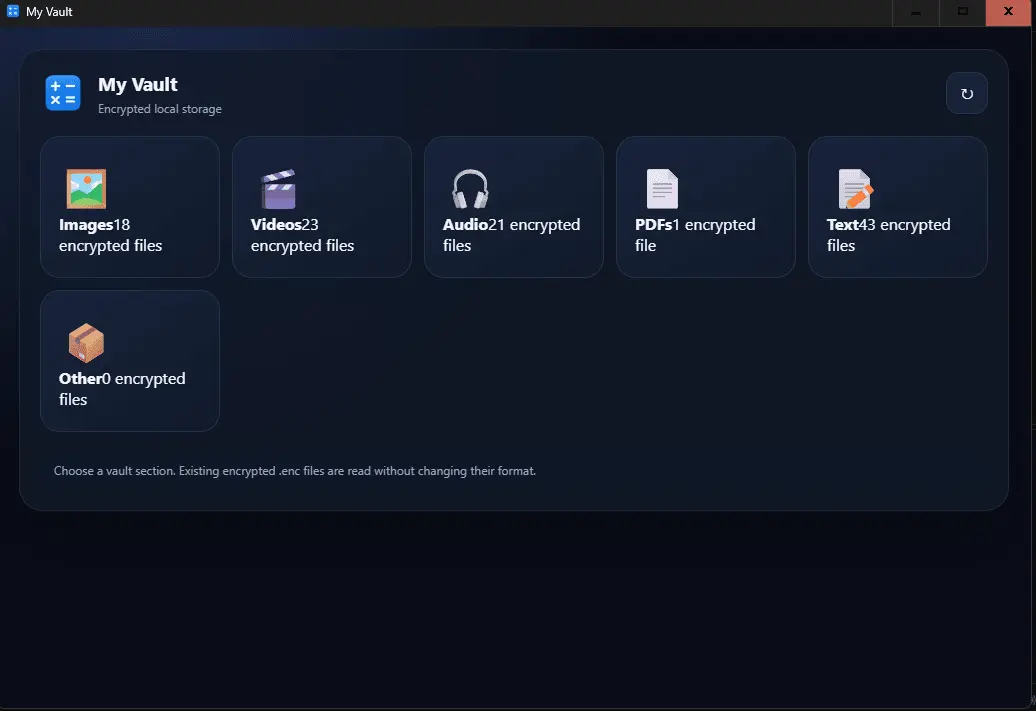
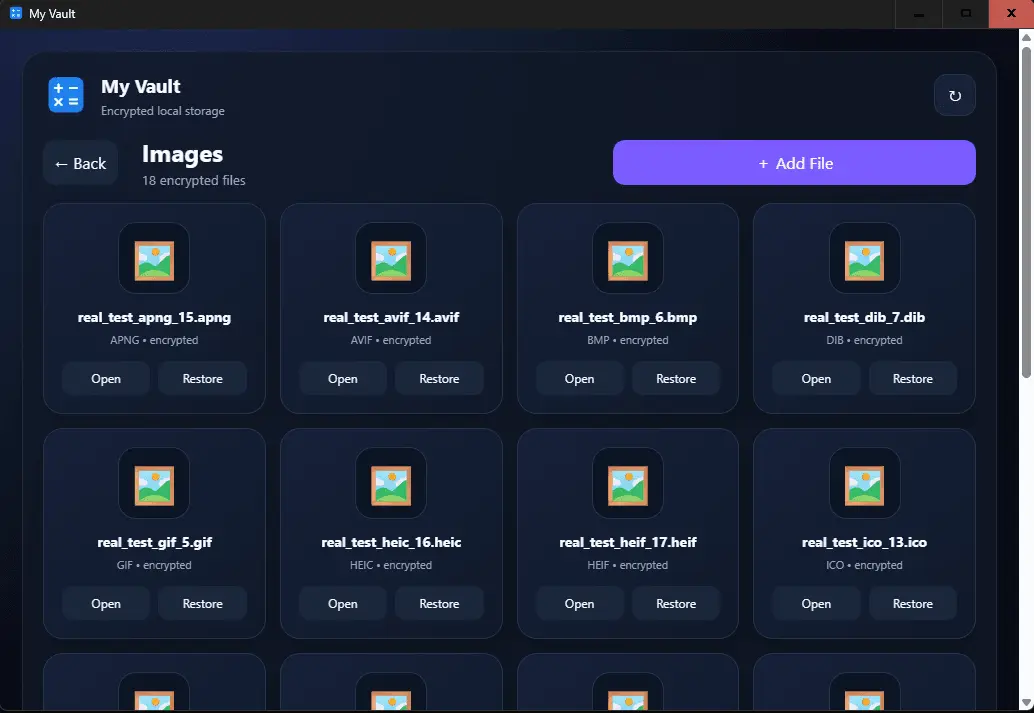
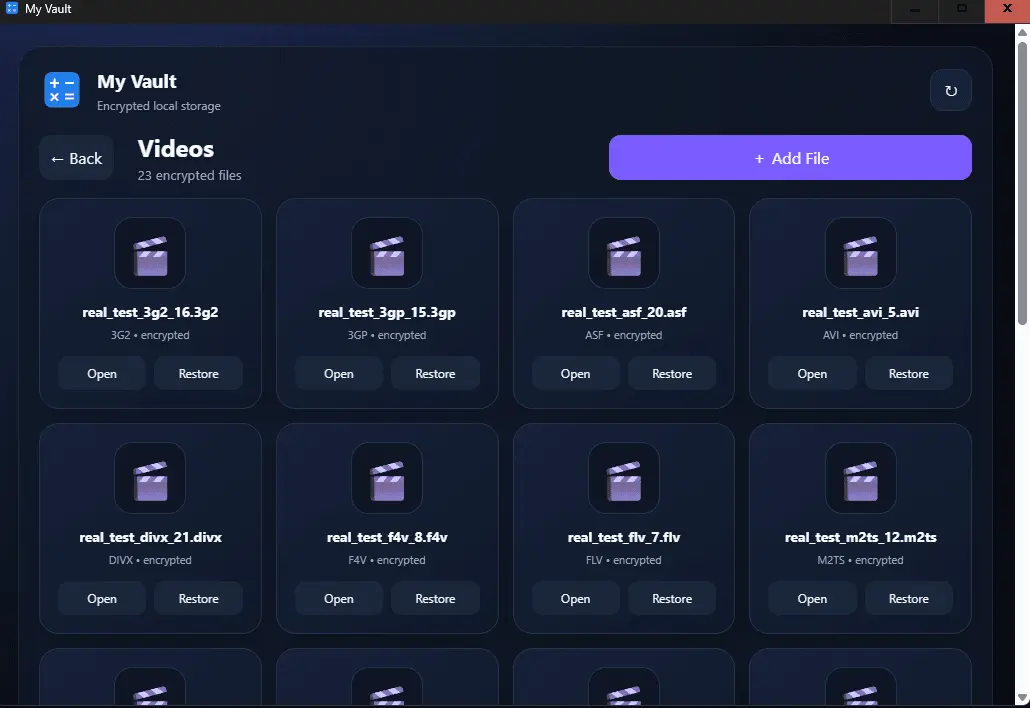
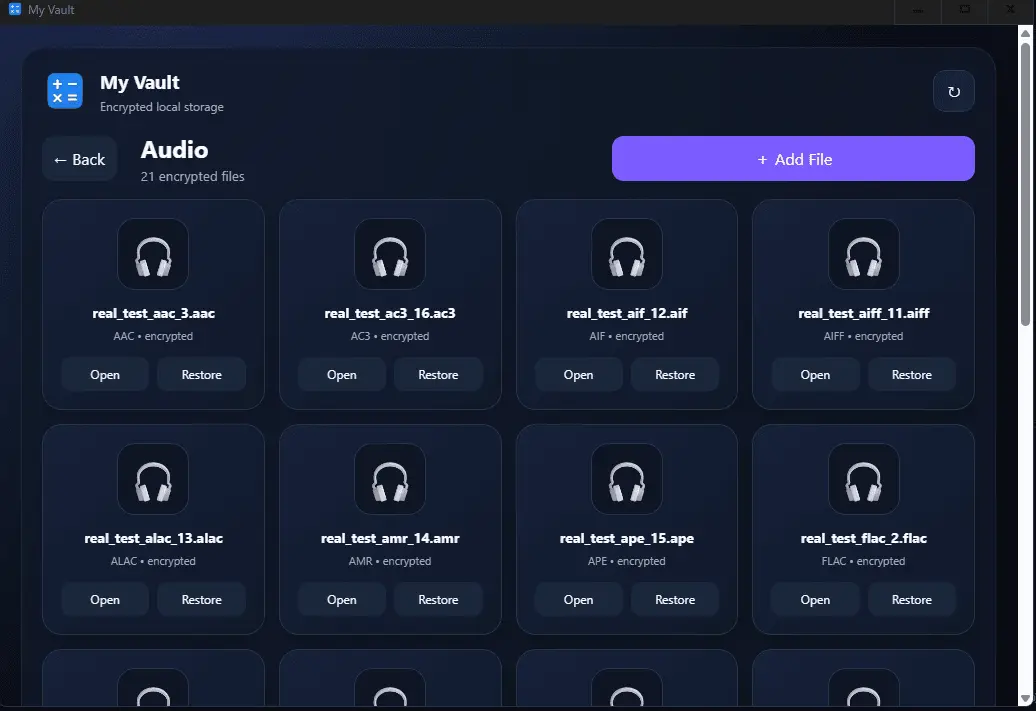
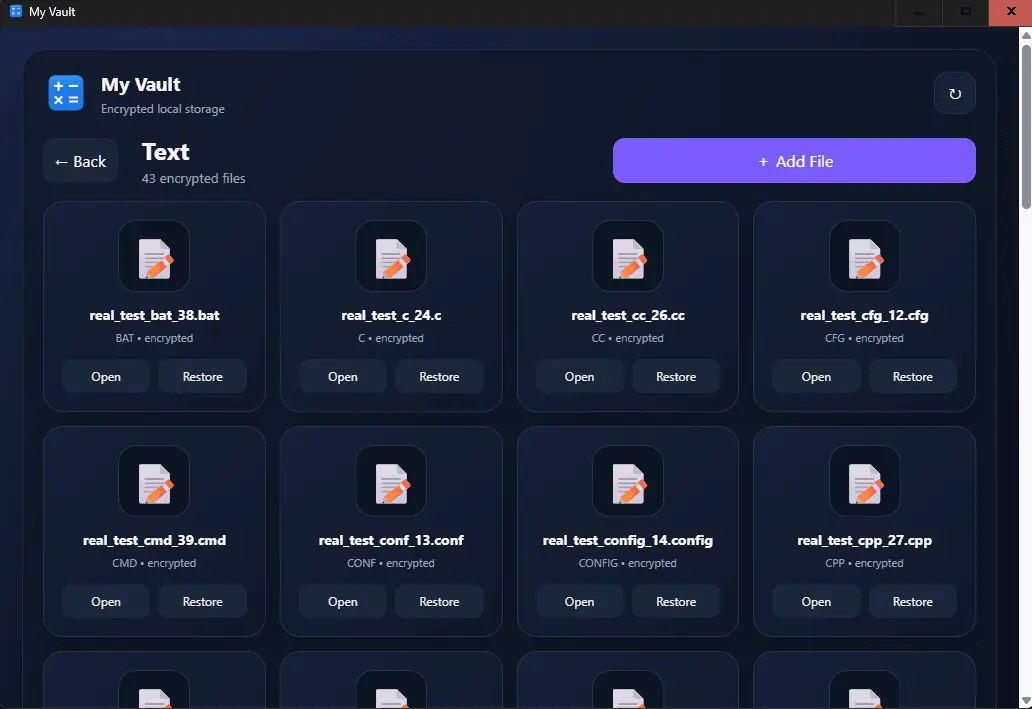
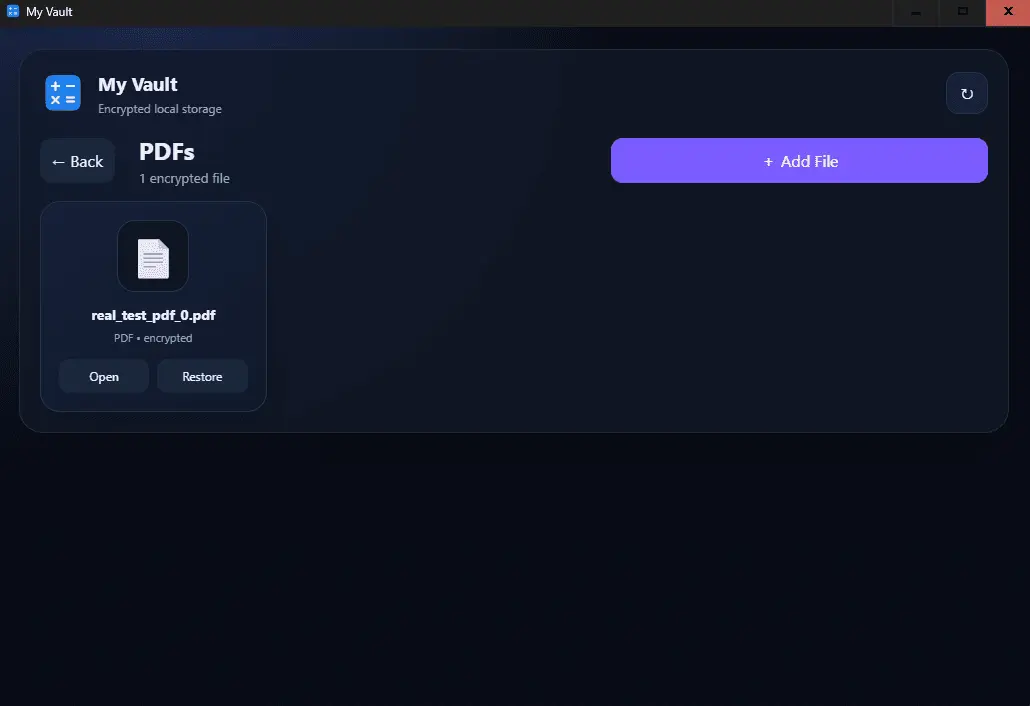
Secure Calculator Vault – AES-256 Encrypted File Vault, Secure Calculator & Built-in Media Viewer Secure Calculator Vault is a privacy-focused Windows application that combines a calculator-style password interface, AES-256 encrypted file vault, file management, and built-in media and document viewing in one simple application. Protect your personal files by storing them inside an encrypted vault on your Windows device. Supported images, videos, audio files, PDFs, and text files can be opened directly from the built-in viewer. Other file types can also be encrypted and securely stored in the vault, even when they are not supported by the built-in viewer. Designed for users who want a simple and convenient way to protect personal files, Secure Calculator Vault provides password-protected access, local encrypted file storage, file restoration, and an integrated viewer for many common media and document formats. KEY FEATURES • AES-256 file encryption • Password-protected private vault • Calculator-style interface for accessing the vault • Encrypt and securely store supported and other file types • Built-in image viewer • Built-in video player • Built-in audio player • Built-in PDF viewer • Built-in text and code file viewer • Restore and decrypt files when needed • Change your vault password • Separate vault sections for Images, Videos, Audio, PDFs, Text, and Other files • Local file storage for protected vault files • Simple and distraction-free interface • Designed for Windows 10 and Windows 11 • One-time purchase with no subscription AES-256 FILE ENCRYPTION Secure Calculator Vault uses AES-256 encryption to protect files stored inside the vault. When you add a file to the vault, the application encrypts the file before storing it. Encrypted files remain protected inside the vault until you choose to remove and restore them. The application can encrypt and store many different types of files. However, not every file format can be opened inside the built-in viewer. Supported image, video, audio, PDF, and text formats can be viewed or played directly in the application, while other file types can be securely stored and restored when needed. HOW TO USE SECURE CALCULATOR VAULT 1. Open Secure Calculator Vault. 2. Click the Set button on the calculator screen. 3. Create a password for your vault. 4. Enter your password using the calculator interface. 5. Press the Equal button to unlock the vault. 6. Select the section where you want to store your file. 7. Click Add File and select a file from your computer. 8. The application encrypts the selected file and stores it in the vault. 9. Select a supported file to open it using the built-in viewer. 10. To restore a file, select it and click Remove. 11. Choose where you want the restored file to be saved. 12. The file is decrypted when it is restored. To change your vault password, click the Change button on the calculator screen, enter your existing password, and then create your new password. BUILT-IN FILE VIEWER Secure Calculator Vault includes built-in viewers and players for many common file formats. Supported files can be opened directly from the encrypted vault without first manually restoring them to another location. The application supports image viewing, video playback, audio playback, PDF viewing, and text/code file viewing. IMAGE FORMATS • JPG • JPEG • JPE • JFIF • PNG • GIF • BMP • DIB • TIF • TIFF • WEBP • ICO • AVIF • APNG • SVG • SVGZ • HEIC • HEIF VIDEO FORMATS • MP4 • M4V • MKV • MOV • WEBM • AVI • WMV • FLV • F4V • MPEG • MPG • MPE • M2TS • MTS • 3GP • 3G2 • OGV • OGG • VOB • ASF • DIVX AUDIO FORMATS • MP3 • WAV • FLAC • AAC • M4A • M4B • M4P • OGG • OGA • OPUS • WMA • AIFF • AIF • ALAC • AMR • APE • AC3 • MKA • MID • MIDI • WEBA TEXT AND CODE FORMATS • TXT • MD • MARKDOWN • LOG • CSV • TSV • JSON • JSONL • XML • YAML • YML • INI • CFG • CONF • CONFIG • ENV • PROPERTIES • HTML • HTM • CSS • JS • JSX • TSX • C • H • CC • CPP • CXX • HPP • JAVA • PY • RB • GO • RS • PHP • SQL • SH • BAT • CMD • PS1 • TOML • RTF PDF FORMAT • PDF OTHER FILE TYPES Secure Calculator Vault can also encrypt and store other file types that are not included in the built-in viewer. These files are protected inside the encrypted vault and can be restored and decrypted when you need them. Important: encryption and storage support is broader than built-in viewing support. A file can be securely encrypted and stored even when its format cannot be opened directly inside the application. VIDEO PLAYER KEYBOARD CONTROLS The built-in video viewer supports convenient keyboard controls. • Left Arrow – move backward • Right Arrow – move forward • Up Arrow – increase volume • Down Arrow – decrease volume • F – enter full-screen mode • Esc – exit full-screen mode PRIVATE FILE MANAGEMENT Secure Calculator Vault organizes encrypted files into separate sections: • Images • Videos • Audio • PDFs • Text • Other This makes it easier to organize.
Product Video
Watch a video demo of Secure Calculator Vault.
Screenshots
Reviews (0)
No reviews yet. Be the first to rate this product!
Comments (3)
Nice concept.
I remember smth like this for iOS back in the days... remember there was an option to take a selfie in the passwords entered was incorrect
Good idea, but the images should be bigger