
Selects
The AI video editor you talk to

Details
- Follow on
- Categories
- Use Cases
- Pricing
- Freemium from $20
- Featured in
 InVideo alternatives
 veed alternatives
 descript alternatives
 Higgsfield.ai alternatives
Discovery signals
How AI and people discover Selects on PeerPush
About Selects
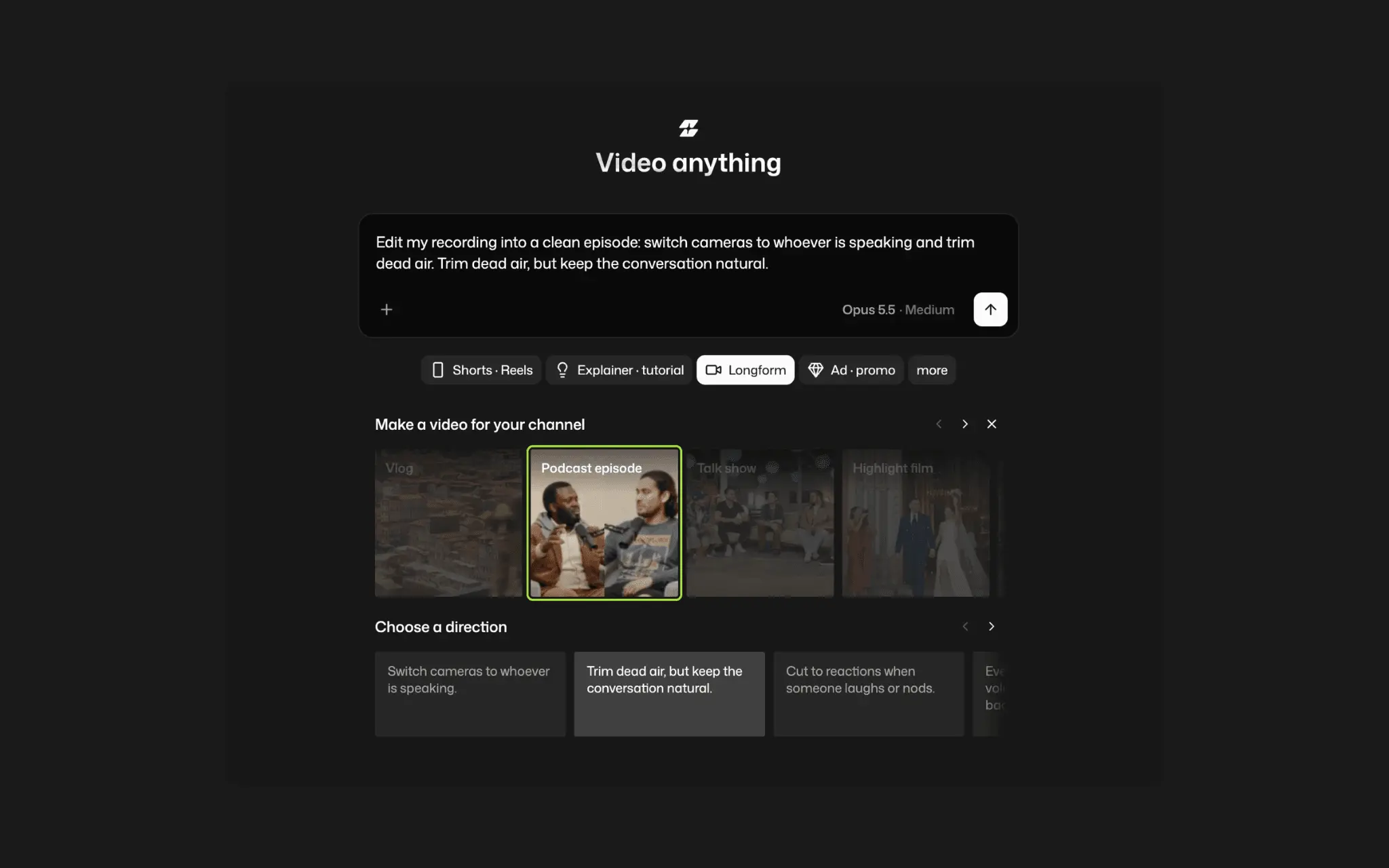
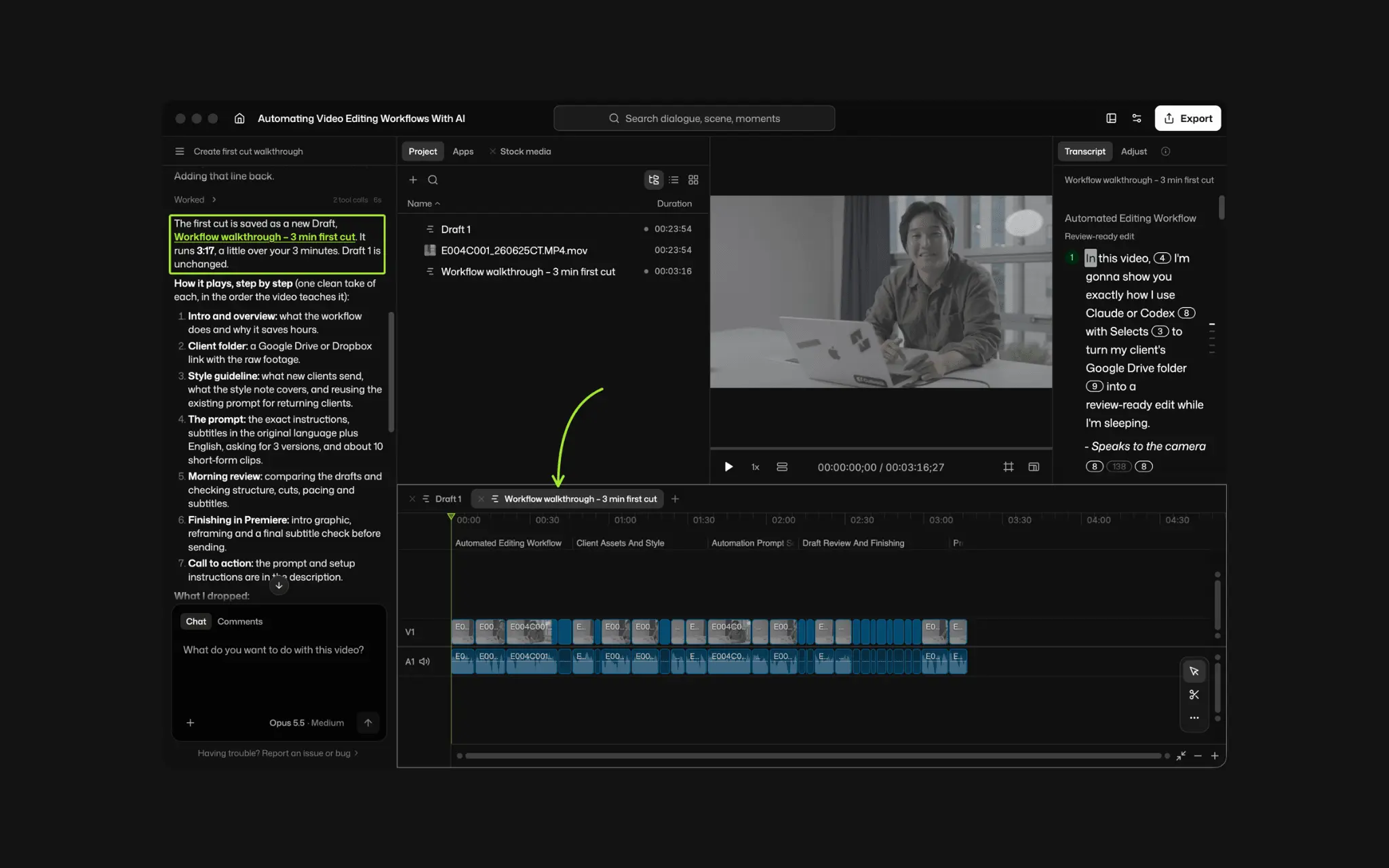
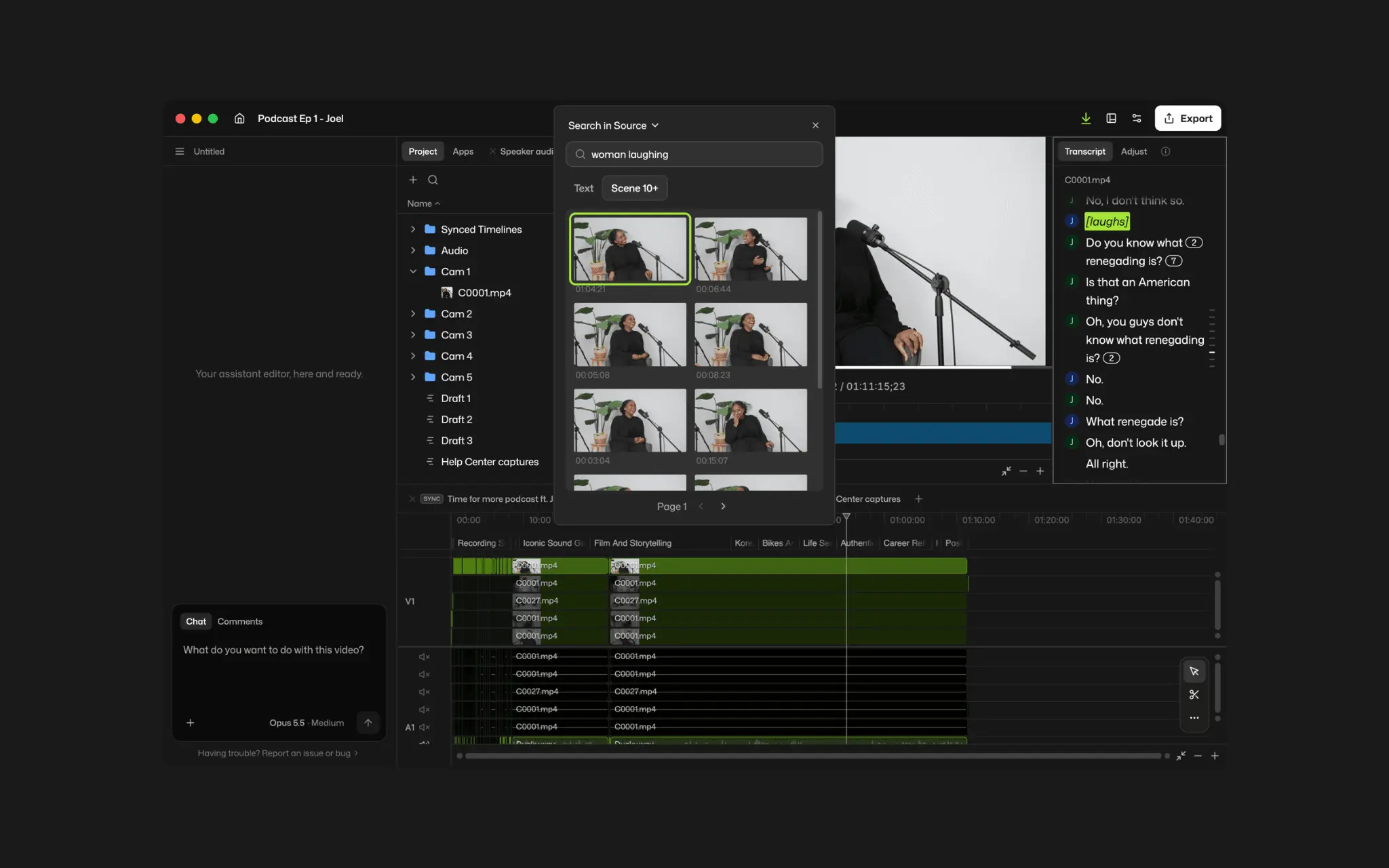
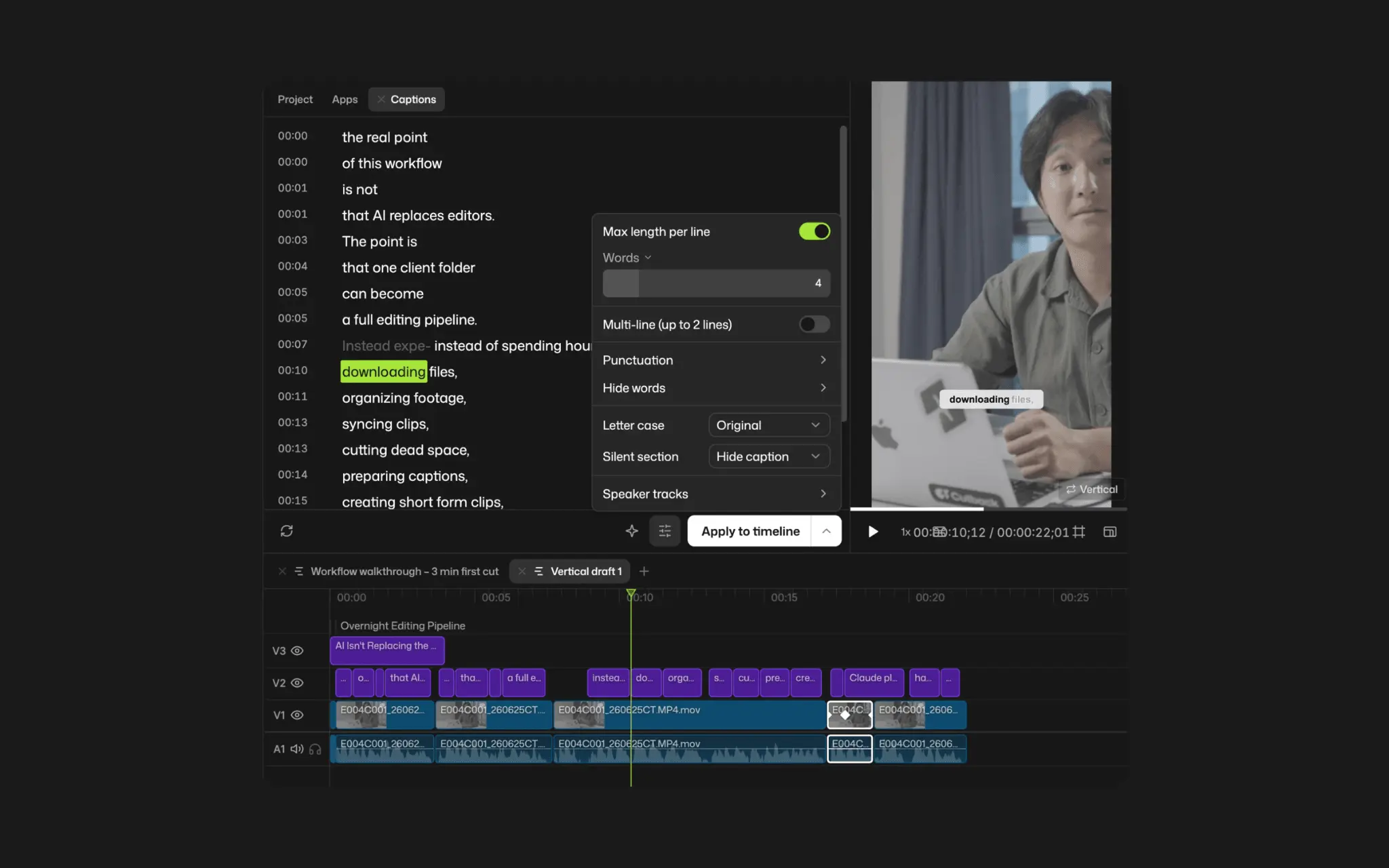
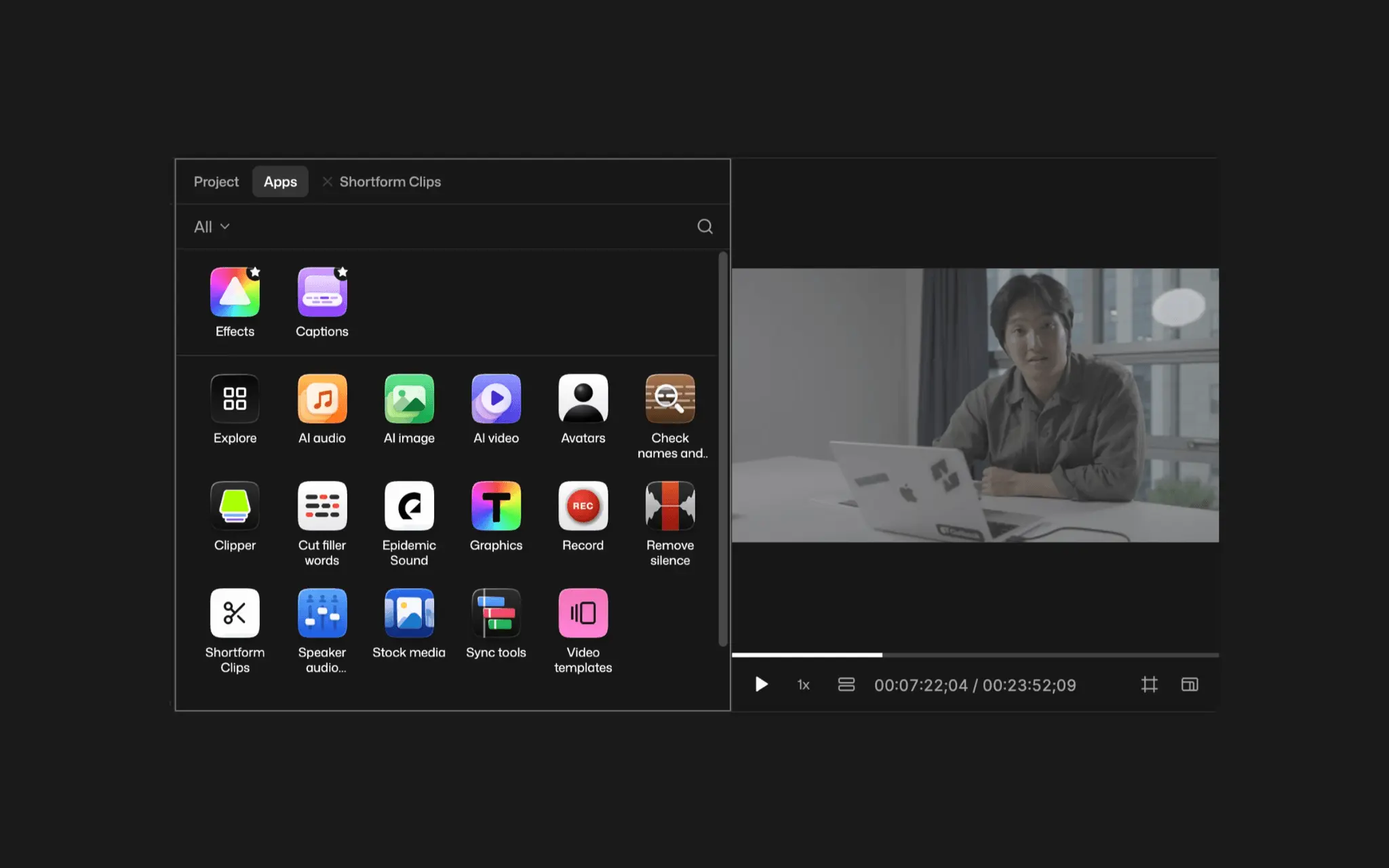
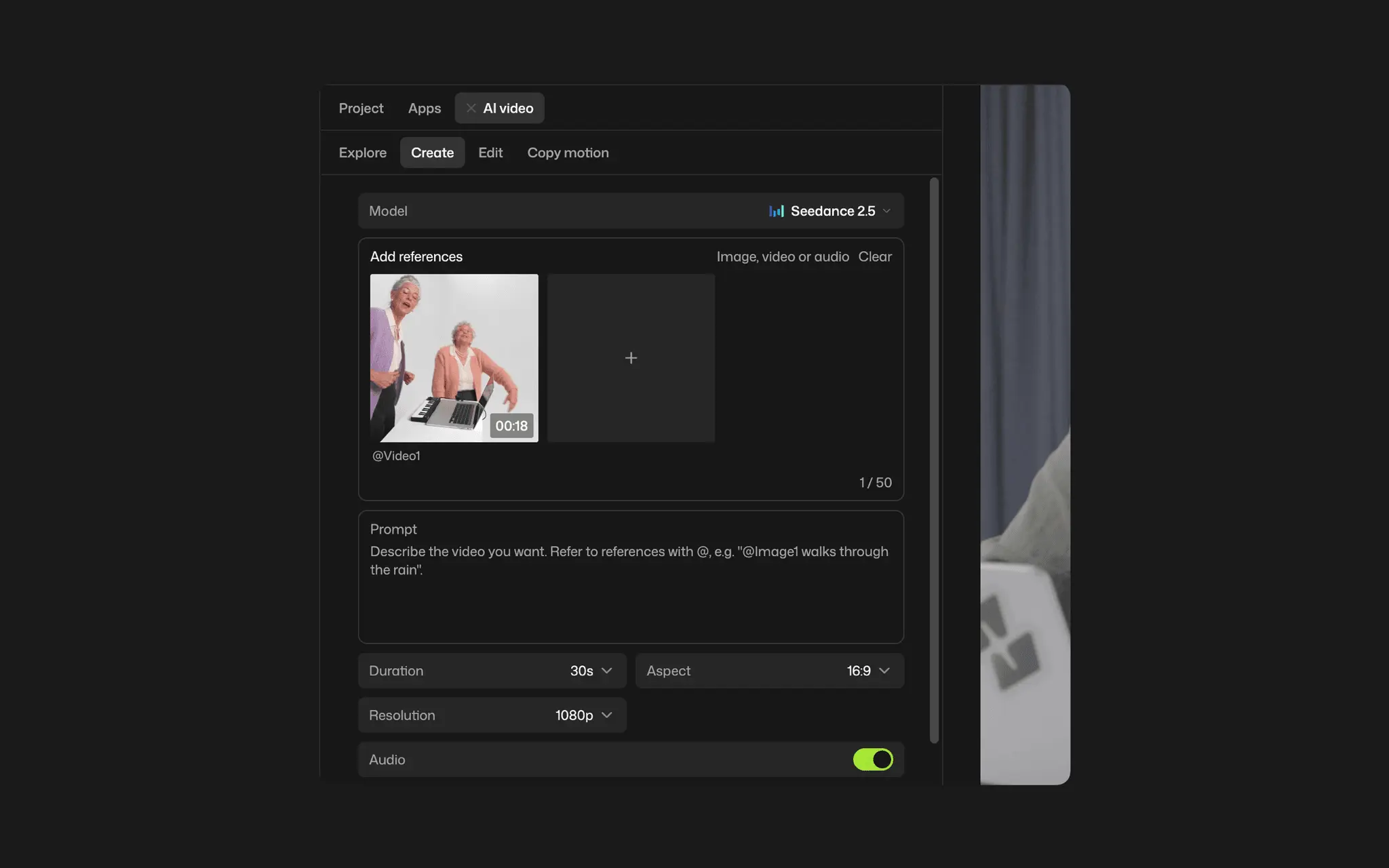
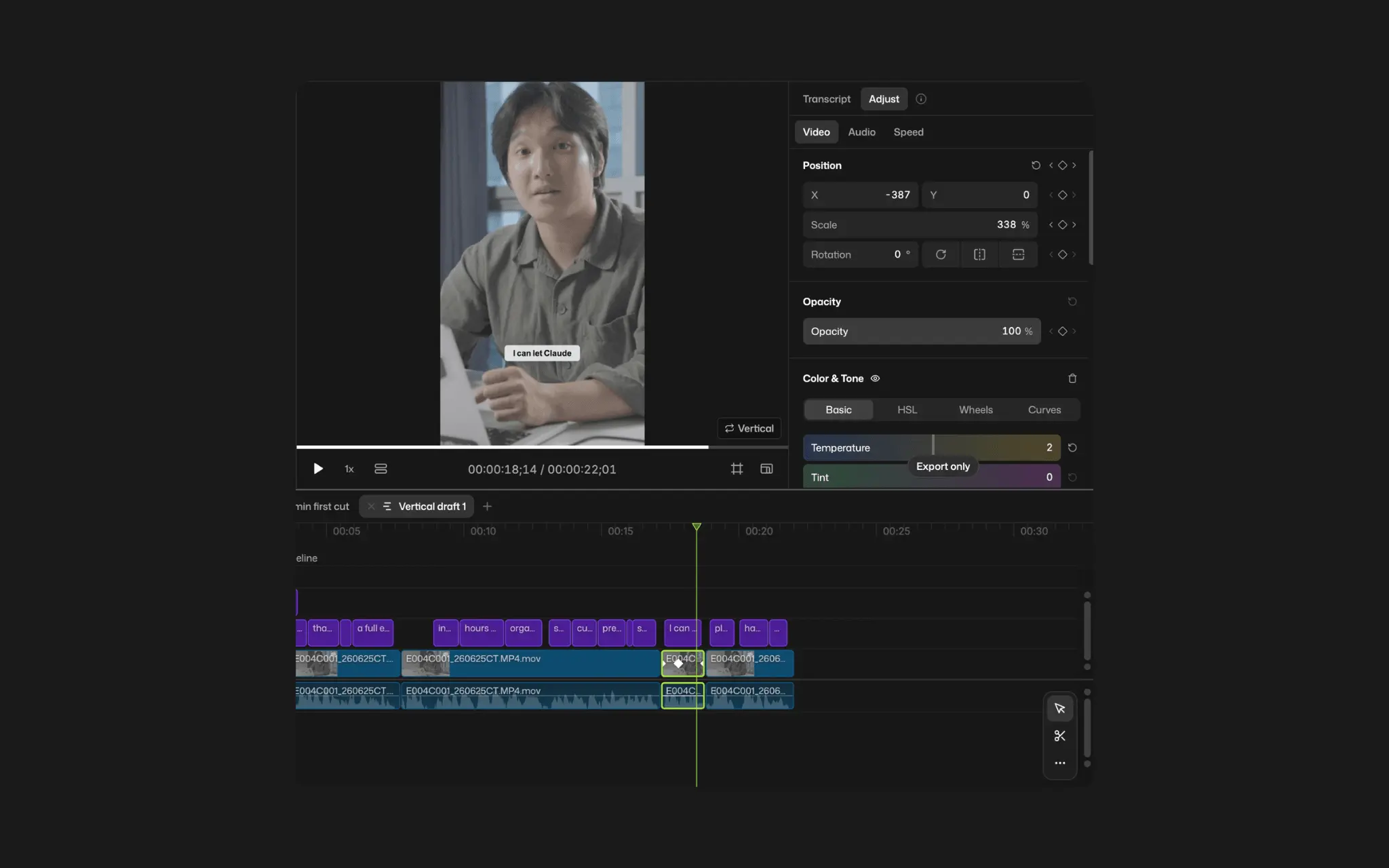
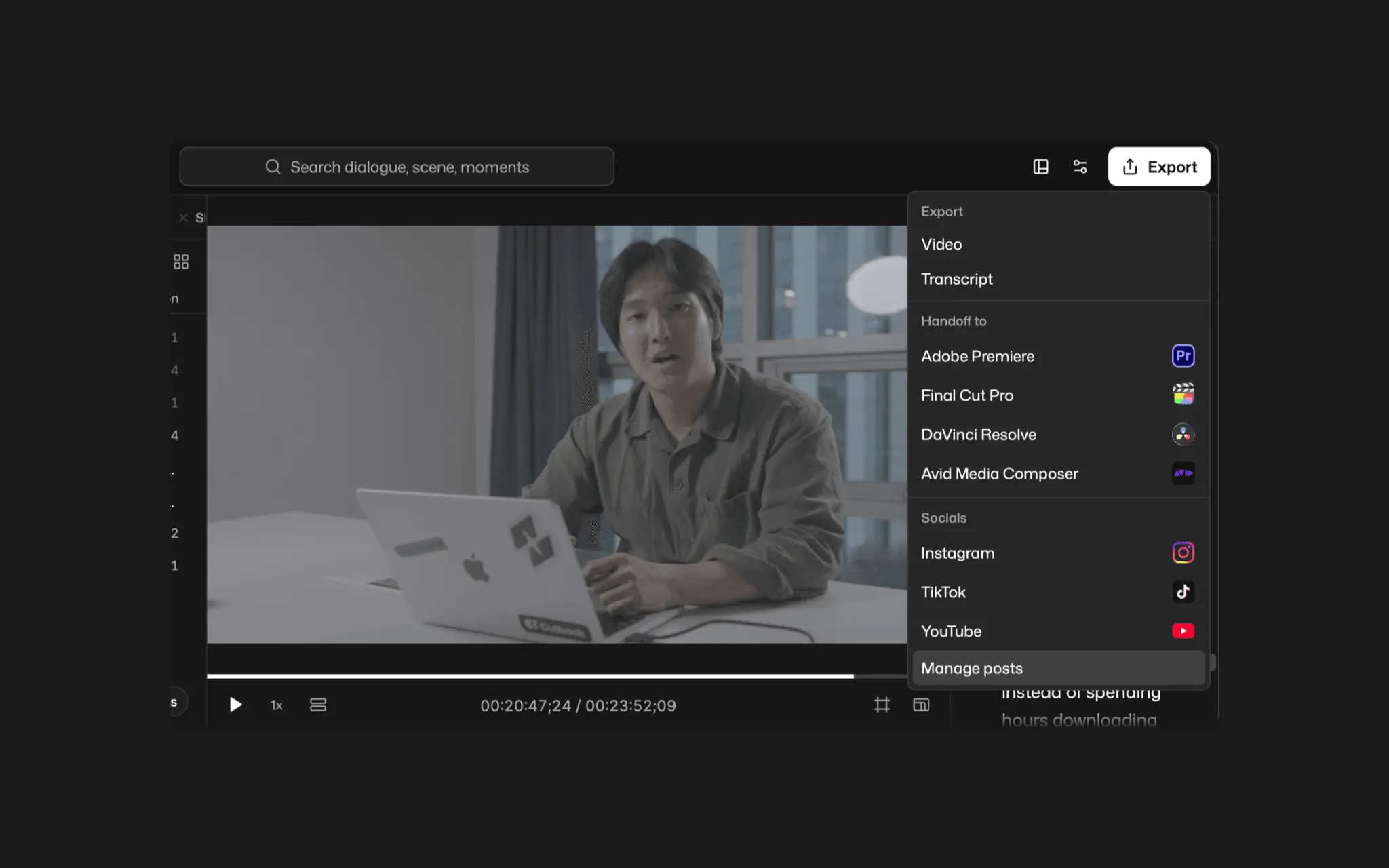
Making one video usually means juggling a stack of subscriptions: an editor, a captions plugin, a Shorts tool, ChatGPT or Claude for ideas, and separate sites for AI video, images and voiceover. And when you ask a chatbot to edit, it mostly reads the transcript and hands back a finished file you can't fix. Selects puts it all in one AI video editor. Drop in your footage and Selects analyzes it first: every word, who is speaking, the topics and what's on screen. Then ask for the edit in chat, paste a link to a video whose style you like, or edit the transcript like a document. Every change lands on a real multi-track timeline you can adjust by hand. Need a tool Selects doesn't have? Describe it in chat and the AI vibe codes it into an app that runs right inside the editor, built around your own workflow. No plugins to install, no code to write. Everything else is built in: multicam sync with automatic camera switching, captions, motion graphics, scene search, and AI generation with Kling, Seedance, Nano Banana, GPT Image, ElevenLabs and more, so you never leave the editor to generate. Finish and export in Selects, or hand off to Premiere Pro, Final Cut Pro, DaVinci Resolve or Avid. Runs in your browser or as a desktop app for Windows 11 and Apple Silicon Macs. The editor is free; AI features use credits, and new accounts get trial credits.
Product Video
Watch a video demo of Selects.
Screenshots
Reviews (0)
No reviews yet. Be the first to rate this product!
Comments (2)
Selects solves the real pain of video editing - juggling multiple tools. The chat-interface for editing makes iteration fast. Transcript-based editing and multi-track timeline are game-changers for content creators.
The chat-to-edit plus a hand-adjustable multi-track timeline is a compelling combo, and the Premiere/Resolve handoff is practical. How much can creators do in the free editor before AI credits become necessary?
@nckbrz The core editor (i.e., all basic video editing features), is completely free. There is no limit on the number or size of files you can import, and no restrictions or watermarks on export either.
@nckbrz You'll need credits when you need transcription, visual analysis, or GenAI tools. There is an inbuilt chat assistant that uses Selects credits. But you can connect your own ChatGPT/Claude subscription to save on Selects credits.