
ShellMate
Modern SSH client and collaborative workspace

Details
- Categories
- Use Cases
- Target Audience
- Pricing
- Freemium
Discovery signals
How AI and people discover ShellMate on PeerPush
- ChatGPT
- Perplexity
- +5 other AI crawlers
Reads by these AI engines
Crawlers behind these engines read this listing on PeerPush.About ShellMate
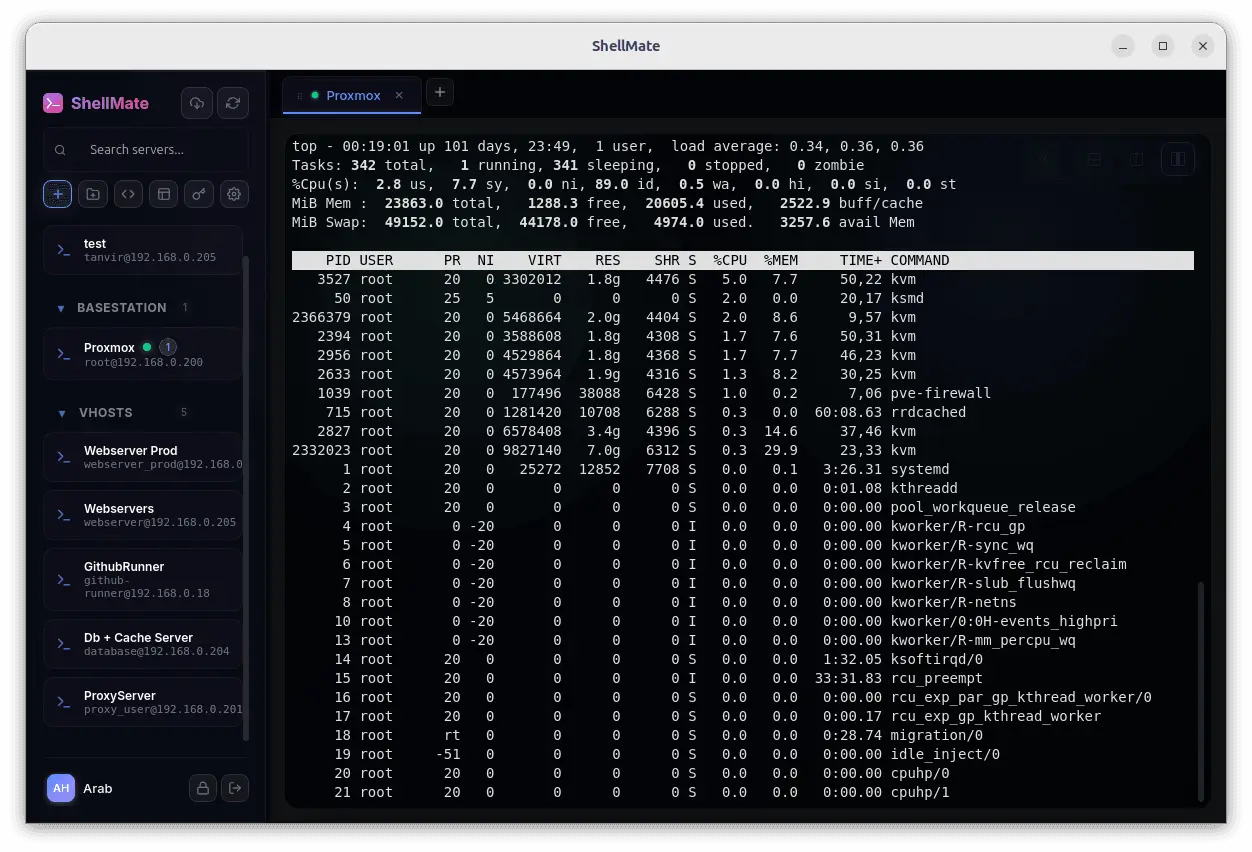
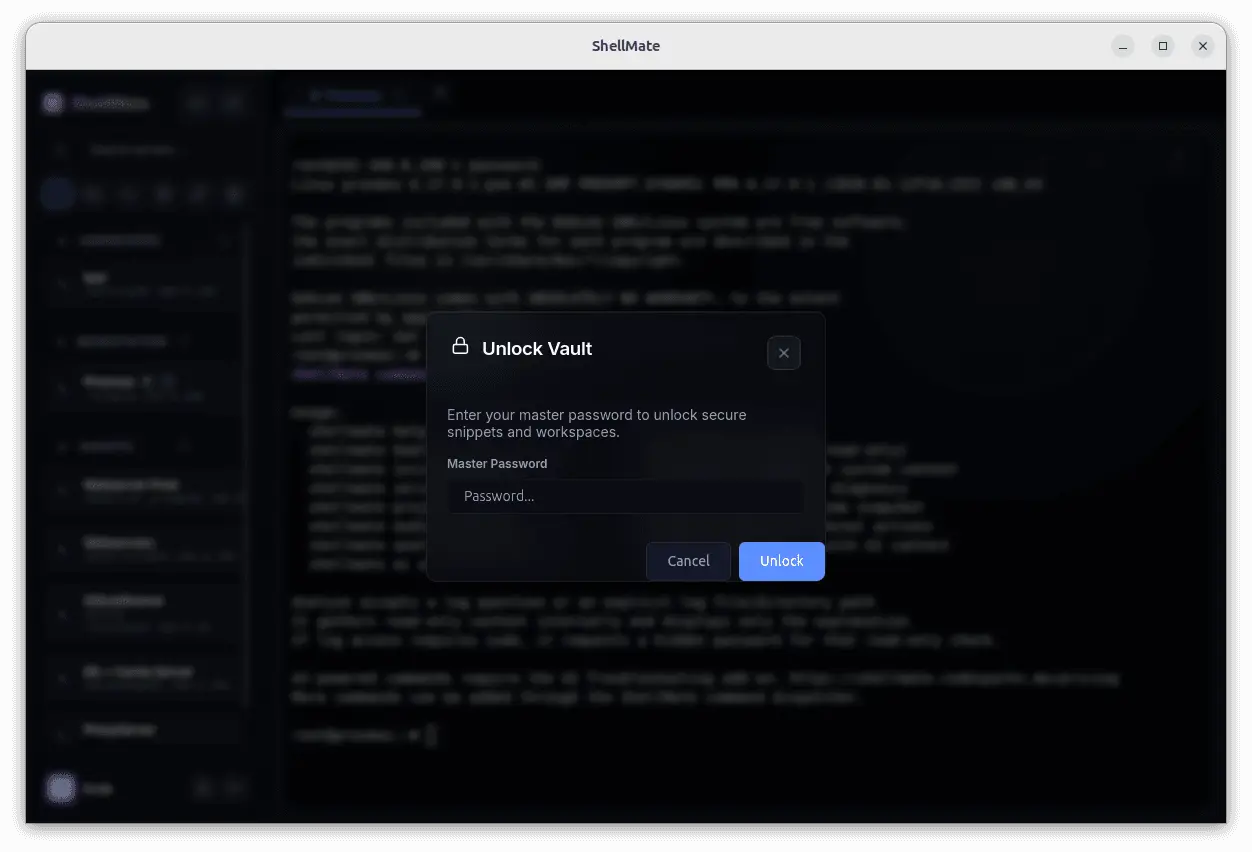
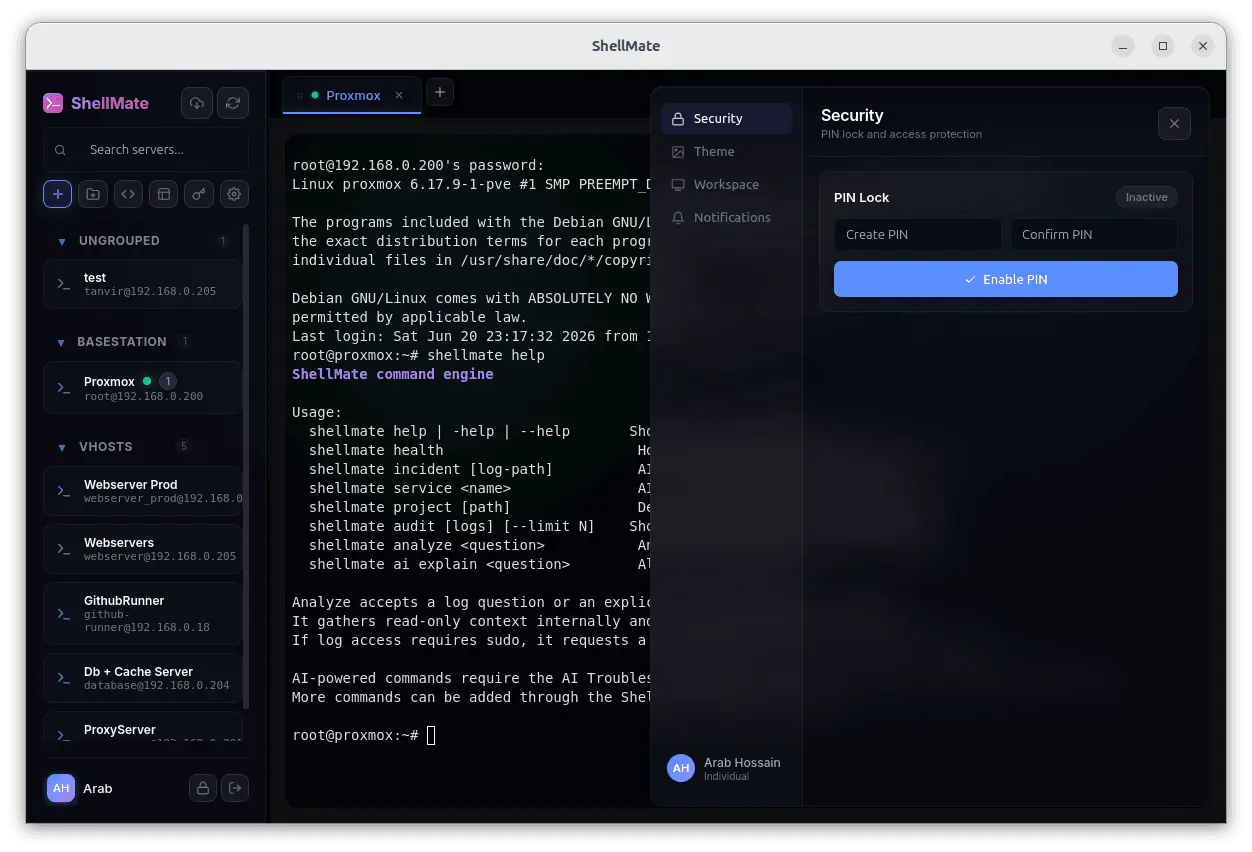
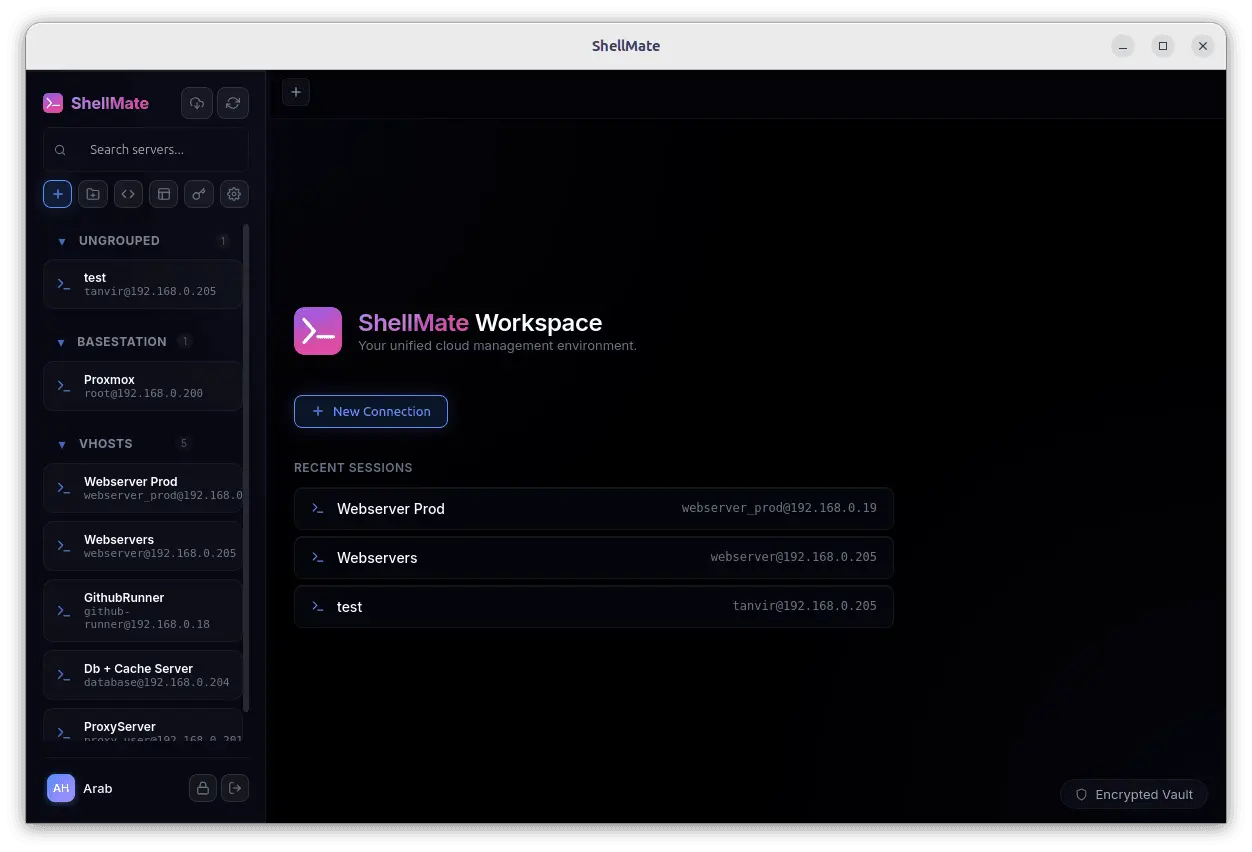
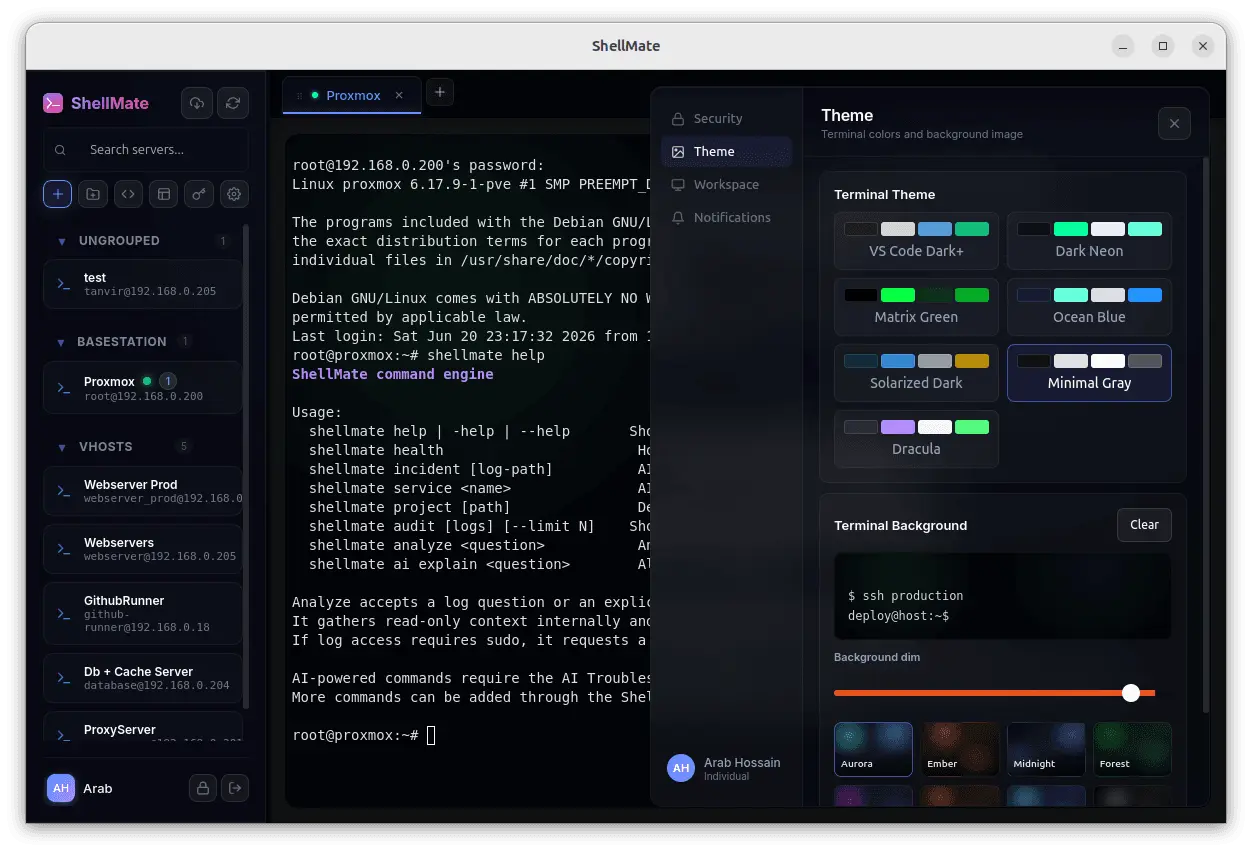
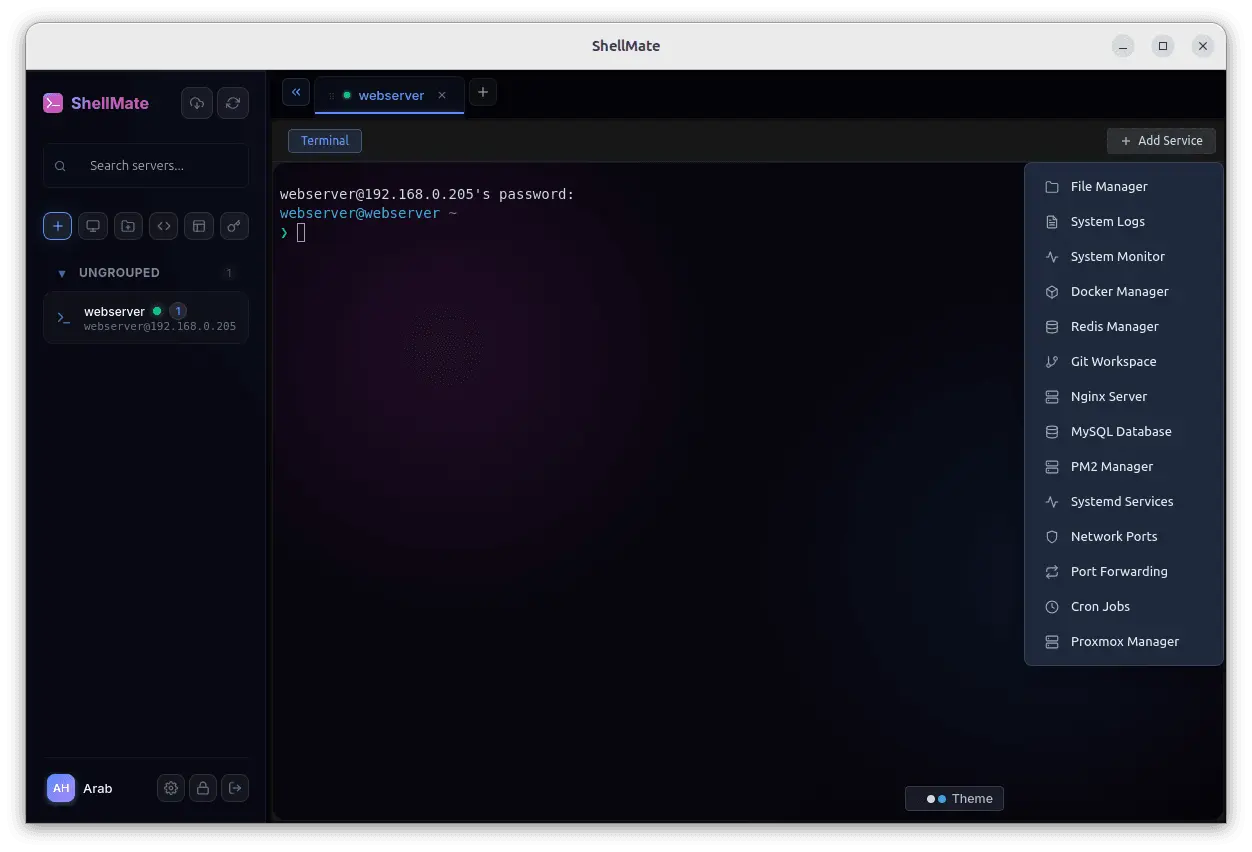
ShellMate is a modern AI-powered SSH workspace built for developers, system administrators, and DevOps teams. Free forever for individual users (AI features excluded). Instead of switching between terminals, password managers, documentation, database clients, Docker tools, file browsers, and virtualization dashboards, ShellMate brings your entire server workflow into a single workspace. Features include: 🖥️ Native SSH terminal sessions 🤖 AI assistant for server operations, troubleshooting, and command suggestions 📁 SFTP file management 🐳 Docker container and Compose management 🗄️ Database connections and management 📊 Real-time log viewing and analysis 🔀 Git repository management ⚙️ System service management ⏱️ Cron job management 🔌 Port monitoring and management 🖧 Proxmox VE cluster and virtual machine management 📂 Host and environment organization 🔐 Secure encrypted credential storage 👥 Team workspaces with role-based permissions 📝 Shared and private host notes ☁️ Cross-device synchronization 📜 Activity history and audit records 📥 Import existing SSH configurations 💻 Available on Windows, macOS, and Linux ShellMate is no longer just an SSH client—it's a unified workspace for managing servers, containers, databases, files, services, virtual infrastructure, and AI-assisted operations. Whether you're managing a single VPS or an entire fleet of production servers, everything you need is available from one place, helping you work faster with less context switching.
Product Video
Watch a video demo of ShellMate.
Screenshots
Reviews (3)
Average 5.0 out of 5
Based on 3 reviews

🎉 ShellMate v1.3 is here! This release transforms ShellMate from an SSH terminal into a complete server management workspace. New built-in Services include SFTP, Docker, Databases, Git, Logs, Services, Cron Jobs, Ports, and Proxmox VE management, plus major improvements to our AI assistant.


We've been using ShellMate for months, and it has made things so much easier for us. Thanks for building such a great tool, I definitely recommend it!
Comments (12)
👍🏻
The native SSH sessions combined with Docker integration is a game changer. Being able to manage containers and run terminal commands from one unified interface cuts down context switching significantly.
@galdayan1895 Thanks! 😊 That was exactly the goal, reduce context switching. Instead of jumping between terminals and multiple tools, ShellMate keeps SSH, Docker, services, logs, and everyday server tasks together in one workspace.
Shell automation has come a long way - really impressed by how cleanly ShellMate handles service orchestration. The setup was intuitive and the docs are solid.
@omribenshoham Thanks! Really appreciate it! Making server management intuitive was a big goal. Glad you found the setup easy, and I'll keep improving the docs and workflow based on community feedback.
Check 9cli.com I build more advance and amazing last year
@vivekvyas That's awesome! 👏 I'd love to learn from it. I'm particularly curious how you handle zero-trust access, team sharing, and password or credential rotation. Those are areas I'm actively exploring for ShellMate.
@arabhossain We are handling security by a session management which is basically without Oauth just pure relay based connection and speed of cloud terminal is in ms
@vivekvyas thank you, I understood that part. My main question is still around how you handle zero-trust access, team sharing, and credential rotation?
Great unified workspace - having the SSH terminal, Docker tools, database clients, and file management all in one place saves so much time. The AI assistant for troubleshooting is solid too.
@galdayan1895 Thanks! That's exactly what we set out to build, a single workspace for day-to-day server operations. Glad the AI assistant and unified workflow are making troubleshooting and management easier.
The all-in-one approach is smart — Docker, DB, Git and SFTP in one workspace really cuts down on tool-switching. Curious how you handle session security for team workspaces long term!
@liox_hl Thanks, Strict PTY isolation secures terminal init. WebSockets verify platform JWTs & org access at the HTTP handshake. Host-level RBAC strictly gates access, while realtime force_logout events instantly kill revoked team sessions!
@zehan4912 Thanks for the support! I’d love to hear your feedback and suggestions. Community input is really valuable as we continue improving ShellMate
The Docker and services management features are really impressive - having built-in support for containers, databases, and git hooks from one terminal is exactly what was missing. How does the deployment workflow compare to traditional SSH
@omribenshoham Thanks! 😊 Traditional SSH gives access, but it adds a workflow layer. Services help manage apps, Docker, logs, and custom commands from one workspace, making deployments, restarts, and maintenance faster and more consistent
Nice product! Does it work in fully air-gapped environments with no internet access, such as isolated databases or private networks?
@sagargeen Thanks! 😊 Target servers don't need internet. If your device can reach them via VPN, LAN, or a private network, ShellMate works. You can also use it as a local terminal. Fully air-gapped deployments without the ShellMate API are
@arabhossain yahh it makes sense
Congrats on the launch bro, Are there any compliance stuff that proves that shellmte is safe? EG. Soc2, Hippa
@pory95 Thanks! Great question. We're not SOC 2, HIPAA, or ISO 27001 certified yet. As an early-stage product, compliance is on our roadmap. We already use encrypted credential storage, RBAC, TLS, audit logs, and strict permission checks.