
Sitepeel
Website cloner: copy elements, designs and assets.

Details
- Follow on
- Categories
- Use Cases
- Target Audience
- Pricing
- Freemium
- Platforms
Discovery signals
How AI and people discover Sitepeel on PeerPush
About Sitepeel
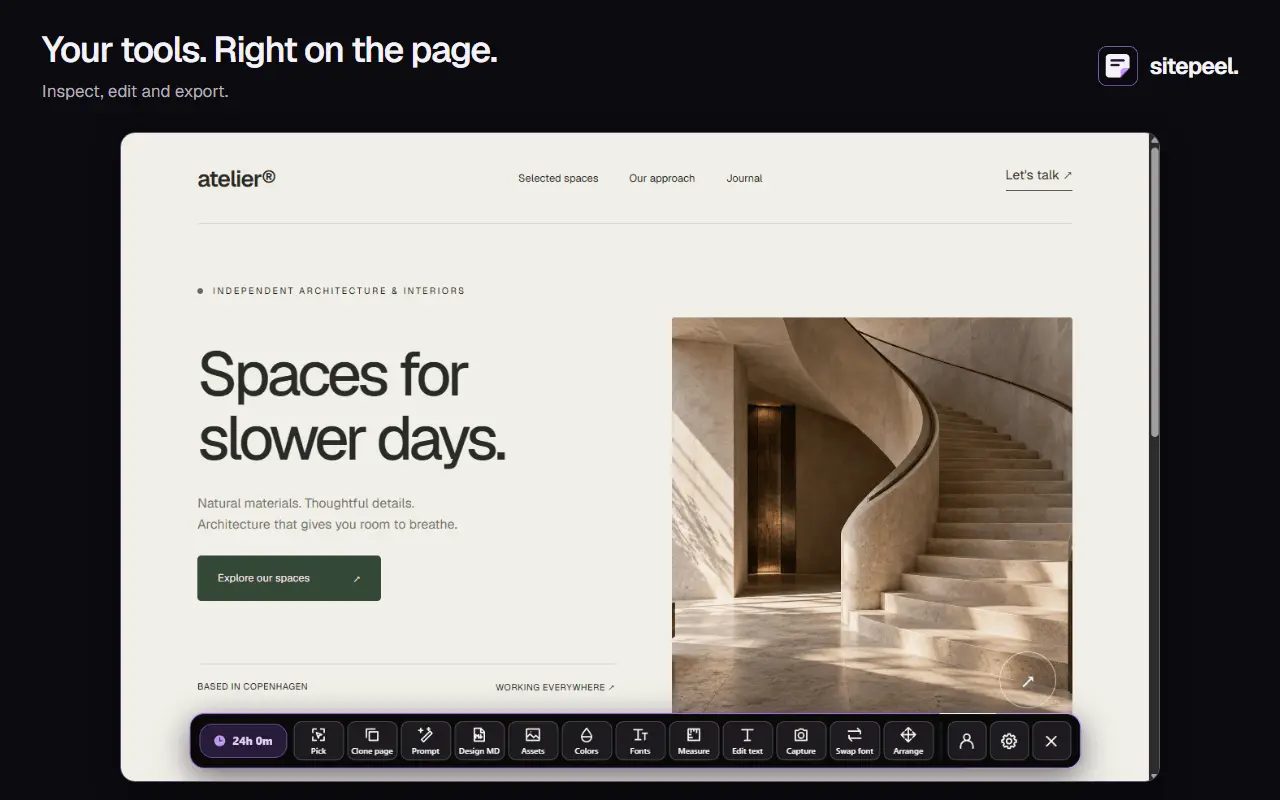
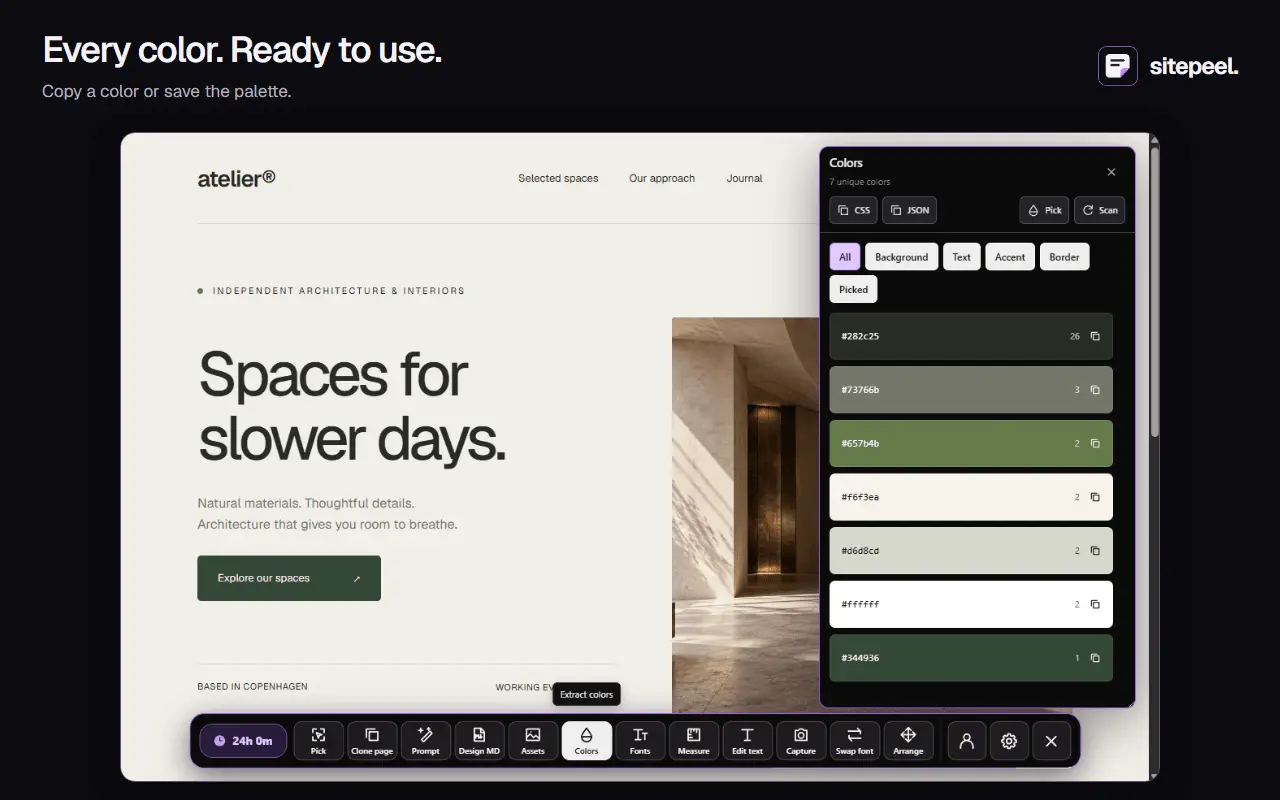
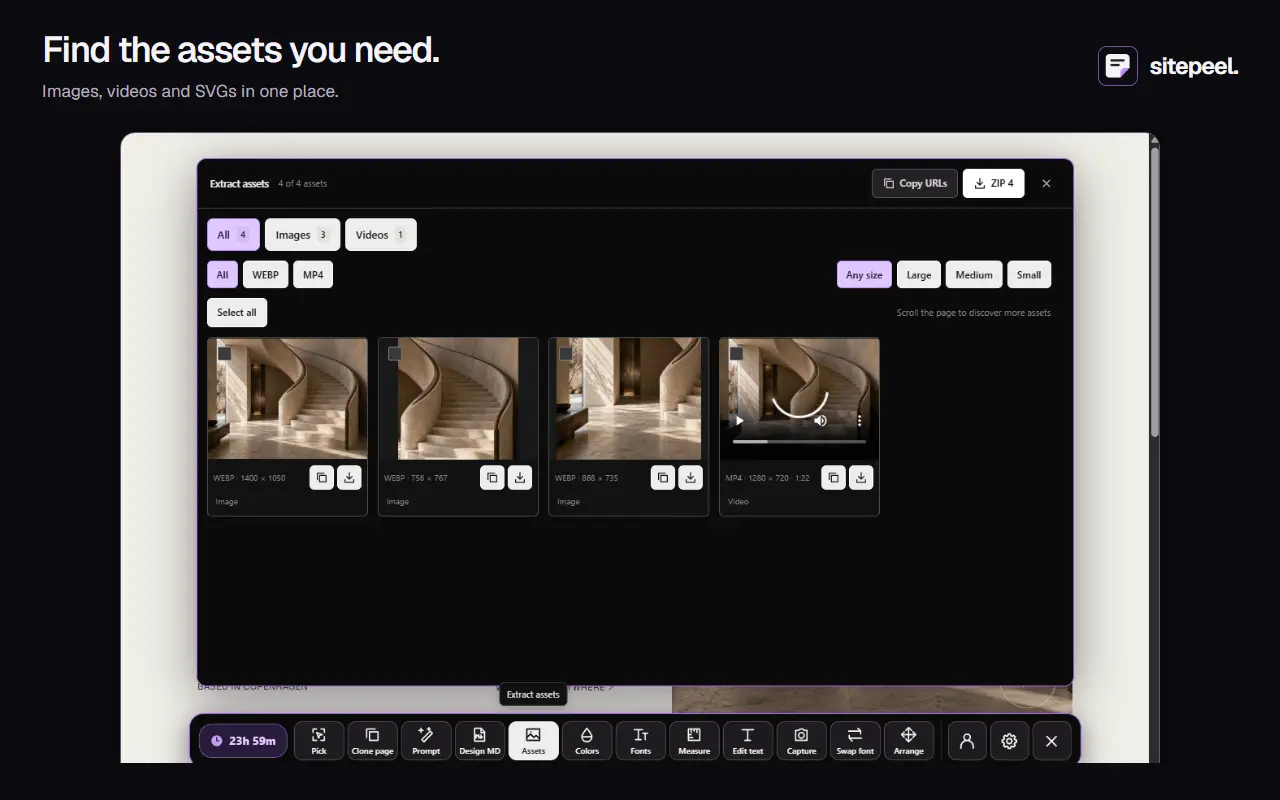
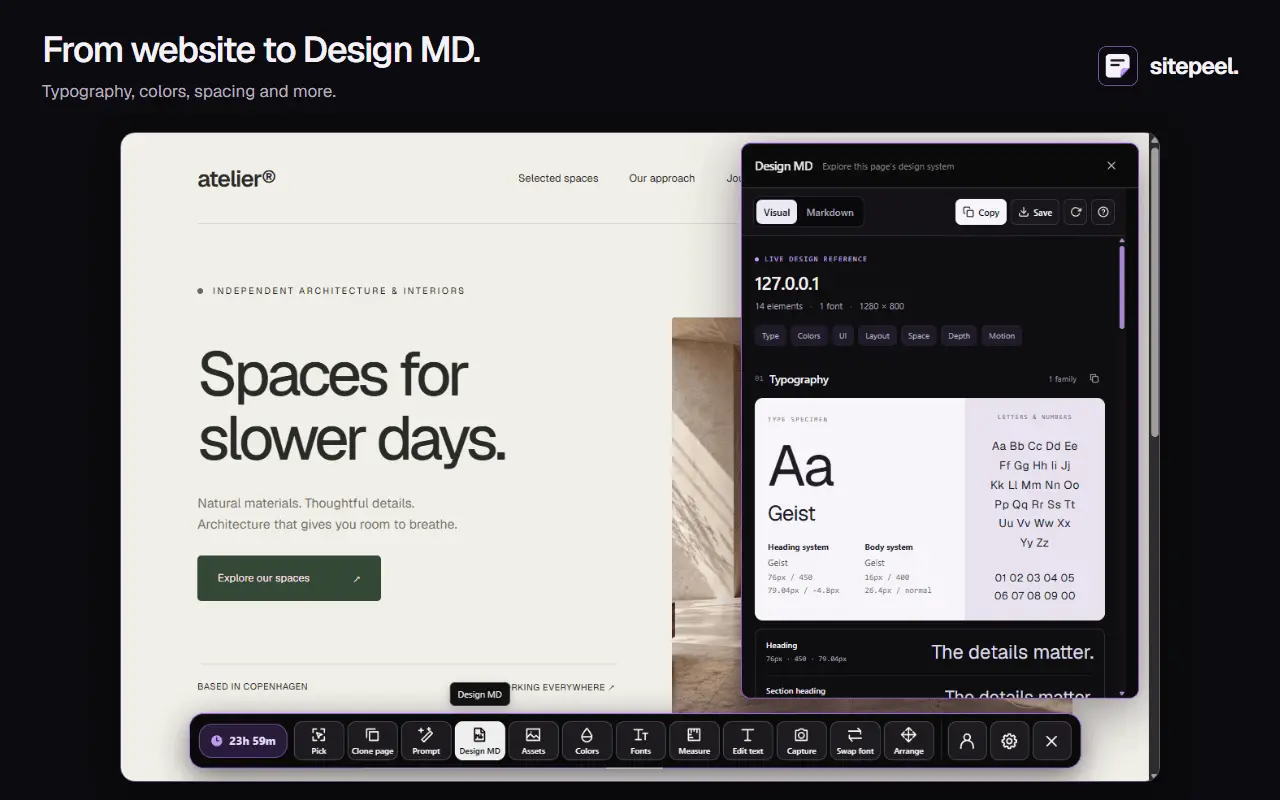
Sitepeel is a website cloner Chrome extension for developers and designers. Clone a webpage or pick individual elements to export their rendered HTML and CSS. Extract images, videos and SVGs, collect colors and font styles, and measure dimensions and spacing. Turn a page's design details into a Design MD reference or design prompt for your next build. Sitepeel tools also include screenshots, font previews and temporary page edits. Use Sitepeel to study layouts, collect design references, save useful assets and turn website inspiration into a starting point for your own work. Page cloning creates a static HTML/CSS snapshot of a supported webpage.
Screenshots
Reviews (1)
Average 5.0 out of 5
Based on 1 review

The DESIGN.md export stands out: it turns a live page into colours, type, spacing and components that an AI coding agent can follow. The site states plainly that images and copy belong to the site owner, which sets the right expectation. Free tools need no install, and the Chrome extension covers pages behind a login. Could you show the one-time lifetime price on this listing? The site says pay once, but I did not see a dollar amount on the pages I opened.
Comments (1)
I built Sitepeel to make it faster to study a website, clone supported pages or individual elements, and collect rendered HTML/CSS, assets, colors, typography, and layout details in one place.