
StackTools
Private browser tools for everyday work

Details
- Categories
- Productivity & NotesPrivacy
- Use Cases
- PDF ManagementImage Conversion
- Target Audience
- FreelancersRemote Workers
- Pricing
- Free
- Platforms
- Web
 ILovePDF alternatives
 iLoveIMG alternatives
 sejda.com alternatives
Discovery signals
How AI and people discover StackTools on PeerPush
About StackTools
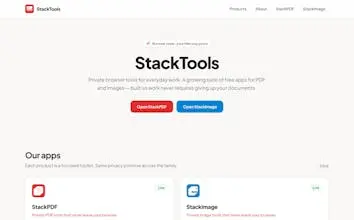
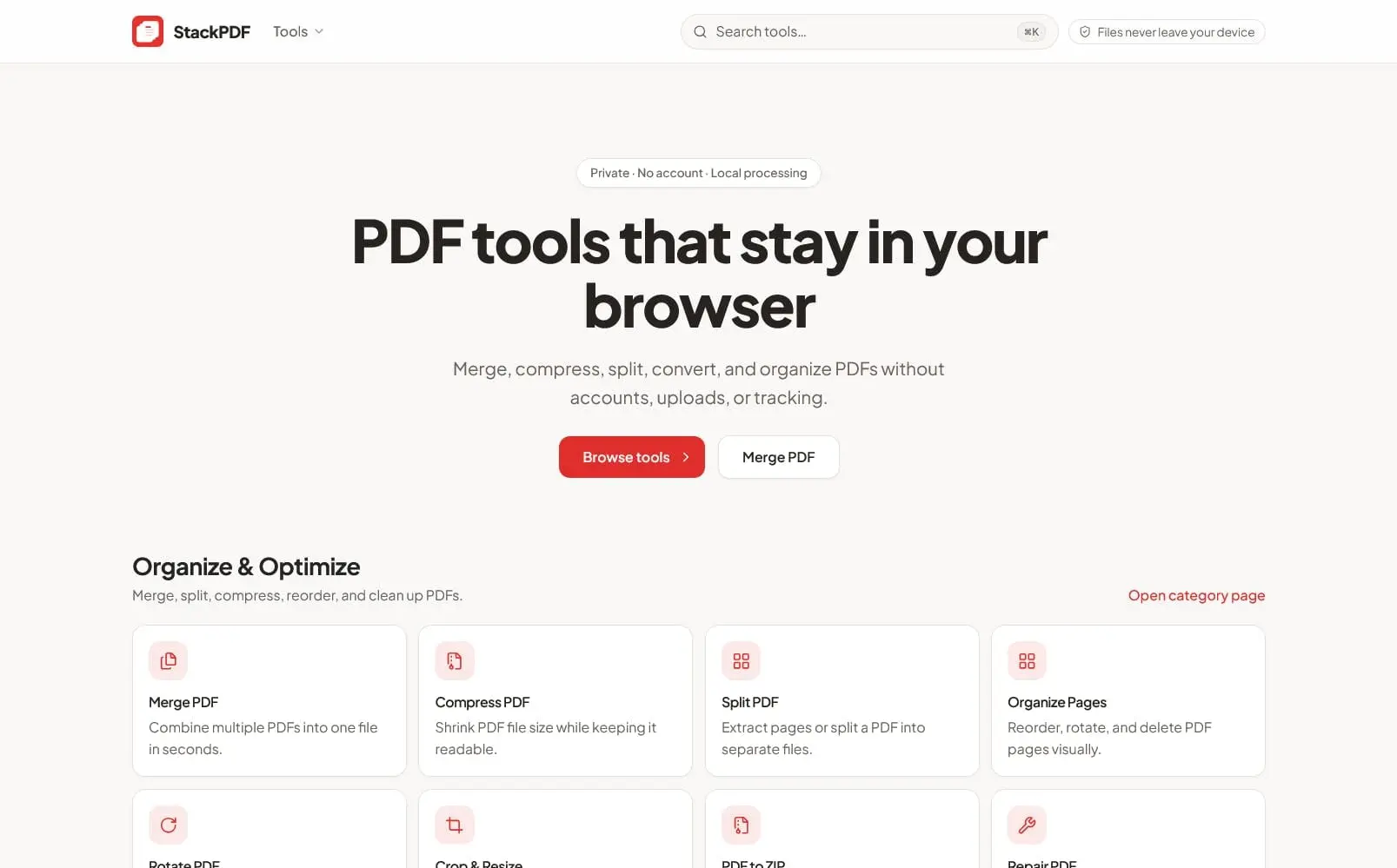
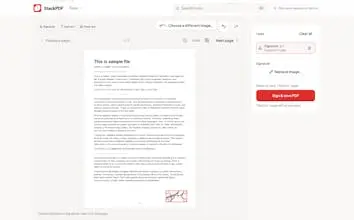
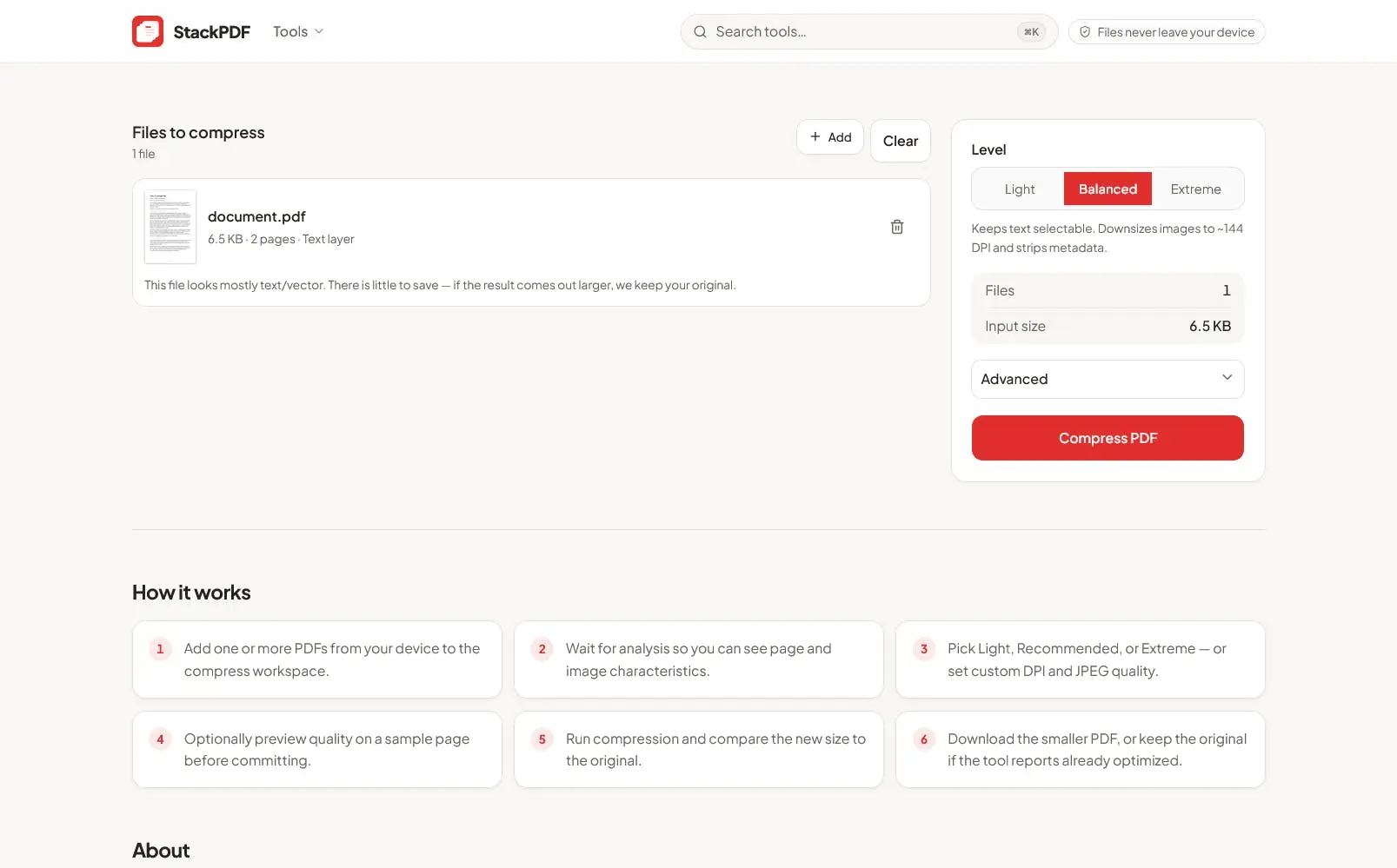
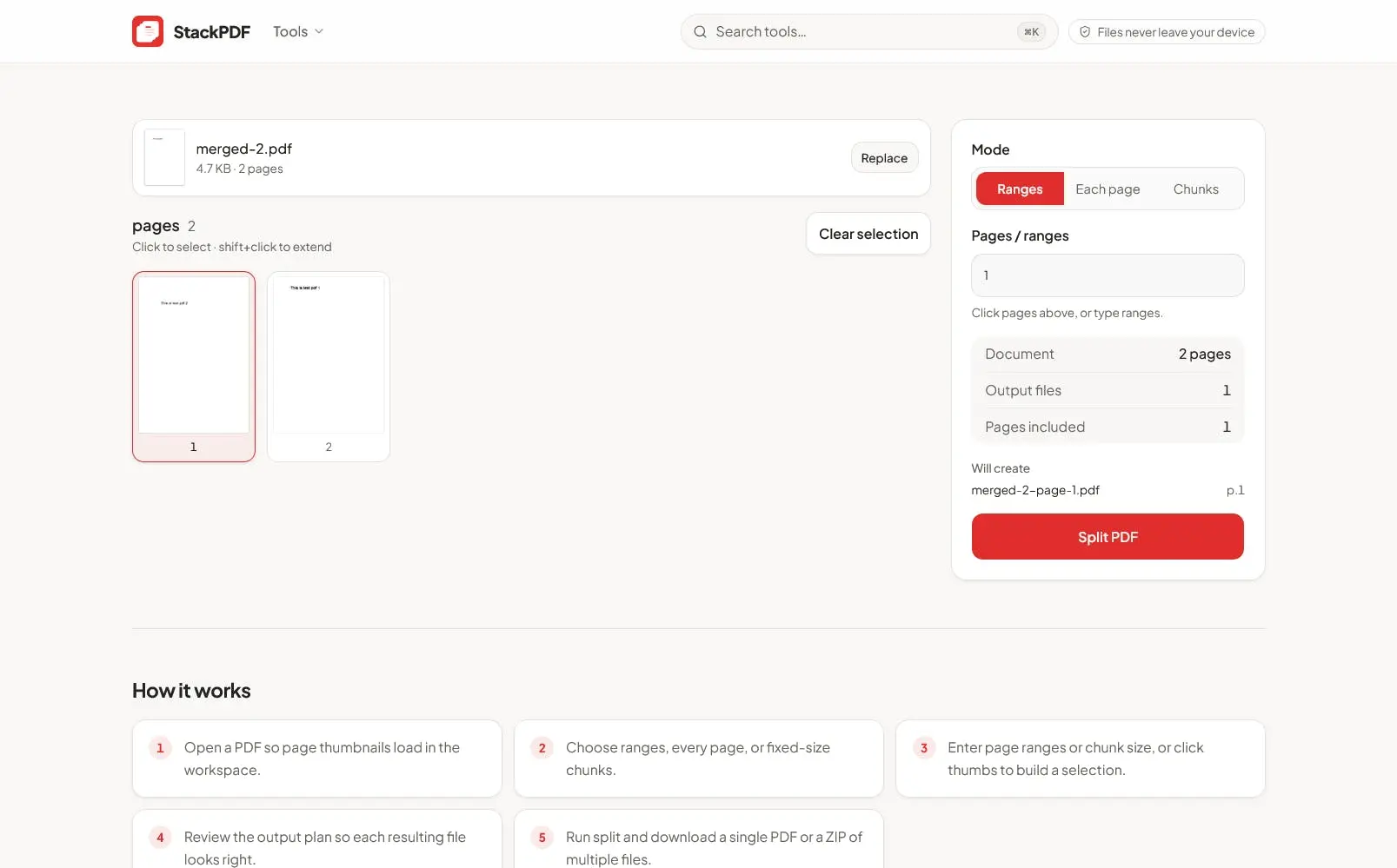
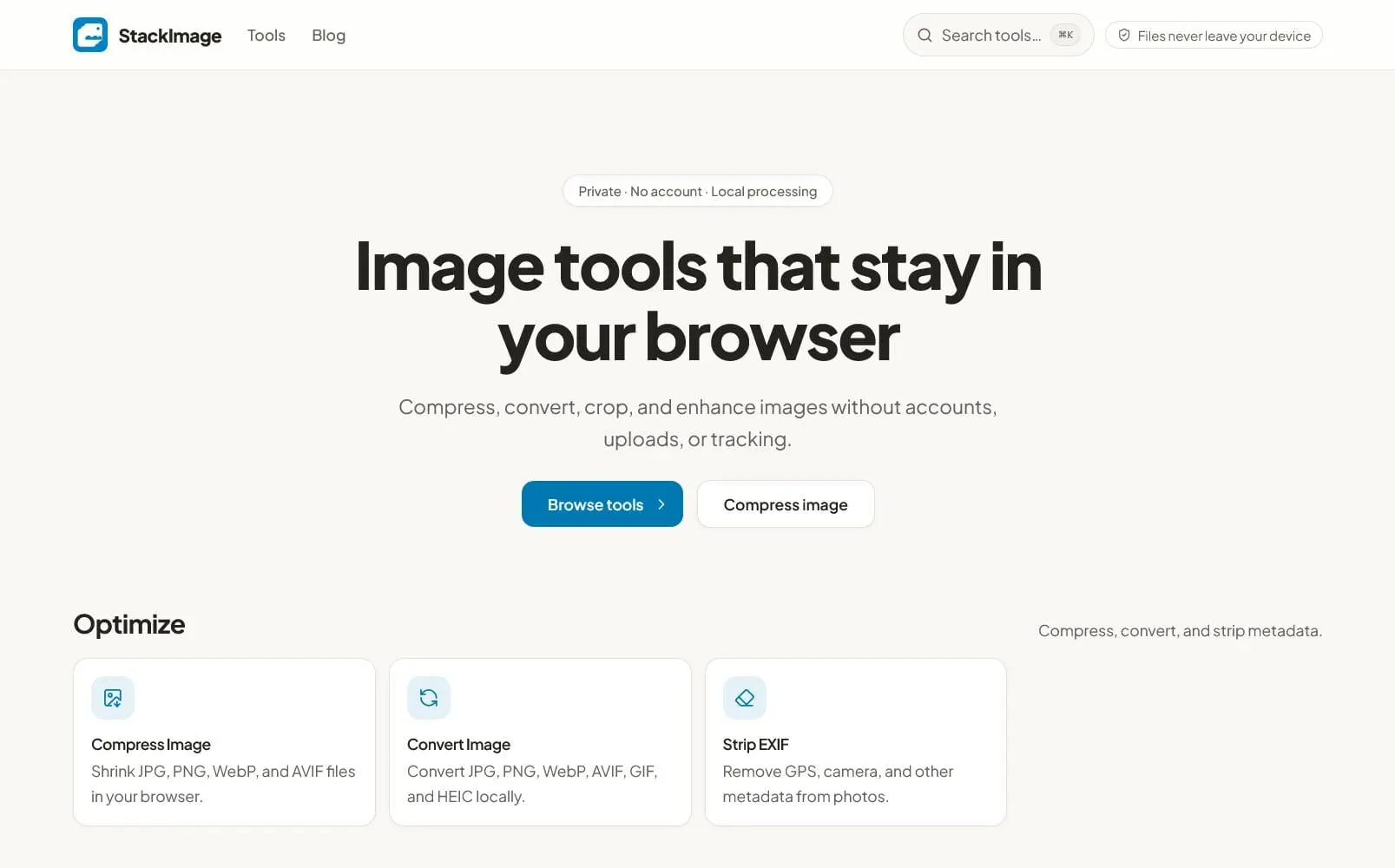
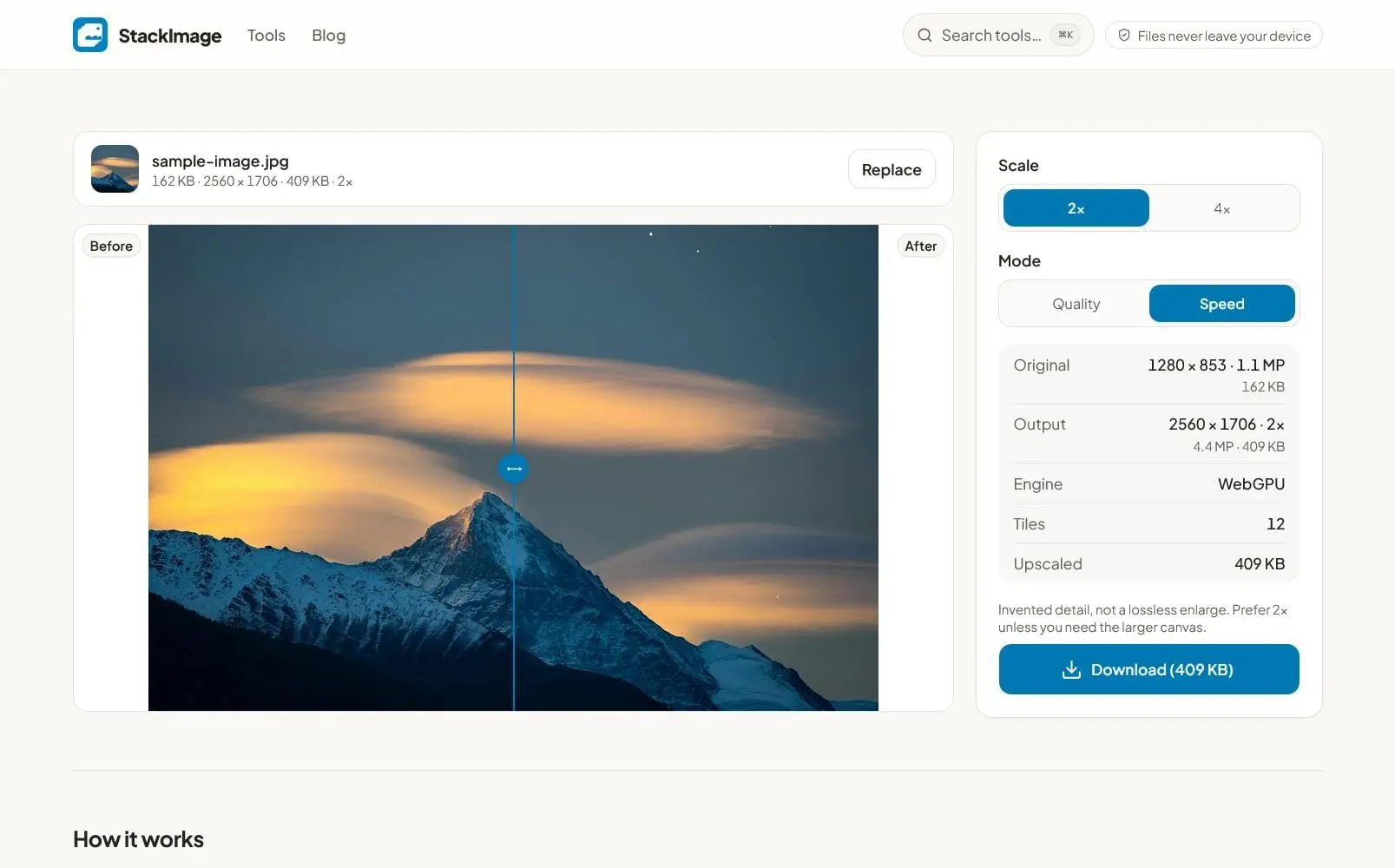
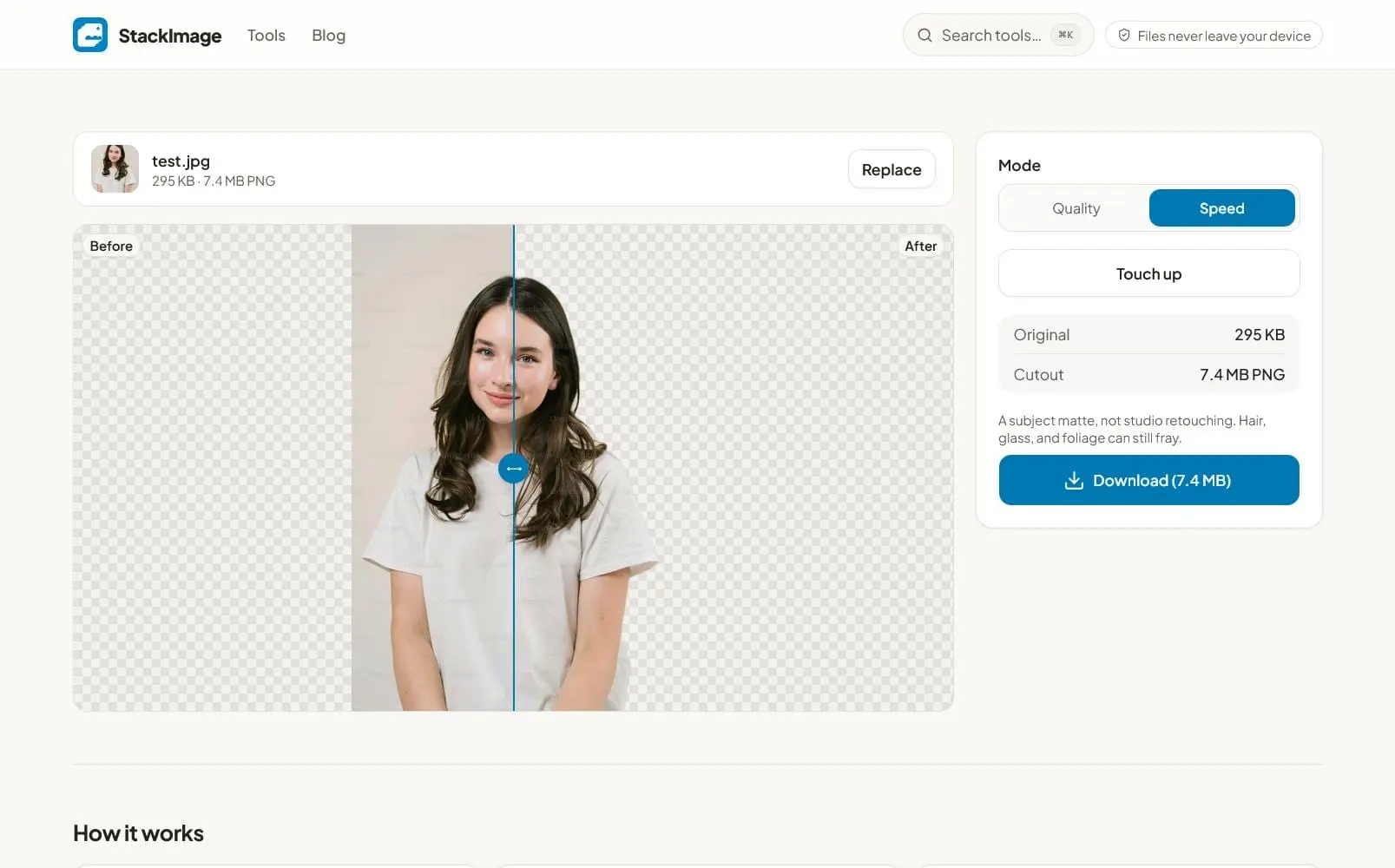
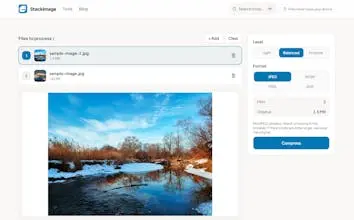
StackTools is a suite of free, privacy-first browser tools designed to make everyday PDF and image tasks faster, simpler, and safer. Instead of uploading your files to a remote server, StackTools processes them directly in your browser, giving you greater control over your data. With StackTools, you can handle common file tasks without installing complicated software, creating an account, or handing your personal documents to a third-party service. Open a tool, select your file, complete the task, and download the result. Key features include: • Privacy-first local processing: Your files are processed directly on your device rather than uploaded to StackTools servers. • No account required: Start using the tools without registration, unnecessary sign-ups, or complicated onboarding. • Free and easy to use: Designed for quick everyday tasks without subscriptions or unnecessary friction. • PDF tools: Merge, split, compress, convert, OCR, redact, and protect PDF documents. • Image tools: Compress, convert, crop, enhance, upscale, remove backgrounds, and convert formats such as HEIC. • Offline-friendly: Many tools can continue working without an internet connection after the initial page has loaded. • Fast browser-based workflow: Perform common file operations directly from your browser without installing desktop applications. What makes StackTools different is its approach to privacy. Many online file utilities require you to upload a document or image before processing it. That can be a concern when working with contracts, invoices, identification documents, financial records, private photos, business files, or other sensitive information. StackTools is designed to keep processing local whenever possible, so your files can remain on your own device. The result is a more private and convenient way to handle everyday file work. You can reduce a large PDF before emailing it, combine several documents into one, extract text from a scanned document, remove sensitive information before sharing a file, convert an image into a compatible format, remove an unwanted background, or improve an image without first sending the original file to a remote service. StackTools is built for students, professionals, freelancers, creators, businesses, and anyone who regularly works with documents and images. Whether you need a quick PDF conversion, image compression, document cleanup, or another routine file operation, StackTools provides focused tools that help you finish the job with fewer steps. The core idea is simple: useful file tools should not require unnecessary access to your files. StackTools brings practical PDF and image utilities into the browser while putting privacy, simplicity, and user control at the center of the experience. With StackTools, users can expect a straightforward workflow, local-first processing, fewer barriers, and practical tools for getting everyday file tasks done quickly.
Screenshots
Reviews (1)
Average 4.0 out of 5
Based on 1 review

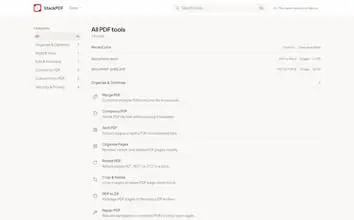
A tools page that groups utilities by task is easier to scan than a long list. I would want each tool to say what it does in one line.
Comments (1)
A tools page that groups utilities by task is easier to scan than a long list. I would want each tool to say what it does in one line.