
Steno
Turn voice to text instantly in any app
Details
- Use Cases
- Note-TakingMeeting Transcription
- Target Audience
- EntrepreneursFreelancersContent Creators
- Pricing
- Paid from $4.99
Discovery signals
How AI and people discover Steno on PeerPush
About Steno
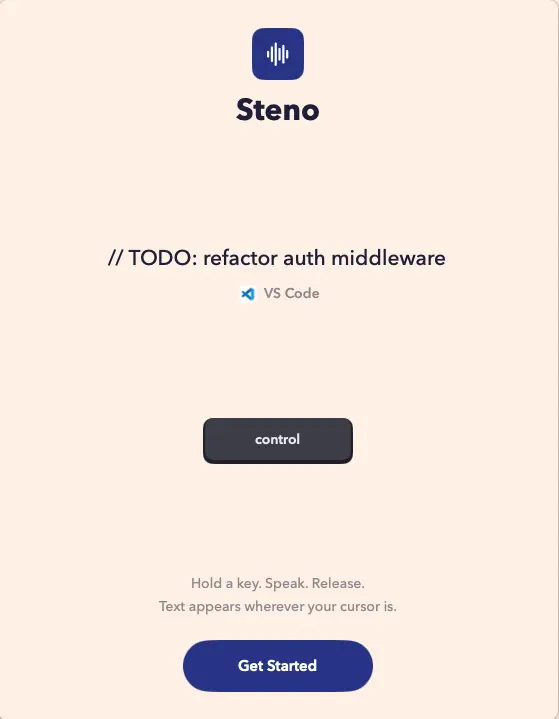
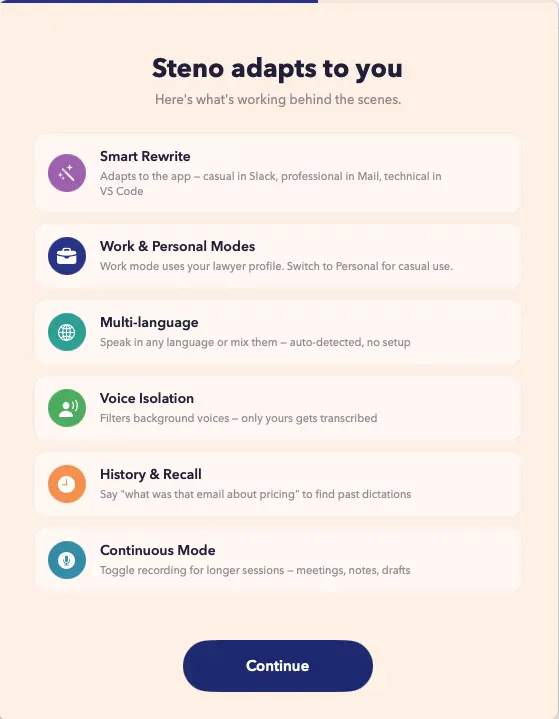
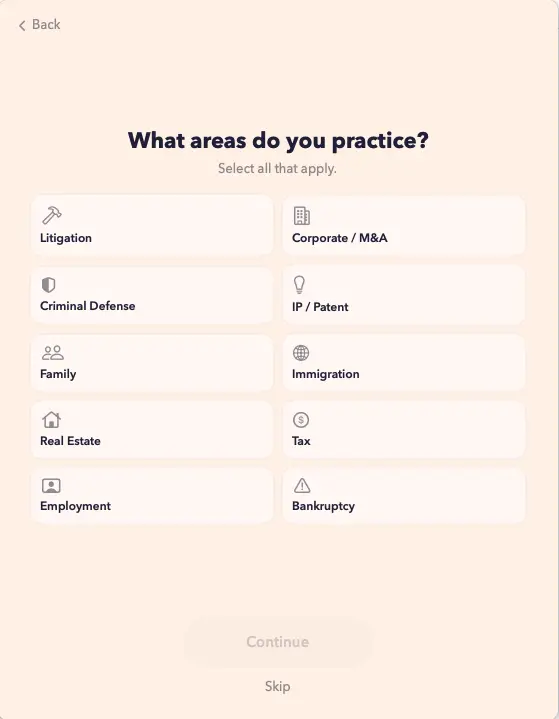
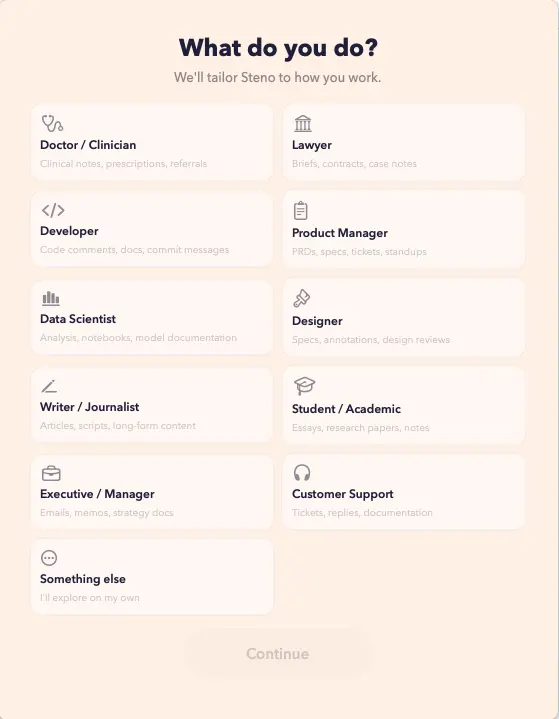
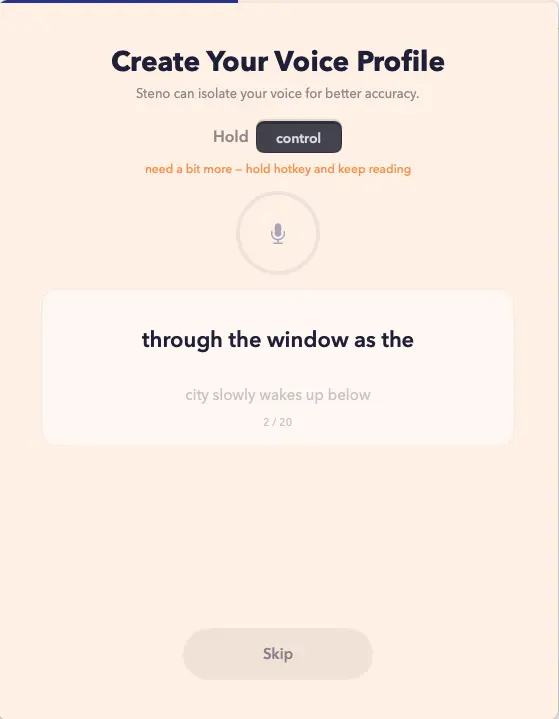
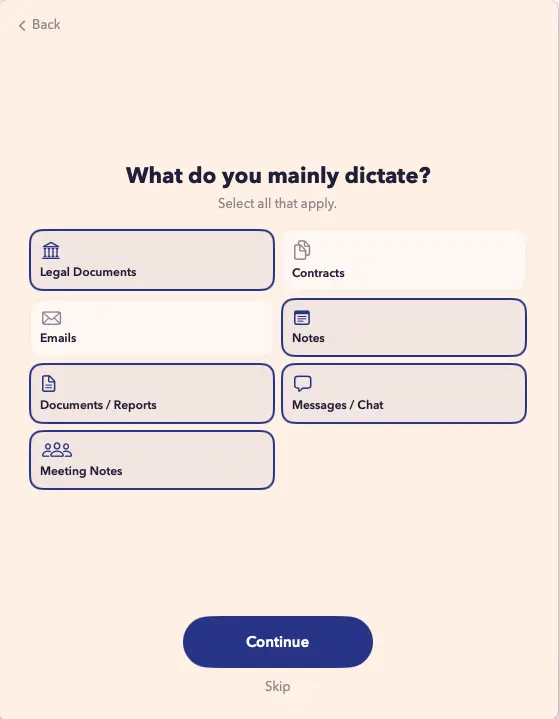
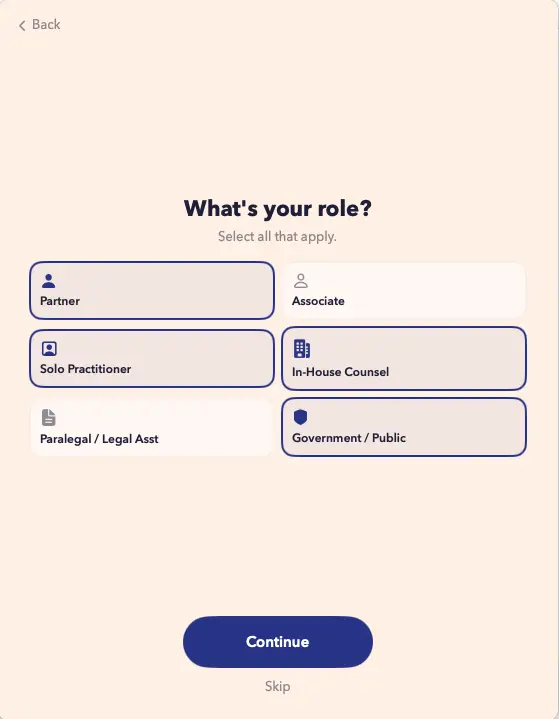
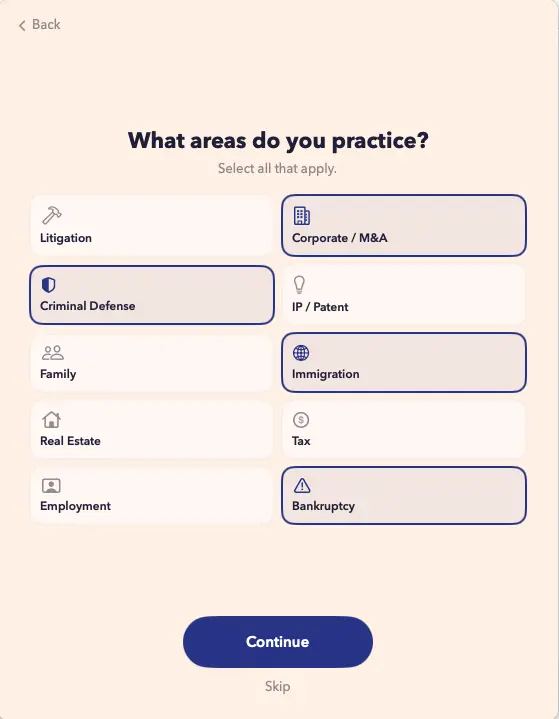
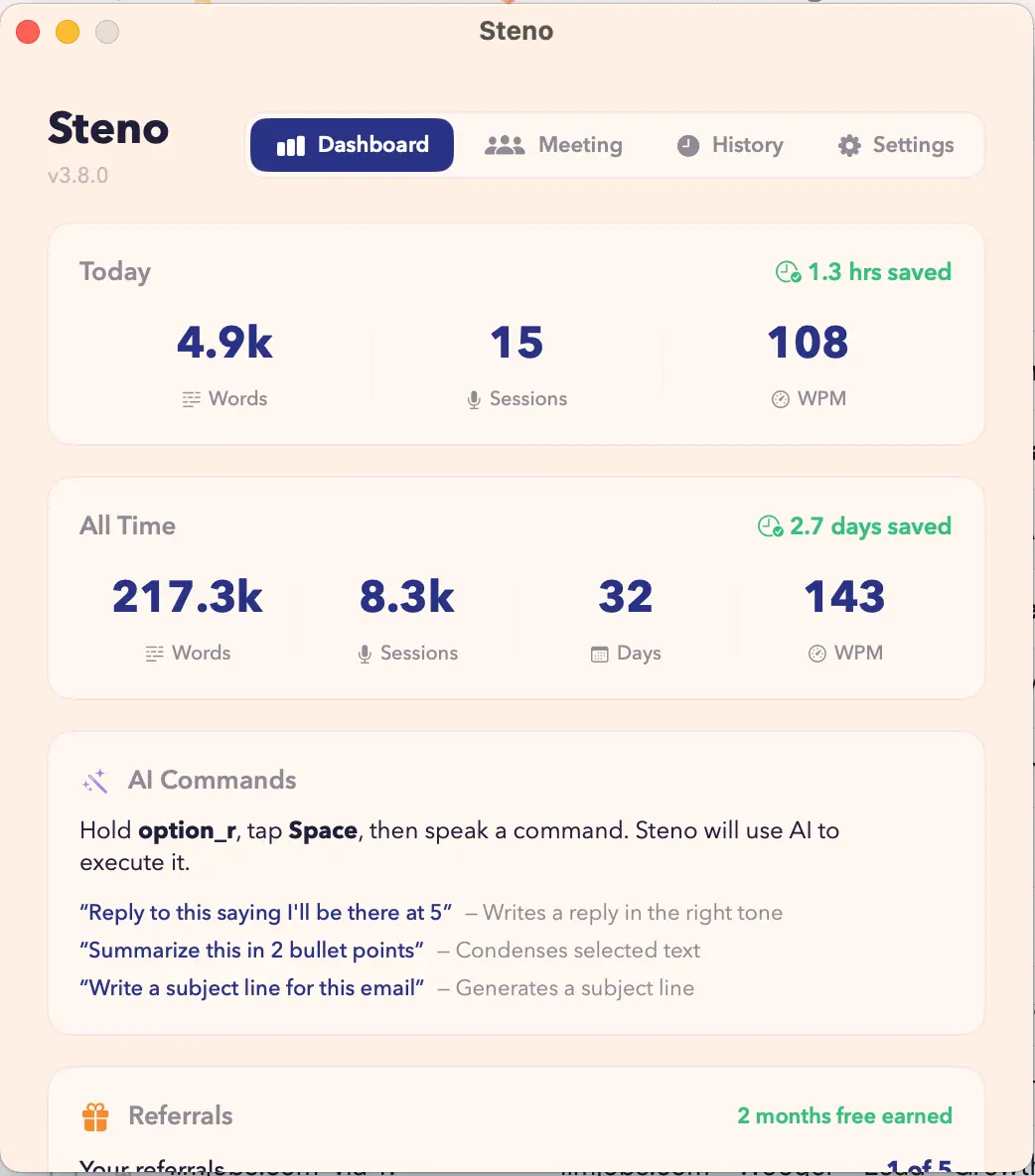
Steno is a voice-to-text app for macOS and iPhone that knows what you do for a living. It detects your profession and tunes its transcription automatically — a lawyer's "habeas corpus," a developer's "git commit -m," a doctor's medication names all land correctly. No custom dictionaries, no training. It enrolls your voice profile to isolate you from other people in the room, not just background noise, so it works in open offices, coffee shops, and courtrooms. A meeting mode captures multi-speaker conversations as structured notes. Seven AI actions let you clean up filler words, fix grammar, shift tone, shorten, translate, or draft a reply in one tap. Key Features - Profession-aware transcription: automatically detects your profession (lawyer, developer, doctor, writer, consultant) and tunes vocabulary, corrections, and formatting to match - Voice isolation: enrolls your voice profile to filter out other people's voices, not just background noise — works in open offices, coffee shops, shared spaces - Meeting mode: multi-speaker transcription that structures conversations into usable notes - AI actions: one-tap clean up (removes filler words/false starts), fix grammar, professional tone, casual tone, shorten, translate, reply - Voice commands: punctuation, new line, undo, select all — hands-free editing - Custom vocabulary and text snippets: expand shorthand into full phrases you use daily - 90+ languages - Fully offline on Apple Silicon: no audio ever leaves your machine - iPhone keyboard: works in every iOS app (Messages, Notes, Safari, email) - Dictation history with WPM tracking - Hold-to-speak: press a button, speak, words appear wherever your cursor is Use Cases - Lawyers drafting briefs, contracts, and case notes by voice with legal terminology transcribed accurately - Doctors and clinicians dictating patient notes with medical terms and medication names recognized correctly - Developers writing documentation, commit messages, and code comments without breaking syntax - Writers and journalists producing long-form content at 5x typing speed - Consultants and executives capturing meeting notes with multi-speaker transcription - People with RSI, carpal tunnel, or hand injuries who cannot type comfortably - Anyone working in open offices or coffee shops where other dictation tools pick up surrounding voices - Transcribing calls and meetings into structured, shareable notes - Multilingual professionals dictating across 90+ languages - Privacy-sensitive users who need offline dictation with no audio leaving their device
Screenshots
Reviews (1)
Average 5.0 out of 5
Based on 1 review

Comments (1)
Fully offline on Apple Silicon is the right privacy move. Does it still work offline for all 90+ languages, or just English?