
Supashot
Local-first screenshot tool for the web

Details
- Categories
- Target Audience
- Pricing
- Freemium
- Platforms
- Featured in
Discovery signals
How AI and people discover Supashot on PeerPush
- ChatGPT
- Perplexity
- +6 other AI crawlers
Reads by these AI engines
Crawlers behind these engines read this listing on PeerPush.About Supashot
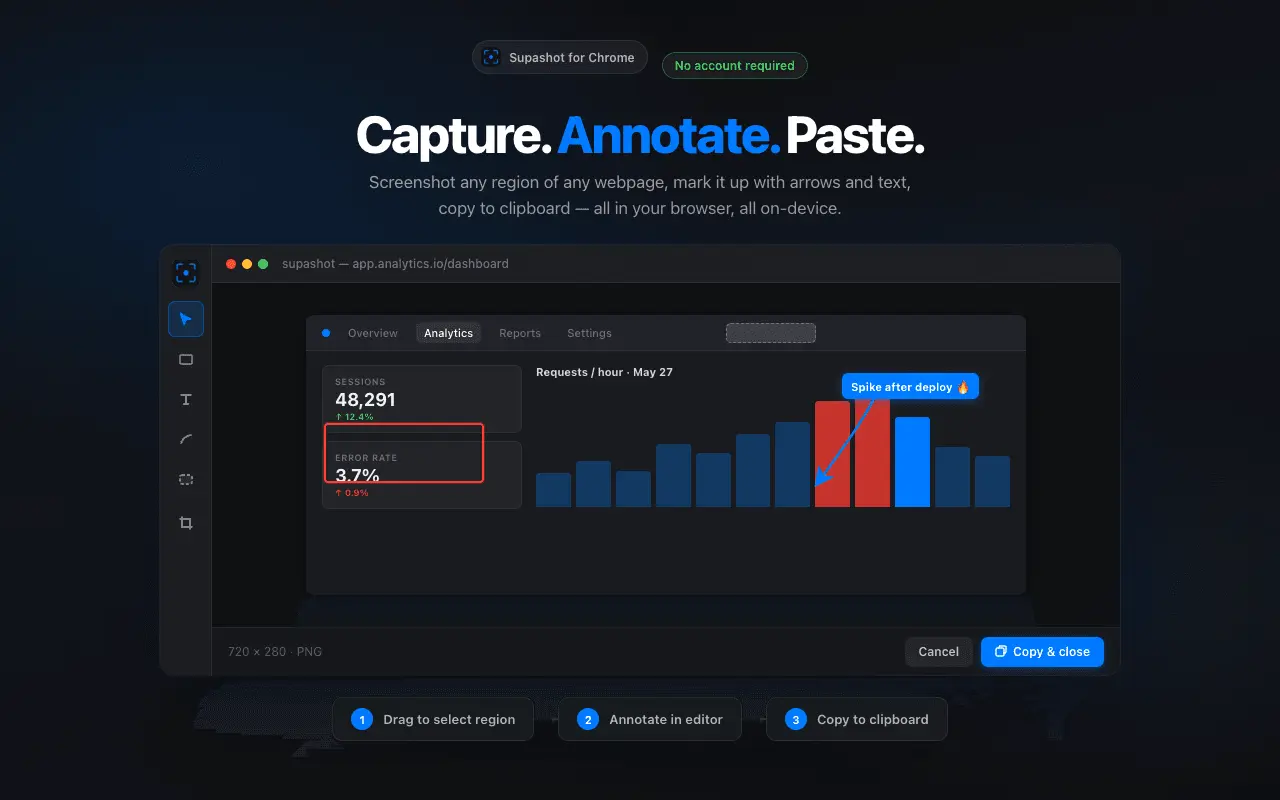
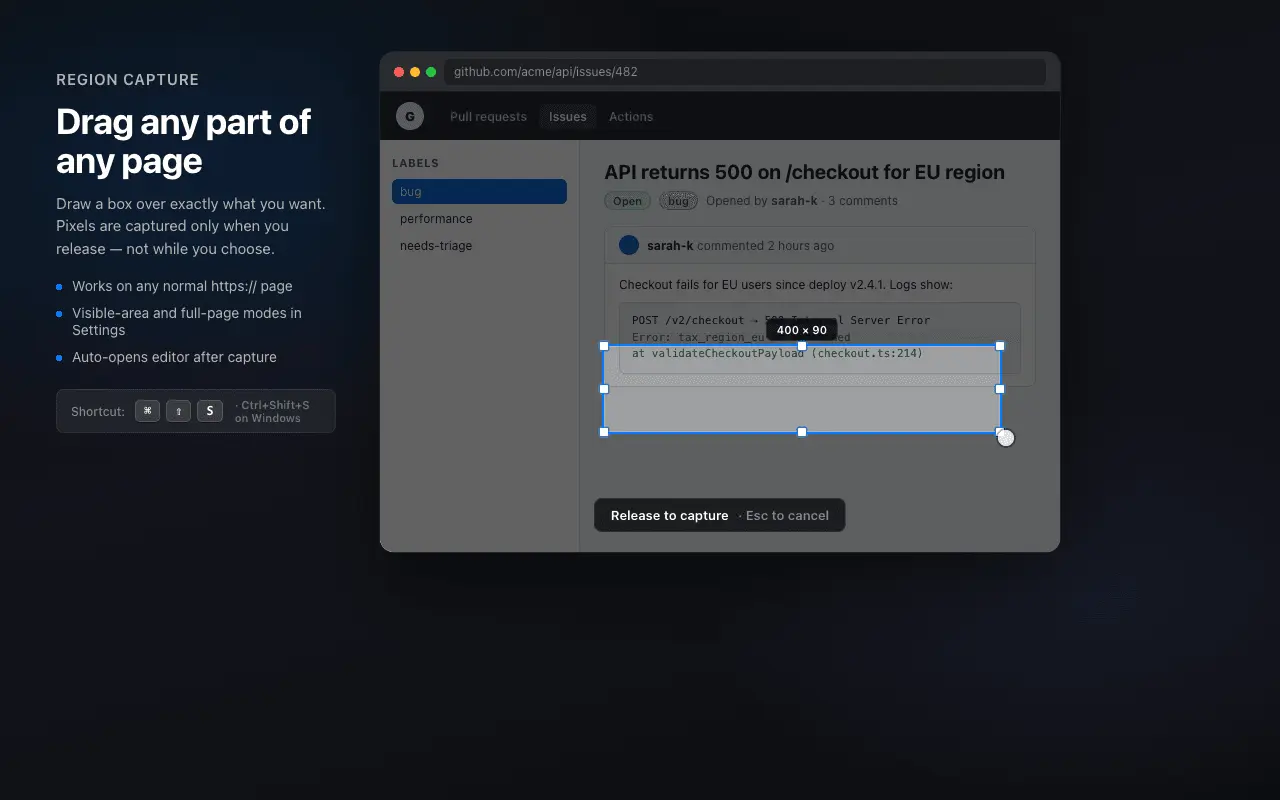
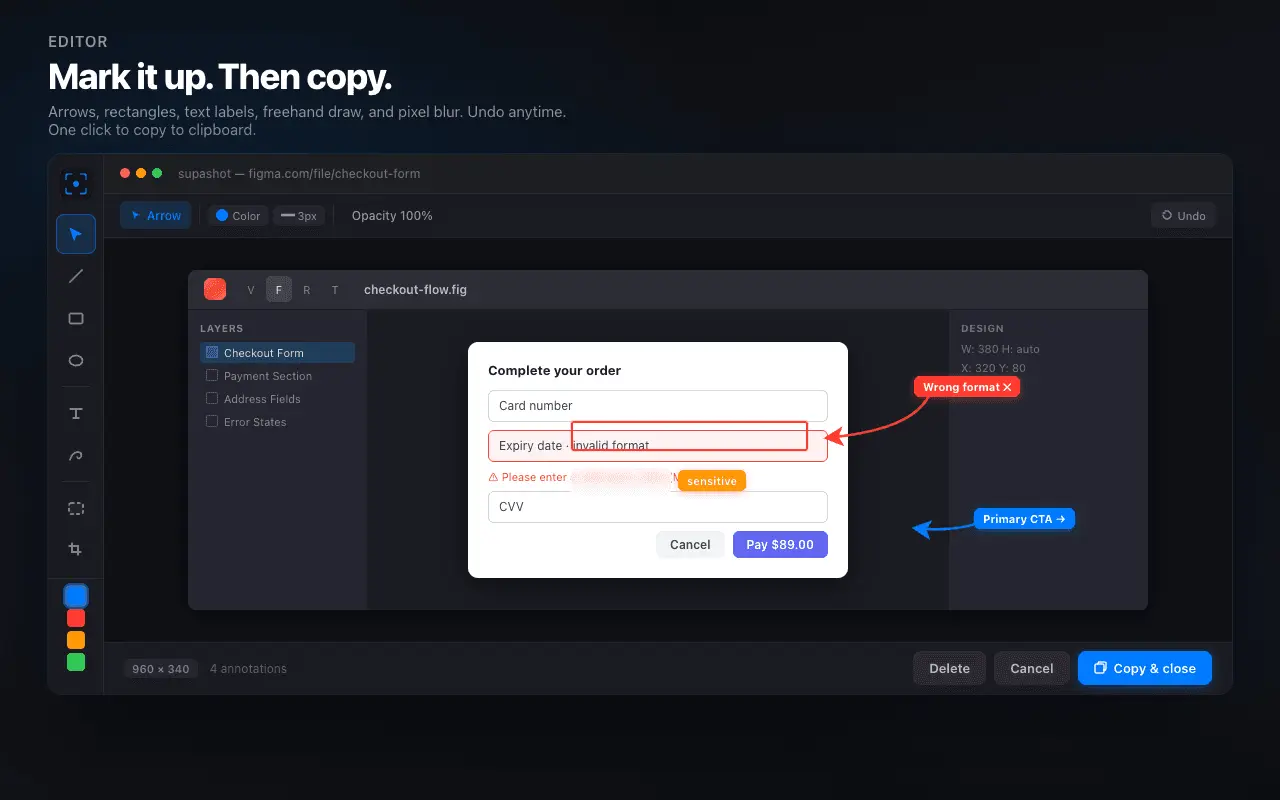
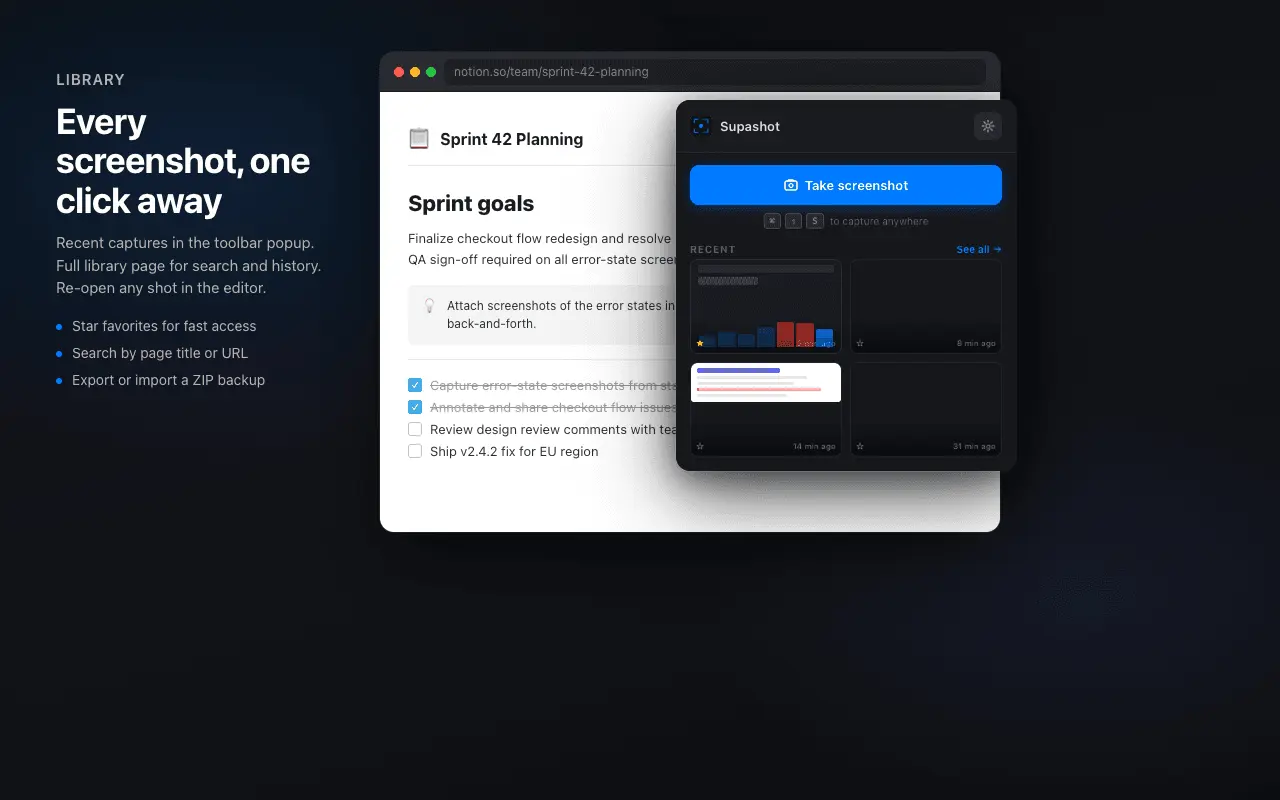
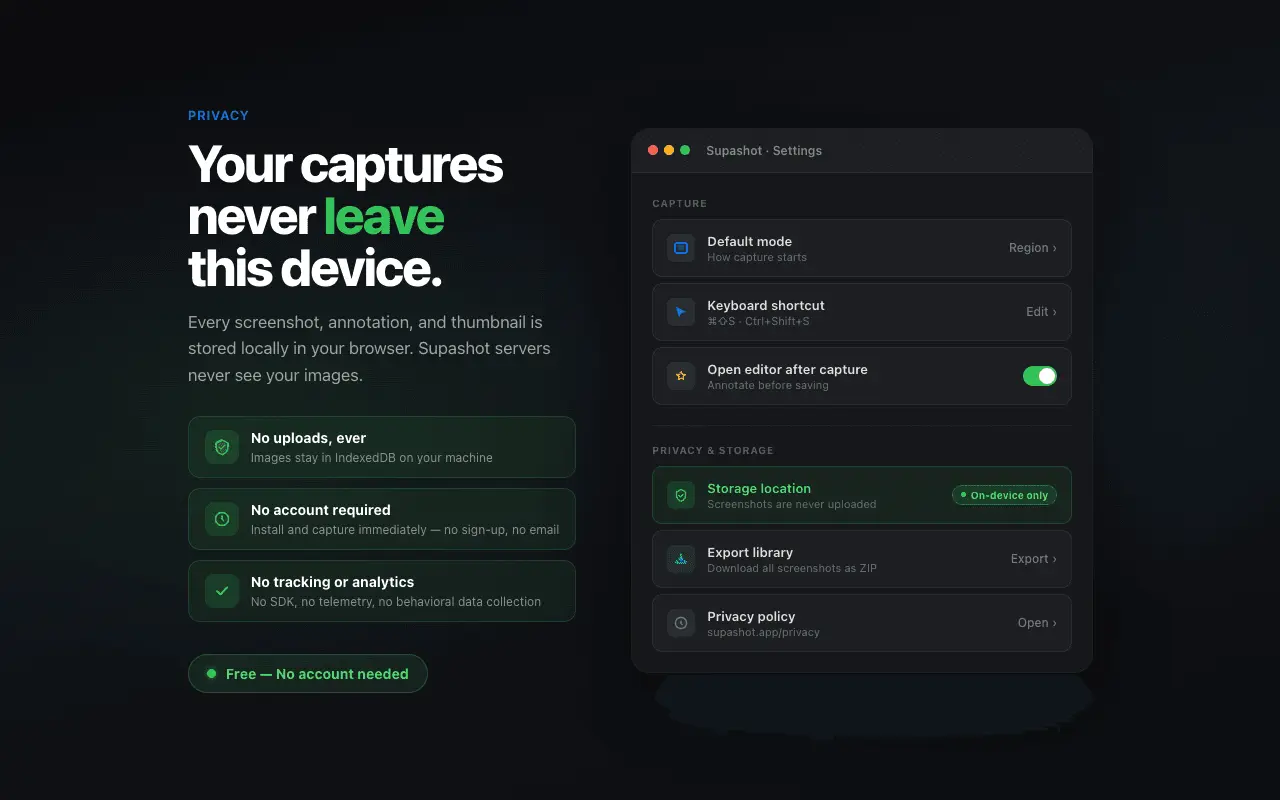
Supashot allows you to capture, annotate, and organize screenshots instantly through a browser extension. Built with a local-first approach, it helps you maintain a searchable visual history of your web activity while keeping data on your device. Supashot helps you grab part of any webpage, mark it up, and paste it where you need it — without switching tools or leaving Chrome. Capture the way you work Region (default) — drag a box on the page to capture exactly what you need. Visible area — screenshot what’s currently on screen. Full page — capture a scrollable page when supported. Keyboard shortcuts Capture region: ⌘⇧S (Mac) / Ctrl+Shift+S (Windows, Linux) Capture visible area: ⌘⇧V / Ctrl+Shift+V Open library: ⌘⇧L / Ctrl+Shift+L Shortcuts can be changed in chrome://extensions/shortcuts. Annotate and share After capture, open the editor to add arrows, rectangles, text, freehand drawing, pixel blur, and crop. Undo a step if you need to, then Copy & close to paste into Slack, email, docs, or tickets. Your screenshot library Recent captures appear in the toolbar popup. Star favorites, search by page title, and open the full library page to browse history. Export or import a ZIP backup from Settings. Private by default Screenshots are stored locally in your browser on this device. Supashot does not upload your images to our servers. No account or sign-in is required.
Screenshots
Reviews (0)
No reviews yet. Be the first to rate this product!
Comments (0)
No comments yet. Be the first to share your thoughts!