
SwingDraw
Golf swing analyzer for athletes


Details
- Follow on
- Categories
- Use Cases
- Target Audience
- Pricing
- One-time
- Platforms
Discovery signals
How AI and people discover SwingDraw on PeerPush
About SwingDraw
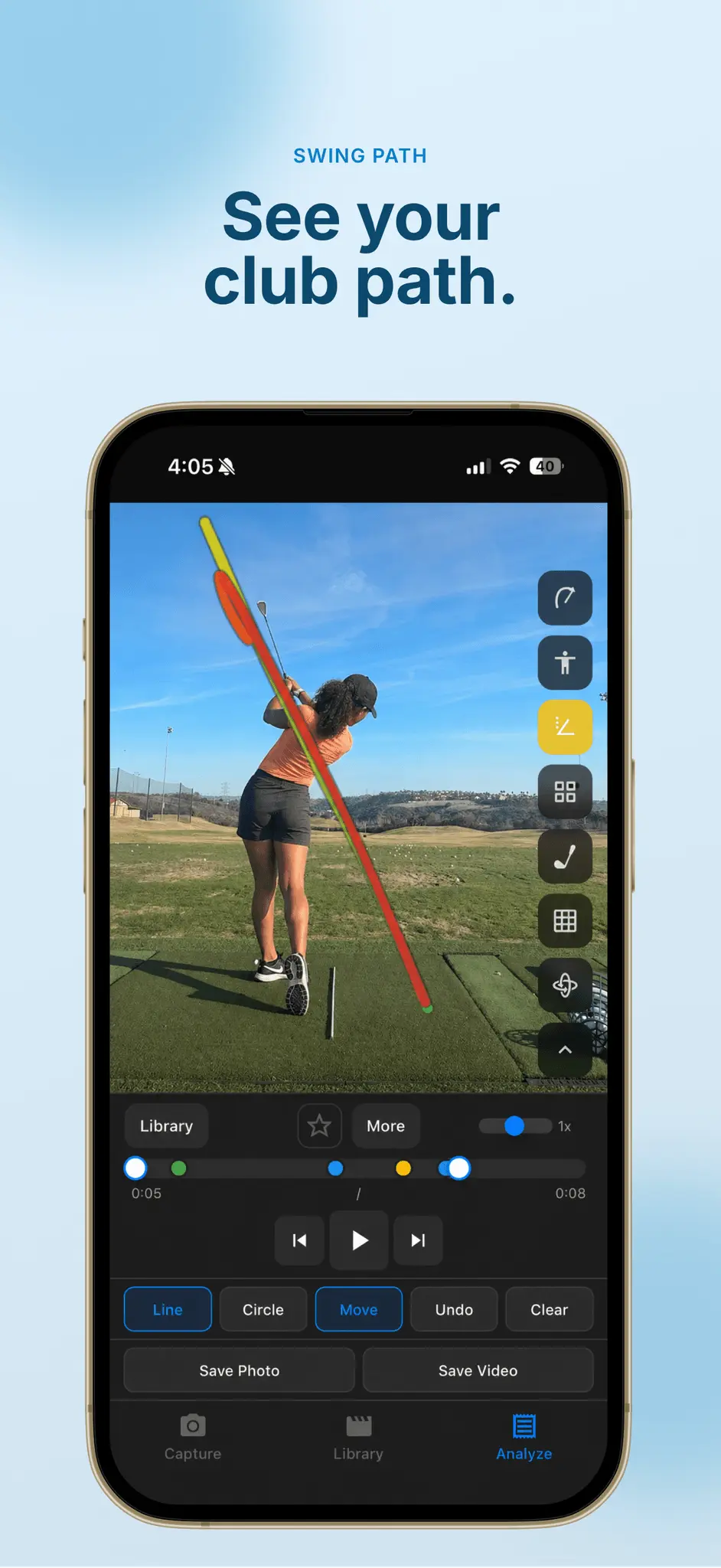
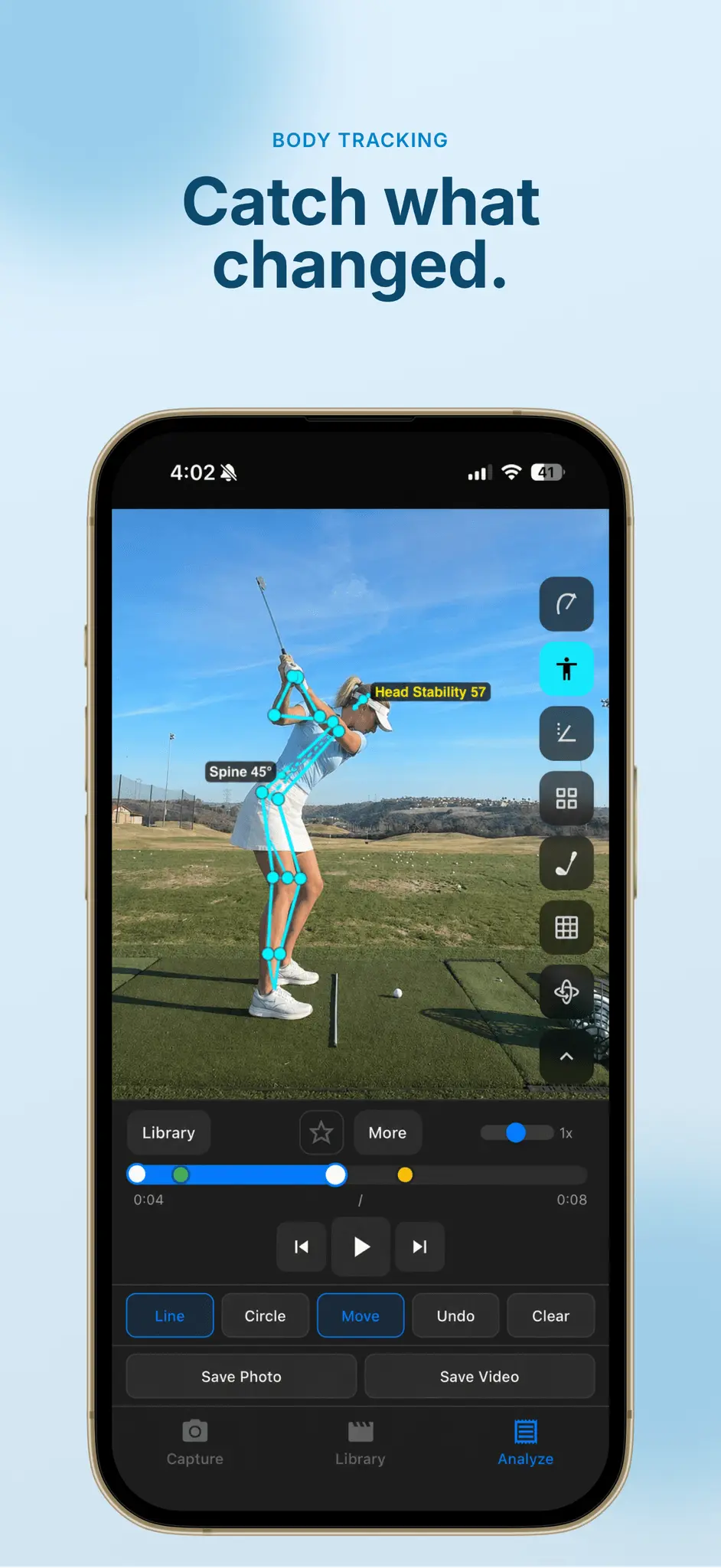
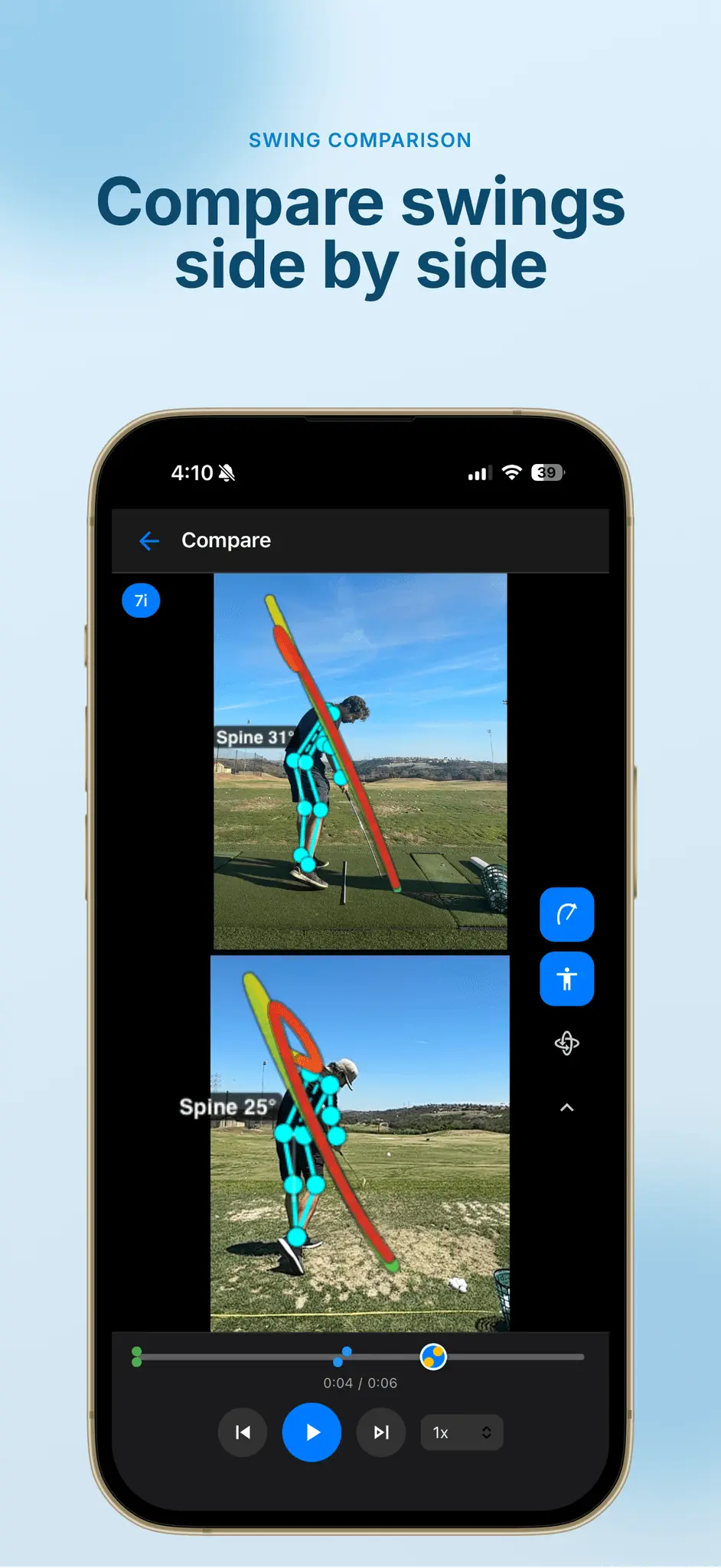
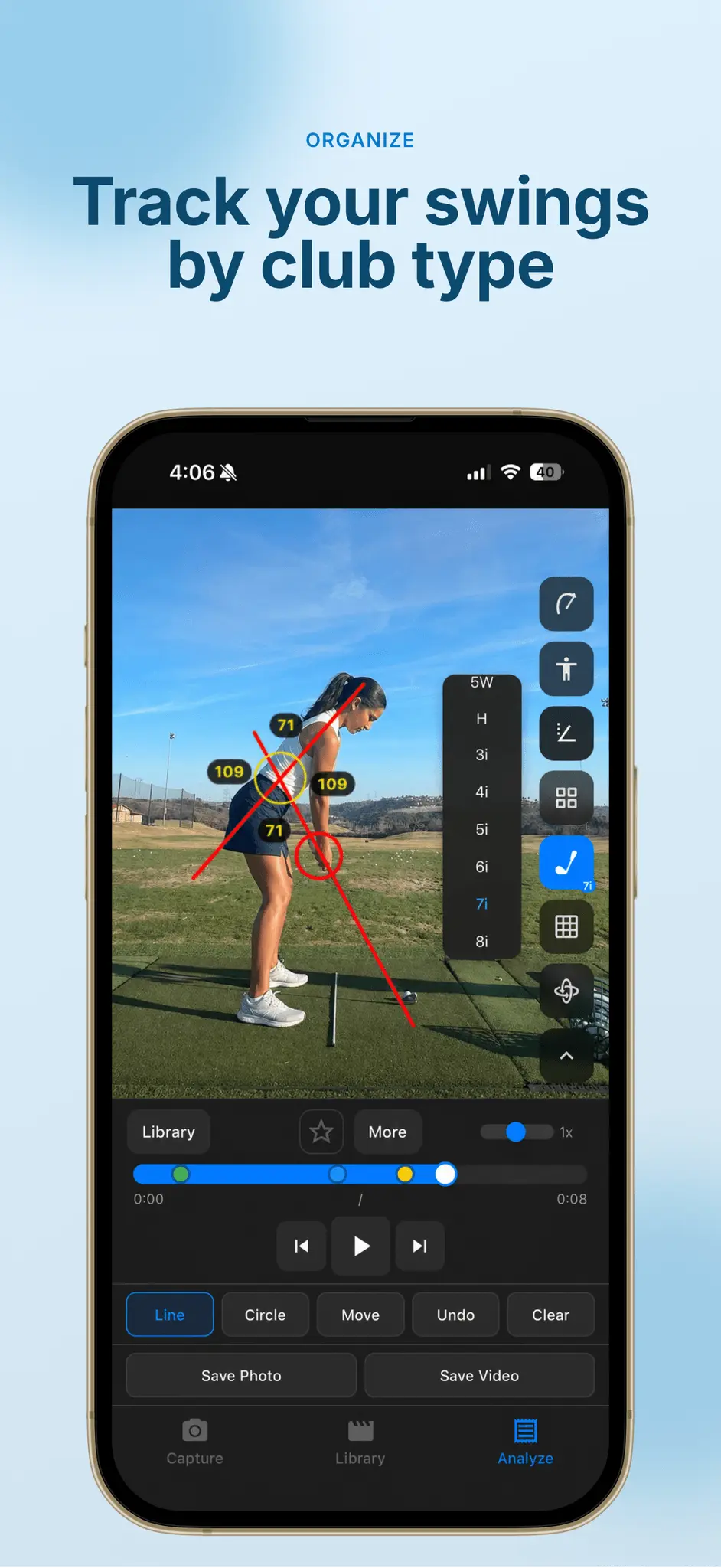
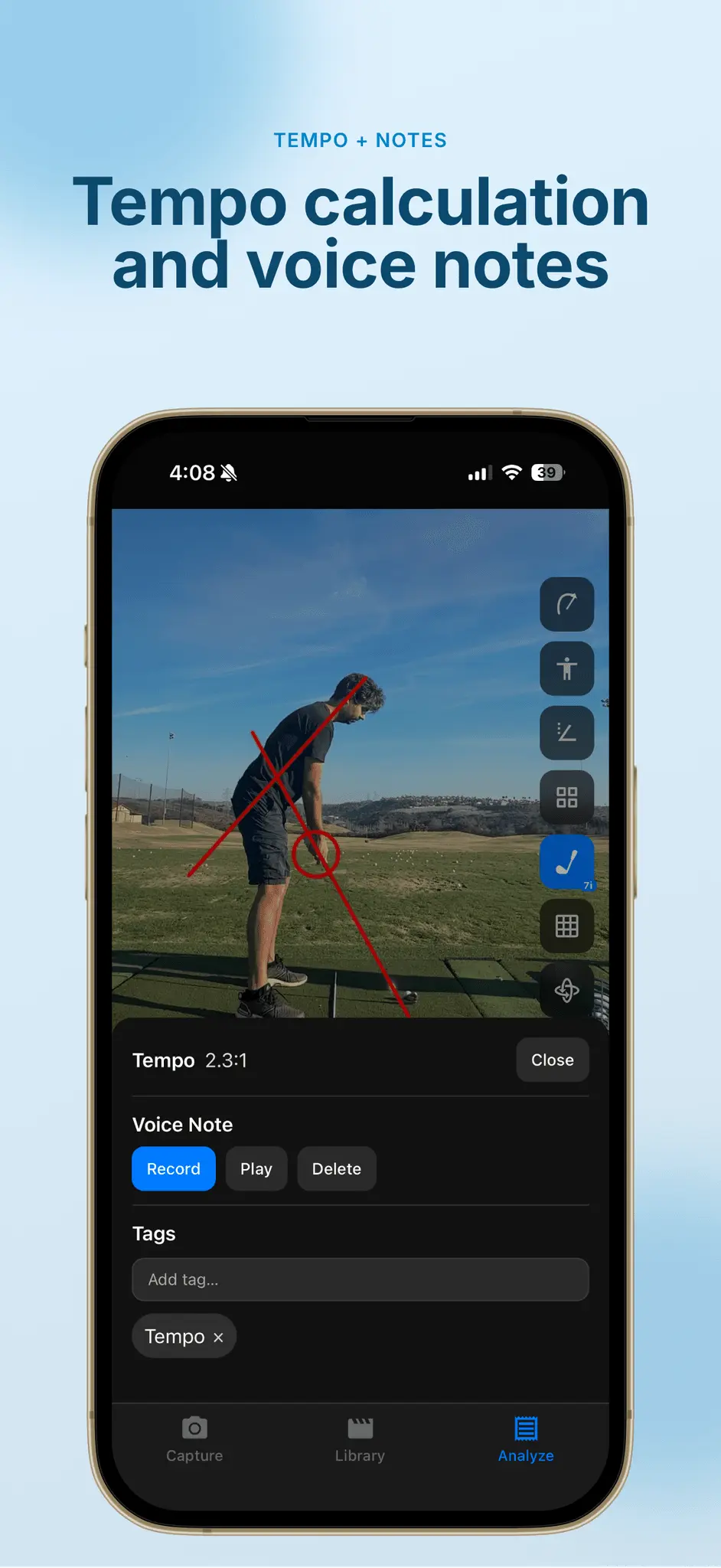
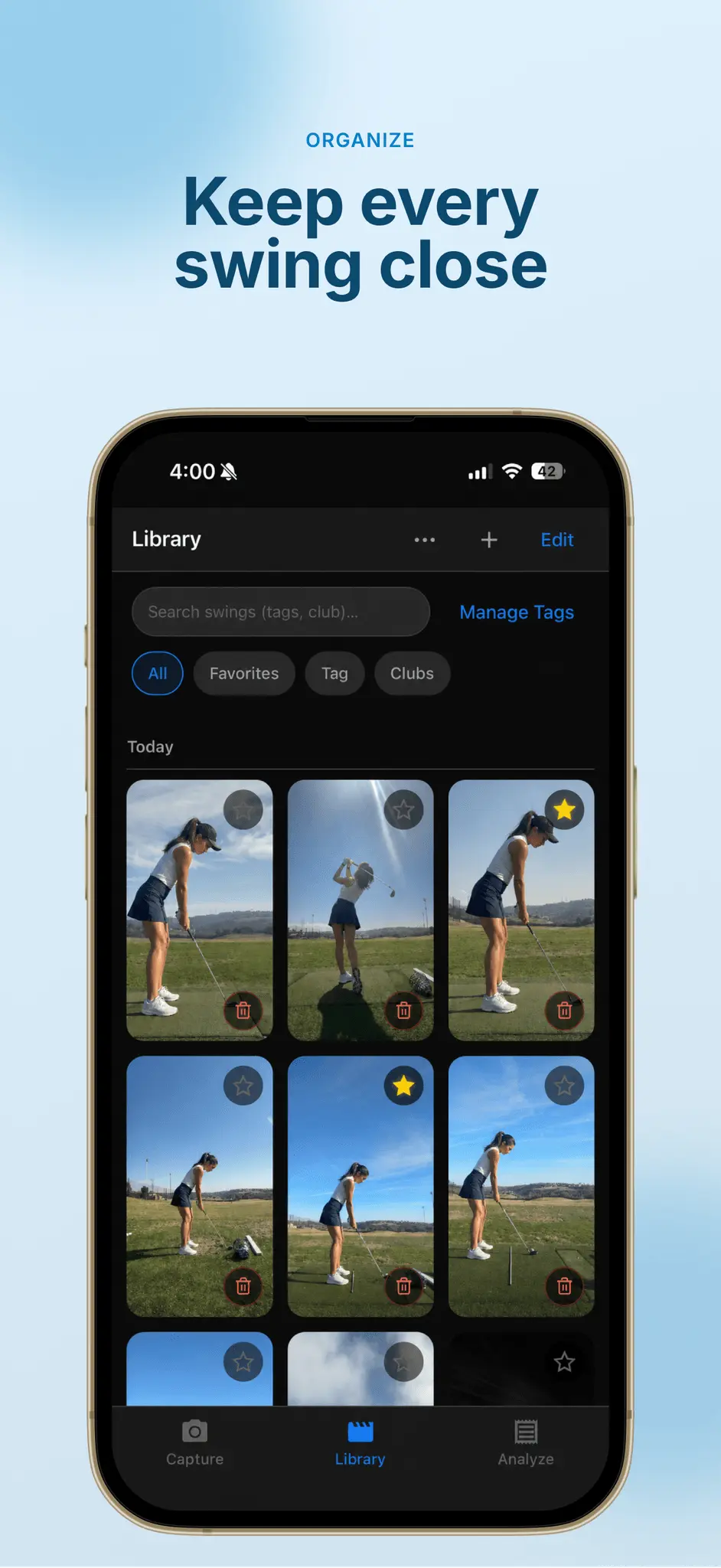
SwingDraw helps golfers of all levels analyze and improve their swing mechanics with visual path tracking, AI-powered body tracking, clubhead tracing, side-by-side comparison, and intuitive drawing annotation tools. NO SUBSCRIPTIONS. NO ADS. NO FEATURE GATES. SwingDraw is a one-time purchase, so you get the full toolset without ongoing costs. Record or import swing videos, review them frame by frame, draw swing plane lines and checkpoints, compare swings side by side, and export annotated images or videos. SwingDraw makes it easy to: - Record or Import Swings: Capture swings with the in-app camera or import videos from your library - Range Sessions: Record practice sessions, review detected clips, trim the action, and keep the swings that matter - Swing Library: Save swings with thumbnail previews, annotations, metadata, and quick access for later review - Bulk Import: Bring in multiple swing videos and organize them faster - Favorites, Tags & Filters: Star your best swings, add custom tags, filter by club, and find past sessions quickly - Draw Lines & Shapes: Add lines, circles, arrows, freehand marks, and alignment guides directly on video frames - Movable Annotations: Drag drawings after placing them, then fine-tune lines and shapes with edit handles - AI Skeleton Overlay: Toggle automatic body tracking to highlight posture and positions throughout the swing - Head Tracking: Visualize head stability, sway, dip, and drift through the motion - Clubhead Path Tracking: Trace the clubhead through the swing and view motion paths across key phases - Angle Measurements: Measure body, shaft, and position angles for more precise checkpoints - Compare Swings: View two swings side by side, sync playback, step frame by frame, and compare changes over time - Interactive View Controls: Pan, zoom, and rotate the video view so you can focus on setup, impact, or any detail that matters - Slow-Motion Playback: Review swings in slow motion or frame by frame to catch subtle movements - Save & Share: Export annotated images and videos to share with coaches, friends, or your own notes Whether you're a beginner working on fundamentals, a dedicated player tracking progress, or a coach explaining swing changes, SwingDraw gives you professional-level visual feedback without expensive software or recurring subscription costs. Improve your game on your terms with SwingDraw: the simple, powerful way to visualize, compare, and understand your golf swing.
Screenshots
Reviews (1)
Average 5.0 out of 5
Based on 1 review

Comments (2)
nice
Hi PeerPush, I built SwingDraw for golfers who want simple swing video markup plus local AI-powered bio-mechanics to show posture and positions without a complicated workflow or servers involved.