
TabCmdr
Command Palette for Tabs, Bookmarks, History, Closed Tabs

Details
- Follow on
- Categories
- Use Cases
- Target Audience
- Pricing
- Free
Discovery signals
How AI and people discover TabCmdr on PeerPush
About TabCmdr
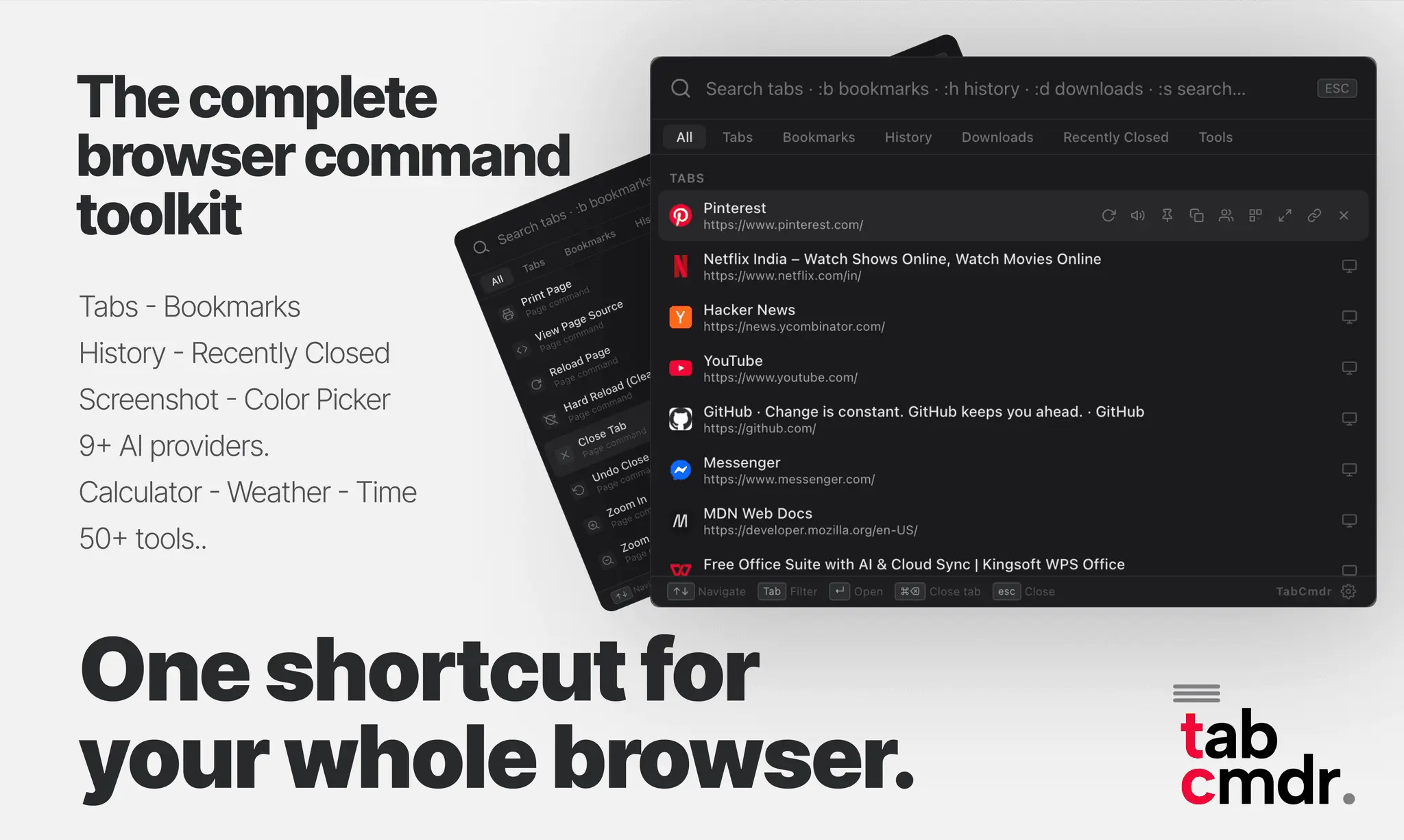
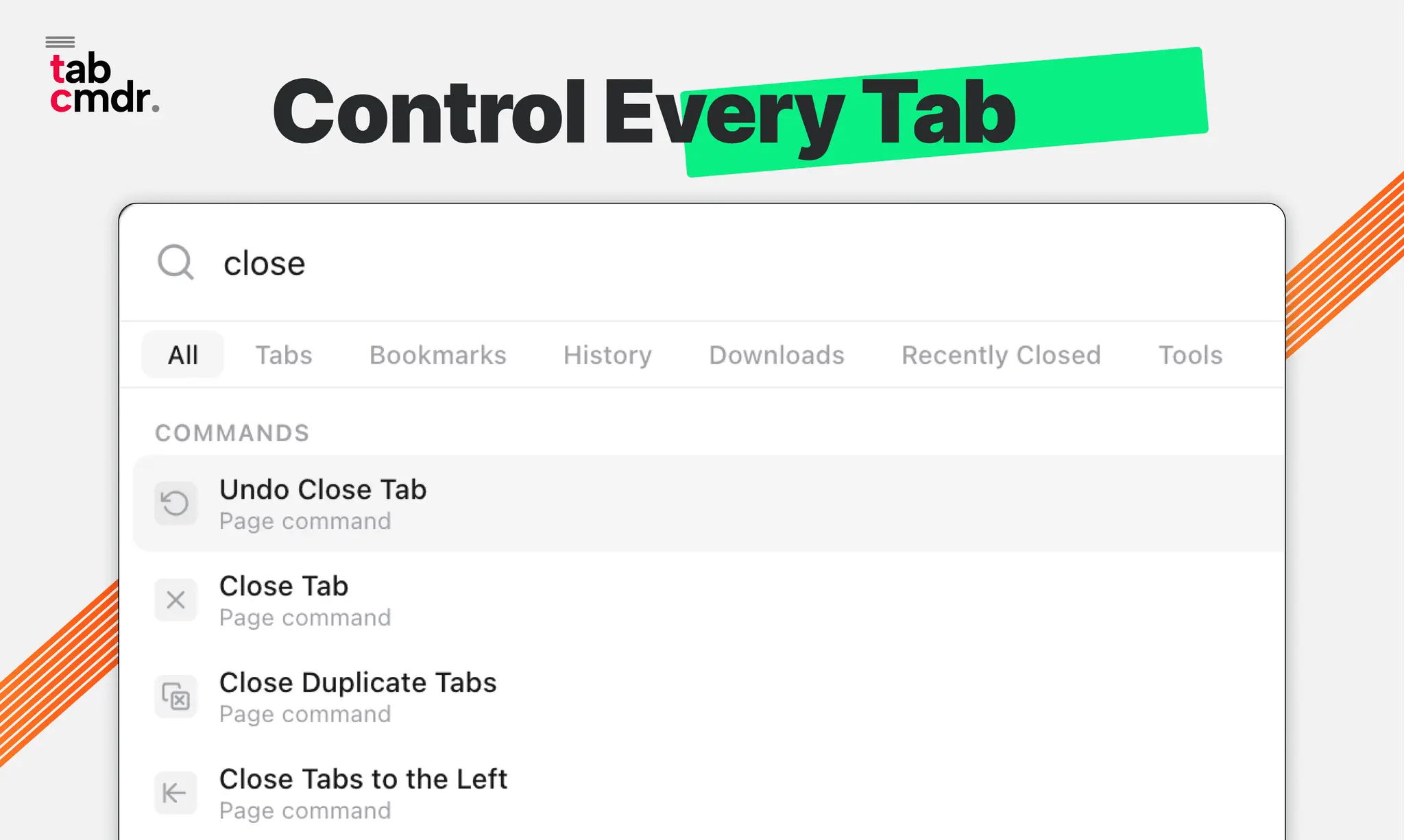
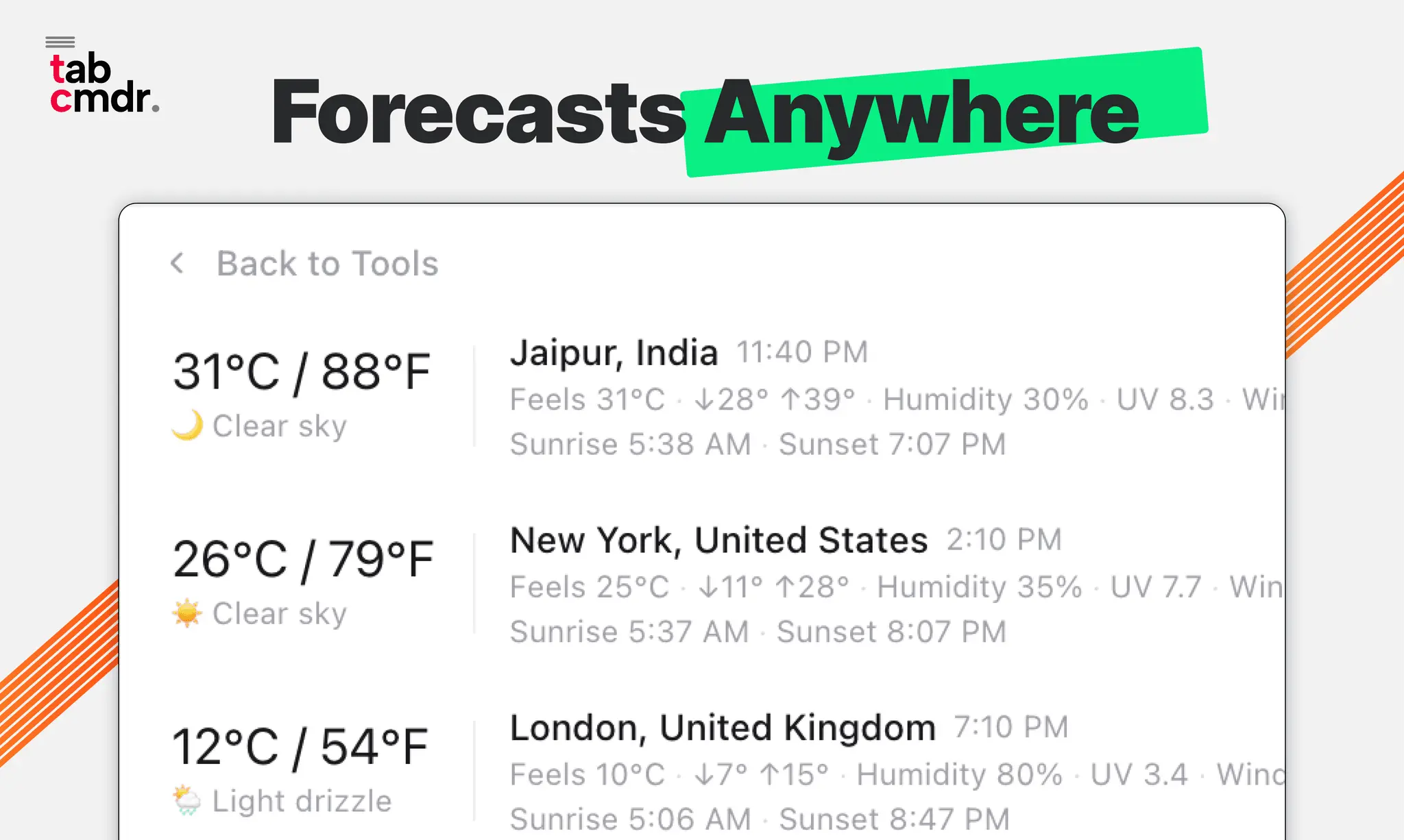
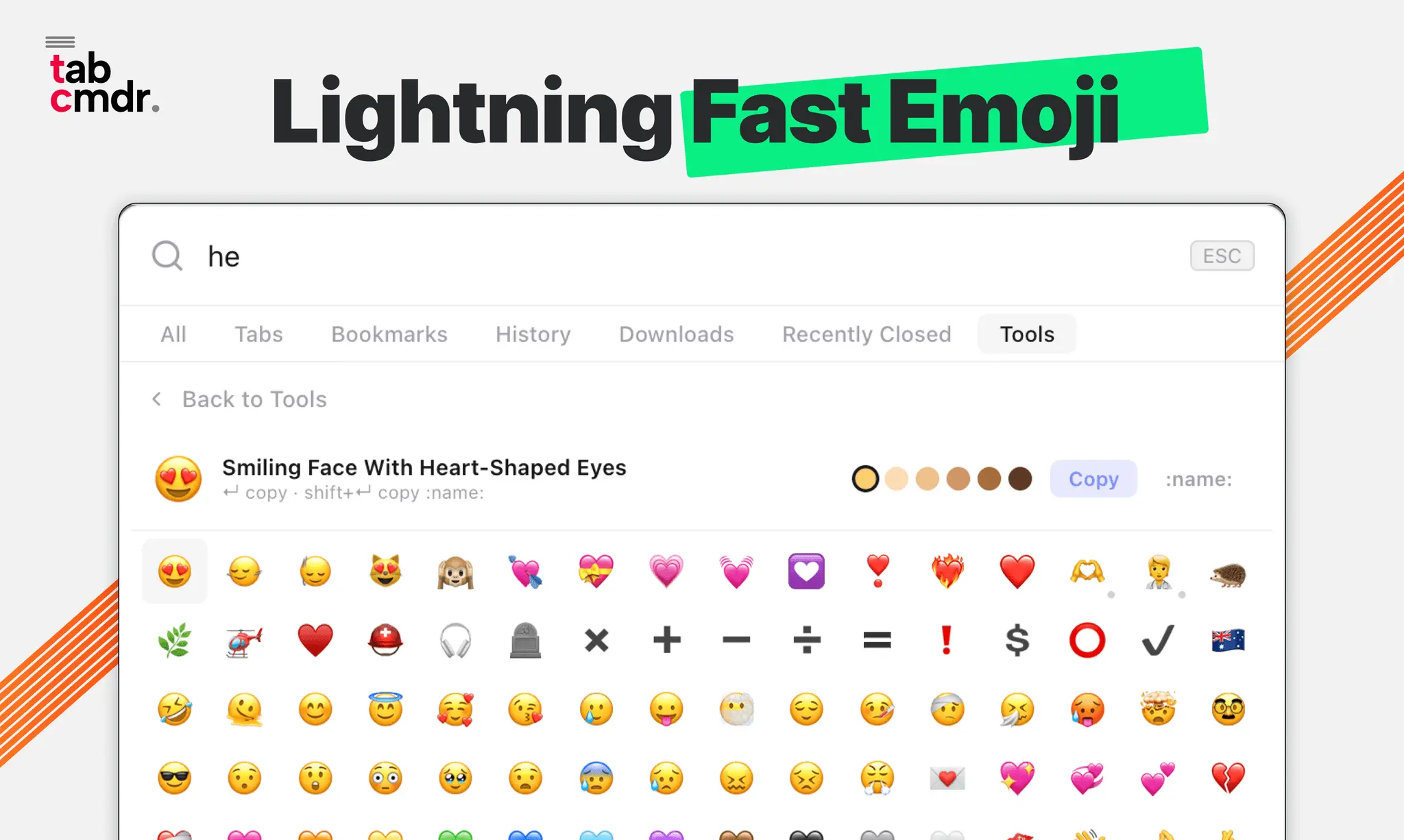
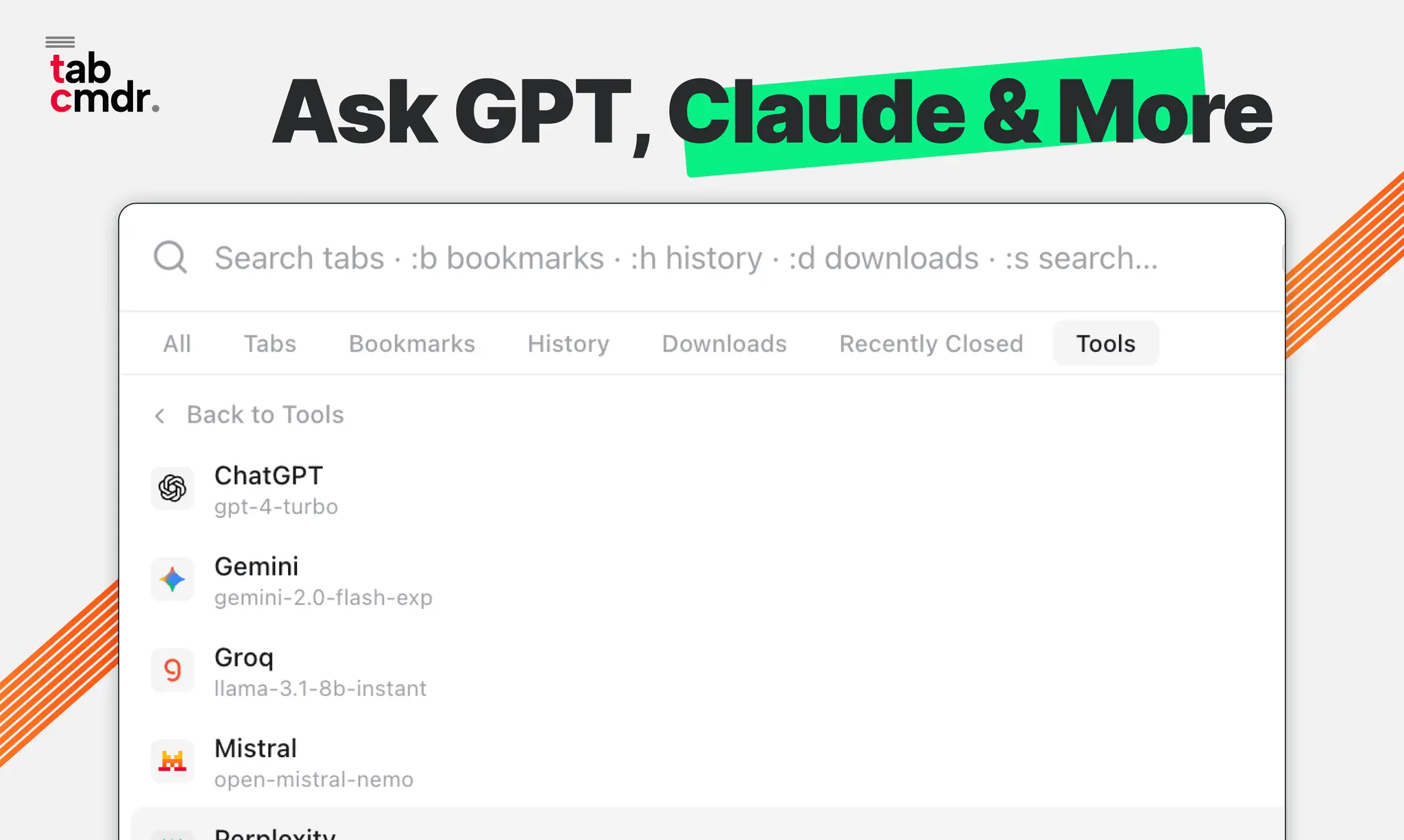
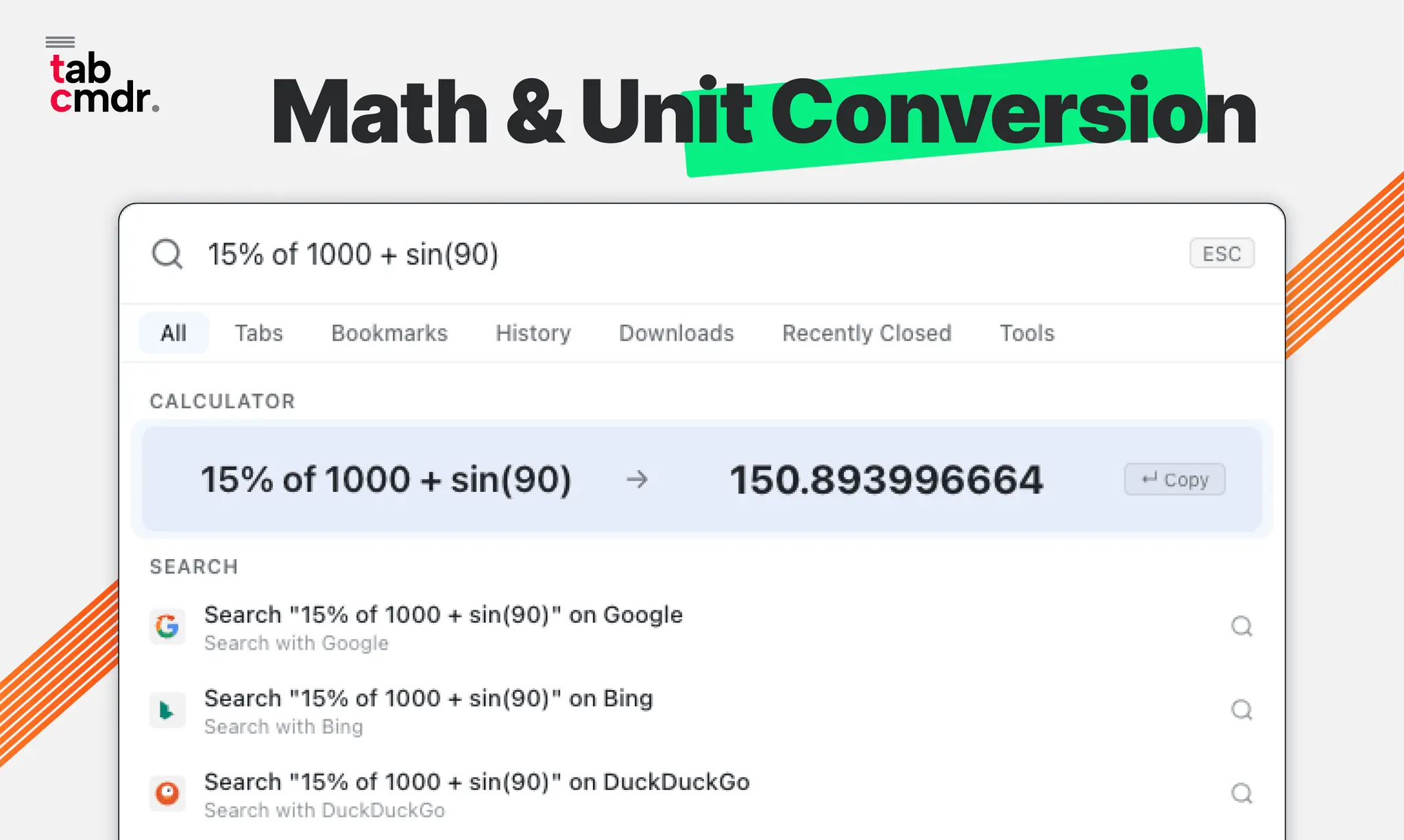
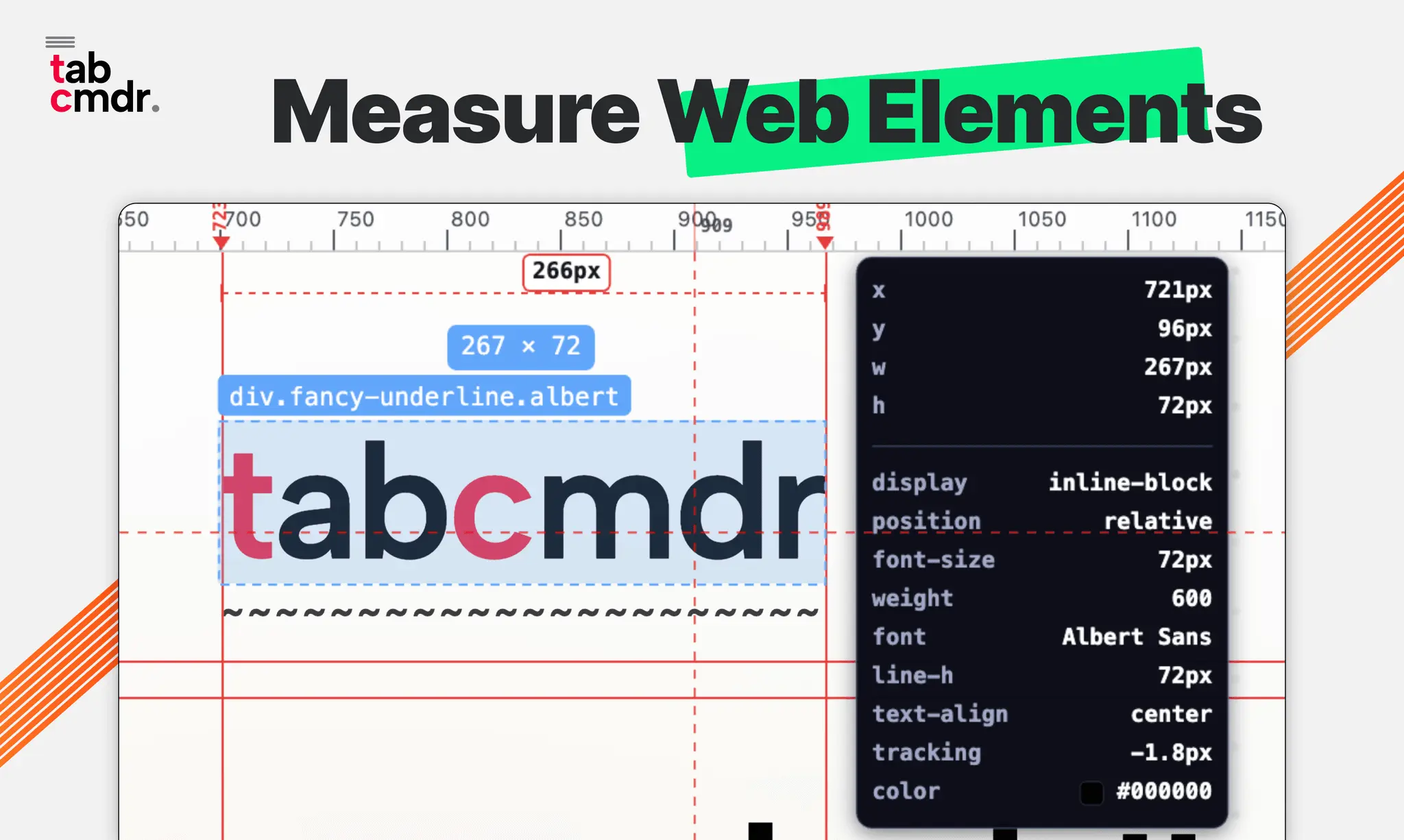
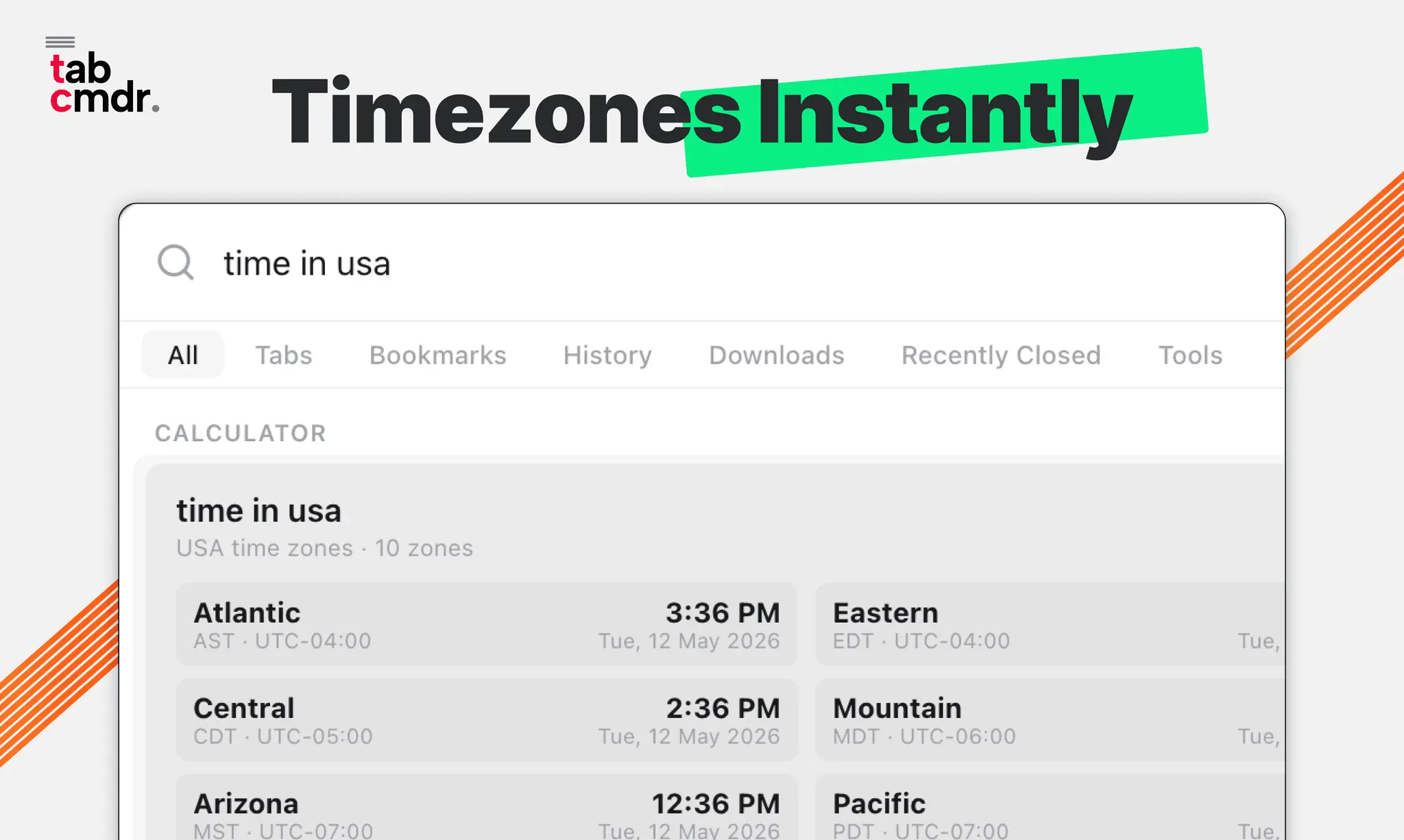
Command palette for your browser. Fast Switch Tabs, Bookmarks, History, Recently Closed, Downloads. AI chat, tools & 50+ commands. Your browser has dozens of open tabs, scattered bookmarks, and buried history but no fast way to reach any of it. TabCmdr fixes that. Hit ⌘K (or Ctrl+K) on any page and a command palette appears. Search across everything—open pages, bookmarks, history, downloads, recently closed—and act on it instantly. Close duplicates, pin items, chat with AI, take screenshots, do quick math, generate QR codes, all without leaving the keyboard. It works on any website, lives entirely inside your browser, and nothing ever leaves your device. No accounts, no cloud, no tracking. ✨ CORE FEATURES 🔍 Universal Search • Tab search - Find any open tab by title or URL and jump to it instantly, no matter how many windows you have open • Bookmark search - Search your entire bookmark library and open any bookmark right from the palette • History search - Look up pages you visited recently (configurable timeframe: last hour to all time) • Downloads manager - Browse, open, or manage your recent downloads without leaving the page • Recently closed tabs - See tabs you just closed and restore them with one click ⚡ Smart Tab Actions • Close, pin, unpin, mute, duplicate, reload, or move any open page to a new window • Close duplicates - Find and remove duplicate pages in one command • Sort alphabetically - Organize your browser while keeping pinned items in place • Groups - Create, assign, and manage browser groups • Suspend inactive pages - Free up memory by suspending what you're not using • Merge all windows - Combine all browser windows into one • Split view - Arrange pages side by side using native browser grouping 🤖 AI Assistant Chat with an AI assistant directly from your browser. Connect your own API key and switch between language models instantly to get help with writing, coding, research, and more. Your conversations stay private—messages go directly to your chosen provider and are stored locally on your device. Nothing passes through our servers. 🛠️ Built-in Tools • 📅 Calendar Integration - View upcoming events and join meetings instantly • 📰 RSS Reader - Follow your favorite blogs and news sources • ☀️ Weather - Check forecasts for multiple locations • 😊 Emoji Picker - Search thousands of emojis with fuzzy matching • ✅ Todo List - Manage tasks without leaving your browser • 📸 Screenshot - Capture visible tab content or select specific areas • 🧮 Calculator - Math expressions, unit conversions (100 km to miles), percentages (20% of 500) • 🕐 Timezone Converter - Check time in any timezone (time in Tokyo, 3pm EST to PST) • 🎨 Color Picker - Pick colors from screen and copy hex/rgb/hsl values • 📱 QR Code Generator - Generate QR codes for URLs or text ⌨️ 50+ Keyboard Commands • Page commands - Print, view source, toggle fullscreen, scroll to top/bottom, zoom in/out • Copy actions - Copy page URL, title, or selected text • Window management - New tab, new window, new incognito window • Navigation - Reload, hard reload (clear cache), go back, go forward • Shortcuts - Type :b for bookmarks, :h for history, :t for tabs, :ai for AI chat, :cal for calendar 🎨 Customization • 15 built-in themes - Dark, Light, Catppuccin, Dracula, Nord, Tokyo Night, Gruvbox, Rosé Pine, Solarized, and more • System theme - Automatically follow your OS preference • Compact mode - Tighter layout for density lovers • Notch mode - Floating bar anchored to the top center of your screen • Position options - Center, top, bottom, or any corner • Fuzzy search - Find what you need even with typos 🔒 PRIVACY & SECURITY Privacy-first by design: ✓ No tracking, no analytics, no telemetry ✓ Your data never leaves your browser ✓ Settings sync via your browser's built-in sync (we never see them)
Screenshots
Reviews (0)
No reviews yet. Be the first to rate this product!
Comments (1)
A command palette for tabs, bookmarks, history, and closed tabs could dramatically reduce browser friction; the closed-tab recovery angle is especially useful.