
TabConnect
Share one browser tab—no viewer install or account

Details
- Target Audience
- Customer Success TeamsProduct ManagersSupport Teams
- Pricing
- Free
- Platforms
- Web
Discovery signals
How AI and people discover TabConnect on PeerPush
By AI reads among Video & Audio Tools tools
13,190 AI reads in the last 30 days, ranked against every Video & Audio Tools tool listed.About TabConnect
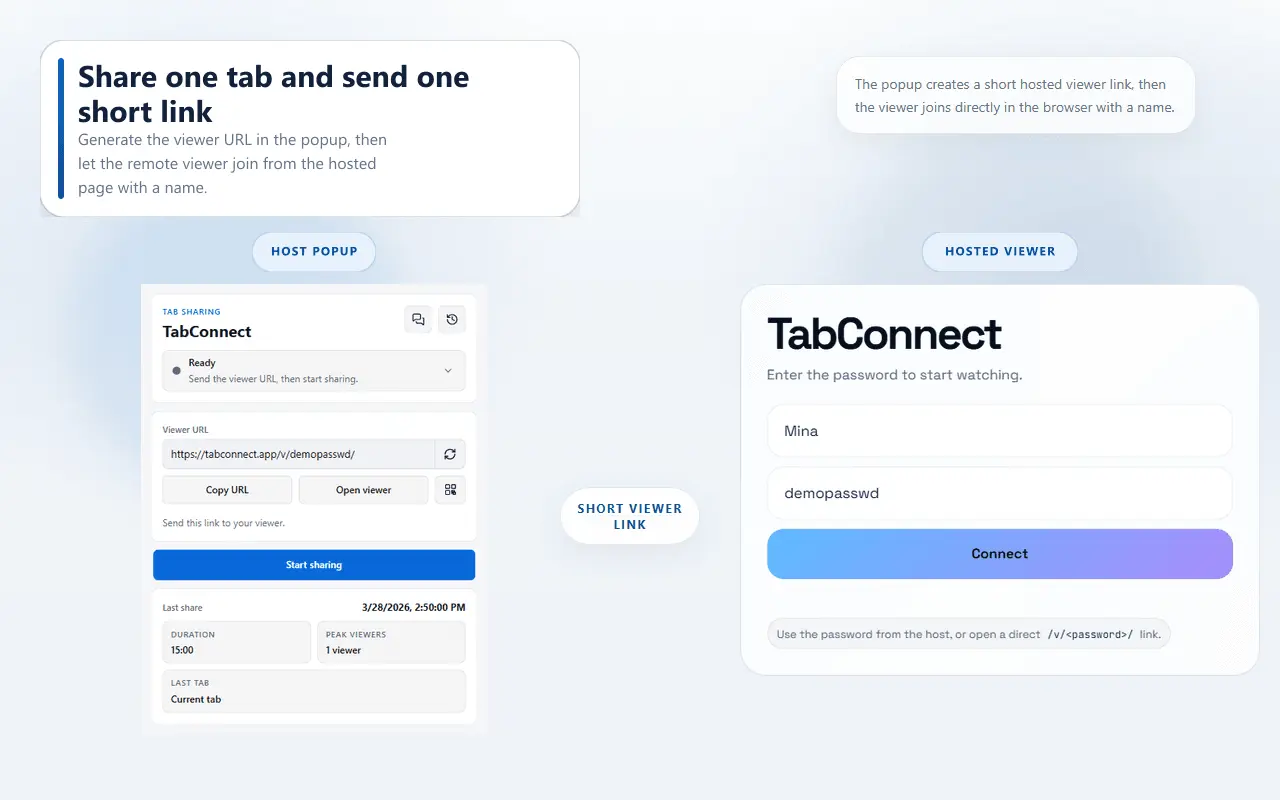
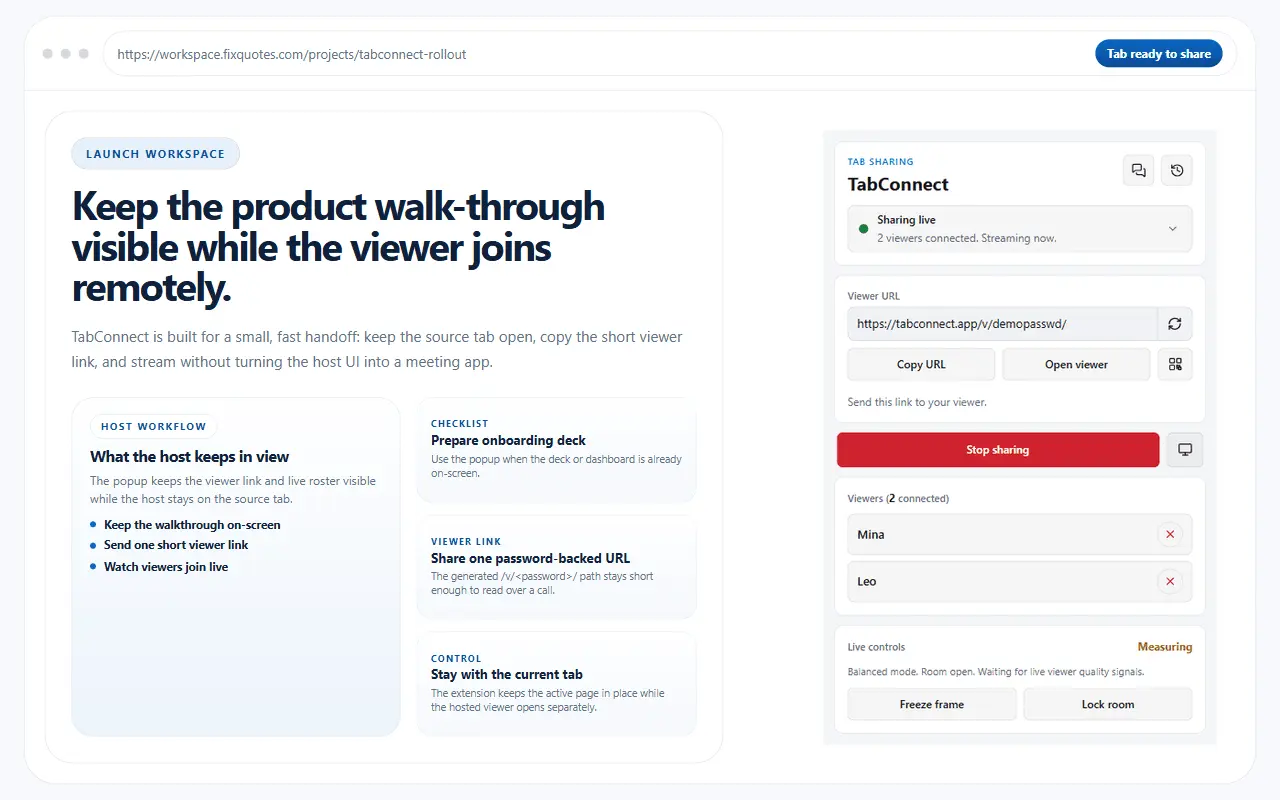
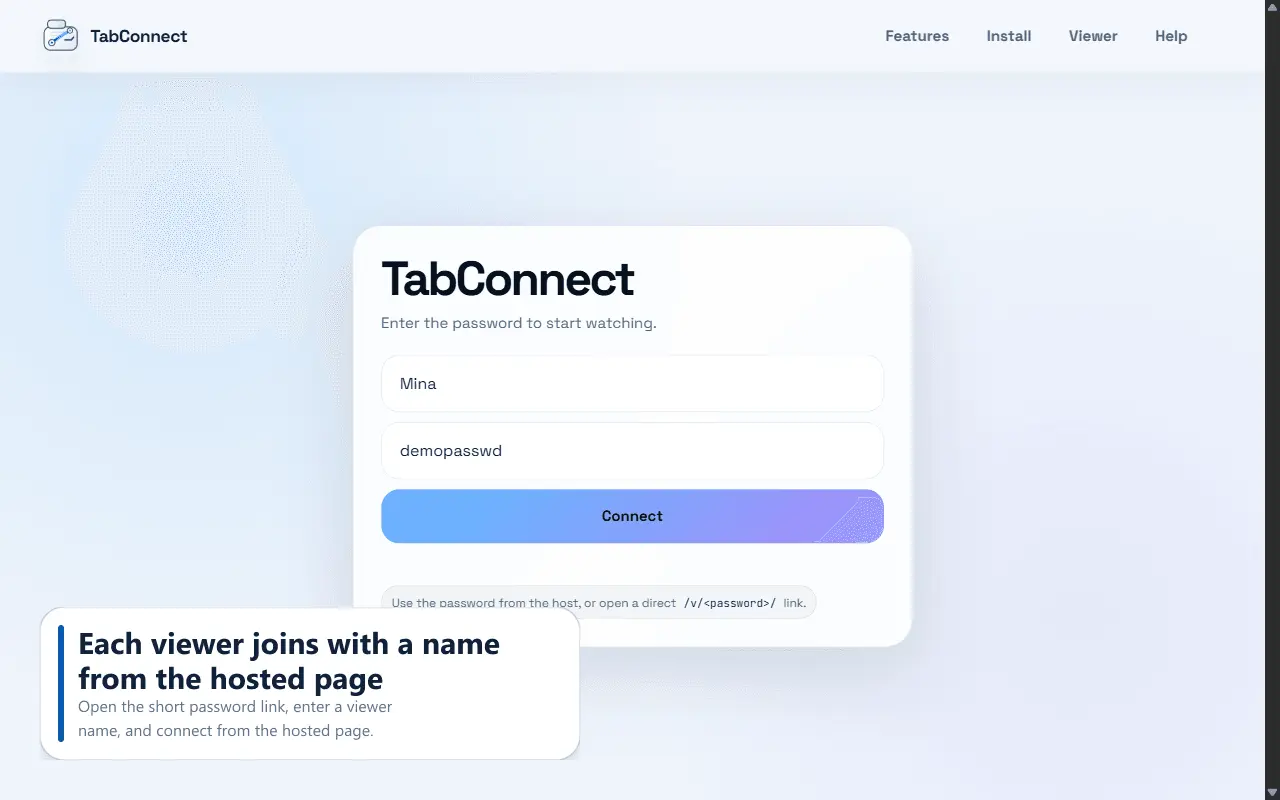
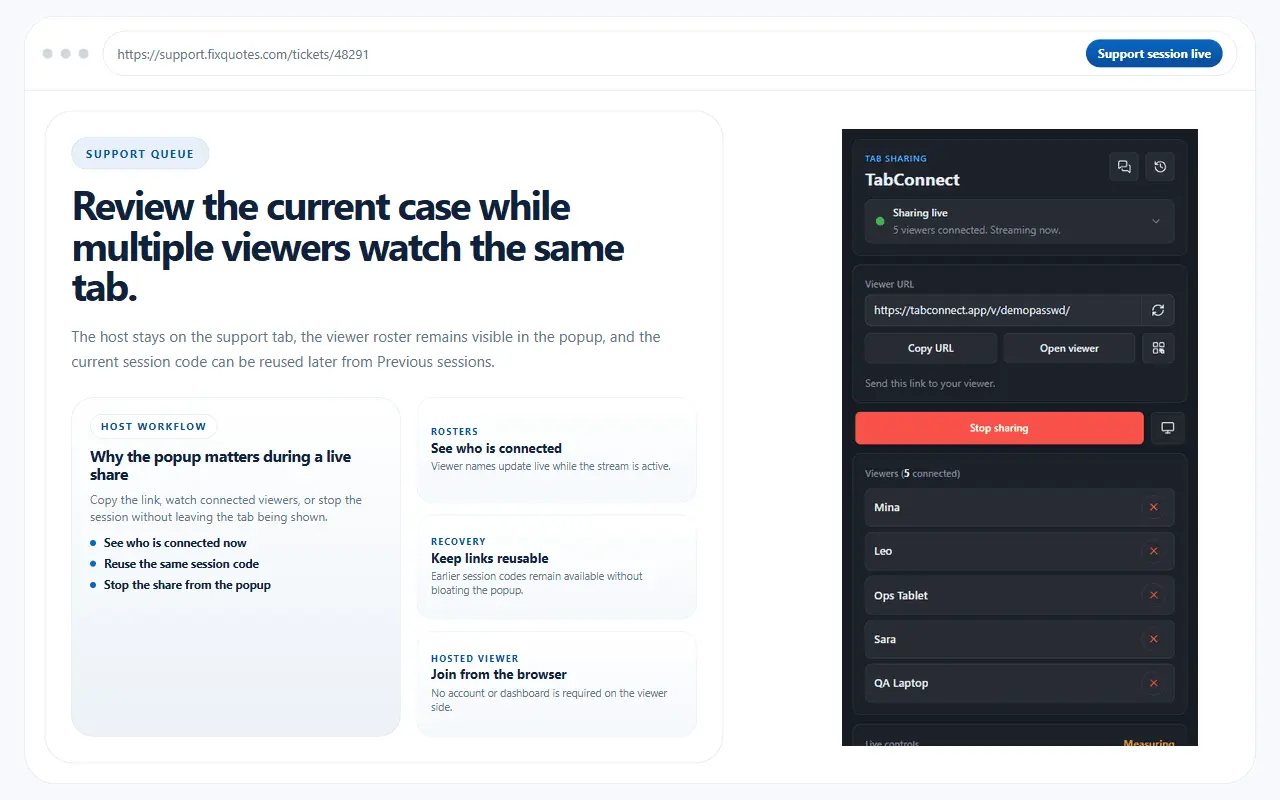
TabConnect is a browser extension for sharing exactly one live browser tab during customer support, product demos, onboarding, and remote reviews. Nothing outside that tab is visible to viewers: not your desktop, not your other windows, not your notifications. Why it exists: sharing a screen usually means asking the other person to install something first. TabConnect removes that step. Viewers join from any modern desktop or mobile browser with a short password or a direct link, with no account, no extension and no desktop client on their side. How a session works: 1. Open the tab you want to share and start the share from the browser toolbar. 2. Send the viewer link, the short password or the downloadable QR code. 3. The viewer opens it in their browser and sees the live tab. 4. You run the room: switch the shared tab, freeze the image, lock the room, remove viewers and set viewer limits. Extras you enable per session: room chat, file sharing up to 25 MB, a laser pointer, host-approved remote control where the viewer requests and you grant or decline, and optional webcam and microphone alongside the shared tab. Under the hood, WebRTC keeps latency low, with relay and SFU fallback so sessions still connect on locked-down corporate networks where plain peer-to-peer would fail. What that gets you: support agents walk someone through a stuck checkout, sign-up or settings page in seconds instead of scheduling a call; sales and onboarding teams demo a live product flow without turning it into a full meeting; product, design and QA teams review a page, layout or staging build together. TabConnect is free for Google Chrome and Microsoft Edge.
Product Video
Watch a video demo of TabConnect.
Screenshots

Product Updates (1)
v1.0.37: clearer remote-control limits and a proper Fit Screen on iPhone
Two fixes shipped in the latest release. Remote control now explains itself when Chrome blocks extension control of a page, such as the Chrome Web Store or browser settings pages. The host no longer gets an Allow prompt for a page Chrome will refuse to control, and if a debugger like DevTools is attached instead, the viewer gets a separate message explaining how to retry. Fit Screen on iPhone now fits the whole shared tab even when Safari has zoomed the viewer page itself, so pinching out no longer stops with the left and right edges still cut off. Full notes: https://tabconnect.app/changelog.html
Comments (0)
No comments yet. Be the first to share your thoughts!
Reviews (3)
Average 4.7 out of 5
Based on 3 reviews


Comments (1)
I built TabConnect because full-screen sharing is often more than a support session needs. I’d value feedback on the join flow, tab switching, and remote-control safeguards.