
TagSet
Capture label and upload image datasets


Details
- Follow on
- Categories
- Use Cases
- Target Audience
- Pricing
- Free
- Platforms
Discovery signals
How AI and people discover TagSet on PeerPush
- ChatGPT
- Claude
- Perplexity
- +4 other AI crawlers
Reads by these AI engines
Crawlers behind these engines read this listing on PeerPush.About TagSet
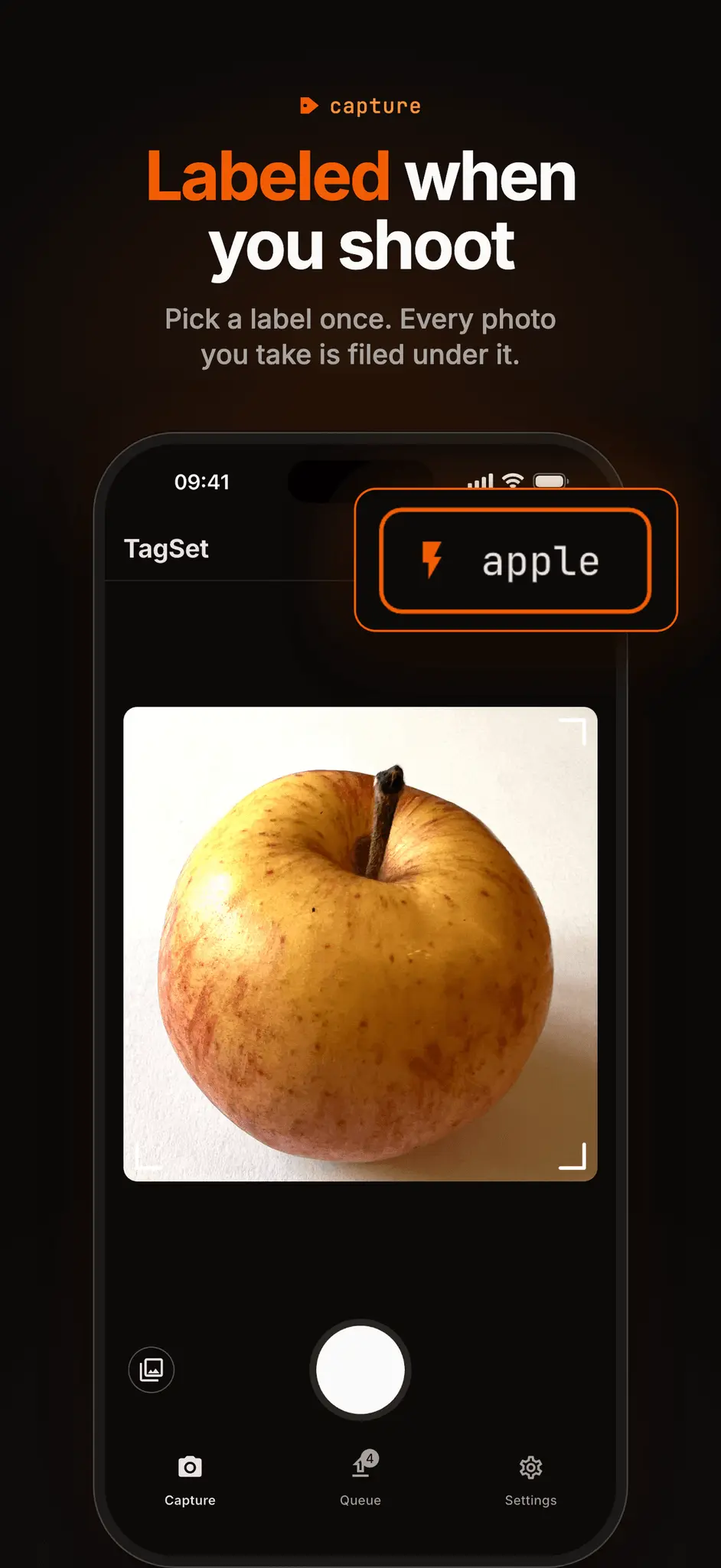
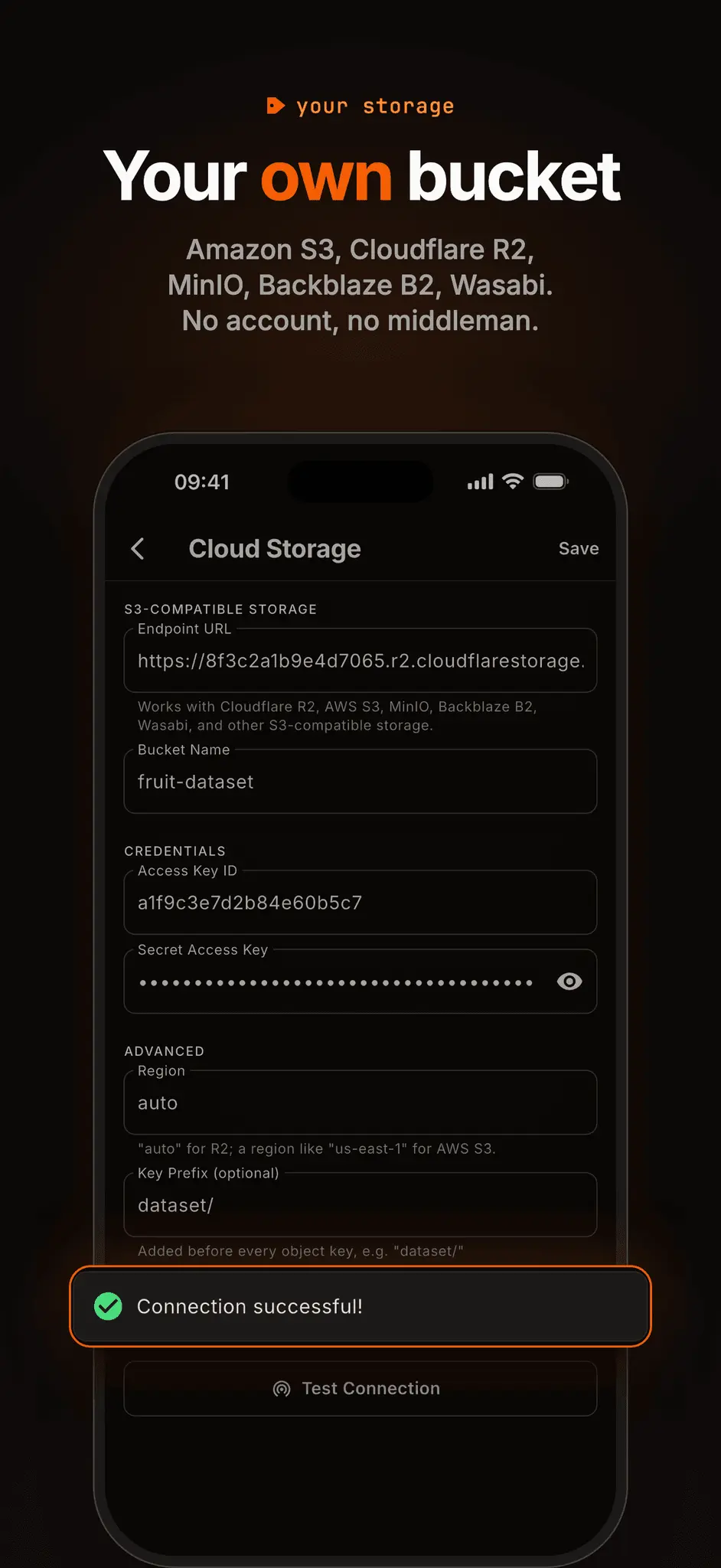
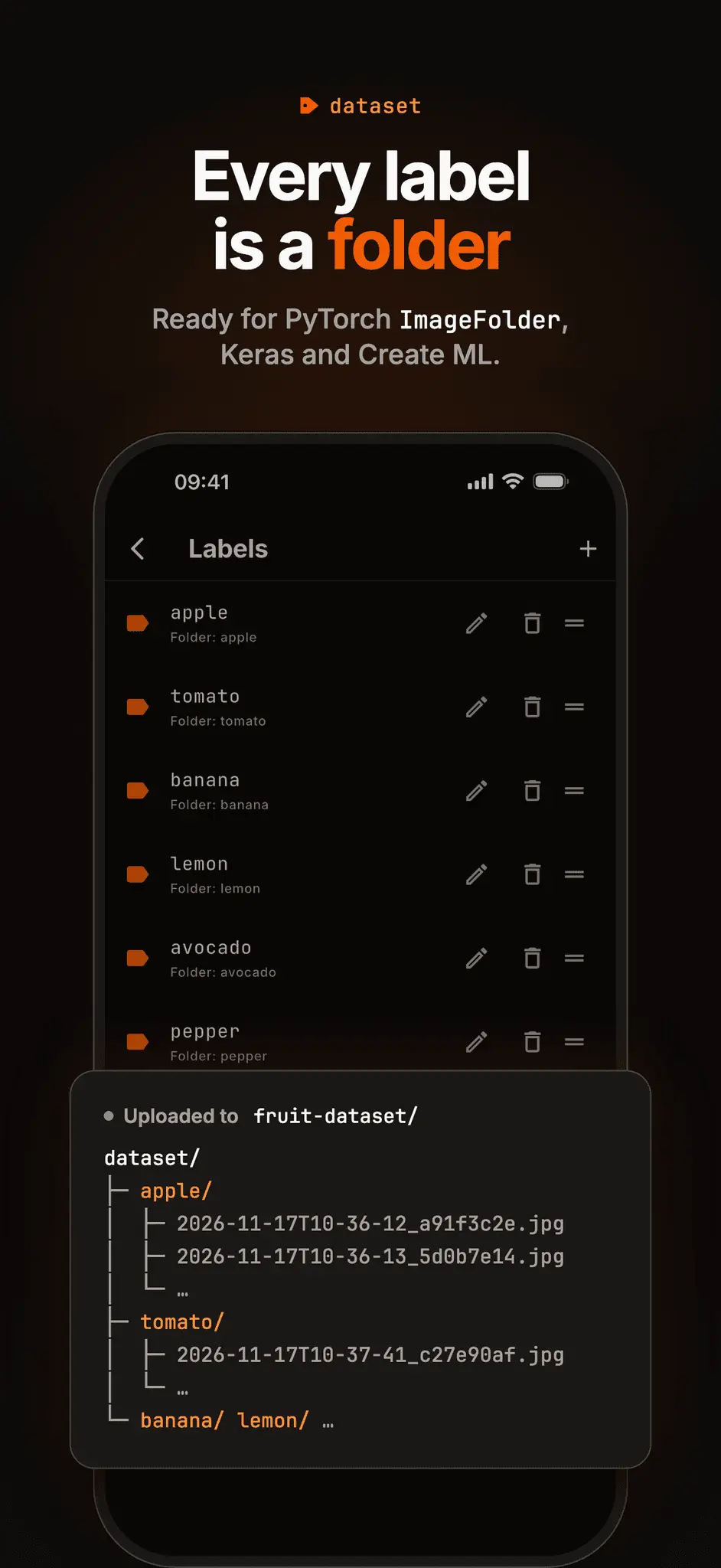
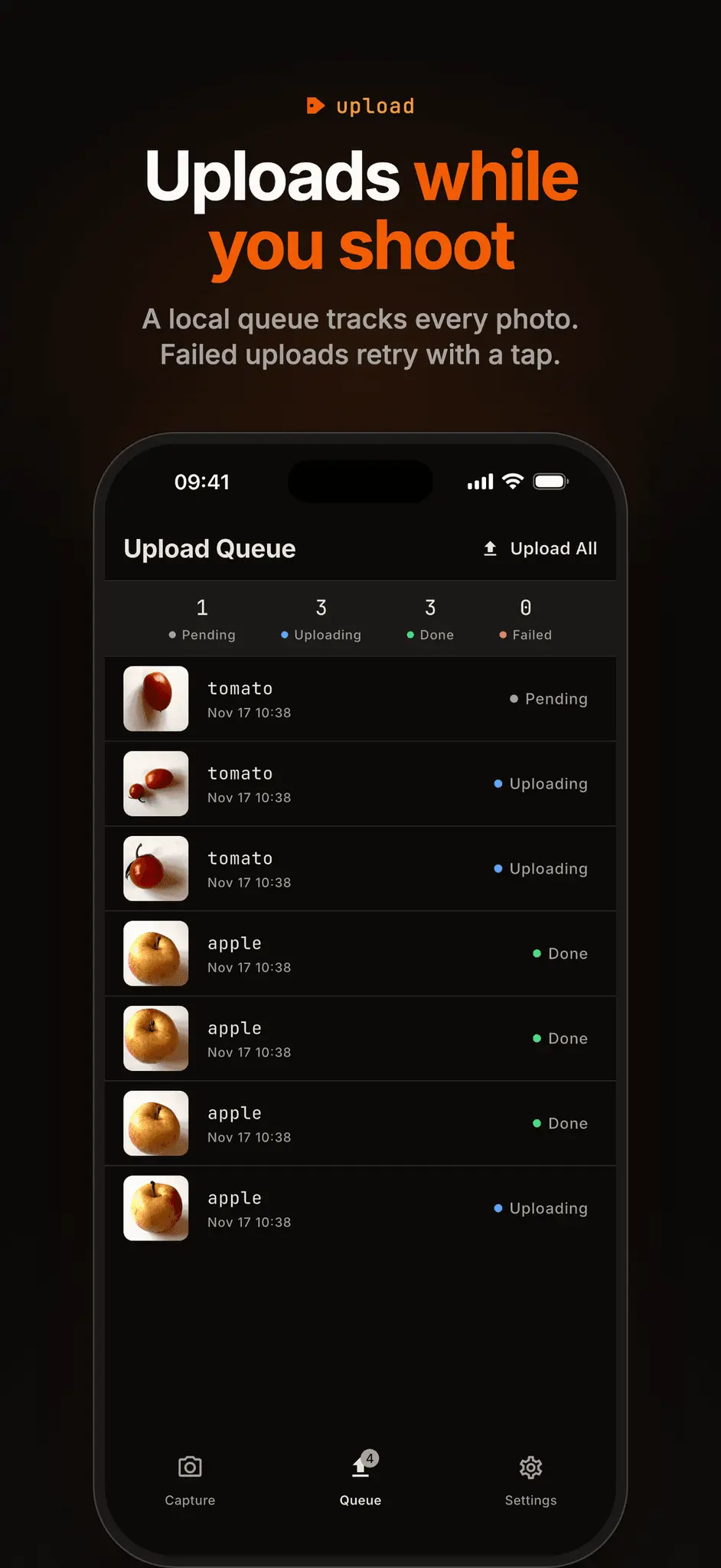
TagSet is a free iPhone app for developers who train their own image models. If you build an image classifier for your own idea, the dataset is usually the slowest part. You shoot everything with the Camera app, AirDrop hundreds of photos to your laptop, and drag each one into the right class folder. Then you convert the HEIC files, shrink them, and upload them with a sync script. Until you sort them, the labels exist only in your head. TagSet labels each photo when you take it. Pick a label, shoot, and the photo is already sorted, resized and uploaded to your bucket. How it works 1. Connect your bucket. Paste an endpoint, bucket name and keys. It works with Cloudflare R2, Amazon S3, MinIO, Backblaze B2, Wasabi, or anything else that speaks S3. 2. Add your labels. Each label becomes a folder in your bucket. 3. Shoot. Photos upload in the background while you line up the next one. What you get - Speed mode: Set the active label once. Every shot after that is labeled and uploaded with no extra taps. - Every label is a folder: Files are saved as <label>/<timestamp>_<id>.jpg, the layout that PyTorch's ImageFolder, Keras's image_dataset_from_directory and Apple Create ML read directly. You need no re-sorting, rename scripts or glue code. - Nothing gets lost: A local queue tracks every capture. Failed uploads stay visible and retry with one tap. - Works offline: Shoot all day without signal and upload later. You can also hold uploads until you're on Wi-Fi. - Training-sized JPEGs: Photos are saved at 2048 px by default, at the quality you choose, instead of multi-megabyte HEIC originals. - Team collection: Several phones can upload into the same bucket and the same folders, using keys that can only add photos. File names include a timestamp and a random ID, so they never clash. Privacy by design TagSet has no servers. Your storage keys stay in the iOS Keychain, and photos go directly from your iPhone to your bucket. There are no accounts, no analytics SDKs and no tracking. Your dataset is plain files in storage you own, so it stays put even if you delete the app. Who it's for - Side projects: no public dataset has your objects in your lighting. You can shoot a few hundred photos per class in an afternoon, and Cloudflare R2's free tier holds about 20,000 of them. - Teams: give TagSet to the people at the production line, the bin or the shelf. - Field research: collect offline and upload to MinIO or your institution's S3 storage.
Screenshots
Product Updates (1)
TagSet 1.1.0 & 1.2.0
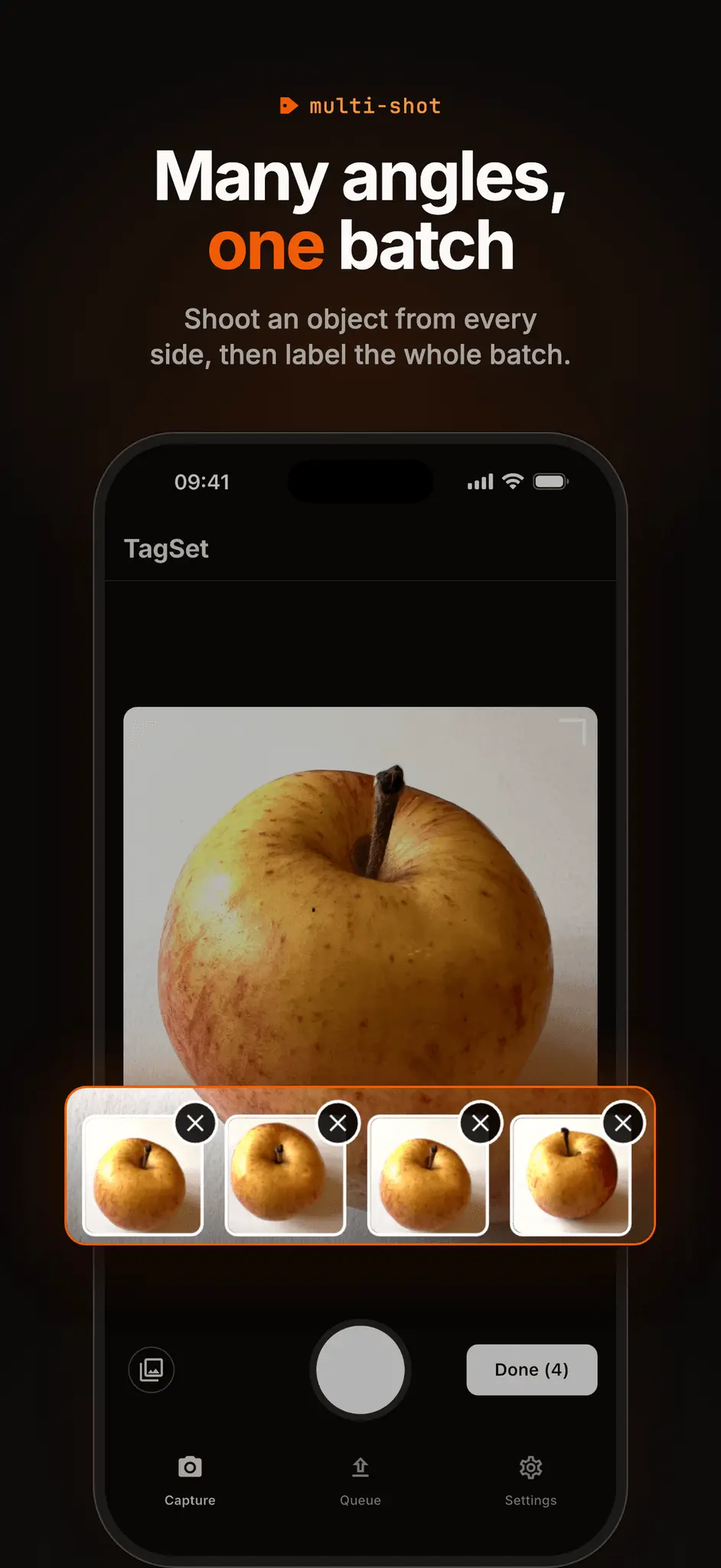
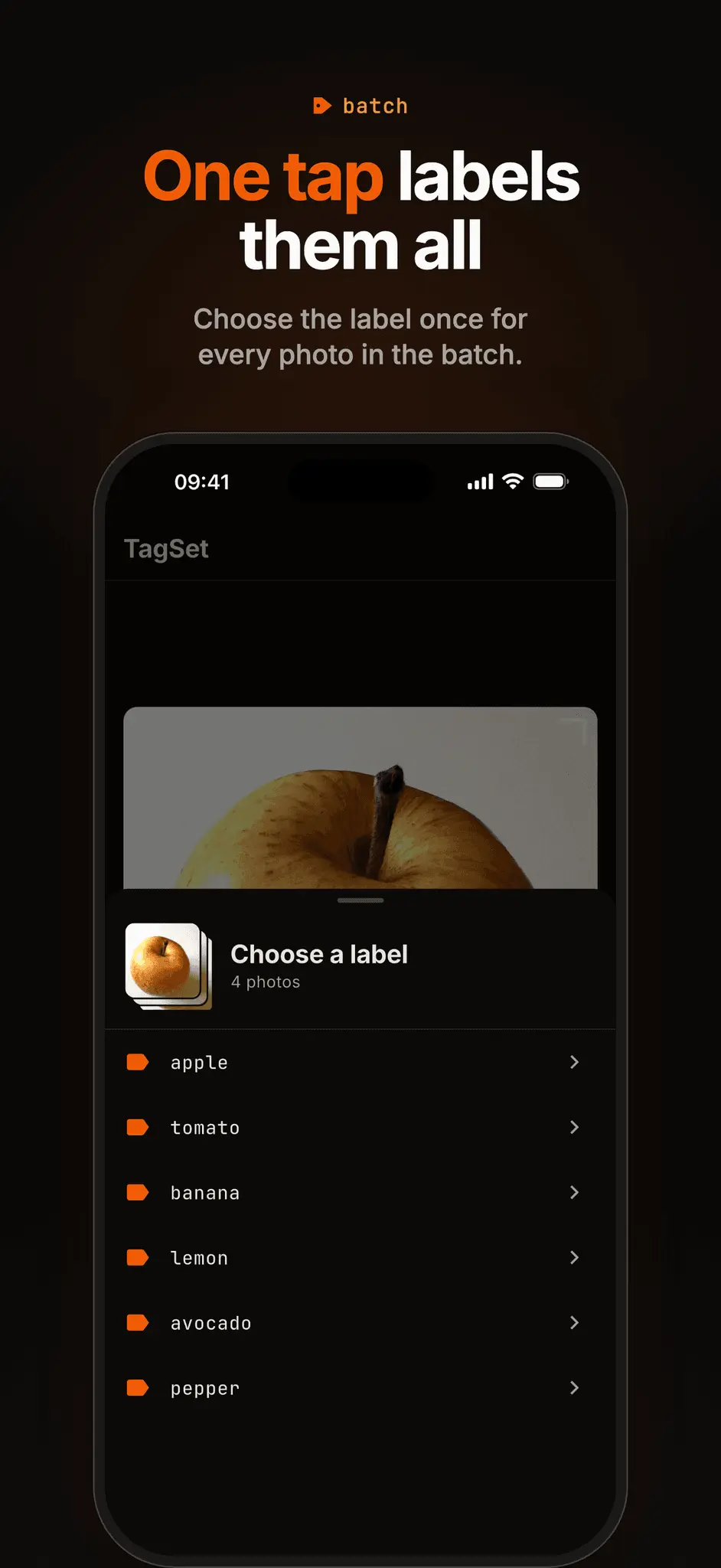
TagSet has got 2 big updates in the last couple of days. These updates focus und usability. I want to lend new users a helping hand to get started easily and integrate there stack. TagSet now has a guided tour that helps new users get their own buckets connected, tags set up, and take their first labeled image. TagSet now also has a multi-capture mode. It allows for capturing a row of images (e.g. from different angles, lighting, background) and applying a single tag afterwards. The next steps include more insights on the collected data by showing how many images each class already contains to drive for well-balanced datasets.
Comments (0)
No comments yet. Be the first to share your thoughts!
Reviews (1)
Average 5.0 out of 5
Based on 1 review

cool product! i love the idea how its made.
Comments (1)
cool