
TimeKnot
Connect Notion tasks to Clockify for easy time tracking

Details
- Follow on
- Target Audience
- Pricing
- Free
Discovery signals
How AI and people discover TimeKnot on PeerPush
- ChatGPT
- Claude
- Perplexity
- +3 other AI crawlers
Reads by these AI engines
Crawlers behind these engines read this listing on PeerPush.About TimeKnot
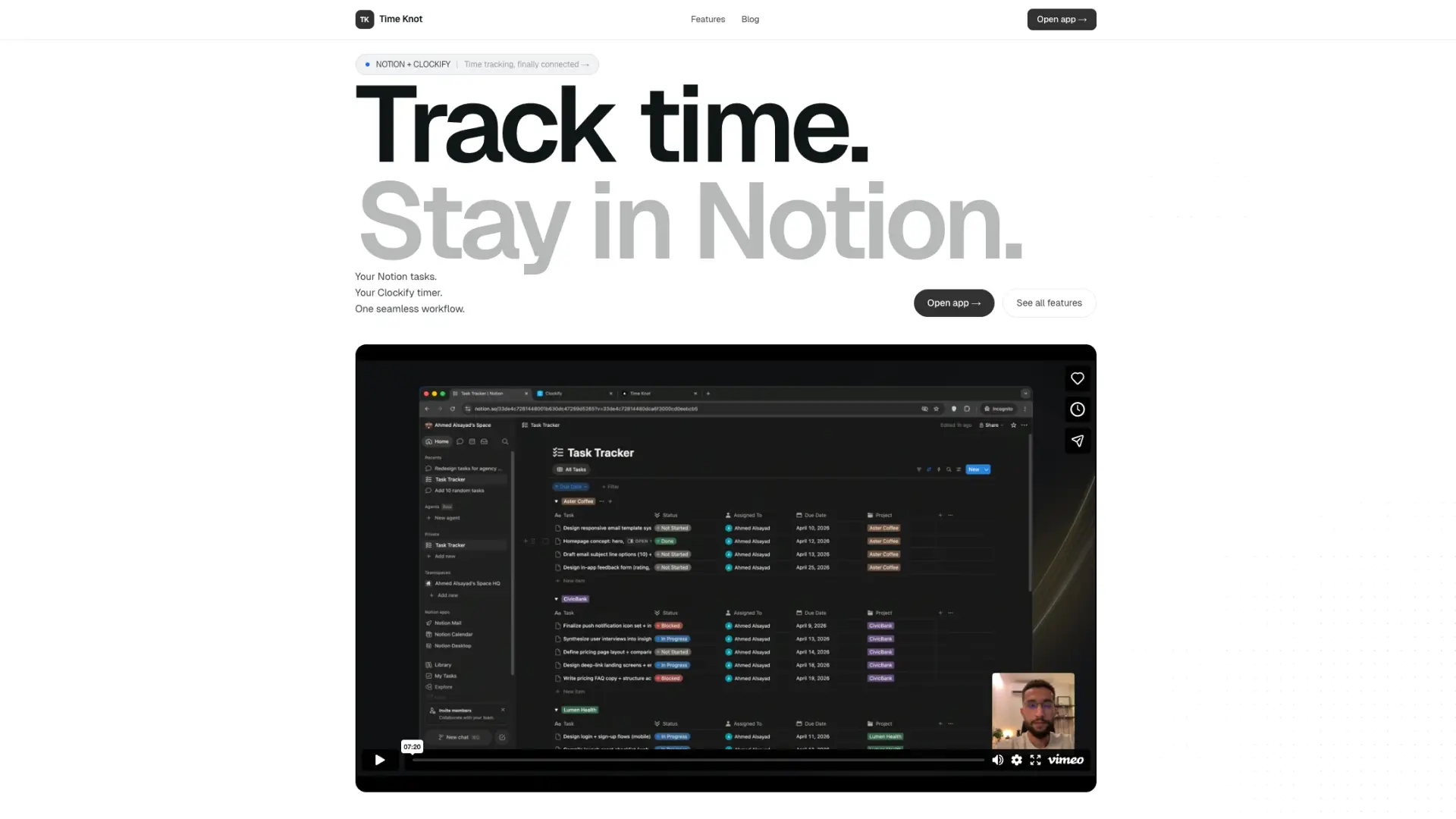
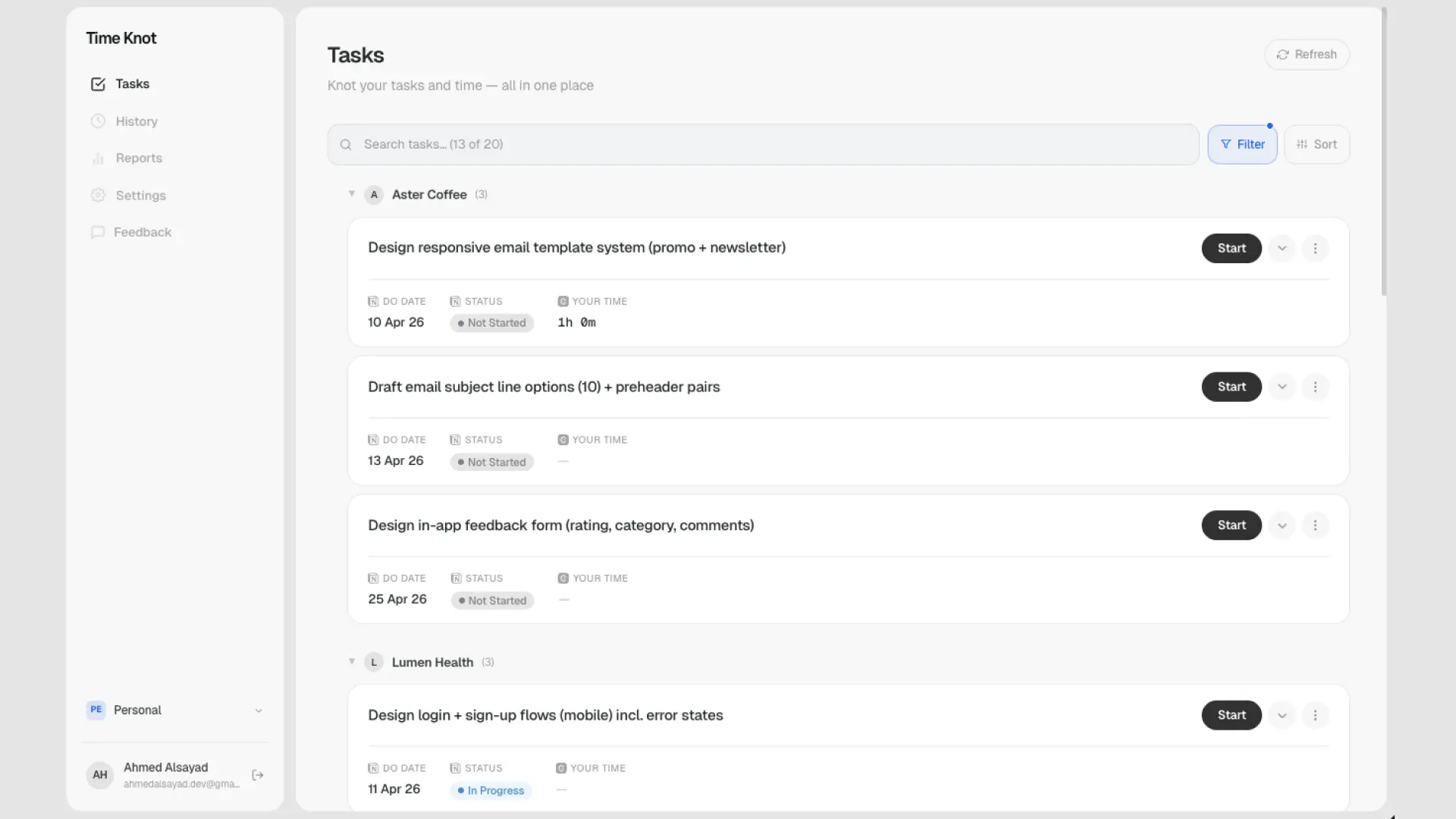
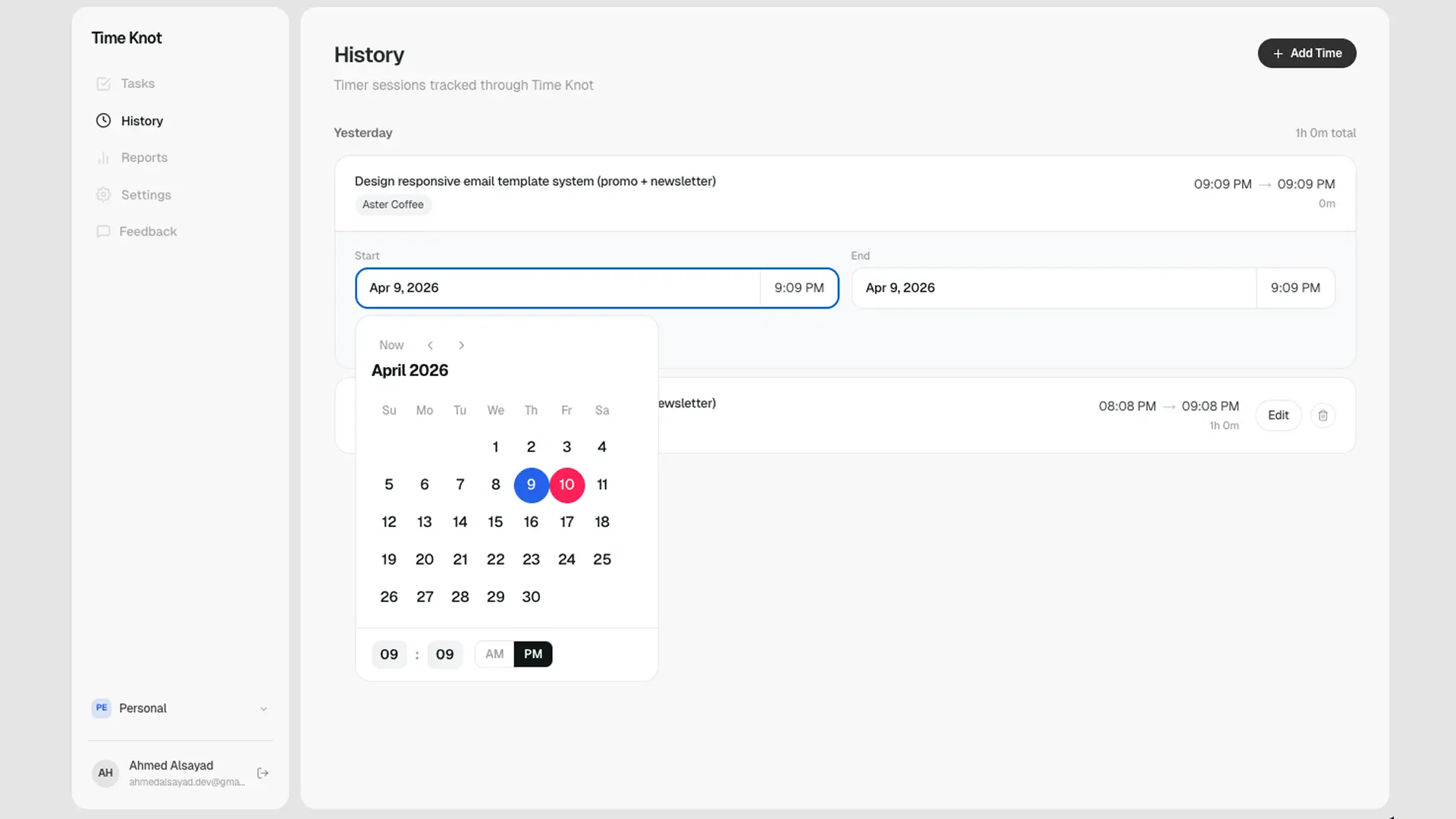
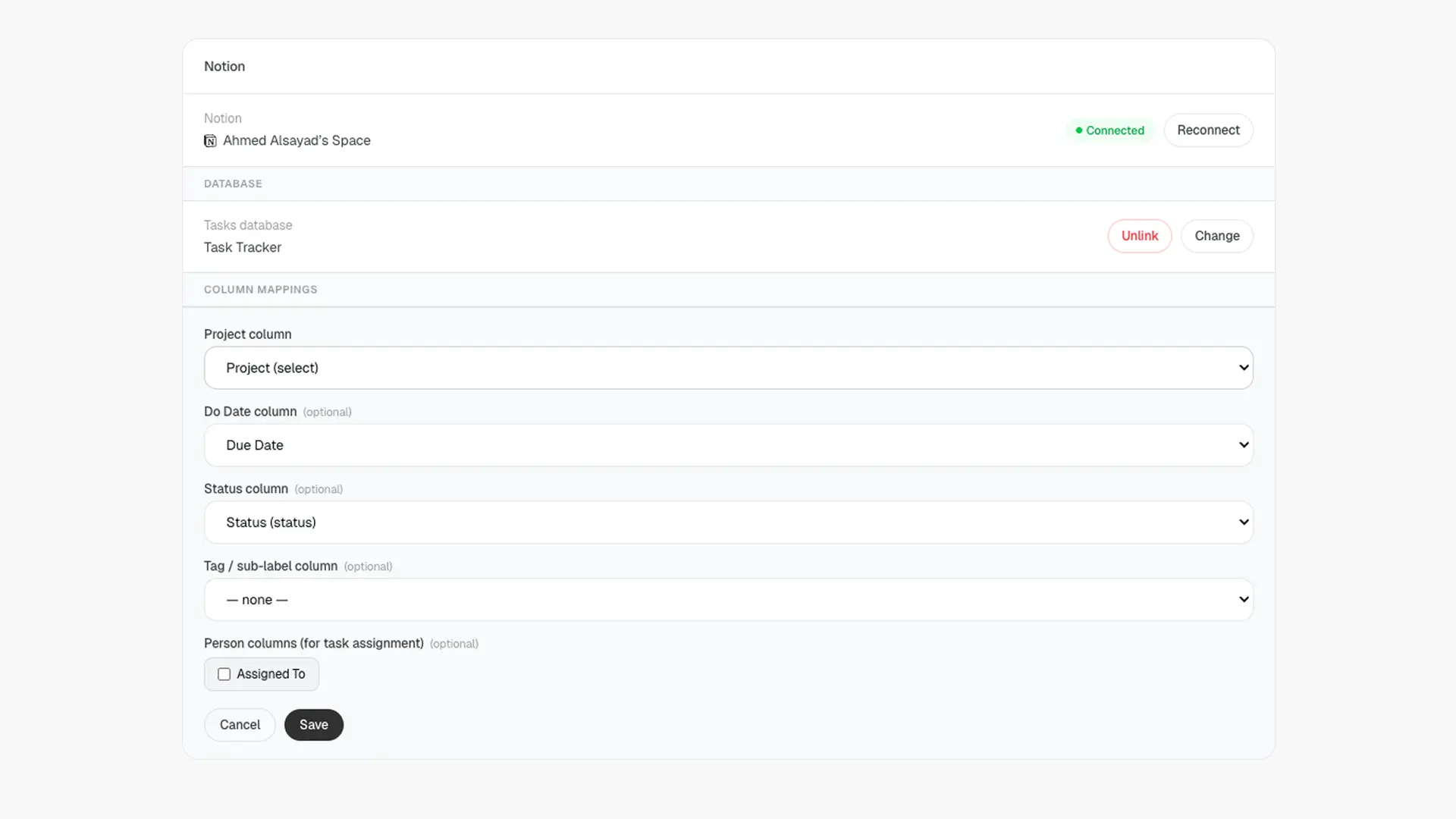
TimeKnot connects your Notion workspace directly to Clockify so you can track time on your tasks without ever leaving Notion. Hit play on a task and the timer starts in Clockify automatically; stop it and the entry is logged, tagged, and ready for billing or reporting. Key features: One click time tracking from any Notion task or database Automatic project creation; new Notion projects sync into Clockify the moment they're added Full team support, so everyone in your workspace tracks against the same shared structure Two way sync that keeps task names, projects, and clients consistent across both tools Zero manual setup after the initial connection; no Zapier, no Make, no browser extensions Works with your existing Notion templates and Clockify workspaces out of the box What makes it different: most "Notion time tracking" solutions are clunky workarounds built on Zapier or browser plugins that break constantly, miss tasks, or force you to copy paste project names. TimeKnot is purpose built for the Notion + Clockify pairing, so the sync is reliable, instant, and respects how both tools actually work. Real outcomes users can expect: Save 30 to 60 minutes a day previously spent switching tabs and re entering data Cleaner Clockify reports because every entry is automatically tied to the right project and client Accurate billable hours for freelancers and agencies, with no missed entries A single source of truth: tasks live in Notion, time lives in Clockify, and the two stay in lockstep Faster team onboarding; new members start tracking time the same day they join the workspace Built for freelancers, consultants, agencies, and small teams who already love Notion and Clockify but are tired of duct taping them together.
Screenshots
Reviews (0)

Comments (1)
How does the two-way sync handle a task moved to another project after time has been logged? Keeping historical entries intact while syncing future work would be important for reliable billing.