
Translix - Screen Translate
real-time translation for whatever you see or hear on Mac


Details
- Follow on
- Categories
- Use Cases
- Target Audience
- Pricing
- One-time from $14.99
- Alternatives
 transcrybe alternatives
Discovery signals
How AI and people discover Translix - Screen Translate on PeerPush
- ChatGPT
- Claude
- Perplexity
- +4 other AI crawlers
Reads by these AI engines
Crawlers behind these engines read this listing on PeerPush.About Translix - Screen Translate
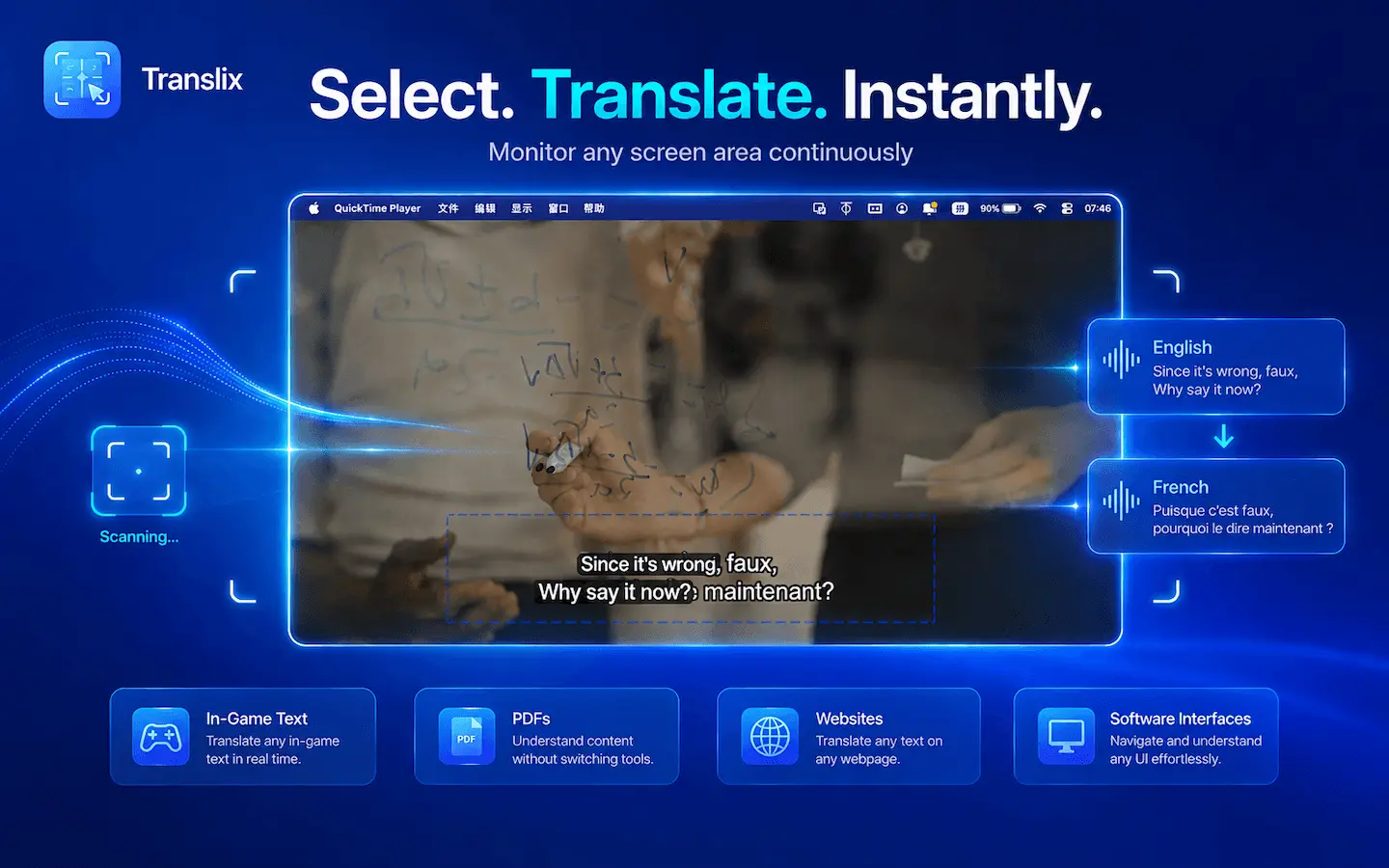
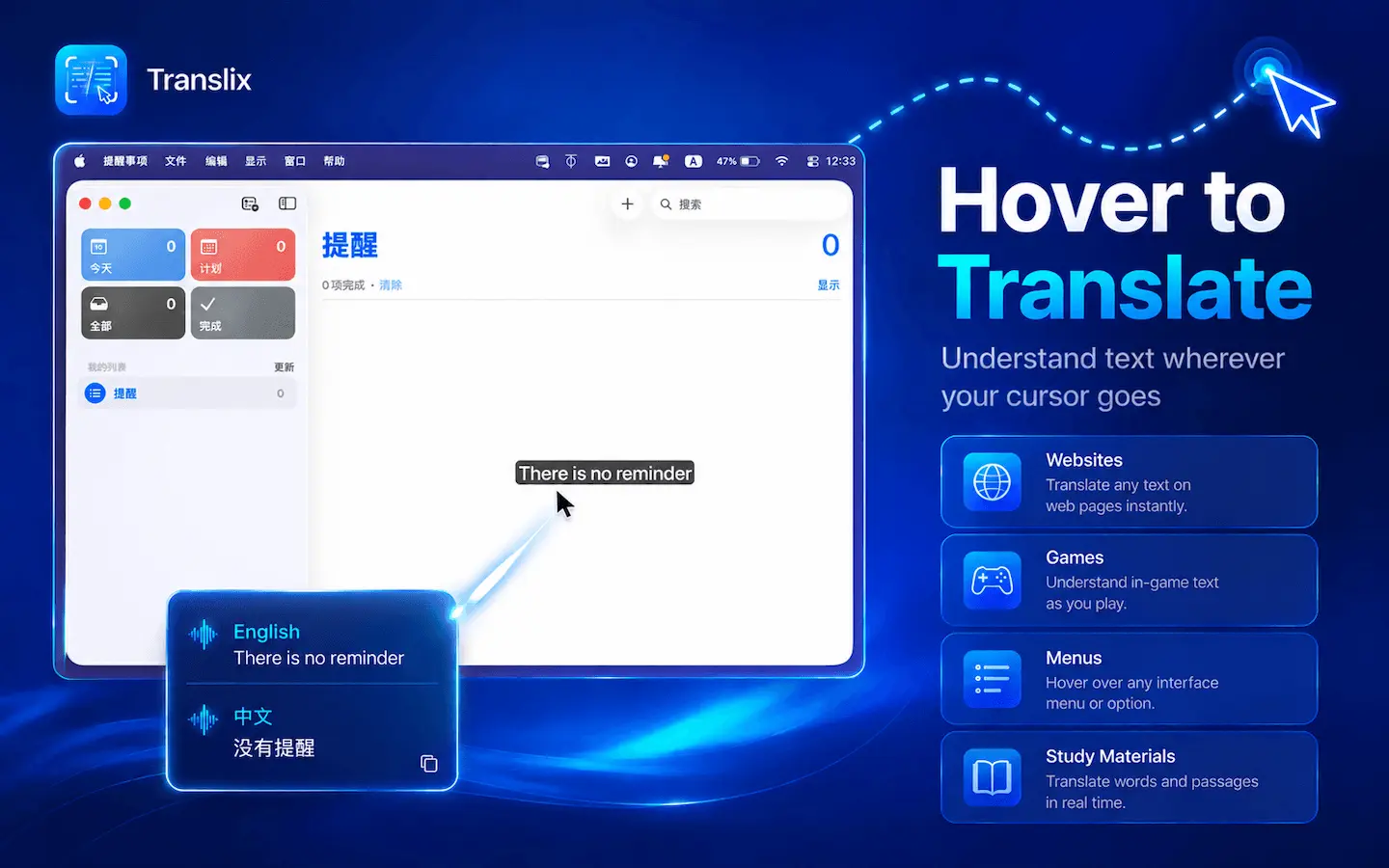
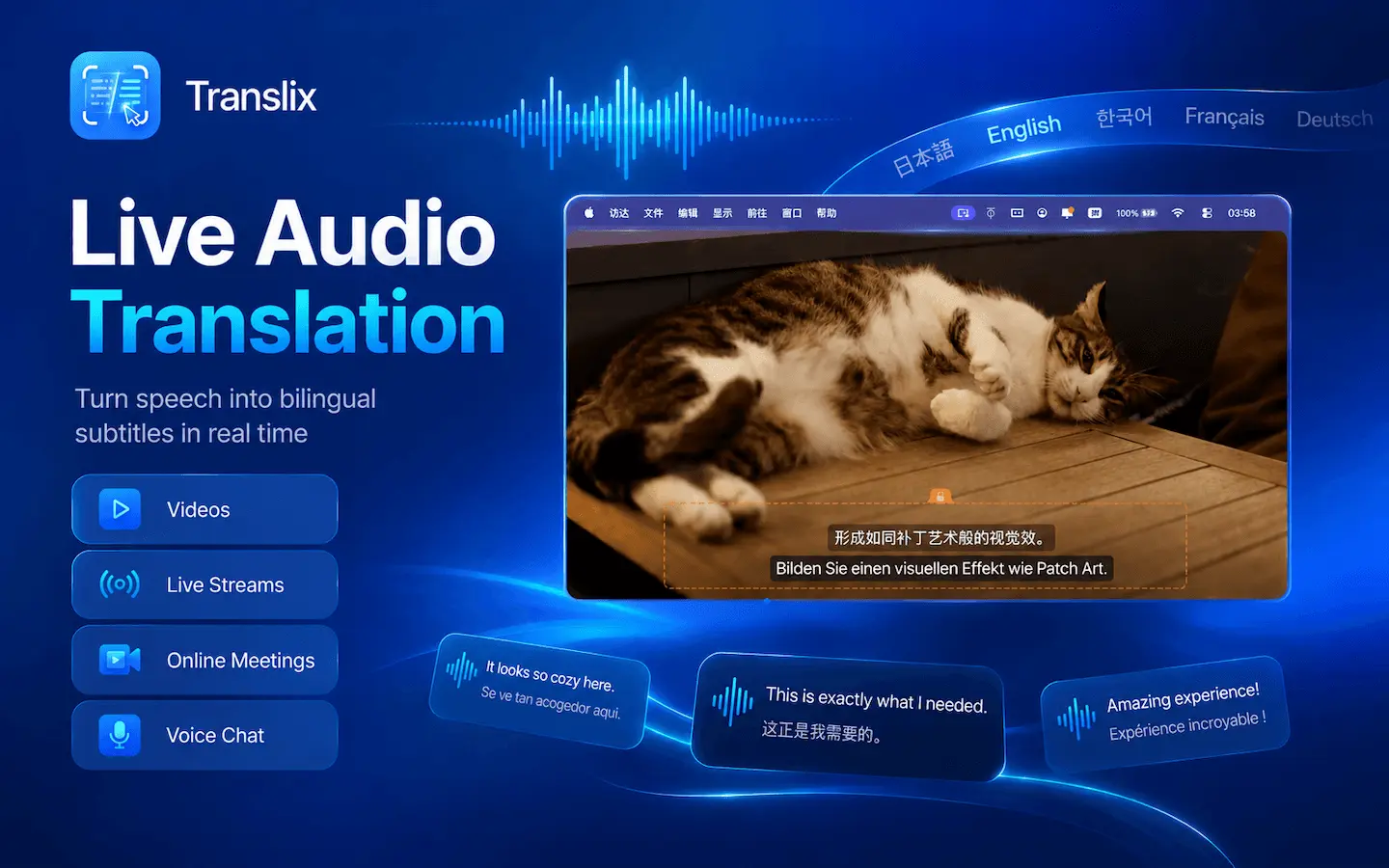
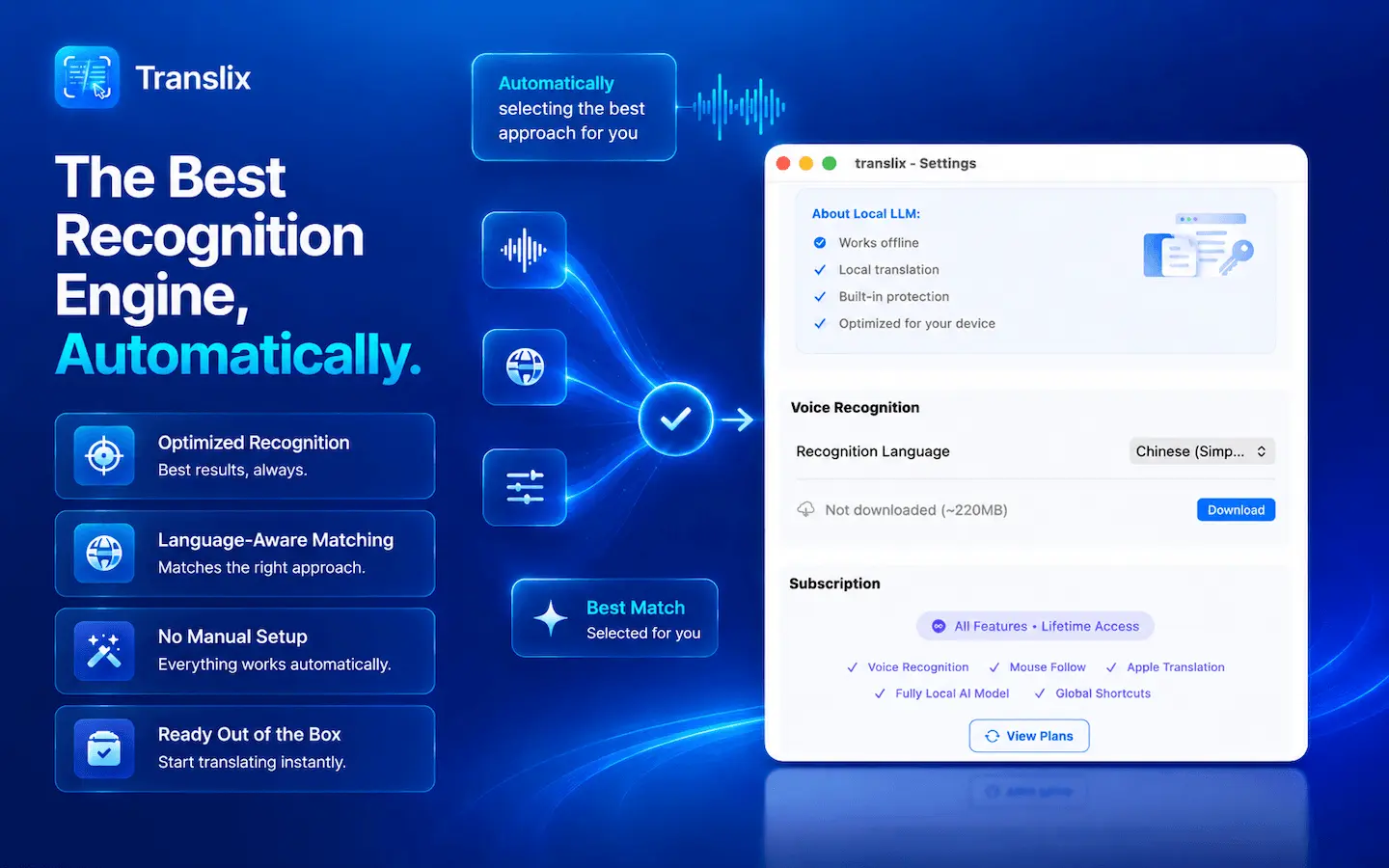
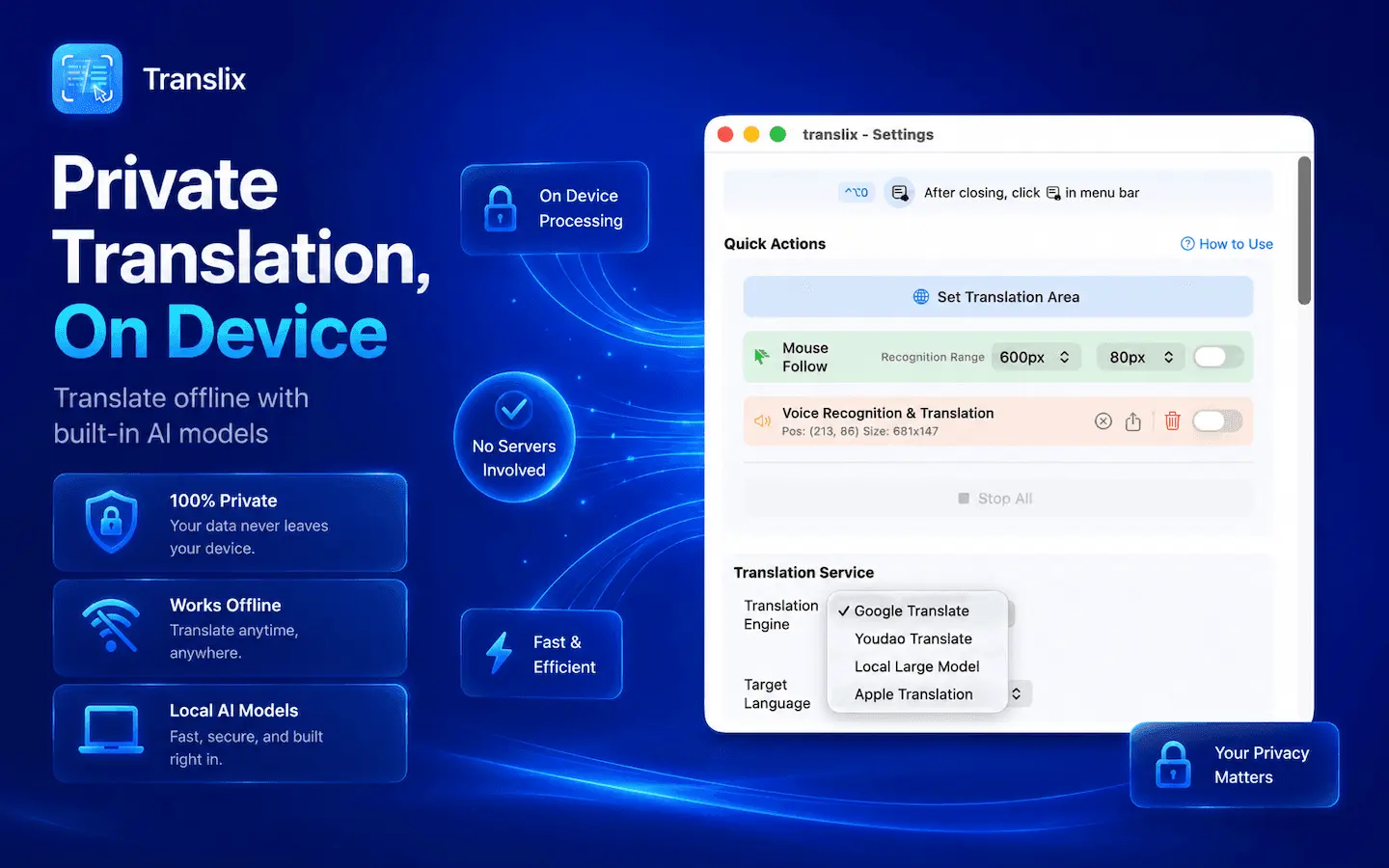
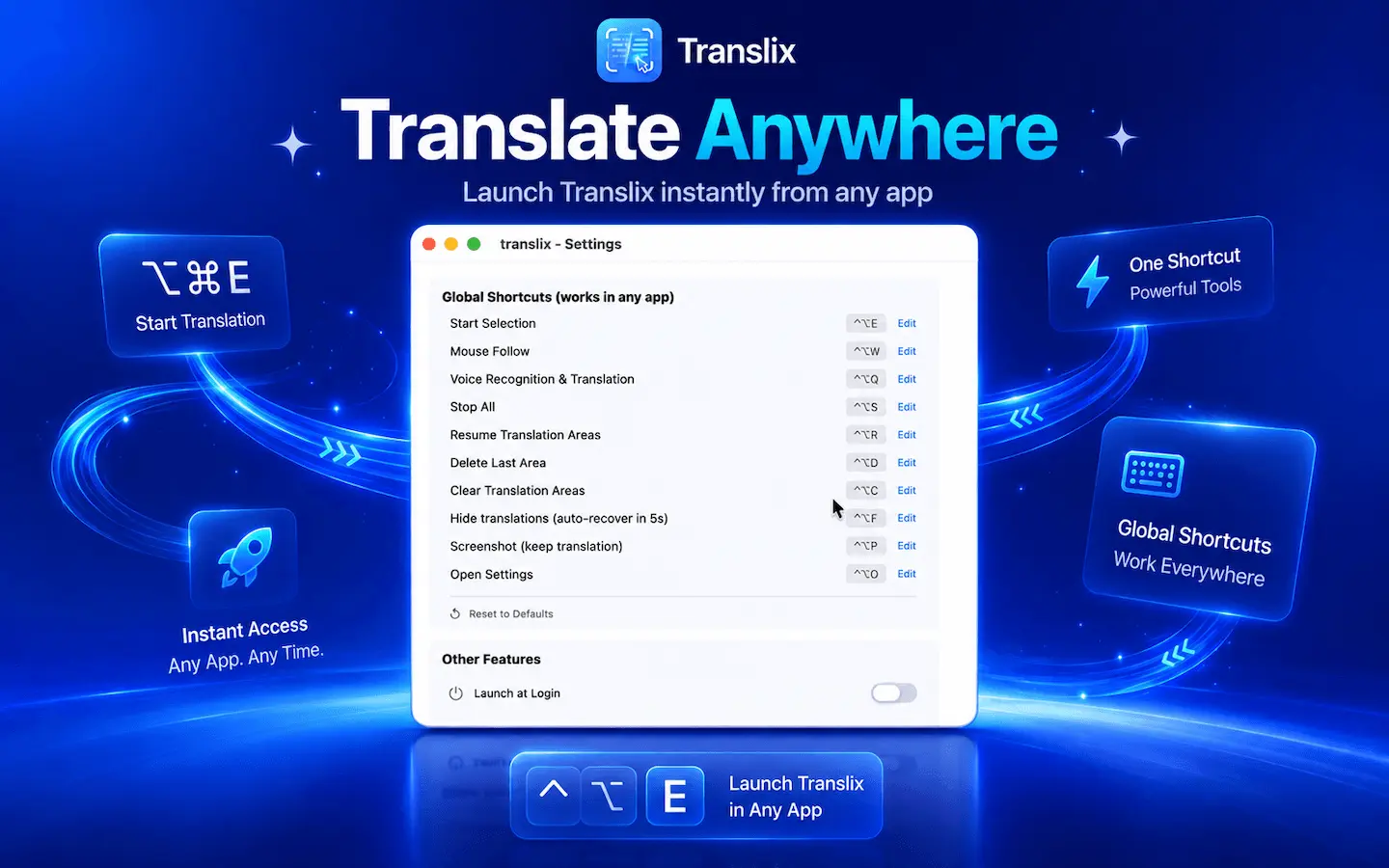
Translix is a macOS menu-bar app that translates both on-screen text and system audio in real time. Screen translation: Drag to select any area of your screen, and Translix uses on-device OCR to recognize text and display a semi-transparent translation overlay right on top of the original — no copy-pasting, no switching windows. In mouse-follow mode, the translation tracks your cursor wherever it goes. Live audio translation: Select the area where a video, meeting, or game is playing, and Translix captures the system audio, recognizes speech locally with ASR, and translates it live — like bilingual subtitles floating above your screen. Supports 15+ languages, fully local LLM, privacy-first.
Screenshots

Reviews (1)
Average 5.0 out of 5
Based on 1 review

It looks really nice btw what model do you use for it
Comments (0)
No comments yet. Be the first to share your thoughts!