
TreviqTab
Turn tab chaos into focused workspaces.

Details
- Categories
- Use Cases
- Target Audience
- Pricing
- Free from $4.99
- Platforms
Discovery signals
How AI and people discover TreviqTab on PeerPush
About TreviqTab
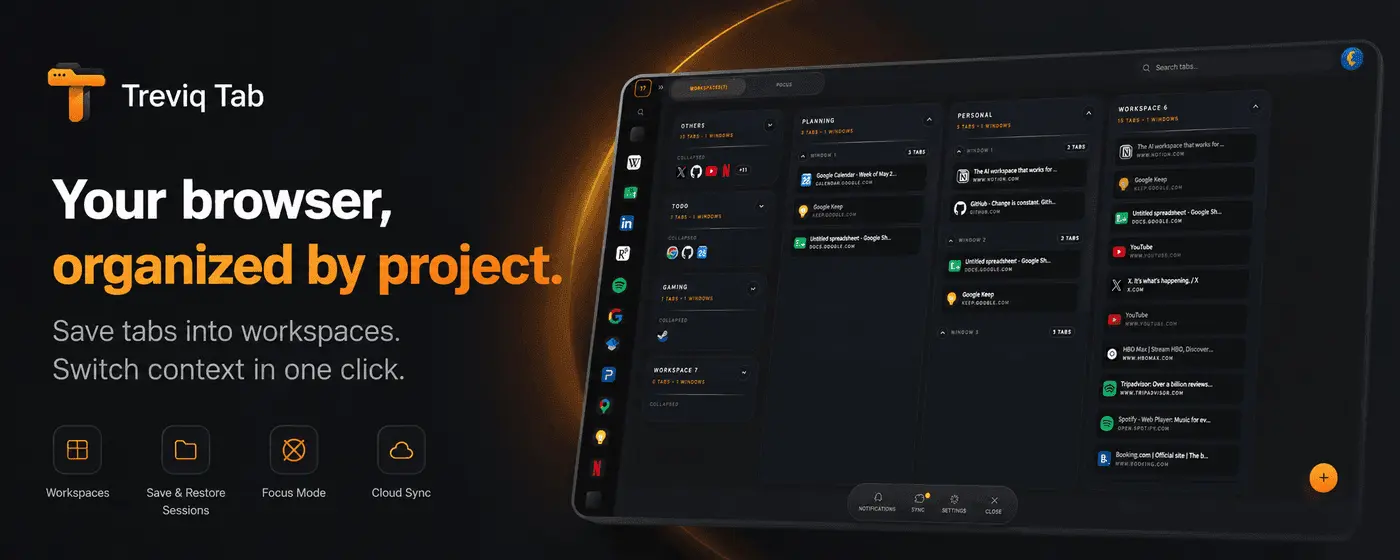
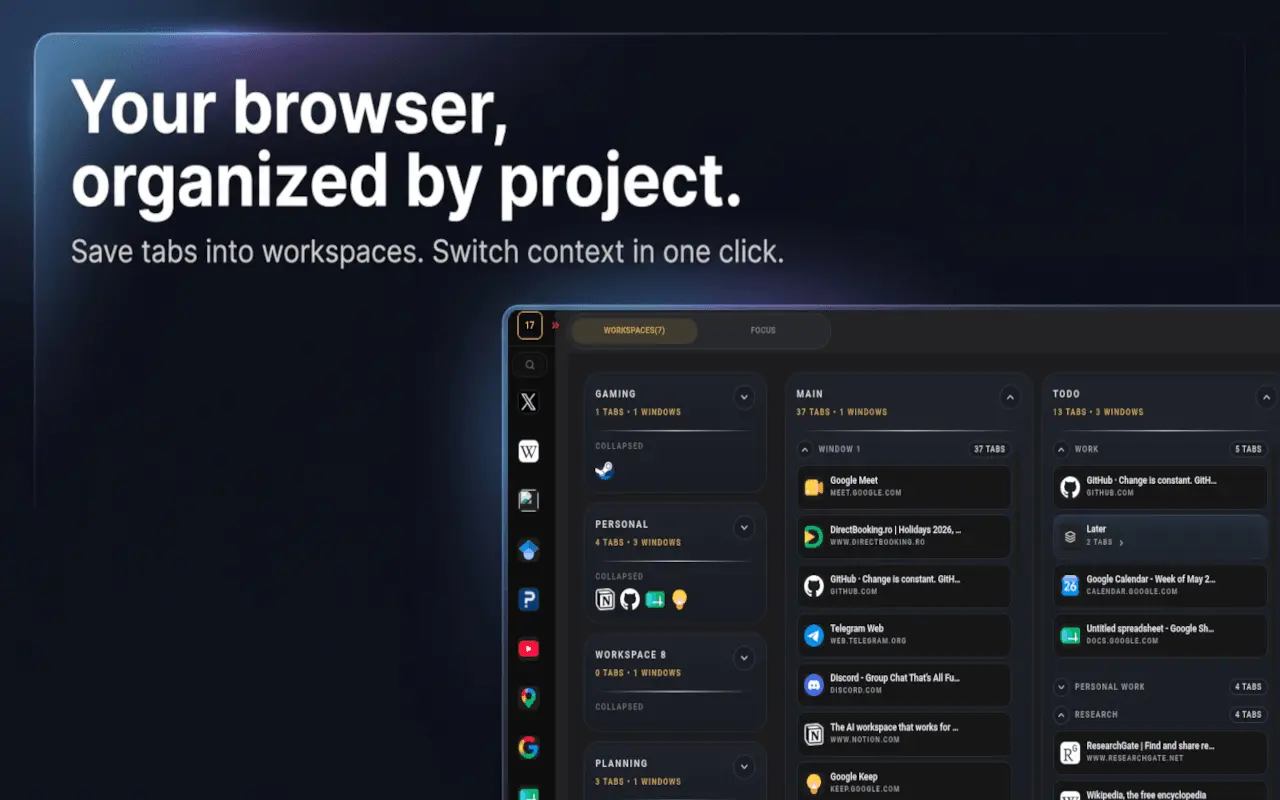
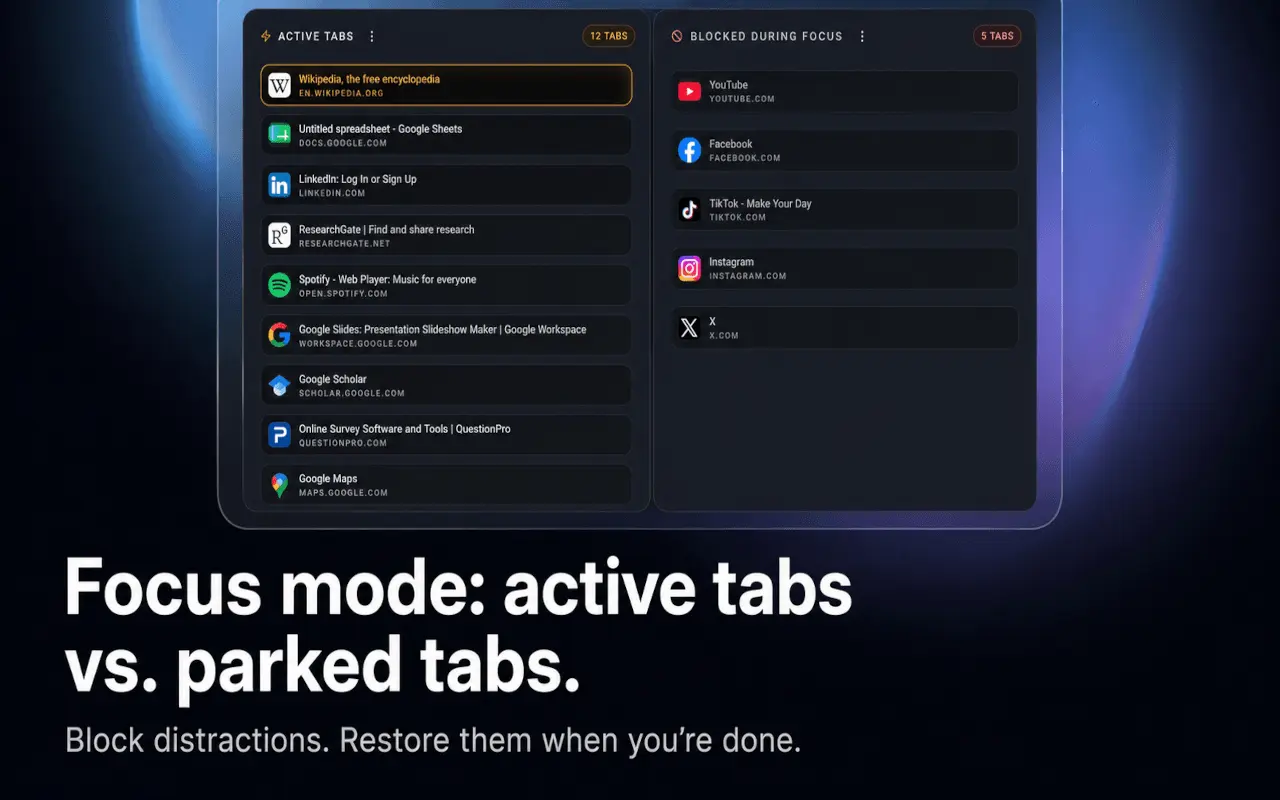
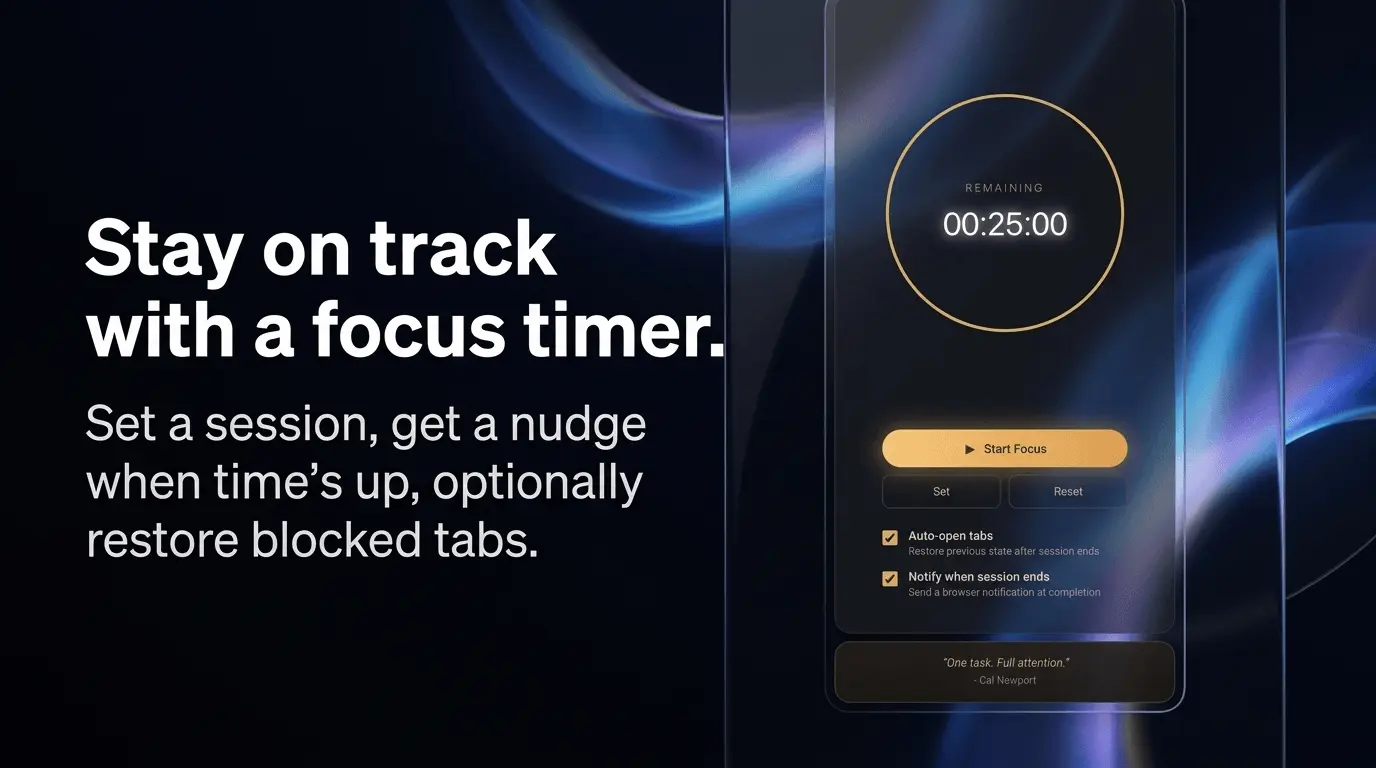
Organize browser tabs into workspaces, focus sessions, reminders, and optional cloud sync. TreviqTab turns tab chaos into focused workspaces - built for heavy tab users, creators, operators, and anyone who juggles multiple projects in one browser. If your tab bar is a graveyard of “I’ll get back to this” links, TreviqTab gives you a calmer way to browse: organize by intent, not by accident. Features: WORKSPACES THAT MATCH HOW YOU WORK • Group tabs into spatial workspaces - work, research, side projects - each with its own windows, tab groups, and saved tabs • Switch context in one click without mixing client work and personal tabs • Save hundreds of tab slots across workspaces; layouts persist between sessions • Drag and drop to reorder workspaces, windows, tabs, and tab groups • Open a saved window or an entire workspace back in the browser - with tab groups restored as you left them FOCUS WITHOUT LOSING TABS • Park distracting tabs in a blocked lane instead of closing them • Keep your active lane lean; • Restore tabs when you’re ready • Run a focus session timer with optional tabs auto-restore and a notification when time’s up FIND & CONTROL EVERYTHING • Search saved tabs across all workspaces and live tabs across every window - one query, instant jump • Use a persistent sidebar to see all open windows, tabs, and groups without hunting the native tab strip • Pin, hover-expand, or minimize the sidebar to match your flow • Suspend tabs to free memory; copy URLs, close, or add tabs to a workspace REMINDERS & SYNC • Set one-time, weekly, or monthly reminders inside the extension • Premium: sync workspace snapshots to the cloud (manual or once-per-day automatic sync) FREE TO START The free plan includes core workspace and tab management (up to 3 workspaces and 60 tabs). Premium unlocks unlimited workspaces and tabs, unlimited reminders, and cloud sync.
Screenshots
Reviews (0)
No reviews yet. Be the first to rate this product!
Comments (0)
No comments yet. Be the first to share your thoughts!