
Keyfire
Visual hotkeys, macros, and text expansions on Windows.

Details
- Follow on
- @keyfireappLinkedIn
- Target Audience
- Non-Technical UsersRemote WorkersFreelancers
- Pricing
- Free
- Platforms
- Desktop
- Alternatives
 TextExpander alternatives
Discovery signals
How AI and people discover Keyfire on PeerPush
By AI reads among Automation & Workflow tools
8,472 AI reads in the last 30 days, ranked against every Automation & Workflow tool listed.About Keyfire
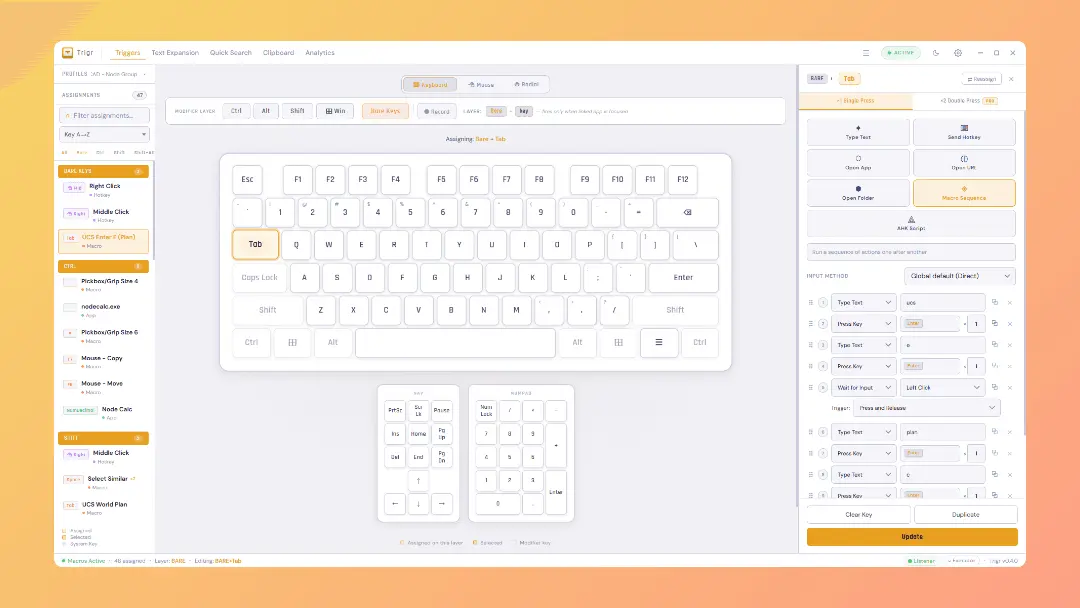
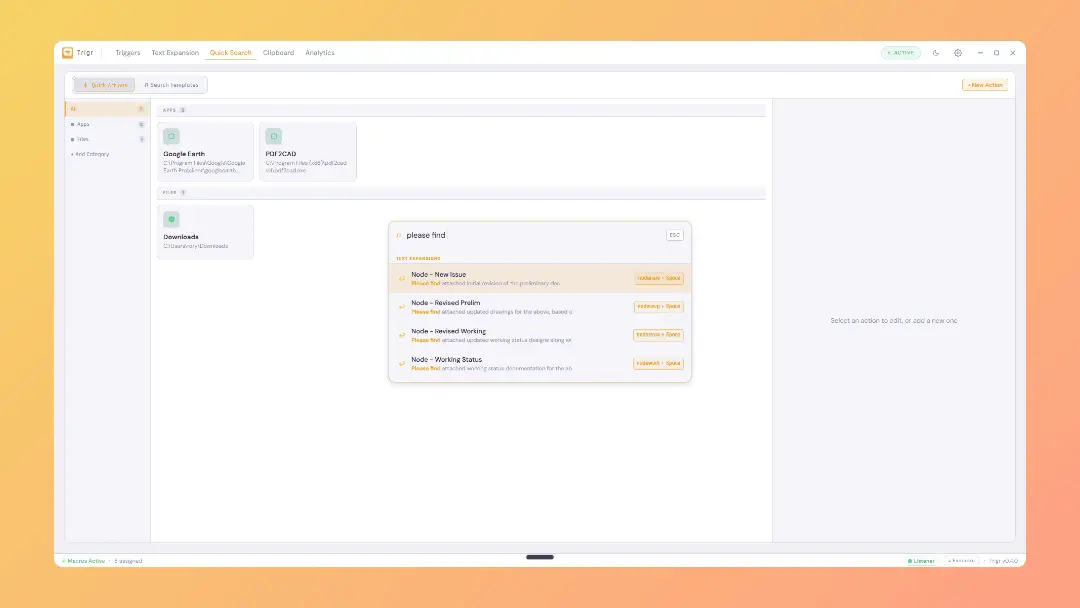
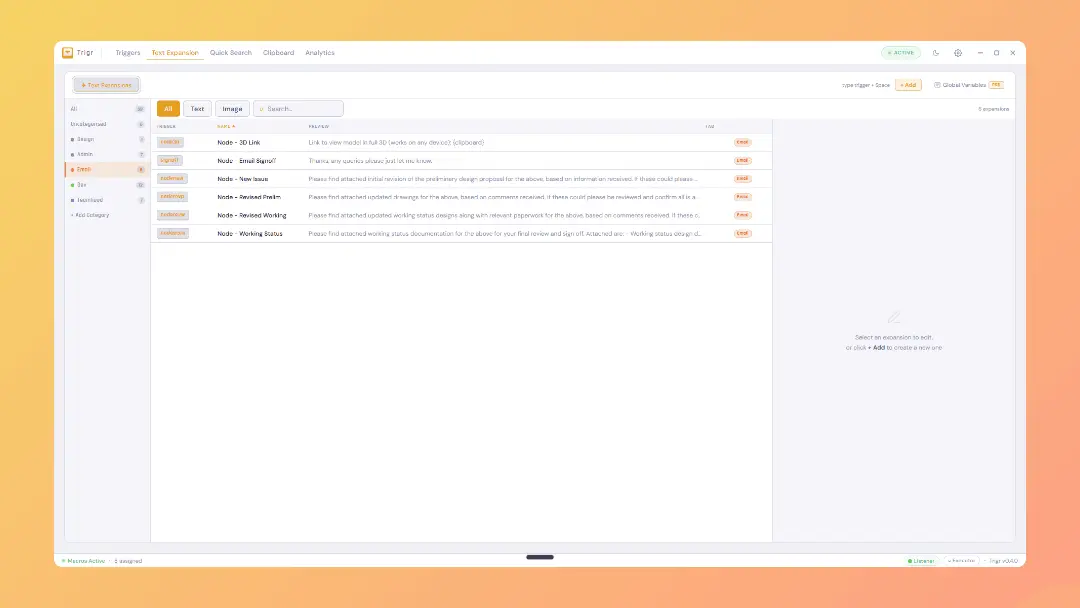
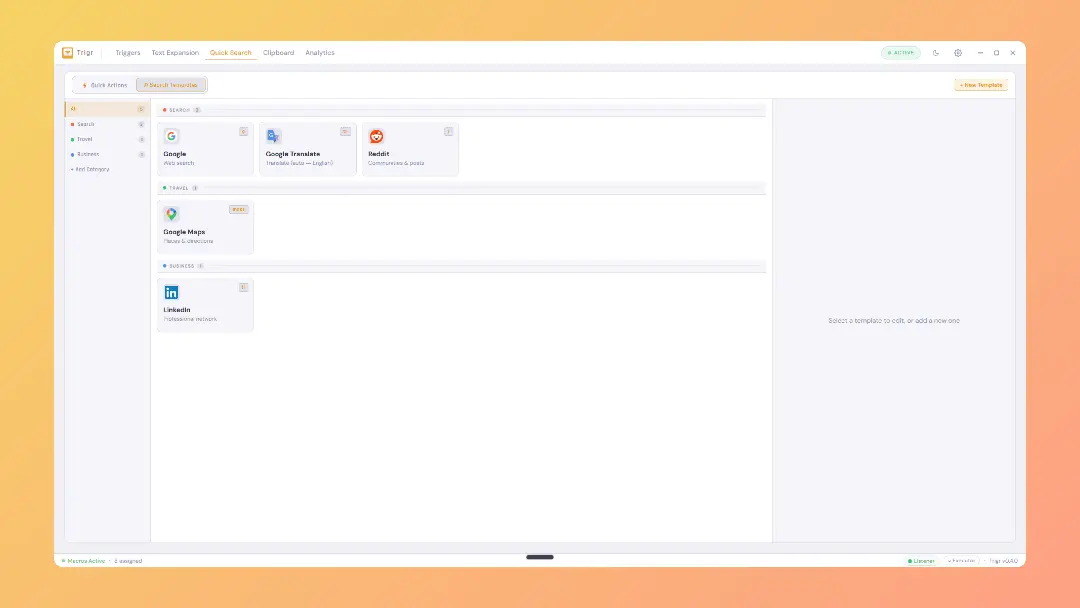
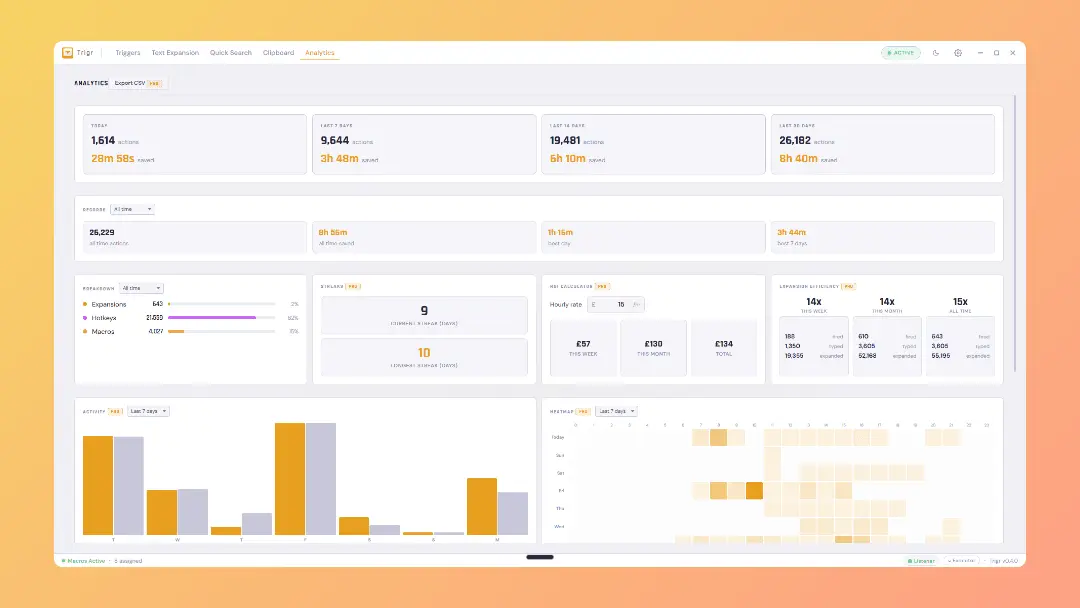
Keyfire is the no-code alternative to AutoHotkey. Build hotkeys, macros, and text shortcuts on Windows with a visual editor — no scripting, no config files. Runs fully local with no account or cloud sync. Free to use in beta. What you can do with Keyfire: Remap any key or key combination Chain actions into multi-step macros (keystrokes, mouse clicks, app launches, window focus, delays) Create text expansions with fill-in fields and clipboard variables Trigger a radial menu from any hotkey for fast visual access to actions Search files, apps, and bookmarks from a quick overlay Browse and paste from clipboard history Smart profiles that follow your workflow. Keyfire automatically switches your active hotkey set based on the app you're using. The same key can launch a build in VS Code, jump to a frame in Premiere, or insert a snippet in Outlook — Keyfire knows which one you mean because it watches the foreground window. No manual toggling, no mode keys, no thinking about it. Switch apps, your shortcuts switch with you. Who it's for: Project managers, architects, engineers, and anyone who spends their day across multiple Windows apps but doesn't want to learn a scripting language to automate their workflow. If you've ever looked at AutoHotkey and given up after ten minutes, Keyfire is built for you. Why it's different: Everything is configured through a visual UI. No .ahk files, no syntax errors, no Stack Overflow rabbit holes. Keyfire also runs entirely on your machine — your macros and expansions never leave your computer. Currently in paid beta. Built by Node Group Ltd (London).
Screenshots
Product Updates (6)
Keyfire v0.8.0 is now live: Unassigned library for quick swapping macros
New - Unassigned Library. The v0.8.0 headline. Unassign a hotkey without deleting it. Actions live in a dedicated section at the top of the sidebar until you decide what to do with them. Build a new action first and pick a key later. Drag any unassigned entry onto a key to bind it, or drag one bound key onto another to move or swap. Free feature. - Wait for Pixel macro step. Point Trigr at a spot on screen and it waits for that pixel to appear, change colour, or reach a match. Includes a global eyedropper so you can pick a pixel from any window. Handy for scripting slow UI, waiting on progress bars, or gating a macro until a game or app is ready. - Hold chords on the Hotkey action (pen tablet mode). Select two or three mouse pills together (Left plus Right for example) and Trigr holds them all down for the duration of your hotkey. New "release when I let go of the trigger" mode makes it feel like a pen tablet button. Pen users can hold their side button and get both mouse buttons pressed together in drawing apps. - Hold and Release phase on Press Key and Click Mouse steps. Each step now has a radio row: Press default, Hold, or Release. Build proper chorded keystroke sequences without workarounds. Business-day date token. {date:+1b} gives the next business day. {date:-1b} gives the previous business day. Skips weekends automatically. Full format suffix supported.
Comments (0)
No comments yet. Be the first to share your thoughts!
Keyfire v0.7.4 is now live: Radial wheel improvements, hold & release to fire
New - Radial menu hold to select. Turn it on in the radial editor, then hold your radial hotkey, point at a segment, and let go to fire it. The usual click to open still works exactly as before. - A dedicated Settings window. Settings now open in their own window with grouped sections, instead of one long scrolling list. - Record Macro is now its own action. When you assign a key you can choose Record Macro directly, separate from building a macro step by step. Improved - The action buttons in the key editor are reorganised. Macro and Record Macro sit on the top row, with Text, Hotkey, Open and AHK Script on the row below. - New keys now open on the Macro editor by default. - Every action type now shows a short, dismissible tip explaining what it does. - The Add Step button in the macro editor is easier to spot.
Comments (1)

Keyfire v0.7.0 is now live!
Full changelog notes below, main feature update for Autocorrect included in our Text Expansion Module. https://feedback.usetrigr.com/changelog/v070-8
Comments (0)
No comments yet. Be the first to share your thoughts!
Keyfire v0.6.10 is now live!
New: - Keyfire now reads the text inside images you copy. Screenshots are scanned automatically in the background, so the words inside them are ready when you need them (Pro). - Search inside images. Clipboard search now also matches text found inside your copied images (Pro). - Send Hotkey actions can now fire mouse clicks. Record combos like Shift+Left Click in the action editor and play them back exactly, modifiers included. Improved: - Much better text extraction accuracy on coloured or low-contrast text, such as red text in a document. Fixed: - Text extraction OCR no longer misses the bottom rows of tall screenshots.
Comments (0)
No comments yet. Be the first to share your thoughts!
Keyfire v0.6.9 is now live!
New: Trigger recording now captures mouse buttons and the scroll wheel. Click Record, then press a combination like Alt + Right Click or Ctrl + Scroll Up to set it as a trigger. Hold triggers now work on mouse buttons (Pro). One button can carry three actions: tap, double press, and hold. A quick click still behaves normally. Shorter licence keys. New keys use the KEYFIRE format and paste cleanly even with stray spaces or line breaks. Existing keys keep working unchanged. Improved: Pasting from the clipboard popup no longer reorders your history. Copy several items in a row and paste them back in sequence without the list shuffling. Clicking Copy on an item in the main panel still floats it to the top. The radial menu now has a default hotkey on fresh installs: Ctrl+Shift+Space. Existing setups are not changed. The sidebar list now matches the view you are on. The keyboard view lists keyboard triggers and the mouse view lists mouse triggers. Fixed: Reassign and Duplicate now work for every trigger, including mouse triggers and items that only have a double press or hold action. All three press modes move together, so nothing gets left behind on the old key.
Comments (1)

Trigr v0.5.6 is now live!
New: Multi-monitor support for Open App and Open Folder actions. Pick which display the app or folder opens on: Primary, Monitor under cursor, Same as foreground window, or any connected display by name. Formula engine for text expansions. Inline math, string functions, conditional logic, and date math inside snippets via the new Formulas toolbar. Typed fill-in fields. Multi-line, dropdown, yes/no toggle, number, and date picker on top of the legacy plain text. Set variable and named if/else blocks. Give intermediate results and conditionals a name, reference them in later formulas. Selection token {selection}. Capture highlighted text at fire time inside an expansion. Date functions: today(), dateadd, dateformat, datediff for working with picked dates. Redesigned radial menu. White ring, gold gradient hover, and folder wedges that extrude outward when active. Pick a date entry in the Date & Time toolbar. Shortcut to creating a date-typed fill-in. New help guide rewritten end-to-end to match the current UI. Improved: Rich-text formatting preserved with fill-in fields. Bold, lists, colours all survive to Outlook, Word, and Gmail. Save in the expansion editor keeps the editor open with a brief Saved acknowledgement. Toolbar consolidation. Date, time, and date math under one Date & Time dropdown. Bullet and numbered lists under Lists. Optional Name field on the Formula popup. Type a name to make the result reusable. Reference chips in formula and if/else popups for every fill-in, set variable, and global variable. Click to insert at the cursor. Smoother radial centre label when sweeping between segments. Pill resizes and fades instead of snapping. Numbers in formulas round to two decimal places.
Comments (1)
Reviews (5)
Average 4.4 out of 5
Based on 5 reviews

Great little product simple to use


I love this product, I was looking for one.
Comments (1)
Lovely product if you can take a look at Kognis that would be great.