
TrustVare OST to TGZ Converter
Convert OST to TGZ while preserving your email data

Details
- Follow on
- Categories
- Data & Infrastructure
- Use Cases
- File ConversionFile Management
- Target Audience
- EnterprisesFreelancersSmall Businesses
- Pricing
- Freemium from $49
- Platforms
- Desktop
Discovery signals
How AI and people discover TrustVare OST to TGZ Converter on PeerPush
ChatGPT Search indexer
By OAI-SearchBot, the ChatGPT Search indexer, since launch.About TrustVare OST to TGZ Converter
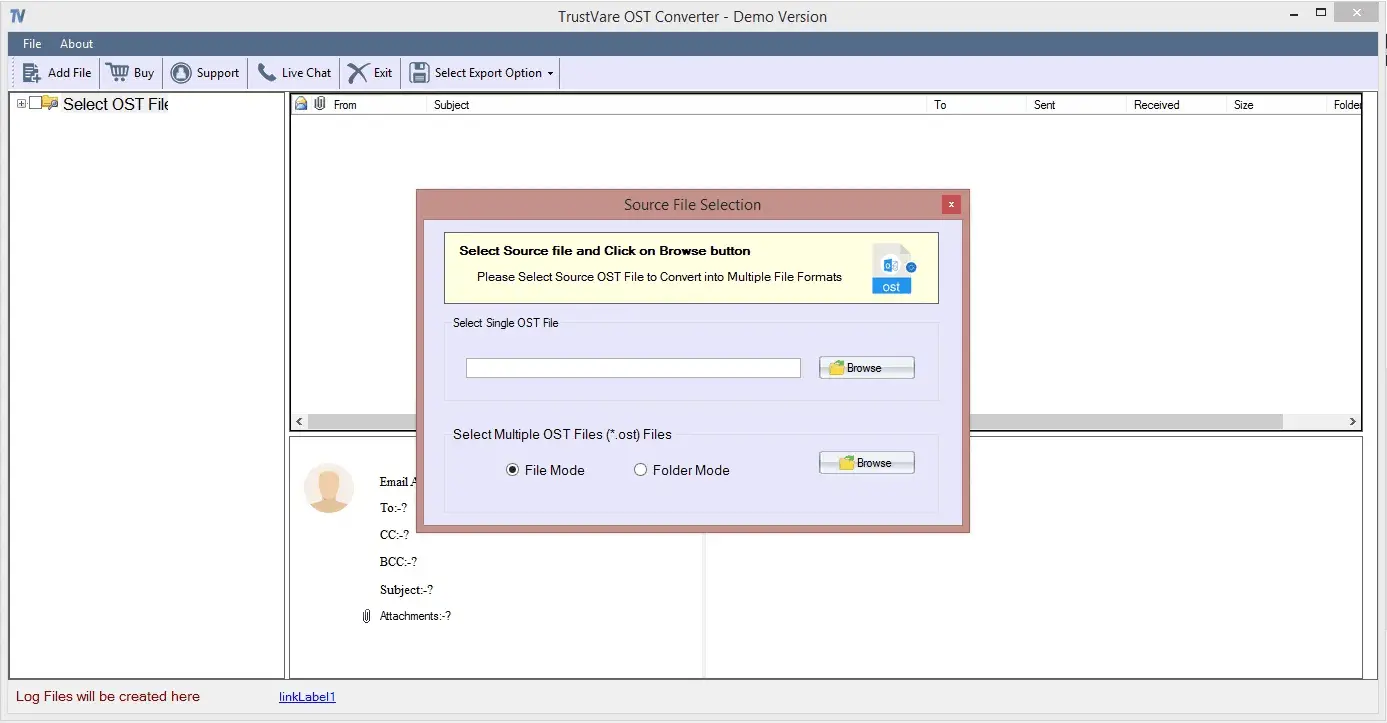
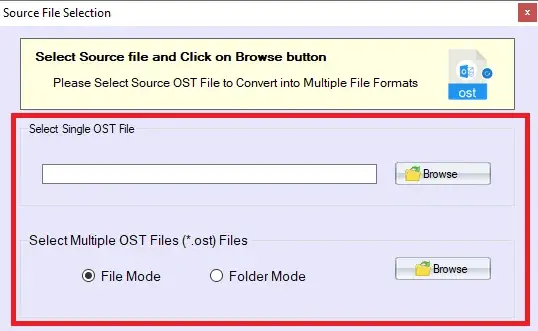
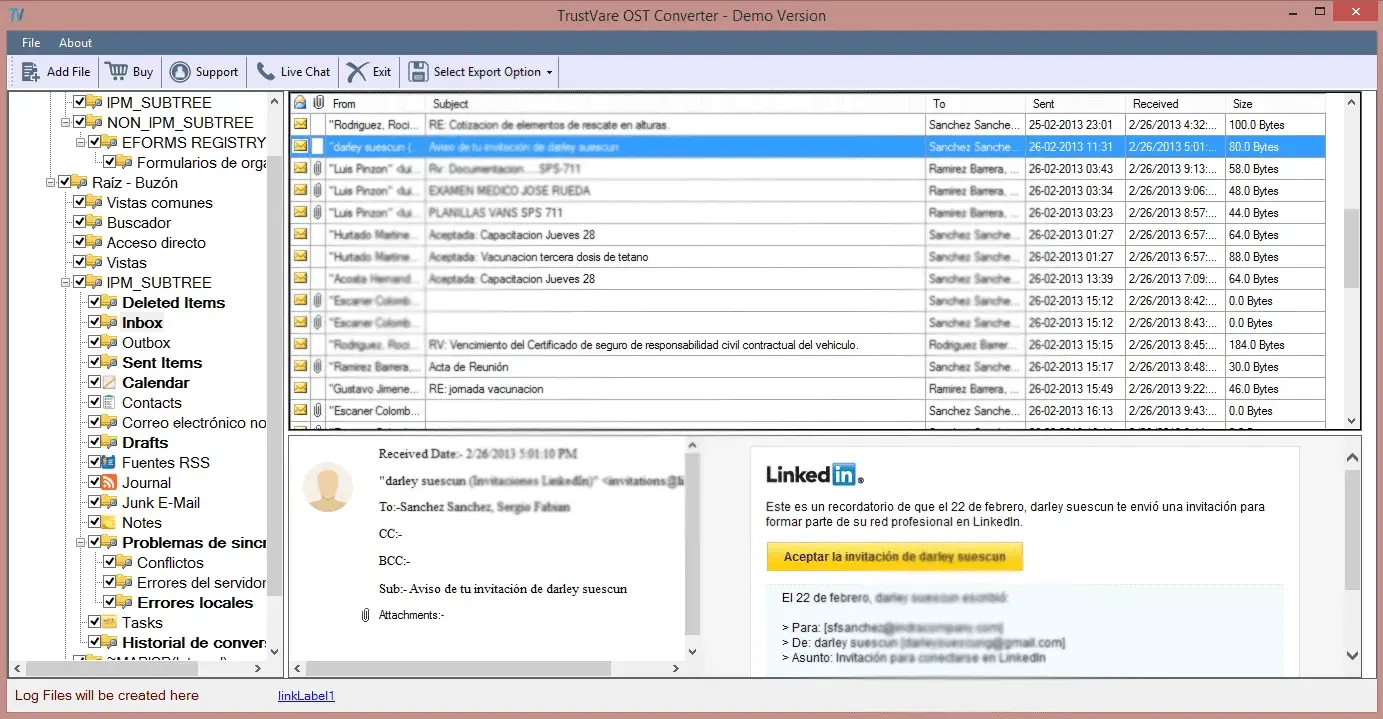
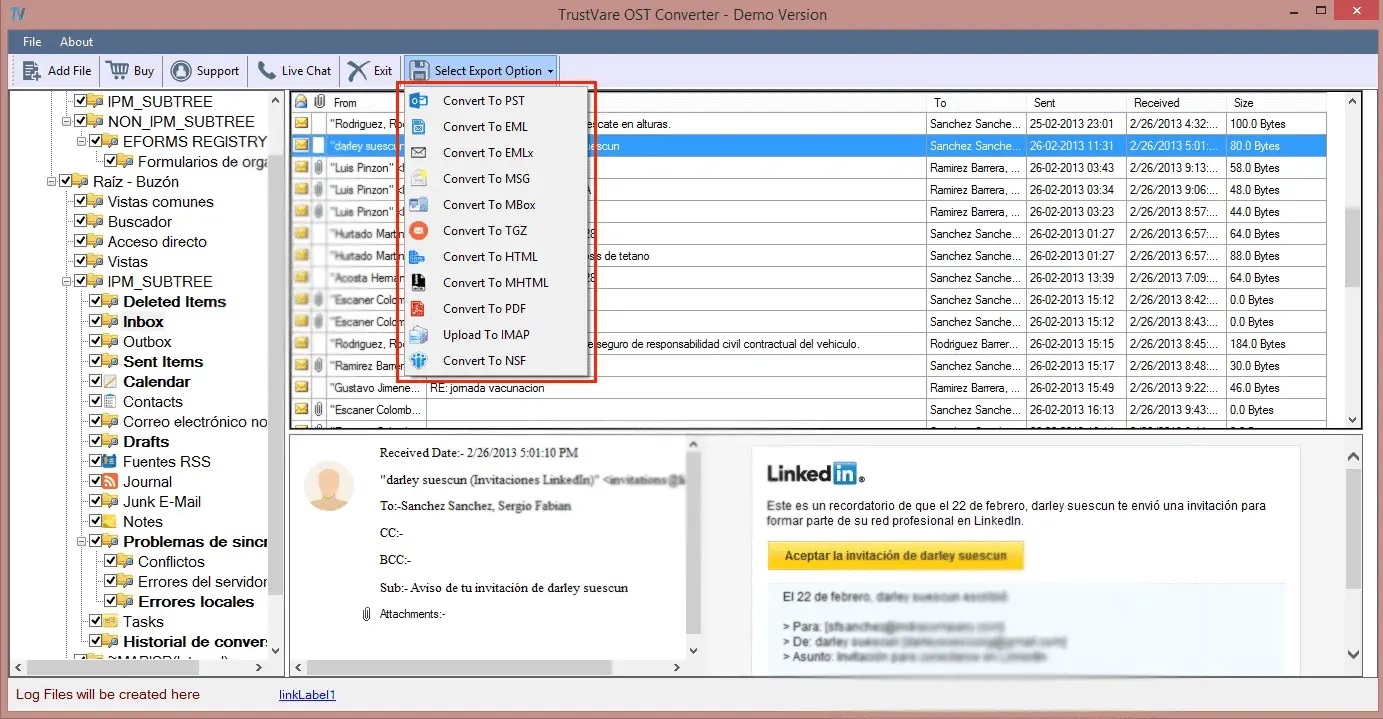
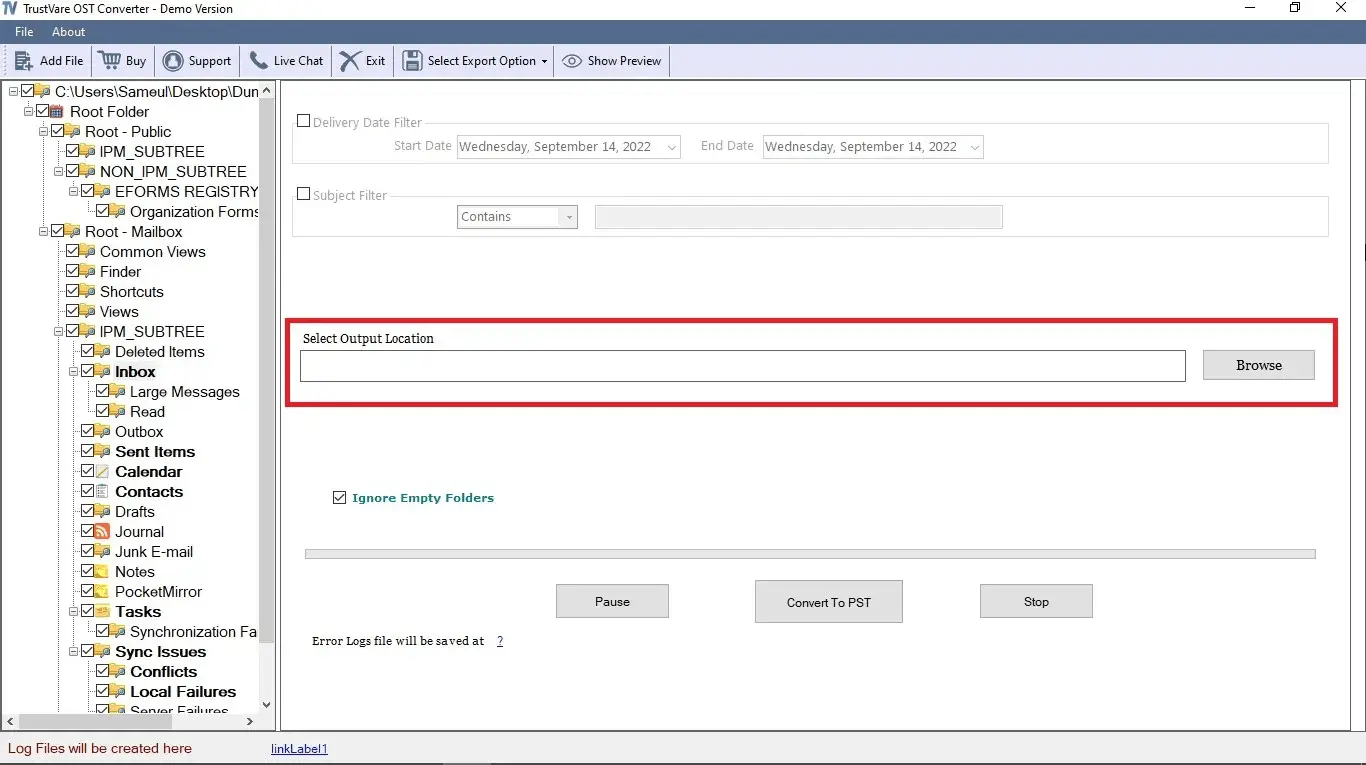
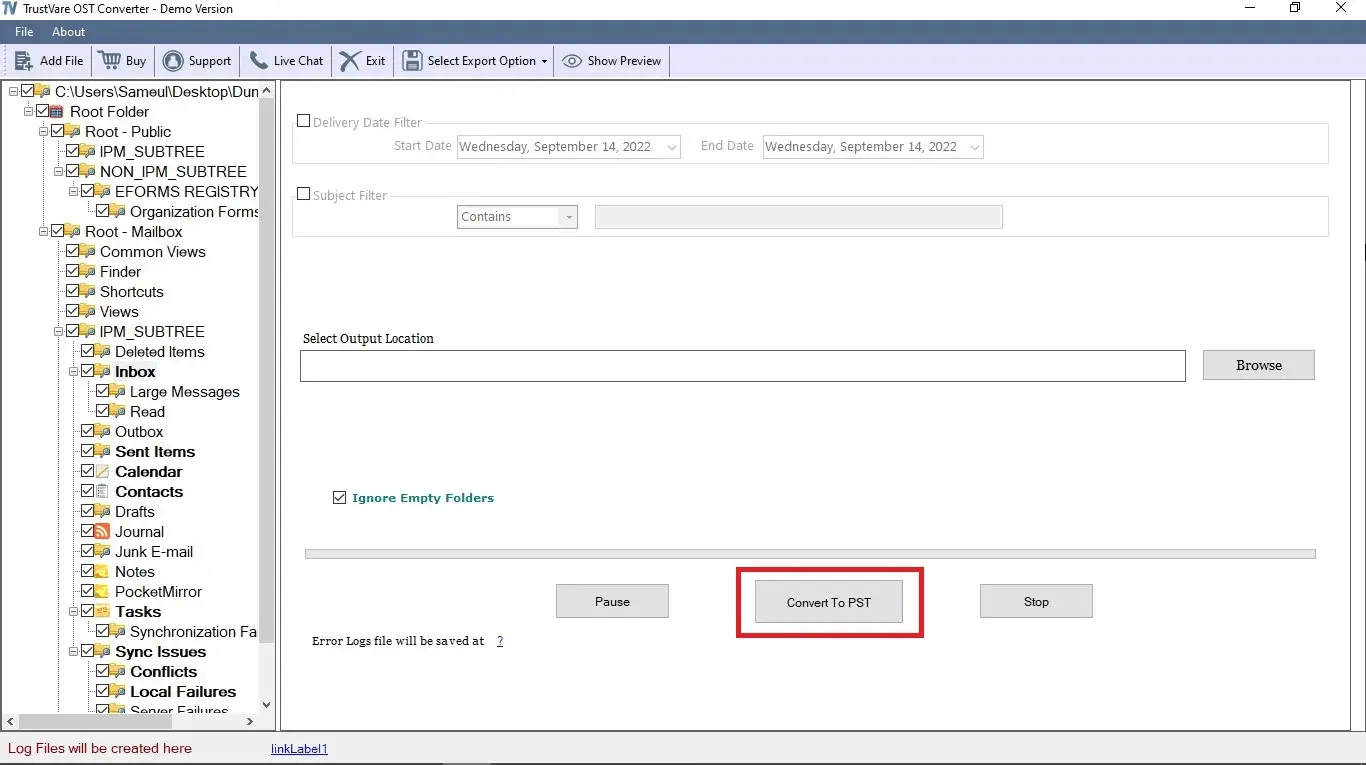
TrustVare OST to TGZ Converter is a simple and user-friendly software designed to transfer Outlook OST data to Zimbra TGZ format in just a few clicks. The application supports batch migration allowing users to convert multiple OST files quickly and easily without compromising data quality. It preserves the original file quality, structure, formatting and properties throughout the export process confirms accurate results. This is a lightweight application that is easy to install and use making OST to TGZ conversion simple and convenient for users of all skill levels. Significant Features • The software converts complete OST data including emails, contacts, notes, journals, events and other items. It converts all OST folders to TGZ with high accuracy. • It can repair orphaned and inaccessible OST files before conversion. It supports repairing OST files of any size. • The application supports ANSI and Unicode OST files from 2 GB to 50 GB. It works with Outlook 2003, 2007, 2010, 2013, 2016, 2019 and newer versions. • Users can save the converted TGZ file to any location in their system including a new folder or subfolder. • The preview panel shows all items and their details including email content, CC, BCC, sender, receiver, date and attachments. • It provides File Mode and Folder Mode. File Mode lets users select a specific OST file while Folder Mode helps select folders containing OST files. • It works independently and does not require Outlook or Zimbra. It can also convert orphaned and inaccessible OST files. • The tool has an easy-to-use interface. Users can install and operate it with basic technical knowledge. • A free trial version is available to test the tool and understand its features.
Screenshots
Reviews (0)
No reviews yet. Be the first to rate this product!
Comments (0)
No comments yet. Be the first to share your thoughts!