VaultQR
Hide Your Digital Data in Encrypted Paper Keys


Details
- Categories
- Developer ToolsPrivacySecurity
- Target Audience
- StudentsDevelopers
- Pricing
- Freemium from $4.99
- Platforms
- Mobile
- Featured in
- Best PrivacyBest Security
Discovery signals
How AI and people discover VaultQR on PeerPush
- ChatGPT
- Perplexity
- +4 other AI crawlers
Reads by these AI engines
Crawlers behind these engines read this listing on PeerPush.About VaultQR
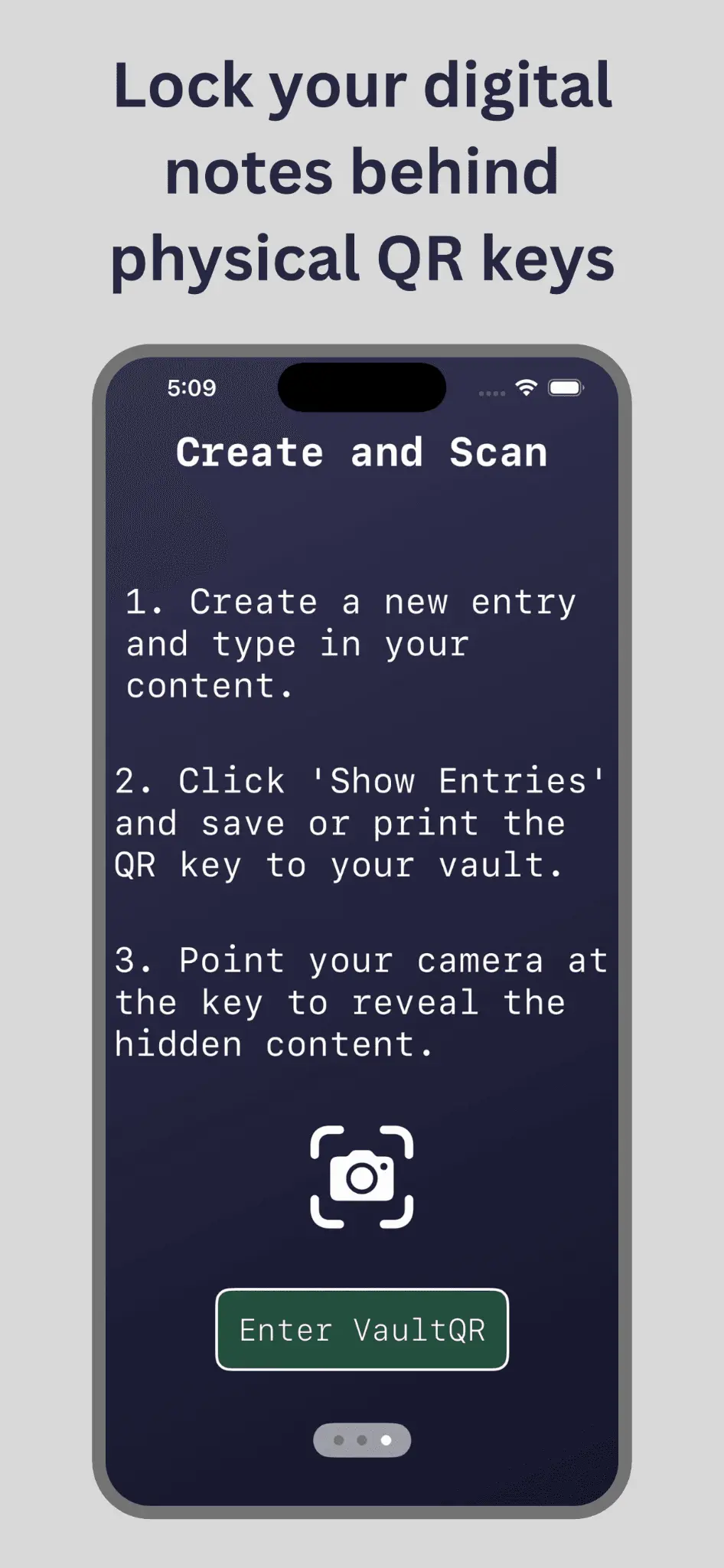
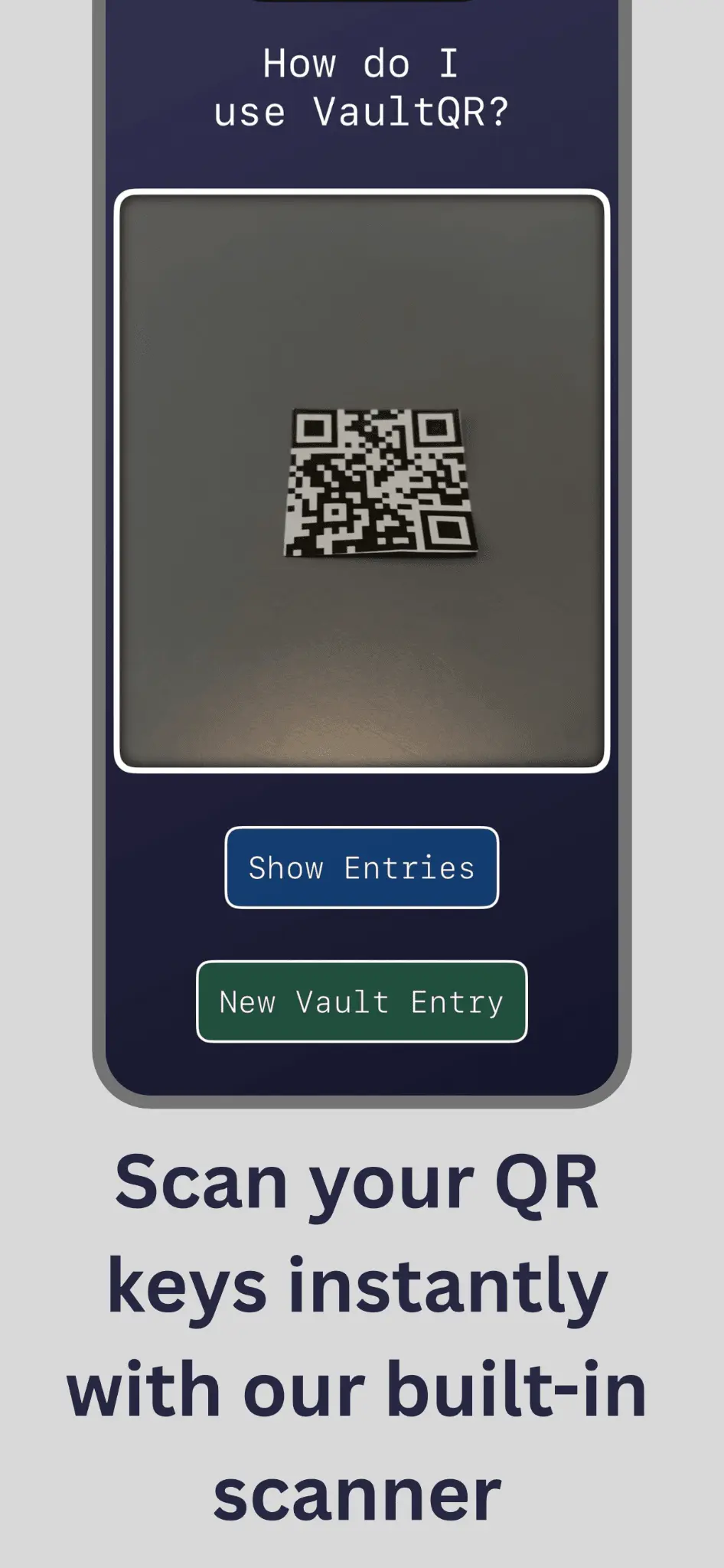
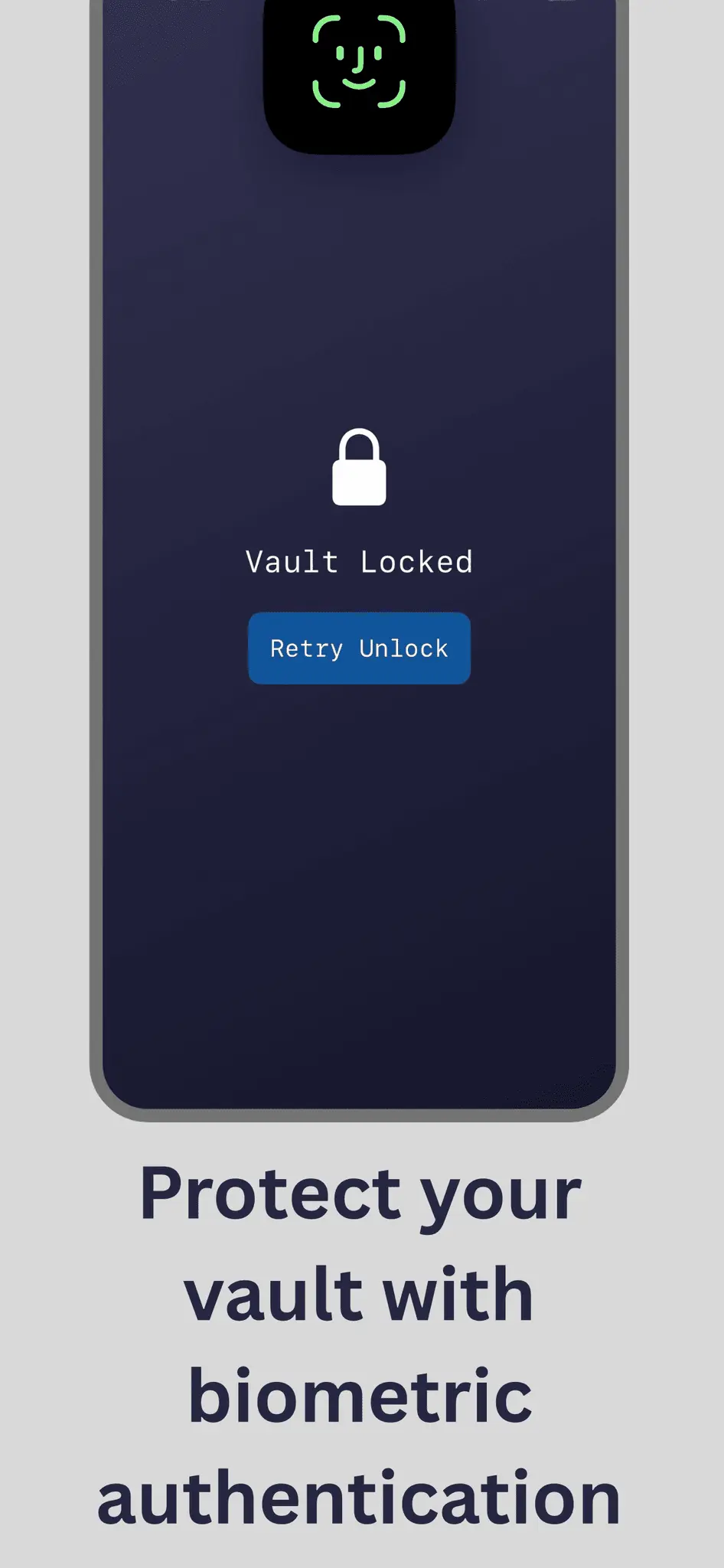
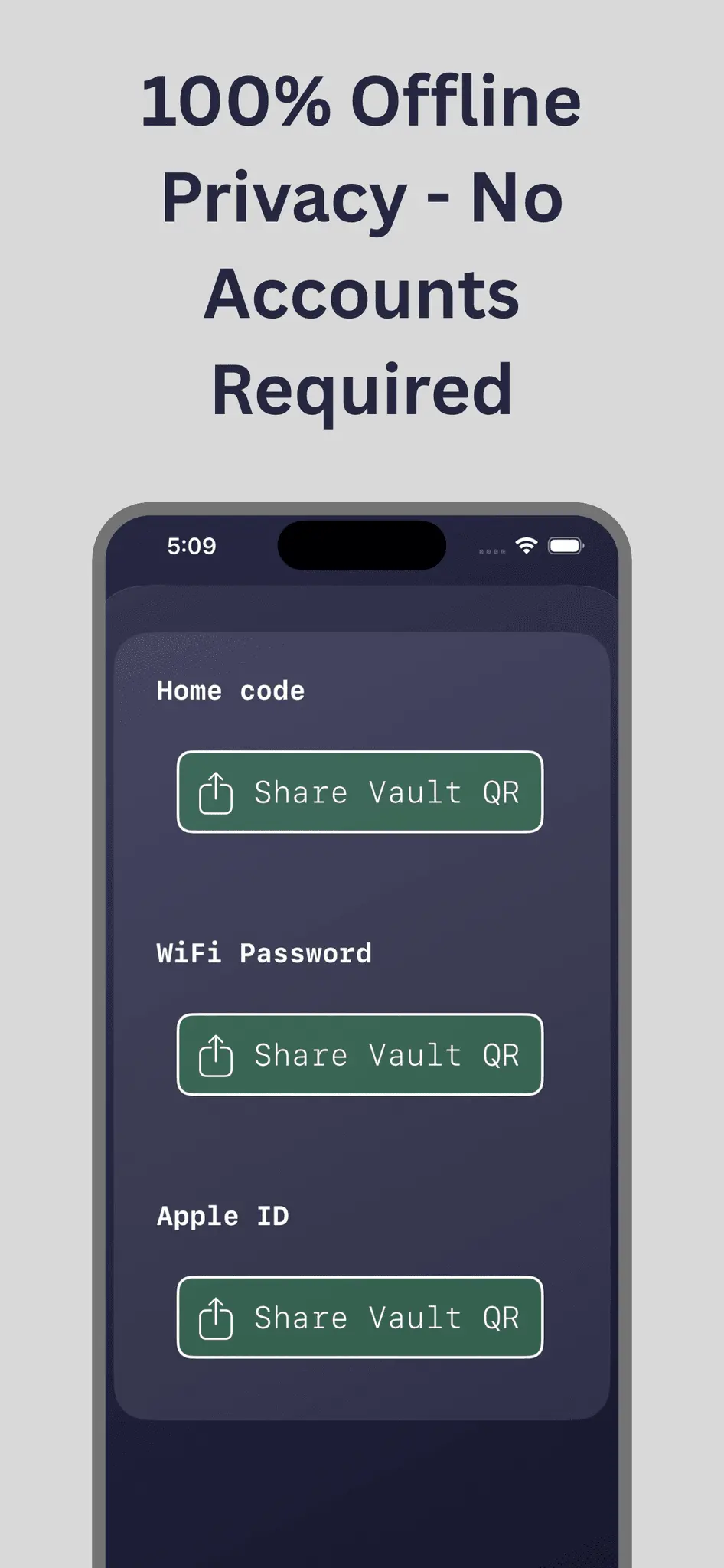
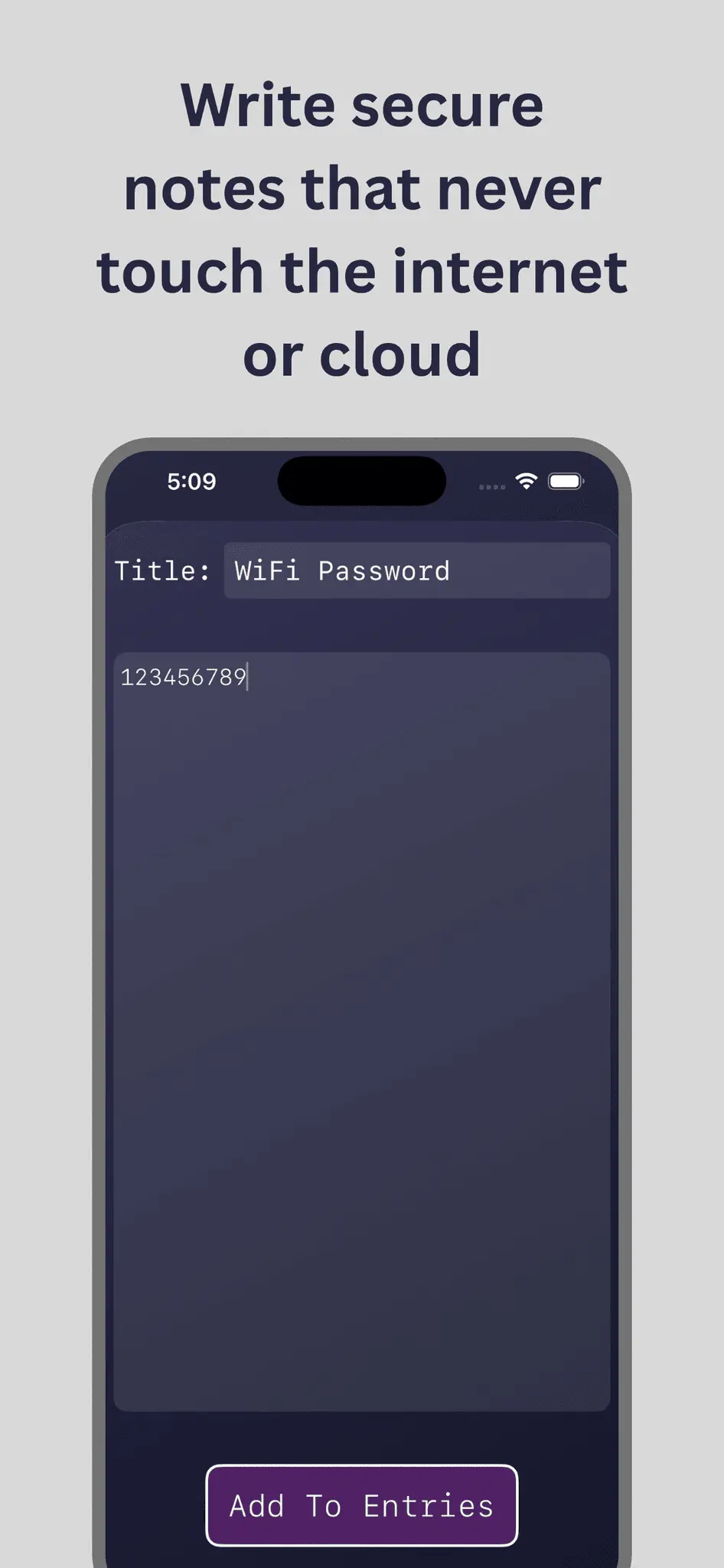
VaultQR is an offline iOS app designed around a simple concept: encrypted paper keys. Instead of storing passwords, recovery phrases, or other sensitive notes on cloud servers, VaultQR encrypts your data 100% on-device and formats it into printable, scannable QR codes. Key Features: Zero Cloud: Runs 100% offline and on-device. No servers, accounts, or tracking. Physical Cold Storage: Store your encrypted paper QR keys anywhere— only your phone with the VaultQR app can scan them. Biometric Protection: Biometric authentication is required to open the app, view your vault entries, and access your content after scanning. Ultra-Lightweight: The entire app takes up less storage than 1/3 of a single photo on your phone. How It Works 1. Type your passwords or private notes into VaultQR. The app encrypts the data locally on your device. 2. Print or Save Physically: Print, laminate, or store your paper QR key in a safe spot. 3. Scan & Decrypt: Open VaultQR, point its scanner at your QR key, and scan it. Authenticate via Touch ID or Face ID to access your notes instantly. Common Use Cases Emergency Account Recovery: Master passwords, account backup codes, and two-factor recovery keys Private Personal Notes: Journal entries, financial goals, or confidential work notes Frequently Asked Questions Can a normal phone camera read my paper keys? No. Standard QR code readers and camera apps will either fail to open them or display meaningless characters. Only VaultQR on your phone can process and decrypt the information. What happens if someone steals my paper key? Without access to your physical device and biometric authentication (Face ID / Touch ID), the QR key is completely useless and unreadable. Does VaultQR upload my data to back it up? Never. Your data never leaves your device or touches a server. You are in 100% control of your keys and the information on them.
Product Video
Watch a video demo of VaultQR.
Screenshots
Reviews (0)
No reviews yet. Be the first to rate this product!
Comments (2)
The paper-based approach to storing encrypted keys is clever for long-term security. No digital attack surface if you're keeping sensitive data offline like this.
Hey guys! I’m super excited to launch VaultQR on PeerPush so more people can find out about the concept of paper keys in security. I’d love to hear any feedback or ideas for the future of VaultQR!