
VectorPop
Turn your PNG/JPEG into clean SVG — 100% local, no subscript

Details
- Follow on
- Categories
- AIDesign Tools
- Use Cases
- Image ConversionPhoto Editing
- Target Audience
- DesignersWindows Users
- Pricing
- Freemium from $45
- Featured in
- Best Image Conversion Tools
- Alternatives
 Adobe Creative Cloud alternatives
Discovery signals
How AI and people discover VectorPop on PeerPush
About VectorPop
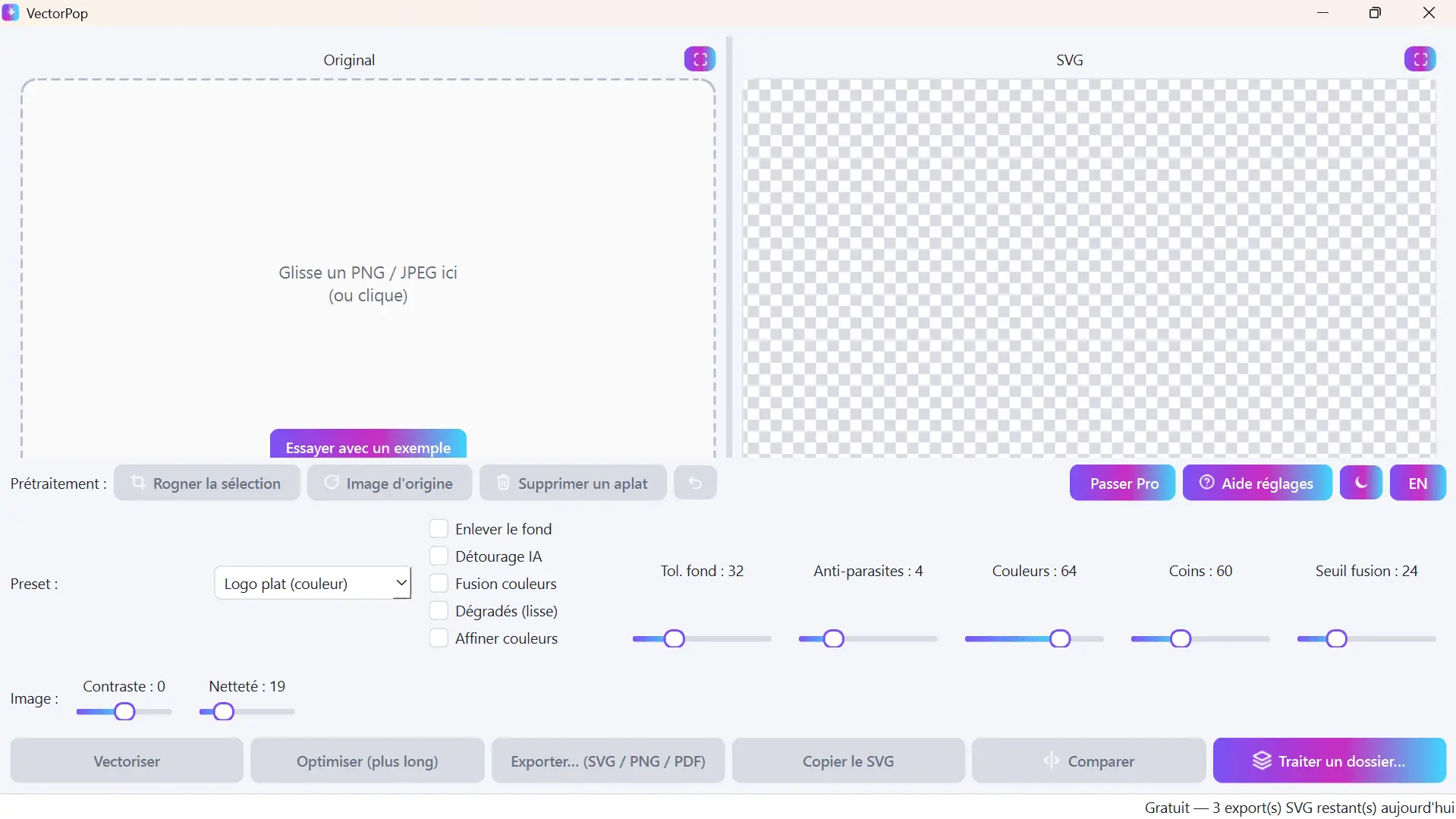
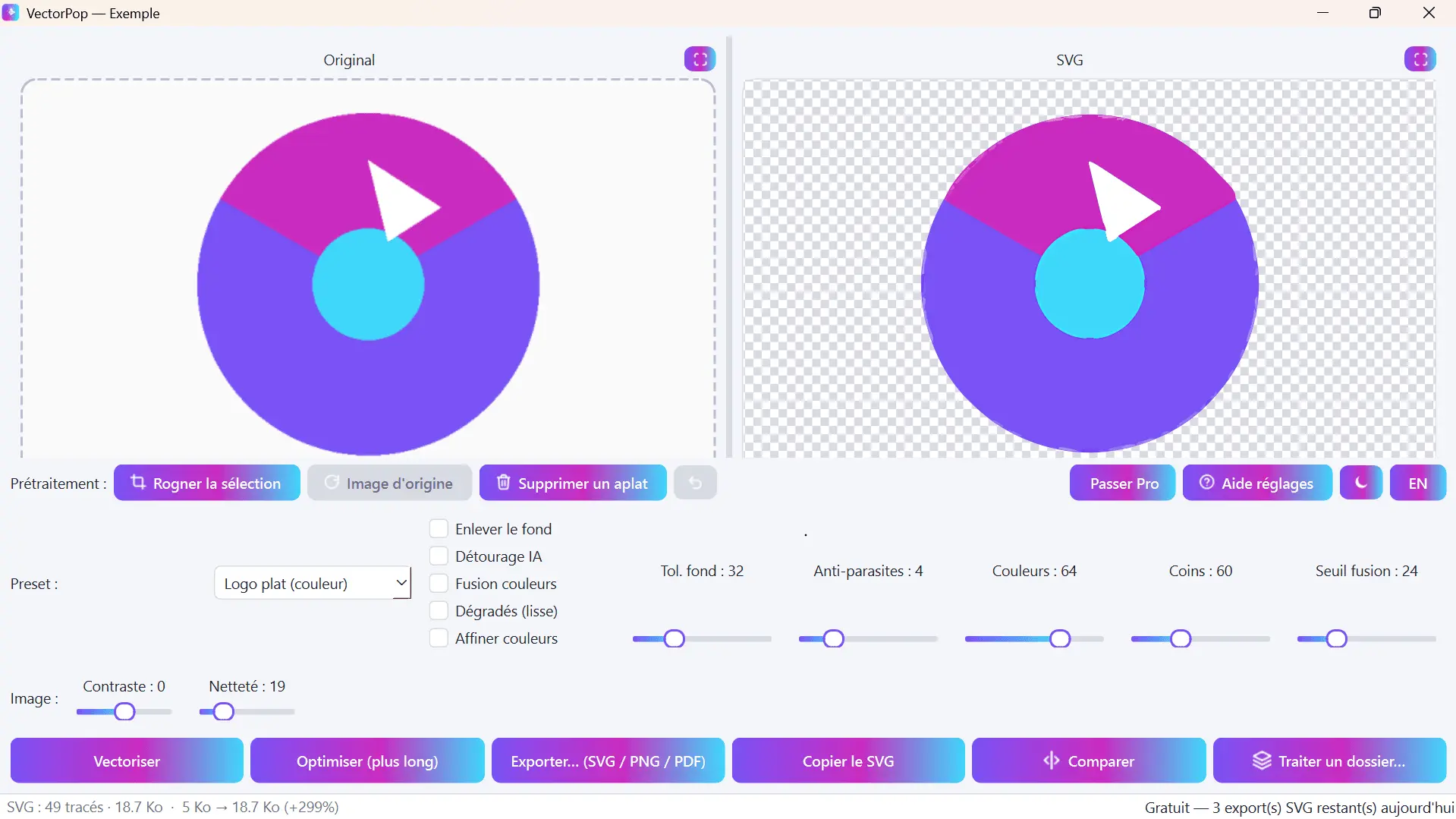
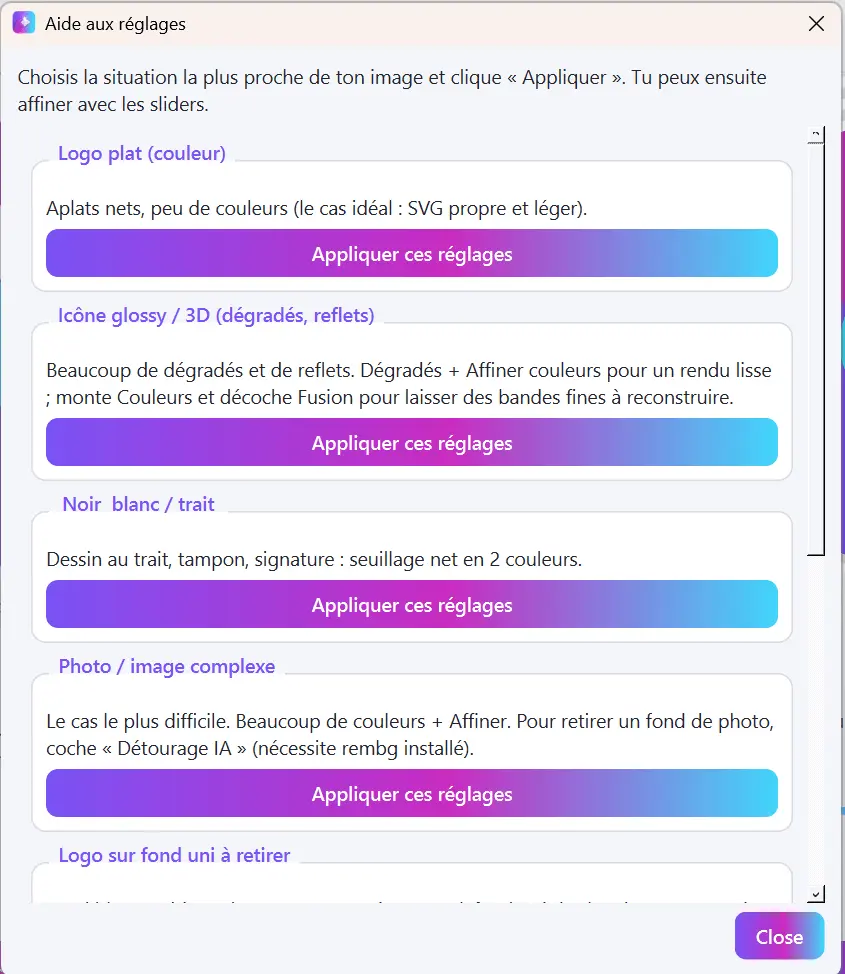
VectorPop converts PNG, JPEG, BMP and WEBP images into clean, editable SVG, vector PDF, or high-resolution PNG. Live preview while you tune the result, background removal (flat-color or AI-powered), one-click auto-tune that tests multiple settings and picks the best match to your source image, and batch processing for entire folders. 100% local: your images never leave your computer, no cloud upload. Built for designers, print-on-demand sellers, and anyone who needs to turn a raster logo or artwork into a real scalable vector without redrawing it by hand in Illustrator or Inkscape. Free tier: unlimited vectorization, all presets, flat-color background removal, 3 SVG exports/day. Pro: unlimited exports, PDF/high-res PNG, AI background removal, auto-tune, batch processing — one-time €39, no subscription (Windows).
Screenshots
Reviews (4)
Average 4.8 out of 5
Based on 4 reviews

VectorPop can turn PNG/JPG images into clean, editable SVG, with good handling of gradients and sharp edges. There's a free tier to try it. If a file doesn't convert well, send it to me and I'll look into it!


Hi, I'm the developer of VectorPop. It converts PNG/JPG images into clean, editable SVG, and I focused on the details that usually ruin vectorization: smooth gradients, sharp edges and logos that stay usable for print or cutting. The latest version adds a gradient merge threshold slider so you can control how much detail is kept. There's a free tier to test it, and it runs locally on your machine. I'm actively improving it, so if a file doesn't convert well, send it to me and I'll look into it. Feedback welcome!

A vector or image tool that exports cleanly is useful for design work. I would want a preview before the final export.
Comments (2)
A vector or image tool that exports cleanly is useful for design work. I would want a preview before the final export.
@nckbrz Thanks for the feedback, @nckbrz! A preview before export is a fair point. In VectorPop you can already compare the result with your original and adjust the sliders before exporting. Appreciate you taking the time to try it!
Made VectorPop to stop redrawing raster logos by hand in Illustrator. Runs 100% locally, one-time price. Free tier is fully usable, Pro adds AI cleanup and batch. Feedback welcome!