
Viewer Lens
Your YouTube comments, turned into a creator brief

Details
- Categories
- AICreator EconomyAnalytics & Monitoring
- Target Audience
- Content CreatorsSocial Media Managers
- Pricing
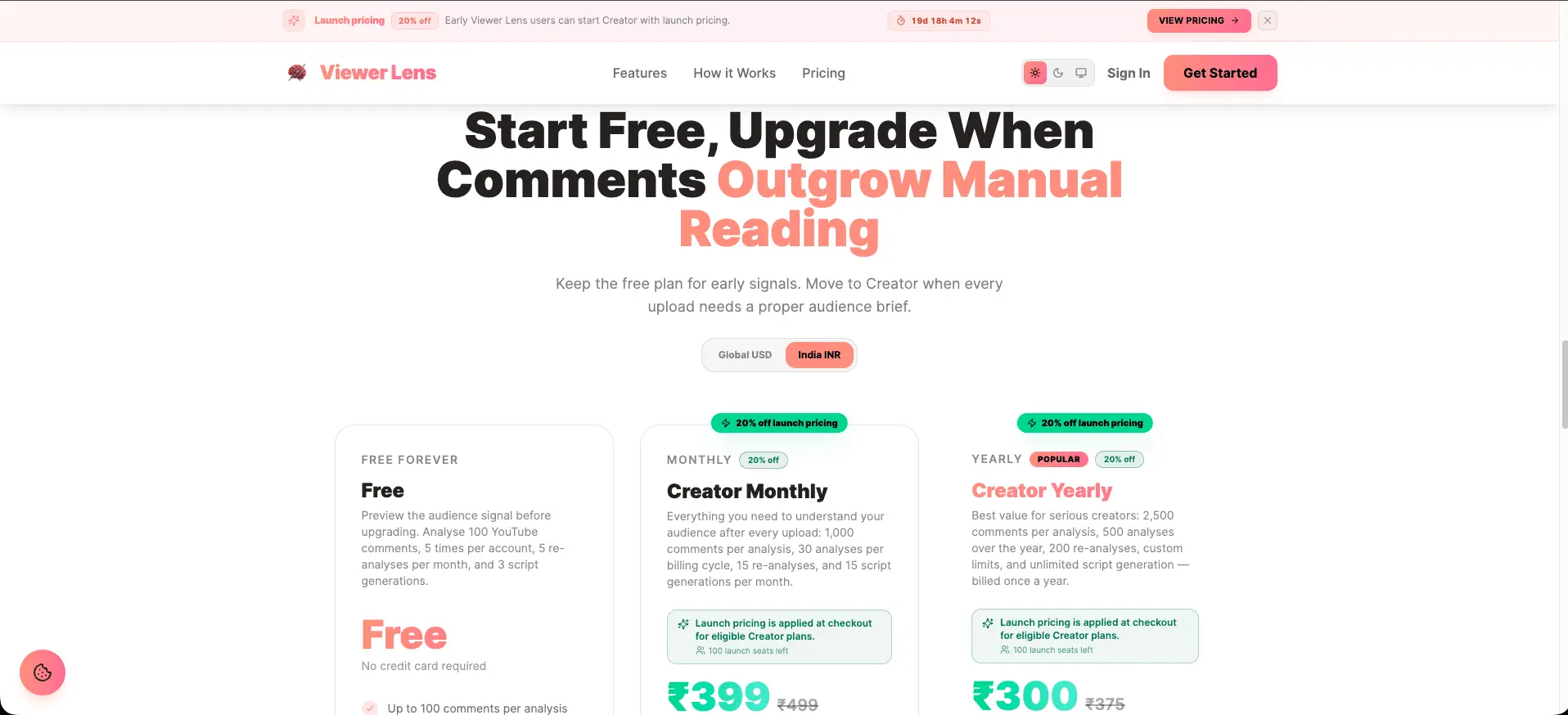
- Subscription from $10
- Platforms
- Web
Discovery signals
How AI and people discover Viewer Lens on PeerPush
- ChatGPT
- Perplexity
- +1 other AI crawlers
Reads by these AI engines
Crawlers behind these engines read this listing on PeerPush.About Viewer Lens
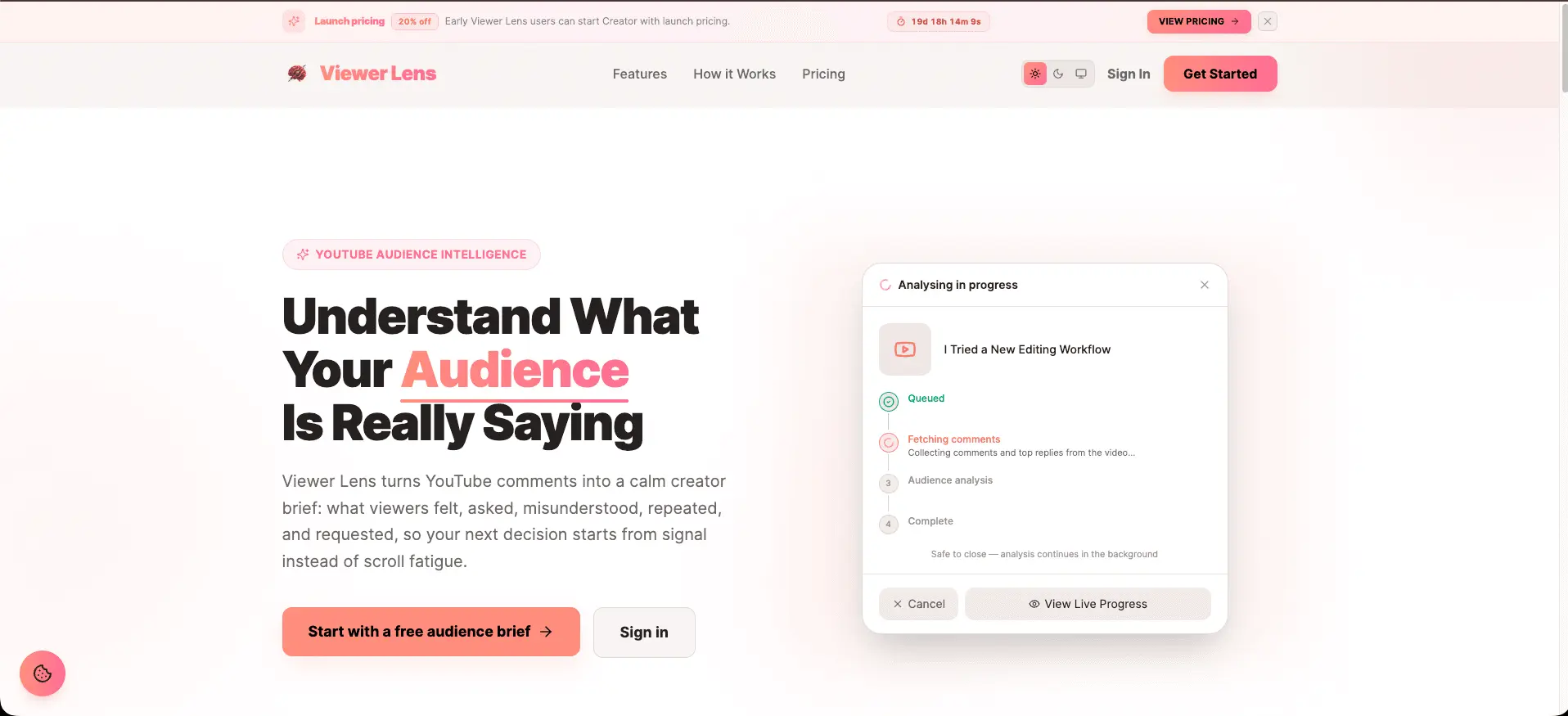
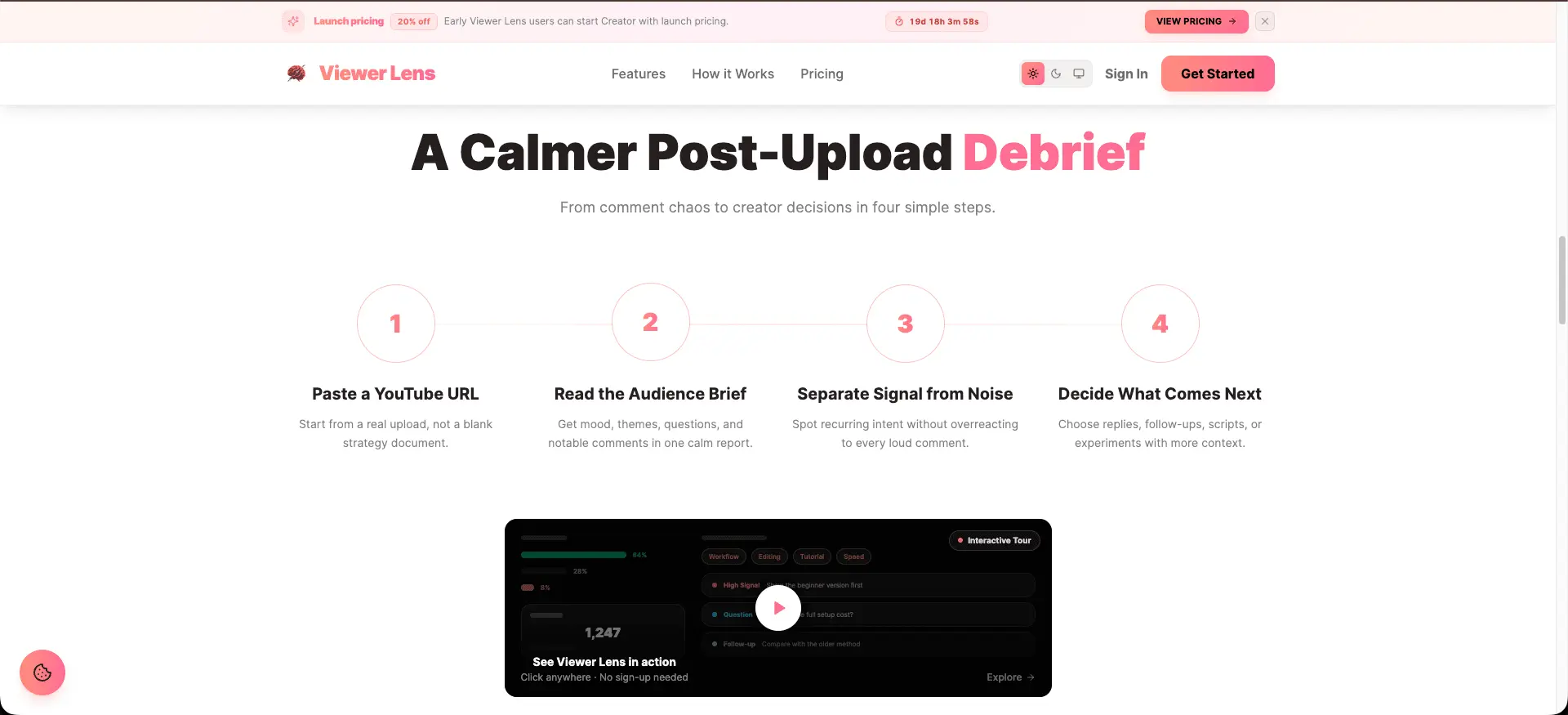
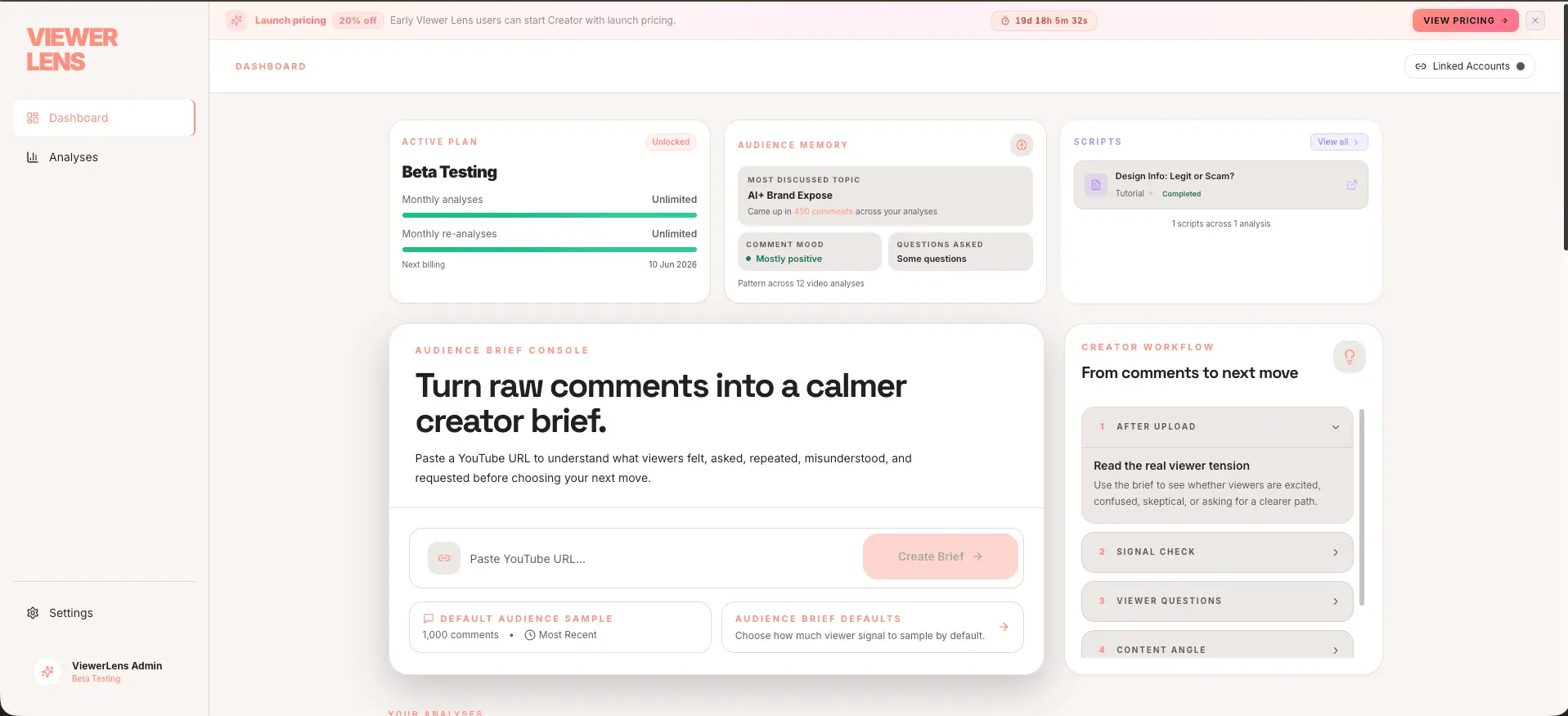
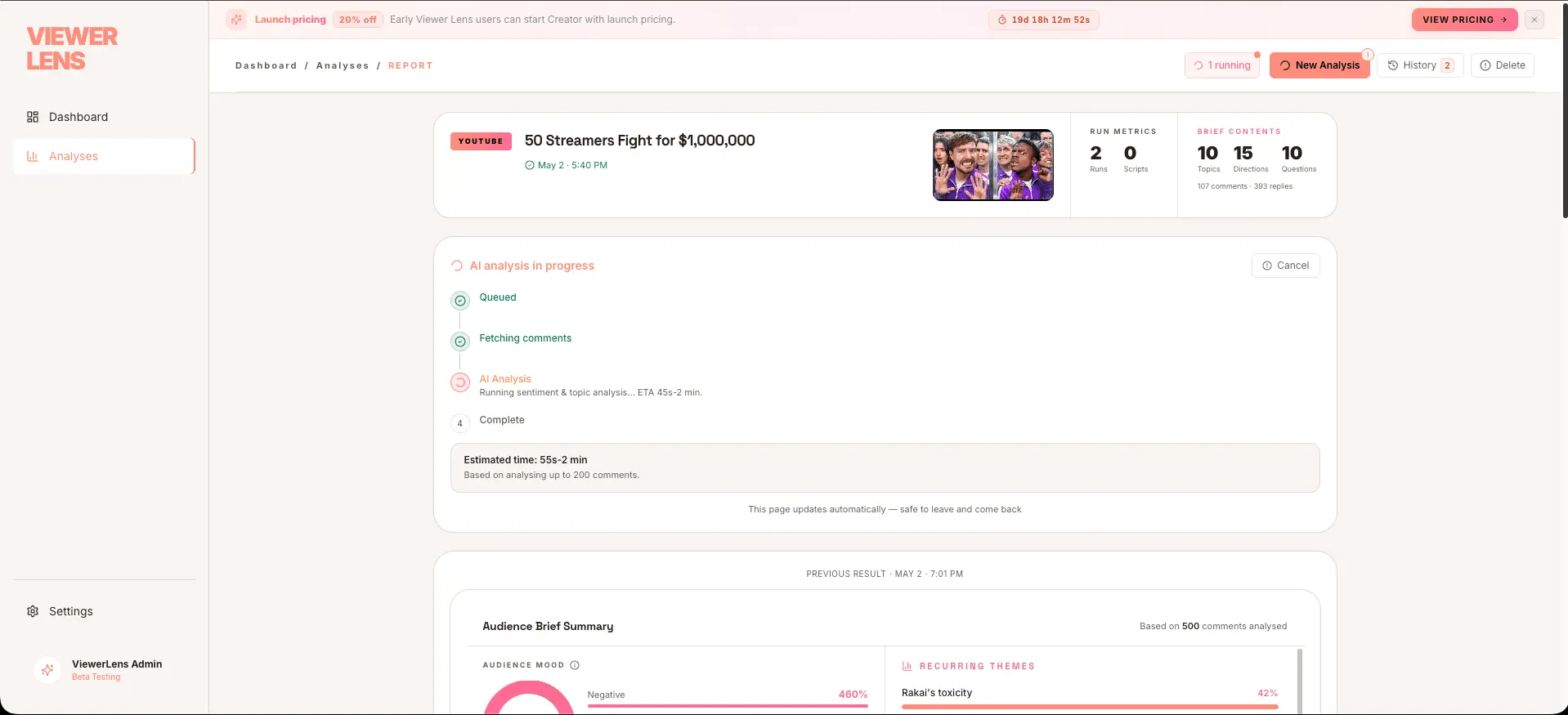
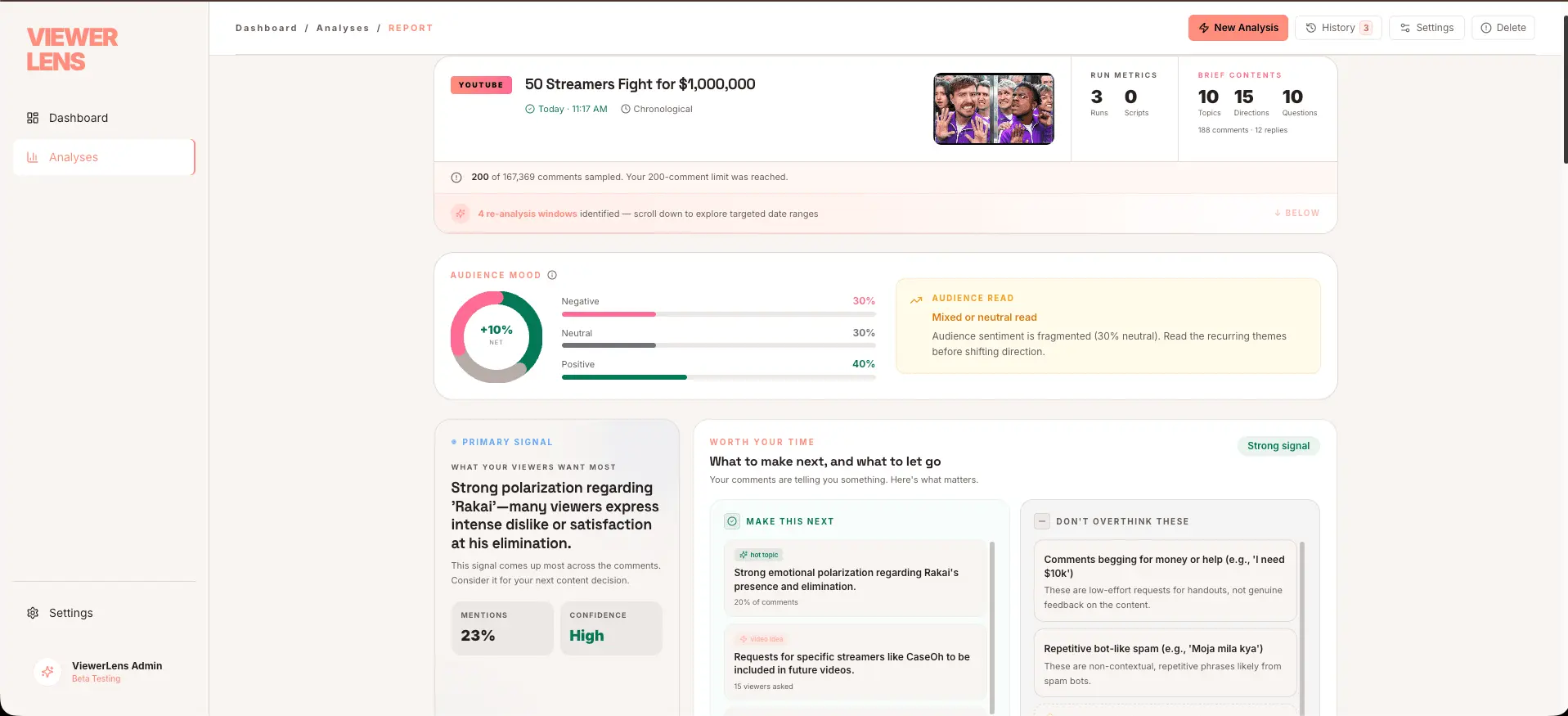
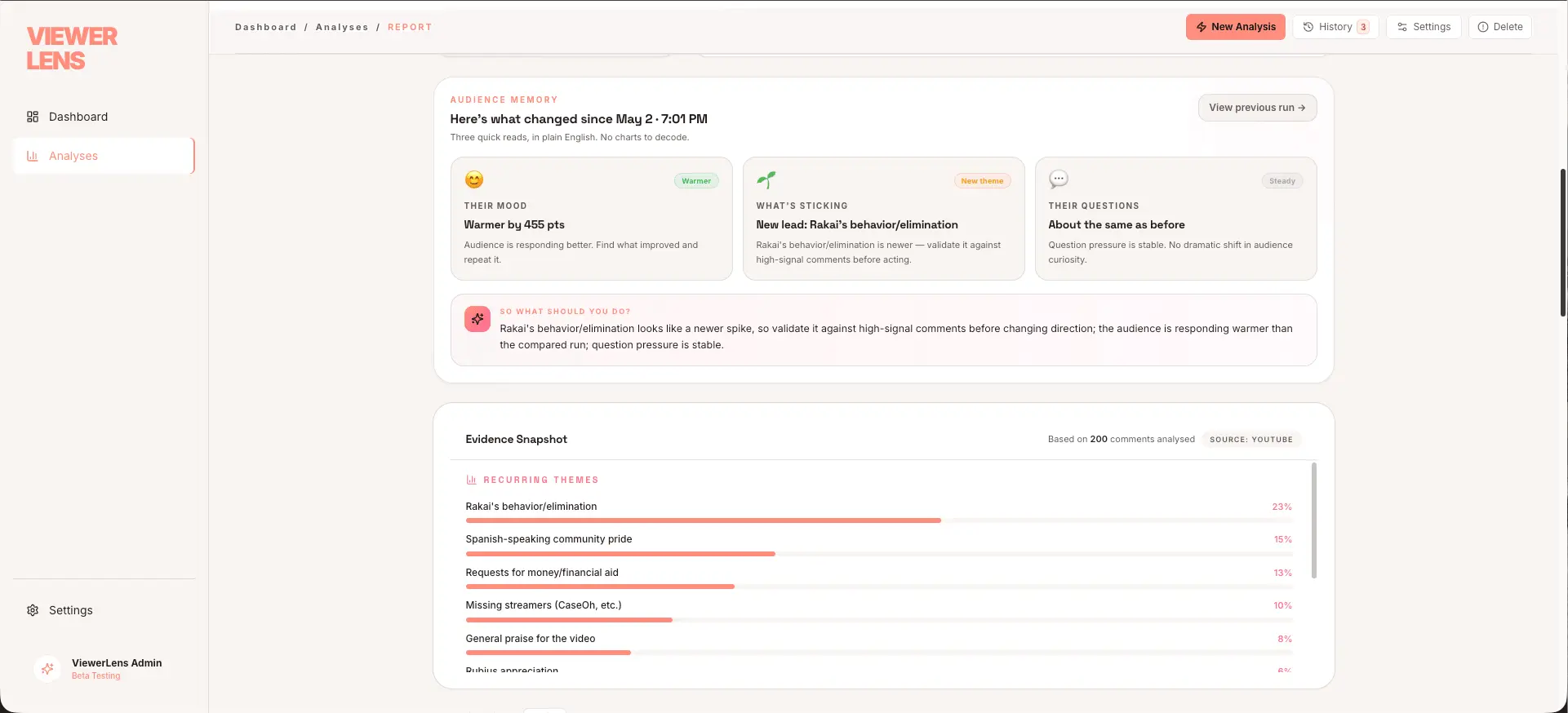
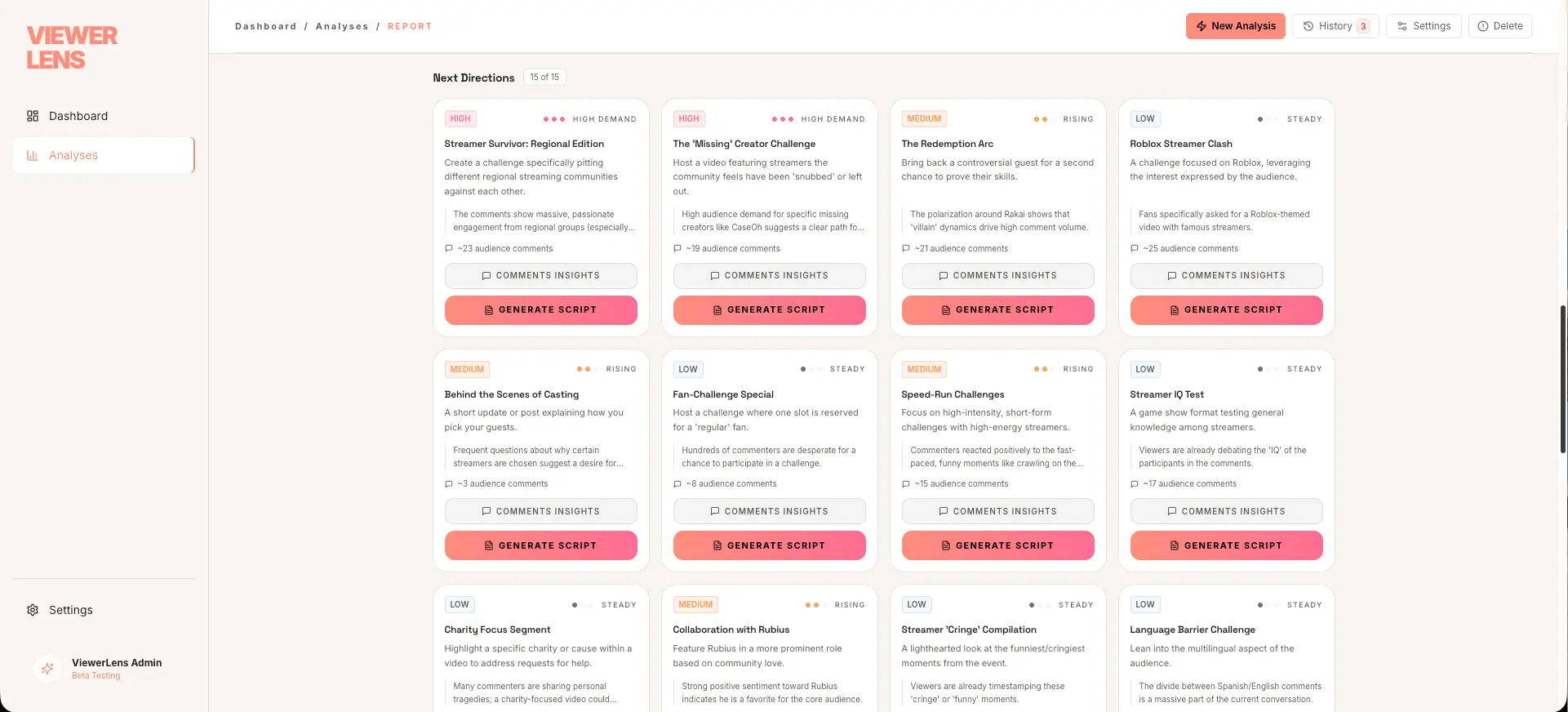
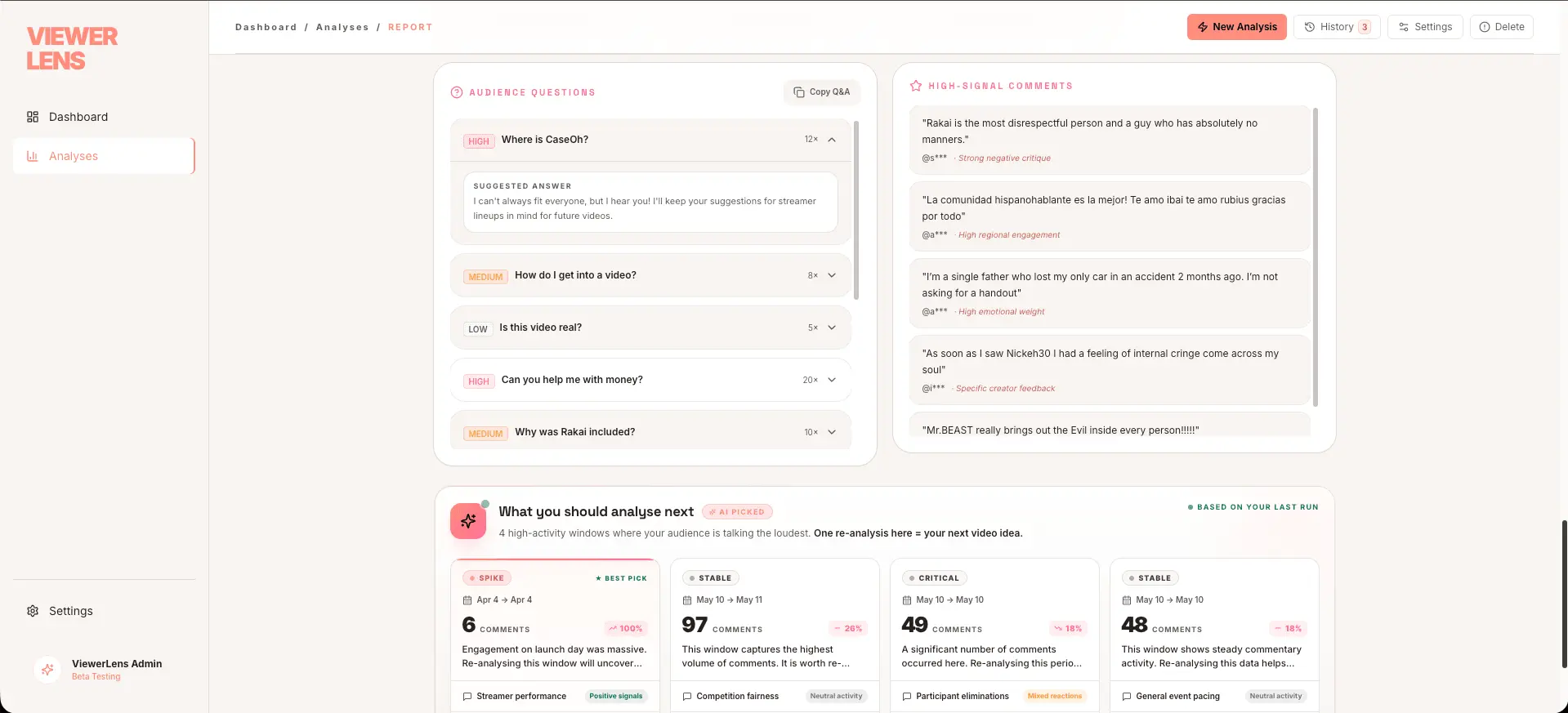
You published. The video got views. And now there are 800 comments you'll never actually read. Not because you don't care — but because the comment section is a wall of noise: repeat questions, emoji spam, one-word reactions, and buried in the middle, three people who told you exactly what to make next. Viewer Lens finds those three people. ——— WHAT IT DOES ——— Paste any YouTube URL. Viewer Lens fetches every comment, runs them through AI, and returns a single-page brief: • Overall mood — positive / neutral / critical breakdown with a plain-English summary of the general vibe • Top themes — what your audience actually talked about (not what you think they talked about) • Real questions — genuine questions grouped by topic, ready for a FAQ video or pinned reply • Notable comments — high-signal comments the AI flagged as unusually insightful, emotional, or actionable • Next video ideas — concrete content suggestions derived directly from what viewers asked for or were confused about • Reanalysis targets — viewer segments or angles the AI recommends exploring in a follow-up The result looks less like a data dashboard and more like a note from a smart editor who read everything so you didn't have to. ——— WHO IT'S FOR ——— — YouTube creators with 1 K – 1 M subscribers who actually want to improve — Video marketers tracking how a brand's content lands — Educators and course creators mining for FAQ topics — Agencies reporting audience sentiment to clients without doing it by hand — Anyone who has ever said "I should read my comments" and then didn't ——— WHY WE BUILT IT ——— The comment section is the best focus group most creators will ever have access to. Real people, real reactions, zero recruitment cost. But the format makes it nearly impossible to extract that value at scale. Viewer Lens treats comments as structured data without asking creators to think like data analysts. ——— HOW IT WORKS ——— 1. Enter a YouTube URL (any public video) 2. Viewer Lens fetches comments via the YouTube Data API 3. AI processes them in batches — sentiment scoring, theme clustering, question extraction, signal flagging 4. You get a clean, shareable brief in under 2 minutes 5. Export to Excel for deeper dives or team sharing ——— WHAT'S INCLUDED ——— ✓ Unlimited analyses on paid plans ✓ Excel export of full comment data + AI labels ✓ Reanalysis recommendations for follow-up content ✓ Dark + light mode interface ✓ Works on any public YouTube video — yours or a competitor's We're launching today with a free tier so anyone can try it without a credit card. Happy to answer anything below — makers are in the comments all day.
Screenshots
Reviews (1)
Average 5.0 out of 5
Based on 1 review
Comments (0)
No comments yet. Be the first to share your thoughts!