
Voquence
Mac dictation that turns your voice into finished writing
Details
- Follow on
- Target Audience
- Pricing
- Freemium from $9
- Platforms
- Alternatives
 Wispr Flow alternatives
 SuperWhisper alternatives
Discovery signals
How AI and people discover Voquence on PeerPush
- ChatGPT
- Perplexity
- Claude
- +4 other AI crawlers
Reads by these AI engines
Crawlers behind these engines read this listing on PeerPush.About Voquence
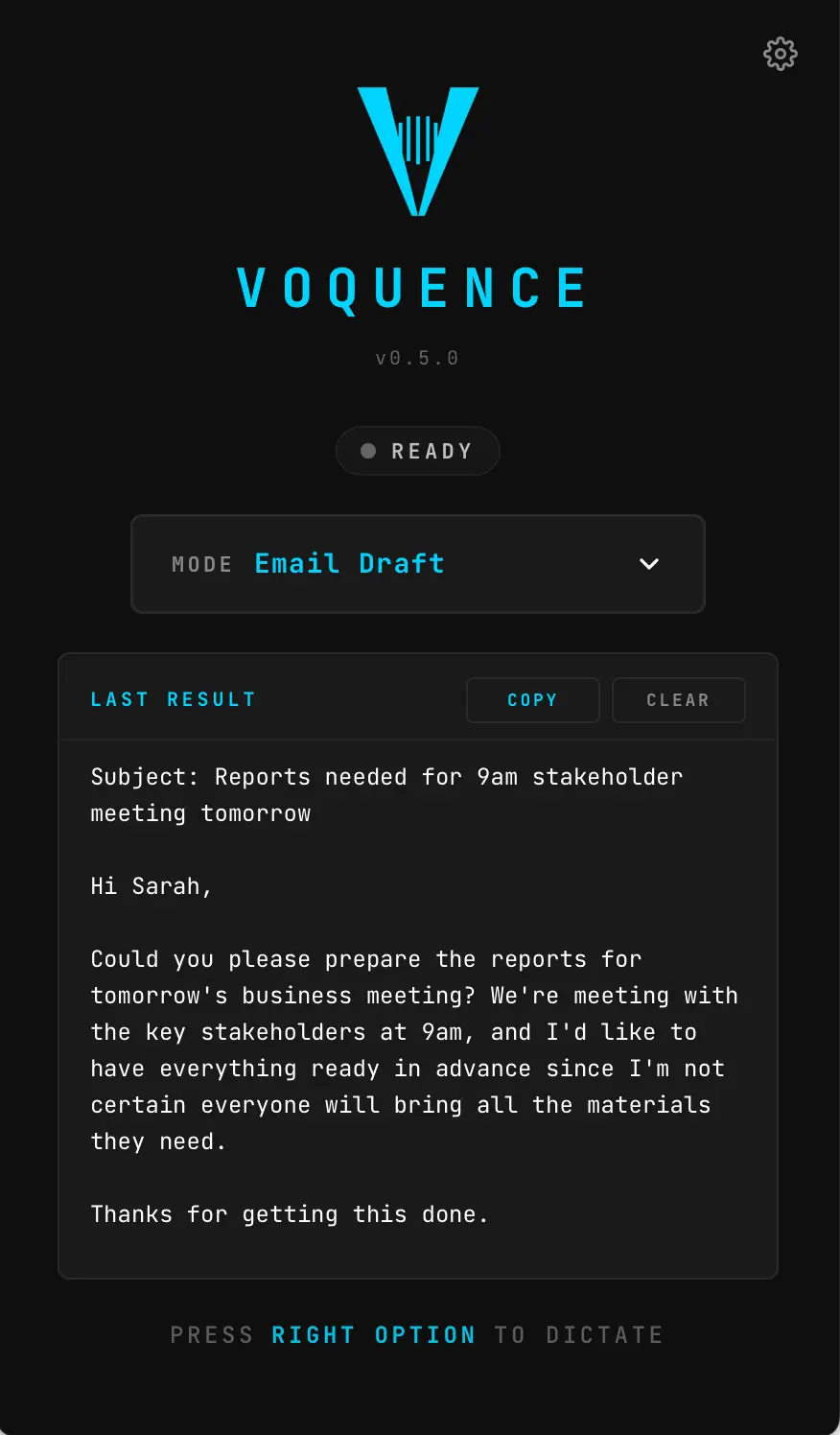
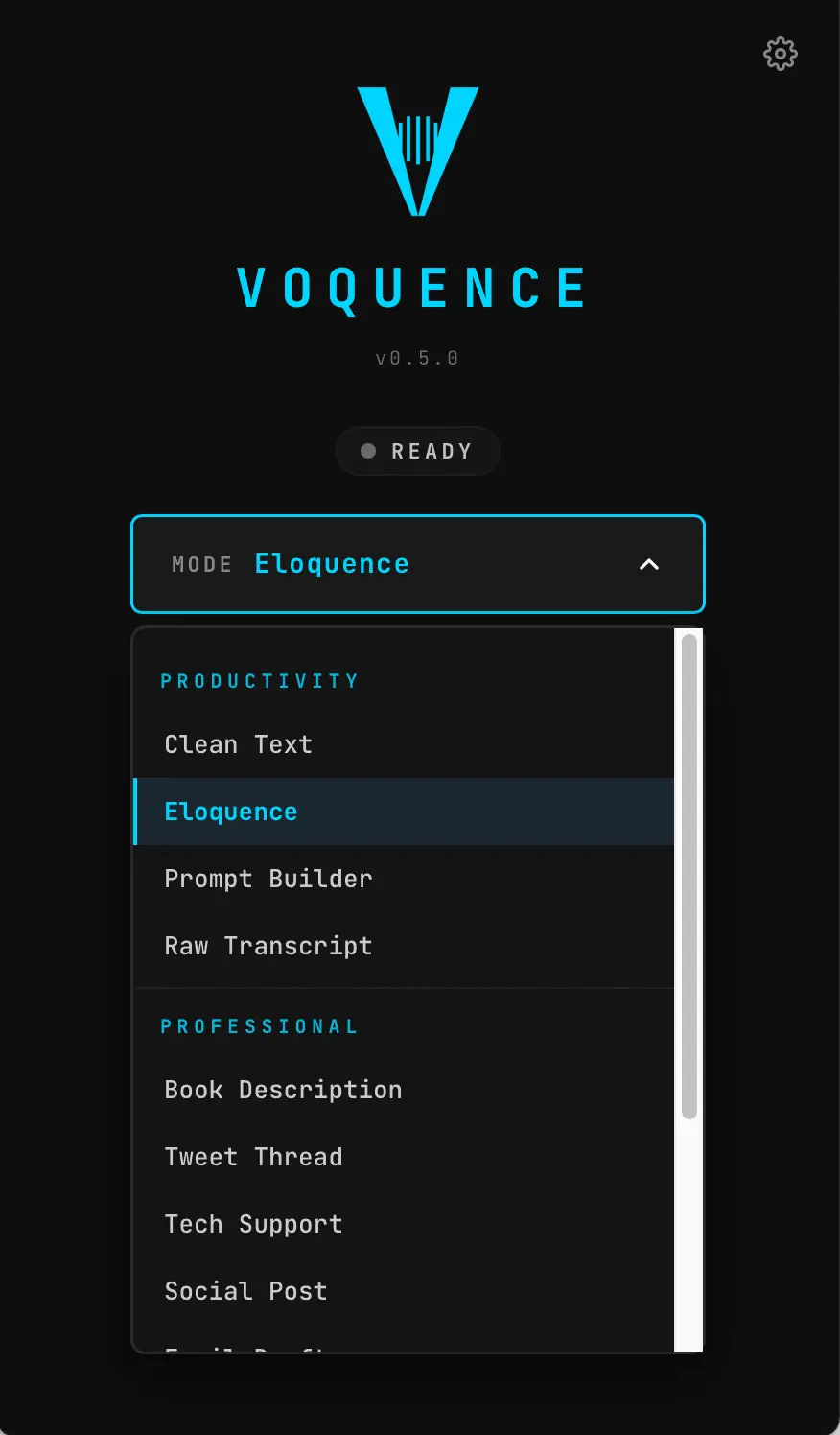
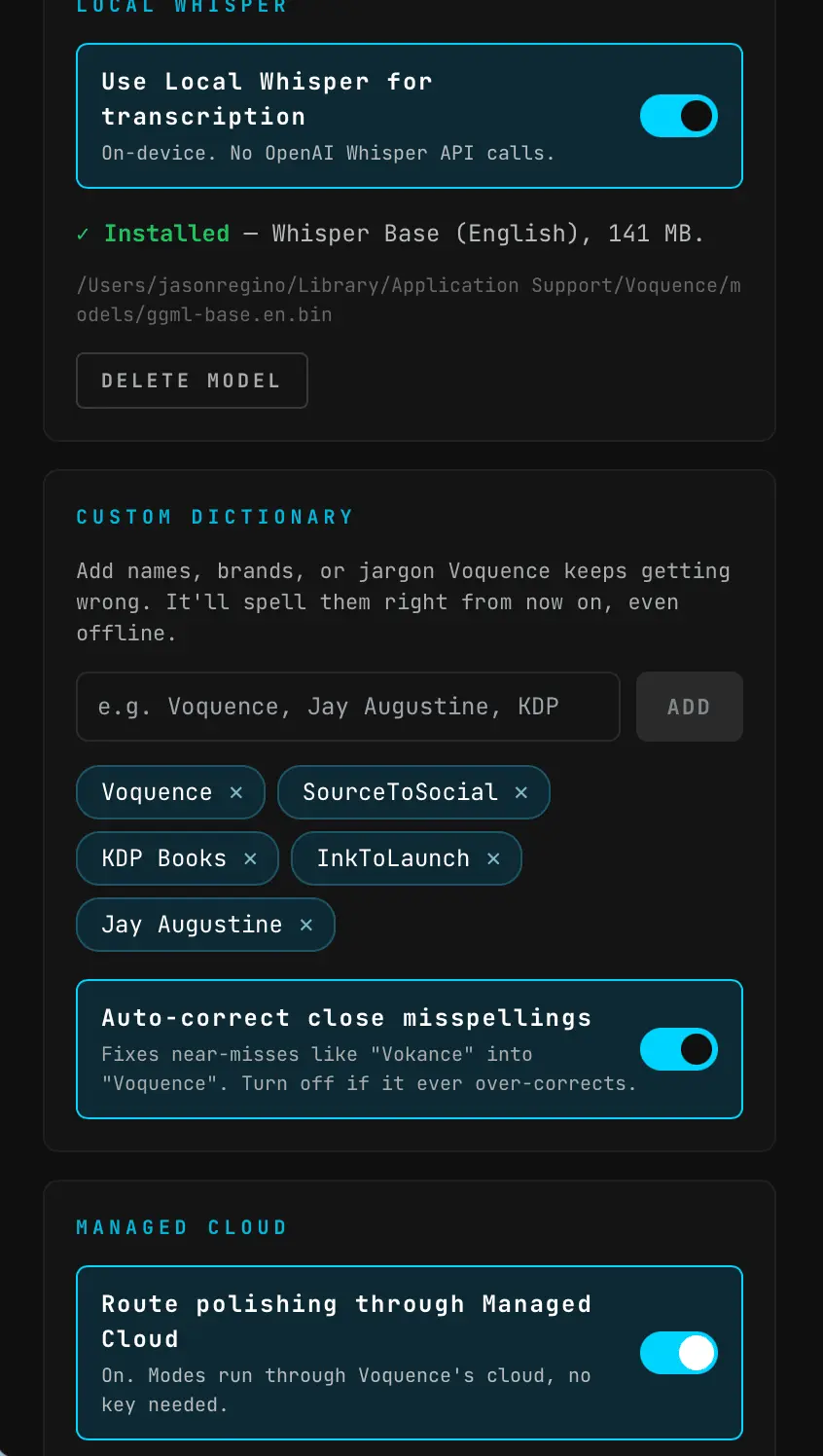
Most dictation apps give you a transcript and leave the rewriting to you. Voquence finishes the job. You hit a hotkey, talk, and instead of raw text you get polished, ready-to-use writing pasted right where your cursor is. What makes it different: transcription runs on-device with local Whisper, so your voice never has to leave your Mac. No API key, no account, and that part is free. The cloud only ever touches the optional AI polish step, which you control. Key features: • Turns your voice into finished content, not just a transcript • On-device transcription with local Whisper (private, offline, free) • About a dozen output modes: Email, Tech Support reply, Tweet Thread, Book Description, Clean Text, Marketing Copy, and more • Custom Dictionary: teach it your names, brands, and invented words so it stops mangling them • Pastes at your cursor in any Mac app (Mail, Pages, Scrivener, Slack, the browser) • Bring your own AI key, or use the optional managed cloud tier with no key needed • Raw mode: fully offline, no AI, just a clean transcript on your machine • Notarized by Apple What you get out of it: stop typing up your own voice notes by hand, and stop cleaning up messy transcripts. Speak a rough thought and get back something you can actually send or publish. Writers keep unpublished drafts off the cloud. Founders and support teams turn a quick voice note into a finished email or reply in seconds. Mac only for now (Apple Silicon). Windows is on the roadmap.
Product Video
Watch a video demo of Voquence.
Screenshots
Reviews (0)
No reviews yet. Be the first to rate this product!
Comments (0)
No comments yet. Be the first to share your thoughts!