
WholeClear MSG to EML Converter
Export MSG Emails to EML without losing email data

Details
- Follow on
- Categories
- Use Cases
- Target Audience
- Pricing
- Freemium from $29
- Platforms
Discovery signals
How AI and people discover WholeClear MSG to EML Converter on PeerPush
- Perplexity
- ChatGPT
- +3 other AI crawlers
Reads by these AI engines
Crawlers behind these engines read this listing on PeerPush.About WholeClear MSG to EML Converter
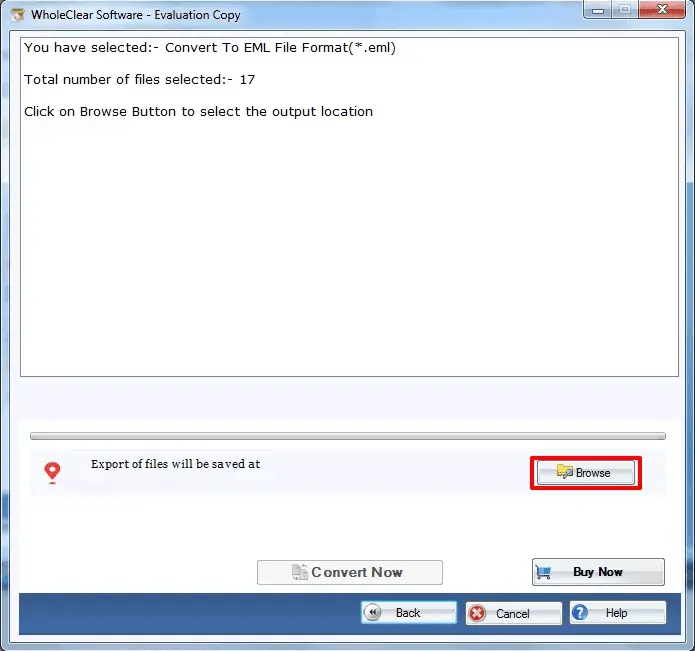
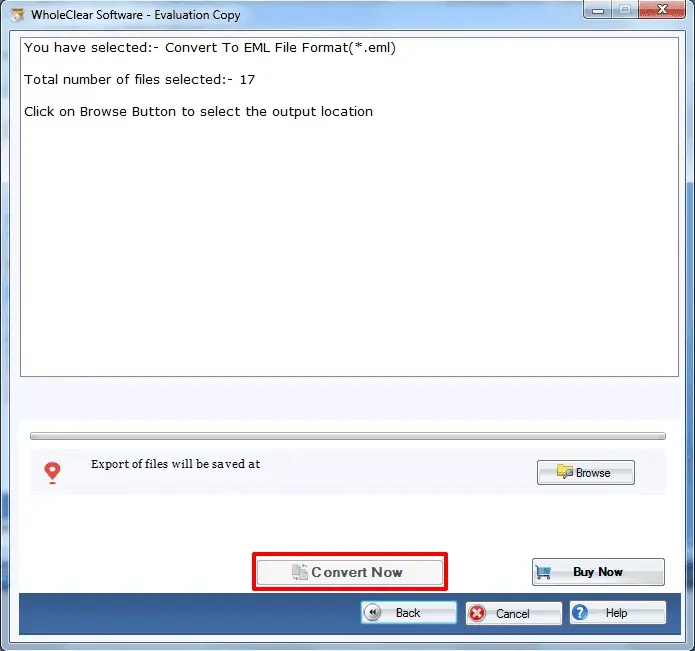
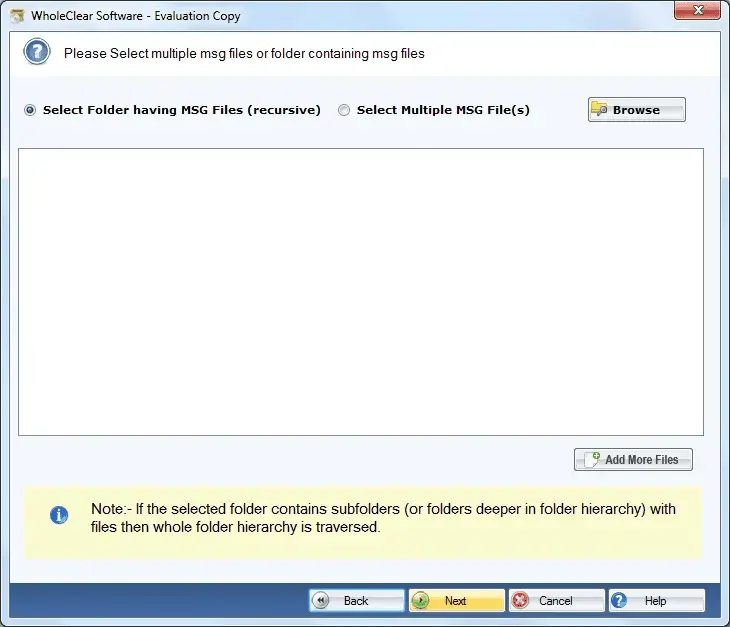
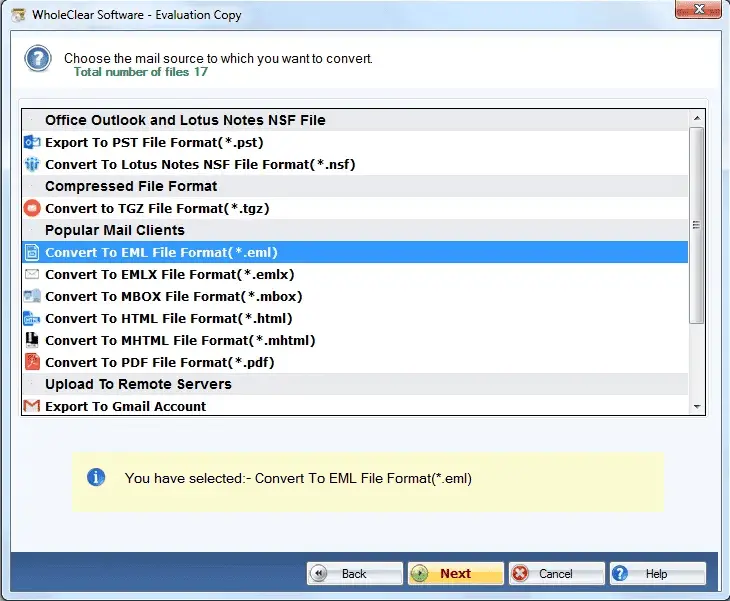
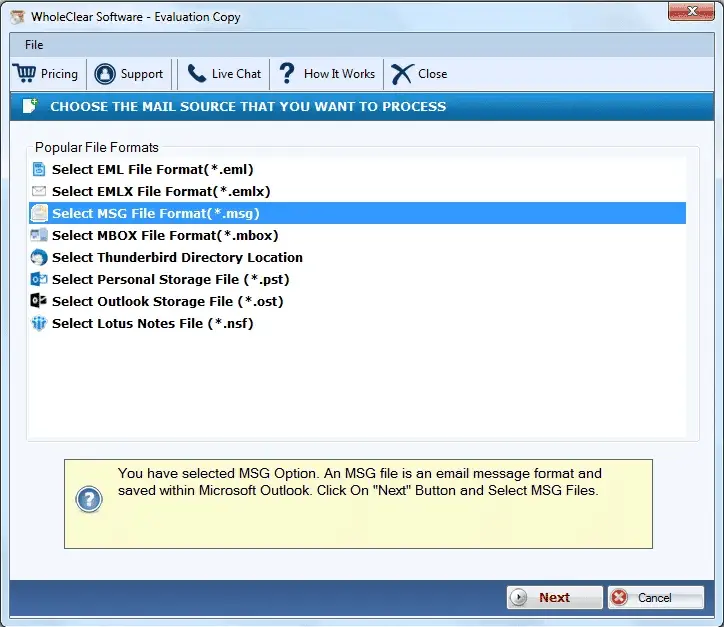
WholeClear MSG to EML Converter is a simple tool that helps users convert Outlook MSG files to EML format safely. It supports both single and multiple MSG files so users can convert one or many files in one process. The software keeps all email data including attachments, formatting, email headers and other details unaffected. This tool works without Microsoft Outlook so no additional software is required. The converted EML files can be opened in many EML supported email applications without any problem. This application supports MSG files created by different versions of Microsoft Outlook and works well on all Windows operating systems. A free trial version is available so users can test the software before purchasing the full version. Key Features • This software converts one or multiple Outlook MSG files to EML format in a few easy steps. It keeps all email details safe during the conversion. • The converted EML files can be opened in Thunderbird, Windows Live Mail, Apple Mail, eM Client, The Bat and other EML-supported email applications. • The software keeps the original email structure and folder layout unchanged after the conversion. • A free trial version is available so users can test the software and its features before purchasing the full version. • It supports MSG files created by Outlook 2021, 2019, 2016, 2013, 2010, 2007 and earlier versions for smooth and accurate conversion.
Screenshots
Reviews (0)
No reviews yet. Be the first to rate this product!
Comments (1)
Converting Outlook MSG files to EML without losing email data fills a very specific gap that shows up whenever people switch mail clients. Keeping it a simple tool suits a job like this. Good luck with it!