
WholeClear OST to HTML Converter
Convert Outlook OST Data into Accessible HTML Files

Details
- Follow on
- Categories
- Use Cases
- Target Audience
- Pricing
- Freemium from $29
- Platforms
Discovery signals
How AI and people discover WholeClear OST to HTML Converter on PeerPush
About WholeClear OST to HTML Converter
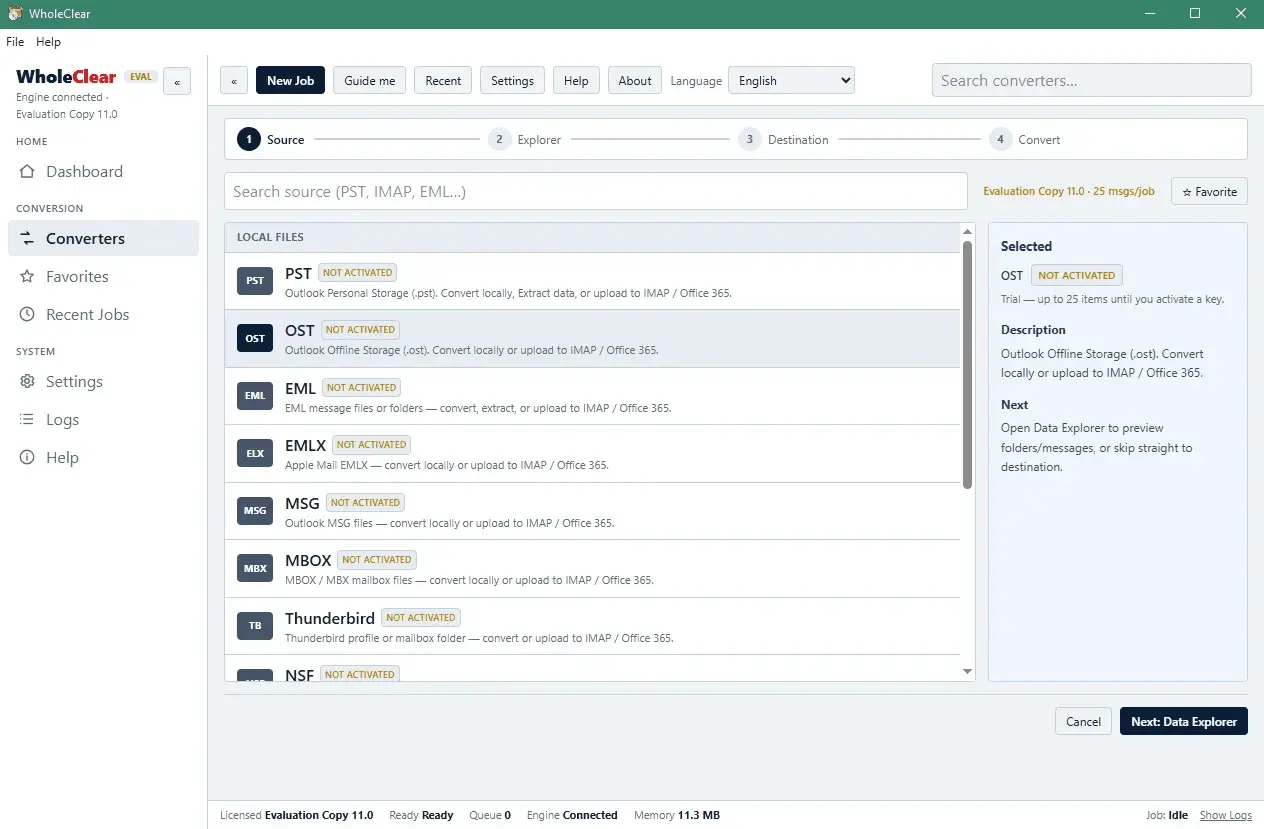
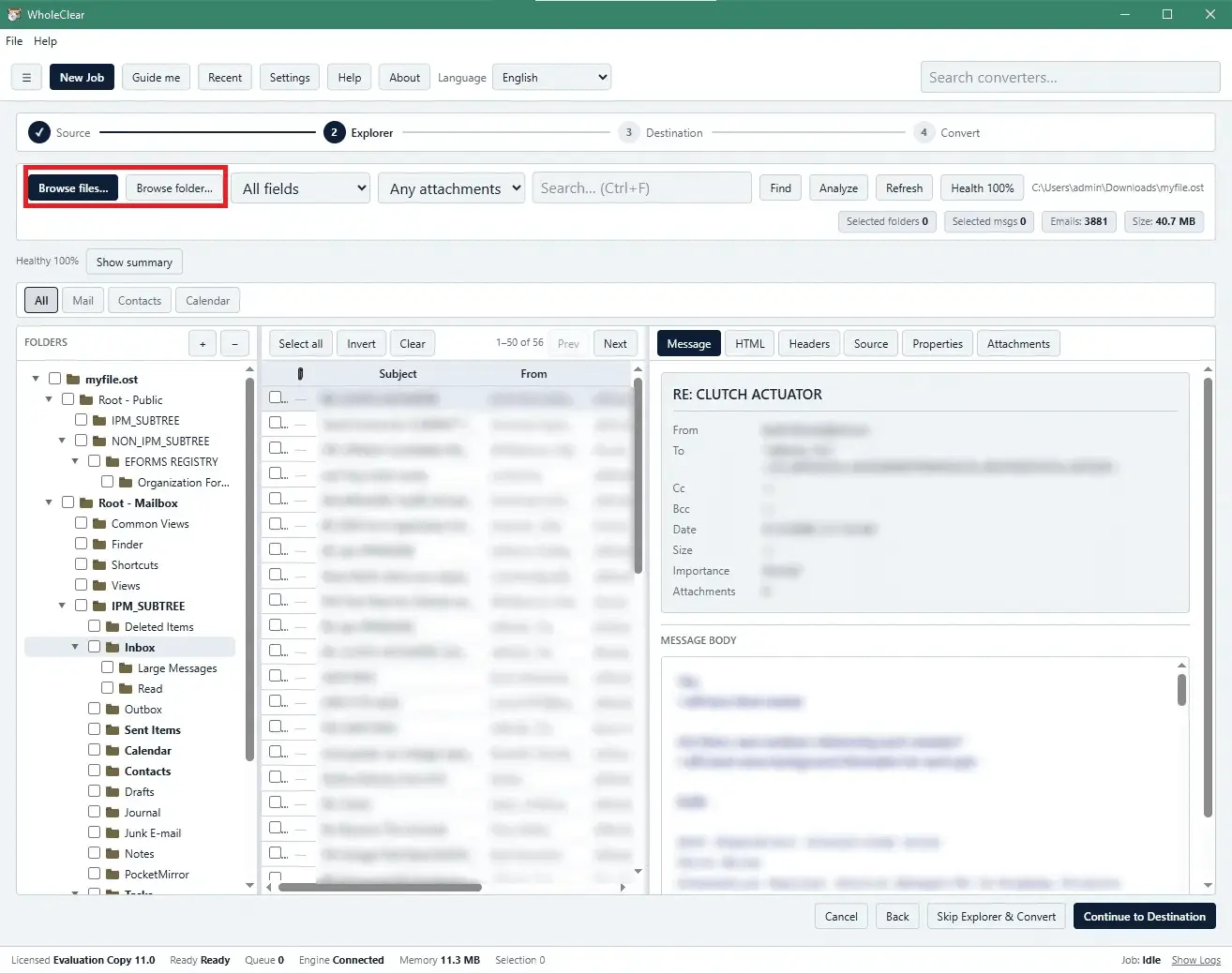
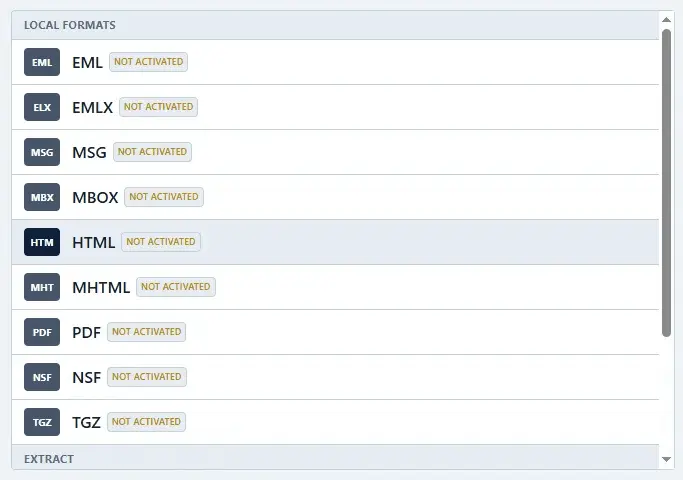
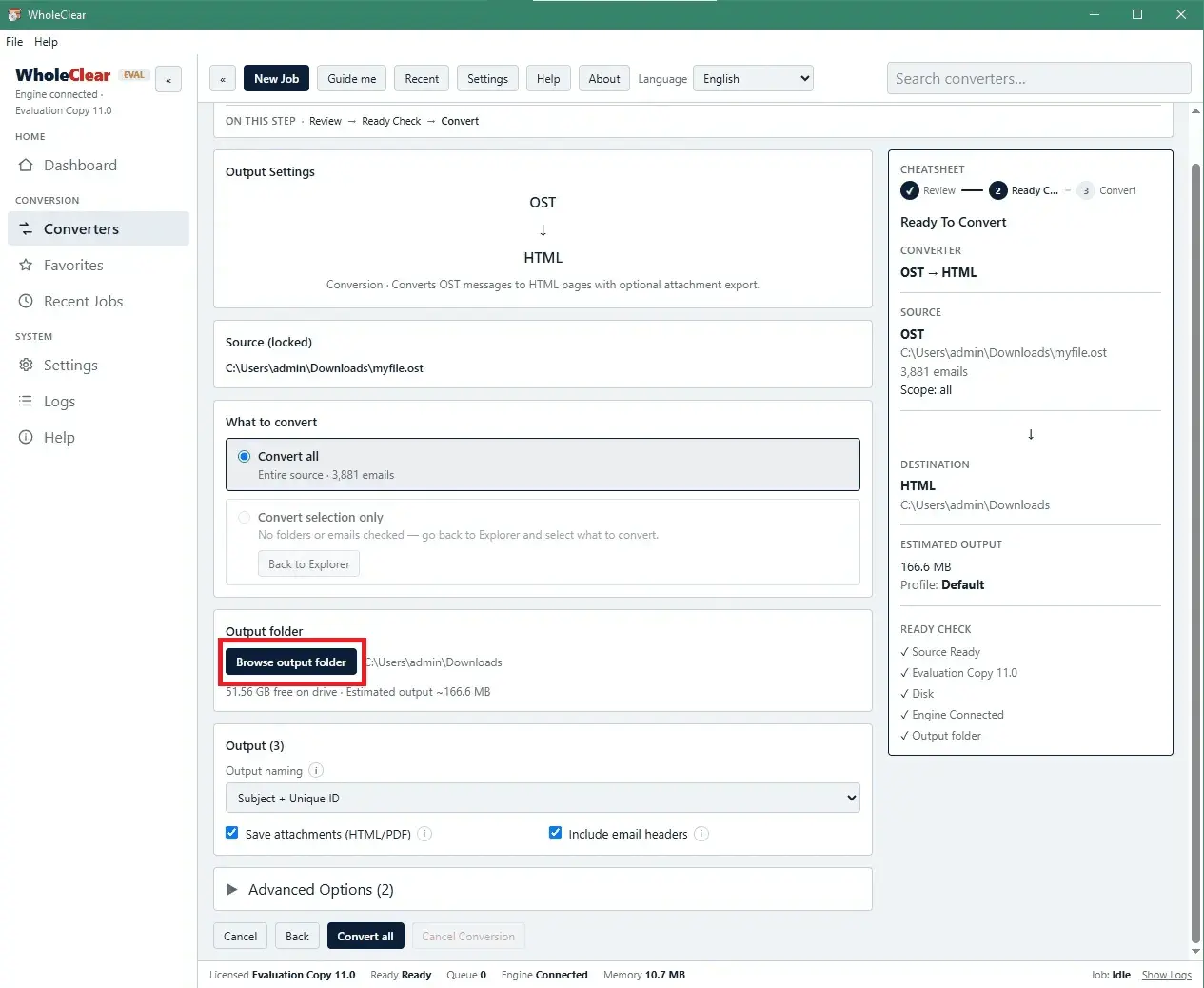
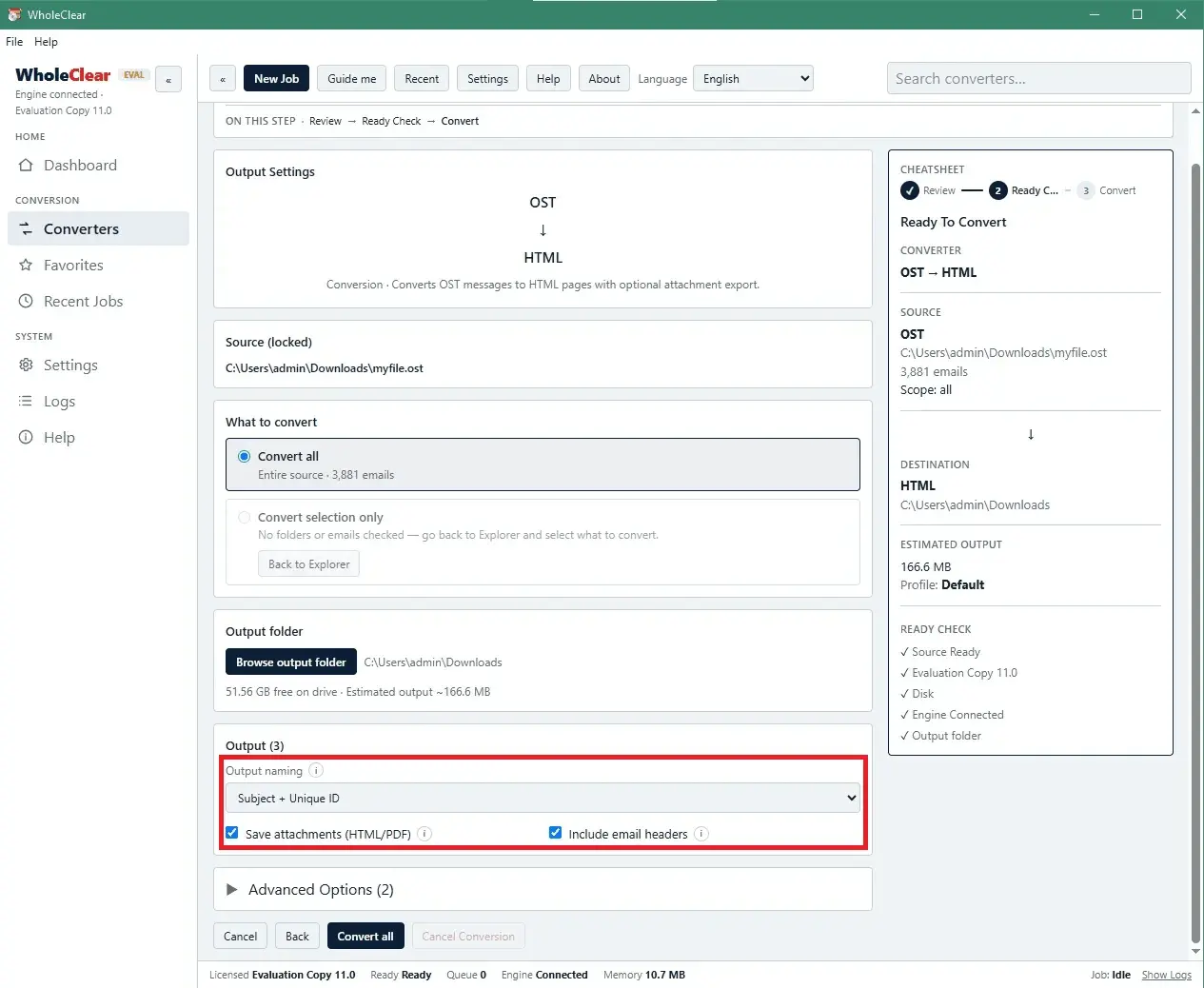
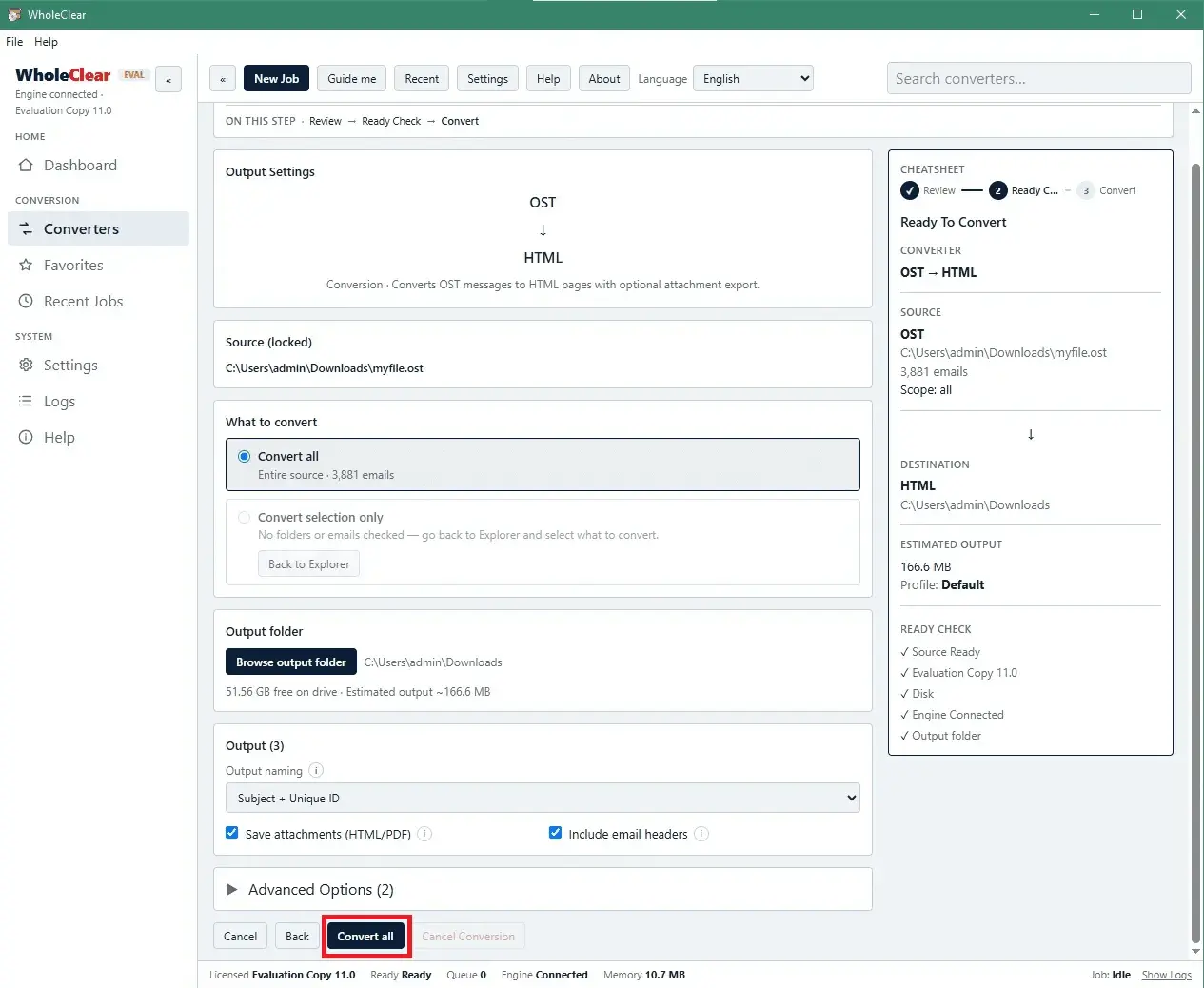
WholeClear OST to HTML Converter is a simple and user-friendly software designed to export Outlook OST messages into HTML format along with their attachments. The software provides an easy way to convert OST files into HTML while maintaining the accessibility of email data. It supports OST files created by different Microsoft Exchange and Outlook editions regardless of their file size making it useful for handling both small and large mailboxes. This application is available for Windows, macOS and Linux offering flexibility for users across multiple operating systems. Features • The software features an intuitive interface that allows users to understand and operate the conversion process with ease. Its step-by-step guides users throughout the migration making it simple to convert OST files into HTML format without requiring technical knowledge. • Users can convert OST files without having Microsoft Outlook installed in their computer. The application works independently and does not require Outlook or any additional email application to perform the conversion. • It is capable of processing large-sized OST files without affecting the quality of the exported data. It is designed to handle extensive mailbox data smoothly while maintaining application performance throughout the conversion process. • Before conversion the software provides a comprehensive preview of OST mailbox data including From, To, CC, BCC, Subject, date, time, message body, attachments and other relevant details. Users can review the available data and select specific emails or items they want to export into HTML format. • The software maintains the original folder hierarchy and organization of the OST mailbox during conversion. It also preserves important email formatting including fonts, hyperlinks and message appearance while retaining metadata such as To, CC, BCC and other header information.
Screenshots
Reviews (0)
No reviews yet. Be the first to rate this product!
Comments (0)
No comments yet. Be the first to share your thoughts!