
WholeClear OST to NSF Converter
Convert OST to NSF with ease, speed and accuracy

Details
- Follow on
- @wholeclearLinkedIn
- Categories
- Data & Infrastructure
- Use Cases
- Data MigrationFile Conversion
- Target Audience
- IT TechniciansEnterprisesStartups
- Pricing
- Freemium from $29
- Platforms
- Desktop
Discovery signals
How AI and people discover WholeClear OST to NSF Converter on PeerPush
About WholeClear OST to NSF Converter
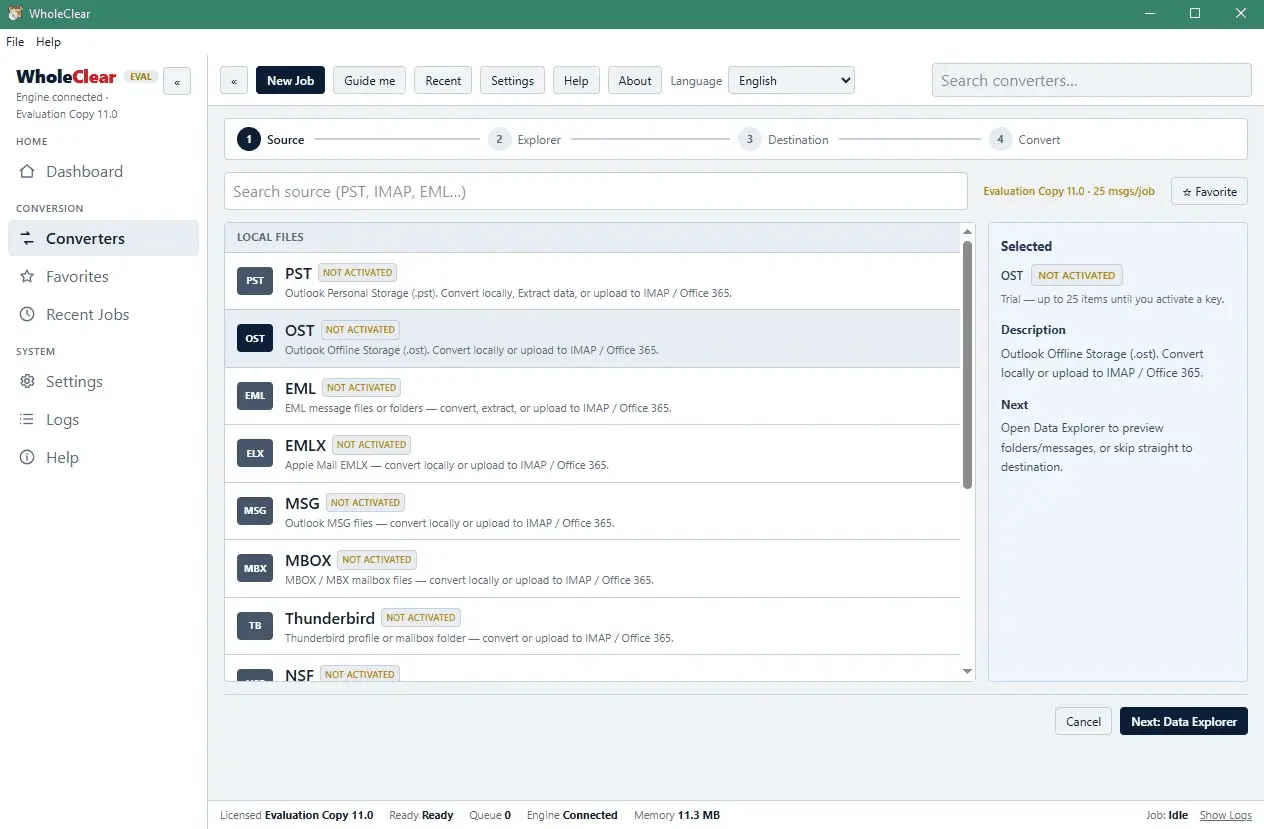
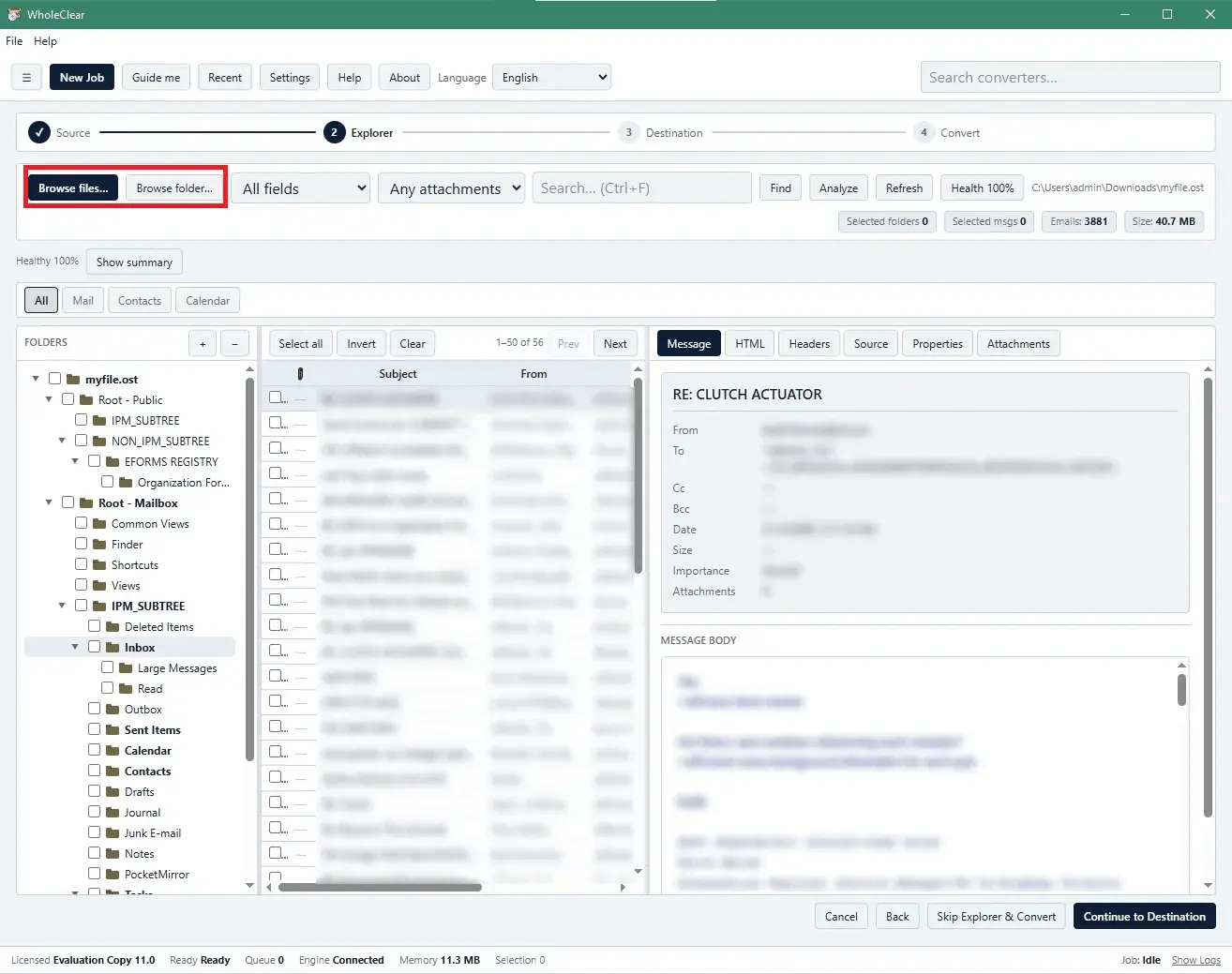
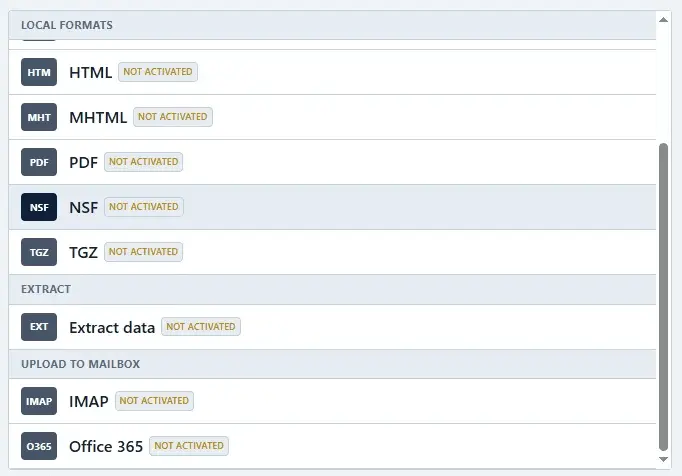
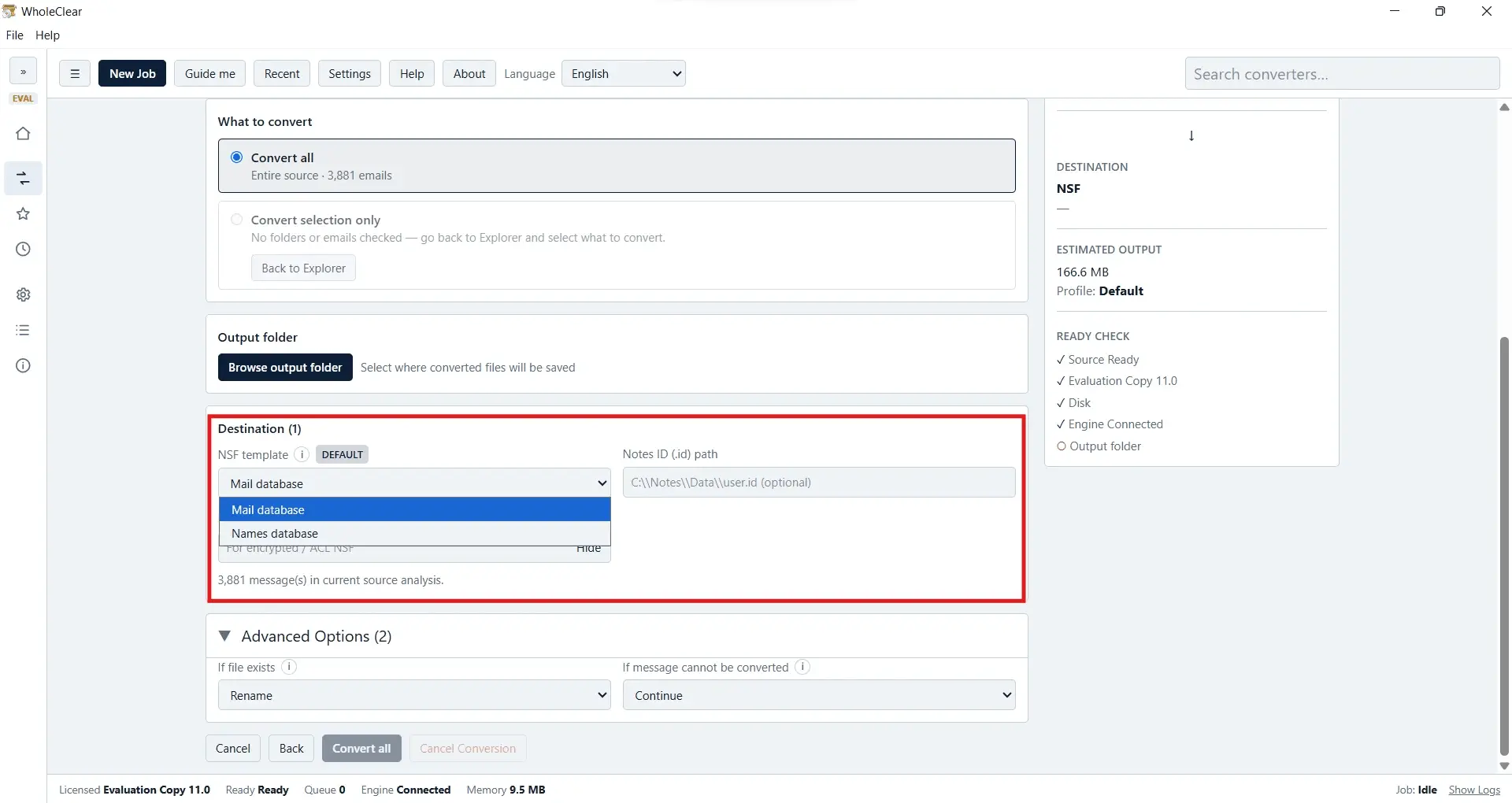
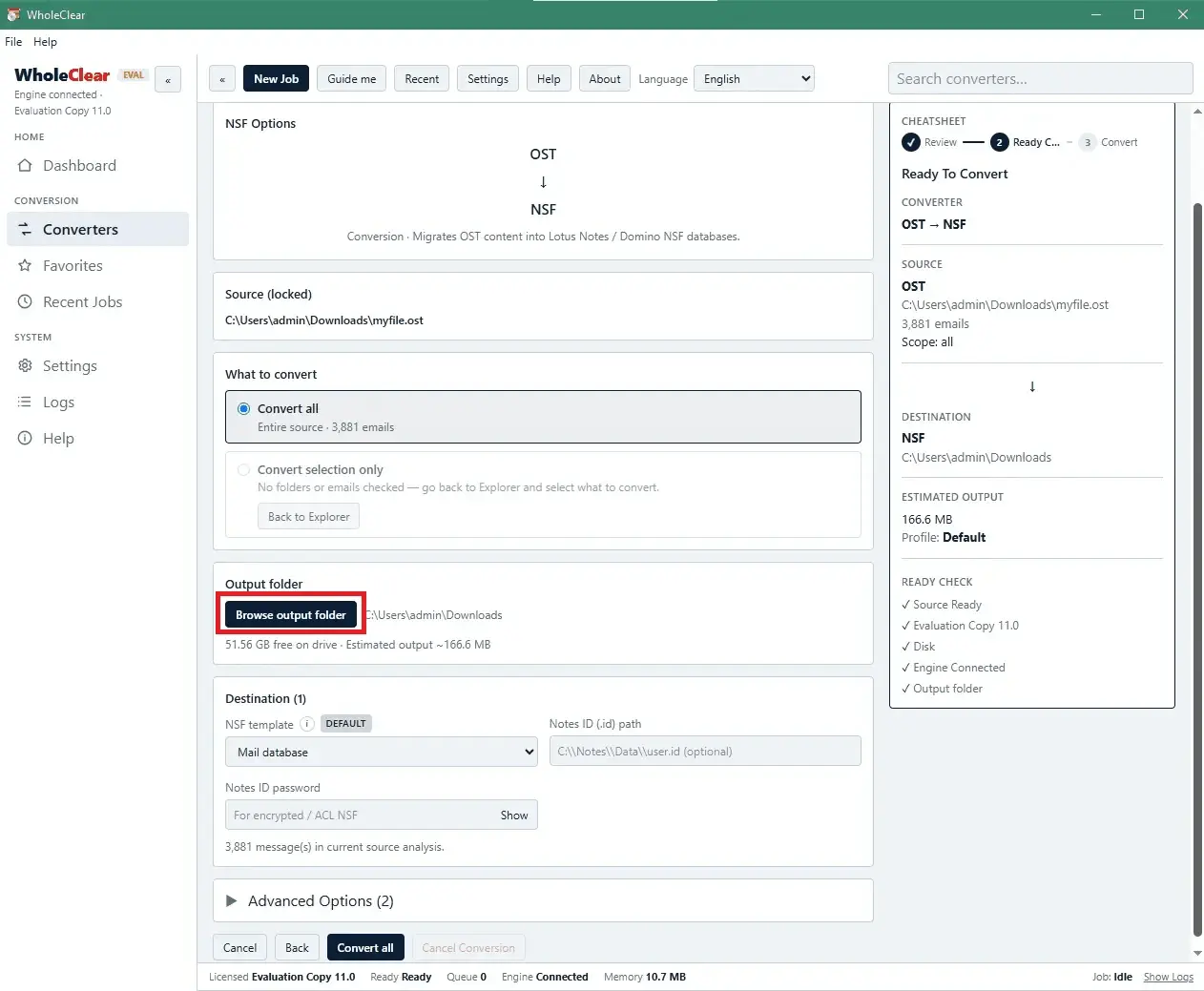
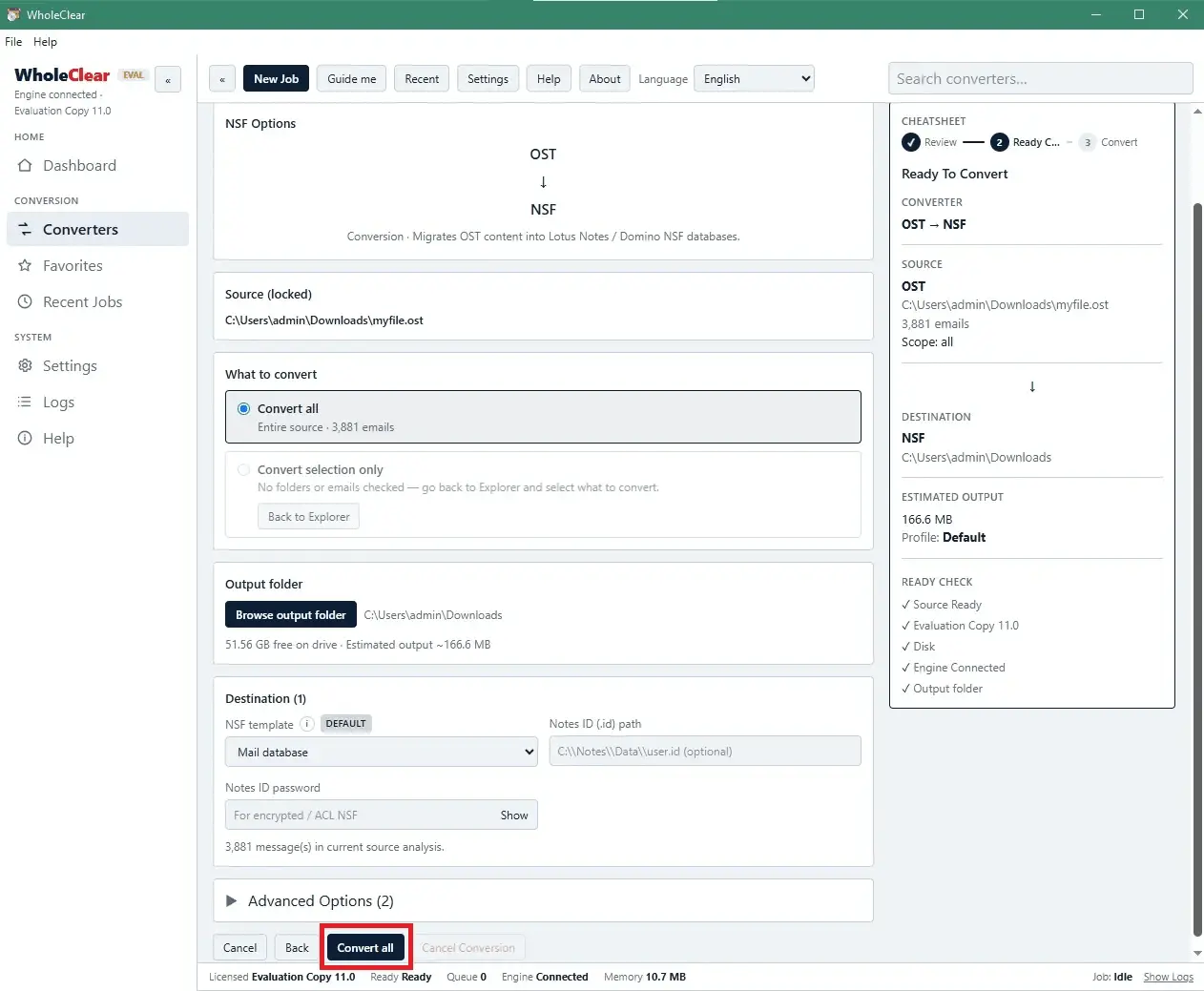
WholeClear OST to NSF Converter safely exports OST files to NSF format allowing users to quickly migrate their Outlook OST data to Lotus Notes NSF without altering the original folder structure. The application provides a simple and easy way to convert OST files with the option to select and export specific Outlook data to Lotus Notes in just a few clicks. Features • The tool converts OST emails into NSF along with contacts, attachments, calendars, notes, tasks and other data. Users can export the complete Outlook database into NSF format without having MS Outlook installed. • It converts OST files to Lotus Notes without file size limits. Large OST files can be converted one by one without affecting the information in the OST file. • Users can preview OST database items before exporting them to NSF. The preview shows the files and folders in a tree view allowing users to select the required data. • The application helps users select specific items or folders from OST files to export into Lotus Notes email client. This helps users convert only the required items and avoid unnecessary data. • It is compatible with Outlook 2019, 2016, 2013, 2010, 2007, 2003 and other Outlook versions. Lotus Notes must be installed to perform the migration. The application supports Windows XP, Vista, 7, 8, 10, 11 and other Windows versions. • The application keeps email components such as To, From, CC, BCC, subject, sender and other email details. It maintains the original folder and subfolder structure and does not change the original files. • It has an easy-to-use interface. Users do not need special technical skills to operate the tool, making the conversion process simple.
Screenshots
Reviews (1)
Average 5.0 out of 5
Based on 1 review
Comments (0)
No comments yet. Be the first to share your thoughts!