
Wplace Tool
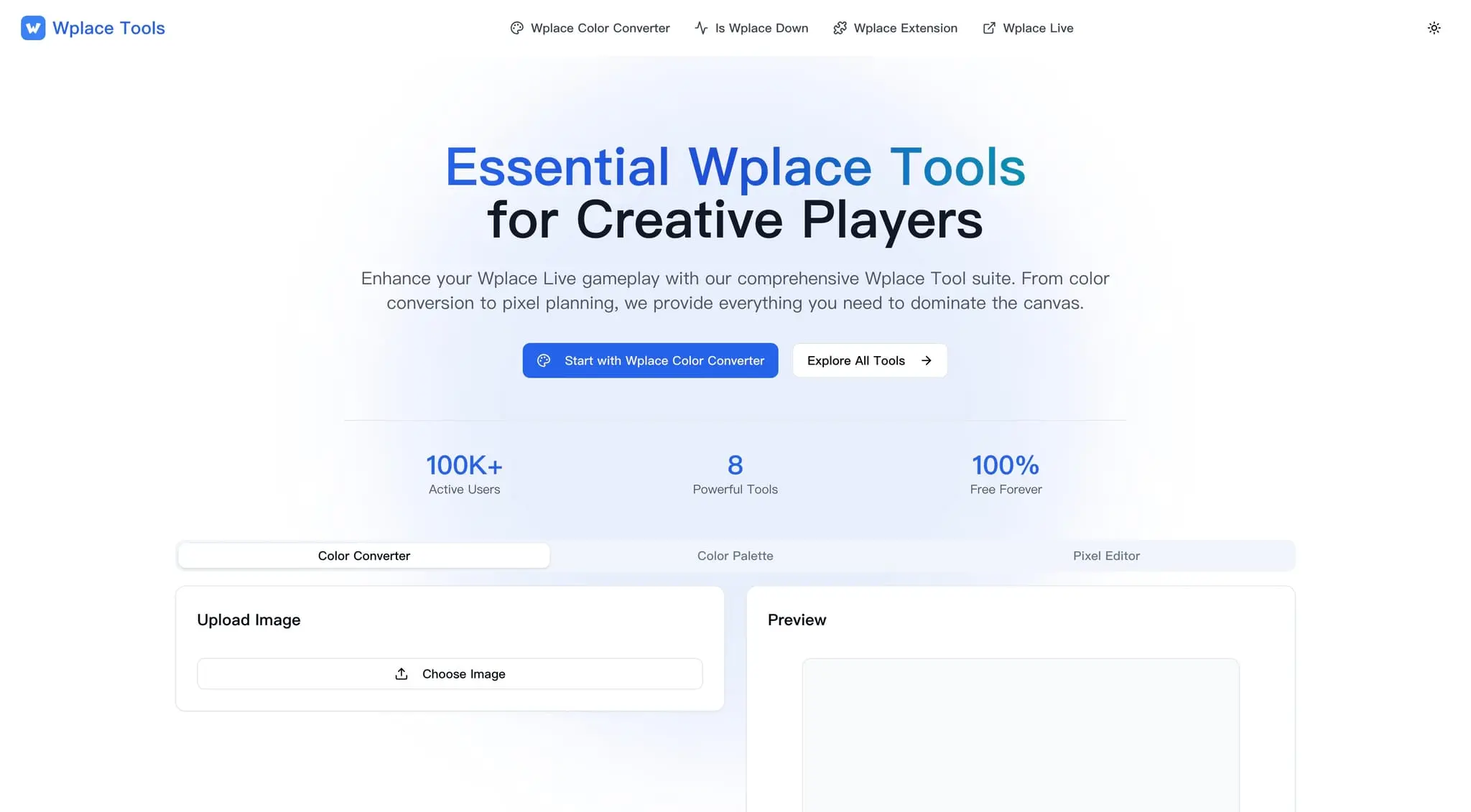
Essential toolkit for wplace.live players

Details
- Target Audience
- DesignersNon-Technical UsersContent Creators
- Platforms
- Web
About Wplace Tool
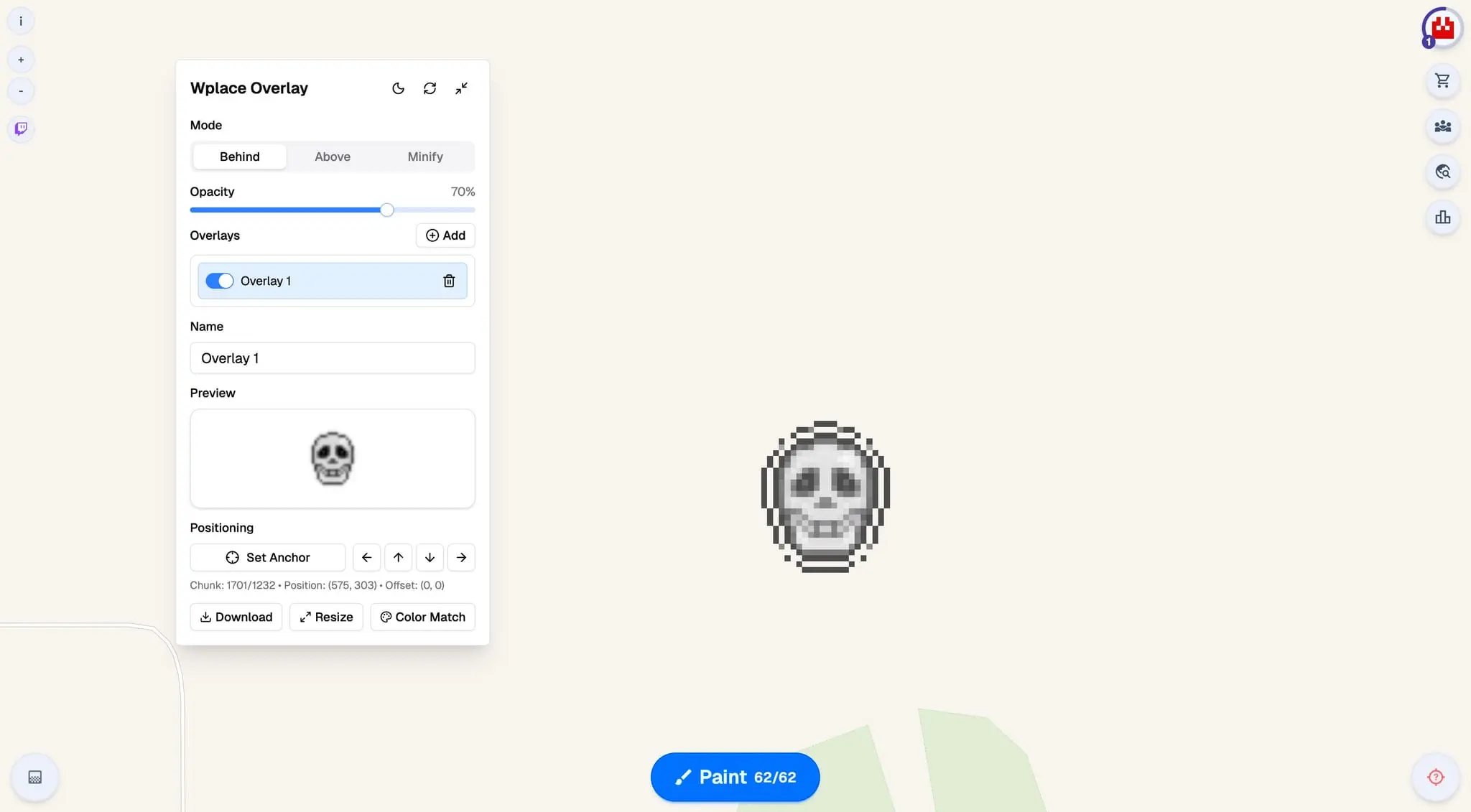
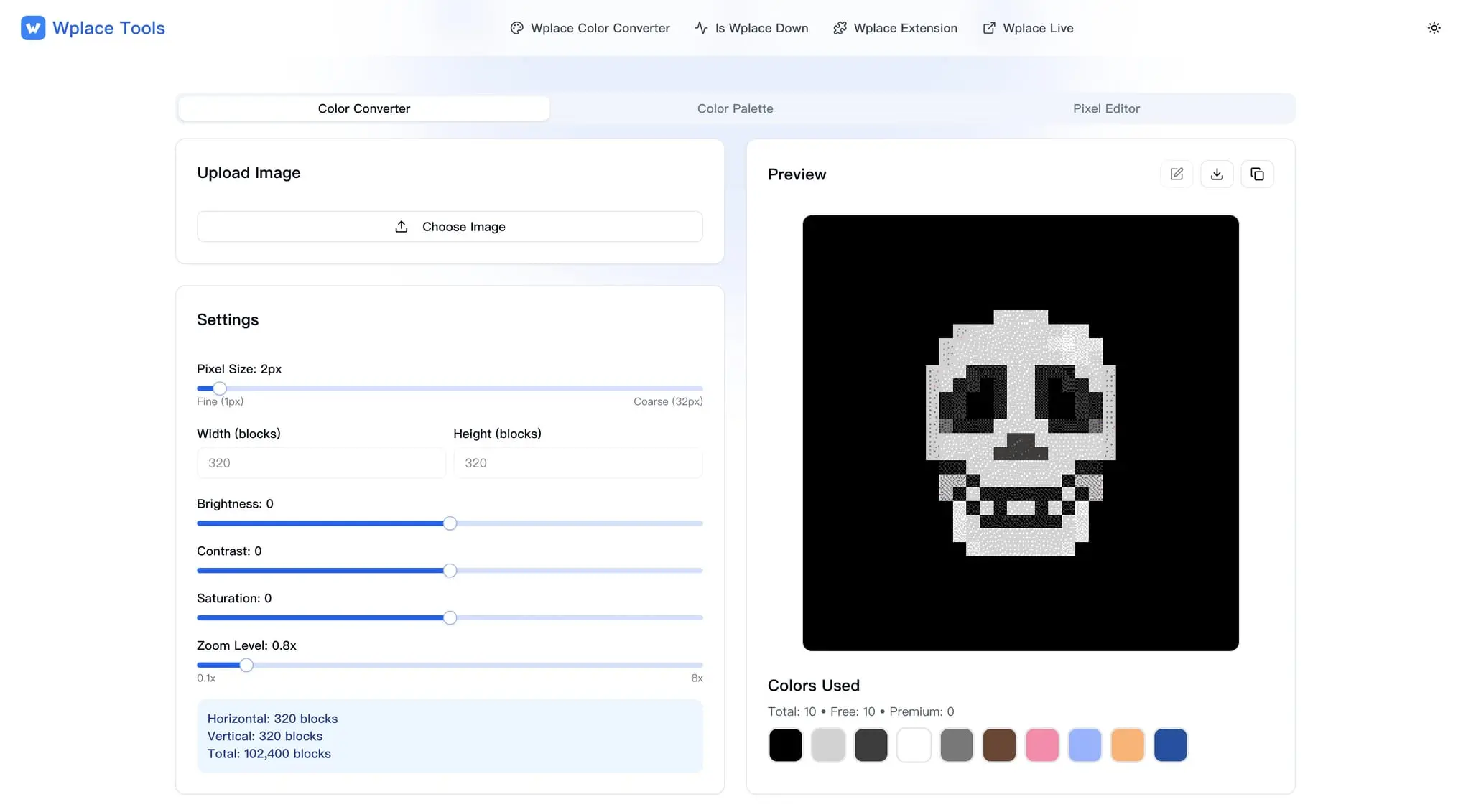
Free browser based toolkit for Wplace Live players offering a color converter, pixel editor, overlay scripts, extension tools, and live server status checks to speed up collaborative pixel art creation. ## Features * Color Converter: Converts HEX, RGB, or HSL to the closest color in the official Wplace palette and provides an instant preview. * Wplace Pixel Editor: Offers draw, erase, fill, zoom, undo, and export for precise pixel work. * Wplace Extension: Provides overlay guides, a quick color picker, coordinate display, and auto draw to speed up pixel placement. * Wplace Server Status: View server status and uptime history in real time. * Wplace Anywhere: Search any location, jump quickly to countries, cities, or map coordinates, and share bookmarks. * Gallery, templates, and community submissions: Discover and share pixel art with the community.
Screenshots
Reviews (0)
No reviews yet. Be the first to rate this product!
Comments (0)
No comments yet. Be the first to share your thoughts!