
Yank
Clipboard manager for Mac — now with tags

Details
- Categories
- Target Audience
- Pricing
- Freemium
- Platforms
- Alternatives
 Paste alternatives
 Maccy alternatives
Discovery signals
How AI and people discover Yank on PeerPush
- ChatGPT
- Perplexity
- +4 other AI crawlers
Reads by these AI engines
Crawlers behind these engines read this listing on PeerPush.About Yank
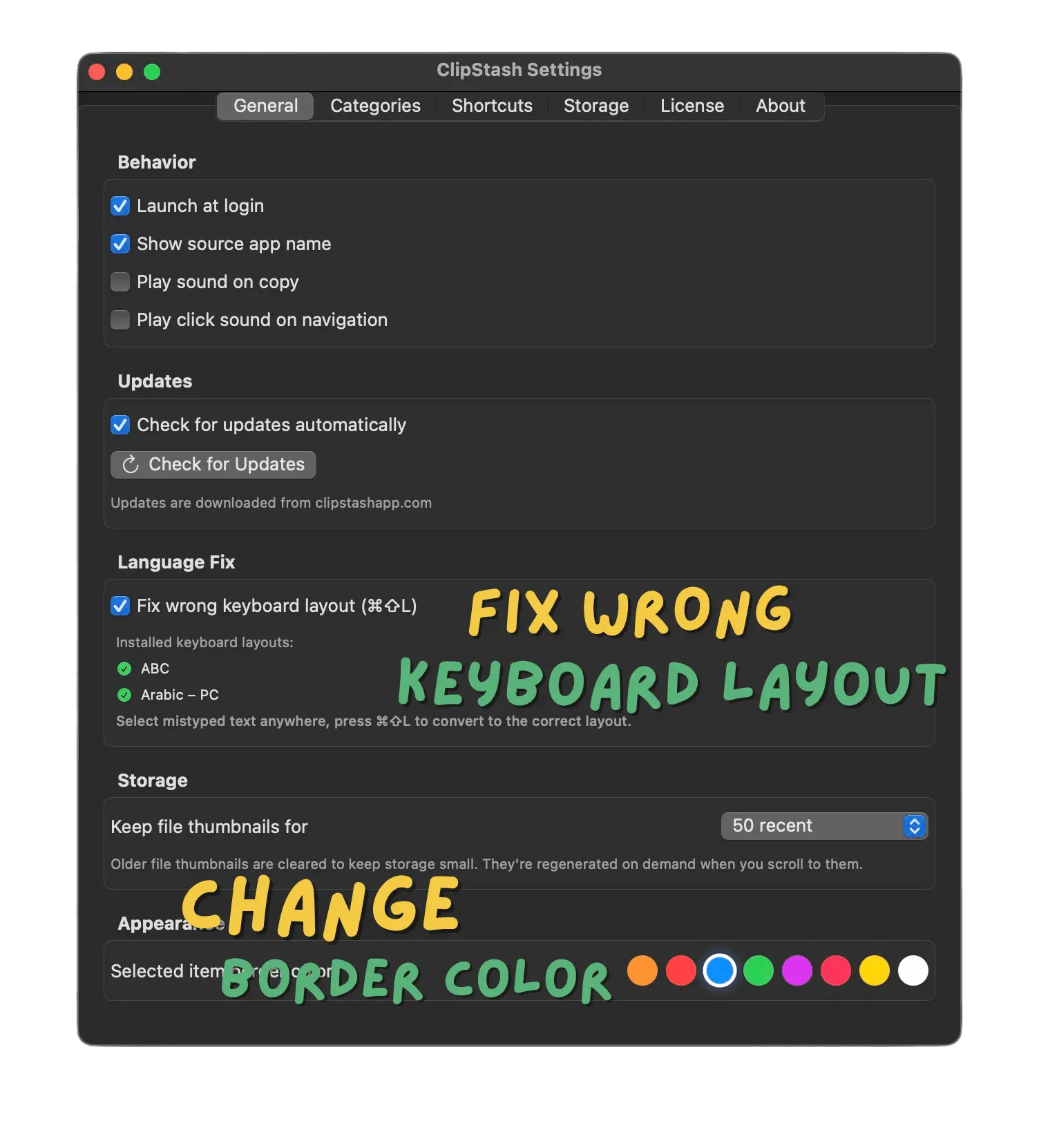
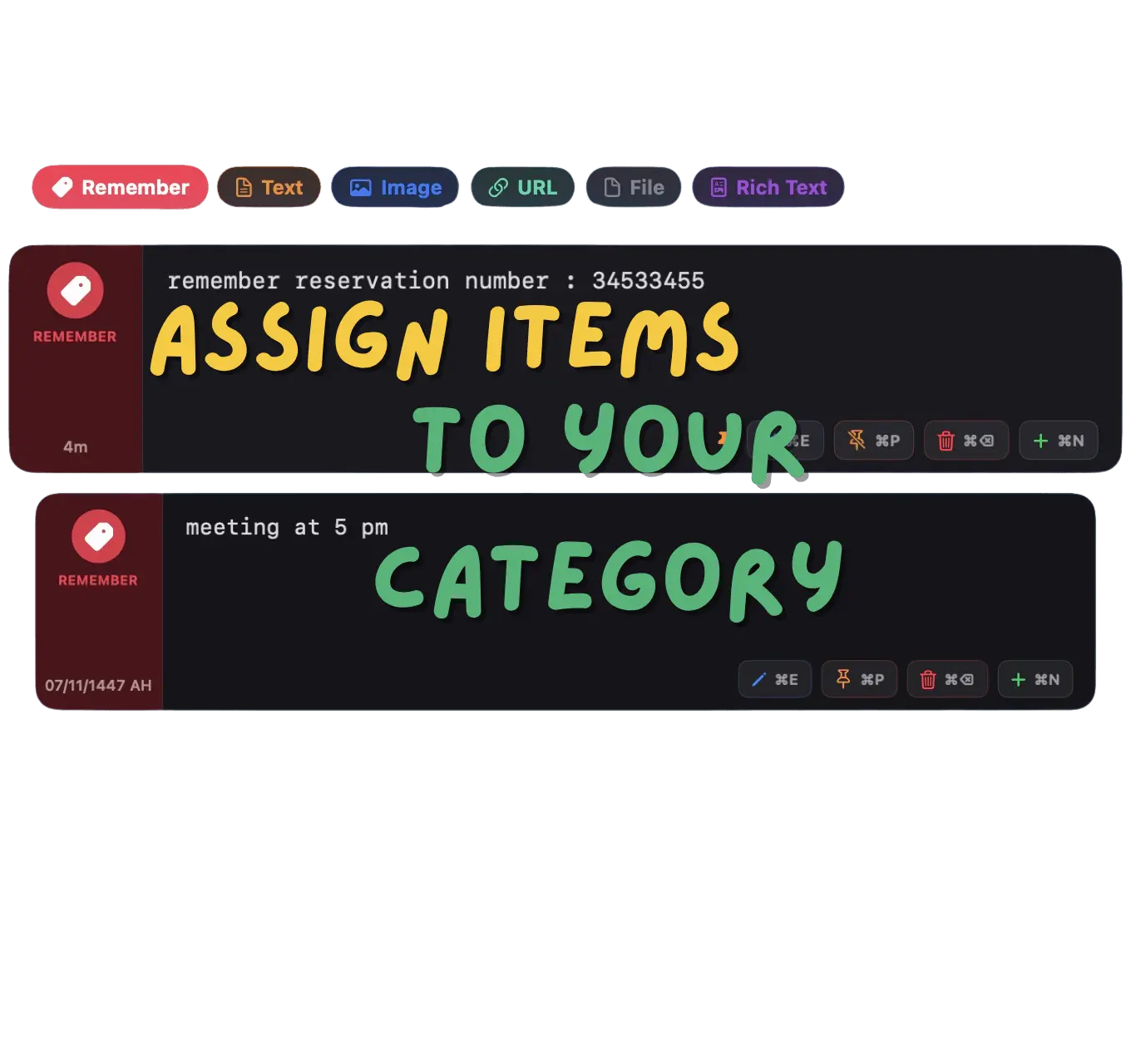
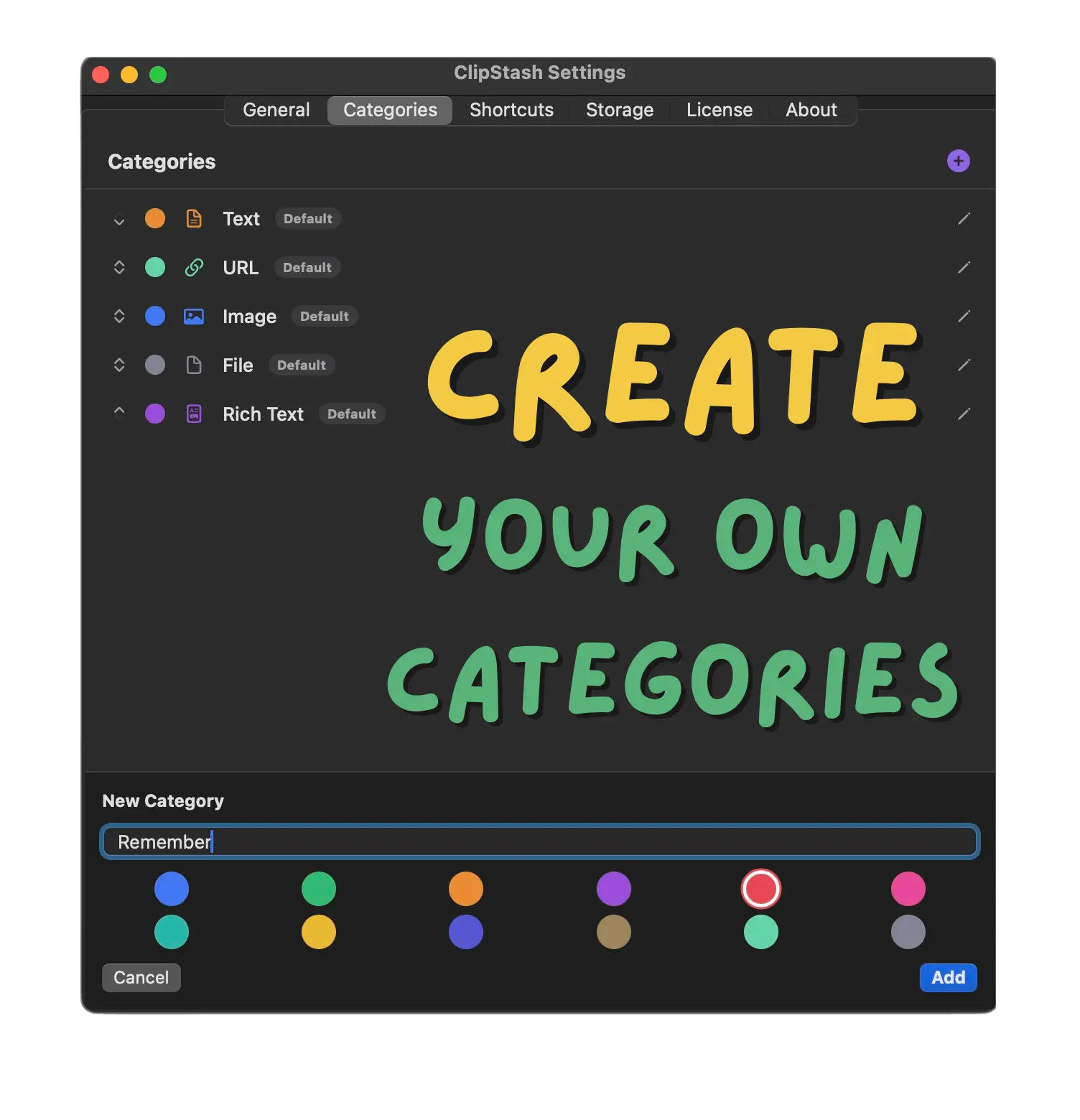
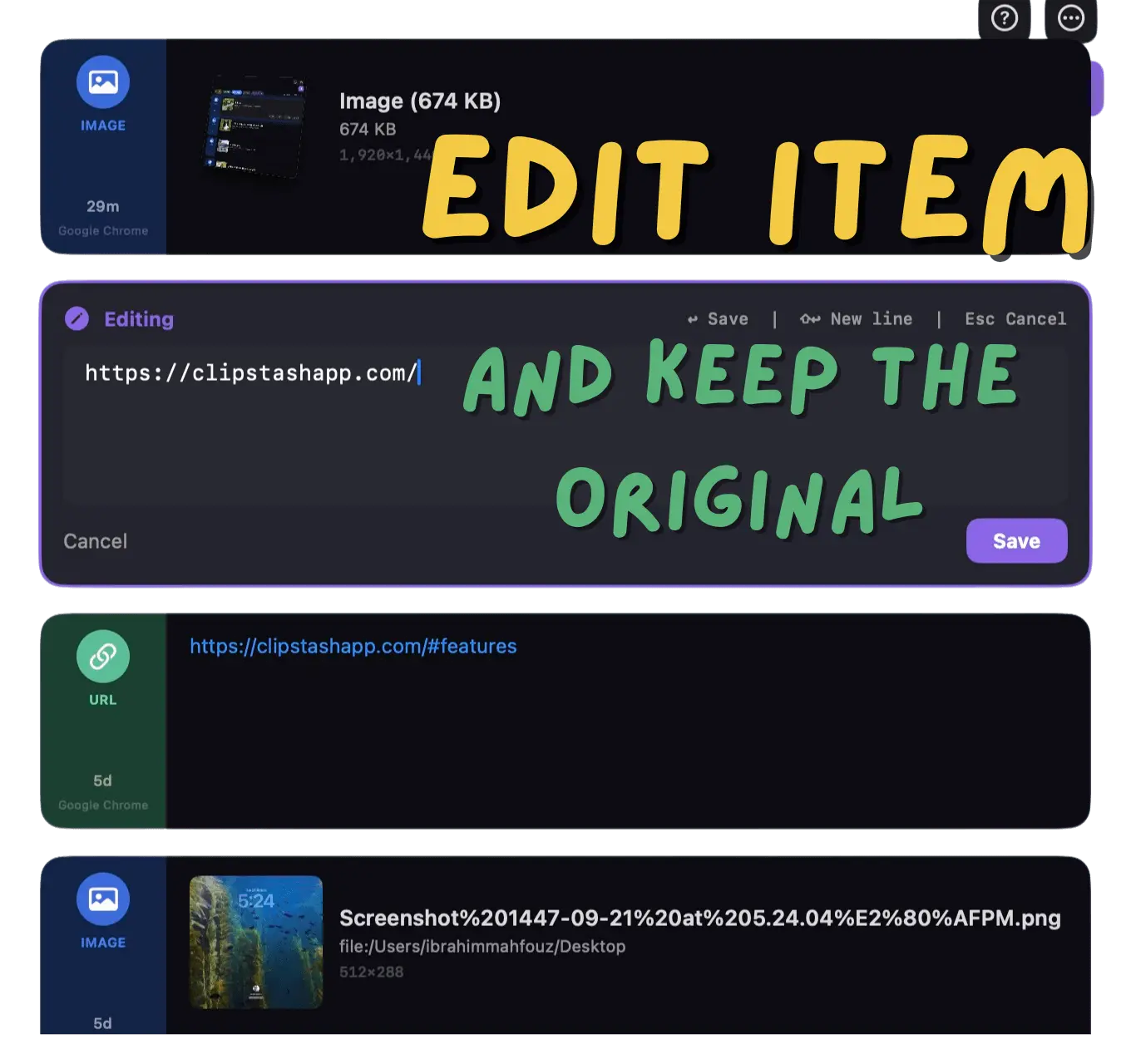
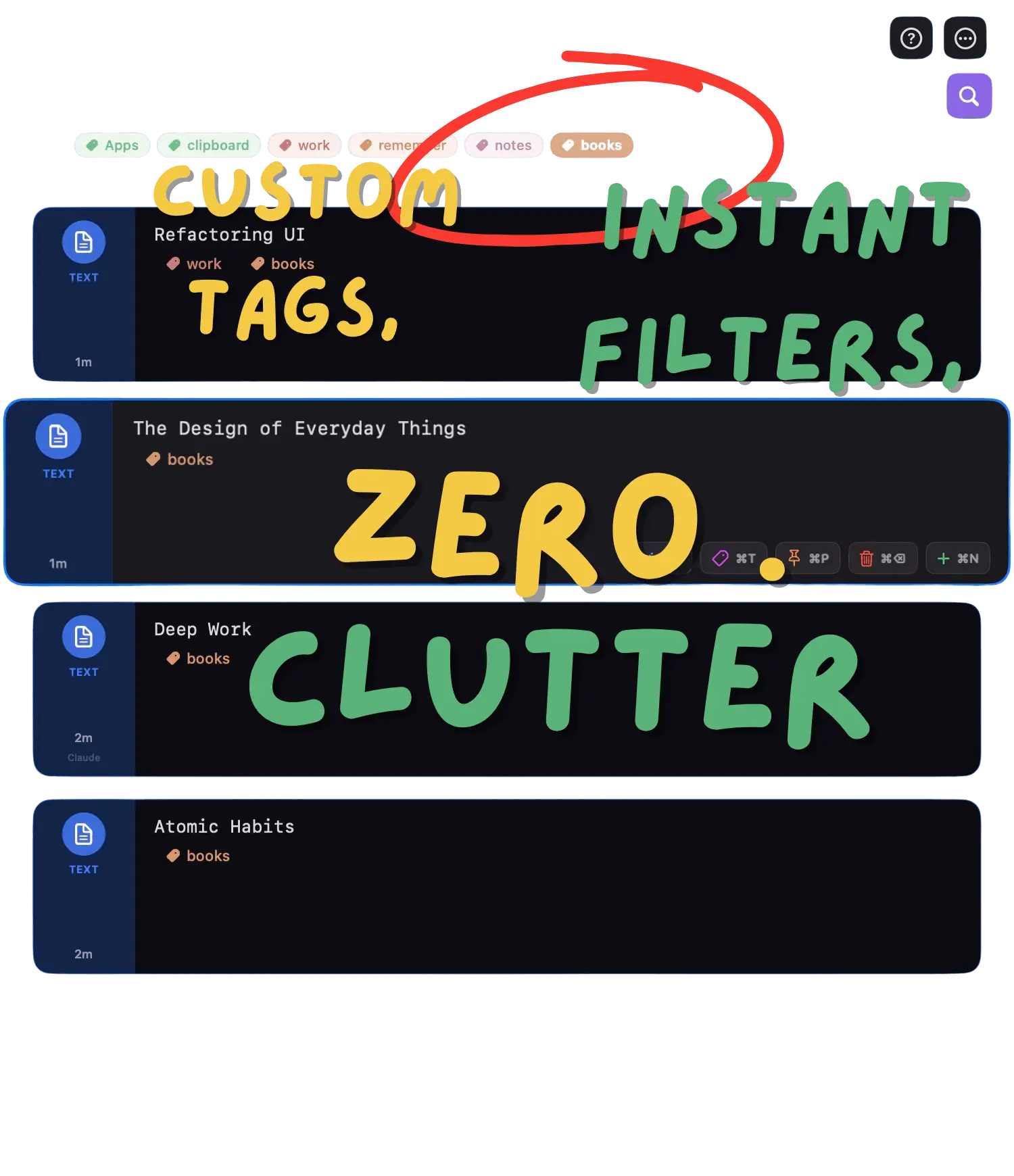
Yank remembers everything you copy. Press a hotkey, search your full clipboard history, and paste instantly — your hands never leave the keyboard. New in v1.1.6: Tags — Color-coded labels with multi-tag filtering to organize clips your way Combine templates — Select multiple clips and merge them as a list, CSV, JSON array, and more Wrong layout fix — Typed in the wrong keyboard language? Yank retypes it correctly Always-on — Survives App Nap and wake-from-sleep so nothing is ever missed Native Swift. 100% local. $9.99 once — no subscription, no cloud, no telemetry.
Product Video
Watch a video demo of Yank.
Screenshots
Product Updates (2)
Yank 1.3 is out — Tag it. Find it. Never lose it.
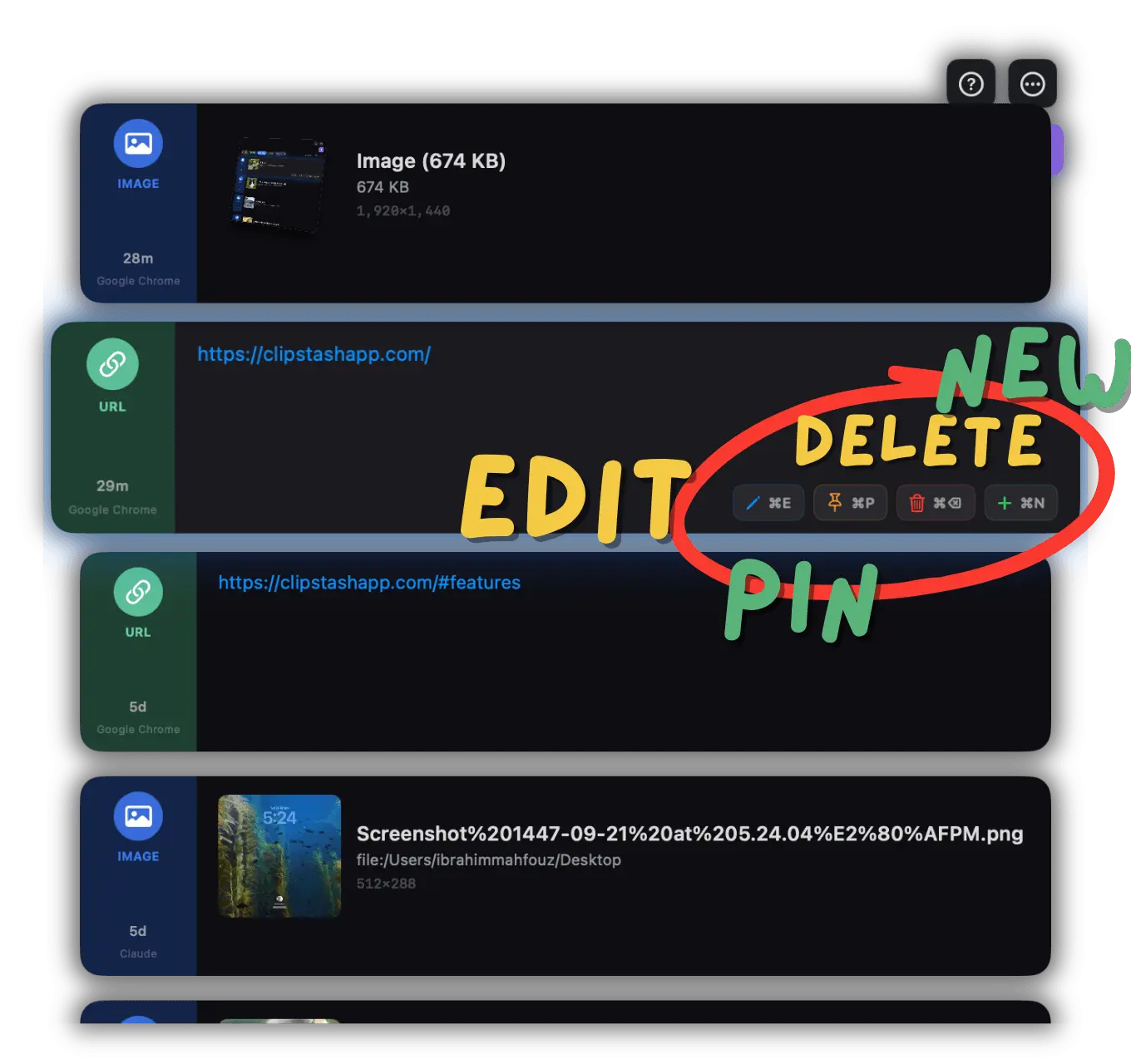
Yank is a fast, private clipboard manager for macOS — everything stays local on your Mac. Here's what's new: 🏷️ Tags with colored labels — tag any clipboard item with custom colored labels. Create tags on the fly with ⌘T, then search and filter by one or multiple tags. 🏷️ Multi-tag filter — stack multiple tags to narrow down your history instantly, with a clean chip layout and full keyboard navigation. 📁 Multi-file grouping — copy multiple files or images in Finder and Yank saves them as a single grouped item instead of cluttering your history with separate entries. Shows the folder path and file names in a clean layout. 📁 Multi-select paste — select multiple file items in Yank, press Enter, and it pastes all files at once while saving the group as a new combined item. 🔍 Search by source app — press ⌘4 to filter your clipboard history by the app you copied from. Find that snippet from VS Code or that link from Safari instantly. 📐 Configurable item size — choose small, medium, or large item cards from Settings. The panel width adjusts dynamically. 📐 Configurable visible items — pick how many items show in the panel (4–10). The panel resizes live. 🔢 Category item counts — each category now shows how many items it holds, so you always know where things are. 🖼️ Smaller thumbnails — file thumbnails are now 128×128 JPEG for a lighter database footprint while staying crisp. Download: https://yankclip.com Free, with optional Pro ($9.99 one-time) for unlimited history, tags, editing, and more. Use code PEERPUSH100 (100% discount) for the first 10 users
Comments (0)
No comments yet. Be the first to share your thoughts!
Yank v1.1.6 — Free Pro for the first 10 PeerPush users
Hey PeerPush! I just shipped a big update to Yank — a native clipboard manager for Mac that's 100% local and has no subscription. New in v1.1.6: Tags with colored labels and multi-tag filtering Combine multiple clips into one (CSV, JSON, numbered list, and more) Wrong keyboard layout fix — typed in the wrong language? Yank retypes it correctly Always-on — survives App Nap and sleep so nothing is missed To celebrate, I'm giving the first 10 PeerPush users 100% off Pro — that's completely free, forever. Use code: PEERPUSH100 Grab it here: https://yankclip.com Would love to hear your feedback!
Comments (2)

don't forget about the 100 percent coupon PEERPUSH100 for the first 10 users
Reviews (3)
Average 4.7 out of 5
Based on 3 reviews

super good and very easy to use

need extract text from image , but good

Yank is incredibly intuitive , I've tried. Tags in v1.1.6 are a game changer for organizing snippets. Best clipboard manager I've used on Mac.
Comments (3)
Cool idea. Might get it!
@expatspark_ai here is a 100 percent discount coupon PEERPUSH100 for the first 10 users , wait for you feedback
Is there a documentation or tutorial somewhere ?
@alan6632 Hey! There's no full documentation site yet, but here's everything you need to get started: 1-Download from https://yankclip.com 2-Grant Accessibility permission when prompted
@alan6632 3- Press Cmd+Shift+V from any app to open your clipboard history 4- Type to search, arrow keys to navigate, Enter to paste
@alan6632 That's it — it works out of the box. For Pro features like tags and combine, check the changelog at https://yankclip.com/changelog.html Happy to answer any specific questions!
@alan6632 here is a 100 percent discount coupon PEERPUSH100 for the first 10 users , wait for you feedback
congrats
@ProUser1412 thanks