A9 Voice
Free dictation and bot-free meeting notes for Windows

Details
- Categories
- Target Audience
- Pricing
- Freemium
- Platforms

 Wispr Flow alternatives
 Fireflies alternatives
 Otter alternatives
Discovery signals
How AI and people discover A9 Voice on PeerPush
About A9 Voice
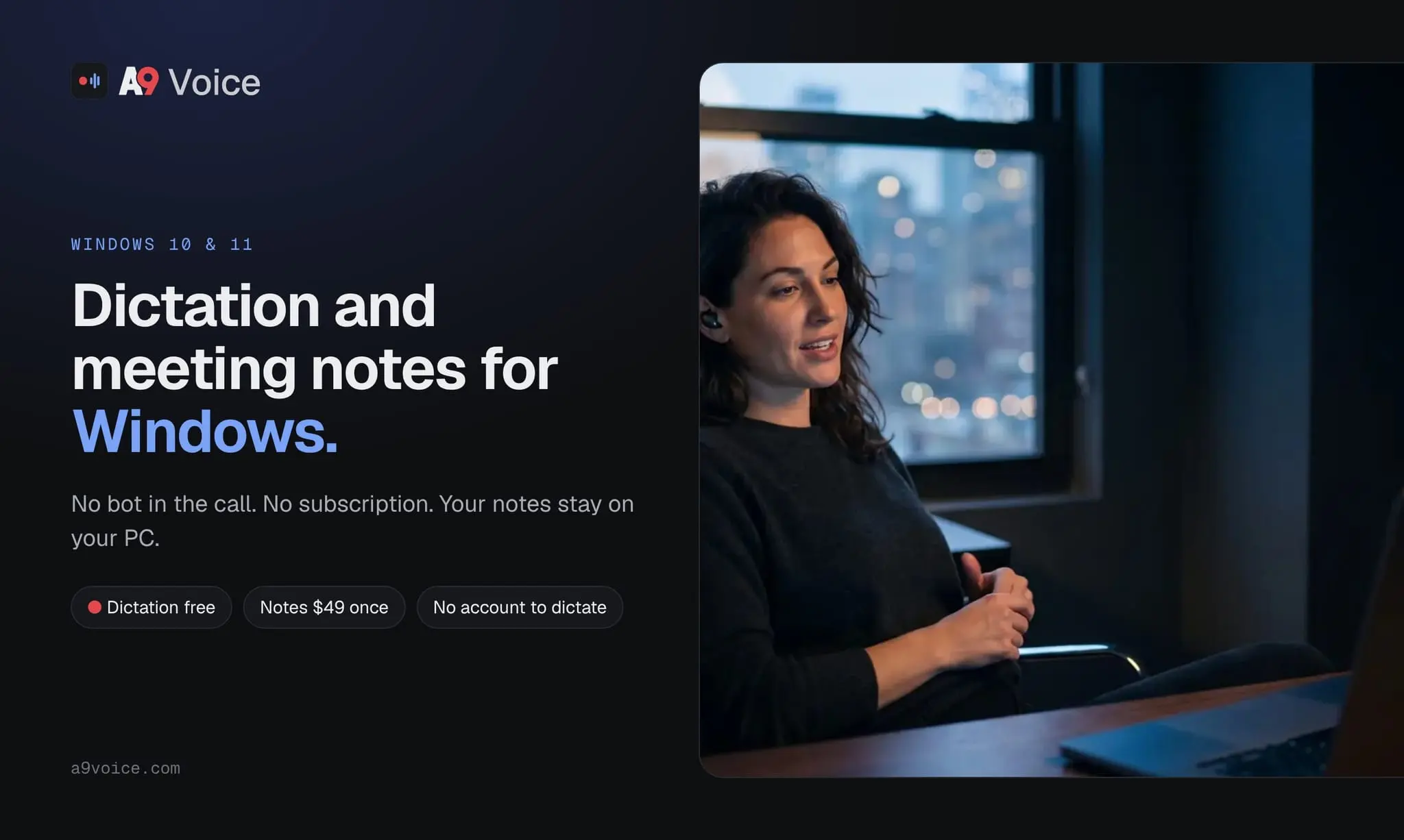
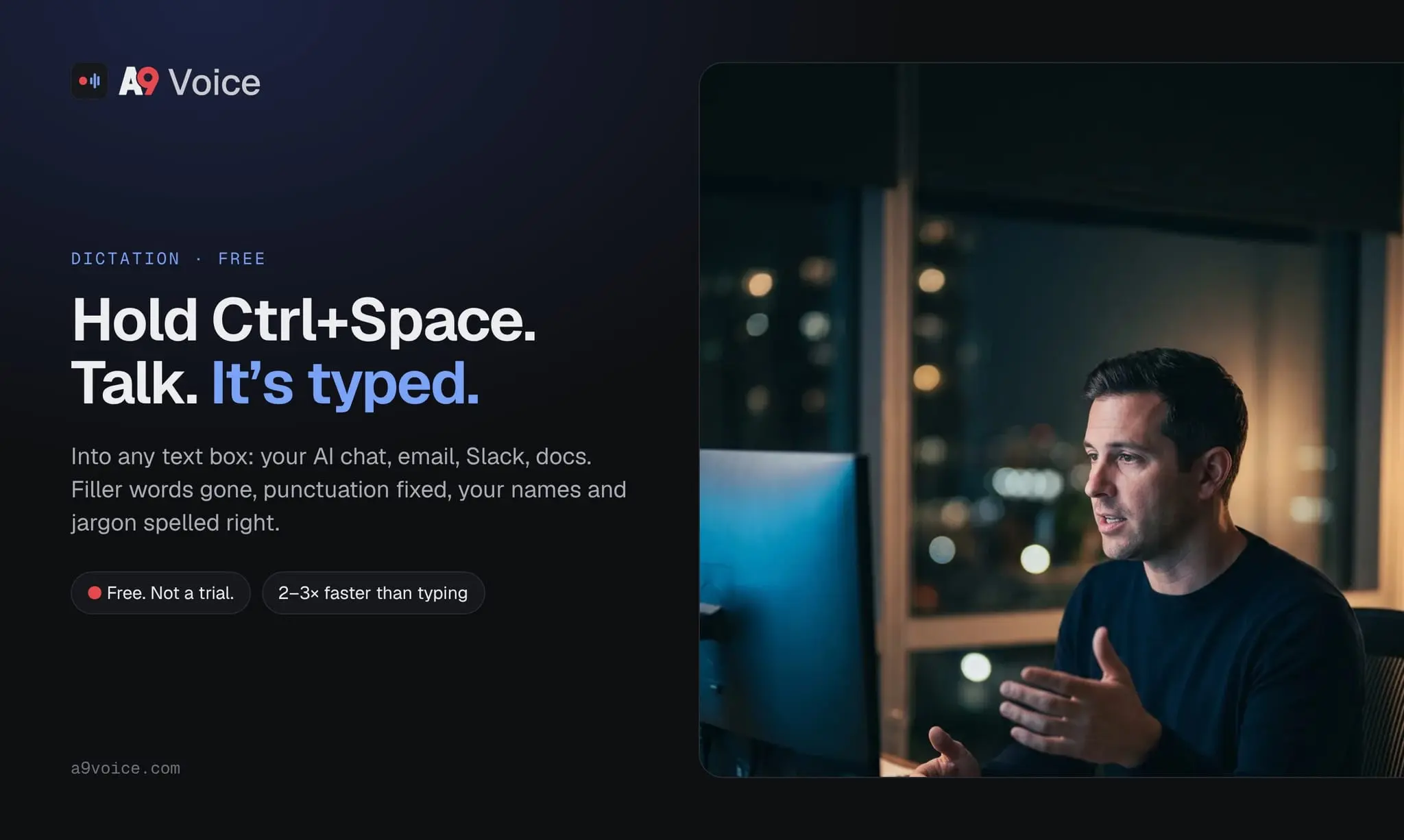
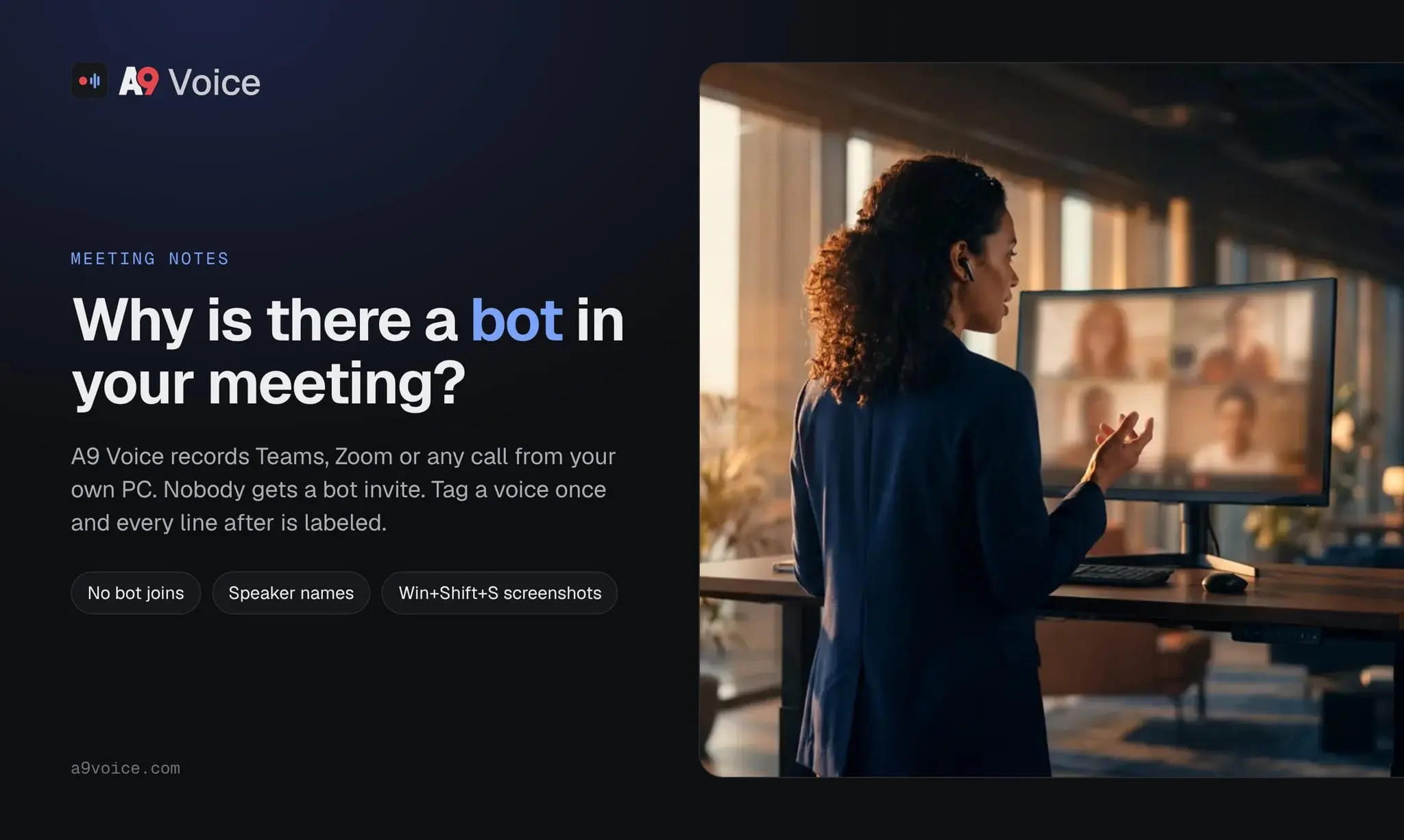
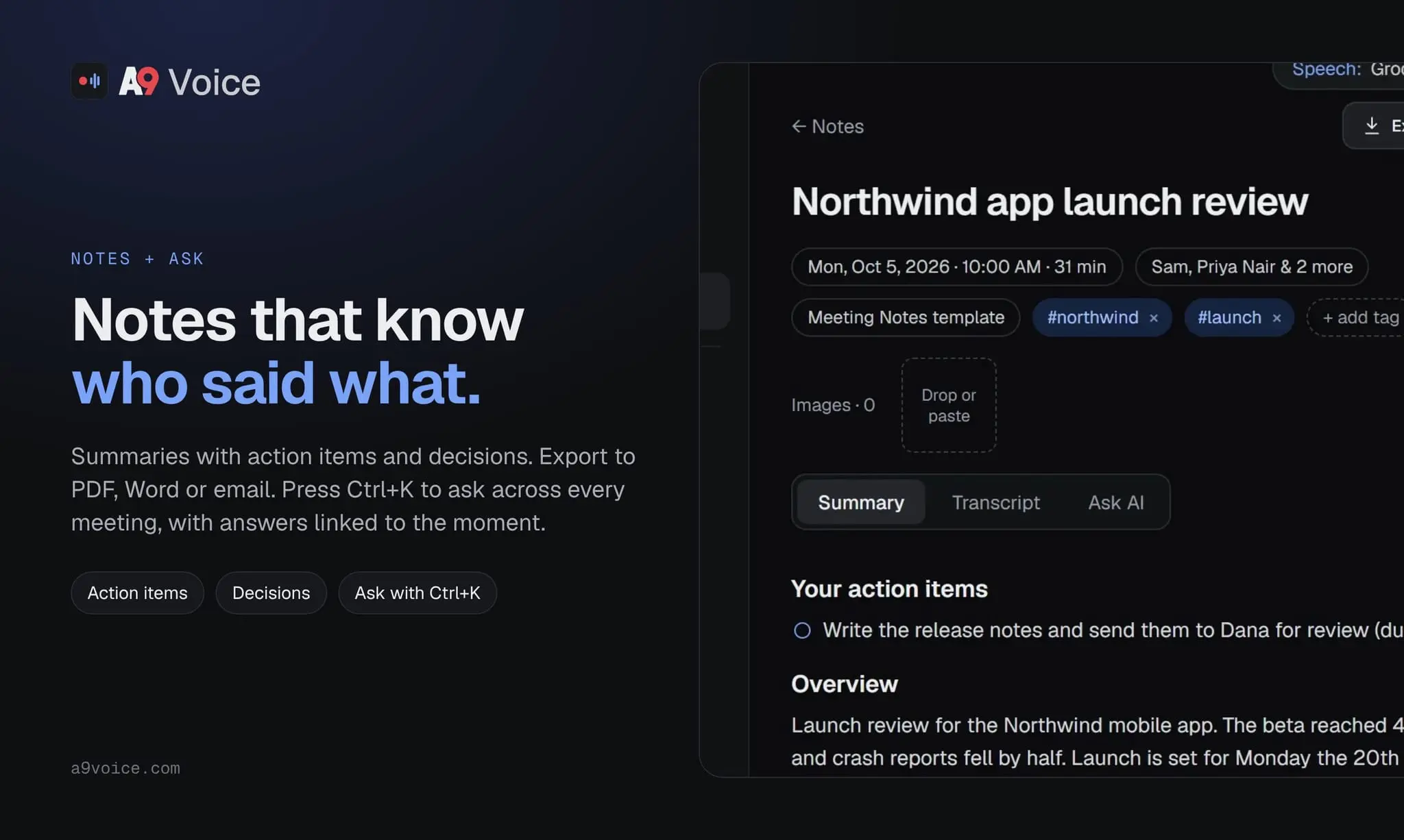
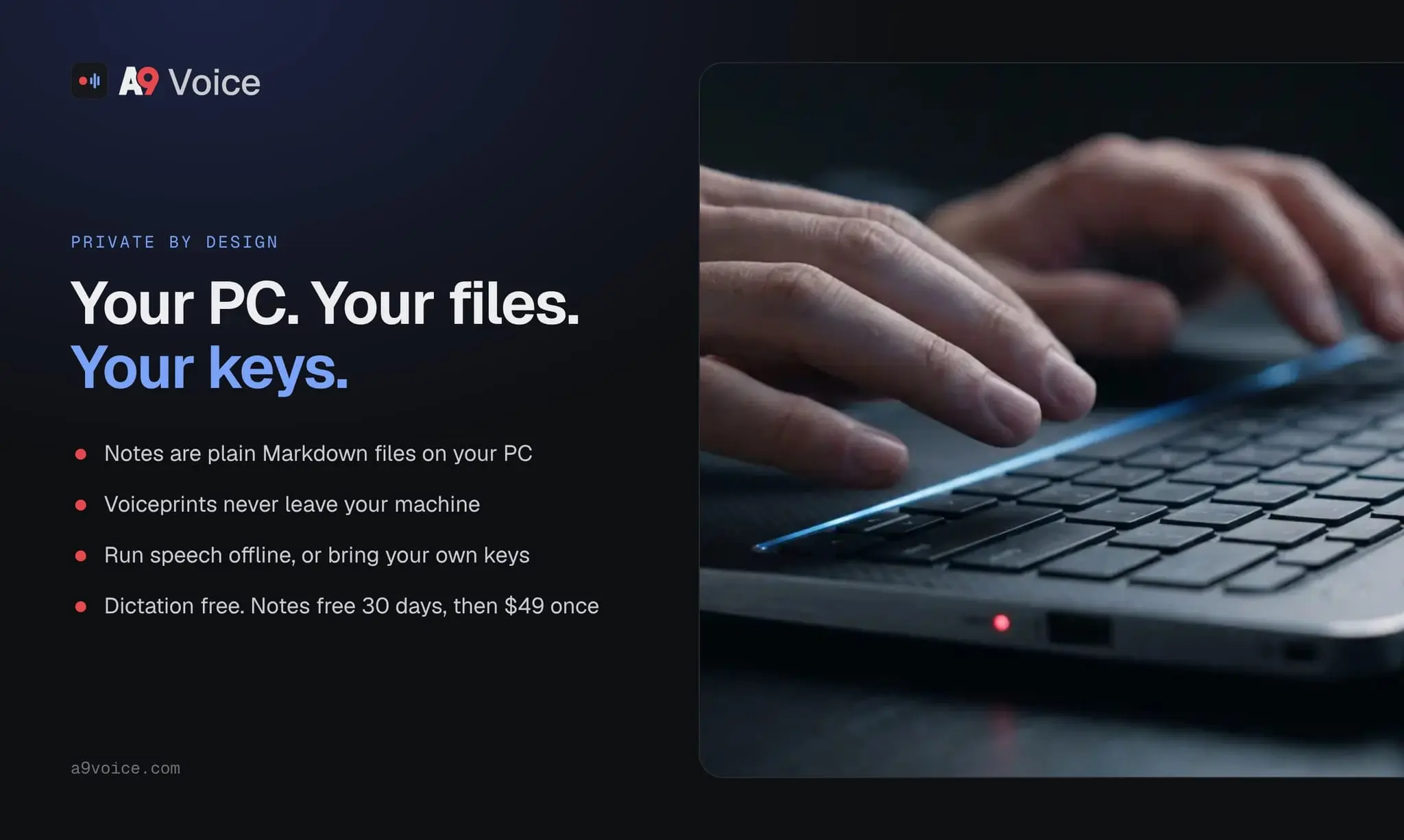
A9 Voice is a Windows app that does two jobs: dictation into any app, and meeting notes without a bot joining the call. Dictation: hold Ctrl+Space and talk. Your words appear in whatever app has focus: email, Teams, Word, a browser, a code editor. Dictation is free, with no account and no limits. Meeting notes: join a Teams or Zoom call as usual and A9 Voice records it from your own PC. Nothing joins the meeting, so there is no bot for other attendees to notice or block. Tag a voice once and every line after that is labeled with who said it. After the call you get a summary with action items and decisions. Ctrl+K asks a question across every meeting you have recorded, and Said by pulls up everything one person said. Your data stays yours: notes are plain files on your PC. Run speech recognition fully offline, use the free defaults, or bring your own API keys. Who it's for: Windows users who spend their day in meetings and want dictation and a note taker in one app, without another monthly subscription. A Windows alternative to Mac-first tools like Wispr Flow and Granola, and a bot-free alternative to Otter and Fireflies. Pricing: dictation is free. Notes are free for 30 days, then a one-time $49 purchase. No subscription. Windows 10 and 11.
Product Video
Watch a video demo of A9 Voice.
Screenshots
Reviews (1)
Average 5.0 out of 5
Based on 1 review

Comments (1)
Built for people who live in Teams and Zoom on Windows. Dictation is free for good; Notes is free for 30 days. Tell us what you'd want it to do next.