
Backs
Customizable new tab dashboard for Chrome

Details
- Categories
- Target Audience
- Pricing
- Freemium
- Platforms
Discovery signals
How AI and people discover Backs on PeerPush
About Backs
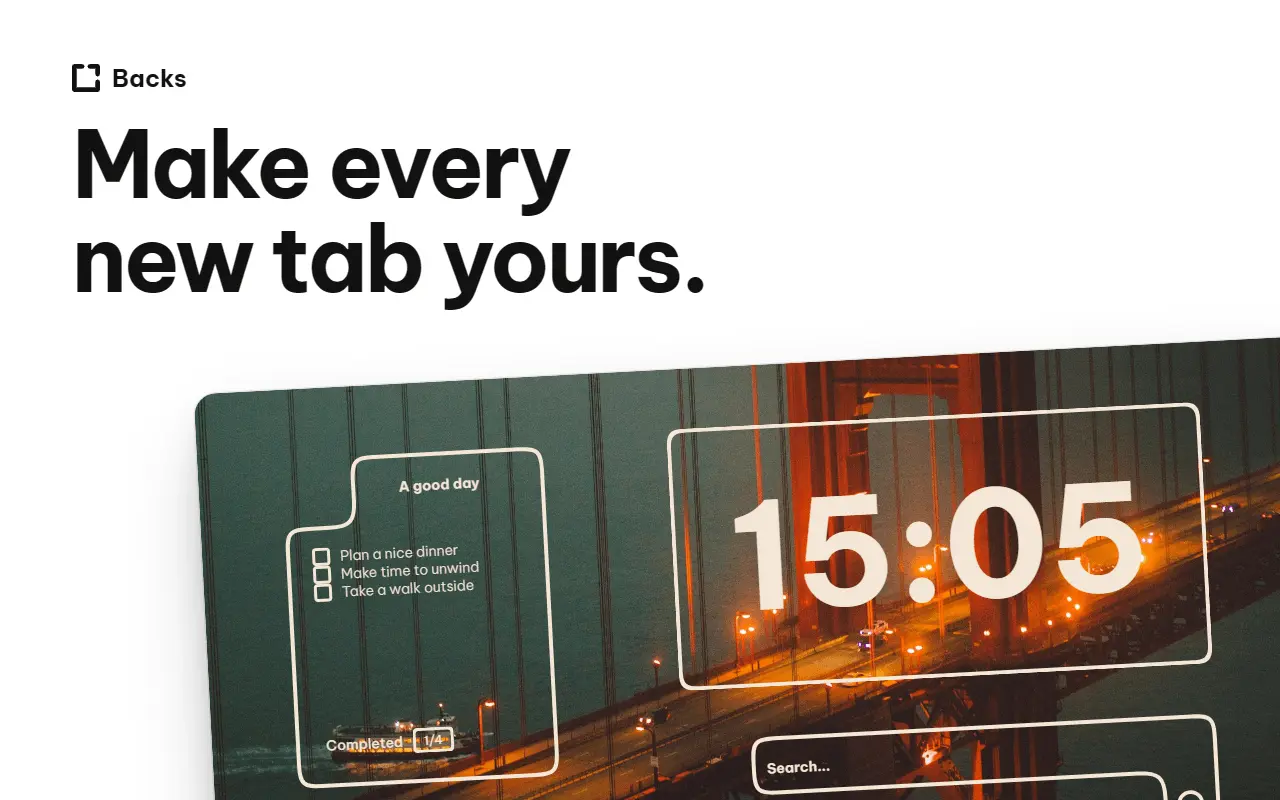
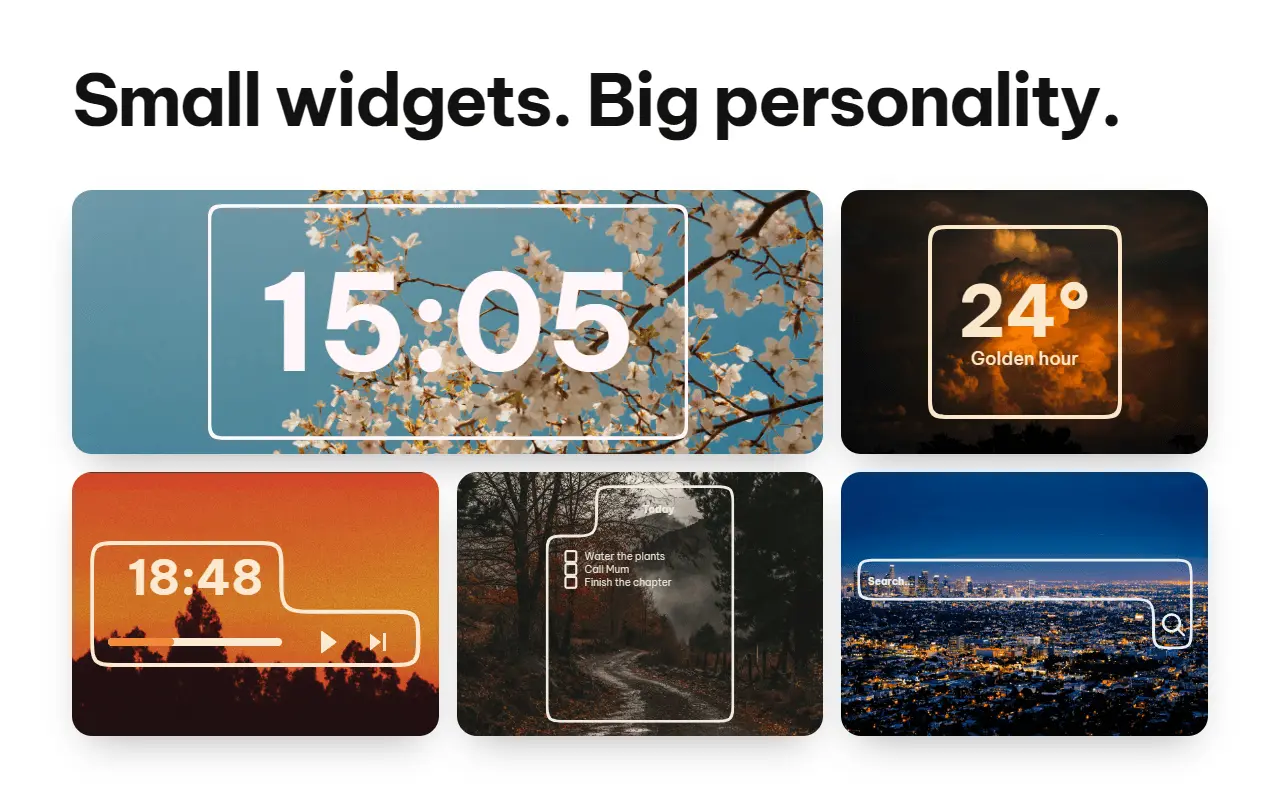
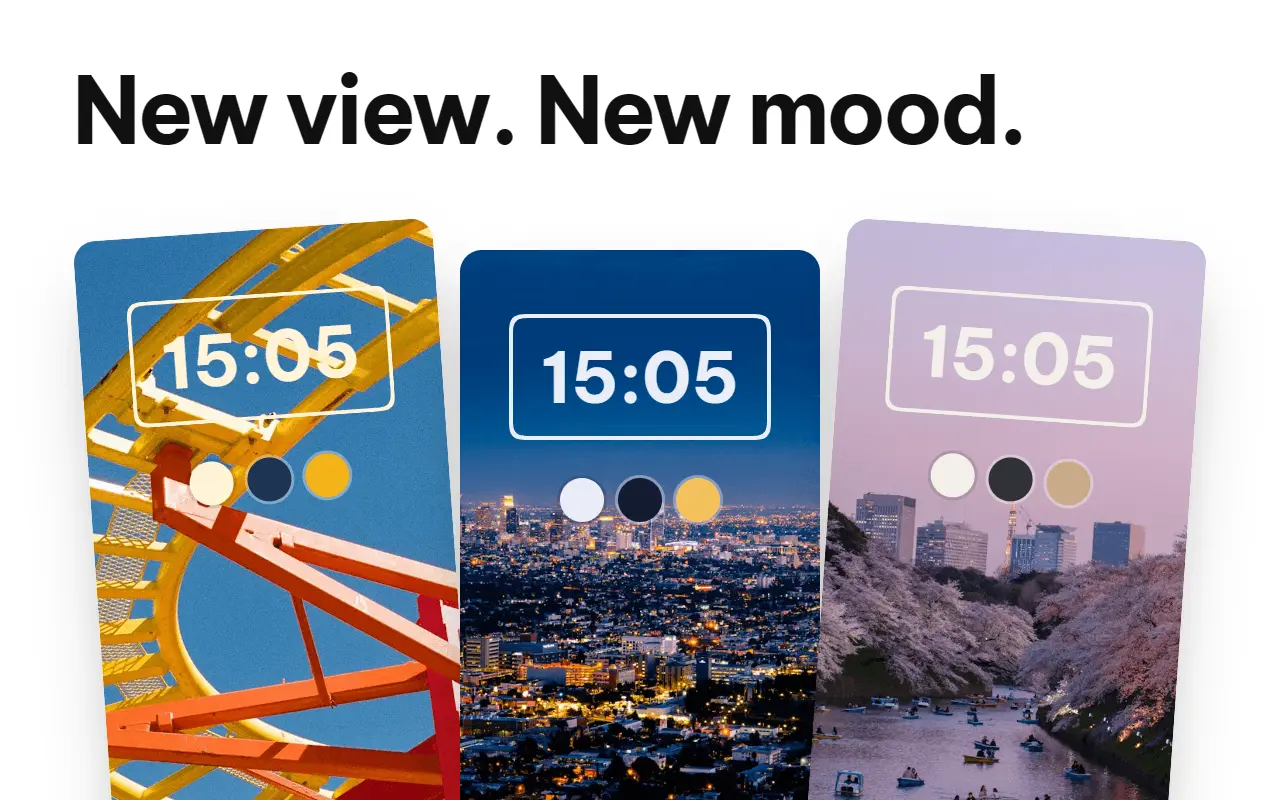
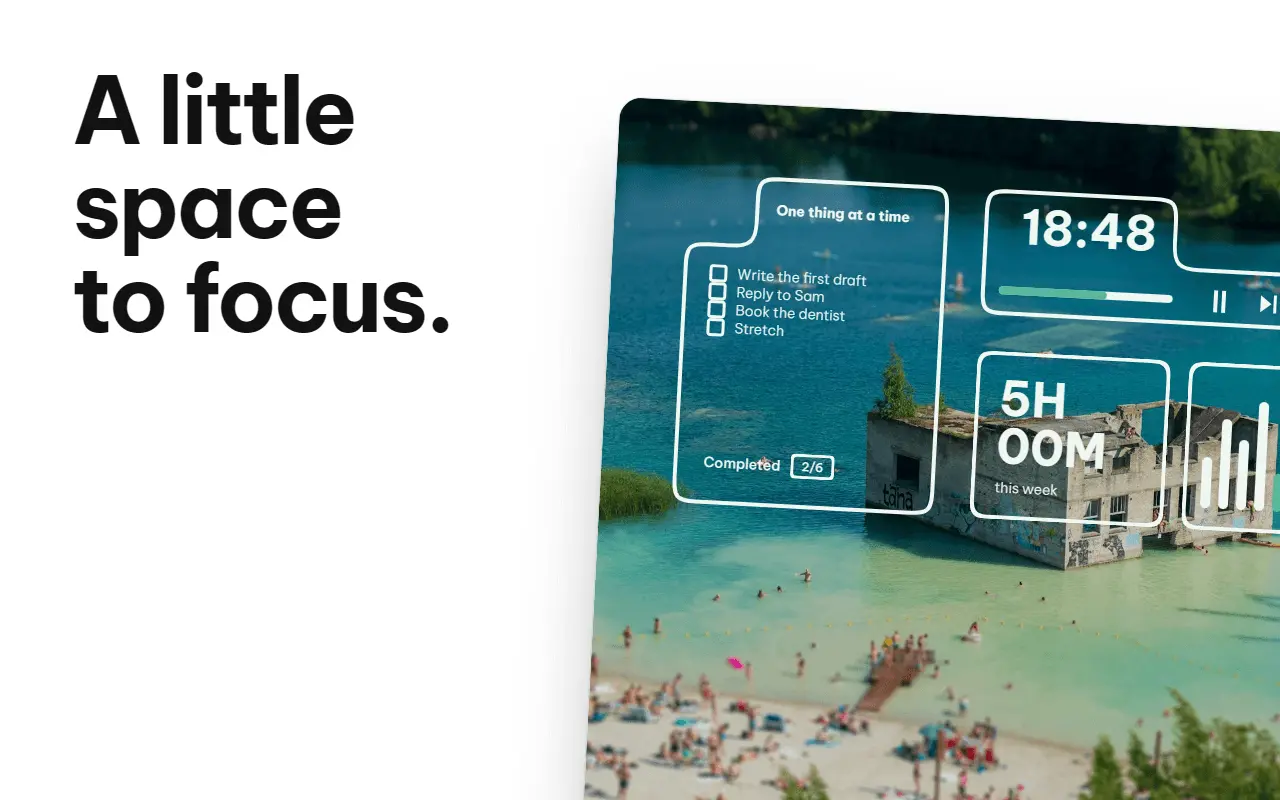
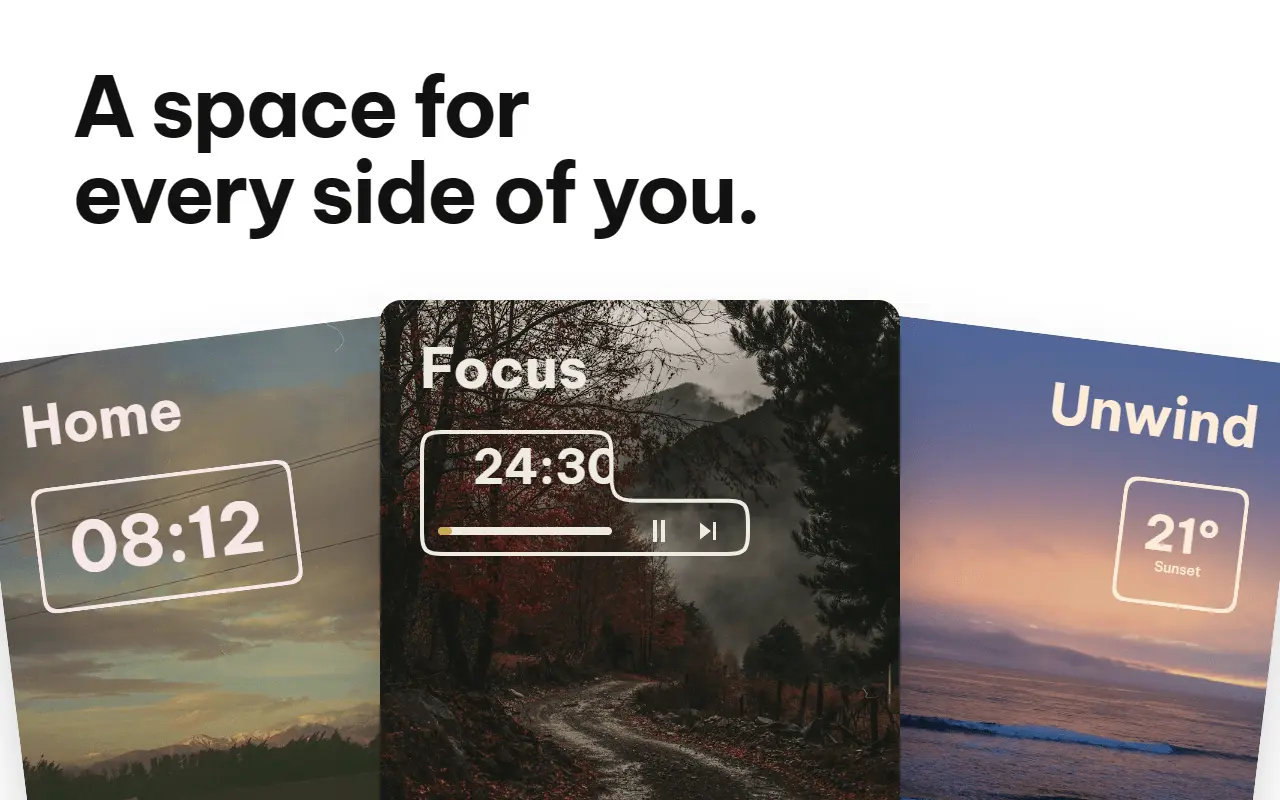
Backs is a free Chrome new tab extension that turns your browser's start page into a customisable personal dashboard. Bring notes, to-do lists, bookmarks, clocks, weather and focus tools into one place, then arrange them around how you work. You can use Backs without creating an account, with optional Premium features available when you want more. Build your dashboard with Backons, the modular widgets that make up Backs. Choose the ones you want, place and move them on a grid, and remove anything you do not need. Keep a simple background and clock, put your tasks where you will notice them, or build a fuller workspace with notes, links and focus tools. You choose both the contents and the layout. Everyday organisation Keep ideas and reminders in Notepads, manage to-do lists and checklists, and keep frequently used websites within reach through bookmark widgets. The Tab Bookshelf lets you save tabs, tab groups or a browser window as books on named shelves, so you can return to a set of pages later. Focus and time awareness Use the Pomodoro timer for work and break sessions, review weekly focus activity, and use the optional Tab Time tool to understand your active browsing time by website. Tab Time is opt-in and stores its browsing history locally. The Pomodoro timer continues while you use other tabs or close the dashboard, as long as Chrome is running. A playful workspace Mix practical tools with animated plants, lanterns, lamps, shelves and other decorative Backons. Some widgets interact with each other: placing a growing plant pot above a Pomodoro timer lets the plant grow as you complete work sessions. This gives you room to build a dashboard that feels personal as well as useful. Backgrounds and adaptive colours Choose an Unsplash photograph or use your own image as the background. Backons adapt their colours to the background, helping the dashboard look consistent when you change its mood. Create a cosy workspace, a colourful study setup or a minimal start page using the same modular system. Separate Spaces Keep different dashboard setups in Spaces, each with its own saved layout and content. Use one Space for work and another for personal projects, study or a different visual theme. The free plan includes two Spaces; Premium adds unlimited Spaces and cloud sync for supported dashboard data. Share your setup Share a Space layout through a link, or import someone else's design and make it your own. Shared layouts leave out private notes, tasks, bookmark links and saved tabs. Importing creates an independent copy, so people can personalise the design without changing the original. Free plan and optional Premium Backs is usable indefinitely on its free plan. Free features include custom layouts, clocks, bookmarks, notes, tasks, the Pomodoro timer, Tab Time and two Spaces. Premium adds optional extras including unlimited Spaces, cloud sync, additional weather tools and image attachments. Premium costs EUR 3.99 per month or EUR 39.99 per year. An account is needed for Premium and account-based features; it is not required to start using the free local dashboard. Platform and offline use Install Backs from the Chrome Web Store and open a new tab in Chrome on your computer. Locally saved layouts, notes, tasks and bookmarks remain available offline. Live weather, new online backgrounds, cloud sync and Space sharing require an internet connection. Backs suits students, freelancers, remote workers and anyone who wants a personal browser start page with everyday tools close at hand. It combines the visual customisation of a new tab extension with lightweight note-taking, task management, bookmarking and focus tools. You can change the layout as your needs change and keep only the tools you want in view.
Screenshots
Reviews (0)
No reviews yet. Be the first to rate this product!
Comments (0)
No comments yet. Be the first to share your thoughts!