
BookletMaker
Print-ready PDF booklets: free web tool, Windows & Mac apps

Details
- Target Audience
- Pricing
- Freemium
Discovery signals
How AI and people discover BookletMaker on PeerPush
About BookletMaker
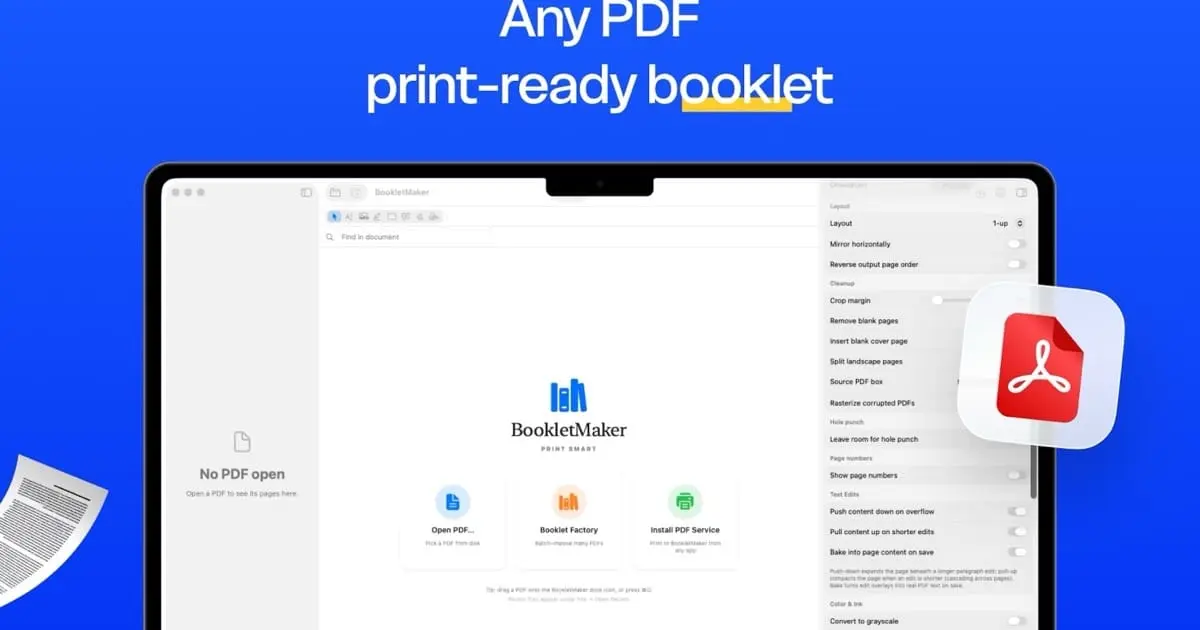
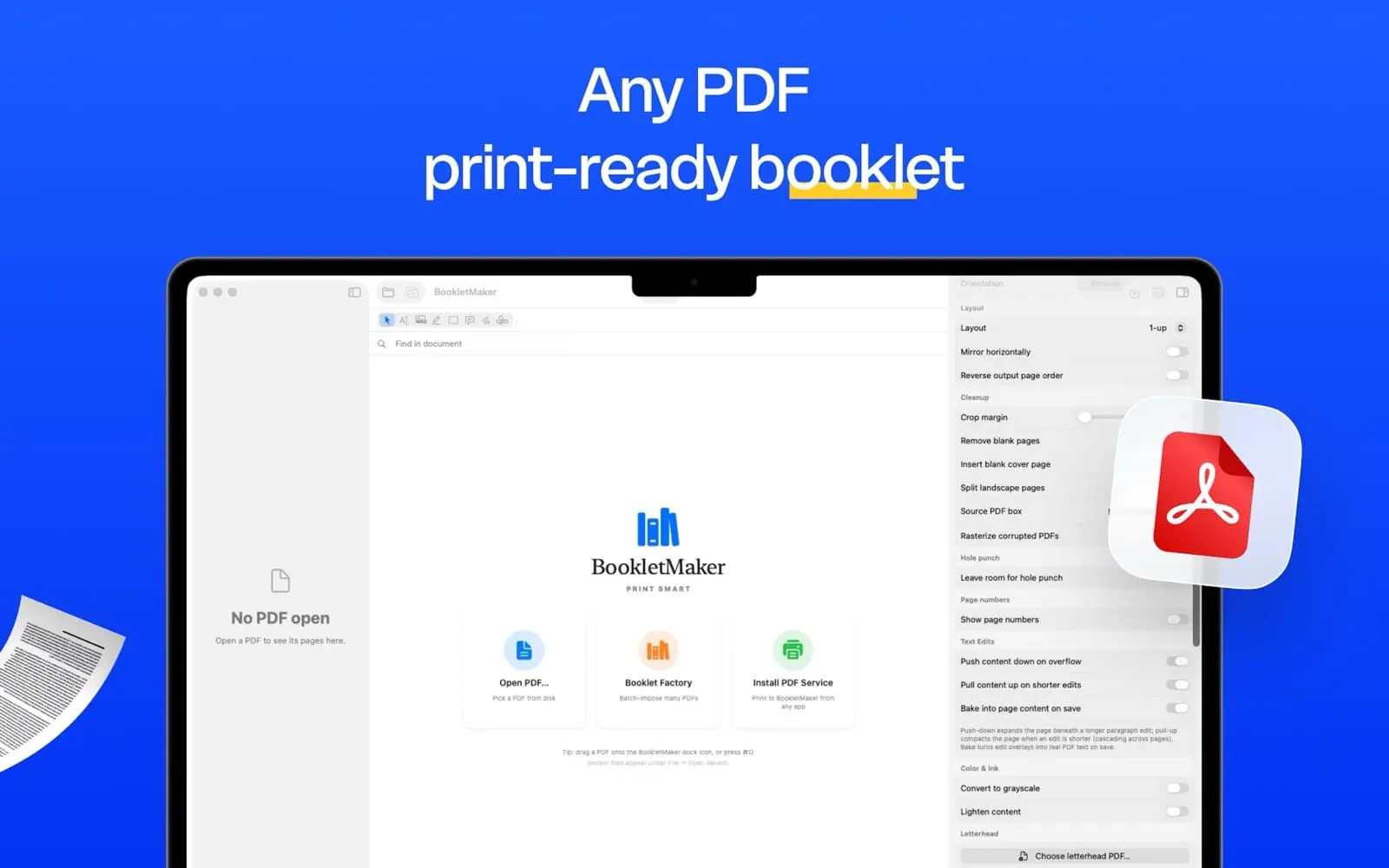
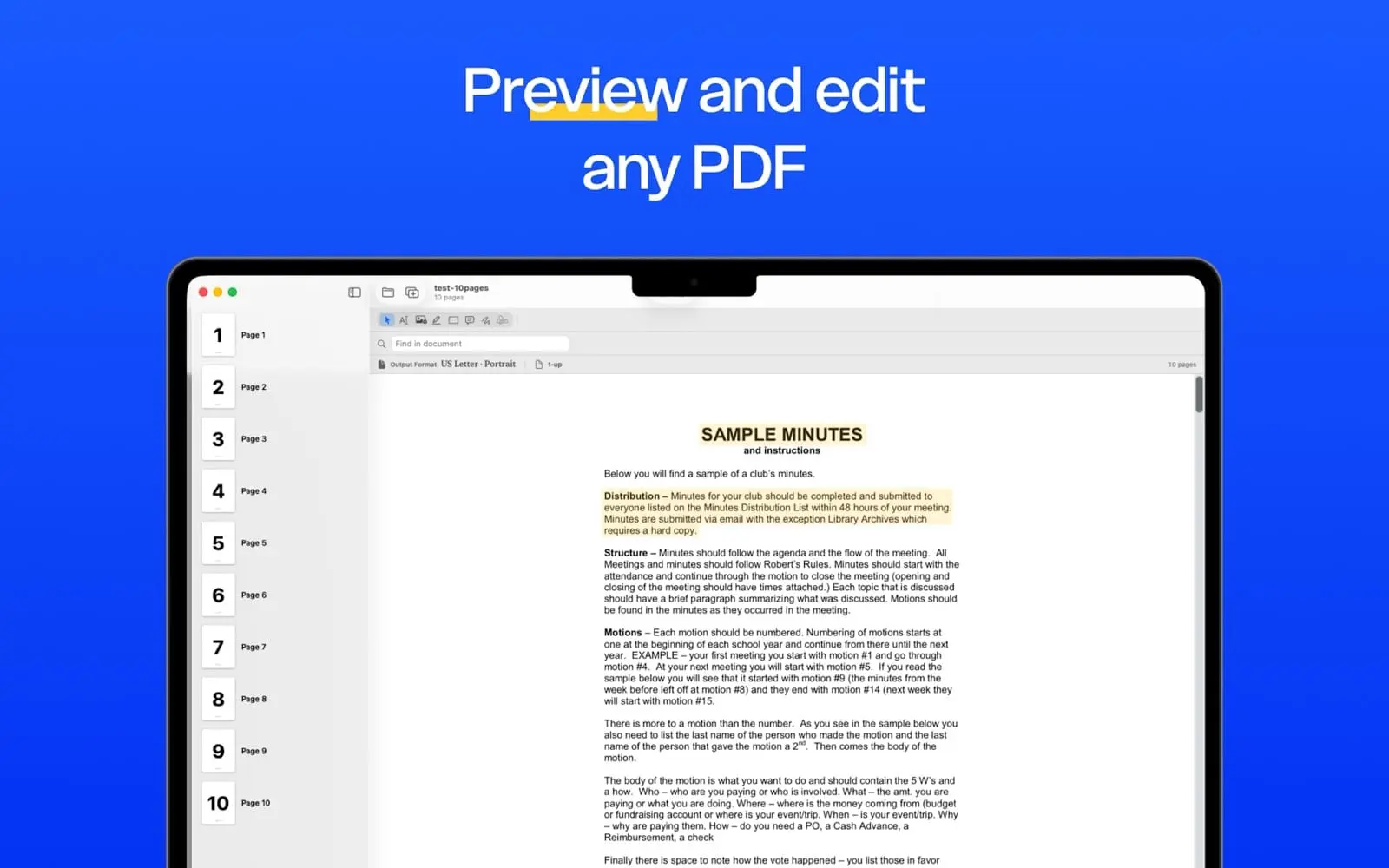
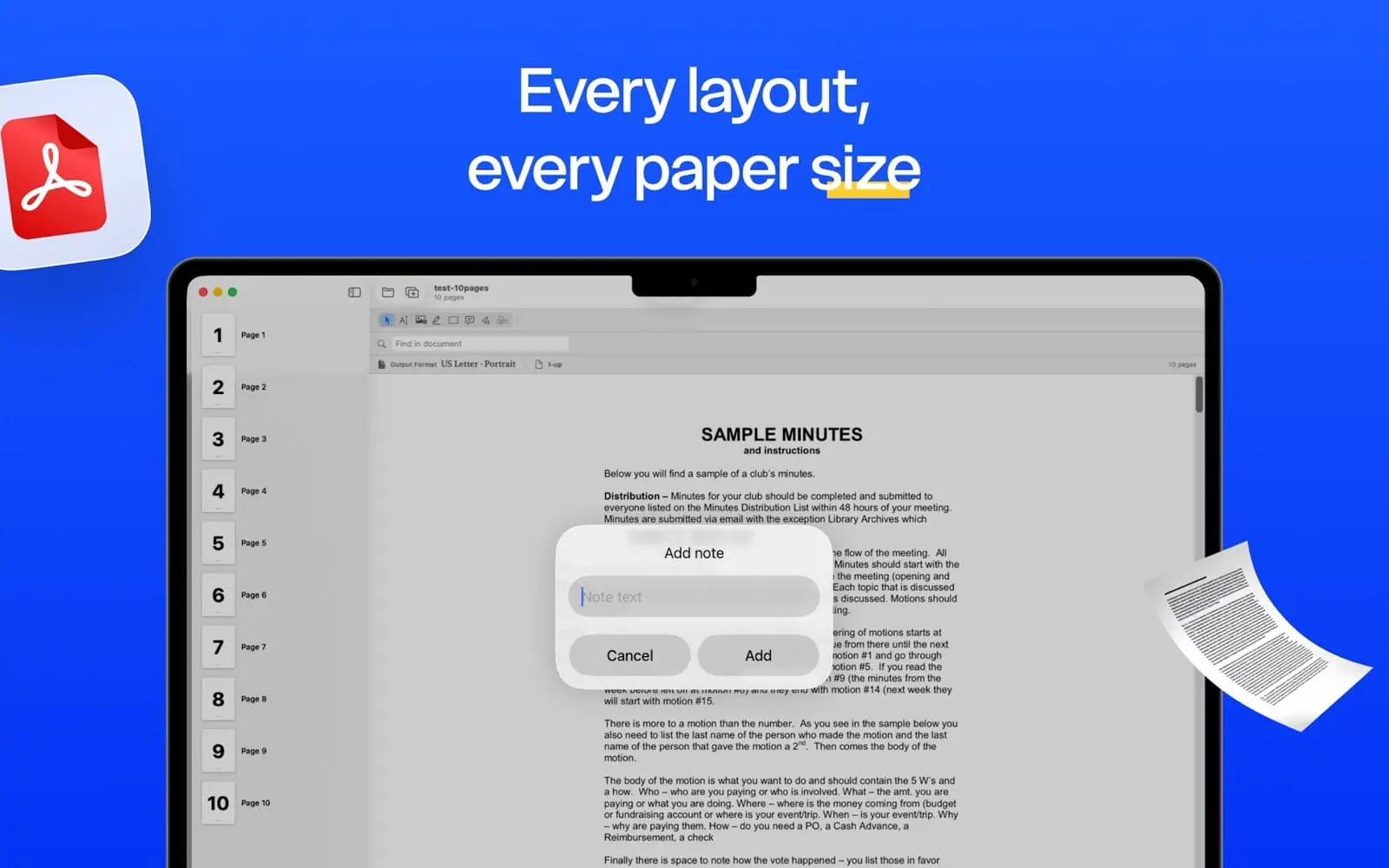
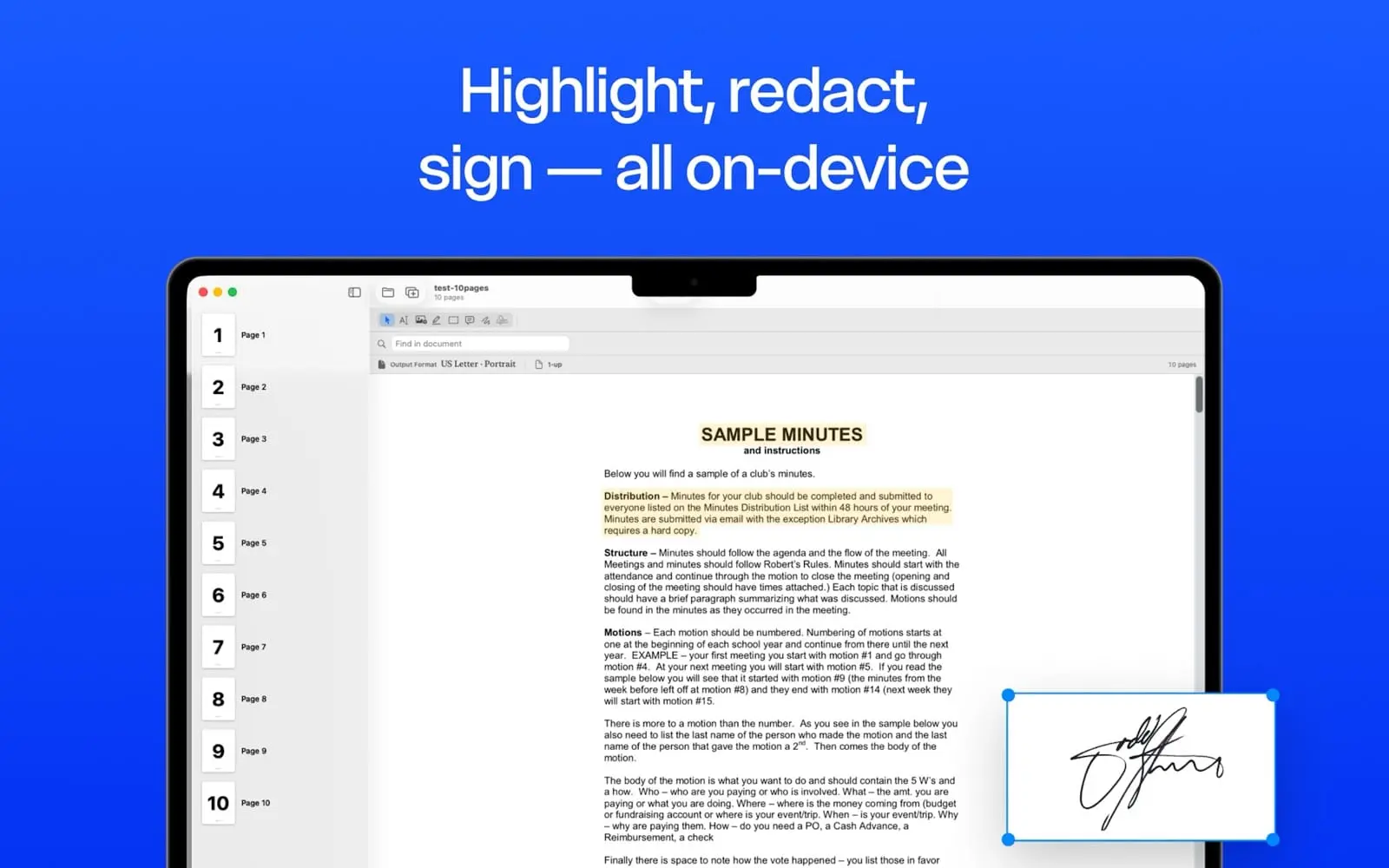
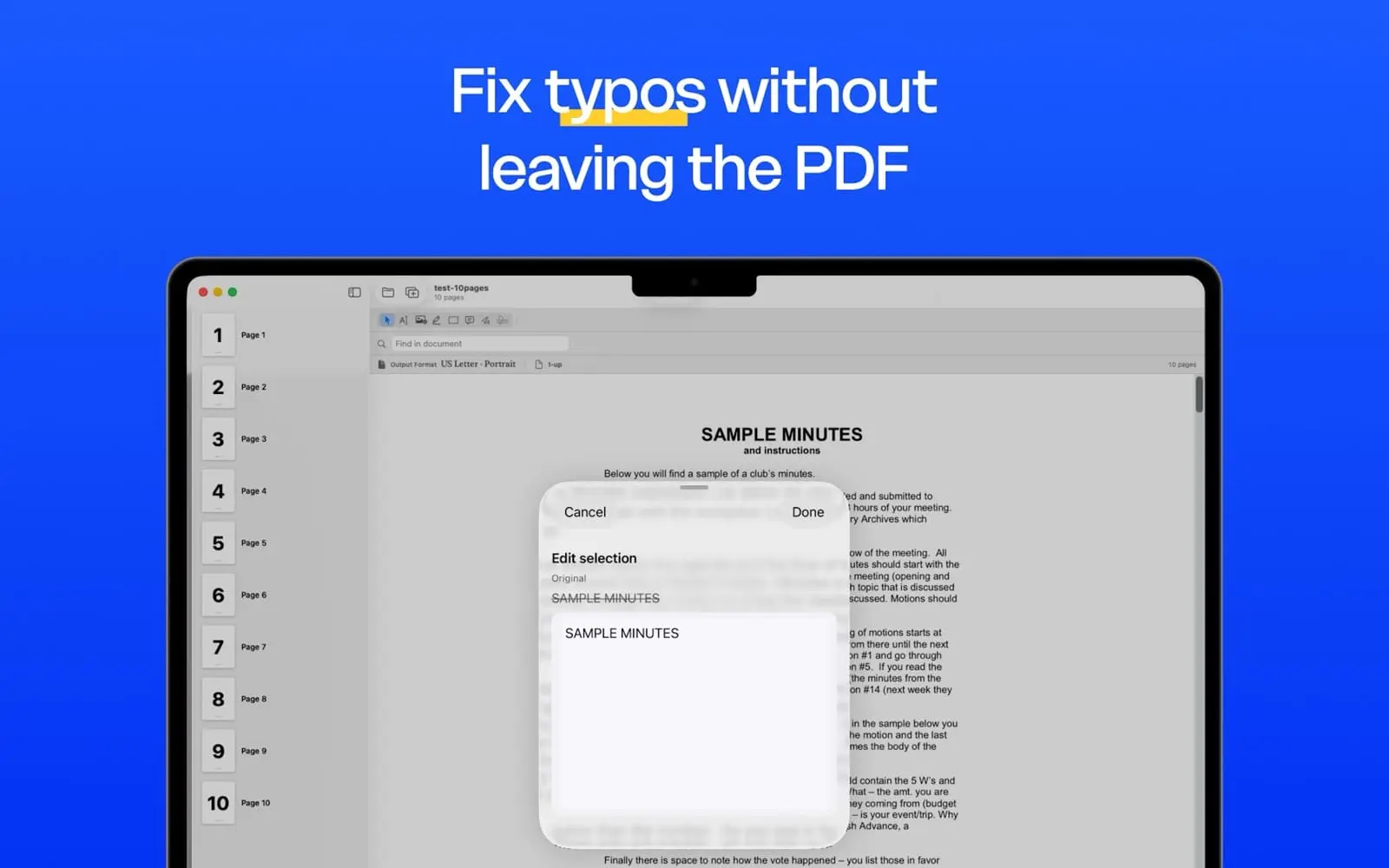
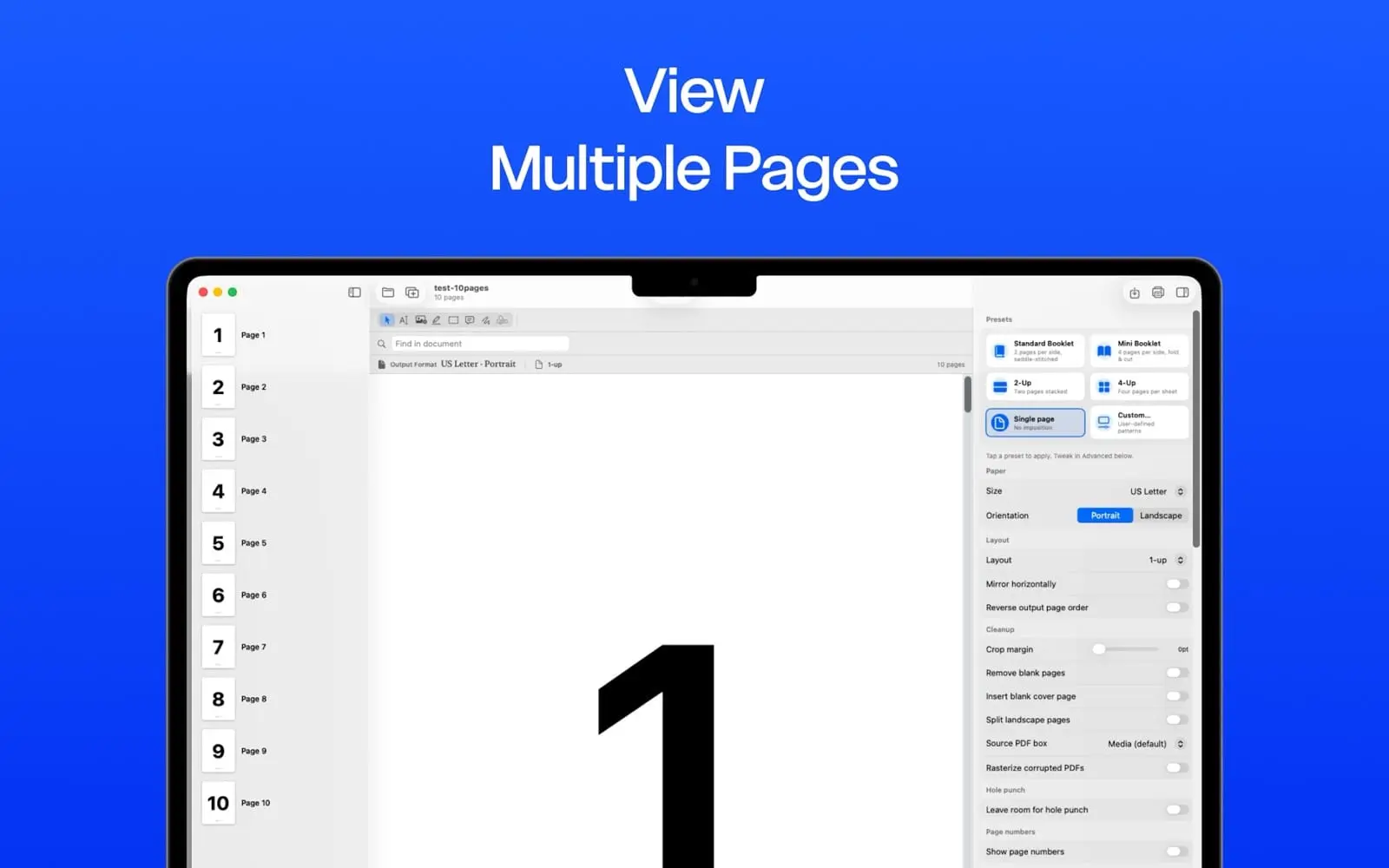
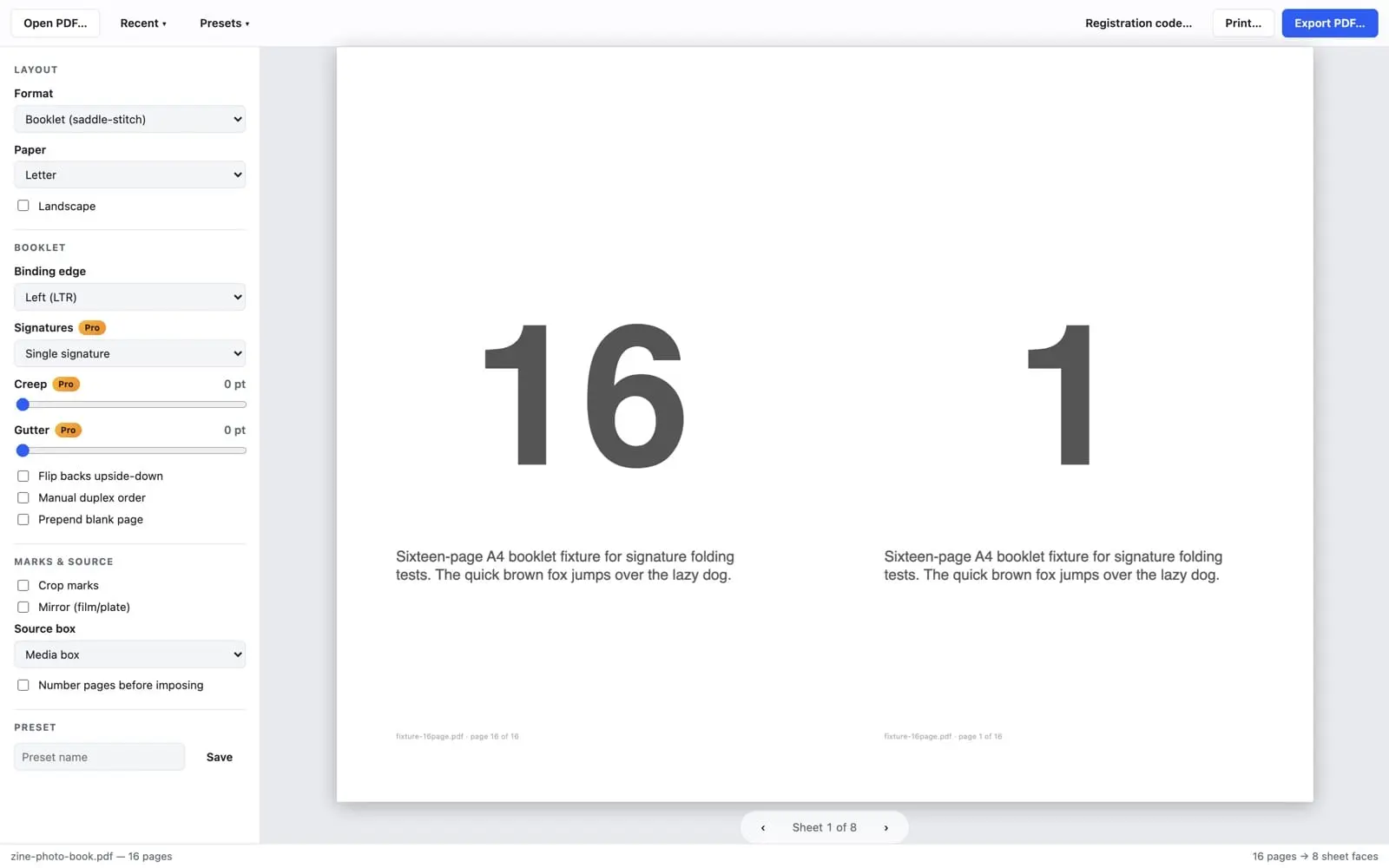
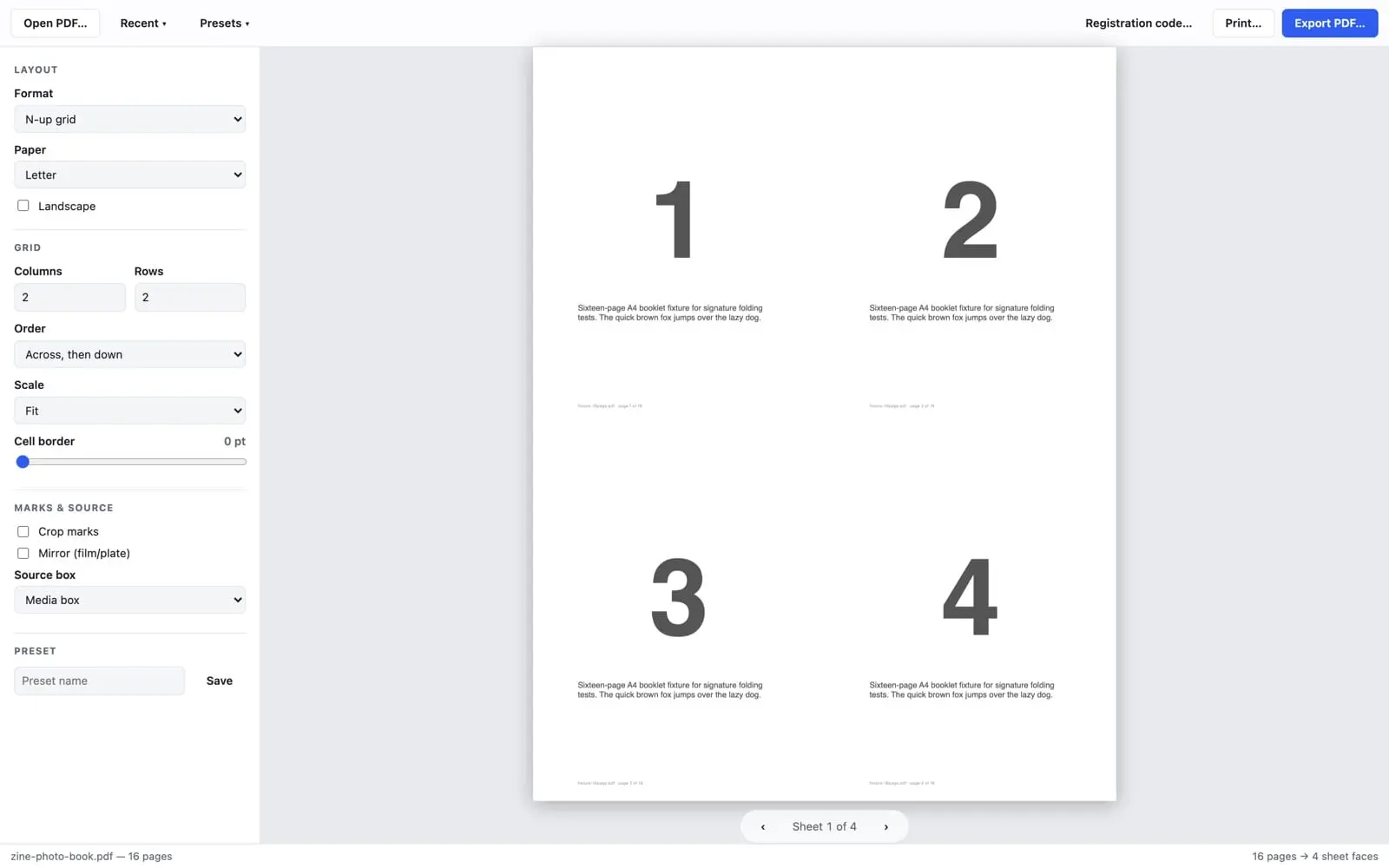
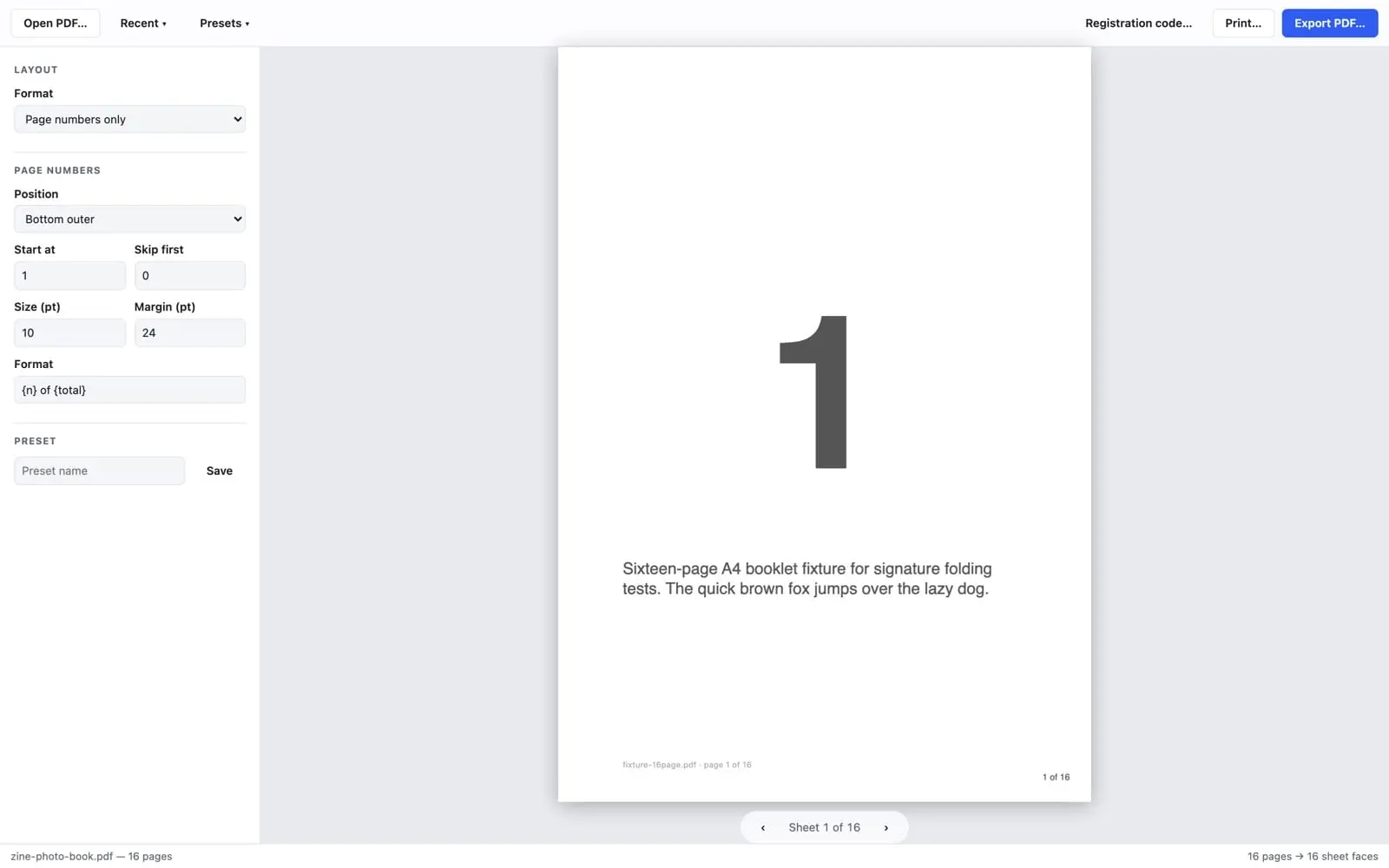
BookletMaker turns any PDF into a print-ready booklet. Open a PDF, pick your paper, and BookletMaker puts every page in the right place, so the sheets read in order once you fold them in half and staple the spine. It previews every printed sheet, front and back, before anything goes to the printer, so you can check the order without wasting paper. WHY THE PAGES NEED REARRANGING Each sheet of a booklet carries four of its pages, two on each side, and they are not in reading order: in an eight-page booklet, the outside of the first sheet carries the back page next to the cover. BookletMaker works this out for you, for any page count. It runs on Mac, iPad, iPhone, Windows and Android, and as a free web tool in any modern browser. Your documents stay on your device: the layout is made locally, even in the browser. There is no account to create, and the contents and file names of your documents are never collected. WHO USES IT Churches printing weekly bulletins and orders of service. Schools and teachers making newsletters, programs and workbooks. Zine makers and artists. Families printing recipe collections, photo books and memorial programs. Clubs and small businesses printing menus, catalogs and event programs. Event planners printing programs for weddings and conferences. Writers proofing a manuscript as a real little book, hobby bookbinders who sew their own, and print shops laying out customers' files. LAYOUTS • Booklet (saddle-stitch): fold the stack in half and staple it along the fold. • Mini-booklet: a quarter-fold format that zine makers love. • 2-up, 4-up and custom N-up grids for handouts, cards and proof sheets. • Signatures for bookbinding: split a long book into small folded sections to stack and sew. • Binding on the left or the right, for left-to-right languages and for Arabic, Hebrew or manga-style books. PRINTING THAT COMES OUT RIGHT • Clear two-sided printing: flip on the short edge, or turn on "Flip backs upside-down" if your printer only flips on the long edge. • Manual duplex order for printers without two-sided printing: print the fronts, feed the stack back in, then print the backs. • Creep compensation pulls the inner pages in, so thick booklets trim cleanly. • Gutters keep words out of the fold. • Crop marks and fold marks to guide trimming and folding. • Save ink with grayscale or lighter printing, mirror pages for film or plates, or reverse the output order. • Page numbers with your choice of position, font, size, colour and format, and an optional blank page at the start. • Print straight away, or export the laid-out PDF to print later or hand to a print shop. CLEAN UP THE PDF FIRST Crop wide margins, remove blank pages, split landscape spreads into single pages, choose which page box to print from, and rasterize damaged PDFs so they print. MORE ON MAC, IPAD AND IPHONE • Ready-made, editable templates: church bulletins and orders of service, funeral and memorial programs, invitations and greeting cards, school newsletters and programs, zines, recipe cards and booklets. Change any text, swap or crop photos, recolour panels and backgrounds, then print. • Edit text right inside the PDF on Mac and iPad, with find and replace across the whole document. • Highlight, redact, add notes, ink and signatures, and insert images. • On-device text recognition (OCR) for scanned pages. • Watermarks, letterheads and margins for hole-punched binders. • Booklet Factory: lay out dozens of PDFs in one run with your saved settings. • Print with AirPrint, or export pages as images. • Presets: save your favourite settings by name and reuse them in one tap. WINDOWS, ANDROID AND THE WEB The Windows and Android apps are free downloads from bookletmaker.app, and the web tool needs no install at all. All of them share one layout engine with the Mac, iPad and iPhone app, so a booklet lays out the same everywhere, with a live sheet-by-sheet preview, drag and drop, and printing through your system's own print dialog. FREE AND PRO Booklet printing is free on every platform. In the web tool and the Windows and Android apps, booklets of up to 20 pages are free, and N-up layouts, page numbers and cropping are free at any length. BookletMaker Pro adds unlimited booklet length, signature folding, creep compensation and gutters, plus the extra tools on Mac, iPad and iPhone. Pro comes as a subscription or a one-time lifetime purchase. Buy it in the Mac, iPad and iPhone app and its registration code also unlocks Pro on Windows, Android and the web tool. TIPS FOR A PERFECT FIRST BOOKLET A booklet always has a multiple of four pages, so add blank pages where you want them. Your paper folds down to half its size: US Letter makes a 5.5 × 8.5 inch booklet and A4 makes an A5 booklet. Print at 100%, not "fit to page", and make one test copy on plain paper before printing the rest. BookletMaker is available in 34 languages. Questions: [email protected]. Step-by-step guides are at bookletmaker.app/guides.
Product Video
Watch a video demo of BookletMaker.
Screenshots
Reviews (3)
Average 5.0 out of 5
Based on 3 reviews


Comments (4)
does creep compensation ask for the paper thickness or guess from page count?
The sheet preview showing front and back is a smart touch, since imposition order is where I would always waste paper. Does it handle page counts not divisible by four with blanks?
@nckbrz Thanks, Nick! Yes: BookletMaker rounds the booklet up to whole sheets and adds the blank pages for you. In the iPhone, iPad and Mac apps you can choose where they go, and by default your back cover stays on the back.
Hi PeerPush! I work at Mobile Alchemy, the small team behind BookletMaker. Try the free web tool with any PDF: it puts the pages in order so they read right once folded. All feedback very welcome!