
Bosun
See every open port, tunnel, and container on your Mac

Details
- Use Cases
- Target Audience
- Pricing
- One-time from $12.99
- Platforms
Discovery signals
How AI and people discover Bosun on PeerPush
- ChatGPT
- Claude
- Perplexity
- +4 other AI crawlers
Reads by these AI engines
Crawlers behind these engines read this listing on PeerPush.About Bosun
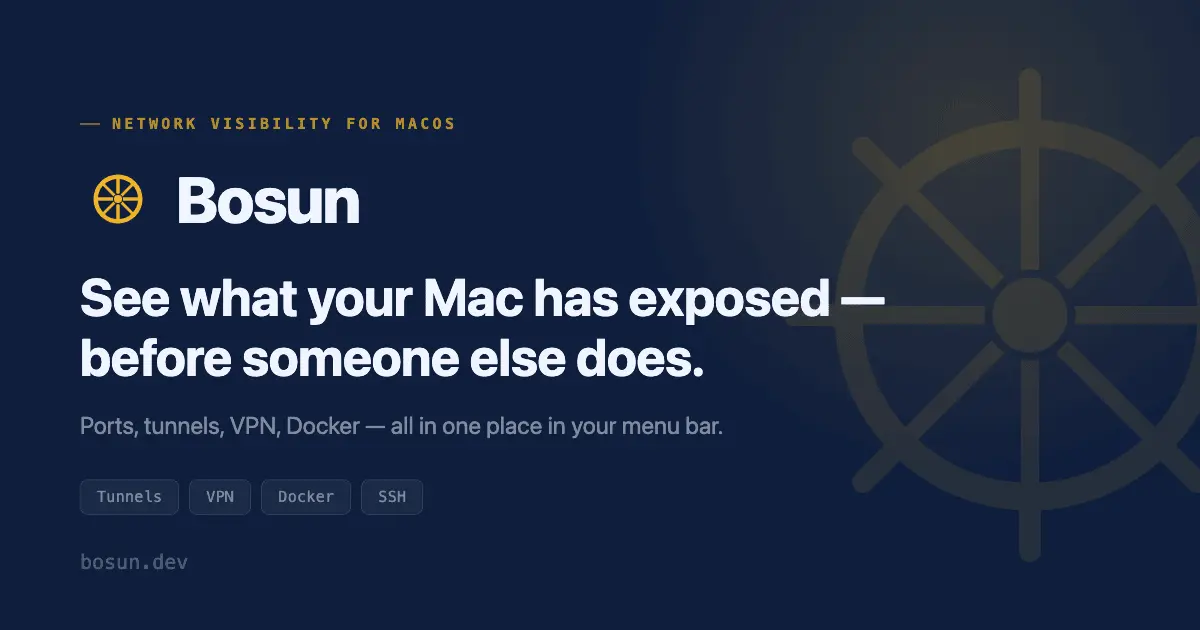
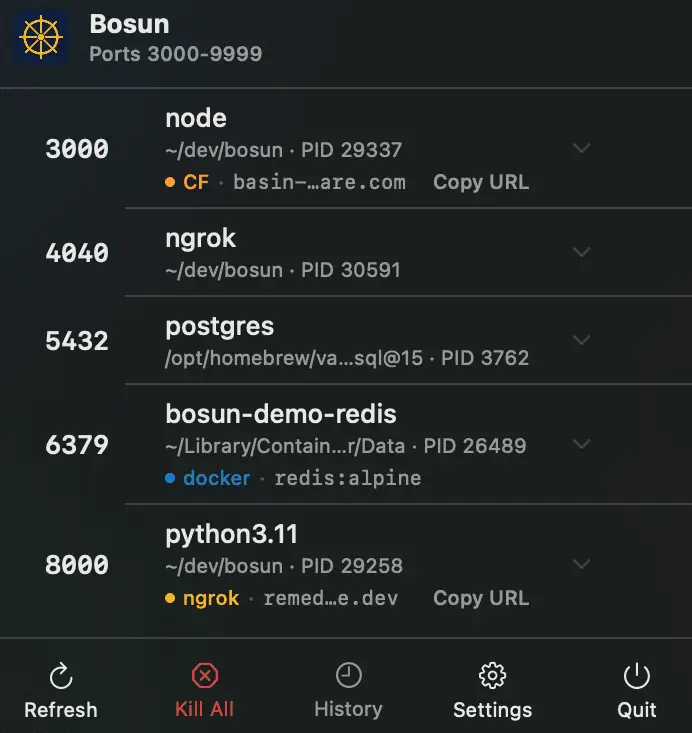
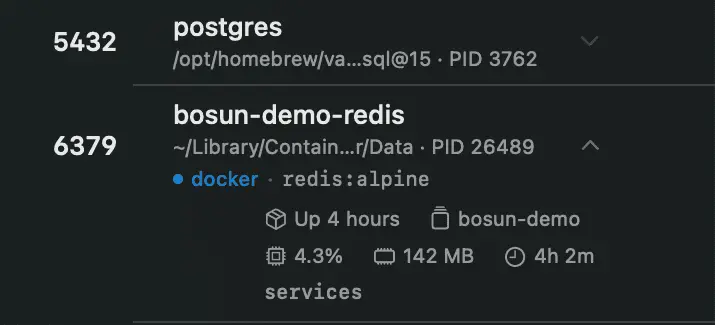
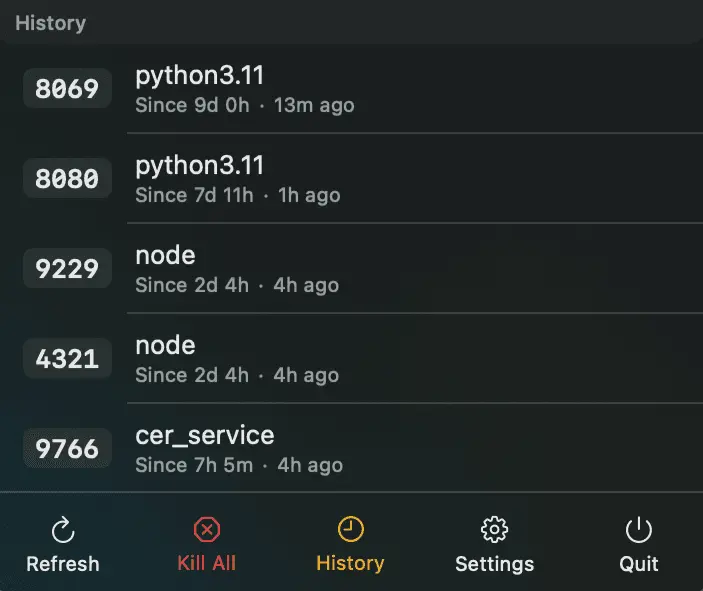
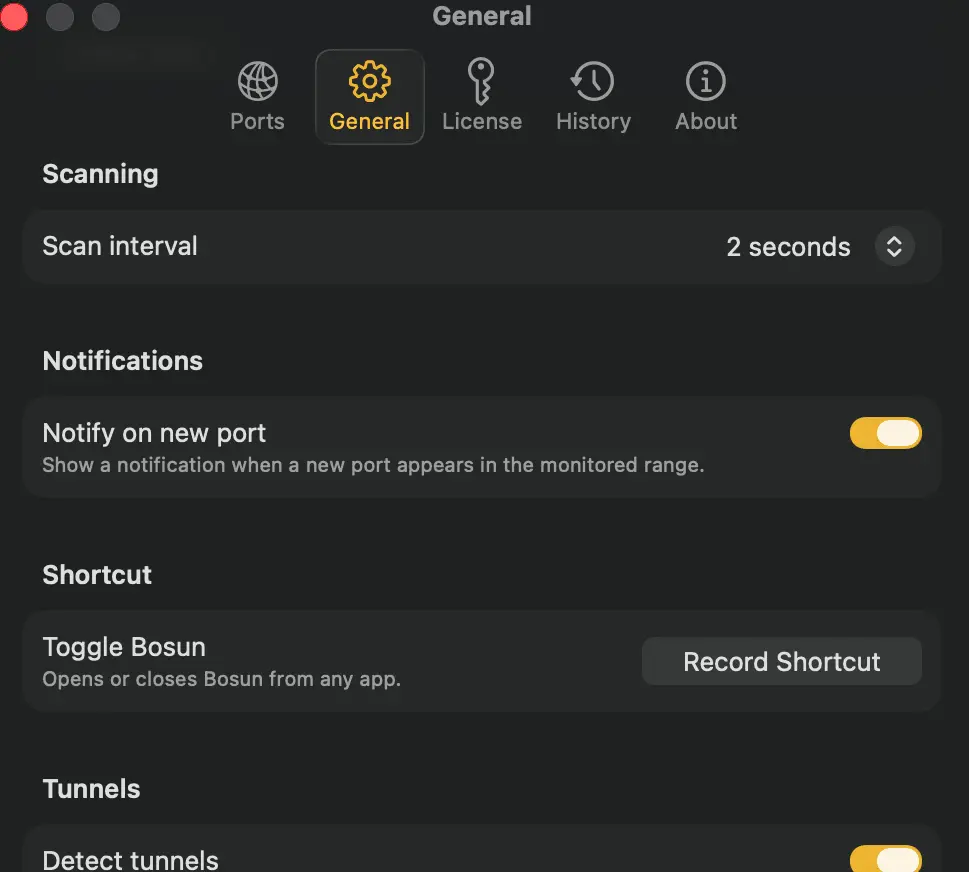
Bosun is a native macOS menu bar app that gives you instant visibility into everything your Mac has open to the network, without touching Terminal or Activity Monitor. I built it after losing an hour tracking down which of six Docker containers was squatting on port 5432. Turns out lsof and Activity Monitor show you a port, not what's actually reachable on your machine right now. Every developer running local services ends up with the same problem: which container, tunnel, or leftover process owns this port, and is it something I forgot to close? Bosun answers that in one glance from the menu bar: - Every listening port (TCP), refreshed automatically, grouped by port number so multiworker services like Odoo or gunicorn collapse into one row instead of ten - Active ngrok and Cloudflare tunnels (named and quick tunnels), with the public URL one click away - VPN connection status for native macOS VPN configurations - Docker containers, showing the actual image name and Compose project instead of just "docker-proxy" - SSH -L port forwards, parsed and shown automatically - Per process CPU, memory, and uptime, on demand - One-click kill: graceful SIGTERM first, SIGKILL only if the process lingers, with group kill for multiworker services so you free the port instead of killing one worker at a time - Persistent port history with configurable retention, so you can see what was running earlier, not just right now - Global hotkey to open Bosun from anywhere Why it matters beyond convenience: a tunnel or forwarded port you forgot about is a documented way attackers keep quiet remote access once they're in. Bosun makes "what's actually exposed right now" a one-glance answer instead of something you have to go hunting for. Under the hood, Bosun is 100% native Swift and SwiftUI, no Electron, no Chromium, minimal memory and CPU footprint even with the menu bar open all day. There's no telemetry on your actual port, process, or network data, that stays local to your Mac (disclosed in full in the privacy policy at bosun.dev). Bosun requires macOS 14.0 (Sonoma) or later. It's a paid app with a 14-day free trial that starts the moment you open it, no signup or account required to try the full feature set. Pricing: Solo $12.99, Pro $21.99, and an Enterprise seat tier at $6.99/seat for teams. Built solo, and still actively maintained, if you run a lot of local containers, dev tunnels, or VPN connections day to day, I'd love your feedback.
Product Video
Watch a video demo of Bosun.
Screenshots
Reviews (0)
No reviews yet. Be the first to rate this product!
Comments (1)
Hey, I'm Benjamín, maker of Bosun. Built it after losing an hour hunting which Docker container was hogging a port. Native Swift, no Electron, no telemetry. Would love your feedback!